
Kas paberist vastuvõtuvormid ja tühjad arvustuste profiilid aeglustavad teie kiropraktika praktikat? Käsitsi registratuuris sisseregistreerimine tekitab vastuvõtulaua ummikuid, samas kui saamata jäänud patsiendi tagasiside piirab teie kohalikku nähtavust. QR-koodide rakendamine kogu teie kliinikus lihtsustab patsientide sisseregistreerimist, automatiseerib arvustuste taotlusi ja moderniseerib teie patsiendiõppematerjale.
Patsientide vastuvõtmise lihtsustamine ja HIPAA nõuete täitmine
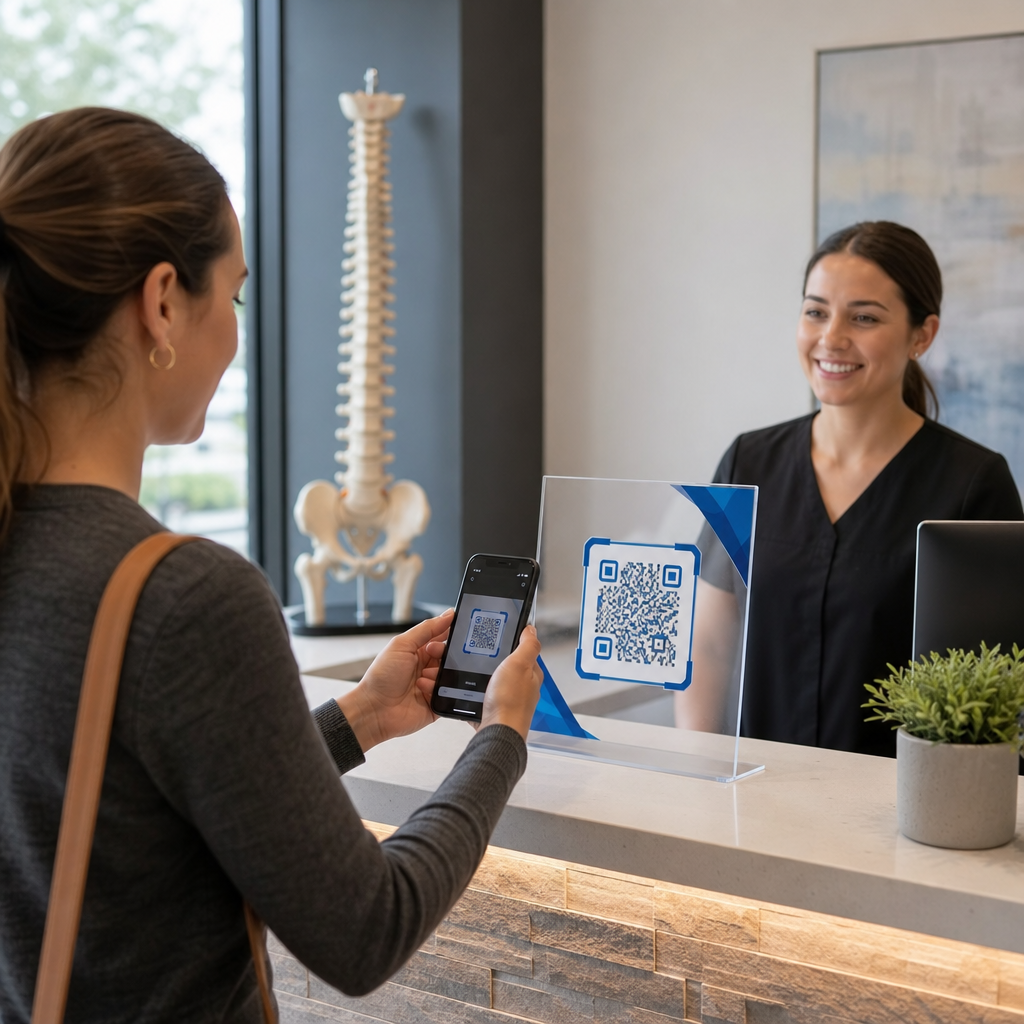
Käsitsi vastuvõtuvormid nõuavad personalilt käsitsi kirjutatud teksti uuesti sisestamist elektroonilistesse terviseandmetesse, suurendades administratiivseid vigu ja pikendades ooteaegu. Skannitava koodi asetamine akrüülalustele teie vastuvõtualal võimaldab patsientidel skannida ja täita digitaalseid vastuvõtuvorme otse oma isiklikes mobiilseadmetes.
Saate seadistada kiireid vastuvõtulingid, kasutades Google vorm: QR-koodi generaator või suunata patsiendid otse allalaaditavate vastuvõtudokumentide juurde, kasutades PDF QR-koodi generaator.
Patsiendi kaitstud terviseinfo (PHI) käsitlemisel digitaalse vastuvõtu kaudu peab teie praktika säilitama regulatiivsed kaitsemeetmed, mis on kooskõlas laiemate tervishoiu QR-koodi rakendustega. Prioriseerides turvaline terviseandmete jagamine QR-koodidega tagab patsiendi privaatsuse kaitsmise igal sammul:
- Sõlmige äripartneri leping (BAA) oma sihtkoha vormiehitaja või patsiendiportaali müüjaga.
- Krüpteerige kõik terviseandmed nii edastamisel kui ka puhkeolekus, rakendades samal ajal rangeid juurdepääsukontrolle ja auditilogisid.
- Rakendage HIPAA minimaalselt vajalikku standardit, küsides ainult olulisi terviseajalugu ja kontaktandmeid.
- Eemaldage kolmanda osapoole reklaamide jälgimise skriptid patsientide vastuvõtulehtedelt, et vältida volitamata avalikustamist.
Koguge Google'i arvustusi ilma eeskirjade rikkumiseta
Veebiarvustused tõstavad kohalikke otsingutulemusi ja loovad usaldust potentsiaalsete patsientidega, kes otsivad valu leevendust. Skannitavate arvustuskutsete paigutamine vastuvõtulauale või kohtumise meeldetuletuskaartidele muudab rahulolevate patsientide jaoks tagasiside jätmise lihtsaks enne kontorist lahkumist.
Kasutades spetsiaalset Google Review QR-koodi generaator suunab patsiendid otse teie kinnitatud Google'i ettevõtte profiili arvustuste ekraanile, kõrvaldades mitmeetapilise otsinguprotsessi, kus tagasiside sageli kaotsi läheb.
Kogumiseks klientide tagasiside kogumiseks QR-koodide abil seaduslikult ja eetiliselt peab teie kliinik järgima Föderaalse Kaubanduskomisjoni (FTC) juhiseid ja Google'i arvustuste eeskirju:
- Vältige stiimulite pakkumist, nagu allahindlused, tasuta kohandused, kinkekaardid või osalemine auhinnaloosides.
- Kõrvaldage arvustuste väravad, pakkudes igale patsiendile võrdset võimalust avalikku tagasisidet postitada.
- Koguge tagasisidet otse reaalsetelt patsientidelt, kes on teie asutuses ravi saanud.
Patsientide hariduse ja turundusmaterjalide moderniseerimine
Kiropraktiline ravi tugineb suuresti patsientide koduste harjutuste, kehahoiaku korrigeerimise ja ergonoomika järgimisele. Selle asemel, et jagada pabereid, mis patsientidel sageli kaduma lähevad, manustage QR-koodid kliinilistesse kontaktpunktidesse erinevates tööstusrakendustes.
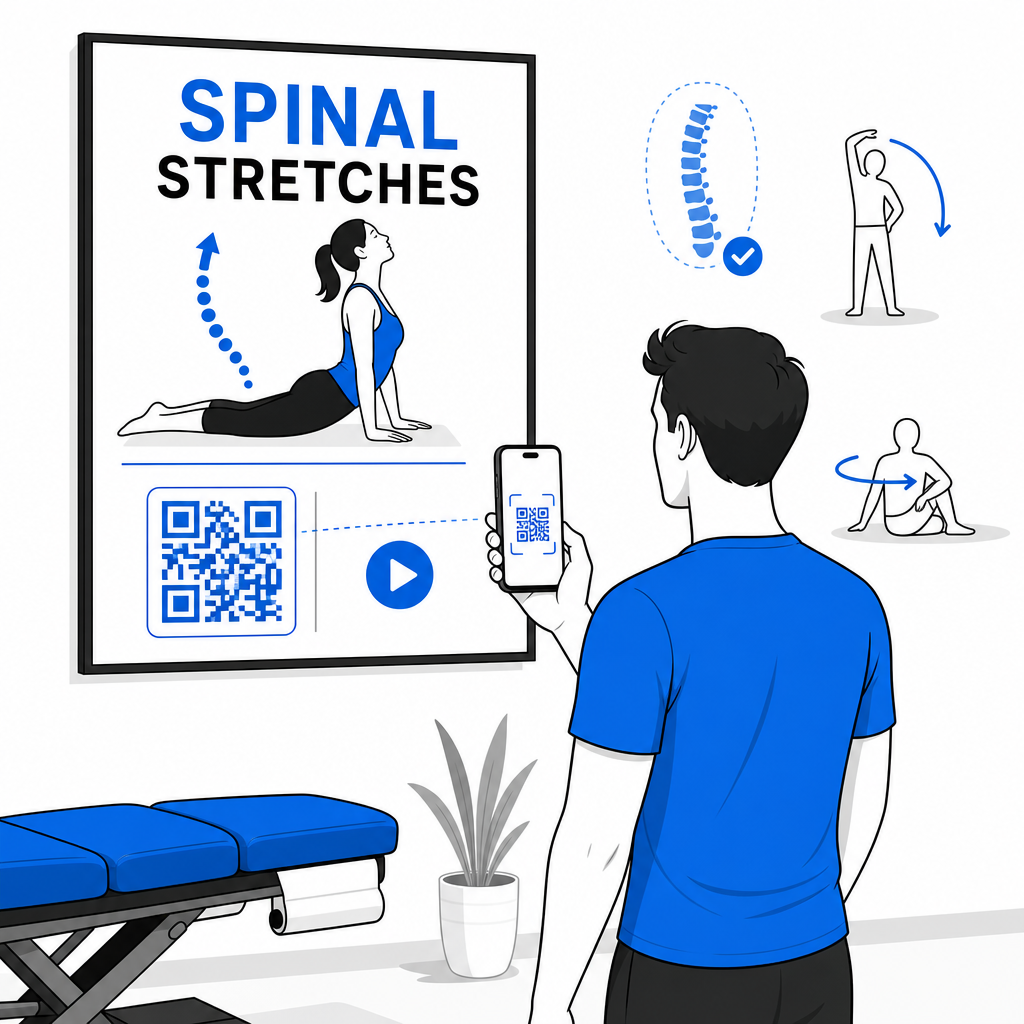
Saate oma praksises kasutada skannitavaid koode, et suurendada patsientide kaasamist ja piirkondlikku bränditeadlikkust:
- Linkige seinaplakatid igapäevaste lülisamba venitamiste videoesitlustega, kasutades a lingi QR-koodi generaator.
- Lisage digitaalsed koduhoolduse plaanid trükitud haiguslugude kokkuvõtetele koos a PDF QR-koodi generaator.
- Lihtsustage uute patsientide kliinikukülastusi, lisades visiitkaartidele asukohajuhised koos a Google Maps QR-koodi loomine.
Suurendage oma kiropraktilise praktika tõhusust Kas soovite koguda rohkem Google'i arvustusi ja kiirendada patsientide sisseregistreerimist ilma vastuvõtulaua viivitusteta? Looge kohandatud, printimiseks valmis koodid, kasutades Google Review QR-koodi generaator täna.
Tagage skannitavus ja jälgige kampaania analüütikat
QR-kood, mida ei saa skannida, frustreerib patsiente ja kahjustab kliiniku usaldusväärsust. Järgides kehtestatud QR-koodi loetavuse parimaid tavasid tagab, et iga kood töötab usaldusväärselt nii uuemate kui ka vanemate nutitelefonidega.
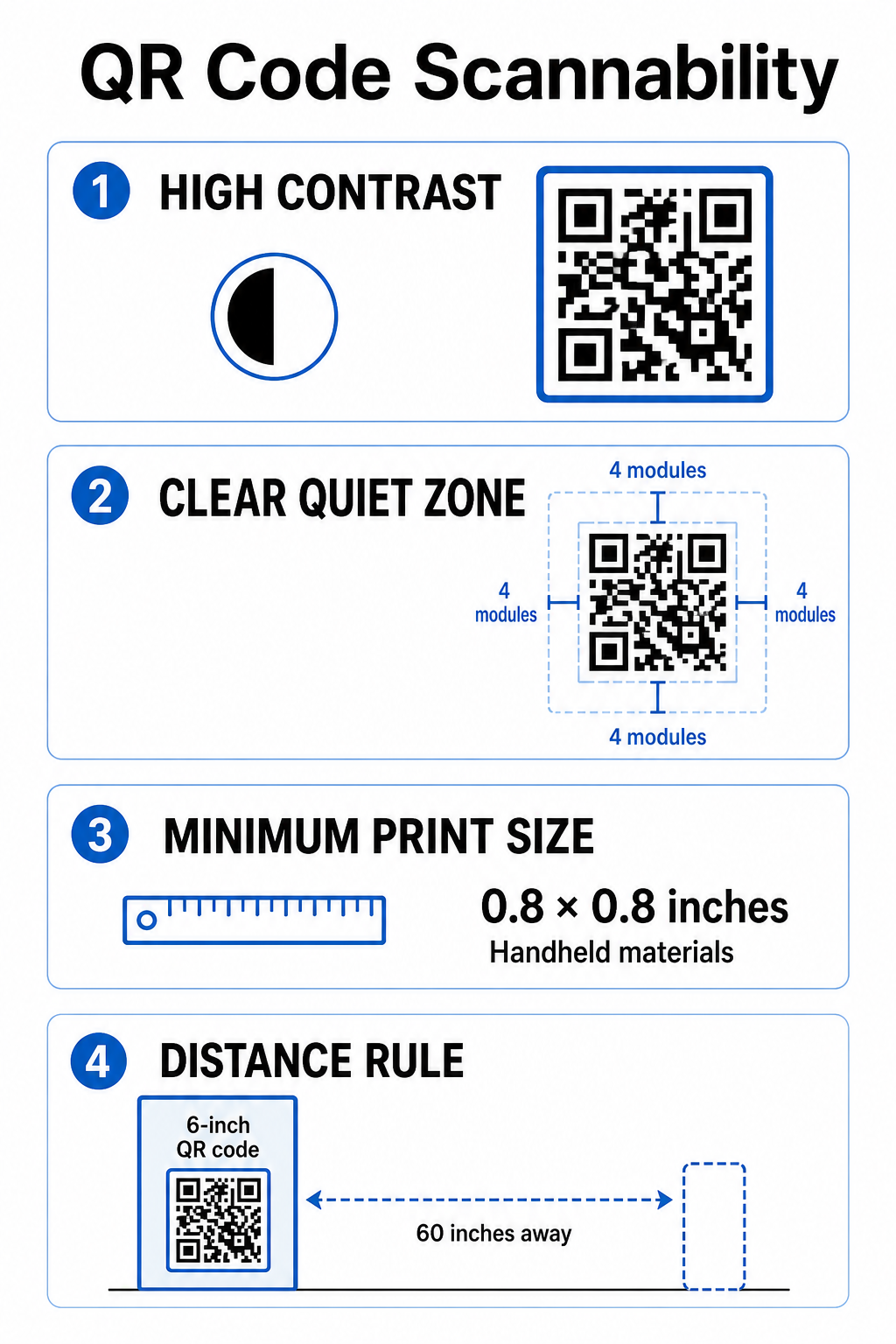
Kontorisse trükimaterjale ette valmistades järgige neid olulisi disainistandardeid:
- Hoidke kõrget värvikontrasti, kuvades tumedaid mooduleid ühtlasel heledal taustal.
- Säilitage selge vaikne ala, mis on võrdne vähemalt 4 mooduliga takistusteta ruumiga kõigil neljal küljel.
- Printige käeshoitavad esemed minimaalse suurusega 0,8 x 0,8 tolli (2 x 2 cm) lähiskannimiseks.
- Rakendage seinale kinnitatavate siltide puhul 10:1 kauguse ja suuruse suhet, suurusega 6 tolli laiust koodi 60-tollise vaatamiskauguse jaoks.
Dünaamiliste koodide kasutamine kesksest QR-koodi generaator võimaldab teil hiljem sihtlinke uuendada ilma füüsilisi silte uuesti printimata. Lisaks, kasutades kõikehõlmavaid QR-koodide jälgimine pakub teostatavaid skaneerimismõõdikuid – nagu skaneeringute koguarv, seadmetüübid ja tipptunnid – mis aitavad teil hinnata, millised patsiendihariduse plakatid või reklaamlehed pakuvad suurimat kaasatust.
QR-koodide integreerimine igapäevatoimingutesse vähendab hõõrdumist patsientide vastuvõtul, loob teie kohalikku mainet ausa tagasiside kaudu ja hoiab teie patsientide hariduse kaasaegsena. Kombineerides selgeid üleskutse-tegevusele disaine dünaamilise koodihaldusega, ühendab teie praksis füüsilise hoolduse digitaalse mugavusega. Looge kohandatud, bränditud QR-koode oma vastuvõtulaua ja raviruumide jaoks juba täna, et tõsta oma patsientide üldist kogemust.
Korduma kippuvad küsimused
QR-koodid salvestavad lihtsalt veebiaadressi, kuid sihtvorm peab olema majutatud HIPAA-ühilduval platvormil, mis pakub otsast lõpuni krüpteerimist, juurdepääsukontrolle, auditi logisid ja allkirjastatud äripartneri lepingut (BAA).
Ei, FTC reeglid ja Google'i poliitika keelavad rangelt allahindluste, tasuta teenuste, kinkekaartide või loteriipiletite pakkumise arvustuste eest, olenemata sellest, kas arvustus on positiivne või negatiivne.
Järgige skaneerimiskauguse jaoks 10:1 suhte reeglit. Kui patsiendid seisavad plakatist umbes 5 jala (60 tolli) kaugusel, peab QR-kood olema vähemalt 6 x 6 tolli lai, et seda usaldusväärselt skaneerida.