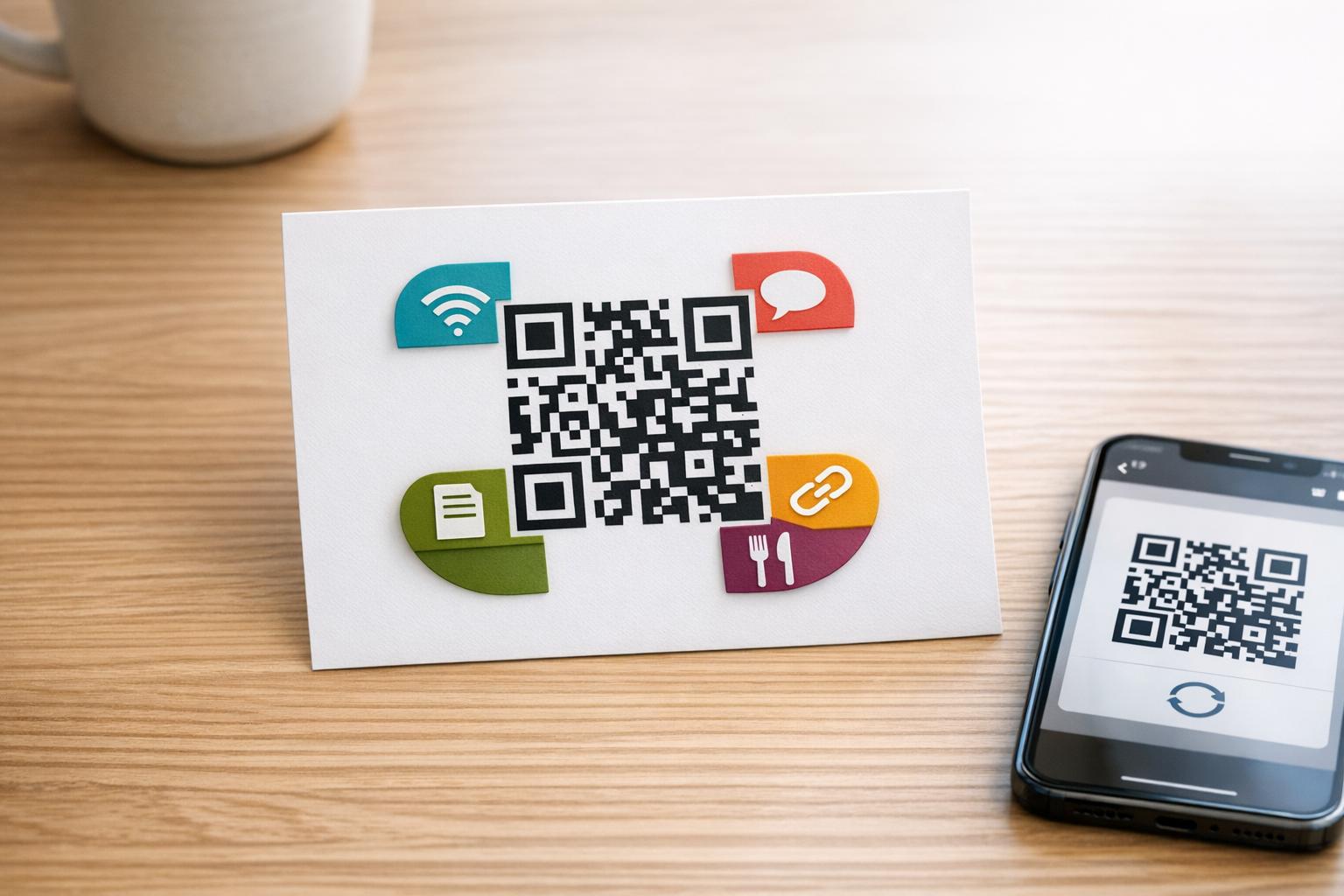
Ingin kod QR anda kelihatan seperti sebahagian daripada jenama anda dan bukannya segi empat sama hitam-putih generik? Kod QR biasa berfungsi, tetapi kod berjenama dengan logo dan warna anda membina pengiktirafan dan lebih banyak diimbas. Panduan ini menunjukkan anda cara membuat kod QR tersuai yang kelihatan profesional tanpa mengorbankan kebolehimbasan.
Mengapa Kod QR Berjenama Berprestasi Lebih Baik
Kod QR standard tidak memberitahu pengimbas apa-apa tentang perniagaan anda. Kod berjenama melakukan lebih banyak kerja sebelum sesiapa pun mengimbasnya. Apabila logo anda berada di dalam kod dan warna jenama anda membingkai reka bentuk, pelanggan segera mengenali sumbernya. Pengiktirafan itu membina kepercayaan – dan kepercayaan mendorong imbasan.
Penyelidikan yang diliputi dalam 7 contoh kod QR berjenama menunjukkan bahawa kod QR berjenama dengan logo boleh meningkatkan kadar imbasan sebanyak 30–70% berbanding yang generik. Di luar angka, kod berjenama mengukuhkan identiti visual anda setiap kali ia muncul pada pembungkusan, papan tanda, atau bahan cetak.
Perniagaan yang masih membentuk identiti visual mereka boleh meneroka idea untuk logo unik untuk perniagaan sebelum menggunakannya pada kod QR, pembungkusan, dan bahan berjenama lain. Kuncinya adalah mengetahui pilihan reka bentuk mana yang membantu dan yang mana merosakkan kebolehimbasan.
Bagaimana Pembetulan Ralat Kod QR Memungkinkan Integrasi Logo
Sebelum menyesuaikan kod anda, adalah membantu untuk memahami mengapa logo boleh ditambah sama sekali tanpa merosakkannya. Kod QR termasuk pembetulan ralat terbina dalam berdasarkan kod Reed–Solomon, yang menambah data berlebihan supaya pengimbas boleh membina semula corak walaupun sebahagian daripadanya terhalang.
Terdapat empat tahap pembetulan ralat:
- Tahap L – memulihkan sehingga 7% daripada perkataan kod yang rosak; saiz kod terkecil; terbaik untuk kegunaan dalaman yang bersih
- Tahap M – memulihkan sehingga 15%; pilihan standard untuk kebanyakan aplikasi pemasaran
- Tahap Q – memulihkan sehingga 25%; sesuai untuk kegunaan luar atau permukaan bertekstur
- Tahap H – memulihkan sehingga 30%; disyorkan setiap kali anda menambah logo
Apabila anda membenamkan logo di tengah kod QR, anda sengaja mengaburkan sebahagian daripada corak. Pembetulan ralat Tahap H mengimbangi perkara itu, membolehkan pengimbas membina semula data yang hilang. Tanpanya, walaupun logo kecil boleh menyebabkan kegagalan imbasan.
Untuk melihat dengan lebih mendalam bagaimana ini berfungsi dalam amalan, lihat cara pembetulan ralat berfungsi dalam kod QR yang boleh diedit.
Cipta Kod QR Berjenama dengan Logo Bersedia untuk membina kod QR yang mencerminkan jenama anda? Gunakan QR code with logo untuk memuat naik logo anda, pilih warna anda, dan jana kod yang boleh diimbas, mengikut jenama dalam beberapa minit.
Penempatan Logo: Peraturan yang Melindungi Kebolehimbasan
Menambah logo dengan tidak betul adalah salah satu sebab paling biasa kod QR berjenama gagal. Ikuti garis panduan ini untuk memastikan kod anda boleh dipercayai:
- Pastikan logo berpusat. Pusat kod QR mengandungi modul data yang paling mendapat manfaat daripada liputan pembetulan ralat. Memusatkan logo mengelakkan tiga penanda kedudukan sudut, yang penting untuk orientasi pengimbas dan tidak boleh ditutup.
- Hadkan liputan logo kepada sekitar 20–25% daripada kawasan kod. Meliputi lebih daripada 30% melebihi apa yang boleh dipulihkan oleh pembetulan ralat Tahap H sekalipun. Lebih dekat kepada 20% memberikan anda margin keselamatan yang selesa.
- Gunakan fail logo resolusi tinggi. Logo yang kabur atau berpiksel di tengah kod menambah hingar visual yang boleh mengganggu pengimbasan, terutamanya pada peranti lama. Gunakan PNG atau format vektor seperti SVG untuk hasil terbaik.
- Utamakan logo yang ringkas, berbentuk segi empat sama atau bulat. Logo segi empat tepat menegak berisiko bertindih dengan corak masa yang berjalan di sepanjang tepi kod. Bentuk mendatar atau padat adalah lebih selamat.
- Uji pada pelbagai peranti sebelum mencetak. Kod yang mengimbas dengan sempurna pada iPhone baharu mungkin gagal pada Android lama dengan kamera resolusi rendah. Uji merentasi platform dan keadaan pencahayaan.
Ketahui lebih lanjut tentang integrasi logo yang selamat dalam panduan mengenai cara menambah logo pada kod QR.
Warna dan Kontras: Menjadikan Warna Jenama Anda Boleh Diimbas
Anda boleh menggunakan warna jenama anda dalam kod QR, tetapi pilihan warna secara langsung mempengaruhi sama ada kod itu mengimbas dengan boleh dipercayai. Pengimbas membaca perbezaan antara modul gelap dan latar belakang terang – bukan warna tertentu. Apabila kontras itu hilang, kebolehimbasan juga hilang.
Peraturan Kontras yang Perlu Dipatuhi
- Gunakan modul latar depan gelap pada latar belakang terang. Ini adalah keperluan asas. Hitam klasik pada putih menawarkan nisbah kontras 21:1 dan merupakan kombinasi yang paling boleh dipercayai secara universal.
- Kekalkan nisbah kontras minimum 4.5:1 untuk kod yang lebih kecil. Untuk kod format besar yang dilihat dari jauh, nisbah 4:1 boleh diterima. Anda boleh mengesahkan ini dengan mana-mana penyemak kontras kebolehcapaian web.
- Jangan sekali-kali menterbalikkan warna. Skema terang-atas-gelap (putih atas hitam) mungkin kelihatan menarik, tetapi banyak pengimbas QR gagal pada skema warna terbalik.
- Elakkan gradien dalam corak modul. Gradien mencipta tona pertengahan yang mengurangkan kontras tempatan dan mengelirukan pengimbas. Jika anda mahukan kesan gradien, gunakannya hanya pada elemen hiasan di luar corak kod, seperti bingkai atau latar belakang.
- Pastikan zon senyap jelas. Zon senyap ialah margin kosong yang mengelilingi kod QR. Piawaian ISO memerlukan sekurang-kurangnya empat modul ruang kosong di semua sisi. Jika setiap modul selebar 2 mm, zon senyap mestilah sekurang-kurangnya 8 mm pada setiap sisi. Meletakkan teks, elemen hiasan, atau bahkan logo anda terlalu dekat dengan sempadan ini boleh menyebabkan kegagalan imbasan.
Untuk pecahan penuh kombinasi warna yang berfungsi dan yang perlu dielakkan, lihat panduan mengenai amalan terbaik kontras warna kod QR.
Saiz dan Resolusi: Mendapatkannya Tepat untuk Cetakan
Kod QR berjenama cantik yang terlalu kecil untuk diimbas akan menjejaskan tujuan. Saiz mempengaruhi kedua-dua kebolehbacaan dan jarak imbasan.
- Saiz minimum untuk kegunaan jarak dekat ialah 0.8 × 0.8 inci (kira-kira 2 × 2 cm). Di bawah saiz ini, kebanyakan pengimbas akan menghadapi masalah.
- Gunakan peraturan 10:1 untuk jarak pengimbasan. Untuk setiap 10 cm jarak pengimbasan yang dijangka, kod tersebut hendaklah sekurang-kurangnya 1 cm lebar. Kod yang bertujuan untuk diimbas dari jarak 50 cm hendaklah sekurang-kurangnya 5 cm lebar.
- Eksport dalam format vektor untuk cetakan. Format SVG, EPS, dan PDF boleh diskalakan tanpa kehilangan kualiti. PNG yang diraster pada resolusi rendah akan kelihatan kabur apabila dicetak, dan kod yang kabur mungkin tidak dapat diimbas. Sentiasa eksport pada 300 DPI atau lebih tinggi untuk aplikasi cetakan.
Untuk panduan saiz khusus konteks, lihat amalan terbaik untuk kebolehbacaan kod QR.
Langkah demi Langkah: Mencipta Kod QR Berjenama dengan Logo
Berikut adalah aliran kerja praktikal untuk membina kod QR berjenama yang boleh diimbas dengan boleh dipercayai.
- Pilih penjana yang menyokong pembenaman logo dan penyesuaian warna. Tidak semua alat melakukannya. Cari yang membolehkan anda menetapkan tahap pembetulan ralat, memuat naik logo, dan melaraskan warna secara bebas. Pageloot’s penjana kod QR merangkumi semua ini.
- Tetapkan tahap pembetulan ralat anda kepada H sebelum menambah logo. Sesetengah penjana lalai kepada Tahap M, yang tidak mencukupi apabila logo hadir.
- Masukkan URL atau kandungan destinasi anda. Jika anda mencipta kod untuk kempen atau bahan bercetak, pertimbangkan untuk menggunakan kod QR dinamik supaya anda boleh mengemas kini destinasi kemudian tanpa mencetak semula.
- Muat naik logo anda. Gunakan fail PNG atau SVG. Pastikan logo ringkas – elakkan teks halus atau ilustrasi kompleks yang hilang kejelasan pada saiz kecil.
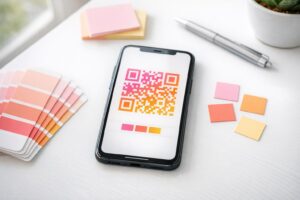
- Gunakan warna jenama anda. Pilih warna latar depan gelap yang selaras dengan palet jenama anda dan padankannya dengan latar belakang cerah atau putih. Uji nisbah kontras sebelum memuktamadkan.
- Tambah bingkai dengan seruan bertindak. Frasa pendek seperti “Imbas untuk melihat menu kami” atau “Imbas untuk tawaran eksklusif” menghilangkan kekaburan dan meningkatkan kadar imbasan. Anda boleh memadankan Bingkai QR Code dengan warna jenama dan logo anda.
- Pratonton dan uji. Imbas kod pada sekurang-kurangnya dua peranti berbeza sebelum memuat turun. Semak dalam keadaan pencahayaan yang berbeza dan dari jarak yang anda jangkakan pengguna akan mengimbas.
- Muat turun dalam format yang betul. Gunakan SVG atau EPS untuk cetakan, PNG resolusi tinggi untuk kegunaan digital.

Untuk reka bentuk berjenama sedia ada yang boleh anda sesuaikan dengan cepat, terokai Templat kod QR.
Menggunakan Kod QR Dinamik untuk Kempen Berjenama
Jika kod QR berjenama anda akan muncul pada bahan bercetak, kod dinamik memberikan anda kelebihan yang ketara. Dengan kod statik, destinasi dikunci secara kekal. Dengan kod dinamik, URL yang dikodkan dalam corak menunjuk kepada pengalihan pendek yang anda kawal. Anda boleh menukar ke mana ia menuju pada bila-bila masa tanpa mencetak semula atau mereka bentuk semula kod tersebut.
Ini penting untuk kod berjenama khususnya kerana:
- Anda mungkin ingin menukar tawaran bermusim atau halaman pendaratan kempen
- Anda boleh membaiki pautan rosak tanpa menyentuh bahan fizikal
- Anda mendapat analitik imbasan – data masa nyata tentang bila, di mana, dan berapa kerap kod diimbas
Kod dinamik juga serasi dengan reka bentuk berjenama kerana anda melabur lebih banyak usaha dalam kod yang kelihatan profesional. Melindungi pelaburan itu dengan kandungan yang boleh dikemas kini adalah masuk akal. Ketahui lebih lanjut tentang set ciri penuh yang tersedia untuk kod QR tersuai.
Aplikasi Dunia Nyata mengikut Industri
Memahami bagaimana perniagaan lain menggunakan kod QR berjenama boleh membantu anda mengenal pasti pendekatan yang betul untuk bahan anda sendiri.
- Runcit: Jenama pakaian menyematkan kod QR dengan logo mereka pada tag gantung, memautkan kepada panduan gaya, carta saiz, atau kedai dalam talian. Logo di tengah menjadikan kod itu mudah dikenali dan selaras dengan jenama di tempat jualan.
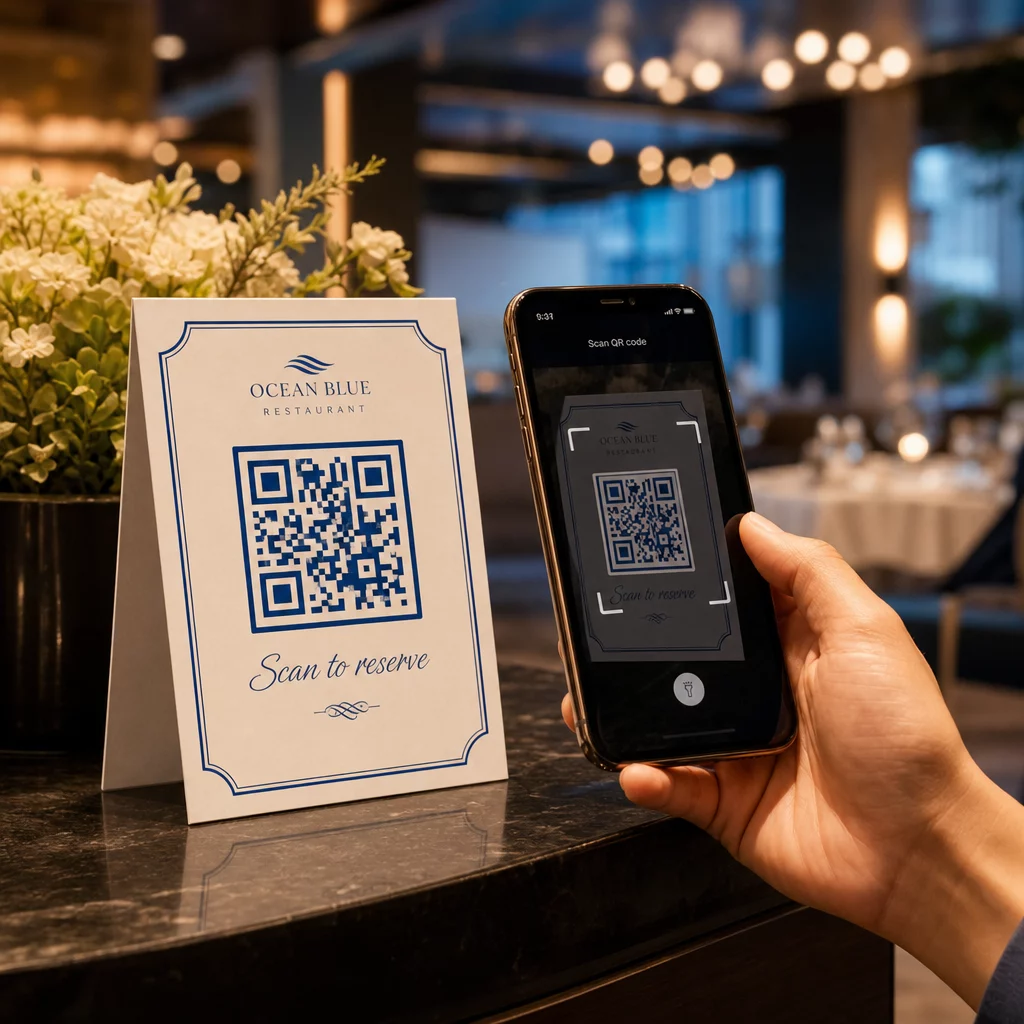
- Restoran: Kod QR pada khemah meja atau kulit menu boleh memautkan kepada menu digital, sistem tempahan, atau program kesetiaan. Memadankan warna kod dengan palet restoran mengekalkan reka bentuk yang padu.
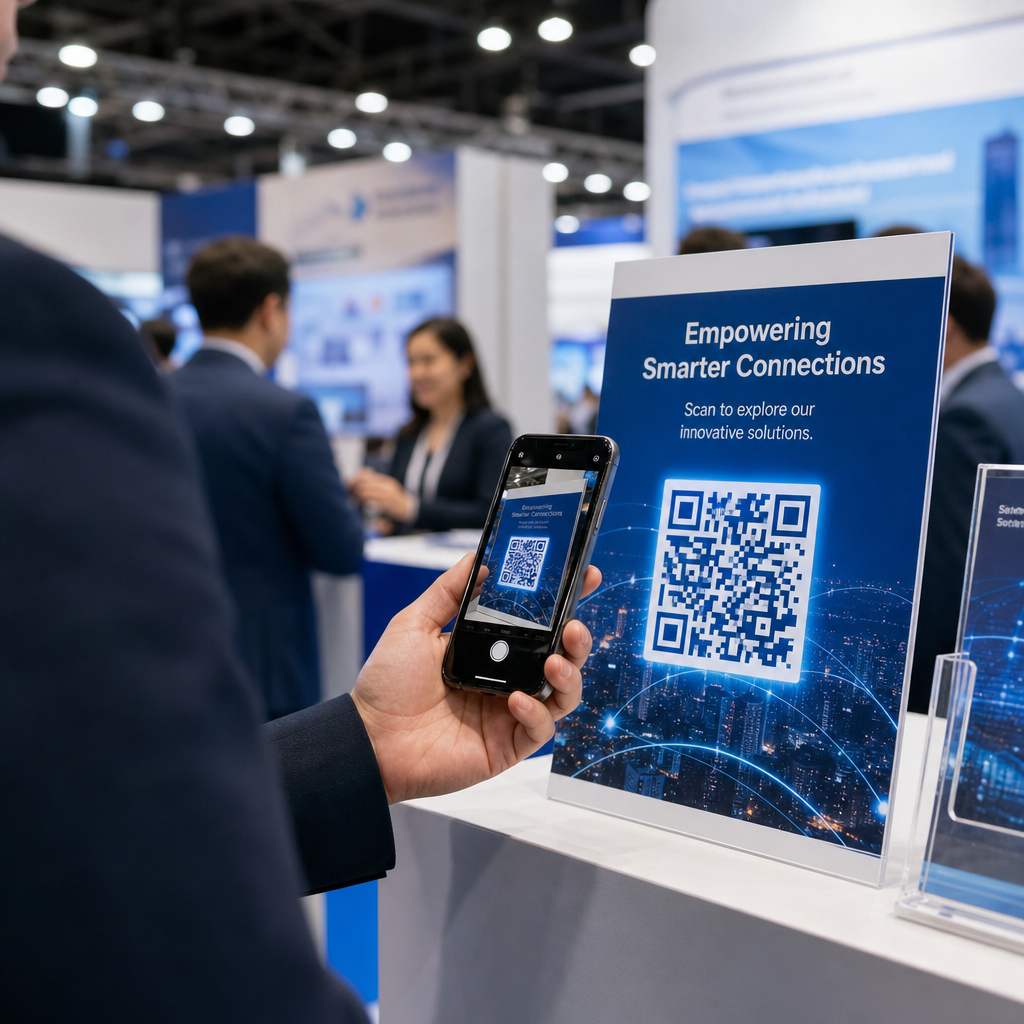
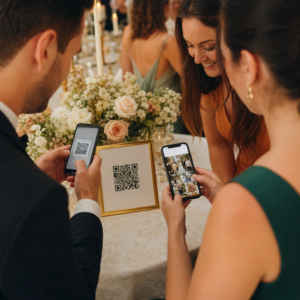
- Acara: Penganjur acara menggunakan kod QR berjenama pada lencana, papan tanda, dan program bercetak untuk mendorong muat turun aplikasi, daftar masuk, atau jadual sesi. Pembetulan ralat yang tinggi sangat penting di sini kerana kod mungkin diimbas dalam pencahayaan yang berubah-ubah.
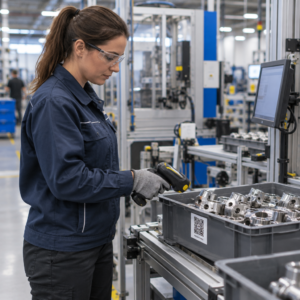
- Pembungkusan produk: Kod QR berjenama pada pembungkusan boleh memautkan kepada arahan pemasangan, pendaftaran waranti, atau ulasan produk. Menggunakan kod dinamik di sini bermakna anda boleh mengemas kini destinasi apabila produk berkembang.

Untuk contoh yang lebih terperinci, lihat 7 contoh kod QR berjenama.
Soalan lazim
Tidak jika anda mengikut garis panduan yang betul. Tetapkan pembetulan ralat ke Tahap H sebelum menambah logo, pastikan logo berpusat, dan hadkan liputannya kepada sekitar 20–25% daripada jumlah kawasan kod. Elakkan daripada menutupi tiga penanda kedudukan sudut. Uji kod akhir pada pelbagai peranti sebelum mencetak.
Ya, selagi anda mengekalkan kontras yang mencukupi antara modul gelap dan latar belakang cerah. Sasarkan nisbah kontras sekurang-kurangnya 4.5:1. Elakkan kecerunan dalam corak modul, jangan sekali-kali menterbalikkan warna kepada cerah-atas-gelap, dan sentiasa pastikan zon senyap (margin kosong di sekeliling kod) benar-benar jelas.
Saiz minimum yang disyorkan untuk pengimbasan jarak dekat ialah 0.8 × 0.8 inci (kira-kira 2 × 2 cm). Untuk kod yang bertujuan untuk diimbas dari jarak yang lebih jauh, gunakan peraturan 10:1: untuk setiap 10 cm jarak imbasan yang dijangkakan, kod tersebut hendaklah sekurang-kurangnya 1 cm lebar. Sentiasa eksport fail cetakan dalam format vektor seperti SVG atau EPS untuk mengelakkan pikselasi.