> 블로그 > How to Create Branded QR Codes with Logos
Branded QR codes

How to Create Branded QR Codes with Logos

Learn how to create professional branded QR codes with logos and colors. Boost scan rates by up to 70% using Level H error correction for reliable scanning.
Updated on 6월 10, 2026
목차

Want your QR code to look like part of your brand instead of a generic black-and-white square? A plain QR code works, but a branded one with your logo and colors builds recognition and gets scanned more. This guide shows you how to create a custom QR code that looks professional without sacrificing scannability.

Why Branded QR Codes Perform Better

A standard QR code tells a scanner nothing about your business. A branded one does more work before anyone even scans it. When your logo sits inside the code and your brand colors frame the design, customers recognize the source immediately. That recognition builds trust – and trust drives scans.

Research covered in 7 examples of branded QR codes shows that branded QR codes with logos can boost scan rates by 30–70% compared to generic ones. Beyond the numbers, a branded code reinforces your visual identity every time it appears on packaging, signage, or print materials.

The key is knowing which design choices help and which ones break scannability.

How QR Code Error Correction Makes Logo Integration Possible

Before customizing your code, it helps to understand why logos can be added at all without breaking it. QR codes include built-in error correction based on Reed–Solomon codes, which adds redundant data so scanners can reconstruct the pattern even when part of it is obscured.

There are four error correction levels:

  • Level L – recovers up to 7% of damaged codewords; smallest code size; best for clean indoor use
  • 레벨 M – recovers up to 15%; the standard choice for most marketing applications
  • Level Q – recovers up to 25%; suitable for outdoor use or textured surfaces
  • 레벨 H – recovers up to 30%; recommended whenever you add a logo

When you embed a logo in the center of a QR code, you’re intentionally obscuring part of the pattern. Level H error correction compensates for that, allowing the scanner to reconstruct the missing data. Without it, even a small logo can cause scan failures.

For a deeper look at how this works in practice, see 편집 가능한 QR 코드에서 오류 수정이 작동하는 방식.

Create a Branded QR Code with a Logo Ready to build a QR code that reflects your brand? Use the 로고가 있는 QR 코드 생성기 to upload your logo, choose your colors, and generate a scannable, on-brand code in minutes.

Logo Placement: Rules That Protect Scannability

Adding a logo incorrectly is one of the most common reasons branded QR codes fail. Follow these guidelines to keep your code reliable:

  • Keep the logo centered. The center of a QR code contains data modules that benefit most from error correction coverage. Centering the logo avoids the three corner position markers, which are critical for scanner orientation and must never be covered.
  • Limit logo coverage to around 20–25% of the code area. Covering more than 30% pushes beyond what even Level H error correction can recover. Closer to 20% gives you a comfortable safety margin.
  • Use a high-resolution logo file. A blurry or pixelated logo at the center of a code adds visual noise that can interfere with scanning, especially on older devices. Use PNG or a vector format like SVG for the best result.
  • Prefer simple, square or circular logos. Vertical rectangular logos risk overlapping the timing patterns that run along the edges of the code. Horizontal or compact shapes are safer.
  • Test on multiple devices before printing. A code that scans perfectly on a new iPhone may fail on an older Android with a lower-resolution camera. Test across platforms and lighting conditions.

Learn more about safe logo integration in the guide on QR 코드에 로고를 추가하는 방법.

Color and Contrast: Keeping Your Brand Colors Scannable

You can use your brand colors in a QR code, but color choices directly affect whether the code scans reliably. Scanners read the difference between dark modules and a light background – not specific hues. When that contrast disappears, so does scannability.

The Contrast Rules to Follow

  • Use dark foreground modules on a light background. This is the baseline requirement. Classic black on white offers a contrast ratio of 21:1 and is the most universally reliable combination.
  • Maintain a minimum contrast ratio of 4.5:1 for smaller codes. For large-format codes viewed at a distance, a 4:1 ratio is acceptable. You can verify this with any web accessibility contrast checker.
  • Never invert colors. A light-on-dark (white on black) scheme may look striking, but many QR scanners fail on reversed color schemes.
  • Avoid gradients within the module pattern. Gradients create mid-tones that reduce local contrast and confuse scanners. If you want a gradient effect, apply it only to decorative elements outside the code pattern, such as a frame or background.
  • Keep the quiet zone clear. The quiet zone is the blank margin surrounding the QR code. The ISO standard requires at least four modules of empty space on all sides. If each module is 2 mm wide, the quiet zone must be at least 8 mm on every side. Placing text, decorative elements, or even your logo too close to this border can cause scan failures.

For a full breakdown of which color combinations work and which to avoid, see the guide on QR 코드 색상 대비 모범 사례.

Size and Resolution: Getting It Right for Print

A beautifully branded QR code that’s too small to scan defeats the purpose. Size affects both readability and scan distance.

  • Minimum size for close-range use is 0.8 × 0.8 inches (about 2 × 2 cm). Below this, most scanners struggle.
  • Apply the 10:1 rule for scanning distance. For every 10 cm of expected scanning distance, the code should be at least 1 cm wide. A code meant to be scanned from 50 cm away should be at least 5 cm wide.
  • Export in vector formats for print. SVG, EPS, and PDF formats scale without losing quality. A rasterized PNG at low resolution will appear blurry when printed, and a blurry code may not scan. Always export at 300 DPI or higher for print applications.

For context-specific sizing guidance, see QR 코드 가독성을 위한 모범 사례.

Step-by-Step: Creating a Branded QR Code with a Logo

Here is a practical workflow for building a branded QR code that scans reliably.

  • Choose a generator that supports logo embedding and color customization. Not all tools do. Look for one that lets you set error correction levels, upload a logo, and adjust colors independently. Pageloot’s QR 코드 생성기 covers all of these.
  • Set your error correction level to H before adding a logo. Some generators default to Level M, which is not sufficient when a logo is present.
  • Enter your destination URL or content. If you’re creating a code for a campaign or printed material, consider using a 동적 QR 코드 so you can update the destination later without reprinting.
  • Upload your logo. Use a PNG or SVG file. Keep the logo simple – avoid fine text or complex illustrations that lose clarity at small sizes.
  • Apply your brand colors. Choose a dark foreground color that aligns with your brand palette and pair it with a light or white background. Test the contrast ratio before finalizing.
  • Add a frame with a call-to-action. A short phrase like “Scan to view our menu” or “Scan for exclusive offers” removes ambiguity and increases scan rates. You can match QR 코드 프레임 to your brand colors and logo.
  • Preview and test. Scan the code on at least two different devices before downloading. Check it in different lighting conditions and from the distances you expect users to scan from.
  • 올바른 형식으로 다운로드하세요. Use SVG or EPS for print, high-resolution PNG for digital use.
Branded QR workflow

For ready-made branded designs you can adapt quickly, explore QR 코드 템플릿.

Using Dynamic QR Codes for Branded Campaigns

If your branded QR code will appear on printed materials, a dynamic code gives you a significant advantage. With a static code, the destination is locked in permanently. With a dynamic code, the URL encoded in the pattern points to a short redirect that you control. You can change where it leads at any time without reprinting or redesigning the code.

This matters for branded codes in particular because:

  • You may want to rotate seasonal offers or campaign landing pages
  • You can fix broken links without touching the physical material
  • You get scan analytics – real-time data on when, where, and how often the code is scanned

Dynamic codes also pair well with branded designs because you invest more effort in a code that looks professional. Protecting that investment with updateable content makes practical sense. Learn more about the full feature set available for custom QR codes.

Real-World Applications by Industry

Understanding how other businesses use branded QR codes can help you identify the right approach for your own materials.

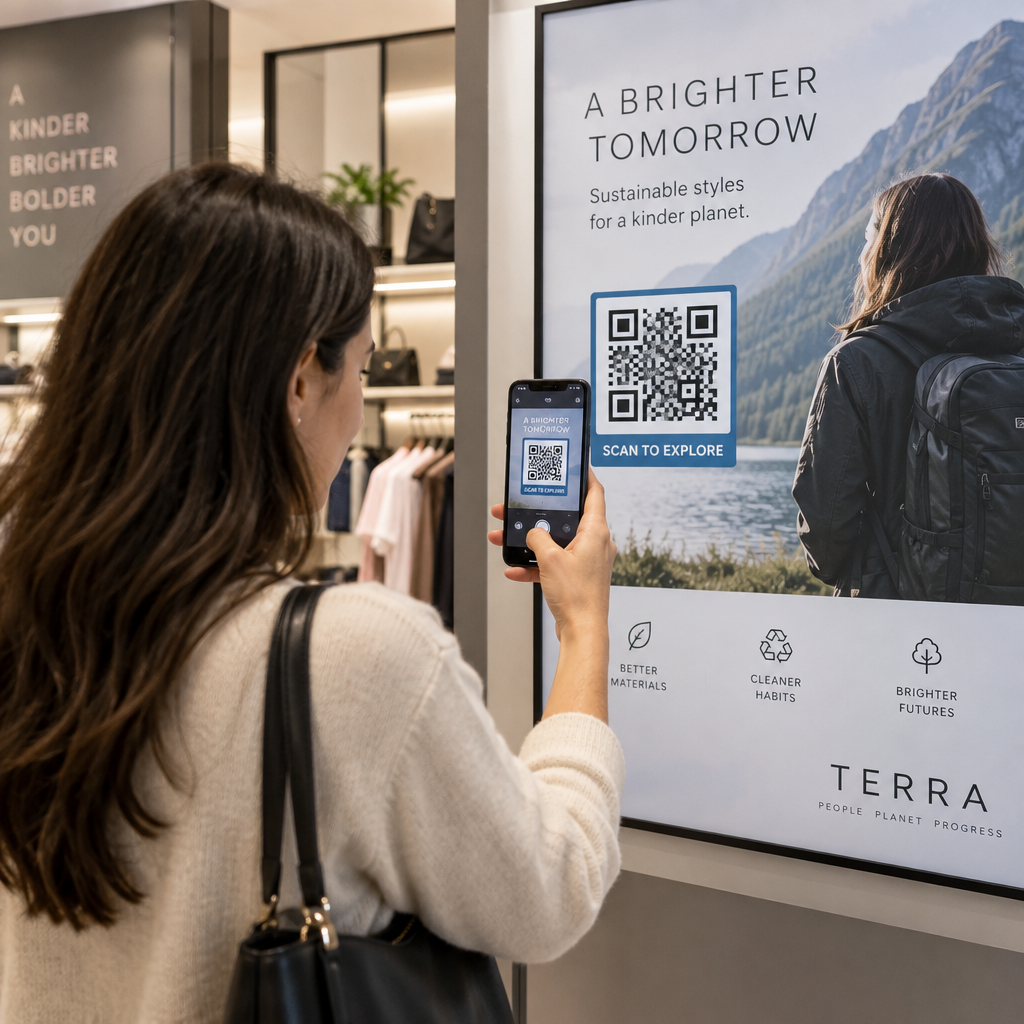
  • 소매: Clothing brands embed QR codes with their logo on hangtags, linking to style guides, size charts, or the online store. The logo in the center makes the code recognizable and on-brand at the point of sale.
  • Restaurants: A QR code on a table tent or menu cover can link to the digital menu, reservation system, or loyalty program. Matching the code colors to the restaurant’s palette keeps the design cohesive.
  • 행사: Event organizers use branded QR codes on badges, signage, and printed programs to drive app downloads, check-ins, or session schedules. High error correction is especially important here since codes may be scanned in variable lighting.
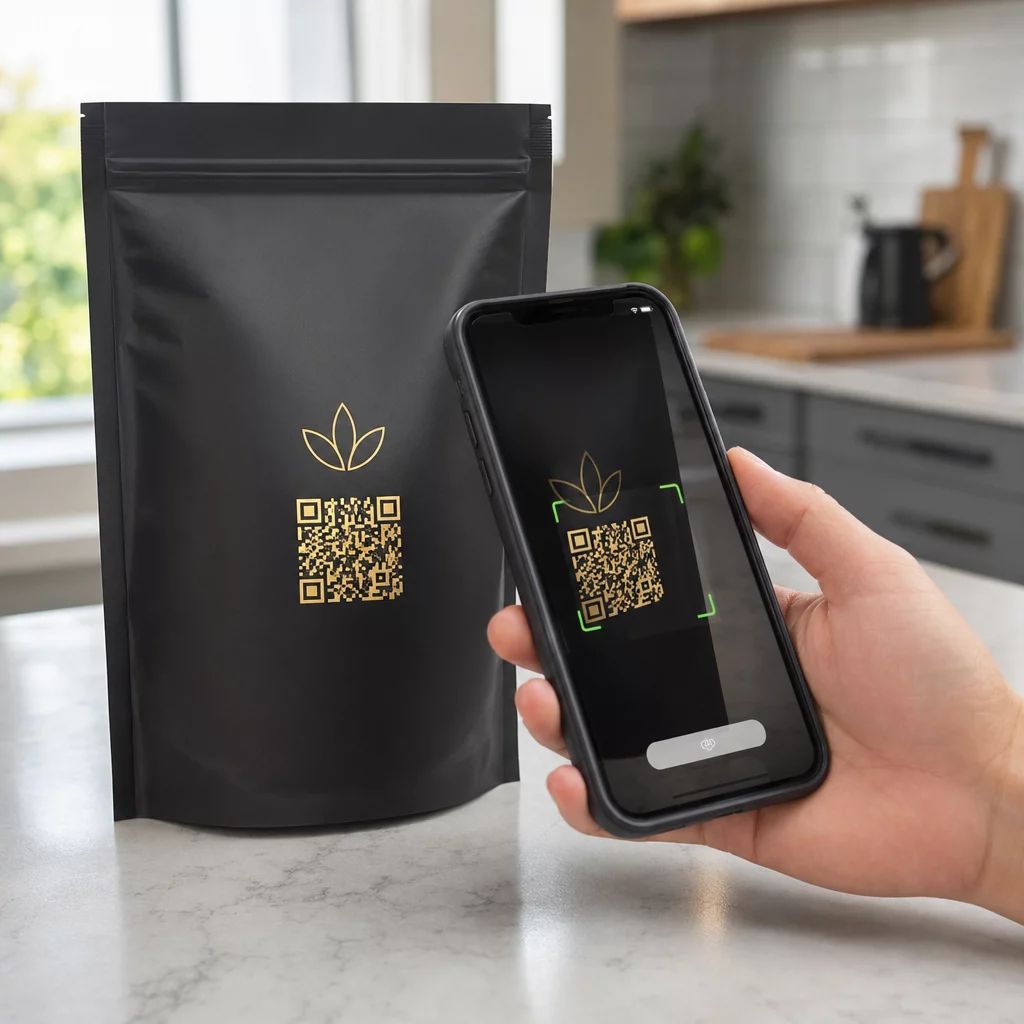
  • Product packaging: A branded QR code on packaging can link to assembly instructions, warranty registration, or product reviews. Using a dynamic code here means you can update the destination as the product evolves.
Branded QR examples

For more detailed examples, see 7 examples of branded QR codes.

자주 묻는 질문

로고를 추가하면 QR 코드를 스캔하기 더 어려워지나요?

Not if you follow the right guidelines. Set error correction to Level H before adding a logo, keep the logo centered, and limit its coverage to around 20–25% of the total code area. Avoid covering the three corner position markers. Test the final code on multiple devices before printing.

Can I use my brand colors in a QR code without breaking it?

Yes, as long as you maintain sufficient contrast between the dark modules and the light background. Aim for a contrast ratio of at least 4.5:1. Avoid gradients within the module pattern, never invert the colors to light-on-dark, and always keep the quiet zone (the blank margin around the code) completely clear.

What is the minimum size for a printed branded QR code?

The minimum recommended size for close-range scanning is 0.8 × 0.8 inches (approximately 2 × 2 cm). For codes meant to be scanned from greater distances, use the 10:1 rule: for every 10 cm of expected scan distance, the code should be at least 1 cm wide. Always export print files in a vector format such as SVG or EPS to avoid pixelation.

작성자 정보

시임 코스타비는 페이지루트의 콘텐츠 책임자입니다. 그는 페이지루트의 혁신적인 QR 코드 생성 서비스에 대한 글을 쓰고 있습니다. 5년 이상 QR 코드 분야에서 쌓아온 깊이 있는 전문 지식을 바탕으로, 시임은 이 분야의 전문가로 인정받고 있습니다. 그는 QR 기술을 활용하여 디지털 상호작용을 간소화하고 향상시키는 데 크게 기여하고 있습니다.

범주
에 대해 자세히 알아보기
QR 코드 스캔
URL을 다음으로 변환 QR 코드
QR 라벨 스캔
QR 코드 인쇄 제품 라벨

온라인으로 QR 코드를 생성해야하는 경우 QR 코드 만들기 무료로 여기!
Pageloot는 #1 Go-To 솔루션 QR 코드를 만들고 스캔합니다.

BL-0185

20,000개 이상의 브랜드로부터 신뢰를 받아 더 많은 매출, 리뷰, 팔로워를 확보했습니다.

클라이언트 로고
최고 브랜드의 신뢰
5 중 4.8 평가

4.86 / 5 별점

휴고 로랑
휴고 로랑
레스토랑 주인
가장 쉽고 안정적인 QR 코드 생성기. PDF 파일을 즉시 업로드할 수 있습니다. 이제 레스토랑 메뉴가 디지털화되었습니다.
루카스 얀센
루카스 얀센
부동산 개발사
이것은 훌륭한 도구이며 QR 코드를 사용하면 원하는 곳으로 이동할 수 있습니다. 우리는 위치 QR 코드만 사용하지만 유용한 기능이 너무 많습니다.
엠마 모레티
엠마 모레티
소매 제품
사용하기 쉽고 빠릅니다. 그것은 훌륭하게 작동하고 완벽한 이미지를 생성하므로 직원들이 내 vCard를 다운로드할 수 있습니다.
휴고 로랑
휴고 로랑
레스토랑 주인
가장 쉽고 안정적인 QR 코드 생성기. PDF 파일을 즉시 업로드할 수 있습니다. 이제 레스토랑 메뉴가 디지털화되었습니다.
루카스 얀센
루카스 얀센
부동산 개발사
이것은 훌륭한 도구이며 QR 코드를 사용하면 원하는 곳으로 이동할 수 있습니다. 우리는 위치 QR 코드만 사용하지만 유용한 기능이 너무 많습니다.
엠마 모레티
엠마 모레티
소매 제품
사용하기 쉽고 빠릅니다. 그것은 훌륭하게 작동하고 완벽한 이미지를 생성하므로 직원들이 내 vCard를 다운로드할 수 있습니다.
더 많은 QR 코드보기
QR 코드 생성 방법
작동 원리 QR 코드 및 바코드
무엇이든 디지털 경험으로 전환하세요 3분 이내에.

14일 무료 체험.

신용카드는 필요 없습니다.

첫 구매 시 30% 할인

코드를 사용하세요:

MP3 파일 공유

PDF QR 코드를 생성하려면 가입하세요

필요한 모든 것을 업로드하고 표시합니다.

  • 오디오 파일
  • 팟캐스트
  • 음악

가입 시 14일 무료 체험.
체험 기간 후 QR 코드 만료.

오디오 mp3 QR 코드를 생성하려면 가입하세요

프레임으로 더 많은 스캔 확보

QR 코드에 더 많은 프레임을 추가하려면 가입하세요

클릭 유도 문안 프레임은 고객이 QR 코드와 쉽게 상호 작용할 수 있도록 도와줍니다. 사용해 보세요!

가입 시 14일 무료 체험.
체험 기간 후 QR 코드 만료.

QR 코드에 더 많은 프레임을 추가하려면 가입하세요

도형으로 더 많은 스타일 추가

더 많은 도형을 만들려면 가입하세요

QR 코드는 정사각형일 필요가 없습니다. 브랜드 이미지에 맞게 전환해 보세요.

가입 시 14일 무료 체험.
체험 기간 후 QR 코드 만료.

더 많은 도형을 만들려면 가입하세요

QR 코드에 로고 추가

QR 코드에 로고를 추가하려면 가입하세요

로고와 브랜드를 추가하여 QR 코드를 돋보이게 만드세요.

가입 시 14일 무료 체험.
체험 기간 후 QR 코드 만료.

QR 코드에 로고를 추가하려면 가입하세요

스마트 앱 스토어 리디렉션

앱 스토어 QR 코드를 생성하려면 가입하세요

스마트 앱 스토어 QR 코드에 앱 링크를 추가하세요. 사용자는 장치에 따라 리디렉션됩니다.

가입 시 14일 무료 체험.
체험 기간 후 QR 코드 만료.

앱 스토어 QR 코드를 생성하려면 가입하세요

QR 코드에 이미지 업로드

이미지 QR 코드를 생성하려면 가입하세요

이미지를 쉽게 공유하세요. 몇 초 안에 동적으로 이미지를 변경하십시오.

가입 시 14일 무료 체험.
체험 기간 후 QR 코드 만료.

이미지 QR 코드를 생성하려면 가입하세요

PDF 파일 공유

PDF QR 코드를 생성하려면 가입하세요

필요한 모든 것을 업로드하고 표시합니다.

  • 메뉴 및 가격표
  • 명령
  • 모든 문서

가입 시 14일 무료 체험.
체험 기간 후 QR 코드 만료.

PDF QR 코드를 생성하려면 가입하세요

인쇄 없이 나중에 편집

다시 인쇄하지 않고 QR 코드를 편집하려면 가입하세요

동적 QR 코드를 사용하면 새 QR 코드를 인쇄하지 않고도 QR 코드의 내용을 변경할 수 있습니다.

가입 시 14일 무료 체험.
체험 기간 후 QR 코드 만료.

다시 인쇄하지 않고 QR 코드를 편집하려면 가입하세요

언제? 어디서? QR 코드 스캔 추적

QR 코드를 추적하려면 가입하세요

어떤 QR 코드가 가장 많이 스캔되고 무엇이 고객을 가장 흥분시키는지 알아보십시오.

가입 시 14일 무료 체험.
체험 기간 후 QR 코드 만료.

QR 코드를 추적하려면 가입하세요

인쇄 준비 파일 제공

PDF 및 SVG와 같은 벡터 QR 코드를 생성하려면 가입하세요.

.EPS, .PDF, .SVG

HD 해상도로 QR 코드를 다운로드하고 싶으신가요? 인쇄할 준비가 된 벡터 또는 픽셀 형식을 가져옵니다.

가입 시 14일 무료 체험.
체험 기간 후 QR 코드 만료.

PDF 및 SVG와 같은 벡터 QR 코드를 생성하려면 가입하세요.

기다리세요. 귀하의 QR 코드는 로드 중... 로드 중...

나만의 것으로 만들기

나중을 위해 QR 코드를 저장하려면 가입하세요.

다양한 색상, 로고 및 클릭 유도문안 프레임으로 멋진 QR 코드를 만들어 더 많은 스캔을 받으세요.

가입 시 14일 무료 체험.
체험 기간 후 QR 코드 만료.

나중을 위해 QR 코드를 저장하려면 가입하세요.