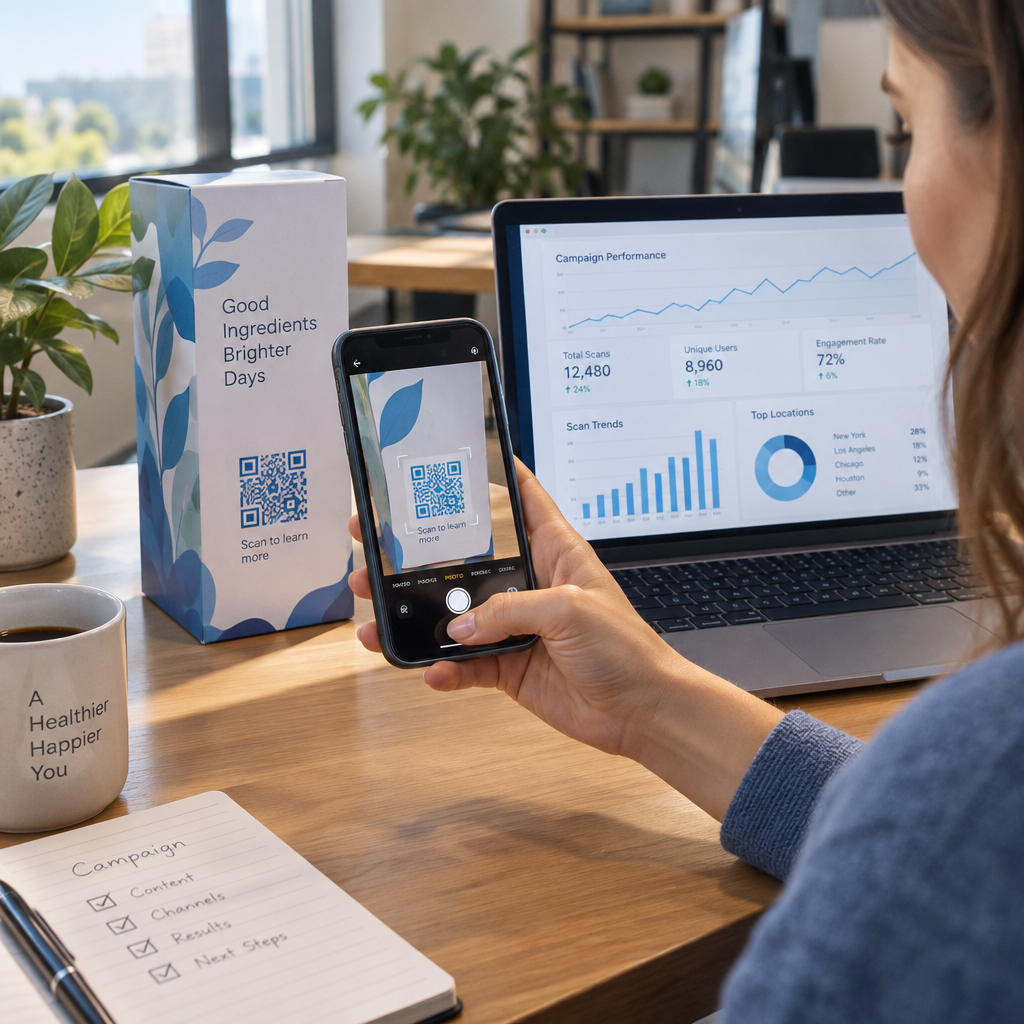
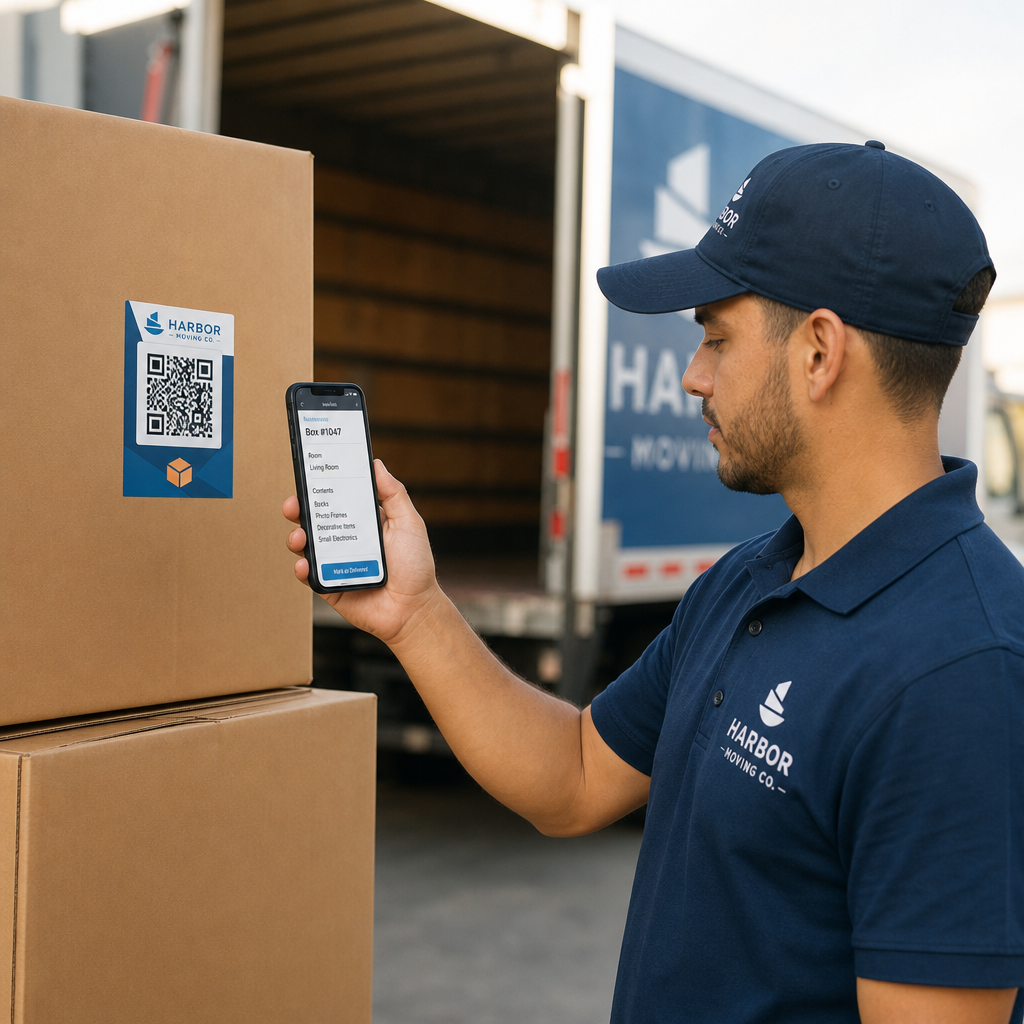
Haluatko QR-koodisi näyttävän osalta brändiäsi geneerisen mustavalkoisen neliön sijaan? Yksinkertainen QR-koodi toimii, mutta brändätty koodi logollasi ja väreilläsi rakentaa tunnistettavuutta ja saa enemmän skannauksia. Tämä opas näyttää, miten luot mukautetun QR-koodin, joka näyttää ammattimaiselta uhraamatta skannattavuutta.
Miksi brändätyt QR-koodit toimivat paremmin
Tavallinen QR-koodi ei kerro skannerille mitään yrityksestäsi. Brändätty koodi tekee enemmän työtä jo ennen kuin kukaan edes skannaa sitä. Kun logosi on koodin sisällä ja brändisi värit kehystävät suunnittelua, asiakkaat tunnistavat lähteen välittömästi. Tämä tunnistettavuus rakentaa luottamusta – ja luottamus lisää skannauksia.
Tutkimus, joka käsittelee 7 esimerkkiä brändätyistä QR-koodeista osoittaa, että brändätyt QR-koodit logoilla voivat nostaa skannausmääriä 30–70 % verrattuna geneerisiin koodeihin. Lukujen lisäksi brändätty koodi vahvistaa visuaalista identiteettiäsi joka kerta, kun se ilmestyy pakkauksiin, kyltteihin tai painomateriaaleihin.
Yritykset, jotka vielä muokkaavat visuaalista identiteettiään, voivat tutkia ideoita ainutlaatuisen logon yritykselle ennen sen soveltamista QR-koodeihin, pakkauksiin ja muihin brändättyihin materiaaleihin. Avain on tietää, mitkä suunnitteluvalinnat auttavat ja mitkä rikkovat skannattavuuden.
Miten QR-koodin virheenkorjaus mahdollistaa logon integroinnin
Ennen koodin mukauttamista on hyödyllistä ymmärtää, miksi logoja voidaan ylipäätään lisätä rikkomatta koodia. QR-koodit sisältävät sisäänrakennetun virheenkorjauksen, joka perustuu Reed–Solomon-koodeihin. Tämä lisää redundanttia dataa, jotta skannerit voivat rekonstruoida kuvion, vaikka osa siitä olisi peitetty.
Virheenkorjaustasoja on neljä:
- Taso L – palauttaa jopa 7 % vaurioituneista koodisanoista; pienin koodikoko; paras puhtaaseen sisäkäyttöön
- Taso M – palauttaa jopa 15 %; vakiovalinta useimpiin markkinointisovelluksiin
- Taso Q – palauttaa jopa 25 %; sopii ulkokäyttöön tai kuvioiduille pinnoille
- Taso H – palauttaa jopa 30 %; suositellaan aina, kun lisäät logon
Kun upotat logon QR-koodin keskelle, peität tarkoituksellisesti osan kuviosta. Tason H virheenkorjaus kompensoi sen, jolloin skanneri voi rekonstruoida puuttuvan tiedon. Ilman sitä jopa pieni logo voi aiheuttaa skannausvirheitä.
Syvällisemmän katsauksen siitä, miten tämä toimii käytännössä, katso Virheenkorjaus muokattavissa QR-koodeissa.
Luo brändätty QR-koodi logolla Oletko valmis luomaan QR-koodin, joka heijastaa brändiäsi? Käytä QR-koodi generaattori logolla ladataksesi logosi, valitaksesi värisi ja luodaksesi skannattavan, brändin mukaisen koodin minuuteissa.
Logon sijoittelu: Säännöt, jotka suojaavat skannattavuutta
Logon lisääminen väärin on yksi yleisimmistä syistä, miksi brändätyt QR-koodit epäonnistuvat. Noudata näitä ohjeita pitääksesi koodisi luotettavana:
- Pidä logo keskitettynä. QR-koodin keskusta sisältää datamoduuleja, jotka hyötyvät eniten virheenkorjauksen kattavuudesta. Logon keskittäminen välttää kolme kulmapaikkamerkkiä, jotka ovat kriittisiä skannerin suuntaukselle ja joita ei saa koskaan peittää.
- Rajoita logon peitto noin 20–25 %:iin koodin alueesta. Yli 30 %:n peitto ylittää sen, mitä edes tason H virheenkorjaus voi palauttaa. Lähempänä 20 %:a antaa sinulle mukavan turvamarginaalin.
- Käytä korkearesoluutioista logotiedostoa. Epäselvä tai pikselöity logo koodin keskellä lisää visuaalista kohinaa, joka voi häiritä skannausta, erityisesti vanhemmilla laitteilla. Käytä PNG- tai vektorimuotoa, kuten SVG:tä, parhaan tuloksen saavuttamiseksi.
- Suosi yksinkertaisia, neliönmuotoisia tai pyöreitä logoja. Pystysuorat suorakaiteen muotoiset logot voivat peittää koodin reunoilla kulkevat ajoituskuviot. Vaaka- tai kompaktit muodot ovat turvallisempia.
- Testaa useilla laitteilla ennen tulostamista. Koodi, joka skannautuu täydellisesti uudella iPhonella, saattaa epäonnistua vanhemmalla Androidilla, jossa on matalaresoluutioinen kamera. Testaa eri alustoilla ja valaistusolosuhteissa.
Lue lisää turvallisesta logon integroinnista oppaasta: kuinka lisätä logoja QR-koodeihin.
Väri ja kontrasti: Brändiväriesi pitäminen skannattavina
Voit käyttää brändivärejäsi QR-koodissa, mutta värivalinnat vaikuttavat suoraan siihen, skannautuuko koodi luotettavasti. Skannerit lukevat tummien moduulien ja vaalean taustan välistä eroa – eivät tiettyjä sävyjä. Kun tämä kontrasti katoaa, katoaa myös skannattavuus.
Noudatettavat kontrastisäännöt
- Käytä tummia etualan moduuleja vaalealla taustalla. Tämä on perusvaatimus. Klassinen musta valkoisella tarjoaa kontrastisuhteen 21:1 ja on yleismaailmallisesti luotettavin yhdistelmä.
- Säilytä vähintään 4.5:1 kontrastisuhde pienemmille koodeille. Etäältä katsottaville suurikokoisille koodeille 4:1 suhde on hyväksyttävä. Voit tarkistaa tämän millä tahansa verkon saavutettavuuden kontrastintarkistustyökalulla.
- Älä koskaan käännä värejä. Vaalea tummalla (valkoinen mustalla) -järjestelmä voi näyttää näyttävältä, mutta monet QR-skannerit epäonnistuvat käänteisissä värijärjestelmissä.
- Vältä liukuvärejä moduulikuvion sisällä. Liukuvärit luovat välisävyjä, jotka vähentävät paikallista kontrastia ja hämmentävät skannereita. Jos haluat liukuväriefektin, käytä sitä vain koriste-elementteihin koodikuvion ulkopuolella, kuten kehykseen tai taustaan.
- Pidä hiljainen vyöhyke selkeänä. Hiljainen vyöhyke on QR-koodia ympäröivä tyhjä marginaali. ISO-standardi vaatii vähintään neljä moduulia tyhjää tilaa kaikilla sivuilla. Jos jokainen moduuli on 2 mm leveä, hiljaisen vyöhykkeen on oltava vähintään 8 mm joka puolelta. Tekstin, koriste-elementtien tai jopa logosi sijoittaminen liian lähelle tätä reunaa voi aiheuttaa skannausvirheitä.
Täydellisen erittelyn siitä, mitkä väriyhdistelmät toimivat ja mitä kannattaa välttää, löydät oppaasta aiheesta QR-koodin värikontrastin parhaita käytäntöjä.
Koko ja resoluutio: Oikein tulostusta varten
Kauniisti brändätty QR-koodi, joka on liian pieni skannattavaksi, menettää tarkoituksensa. Koko vaikuttaa sekä luettavuuteen että skannausetäisyyteen.
- Lähikäytön minimikoko on 0,8 × 0,8 tuumaa (noin 2 × 2 cm). Tätä pienempänä useimmat skannerit kamppailevat.
- Sovella 10:1-sääntöä skannausetäisyyteen. Jokaista 10 cm:n odotettua skannausetäisyyttä kohden koodin tulisi olla vähintään 1 cm leveä. Koodin, joka on tarkoitettu skannattavaksi 50 cm:n etäisyydeltä, tulisi olla vähintään 5 cm leveä.
- Vie vektorimuodoissa tulostusta varten. SVG-, EPS- ja PDF-muodot skaalautuvat laadun heikkenemättä. Matalaresoluutioinen rasteroitu PNG näyttää sumealta tulostettaessa, ja sumea koodi ei välttämättä skannaa. Vie aina vähintään 300 DPI:n tarkkuudella tulostussovelluksiin.
Kontekstikohtaisia kokosuosituksia varten, katso parhaita käytäntöjä QR-koodin luettavuudelle.
Vaihe vaiheelta: Brändätyn QR-koodin luominen logolla
Tässä on käytännöllinen työnkulku luotettavasti skannautuvan brändätyn QR-koodin rakentamiseen.
- Valitse generaattori, joka tukee logon upottamista ja värin mukauttamista. Kaikki työkalut eivät tue tätä. Etsi sellainen, jonka avulla voit asettaa virheenkorjaustasot, ladata logon ja säätää värejä itsenäisesti. Pagelootin QR-koodigeneraattori kattaa kaikki nämä.
- Aseta virheenkorjaustaso H:ksi ennen logon lisäämistä. Jotkut generaattorit oletuksena käyttävät tasoa M, mikä ei riitä, kun logo on läsnä.
- Anna kohde-URL-osoitteesi tai sisältösi. Jos luot koodia kampanjaa tai painettua materiaalia varten, harkitse käyttäväsi dynaaminen QR-koodi jotta voit päivittää kohteen myöhemmin ilman uudelleenpainatusta.
- Lataa logosi. Käytä PNG- tai SVG-tiedostoa. Pidä logo yksinkertaisena – vältä pientä tekstiä tai monimutkaisia kuvituksia, jotka menettävät selkeytensä pienissä koissa.
- Käytä brändisi värejä. Valitse tumma etualan väri, joka sopii brändisi palettiin, ja yhdistä se vaaleaan tai valkoiseen taustaan. Testaa kontrastisuhde ennen viimeistelyä.
- Lisää kehys toimintakehotuksella. Lyhyt lause, kuten “Skannaa nähdäksesi ruokalistamme” tai “Skannaa eksklusiivisia tarjouksia varten”, poistaa epäselvyyden ja lisää skannausmääriä. Voit sovittaa QR-koodin kehykset brändisi väreihin ja logoon.
- Esikatsele ja testaa. Skannaa koodi vähintään kahdella eri laitteella ennen lataamista. Tarkista se erilaisissa valaistusolosuhteissa ja etäisyyksiltä, joilta odotat käyttäjien skannaavan.
- Lataa oikeassa muodossa. Käytä SVG- tai EPS-tiedostoa tulostukseen, korkearesoluutioista PNG-tiedostoa digitaaliseen käyttöön.

Valmiita brändättyjä malleja, joita voit mukauttaa nopeasti, löydät QR-koodipohjat.
Dynaamisten QR-koodien käyttö brändätyissä kampanjoissa
Jos brändätty QR-koodisi ilmestyy painettuihin materiaaleihin, dynaaminen koodi antaa sinulle merkittävän edun. Staattisella koodilla kohde on lukittu pysyvästi. Dynaamisella koodilla kuvioon koodattu URL-osoite osoittaa lyhyeen uudelleenohjaukseen, jota hallitset. Voit muuttaa sen kohdetta milloin tahansa ilman koodin uudelleenpainatusta tai uudelleensuunnittelua.
Tämä on erityisen tärkeää brändätyille koodeille, koska:
- Saatat haluta vaihtaa kausitarjouksia tai kampanjoiden laskeutumissivuja
- Voit korjata rikkinäisiä linkkejä koskematta fyysiseen materiaaliin
- Saat skannausanalytiikkaa – reaaliaikaista tietoa siitä, milloin, missä ja kuinka usein koodi skannataan
Dynaamiset koodit sopivat hyvin myös brändättyihin malleihin, koska panostat enemmän vaivaa ammattimaisen näköiseen koodiin. Tämän investoinnin suojaaminen päivitettävällä sisällöllä on käytännöllistä. Lue lisää mukautettujen QR-koodien koko ominaisuusvalikoimasta.
Reaalimaailman sovellukset toimialoittain
Ymmärtämällä, miten muut yritykset käyttävät brändättyjä QR-koodeja, voit tunnistaa oikean lähestymistavan omiin materiaaleihisi.
- Vähittäiskauppa: Vaatebrändit upottavat QR-koodeja logollaan riippulappuihin, linkittäen tyylioppaisiin, kokotaulukoihin tai verkkokauppaan. Keskellä oleva logo tekee koodista tunnistettavan ja brändin mukaisen myyntipisteessä.
- Ravintolat: Pöytätelineessä tai ruokalistan kannessa oleva QR-koodi voi linkittää digitaaliseen ruokalistaan, varausjärjestelmään tai kanta-asiakasohjelmaan. Koodin värien sovittaminen ravintolan värimaailmaan pitää suunnittelun yhtenäisenä.
- Tapahtumat: Tapahtumajärjestäjät käyttävät brändättyjä QR-koodeja merkeissä, kylteissä ja painetuissa ohjelmissa edistääkseen sovelluslatauksia, sisäänkirjautumisia tai istuntoaikatauluja. Korkea virheenkorjaus on erityisen tärkeää tässä, koska koodeja voidaan skannata vaihtelevassa valaistuksessa.
- Tuotepakkaukset: Brändätty QR-koodi pakkauksessa voi linkittää kokoonpano-ohjeisiin, takuurekisteröintiin tai tuotearvosteluihin. Dynaamisen koodin käyttö tässä tarkoittaa, että voit päivittää kohdetta tuotteen kehittyessä.

Tarkempia esimerkkejä löydät kohdasta 7 esimerkkiä brändätyistä QR-koodeista.
Usein kysytyt kysymykset
Ei, jos noudatat oikeita ohjeita. Aseta virheenkorjaus tasolle H ennen logon lisäämistä, pidä logo keskitettynä ja rajoita sen peitto noin 20–25 %:iin koodin kokonaisalasta. Vältä peittämästä kolmea kulmapaikkamerkkiä. Testaa lopullinen koodi useilla laitteilla ennen tulostusta.
Kyllä, kunhan ylläpidät riittävän kontrastin tummien moduulien ja vaalean taustan välillä. Tavoittele kontrastisuhdetta vähintään 4.5:1. Vältä liukuvärejä moduulikuvion sisällä, älä koskaan käännä värejä vaaleaksi tummalla, ja pidä hiljainen vyöhyke (koodin ympärillä oleva tyhjä marginaali) aina täysin tyhjänä.
Pienin suositeltu koko lähiskannaukseen on 0,8 × 0,8 tuumaa (noin 2 × 2 cm). Koodeille, jotka on tarkoitettu skannattavaksi pidemmältä etäisyydeltä, käytä 10:1-sääntöä: jokaista 10 cm:n odotettua skannausetäisyyttä kohden koodin tulisi olla vähintään 1 cm leveä. Vie tulostustiedostot aina vektorimuodossa, kuten SVG tai EPS, pikselöitymisen välttämiseksi.