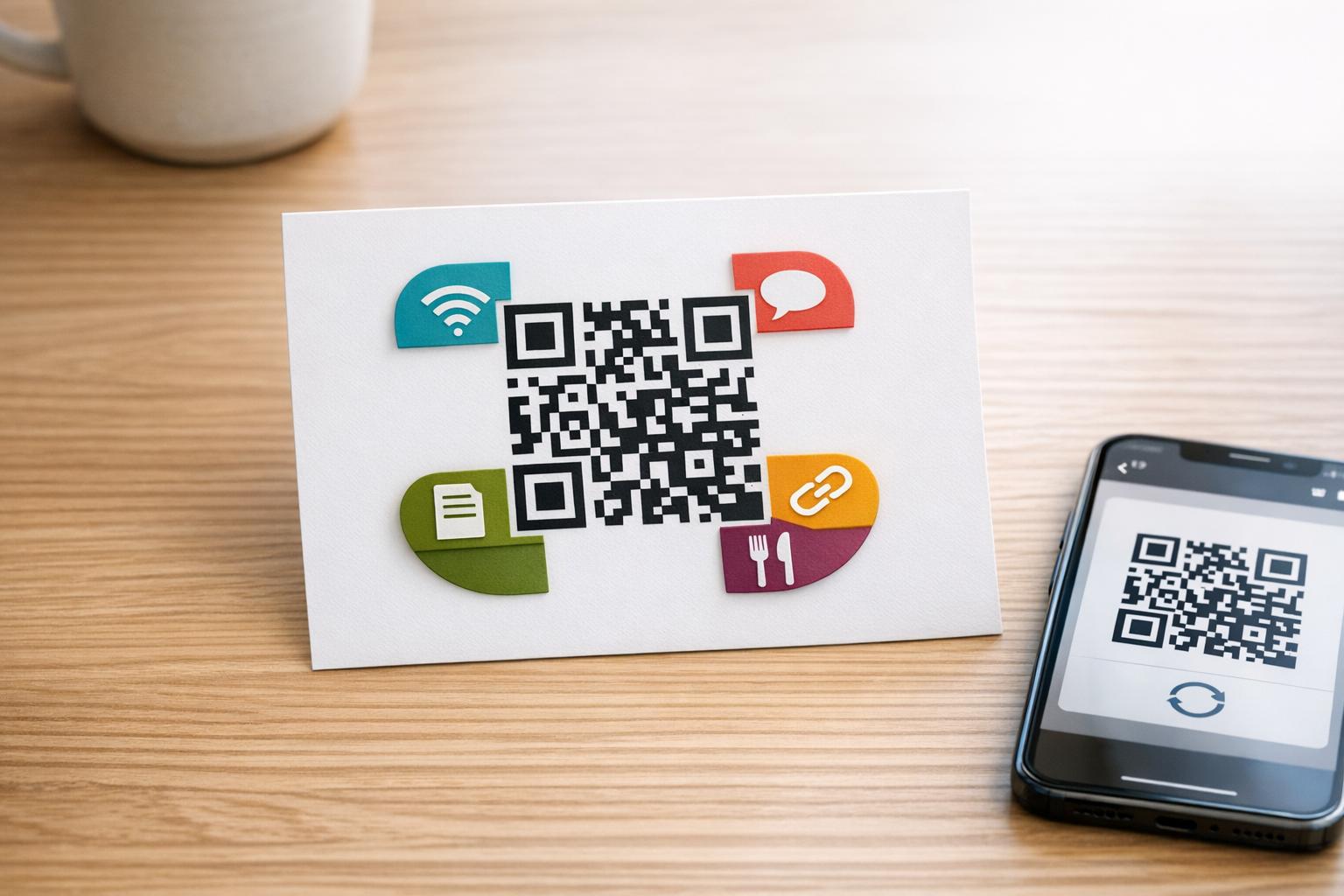
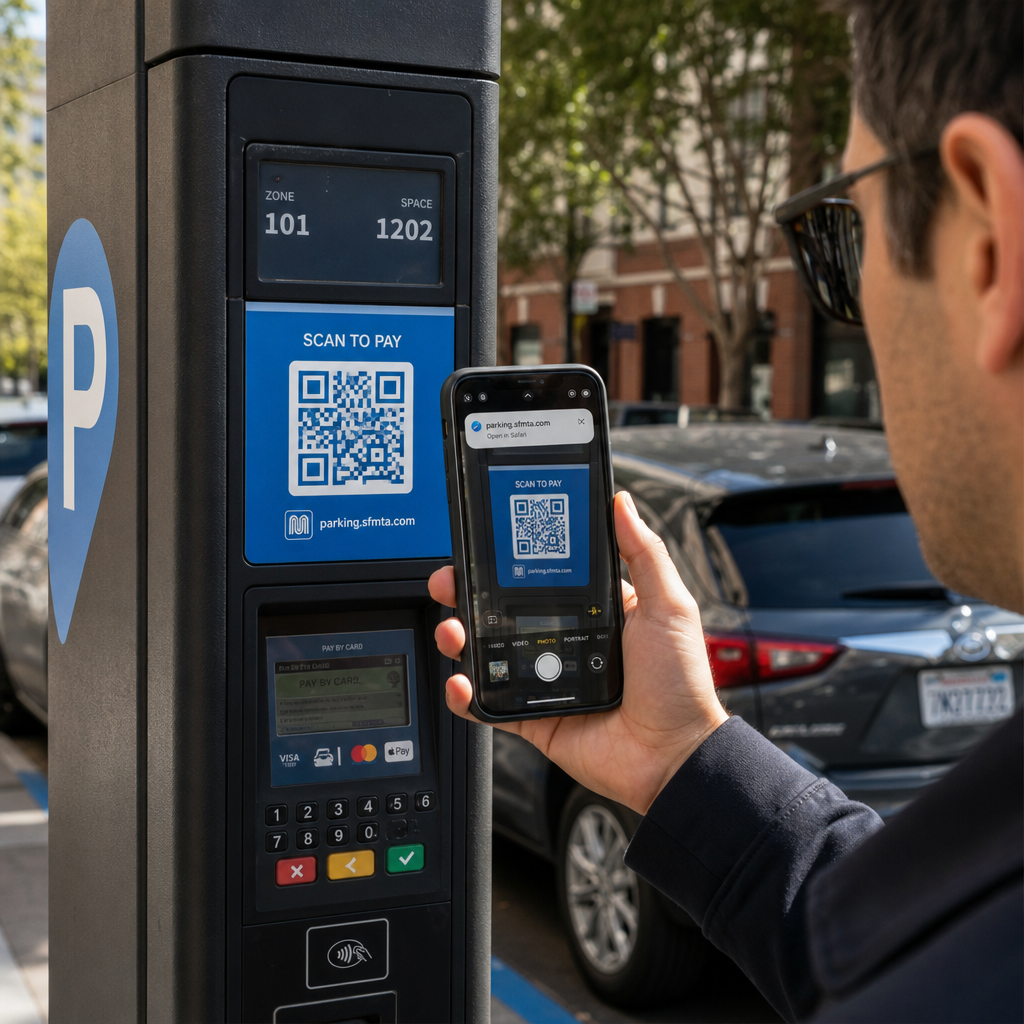
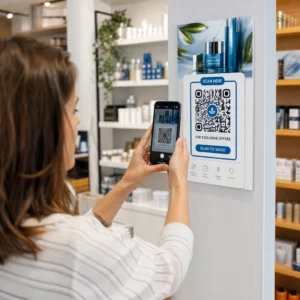
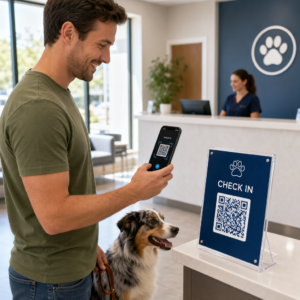
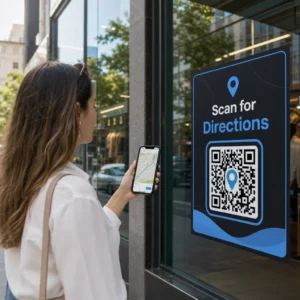
Ingin kode QR Anda terlihat seperti bagian dari merek Anda alih-alih kotak hitam-putih generik? Kode QR biasa berfungsi, tetapi kode bermerek dengan logo dan warna Anda membangun pengenalan dan lebih sering dipindai. Panduan ini menunjukkan kepada Anda cara membuat kode QR kustom yang terlihat profesional tanpa mengorbankan kemampuan pindai.
Mengapa Kode QR Bermerek Berkinerja Lebih Baik
Kode QR standar tidak memberi tahu pemindai apa pun tentang bisnis Anda. Kode bermerek melakukan lebih banyak pekerjaan bahkan sebelum ada yang memindainya. Ketika logo Anda berada di dalam kode dan warna merek Anda membingkai desain, pelanggan segera mengenali sumbernya. Pengenalan itu membangun kepercayaan – dan kepercayaan mendorong pemindaian.
Penelitian yang dibahas dalam 7 contoh kode QR bermerek menunjukkan bahwa kode QR bermerek dengan logo dapat meningkatkan tingkat pemindaian sebesar 30–70% dibandingkan dengan yang generik. Di luar angka-angka, kode bermerek memperkuat identitas visual Anda setiap kali muncul pada kemasan, papan nama, atau materi cetak.
Bisnis yang masih membentuk identitas visual mereka dapat menjelajahi ide untuk sebuah logo unik untuk bisnis sebelum menerapkannya di seluruh kode QR, kemasan, dan materi bermerek lainnya. Kuncinya adalah mengetahui pilihan desain mana yang membantu dan mana yang merusak kemampuan pemindaian.
Bagaimana Koreksi Kesalahan Kode QR Memungkinkan Integrasi Logo
Sebelum menyesuaikan kode Anda, ada baiknya memahami mengapa logo dapat ditambahkan sama sekali tanpa merusaknya. Kode QR menyertakan koreksi kesalahan bawaan berdasarkan kode Reed–Solomon, yang menambahkan data redundan sehingga pemindai dapat merekonstruksi pola bahkan ketika sebagian darinya terhalang.
Ada empat tingkat koreksi kesalahan:
- Tingkat L – memulihkan hingga 7% dari codeword yang rusak; ukuran kode terkecil; terbaik untuk penggunaan dalam ruangan yang bersih
- 14. Level M – memulihkan hingga 15%; pilihan standar untuk sebagian besar aplikasi pemasaran
- Tingkat Q – memulihkan hingga 25%; cocok untuk penggunaan di luar ruangan atau permukaan bertekstur
- Tingkat H – memulihkan hingga 30%; direkomendasikan setiap kali Anda menambahkan logo
Ketika Anda menyematkan logo di tengah kode QR, Anda sengaja mengaburkan sebagian dari polanya. Koreksi kesalahan Level H mengkompensasi hal itu, memungkinkan pemindai untuk merekonstruksi data yang hilang. Tanpa itu, bahkan logo kecil pun dapat menyebabkan kegagalan pemindaian.
Untuk melihat lebih dalam bagaimana ini bekerja dalam praktik, lihat Cara kerja koreksi kesalahan pada kode QR yang dapat diedit.
Buat Kode QR Bermerek dengan Logo Siap membuat kode QR yang mencerminkan merek Anda? Gunakan Generator QR Code dengan Logo untuk mengunggah logo Anda, pilih warna Anda, dan hasilkan kode yang dapat dipindai dan sesuai merek dalam hitungan menit.
Penempatan Logo: Aturan yang Melindungi Kemampuan Pindai
Menambahkan logo dengan tidak benar adalah salah satu alasan paling umum mengapa kode QR bermerek gagal. Ikuti panduan ini untuk menjaga kode Anda tetap andal:
- Jaga agar logo tetap di tengah. Bagian tengah kode QR berisi modul data yang paling diuntungkan dari cakupan koreksi kesalahan. Memusatkan logo menghindari tiga penanda posisi sudut, yang sangat penting untuk orientasi pemindai dan tidak boleh ditutupi.
- Batasi cakupan logo hingga sekitar 20–25% dari area kode. Menutupi lebih dari 30% melampaui apa yang bahkan dapat dipulihkan oleh koreksi kesalahan Level H. Mendekati 20% memberi Anda margin keamanan yang nyaman.
- Gunakan file logo beresolusi tinggi. Logo yang buram atau berpiksel di tengah kode menambah noise visual yang dapat mengganggu pemindaian, terutama pada perangkat lama. Gunakan PNG atau format vektor seperti SVG untuk hasil terbaik.
- Pilih logo yang sederhana, berbentuk persegi atau lingkaran. Logo persegi panjang vertikal berisiko tumpang tindih dengan pola waktu yang membentang di sepanjang tepi kode. Bentuk horizontal atau ringkas lebih aman.
- Uji pada beberapa perangkat sebelum mencetak. Kode yang memindai dengan sempurna di iPhone baru mungkin gagal di Android lama dengan kamera beresolusi lebih rendah. Uji di berbagai platform dan kondisi pencahayaan.
Pelajari lebih lanjut tentang integrasi logo yang aman di panduan tentang cara menambahkan logo ke kode QR.
Warna dan Kontras: Menjaga Warna Merek Anda Tetap Dapat Dipindai
Anda dapat menggunakan warna merek Anda dalam kode QR, tetapi pilihan warna secara langsung memengaruhi apakah kode dapat dipindai dengan andal. Pemindai membaca perbedaan antara modul gelap dan latar belakang terang – bukan warna tertentu. Ketika kontras itu hilang, kemampuan pemindaian juga hilang.
Aturan Kontras yang Harus Diikuti
- Gunakan modul latar depan gelap pada latar belakang terang. Ini adalah persyaratan dasar. Hitam klasik di atas putih menawarkan rasio kontras 21:1 dan merupakan kombinasi yang paling andal secara universal.
- Pertahankan rasio kontras minimum 4.5:1 untuk kode yang lebih kecil. Untuk kode format besar yang dilihat dari jarak jauh, rasio 4:1 dapat diterima. Anda dapat memverifikasi ini dengan pemeriksa kontras aksesibilitas web apa pun.
- Jangan pernah membalikkan warna. Skema terang-di-gelap (putih di atas hitam) mungkin terlihat mencolok, tetapi banyak pemindai QR gagal pada skema warna terbalik.
- Hindari gradien dalam pola modul. Gradien menciptakan nada tengah yang mengurangi kontras lokal dan membingungkan pemindai. Jika Anda menginginkan efek gradien, terapkan hanya pada elemen dekoratif di luar pola kode, seperti bingkai atau latar belakang.
- Jaga zona tenang tetap bersih. Zona tenang adalah margin kosong yang mengelilingi kode QR. Standar ISO mensyaratkan setidaknya empat modul ruang kosong di semua sisi. Jika setiap modul lebarnya 2 mm, zona tenang harus setidaknya 8 mm di setiap sisi. Menempatkan teks, elemen dekoratif, atau bahkan logo Anda terlalu dekat dengan batas ini dapat menyebabkan kegagalan pemindaian.
Untuk rincian lengkap tentang kombinasi warna mana yang berfungsi dan mana yang harus dihindari, lihat panduan tentang praktik terbaik kontras warna kode QR.
Ukuran dan Resolusi: Mendapatkannya Tepat untuk Cetak
Kode QR bermerek indah yang terlalu kecil untuk dipindai akan mengalahkan tujuannya. Ukuran memengaruhi keterbacaan dan jarak pemindaian.
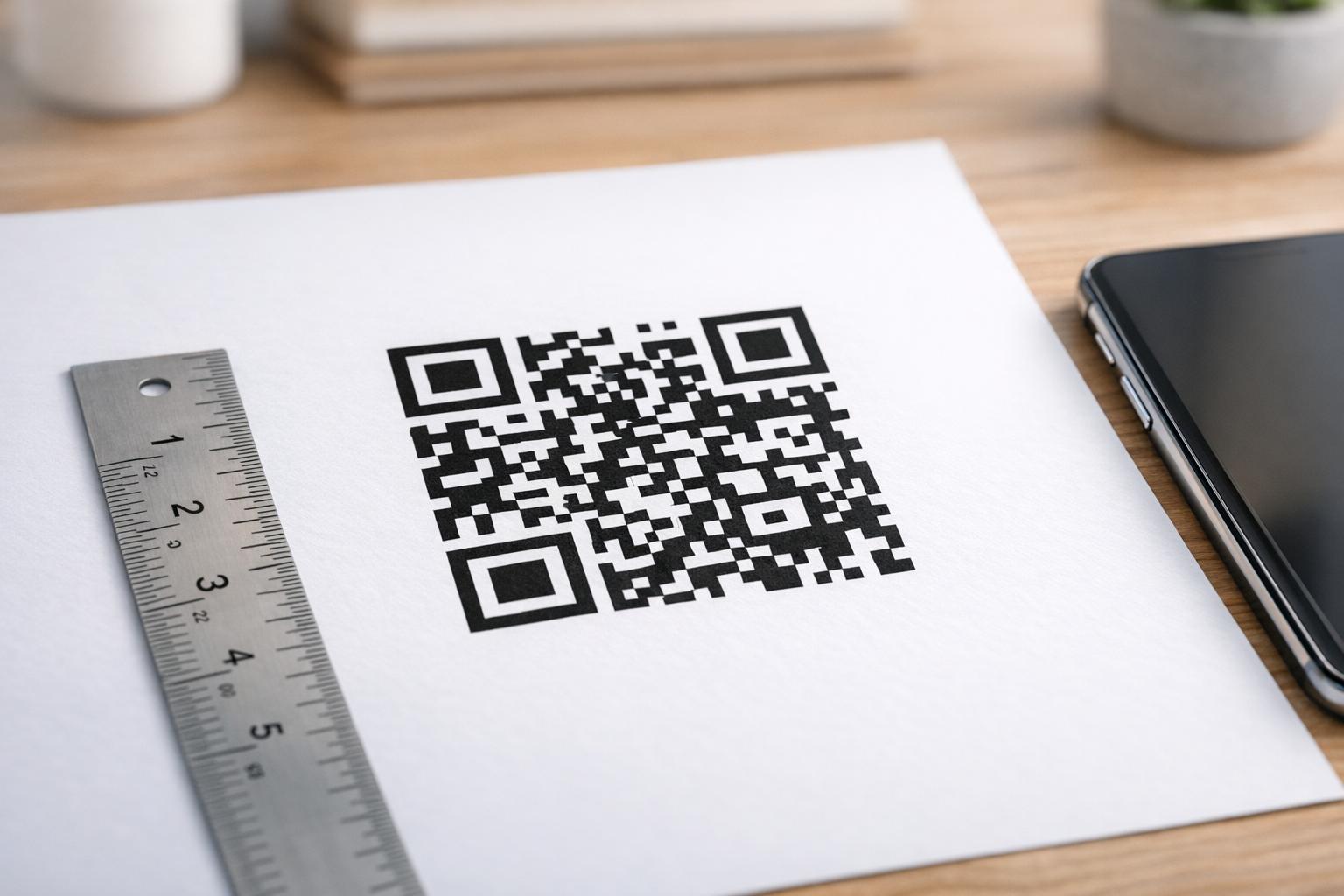
- Ukuran minimum untuk penggunaan jarak dekat adalah 0,8 × 0,8 inci (sekitar 2 × 2 cm). Di bawah ukuran ini, sebagian besar pemindai akan kesulitan.
- Terapkan aturan 10:1 untuk jarak pemindaian. Untuk setiap 10 cm jarak pemindaian yang diharapkan, kode harus setidaknya selebar 1 cm. Kode yang dimaksudkan untuk dipindai dari jarak 50 cm harus setidaknya selebar 5 cm.
- Ekspor dalam format vektor untuk cetak. Format SVG, EPS, dan PDF dapat diskalakan tanpa kehilangan kualitas. PNG yang dirasterisasi dengan resolusi rendah akan tampak buram saat dicetak, dan kode yang buram mungkin tidak dapat dipindai. Selalu ekspor pada 300 DPI atau lebih tinggi untuk aplikasi cetak.
Untuk panduan ukuran spesifik konteks, lihat praktik terbaik untuk keterbacaan kode QR.
Langkah demi Langkah: Membuat Kode QR Bermerek dengan Logo
Berikut adalah alur kerja praktis untuk membangun kode QR bermerek yang dapat dipindai dengan andal.
- Pilih generator yang mendukung penyematan logo dan kustomisasi warna. Tidak semua alat melakukannya. Cari yang memungkinkan Anda mengatur tingkat koreksi kesalahan, mengunggah logo, dan menyesuaikan warna secara independen. Pageloot’s generator kode QR mencakup semua ini.
- Atur tingkat koreksi kesalahan Anda ke H sebelum menambahkan logo. Beberapa generator secara default menggunakan Level M, yang tidak cukup saat ada logo.
- Masukkan URL tujuan atau konten Anda. Jika Anda membuat kode untuk kampanye atau materi cetak, pertimbangkan untuk menggunakan kode QR dinamis sehingga Anda dapat memperbarui tujuan nanti tanpa mencetak ulang.
- Unggah logo Anda. Gunakan file PNG atau SVG. Buat logo tetap sederhana – hindari teks halus atau ilustrasi kompleks yang kehilangan kejelasan pada ukuran kecil.
- Terapkan warna merek Anda. Pilih warna latar depan gelap yang selaras dengan palet merek Anda dan pasangkan dengan latar belakang terang atau putih. Uji rasio kontras sebelum menyelesaikan.
- Tambahkan bingkai dengan ajakan bertindak. Frasa singkat seperti “Pindai untuk melihat menu kami” atau “Pindai untuk penawaran eksklusif” menghilangkan ambiguitas dan meningkatkan tingkat pemindaian. Anda dapat mencocokkan Bingkai QR Code dengan warna merek dan logo Anda.
- Pratinjau dan uji. Pindai kode pada setidaknya dua perangkat berbeda sebelum mengunduh. Periksa dalam kondisi pencahayaan yang berbeda dan dari jarak yang Anda harapkan pengguna untuk memindai.
- Unduh dalam format yang tepat. Gunakan SVG atau EPS untuk cetak, PNG resolusi tinggi untuk penggunaan digital.

Untuk desain bermerek siap pakai yang dapat Anda adaptasi dengan cepat, jelajahi Template QR code.
Menggunakan Kode QR Dinamis untuk Kampanye Bermerek
Jika kode QR bermerek Anda akan muncul pada materi cetak, kode dinamis memberi Anda keuntungan signifikan. Dengan kode statis, tujuan terkunci secara permanen. Dengan kode dinamis, URL yang dikodekan dalam pola mengarah ke pengalihan singkat yang Anda kendalikan. Anda dapat mengubah tujuannya kapan saja tanpa mencetak ulang atau mendesain ulang kode.
Ini penting untuk kode bermerek khususnya karena:
- Anda mungkin ingin merotasi penawaran musiman atau halaman arahan kampanye
- Anda dapat memperbaiki tautan rusak tanpa menyentuh materi fisik
- Anda mendapatkan analitik pemindaian – data real-time tentang kapan, di mana, dan seberapa sering kode dipindai
Kode dinamis juga cocok dengan desain bermerek karena Anda menginvestasikan lebih banyak upaya pada kode yang terlihat profesional. Melindungi investasi tersebut dengan konten yang dapat diperbarui sangat masuk akal. Pelajari lebih lanjut tentang set fitur lengkap yang tersedia untuk kode QR kustom.
Aplikasi Dunia Nyata berdasarkan Industri
Memahami bagaimana bisnis lain menggunakan kode QR bermerek dapat membantu Anda mengidentifikasi pendekatan yang tepat untuk materi Anda sendiri.
- Ritel: Merek pakaian menyematkan kode QR dengan logo mereka pada hangtag, menautkan ke panduan gaya, tabel ukuran, atau toko online. Logo di tengah membuat kode mudah dikenali dan sesuai merek di titik penjualan.
- Restoran: Kode QR pada tenda meja atau sampul menu dapat menautkan ke menu digital, sistem reservasi, atau program loyalitas. Menyesuaikan warna kode dengan palet restoran menjaga desain tetap kohesif.
- Acara: Penyelenggara acara menggunakan kode QR bermerek pada lencana, papan nama, dan program cetak untuk mendorong unduhan aplikasi, check-in, atau jadwal sesi. Koreksi kesalahan yang tinggi sangat penting di sini karena kode mungkin dipindai dalam pencahayaan yang bervariasi.
- Kemasan produk: Kode QR bermerek pada kemasan dapat menautkan ke instruksi perakitan, pendaftaran garansi, atau ulasan produk. Menggunakan kode dinamis di sini berarti Anda dapat memperbarui tujuan seiring dengan perkembangan produk.

Untuk contoh yang lebih rinci, lihat 7 contoh kode QR bermerek.
Pertanyaan yang sering diajukan
Tidak jika Anda mengikuti pedoman yang tepat. Atur koreksi kesalahan ke Level H sebelum menambahkan logo, jaga logo tetap di tengah, dan batasi cakupannya hingga sekitar 20–25% dari total area kode. Hindari menutupi tiga penanda posisi sudut. Uji kode akhir pada beberapa perangkat sebelum mencetak.
Ya, selama Anda mempertahankan kontras yang cukup antara modul gelap dan latar belakang terang. Targetkan rasio kontras setidaknya 4.5:1. Hindari gradien dalam pola modul, jangan pernah membalik warna menjadi terang-di-gelap, dan selalu jaga zona tenang (margin kosong di sekitar kode) benar-benar bersih.
Ukuran minimum yang direkomendasikan untuk pemindaian jarak dekat adalah 0,8 × 0,8 inci (sekitar 2 × 2 cm). Untuk kode yang dimaksudkan untuk dipindai dari jarak yang lebih jauh, gunakan aturan 10:1: untuk setiap 10 cm jarak pemindaian yang diharapkan, kode harus memiliki lebar setidaknya 1 cm. Selalu ekspor file cetak dalam format vektor seperti SVG atau EPS untuk menghindari pikselasi.