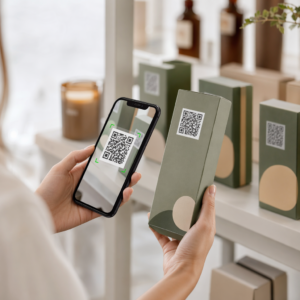
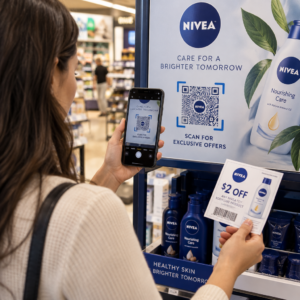
Kod QR dalam iklan akhbar atau majalah menghantar pembaca dari halaman bercetak ke laman web, video, kupon atau PDF. Untuk menambahkannya: cipta kod, cetak sekurang-kurangnya 2 x 2 cm (0.8 x 0.8 inci) dengan margin kosong di sekelilingnya, letakkan seruan bertindak yang ringkas di sebelahnya, dan ujinya pada kertas sebenar sebelum percetakan. Panduan ini meliputi setiap langkah untuk kod QR bagi iklan bercetak dalam majalah dan akhbar.
Jawapan Pantas untuk Kod QR Akhbar dan Majalah
- Saiz: sekurang-kurangnya 2 x 2 cm (0.8 x 0.8 inci). Gunakan 3 hingga 4 cm (1.2 hingga 1.6 inci) untuk kebanyakan iklan majalah dan sedikit lebih untuk akhbar.
- Zon senyap: kekalkan margin kosong sekurang-kurangnya empat modul (petak kecil) pada setiap sisi.
- Warna: kod gelap pada latar belakang terang dan kosong. Hitam di atas putih adalah pilihan paling selamat.
- Penempatan: bahagian tengah atau bawah iklan, jauh dari lipatan atau tulang belakang buku.
- Jenis kod: kod dinamik jika iklan disiarkan selama berminggu-minggu atau anda mahukan statistik imbasan. Kod statik sudah cukup untuk pautan sekali sahaja yang tidak akan berubah.
- Sebelum mencetak: imbas bukti pada kertas sebenar dengan sekurang-kurangnya satu iPhone dan satu telefon Android.
Mengapa Media Cetak Masih Berkesan Dengan Kod QR
Pembaca akhbar dan majalah meluangkan masa untuk membaca. Iklan bercetak juga mempunyai ruang untuk menjelaskan fungsi kod dan mengapa pembaca perlu mengimbasnya. Ayat seperti “Imbas untuk menonton video resipi” memberitahu pembaca apa yang akan berlaku seterusnya, sesuatu yang kod kosong tidak dapat lakukan.
Makanan, penerbitan, pendidikan, peruncitan dan perkhidmatan tempatan semuanya menggunakan media cetak. Kod QR menghubungkan khalayak tersebut ke laman web, video, tawaran atau aplikasi anda tanpa meminta sesiapa menaip URL.
Hubungkan Iklan Cetak Anda ke Kempen Digital Menggunakan Penjana Kod QR Pautan untuk mencipta kod QR untuk sebarang URL, sedia untuk dimuatkan ke dalam iklan akhbar atau majalah anda yang seterusnya.
Apa yang Perlu Dipautkan Kod QR Majalah atau Kod QR Akhbar
Tentukan fungsi kod sebelum anda mereka bentuk iklan. Destinasi menentukan seruan bertindak, saiz dan kedudukan pada halaman.
- Laman web atau halaman pendaratan: halaman kempen, halaman produk atau borang pendaftaran, dibuat dengan Penjana Kod QR Pautan
- Dokumen PDF: katalog, menu, kit akhbar atau suplemen, dibuat dengan Cara buat QR code untuk dokumen PDF
- Video: video produk, resipi atau temu bual, dibuat dengan Kod QR YouTube
- Kupon cetakan sahaja: tawaran yang hanya boleh dituntut oleh pembaca edisi ini, dibuat dengan Penjana QR code eCoupon
- Audio: fail MP3 temu bual wartawan atau segmen podcast
- Profil sosial atau butiran hubungan: kod di sebelah nama penulis supaya pembaca boleh mengikuti atau menghubungi penyumbang
Contoh sebenar: majalah makanan boleh memautkan hidangan resipi kepada video penuh. Iklan kecil akhbar boleh memautkan kepada senarai hartanah dengan gambar. Kedai tempatan boleh mencetak kod kupon dalam akhbar mingguan dan mengira berapa ramai orang yang menebusnya. Semakin cepat dan relevan hasil imbasan, semakin banyak imbasan yang akan anda peroleh.
Cara Menambah Kod QR pada Iklan Akhbar atau Majalah
- Buka Penjana Kod QR dan pilih jenis: pautan, PDF, video atau kupon.
- Masukkan destinasi. Gunakan URL yang pendek dan muktamad. URL yang lebih panjang menghasilkan kod yang lebih padat yang memerlukan lebih banyak ruang dalam cetakan.
- Pilih warna kod yang gelap dan latar belakang yang terang. Tambah logo hanya jika kod kekal mudah diimbas. Jangan tambah logo pada kod cetakan berita kecil.
- Muat turun fail vektor (SVG atau PDF) untuk pencetak. PNG hendaklah sekurang-kurangnya 1000 px lebar jika tiada fail vektor mungkin.
- Letakkan kod dalam susun atur iklan pada 2 x 2 cm atau lebih besar, dengan zon senyap kosong di sekelilingnya.
- Tambah seruan tindakan di sebelah kod yang menyatakan apa yang pembaca dapat.
- Minta bukti daripada penerbitan atau pencetak, kemudian imbasnya dengan beberapa telefon sebelum cetakan akhir.
Cara Mereka Bentuk Kod QR Yang Diimbas
Jenamakan kod secara visual
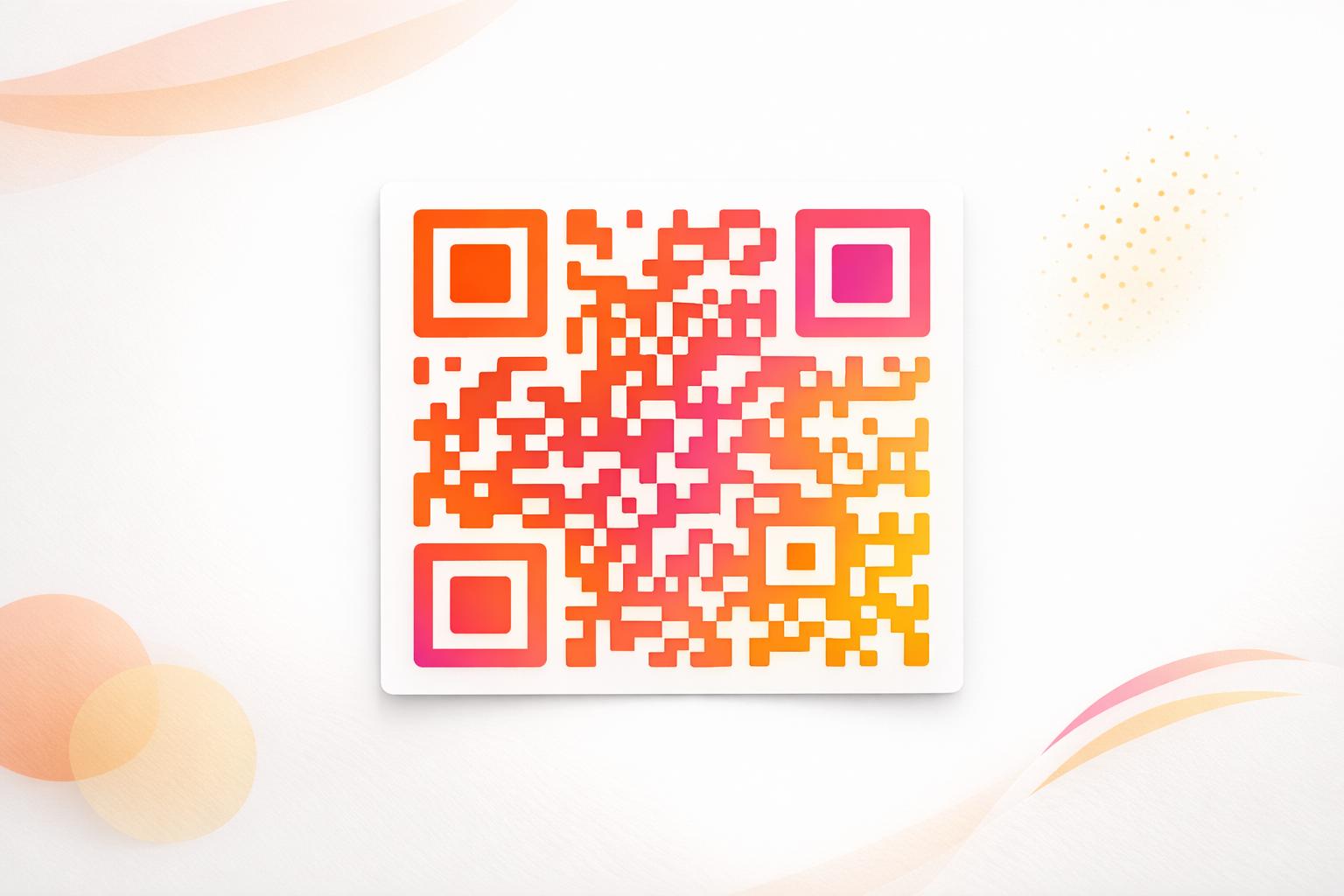
Kod hitam biasa menyatu dengan halaman. Warna jenama dan logo kecil di tengah menunjukkan kepada pembaca siapa pemilik kod tersebut. Gunakan Penjana Kod QR untuk menetapkan warna anda, tambah logo dan pilih bentuk yang sesuai dengan susun atur iklan anda.
Kekalkan kontras yang kuat. Modul kod mestilah jauh lebih gelap daripada latar belakang. Hitam di atas putih adalah yang paling boleh dipercayai. Jangan songsangkan warna (kod terang pada latar belakang gelap), dan jangan letakkan kod di atas foto atau corak.
Pilih dinamik berbanding statik
A kod QR dinamik menyimpan pautan pengalihan pendek dan bukannya alamat akhir. Anda boleh menukar tempat kod itu menunjuk selepas ribuan salinan dicetak, dan kod yang dicetak kekal sama. Kod dinamik juga menunjukkan statistik imbasan: bila, di mana dan pada peranti apa orang mengimbas. Ketahui lebih lanjut tentang cara mengedit kod QR selepas mencetak.
Kod statik cukup apabila pautan tidak akan pernah berubah dan anda tidak memerlukan statistik, contohnya pautan kekal ke halaman utama anda. Untuk iklan yang berjalan selama beberapa minggu, atau iklan yang tawarannya mungkin tamat, kod dinamik berbaloi. Kod statik tidak akan tamat tempoh. Kod dinamik pada pelan bulanan atau tahunan berhenti berfungsi apabila pelan berakhir, jadi pastikan pelan itu aktif selagi isu itu masih beredar.
Kod dinamik mempunyai percubaan percuma selama 14 hari. Lihat pelan di pageloot.com/pricing.
Kemas Kini Iklan Anda Tanpa Mencetak Semula Yang Penjana dynamic QR code membolehkan anda menukar URL destinasi anda pada bila-bila masa dan melihat imbasan mengikut tarikh, lokasi dan jenis peranti.
Tulis seruan tindakan yang jelas
Letakkan satu baris pendek berhampiran kod yang menyatakan apa yang pembaca akan dapat. “Imbas untuk menonton video resipi” atau “Imbas untuk diskaun pembaca anda” berfungsi. “Imbas di sini” tidak menyatakan apa-apa. Jika pembaca tidak tahu apa di sebalik kod itu, kebanyakan mereka akan melangkaunya.
Optimumkan destinasi untuk mudah alih
Setiap pembaca yang mengimbas kod dalam cetakan akan mendarat di telefon. Halaman tersebut mesti dimuat dengan pantas, muat pada skrin kecil dan menunjukkan tawaran di bahagian atas. Sebelum anda mencetak, uji keseluruhan laluan dari imbasan ke halaman pendaratan pada kedua-dua iOS dan Android.
Garis Panduan Penempatan dan Saiz untuk Kod QR pada Majalah dan Surat Khabar
Saiz, penempatan dan jenis kertas menentukan sama ada kod boleh diimbas. Ini adalah peraturan utama.

Saiz minimum
Cetak kod sekurang-kurangnya 2 x 2 cm (kira-kira 0.8 x 0.8 inci). Saiz berfungsi untuk kebanyakan iklan majalah ialah 1.2 hingga 1.6 inci (30 hingga 40 mm). Kod padat, dengan URL panjang, memerlukan lebih banyak ruang. Lihat garis panduan saiz kod QR untuk bahan cetakan yang berbeza untuk nasihat khusus format.
Kertas surat khabar berbanding kertas majalah berkilat
Kertas akhbar berliang dan menyerap dakwat, jadi butiran halus kelihatan lembut dan kod boleh dicetak lebih gelap dan kabur daripada di skrin. Gunakan kod yang lebih besar (3 cm atau lebih), reka bentuk segi empat tepat yang ringkas, tiada logo di tengah dan hitam tulen di atas putih. Kertas majalah berkilat mencetak lebih tajam, tetapi silau boleh menyukarkan pengimbasan. Minta kawasan matt di sekeliling kod jika penerbit boleh melakukannya. Saiz-saiz ini adalah titik permulaan yang selamat. Bukti cetakan anda menentukan saiz akhir.
Zon senyap
Tinggalkan margin kosong sekurang-kurangnya empat modul di semua sisi. Margin ini membolehkan kamera mencari kod. Jangan biarkan teks, foto atau sempadan memasukinya.
Penempatan pada halaman
Letakkan kod di bahagian tengah atau bawah iklan, di mana pembaca boleh memegang halaman dan menghalakan telefon. Sudut mudah terlepas pandang. Jauhkan kod daripada tulang belakang atau lipatan majalah, kerana bengkokan itu akan memesongkannya. Jangan letakkan kod di tepi halaman yang akan dipotong. Lihat amalan terbaik untuk penempatan kod QR dalam pemasaran.
Kualiti cetakan
Hantar fail vektor (SVG, PDF atau EPS) kepada pencetak supaya kod kekal tajam pada sebarang saiz. Kod resolusi rendah adalah punca paling biasa mengapa kod bercetak gagal. Lihat bagaimana teknik percetakan mempengaruhi kebolehimbasan kod QR.
Sentiasa uji sebelum cetakan
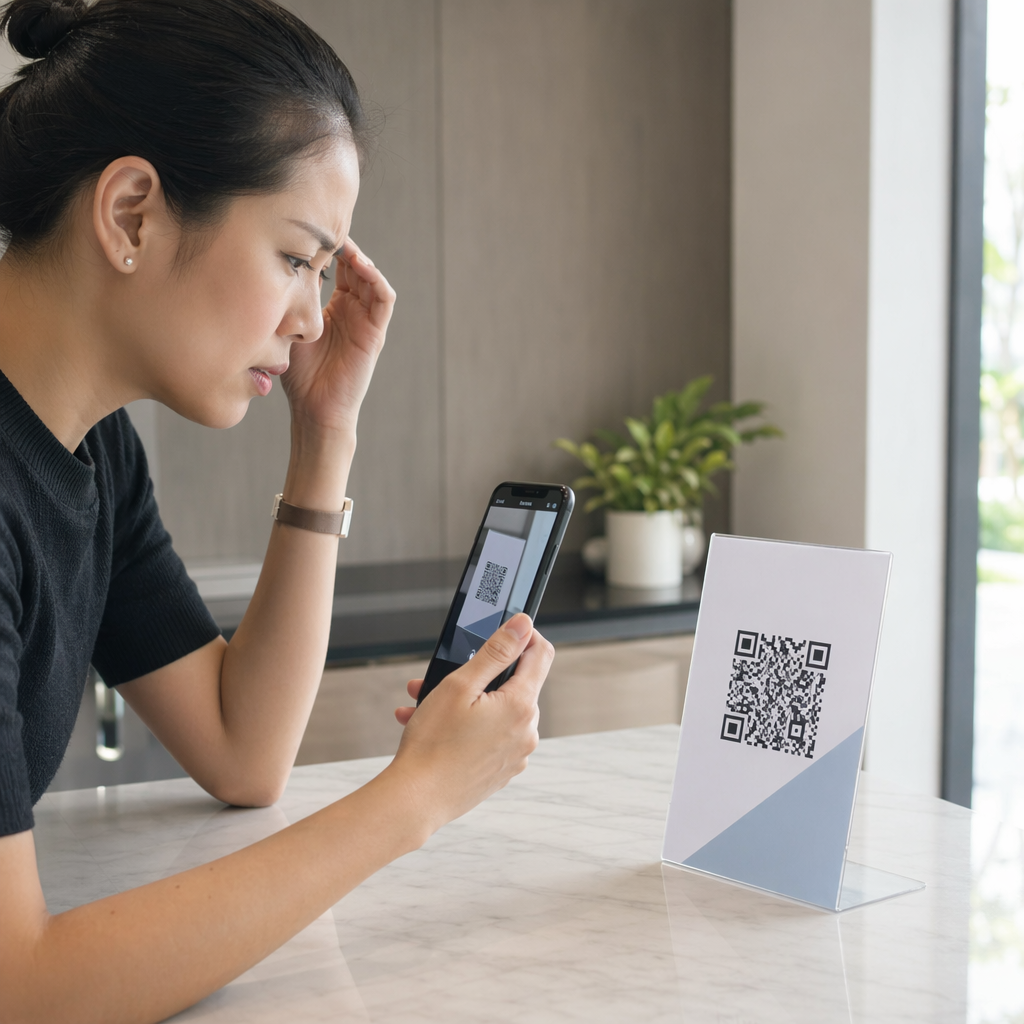
Imbas bukti cetakan pada saiz akhirnya, pada kertas sebenar, dengan beberapa telefon, dalam cahaya siang dan dalam cahaya bilik. Kod yang boleh diimbas pada monitor anda mungkin gagal pada kertas. Lihat amalan terbaik untuk kebolehbacaan kod QR untuk senarai semak.
Tidak Mengimbas? Semak Punca-punca Ini
- Terlalu kecil: di bawah 2 cm, atau lebih kecil daripada yang dibenarkan oleh bukti cetakan. Besarkannya.
- Tiada zon tenang: teks atau imej menyentuh kod. Tambah margin kosong.
- Kontras rendah atau warna terbalik: gunakan kod gelap pada latar belakang cerah.
- Kod pada lipatan: alihkannya dari tulang belakang.
- Dakwat merebak pada kertas akhbar: besarkan kod dan buang logo.
- Kod padat: pendekkan URL, atau gunakan kod dinamik, yang mempunyai pautan pendek dan corak yang kurang padat.
- Pautan mati: kod dinamik pada pelan yang tamat tempoh, atau halaman destinasi yang telah dialih keluar.
Cara Menjejak dan Mengukur Kempen QR Cetakan Anda
Iklan cetakan sukar diukur. Apabila pembaca melihat iklan dan kemudian menaip alamat anda, anda tidak tahu iklan itu menyebabkan lawatan tersebut. Kod yang diimbas memberitahu anda.

Dengan kod QR dinamik anda boleh melihat:
- Jumlah imbasan dan imbasan unik: berapa kali kod digunakan
- Tarikh dan masa imbasan: isu atau hari mana yang memberikan imbasan terbanyak
- Lokasi: wilayah mana yang bertindak balas
- Jenis peranti: iOS atau Android, yang membantu anda menyemak halaman mudah alih
Buat satu kod untuk setiap penerbitan, isu atau penempatan iklan. Kemudian anda boleh membandingkan tajuk dan kedudukan. Tahap perincian bergantung pada pelan anda. Ketahui lebih lanjut mengenai bagaimana kod QR menjejaki penglibatan iklan cetak dan bagaimana kod QR menghubungkan pemasaran cetak dan digital.
Lihat Siapa Yang Mengimbas dan Bila Jejaki imbasan mengikut tarikh, lokasi dan peranti dengan Pageloot’s Penjana dynamic QR code.
Menyatukan Semuanya
Kod QR dalam surat khabar atau majalah berfungsi apabila pembaca mendapat sesuatu yang berbaloi untuk diimbas: video, tawaran atau maklumat yang tidak muat pada halaman. Buat kod cukup besar, kekalkan margin kosong, jelaskan dalam satu baris dan ujinya pada kertas sebenar.
Gunakan kod dinamik jika anda ingin menukar destinasi atau melihat hasil. Gunakan kod statik untuk pautan kekal.
Untuk maklumat lanjut mengenai cetakan, lihat cara menggunakan kod QR dalam media cetak.
Soalan lazim
Cetak kod sekurang-kurangnya 2 x 2 cm (kira-kira 0.8 x 0.8 inci). Untuk kebanyakan iklan majalah, 3 hingga 4 cm (1.2 hingga 1.6 inci) adalah lebih selamat. Pada kertas akhbar, cetak lebih besar, kerana dakwat merebak pada kertas. Sentiasa uji cetakan percubaan.
Gunakan kod dinamik jika iklan berlangsung lama, tawaran mungkin berubah, atau anda mahukan statistik imbasan seperti tarikh, lokasi dan peranti. Anda boleh menyunting destinasi selepas mencetak. Gunakan kod statik untuk pautan kekal yang tidak perlu anda ubah. Kod statik tidak tamat tempoh.
Letakkannya di bahagian tengah atau bawah iklan. Elakkan sudut, lipatan dan tulang belakang majalah. Pastikan margin kosong sekurang-kurangnya empat modul di sekelilingnya dan tambah seruan bertindak yang pendek.
Ya. Iklan akhbar, iklan baris dan artikel semuanya boleh membawa kod QR. Gunakan saiz yang lebih besar, dakwat gelap pada latar belakang cerah dan tiada logo, kerana kertas akhbar menyerap dakwat dan melembutkan butiran halus.
Gunakan kod QR dinamik. Ia menunjukkan bila, di mana dan pada peranti apa orang mengimbas. Berikan setiap majalah, isu atau iklan kodnya sendiri supaya anda boleh membandingkannya. Kod dinamik Pageloot mempunyai percubaan percuma selama 14 hari.
Halaman mesra mudah alih yang menyampaikan apa yang dijanjikan oleh seruan bertindak, seperti video, kupon atau halaman produk. Jangan pautkan ke halaman utama umum.
Punca-punca biasa ialah kod yang terlalu kecil, tiada margin kosong di sekelilingnya, kontras rendah, penempatan pada lipatan, atau imej beresolusi rendah. Uji bukti pada kertas sebenar dengan beberapa telefon.
Kod statik tidak tamat tempoh. Kod dinamik pada pelan bulanan atau tahunan menjadi tidak aktif selepas pelan tamat, jadi pastikan pelan kekal aktif selagi isu itu masih dalam edaran.