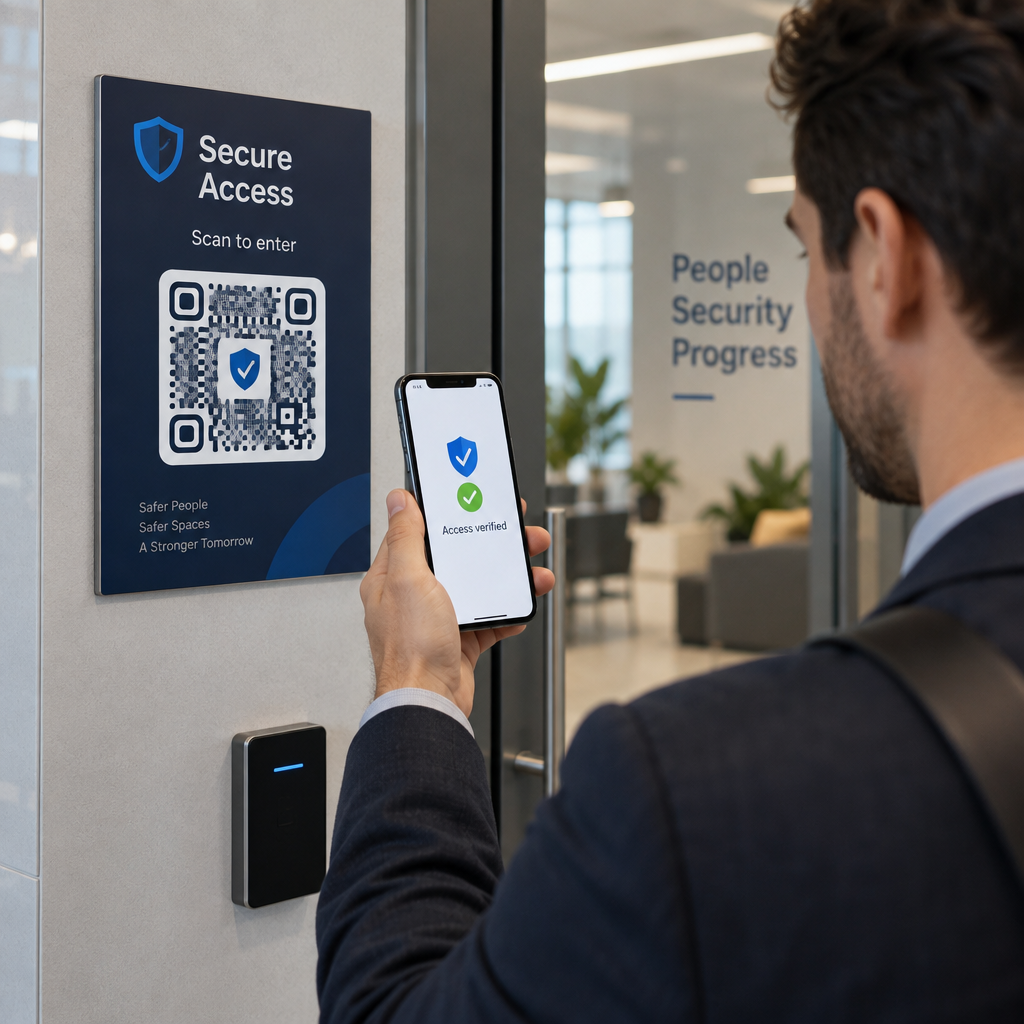
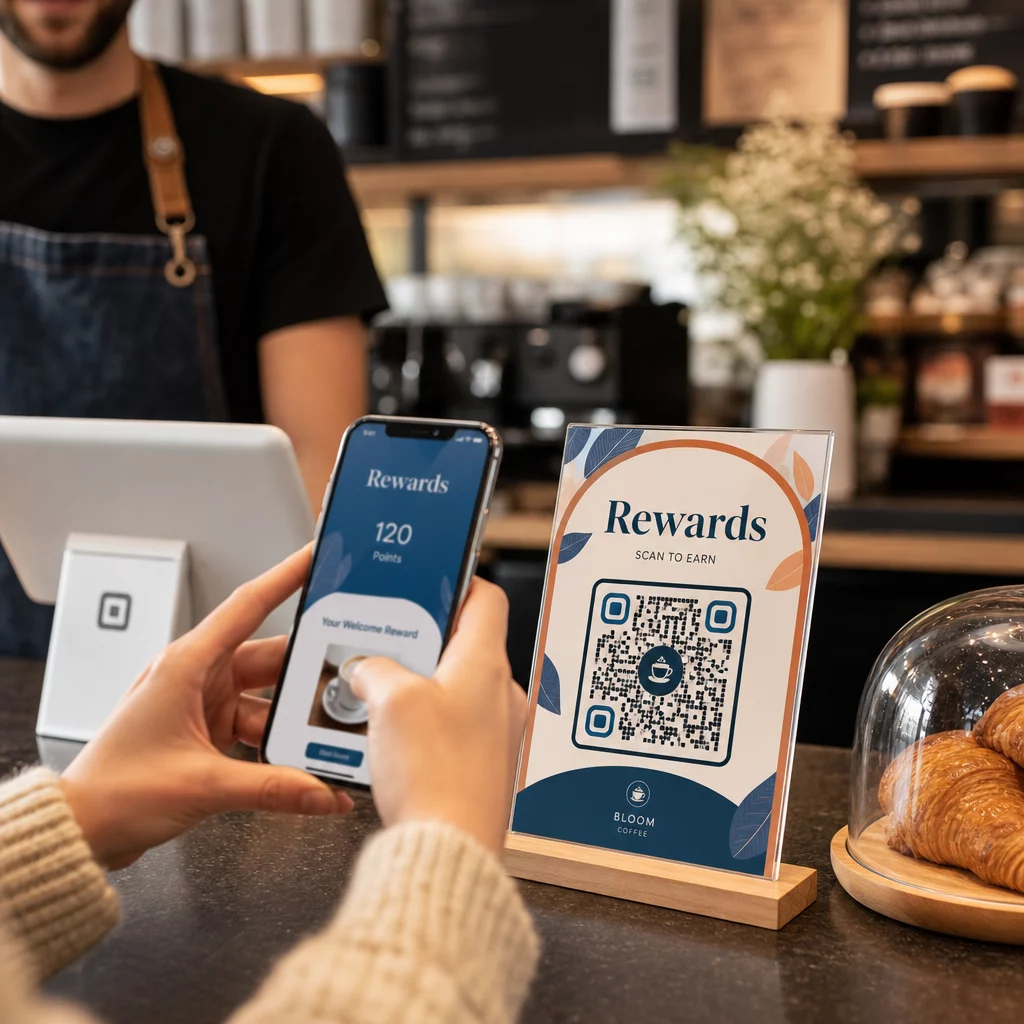
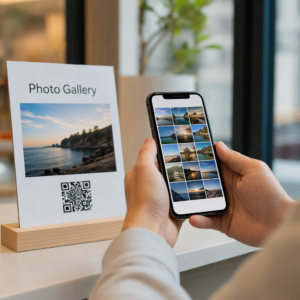
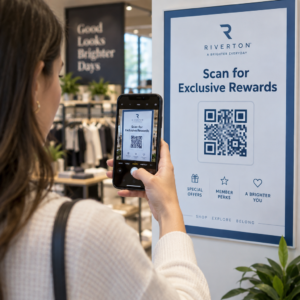
Ønsker du at QR-koden din skal se ut som en del av merkevaren din i stedet for en generisk svart-hvitt-firkant? En enkel QR-kode fungerer, men en merket kode med logo og farger bygger gjenkjennelse og blir skannet mer. Denne guiden viser deg hvordan du lager en tilpasset QR-kode som ser profesjonell ut uten å ofre skannbarheten.
Hvorfor merkevare-QR-koder presterer bedre
En standard QR-kode forteller en skanner ingenting om virksomheten din. En merket kode gjør mer arbeid før noen i det hele tatt skanner den. Når logoen din sitter inne i koden og merkevarefargene dine rammer inn designet, gjenkjenner kundene kilden umiddelbart. Den gjenkjennelsen bygger tillit – og tillit driver skanninger.
Forskning dekket i 7 eksempler på merkede QR-koder viser at merkede QR-koder med logoer kan øke skannefrekvensen med 30–70 % sammenlignet med generiske. Utover tallene forsterker en merket kode din visuelle identitet hver gang den vises på emballasje, skilting eller trykt materiale.
Bedrifter som fortsatt former sin visuelle identitet kan utforske ideer til en unik logo for bedriften før den tas i bruk på tvers av QR-koder, emballasje og andre merkevarerelaterte materialer. Nøkkelen er å vite hvilke designvalg som hjelper og hvilke som ødelegger skannbarheten.
Hvordan QR-kodens feilretting gjør logo-integrasjon mulig
Før du tilpasser koden din, hjelper det å forstå hvorfor logoer i det hele tatt kan legges til uten å ødelegge den. QR-koder inkluderer innebygd feilretting basert på Reed–Solomon-koder, som legger til redundant data slik at skannere kan rekonstruere mønsteret selv når deler av det er skjult.
Det er fire feilrettingsnivåer:
- Nivå L – gjenoppretter opptil 7 % av skadede kodeord; minste kodestørrelse; best for ren innendørs bruk
- Nivå M – gjenoppretter opptil 15 %; standardvalget for de fleste markedsføringsapplikasjoner
- Nivå Q – gjenoppretter opptil 25 %; egnet for utendørs bruk eller teksturerte overflater
- Nivå H – gjenoppretter opptil 30 %; anbefales når du legger til en logo
Når du legger inn en logo i midten av en QR-kode, skjuler du med vilje en del av mønsteret. Nivå H feilkorrigering kompenserer for det, slik at skanneren kan rekonstruere de manglende dataene. Uten det kan selv en liten logo forårsake skannefeil.
For en dypere titt på hvordan dette fungerer i praksis, se Slik fungerer feilkorrigering i redigerbare QR-koder.
Lag en merket QR-kode med en logo Klar til å bygge en QR-kode som gjenspeiler merkevaren din? Bruk QR-kode generator med logo for å laste opp logoen din, velge farger og generere en skannbar, merkevaretilpasset kode på minutter.
Logoplassering: Regler som beskytter skannbarheten
Å legge til en logo feil er en av de vanligste årsakene til at merkede QR-koder mislykkes. Følg disse retningslinjene for å holde koden din pålitelig:
- Hold logoen sentrert. Midten av en QR-kode inneholder datamoduler som drar mest nytte av feilkorrigeringsdekning. Sentrering av logoen unngår de tre hjørneposisjonsmarkørene, som er kritiske for skannerorientering og aldri må dekkes.
- Begrens logodekningen til rundt 20–25% av kodeområdet. Å dekke mer enn 30% går utover det selv Nivå H feilkorrigering kan gjenopprette. Nærmere 20% gir deg en komfortabel sikkerhetsmargin.
- Bruk en høyoppløselig logofil. En uskarp eller pikselert logo i midten av en kode legger til visuell støy som kan forstyrre skanningen, spesielt på eldre enheter. Bruk PNG eller et vektorformat som SVG for best resultat.
- Foretrekk enkle, firkantede eller sirkulære logoer. Vertikale rektangulære logoer risikerer å overlappe tidsmønstrene som går langs kantene av koden. Horisontale eller kompakte former er tryggere.
- Test på flere enheter før utskrift. En kode som skanner perfekt på en ny iPhone, kan feile på en eldre Android med et kamera med lavere oppløsning. Test på tvers av plattformer og lysforhold.
Lær mer om sikker logo-integrasjon i guiden om hvordan du legger til logoer i QR-koder.
Farge og kontrast: Hold merkevarefargene dine skannbare
Du kan bruke merkevarefargene dine i en QR-kode, men fargevalg påvirker direkte om koden skanner pålitelig. Skannere leser forskjellen mellom mørke moduler og en lys bakgrunn – ikke spesifikke fargetoner. Når den kontrasten forsvinner, forsvinner også skannbarheten.
Kontrastreglene du må følge
- Bruk mørke forgrunnsmoduler på en lys bakgrunn. Dette er grunnkravet. Klassisk svart på hvitt gir et kontrastforhold på 21:1 og er den mest universelt pålitelige kombinasjonen.
- Oppretthold et minimum kontrastforhold på 4,5:1 for mindre koder. For storformatkoder sett på avstand er et forhold på 4:1 akseptabelt. Du kan verifisere dette med enhver nettbasert kontrastkontroll for tilgjengelighet.
- Aldri inverter farger. Et lyst-på-mørkt (hvitt på svart) skjema kan se slående ut, men mange QR-skannere feiler på omvendte fargeskjemaer.
- Unngå gradienter innenfor modulmønsteret. Gradienter skaper mellomtoner som reduserer lokal kontrast og forvirrer skannere. Hvis du ønsker en gradienteffekt, bruk den kun på dekorative elementer utenfor kodemønsteret, for eksempel en ramme eller bakgrunn.
- Hold den stille sonen klar. Den stille sonen er den tomme margen som omgir QR-koden. ISO-standarden krever minst fire moduler med tom plass på alle sider. Hvis hver modul er 2 mm bred, må den stille sonen være minst 8 mm på hver side. Å plassere tekst, dekorative elementer, eller til og med logoen din for nær denne grensen kan føre til skannefeil.
For en fullstendig oversikt over hvilke fargekombinasjoner som fungerer og hvilke som bør unngås, se veiledningen om beste praksis for fargekontrast i QR-koder.
Størrelse og oppløsning: Få det riktig for utskrift
En vakkert merkevaretilpasset QR-kode som er for liten til å skanne, mister hensikten. Størrelse påvirker både lesbarhet og skanneavstand.
- Minimumsstørrelse for bruk på nært hold er 0,8 × 0,8 tommer (omtrent 2 × 2 cm). Under dette sliter de fleste skannere.
- Bruk 10:1-regelen for skanneavstand. For hver 10 cm forventet skanneavstand, bør koden være minst 1 cm bred. En kode ment å skannes fra 50 cm avstand bør være minst 5 cm bred.
- Eksporter i vektorformater for utskrift. SVG-, EPS- og PDF-formater skalerer uten tap av kvalitet. En rasterisert PNG med lav oppløsning vil fremstå uskarp når den skrives ut, og en uskarp kode kan hende ikke skanner. Eksporter alltid med 300 DPI eller høyere for utskriftsapplikasjoner.
For kontekstspesifikk størrelsesveiledning, se beste praksis for lesbarhet av QR-koder.
Trinn for trinn: Lage en merkevaretilpasset QR-kode med logo
Her er en praktisk arbeidsflyt for å bygge en merkevaretilpasset QR-kode som skanner pålitelig.
- Velg en generator som støtter logo-innbygging og fargetilpasning. Ikke alle verktøy gjør det. Se etter en som lar deg angi feilrettingsnivåer, laste opp en logo og justere farger uavhengig. Pageloot’s QR-kodegenerator dekker alle disse.
- Sett feilrettingsnivået til H før du legger til en logo. Noen generatorer har standardinnstillingen nivå M, noe som ikke er tilstrekkelig når en logo er til stede.
- Angi destinasjons-URL-en eller innholdet ditt. Hvis du lager en kode for en kampanje eller trykt materiale, vurder å bruke en dynamisk QR-kode slik at du kan oppdatere destinasjonen senere uten å måtte trykke på nytt.
- Last opp logoen din. Bruk en PNG- eller SVG-fil. Hold logoen enkel – unngå fin tekst eller komplekse illustrasjoner som mister klarhet i små størrelser.
- Bruk merkevarefargene dine. Velg en mørk forgrunnsfarge som passer med merkevarepaletten din og kombiner den med en lys eller hvit bakgrunn. Test kontrastforholdet før du fullfører.
- Legg til en ramme med en oppfordring til handling. En kort frase som “Skann for å se menyen vår” eller “Skann for eksklusive tilbud” fjerner tvetydighet og øker skannefrekvensen. Du kan tilpasse Rammer for QR-koder til merkevarefargene og logoen din.
- Forhåndsvis og test. Skann koden på minst to forskjellige enheter før du laster ned. Sjekk den under forskjellige lysforhold og fra avstandene du forventer at brukere vil skanne fra.
- Last ned i riktig format. Bruk SVG eller EPS for trykk, høyoppløselig PNG for digital bruk.

For ferdige merkevaretilpassede design du raskt kan tilpasse, utforsk QR-kodemaler.
Bruke dynamiske QR-koder for merkevarekampanjer
Hvis din merkevare-QR-kode vil vises på trykt materiale, gir en dynamisk kode deg en betydelig fordel. Med en statisk kode er destinasjonen låst permanent. Med en dynamisk kode peker URL-en kodet i mønsteret til en kort omdirigering som du kontrollerer. Du kan endre hvor den fører når som helst uten å trykke på nytt eller redesigne koden.
Dette er spesielt viktig for merkevarekoder fordi:
- Du kanskje ønsker å rotere sesongbaserte tilbud eller kampanjelandingssider
- Du kan fikse ødelagte lenker uten å røre det fysiske materialet
- Du får skanneanalyser – sanntidsdata om når, hvor og hvor ofte koden skannes
Dynamiske koder passer også godt med merkevare-design fordi du investerer mer innsats i en kode som ser profesjonell ut. Å beskytte den investeringen med oppdaterbart innhold gir praktisk mening. Lær mer om den fullstendige funksjonssettet tilgjengelig for tilpassede QR-koder.
Virkelige applikasjoner etter bransje
Å forstå hvordan andre bedrifter bruker merkevare-QR-koder kan hjelpe deg med å identifisere den rette tilnærmingen for ditt eget materiale.
- Detaljhandel: Klesmerker legger inn QR-koder med logoen sin på hengeetiketter, som lenker til stilguider, størrelseskart eller nettbutikken. Logoen i midten gjør koden gjenkjennelig og merkevaretilpasset ved salgsstedet.
- Restauranter: En QR-kode på en bordrytter eller menyomslag kan lenke til den digitale menyen, reservasjonssystemet eller lojalitetsprogrammet. Å matche kodens farger med restaurantens palett holder designet sammenhengende.
- Arrangementer: Arrangementsarrangører bruker merkevare-QR-koder på merker, skilting og trykte programmer for å drive appnedlastinger, innsjekkinger eller sesjonsplaner. Høy feilkorreksjon er spesielt viktig her siden koder kan skannes i varierende lysforhold.
- Produktemballasje: En merkevare-QR-kode på emballasjen kan lenke til monteringsinstruksjoner, garantiregistrering eller produktanmeldelser. Å bruke en dynamisk kode her betyr at du kan oppdatere destinasjonen etter hvert som produktet utvikler seg.

For mer detaljerte eksempler, se 7 eksempler på merkede QR-koder.
Ofte stilte spørsmål
Ikke hvis du følger de riktige retningslinjene. Still feilretting til nivå H før du legger til en logo, hold logoen sentrert, og begrens dekningen til rundt 20–25 % av det totale kodeområdet. Unngå å dekke de tre hjørneposisjonsmarkørene. Test den endelige koden på flere enheter før utskrift.
Ja, så lenge du opprettholder tilstrekkelig kontrast mellom de mørke modulene og den lyse bakgrunnen. Sikt på et kontrastforhold på minst 4,5:1. Unngå gradienter innenfor modulmønsteret, snu aldri fargene til lys-på-mørk, og hold alltid den stille sonen (den tomme margingen rundt koden) helt klar.
Den minste anbefalte størrelsen for skanning på nært hold er 0,8 × 0,8 tommer (omtrent 2 × 2 cm). For koder ment å skannes fra større avstander, bruk 10:1-regelen: for hver 10 cm forventet skanneavstand, bør koden være minst 1 cm bred. Eksporter alltid utskriftsfiler i et vektorformat som SVG eller EPS for å unngå pikselering.