Искате ли вашият QR код да изглежда като част от вашата марка, вместо като обикновен черно-бял квадрат? Обикновеният QR код работи, но брандираният с вашето лого и цветове изгражда разпознаваемост и се сканира повече. Това ръководство ви показва как да създадете персонализиран QR код, който изглежда професионално, без да жертвате възможността за сканиране.
Защо брандираните QR кодове се представят по-добре
Стандартният QR код не казва нищо на скенера за вашия бизнес. Брандираният върши повече работа, преди някой дори да го сканира. Когато вашето лого е в кода и цветовете на вашата марка рамкират дизайна, клиентите разпознават източника незабавно. Това разпознаване изгражда доверие – а доверието стимулира сканиранията.
Изследване, обхванато в 7 примера за брандирани QR кодове показва, че брандираните QR кодове с лога могат да увеличат процента на сканиране с 30–70% в сравнение с обикновените. Отвъд цифрите, брандираният код подсилва вашата визуална идентичност всеки път, когато се появи на опаковка, табели или печатни материали.
Бизнеси, които все още оформят своята визуална идентичност, могат да проучат идеи за уникално лого за бизнес преди да го приложат върху QR кодове, опаковки и други брандирани материали. Ключът е да се знае кои дизайнерски избори помагат и кои нарушават възможността за сканиране.
Как корекцията на грешки в QR кода прави възможна интеграцията на лого
Преди да персонализирате кода си, е полезно да разберете защо изобщо могат да се добавят лога, без да го развалят. QR кодовете включват вградена корекция на грешки, базирана на кодове на Рийд-Соломон, която добавя излишни данни, така че скенерите да могат да възстановят модела, дори когато част от него е скрита.
Има четири нива на корекция на грешки:
- Ниво L – възстановява до 7% от повредените кодови думи; най-малък размер на кода; най-добро за чиста употреба на закрито
- Ниво M – възстановява до 15%; стандартният избор за повечето маркетингови приложения
- Ниво Q – възстановява до 25%; подходящо за употреба на открито или върху текстурирани повърхности
- Ниво H – възстановява до 30%; препоръчително винаги, когато добавяте лого
Когато вграждате лого в центъра на QR код, вие умишлено скривате част от шаблона. Корекцията на грешки от ниво H компенсира това, позволявайки на скенера да възстанови липсващите данни. Без нея дори малко лого може да причини неуспешни сканирания.
За по-задълбочен поглед върху това как работи на практика, вижте как работи корекцията на грешки в редактируемите QR кодове.
Създайте брандиран QR код с лого Готови ли сте да създадете QR код, който отразява вашата марка? Използвайте QR code generator с лого за да качите вашето лого, да изберете цветовете си и да генерирате сканируем, съобразен с марката код за минути.
Позициониране на логото: Правила, които защитават възможността за сканиране
Неправилното добавяне на лого е една от най-честите причини брандираните QR кодове да се провалят. Следвайте тези указания, за да запазите кода си надежден:
- Дръжте логото центрирано. Центърът на QR кода съдържа модули за данни, които се възползват най-много от покритието за корекция на грешки. Центрирането на логото избягва трите ъглови маркера за позиция, които са критични за ориентацията на скенера и никога не трябва да бъдат покривани.
- Ограничете покритието на логото до около 20–25% от площта на кода. Покриването на повече от 30% надхвърля това, което дори корекцията на грешки от ниво H може да възстанови. По-близо до 20% ви дава комфортен запас за безопасност.
- Използвайте файл с лого с висока разделителна способност. Размито или пикселизирано лого в центъра на кода добавя визуален шум, който може да попречи на сканирането, особено на по-стари устройства. Използвайте PNG или векторен формат като SVG за най-добър резултат.
- Предпочитайте прости, квадратни или кръгли лога. Вертикалните правоъгълни лога рискуват да се припокрият с времевите модели, които минават по краищата на кода. Хоризонталните или компактни форми са по-безопасни.
- Тествайте на множество устройства преди печат. Код, който се сканира перфектно на нов iPhone, може да не работи на по-стар Android с камера с по-ниска резолюция. Тествайте на различни платформи и при различни условия на осветление.
Научете повече за безопасното интегриране на лого в ръководството за как да добавяте лога към QR кодове.
Цвят и контраст: Как да запазите цветовете на вашата марка сканируеми
Можете да използвате цветовете на вашата марка в QR код, но изборът на цветове пряко влияе върху това дали кодът ще се сканира надеждно. Скенерите разчитат разликата между тъмни модули и светъл фон – не специфични нюанси. Когато този контраст изчезне, изчезва и възможността за сканиране.
Правилата за контраст, които трябва да спазвате
- Използвайте тъмни модули на преден план върху светъл фон. Това е основното изискване. Класическото черно на бяло предлага контрастно съотношение 21:1 и е най-универсално надеждната комбинация.
- Поддържайте минимално контрастно съотношение 4.5:1 за по-малки кодове. За широкоформатни кодове, гледани от разстояние, съотношение 4:1 е приемливо. Можете да проверите това с всеки онлайн инструмент за проверка на контраста за уеб достъпност.
- Никога не обръщайте цветовете. Схема светъл върху тъмен (бял върху черен) може да изглежда впечатляващо, но много QR скенери не успяват да разчетат обърнати цветови схеми.
- Избягвайте градиенти в модела на модулите. Градиентите създават средни тонове, които намаляват локалния контраст и объркват скенерите. Ако искате градиентен ефект, приложете го само към декоративни елементи извън модела на кода, като рамка или фон.
- Поддържайте тихата зона чиста. Тихата зона е празното поле около QR кода. Стандартът ISO изисква поне четири модула празно пространство от всички страни. Ако всеки модул е широк 2 мм, тихата зона трябва да бъде поне 8 мм от всяка страна. Поставянето на текст, декоративни елементи или дори вашето лого твърде близо до тази граница може да доведе до неуспешно сканиране.
За пълна разбивка на това кои цветови комбинации работят и кои да избягвате, вижте ръководството за най-добрите практики за цветови контраст на QR кодове.
Размер и резолюция: Как да ги настроите правилно за печат
Красиво брандиран QR код, който е твърде малък за сканиране, губи смисъла си. Размерът влияе както на четливостта, така и на разстоянието за сканиране.
- Минималният размер за използване от близко разстояние е 0.8 × 0.8 инча (около 2 × 2 см). Под този размер повечето скенери срещат затруднения.
- Приложете правилото 10:1 за разстоянието на сканиране. За всеки 10 см очаквано разстояние за сканиране, кодът трябва да е широк поне 1 см. Код, предназначен за сканиране от 50 см разстояние, трябва да е широк поне 5 см.
- Експортирайте във векторни формати за печат. Форматите SVG, EPS и PDF се мащабират без загуба на качество. Растеризиран PNG с ниска резолюция ще изглежда размазан при печат, а размазан код може да не се сканира. Винаги експортирайте при 300 DPI или по-висока резолюция за печатни приложения.
За насоки относно оразмеряването, специфични за контекста, вижте най-добрите практики за четливост на QR кодовете.
Стъпка по стъпка: Създаване на брандиран QR код с лого
Ето един практичен работен процес за изграждане на брандиран QR код, който се сканира надеждно.
- Изберете генератор, който поддържа вграждане на лого и персонализиране на цветовете. Не всички инструменти го правят. Потърсете такъв, който ви позволява да задавате нива на корекция на грешки, да качвате лого и да регулирате цветовете независимо. Pageloot’s генератор на QR кодове покрива всички тези изисквания.
- Задайте нивото на корекция на грешки на H, преди да добавите лого. Някои генератори по подразбиране са на ниво M, което не е достатъчно, когато има лого.
- Въведете целевия си URL адрес или съдържание. Ако създавате код за кампания или печатен материал, помислете за използването на динамичен QR код за да можете да актуализирате дестинацията по-късно, без да препечатвате.
- Качете вашето лого. Използвайте PNG или SVG файл. Поддържайте логото просто – избягвайте фин текст или сложни илюстрации, които губят яснота при малки размери.
- Приложете цветовете на вашата марка. Изберете тъмен цвят на преден план, който съответства на палитрата на вашата марка, и го комбинирайте със светъл или бял фон. Тествайте съотношението на контраст, преди да финализирате.
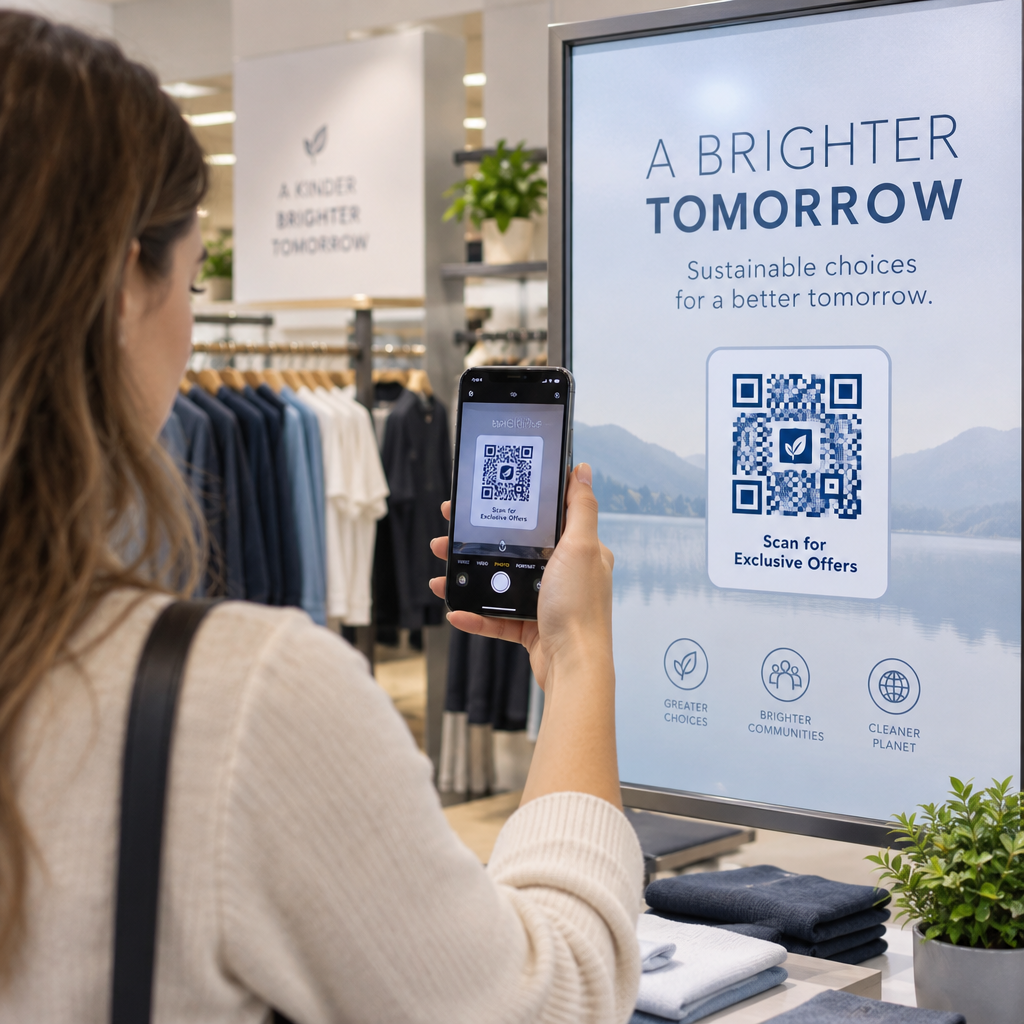
- Добавете рамка с призив за действие. Кратка фраза като “Сканирайте, за да видите нашето меню” или “Сканирайте за ексклузивни оферти” премахва двусмислието и увеличава броя на сканиранията. Можете да съобразите Рамки за QR код с цветовете и логото на вашата марка.
- Прегледайте и тествайте. Сканирайте кода на поне две различни устройства, преди да го изтеглите. Проверете го при различни условия на осветление и от разстоянията, от които очаквате потребителите да сканират.
- Изтеглете в правилния формат. Използвайте SVG или EPS за печат, PNG с висока разделителна способност за цифрова употреба.

За готови брандирани дизайни, които можете бързо да адаптирате, разгледайте Шаблони за QR код.
Използване на динамични QR кодове за брандирани кампании
Ако вашият брандиран QR код ще се появи върху печатни материали, динамичният код ви дава значително предимство. При статичен код дестинацията е заключена за постоянно. При динамичен код URL адресът, кодиран в шаблона, сочи към кратко пренасочване, което вие контролирате. Можете да променяте къде води по всяко време, без да препечатвате или преработвате кода.
Това е особено важно за брандираните кодове, защото:
- Може да искате да редувате сезонни оферти или целеви страници на кампании
- Можете да поправяте счупени връзки, без да докосвате физическия материал
- Получавате анализи на сканиранията – данни в реално време за това кога, къде и колко често е сканиран кодът
Динамичните кодове също се съчетават добре с брандирани дизайни, защото влагате повече усилия в код, който изглежда професионално. Защитата на тази инвестиция с актуализируемо съдържание е практична. Научете повече за пълния набор от функции, налични за персонализирани QR кодове.
Приложения в реалния свят по индустрии
Разбирането как други бизнеси използват брандирани QR кодове може да ви помогне да идентифицирате правилния подход за вашите собствени материали.
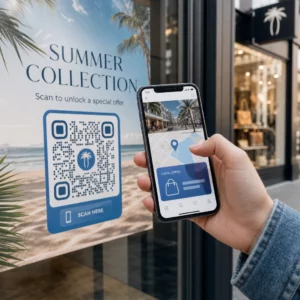
- Търговия на дребно: Марките за облекло вграждат QR кодове с логото си върху етикети, свързващи към ръководства за стил, таблици с размери или онлайн магазина. Логото в центъра прави кода разпознаваем и в съответствие с марката на мястото на продажба.
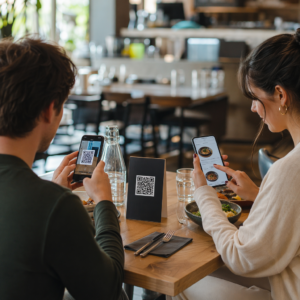
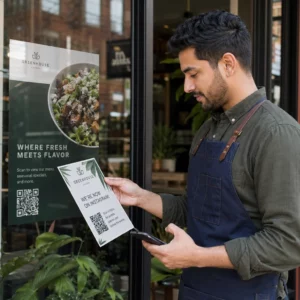
- Ресторанти: QR код върху настолна стойка или корица на меню може да води към цифровото меню, системата за резервации или програмата за лоялност. Съгласуването на цветовете на кода с палитрата на ресторанта поддържа дизайна кохезивен.
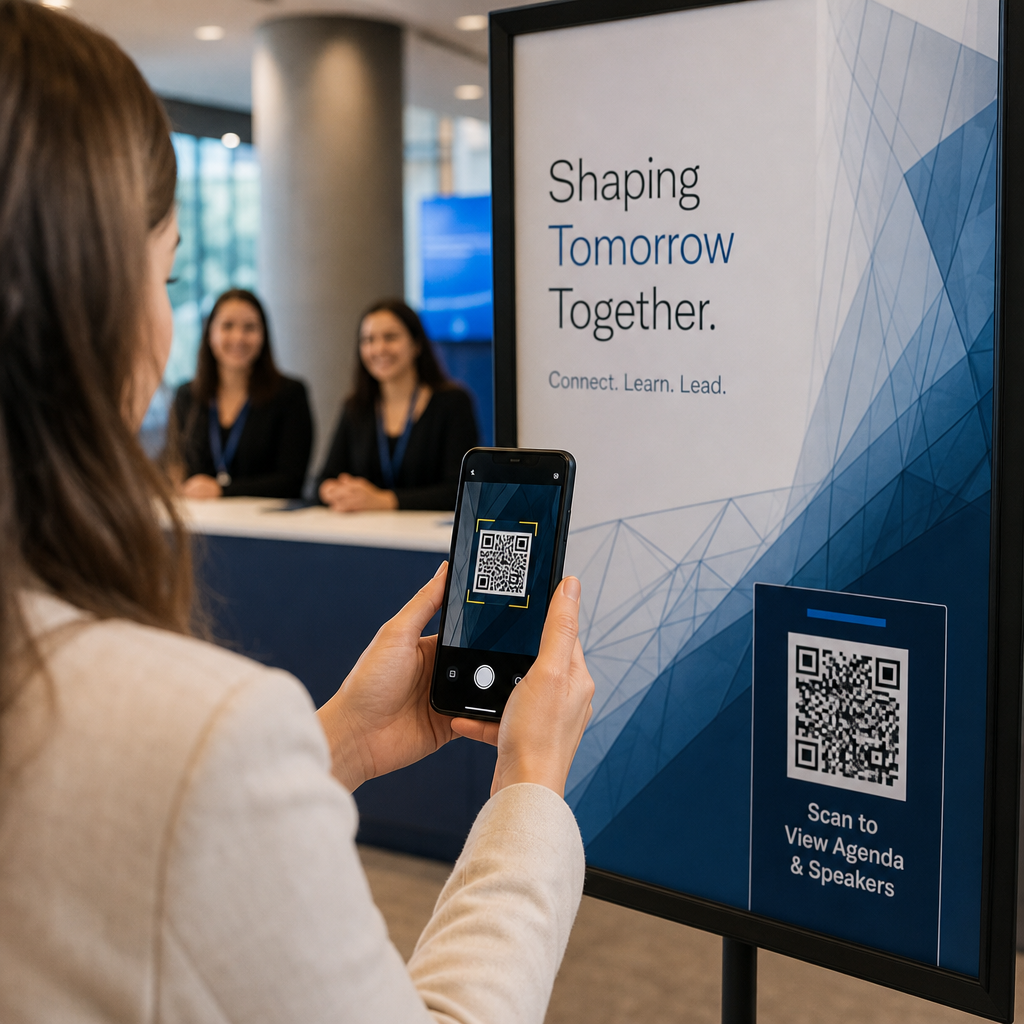
- Събития: Организаторите на събития използват брандирани QR кодове върху баджове, табели и печатни програми, за да стимулират изтегляния на приложения, чекирания или графици на сесии. Високата корекция на грешки е особено важна тук, тъй като кодовете могат да бъдат сканирани при променливо осветление.
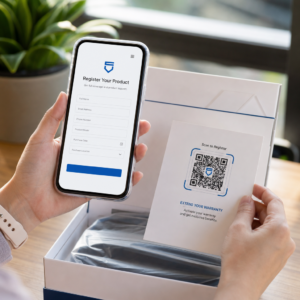
- Опаковка на продукти: Брандиран QR код върху опаковка може да води към инструкции за сглобяване, регистрация на гаранция или продуктови ревюта. Използването на динамичен код тук означава, че можете да актуализирате дестинацията, докато продуктът се развива.

За по-подробни примери вижте 7 примера за брандирани QR кодове.
Често задавани въпроси
Не и ако следвате правилните указания. Задайте корекция на грешките на Ниво H преди да добавите лого, дръжте логото центрирано, и ограничете покритието му до около 20–25% от общата площ на кода. Избягвайте да покривате трите ъглови маркера за позиция. Тествайте крайния код на множество устройства преди печат.
Да, стига да поддържате достатъчен контраст между тъмните модули и светлия фон. Стремете се към контрастно съотношение от поне 4.5:1. Избягвайте градиенти в модела на модулите, никога не обръщайте цветовете на светло върху тъмно и винаги дръжте тихата зона (празния марж около кода) напълно чиста.
Минималният препоръчителен размер за сканиране от близко разстояние е 0.8 × 0.8 инча (приблизително 2 × 2 см). За кодове, предназначени за сканиране от по-големи разстояния, използвайте правилото 10:1: за всеки 10 см очаквано разстояние за сканиране, кодът трябва да е широк поне 1 см. Винаги експортирайте файловете за печат във векторен формат като SVG или EPS, за да избегнете пикселизация.