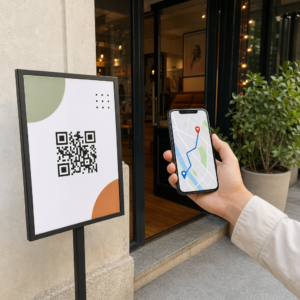
Möchten Sie, dass Ihr QR-Code wie ein Teil Ihrer Marke aussieht, anstatt wie ein generisches schwarz-weißes Quadrat? Ein einfacher QR-Code funktioniert, aber ein gebrandeter mit Ihrem Logo und Ihren Farben schafft Wiedererkennung und wird häufiger gescannt. Dieser Leitfaden zeigt Ihnen, wie Sie einen benutzerdefinierten QR-Code erstellen, der professionell aussieht, ohne die Scanbarkeit zu beeinträchtigen.
Warum gebrandete QR-Codes besser abschneiden
Ein Standard-QR-Code verrät einem Scanner nichts über Ihr Unternehmen. Ein gebrandeter leistet mehr Arbeit, noch bevor ihn jemand scannt. Wenn Ihr Logo im Code sitzt und Ihre Markenfarben das Design umrahmen, erkennen Kunden die Quelle sofort. Diese Wiedererkennung schafft Vertrauen – und Vertrauen fördert Scans.
Forschung behandelt in 7 Beispiele für gebrandete QR-Codes zeigt, dass gebrandete QR-Codes mit Logos die Scanraten im Vergleich zu generischen um 30–70% steigern können. Über die Zahlen hinaus stärkt ein gebrandeter Code Ihre visuelle Identität jedes Mal, wenn er auf Verpackungen, Beschilderungen oder Druckmaterialien erscheint.
Unternehmen, die noch ihre visuelle Identität formen, können Ideen für ein einzigartiges Logo für Unternehmen bevor es auf QR-Codes, Verpackungen und andere Markenmaterialien angewendet wird. Der Schlüssel ist zu wissen, welche Designentscheidungen helfen und welche die Scannbarkeit beeinträchtigen.
Wie die QR-Code-Fehlerkorrektur die Logo-Integration ermöglicht
Bevor Sie Ihren Code anpassen, ist es hilfreich zu verstehen, warum Logos überhaupt hinzugefügt werden können, ohne ihn zu beschädigen. QR-Codes enthalten eine integrierte Fehlerkorrektur, die auf Reed-Solomon-Codes basiert und redundante Daten hinzufügt, sodass Scanner das Muster auch dann rekonstruieren können, wenn ein Teil davon verdeckt ist.
Es gibt vier Fehlerkorrekturstufen:
- Stufe L – stellt bis zu 7% beschädigter Codewörter wieder her; kleinste Codegröße; am besten für saubere Innenanwendungen geeignet
- Stufe M – stellt bis zu 15% wieder her; die Standardwahl für die meisten Marketinganwendungen
- Stufe Q – stellt bis zu 25% wieder her; geeignet für den Außeneinsatz oder strukturierte Oberflächen
- Stufe H – stellt bis zu 30% wieder her; empfohlen, wenn Sie ein Logo hinzufügen
Wenn Sie ein Logo in die Mitte eines QR-Codes einbetten, verdecken Sie absichtlich einen Teil des Musters. Fehlerkorrektur der Stufe H kompensiert dies, wodurch der Scanner die fehlenden Daten rekonstruieren kann. Ohne sie kann selbst ein kleines Logo zu Scanfehlern führen.
Für einen tieferen Einblick, wie dies in der Praxis funktioniert, siehe Fehlerkorrektur bei editierbaren QR-Codes erklärt.
Einen gebrandeten QR-Code mit Logo erstellen Bereit, einen QR-Code zu erstellen, der Ihre Marke widerspiegelt? Verwenden Sie den QR-Code Generator mit Logo , um Ihr Logo hochzuladen, Ihre Farben auszuwählen und in wenigen Minuten einen scannbaren, markengerechten Code zu generieren.
Logoplatzierung: Regeln, die die Scannbarkeit schützen
Das falsche Hinzufügen eines Logos ist einer der häufigsten Gründe, warum gebrandete QR-Codes fehlschlagen. Befolgen Sie diese Richtlinien, um Ihren Code zuverlässig zu halten:
- Halten Sie das Logo zentriert. Die Mitte eines QR-Codes enthält Datenmodule, die am meisten von der Fehlerkorrekturabdeckung profitieren. Das Zentrieren des Logos vermeidet die drei Eckpositionsmarker, die für die Scannerorientierung entscheidend sind und niemals abgedeckt werden dürfen.
- Begrenzen Sie die Logoabdeckung auf etwa 20–25% der Codefläche. Eine Abdeckung von mehr als 30% geht über das hinaus, was selbst die Fehlerkorrektur der Stufe H wiederherstellen kann. Näher an 20% gibt Ihnen einen komfortablen Sicherheitsspielraum.
- Verwenden Sie eine hochauflösende Logodatei. Ein unscharfes oder verpixeltes Logo in der Mitte eines Codes fügt visuelles Rauschen hinzu, das das Scannen stören kann, insbesondere auf älteren Geräten. Verwenden Sie PNG oder ein Vektorformat wie SVG für das beste Ergebnis.
- Bevorzugen Sie einfache, quadratische oder kreisförmige Logos. Vertikale rechteckige Logos riskieren, die Timing-Muster zu überlappen, die entlang der Ränder des Codes verlaufen. Horizontale oder kompakte Formen sind sicherer.
- Vor dem Drucken auf mehreren Geräten testen. Ein Code, der auf einem neuen iPhone perfekt scannt, kann auf einem älteren Android-Gerät mit einer Kamera geringerer Auflösung fehlschlagen. Testen Sie über verschiedene Plattformen und Lichtverhältnisse hinweg.
Erfahren Sie mehr über die sichere Logo-Integration im Leitfaden zu wie man Logos zu QR-Codes hinzufügt.
Farbe und Kontrast: So bleiben Ihre Markenfarben scannbar
Sie können Ihre Markenfarben in einem QR-Code verwenden, aber die Farbwahl beeinflusst direkt, ob der Code zuverlässig scannt. Scanner lesen den Unterschied zwischen dunklen Modulen und einem hellen Hintergrund – nicht spezifische Farbtöne. Wenn dieser Kontrast verschwindet, verschwindet auch die Scannbarkeit.
Die Kontrastregeln, die Sie befolgen sollten
- Verwenden Sie dunkle Vordergrundmodule auf einem hellem Hintergrund. Dies ist die Grundvoraussetzung. Klassisches Schwarz auf Weiß bietet ein Kontrastverhältnis von 21:1 und ist die universell zuverlässigste Kombination.
- Halten Sie ein Mindestkontrastverhältnis von 4,5:1 ein für kleinere Codes. Bei großformatigen Codes, die aus der Ferne betrachtet werden, ist ein Verhältnis von 4:1 akzeptabel. Sie können dies mit jedem Web-Barrierefreiheits-Kontrastprüfer überprüfen.
- Farben niemals invertieren. Ein Hell-auf-Dunkel-Schema (Weiß auf Schwarz) mag auffällig aussehen, aber viele QR-Scanner versagen bei umgekehrten Farbschemata.
- Vermeiden Sie Farbverläufe innerhalb des Modulmusters. Farbverläufe erzeugen Mitteltöne, die den lokalen Kontrast reduzieren und Scanner verwirren. Wenn Sie einen Farbverlaufseffekt wünschen, wenden Sie ihn nur auf dekorative Elemente außerhalb des Code-Musters an, wie z.B. einen Rahmen oder Hintergrund.
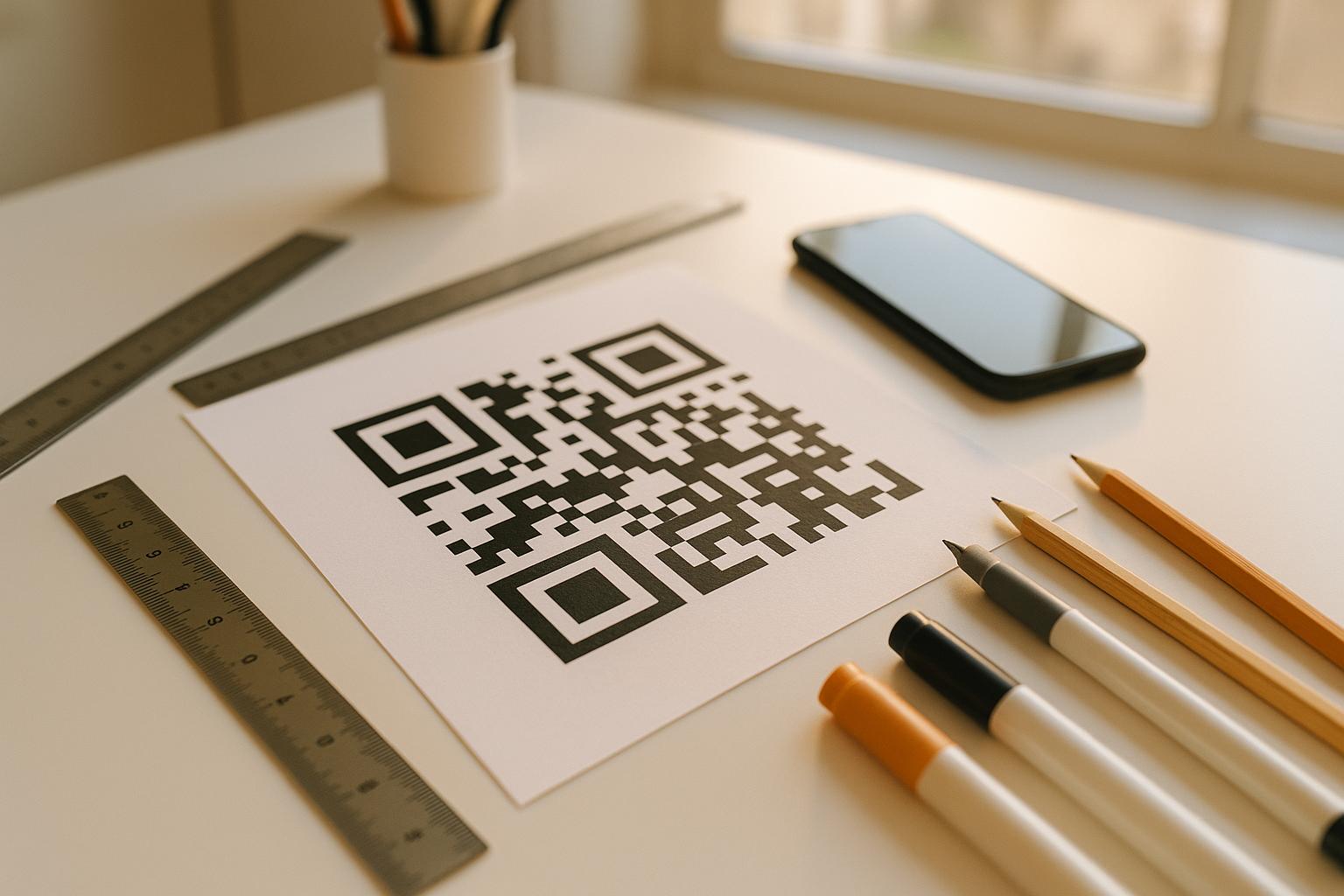
- Halten Sie die Ruhezone frei. Die Ruhezone ist der leere Rand, der den QR-Code umgibt. Der ISO-Standard erfordert mindestens vier Module Leerraum auf allen Seiten. Wenn jedes Modul 2 mm breit ist, muss die Ruhezone auf jeder Seite mindestens 8 mm betragen. Das Platzieren von Text, dekorativen Elementen oder sogar Ihres Logos zu nah an diesem Rand kann zu Scanfehlern führen.
Für eine vollständige Aufschlüsselung, welche Farbkombinationen funktionieren und welche zu vermeiden sind, siehe den Leitfaden zu Best Practices für den Farbkontrast von QR-Codes.
Größe und Auflösung: Die richtige Einstellung für den Druck
Ein wunderschön gebrandeter QR-Code, der zu klein zum Scannen ist, verfehlt seinen Zweck. Die Größe beeinflusst sowohl die Lesbarkeit als auch die Scan-Entfernung.
- Die Mindestgröße für den Nahbereich beträgt 0,8 × 0,8 Zoll (etwa 2 × 2 cm). Darunter haben die meisten Scanner Schwierigkeiten.
- Wenden Sie die 10:1-Regel für die Scan-Entfernung an. Für alle 10 cm erwarteter Scan-Entfernung sollte der Code mindestens 1 cm breit sein. Ein Code, der aus 50 cm Entfernung gescannt werden soll, sollte mindestens 5 cm breit sein.
- Für den Druck in Vektorformaten exportieren. SVG-, EPS- und PDF-Formate skalieren ohne Qualitätsverlust. Ein gerastertes PNG mit niedriger Auflösung erscheint beim Druck unscharf, und ein unscharfer Code lässt sich möglicherweise nicht scannen. Exportieren Sie für Druckanwendungen immer mit 300 DPI oder höher.
Für kontextspezifische Größenhinweise siehe Best Practices für die Lesbarkeit von QR-Codes.
Schritt für Schritt: Erstellen eines gebrandeten QR-Codes mit Logo
Hier ist ein praktischer Workflow zum Erstellen eines gebrandeten QR-Codes, der zuverlässig scannt.
- Wählen Sie einen Generator, der das Einbetten von Logos und die Farbanpassung unterstützt. Nicht alle Tools tun dies. Suchen Sie nach einem, mit dem Sie Fehlerkorrekturstufen einstellen, ein Logo hochladen und Farben unabhängig voneinander anpassen können. Pageloot's QR-Code-Generator deckt all dies ab.
- Stellen Sie Ihre Fehlerkorrekturstufe auf H ein, bevor Sie ein Logo hinzufügen. Einige Generatoren verwenden standardmäßig Stufe M, was nicht ausreicht, wenn ein Logo vorhanden ist.
- Geben Sie Ihre Ziel-URL oder Ihren Inhalt ein. Wenn Sie einen Code für eine Kampagne oder gedrucktes Material erstellen, sollten Sie einen dynamischer QR-Code verwenden, damit Sie das Ziel später aktualisieren können, ohne neu drucken zu müssen.
- Laden Sie Ihr Logo hoch. Verwenden Sie eine PNG- oder SVG-Datei. Halten Sie das Logo einfach – vermeiden Sie feinen Text oder komplexe Illustrationen, die bei kleinen Größen an Klarheit verlieren.
- Wenden Sie Ihre Markenfarben an. Wählen Sie eine dunkle Vordergrundfarbe, die zu Ihrer Markenpalette passt, und kombinieren Sie sie mit einem hellen oder weißen Hintergrund. Testen Sie das Kontrastverhältnis, bevor Sie die endgültige Auswahl treffen.
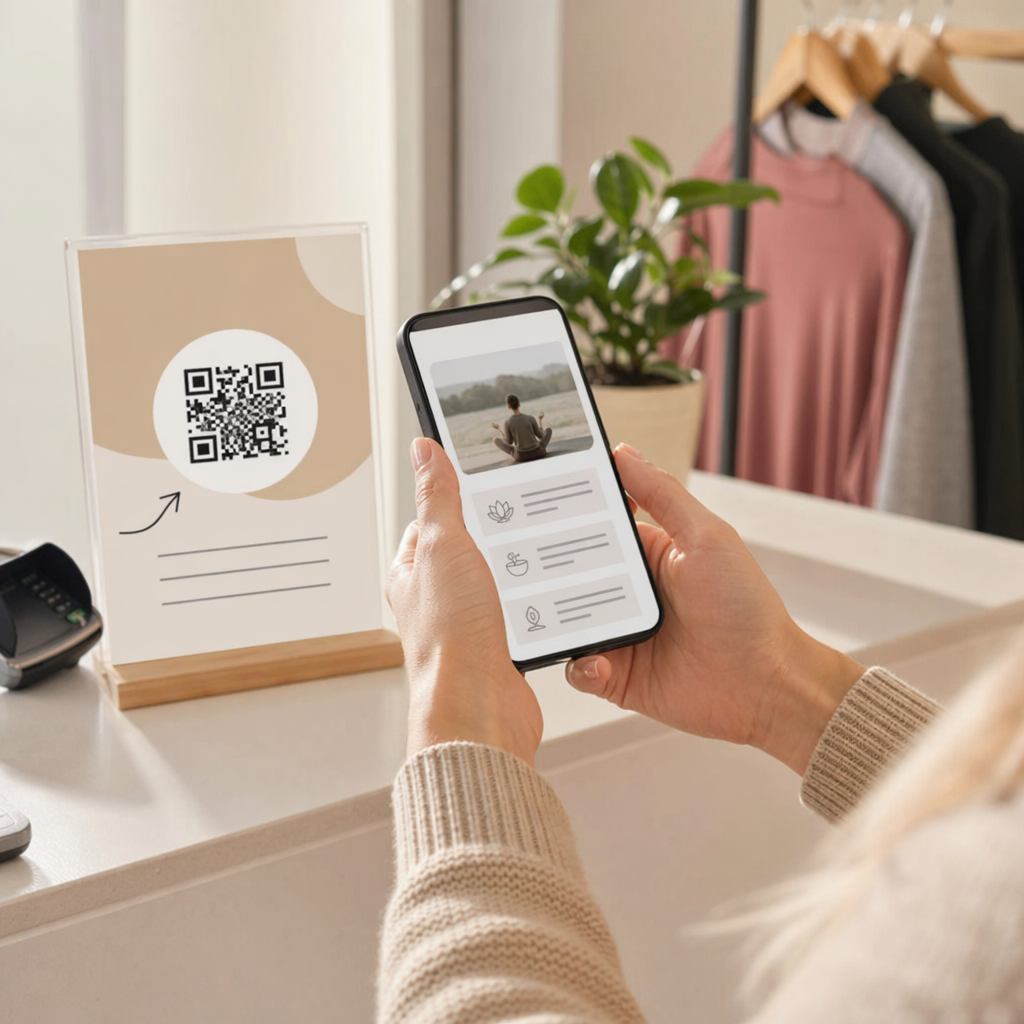
- Fügen Sie einen Rahmen mit einem Call-to-Action hinzu. Eine kurze Phrase wie “Scannen Sie, um unsere Speisekarte anzusehen” oder “Scannen Sie für exklusive Angebote” beseitigt Unklarheiten und erhöht die Scanraten. Sie können QR-Code Rahmen an Ihre Markenfarben und Ihr Logo anpassen.
- Vorschau und Test. Scannen Sie den Code auf mindestens zwei verschiedenen Geräten, bevor Sie ihn herunterladen. Überprüfen Sie ihn unter verschiedenen Lichtverhältnissen und aus den Entfernungen, aus denen Benutzer ihn voraussichtlich scannen werden.
- Im richtigen Format herunterladen. Verwenden Sie SVG oder EPS für den Druck, hochauflösendes PNG für die digitale Nutzung.

Für vorgefertigte Markendesigns, die Sie schnell anpassen können, erkunden Sie QR-Code Vorlagen.
Dynamische QR-Codes für Marken-Kampagnen verwenden
Wenn Ihr gebrandeter QR-Code auf gedruckten Materialien erscheint, bietet Ihnen ein dynamischer Code einen erheblichen Vorteil. Bei einem statischen Code ist das Ziel dauerhaft festgelegt. Bei einem dynamischen Code verweist die im Muster kodierte URL auf eine kurze Weiterleitung, die Sie kontrollieren. Sie können jederzeit ändern, wohin sie führt, ohne den Code neu drucken oder neu gestalten zu müssen.
Dies ist besonders wichtig für gebrandete Codes, weil:
- Sie saisonale Angebote oder Kampagnen-Landingpages wechseln möchten
- Sie defekte Links beheben können, ohne das physische Material zu berühren
- Sie Scan-Analysen erhalten – Echtzeitdaten darüber, wann, wo und wie oft der Code gescannt wird
Dynamische Codes passen auch gut zu gebrandeten Designs, da Sie mehr Aufwand in einen Code investieren, der professionell aussieht. Diesen Aufwand mit aktualisierbaren Inhalten zu schützen, ist praktisch sinnvoll. Erfahren Sie mehr über die vollständige Funktionspalette für individuelle QR-Codes.
Praxisanwendungen nach Branche
Zu verstehen, wie andere Unternehmen gebrandete QR-Codes verwenden, kann Ihnen helfen, den richtigen Ansatz für Ihre eigenen Materialien zu finden.
- Einzelhandel: Bekleidungsmarken betten QR-Codes mit ihrem Logo auf Hangtags ein, die auf Styleguides, Größentabellen oder den Online-Shop verlinken. Das Logo in der Mitte macht den Code am Point of Sale erkennbar und markengerecht.
- Restaurants: Ein QR-Code auf einem Tischaufsteller oder einer Menükarte kann auf die digitale Speisekarte, das Reservierungssystem oder das Treueprogramm verlinken. Die Anpassung der Codefarben an die Farbpalette des Restaurants sorgt für ein stimmiges Design.
- Veranstaltungen: Eventveranstalter verwenden gebrandete QR-Codes auf Ausweisen, Beschilderungen und gedruckten Programmen, um App-Downloads, Check-ins oder Sitzungspläne zu fördern. Eine hohe Fehlerkorrektur ist hier besonders wichtig, da Codes bei variabler Beleuchtung gescannt werden können.
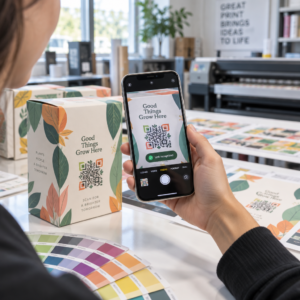
- Produktverpackungen: Ein gebrandeter QR-Code auf der Verpackung kann auf Montageanleitungen, Garantieregistrierung oder Produktbewertungen verlinken. Die Verwendung eines dynamischen Codes bedeutet hier, dass Sie das Ziel aktualisieren können, wenn sich das Produkt weiterentwickelt.

Für detailliertere Beispiele siehe 7 Beispiele für gebrandete QR-Codes.
Häufig gestellte Fragen
Nicht, wenn Sie die richtigen Richtlinien befolgen. Stellen Sie die Fehlerkorrektur auf Stufe H ein, bevor Sie ein Logo hinzufügen, halten Sie das Logo zentriert und begrenzen Sie dessen Abdeckung auf etwa 20–25% der gesamten Codefläche. Vermeiden Sie es, die drei Eckpositionsmarkierungen zu überdecken. Testen Sie den endgültigen Code auf mehreren Geräten, bevor Sie ihn drucken.
Ja, solange Sie einen ausreichenden Kontrast zwischen den dunklen Modulen und dem hellen Hintergrund beibehalten. Streben Sie ein Kontrastverhältnis von mindestens 4,5:1 an. Vermeiden Sie Farbverläufe innerhalb des Modulmusters, kehren Sie die Farben niemals in Hell-auf-Dunkel um und halten Sie die Ruhezone (den leeren Rand um den Code) immer vollständig frei.
Die minimal empfohlene Größe für das Scannen aus nächster Nähe beträgt 0,8 × 0,8 Zoll (ungefähr 2 × 2 cm). Für Codes, die aus größerer Entfernung gescannt werden sollen, verwenden Sie die 10:1-Regel: Für alle 10 cm erwarteter Scan-Entfernung sollte der Code mindestens 1 cm breit sein. Exportieren Sie Druckdateien immer in einem Vektorformat wie SVG oder EPS, um Pixelbildung zu vermeiden.