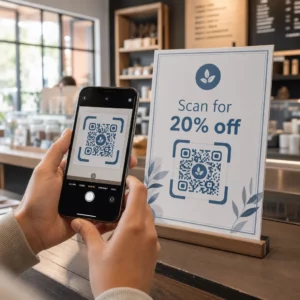
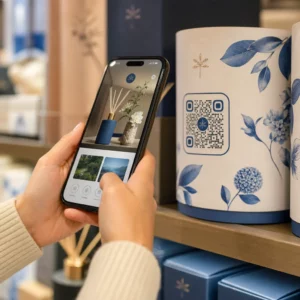
Хотите, чтобы ваш QR-код выглядел как часть вашего бренда, а не как обычный черно-белый квадрат? Простой QR-код работает, но брендированный, с вашим логотипом и цветами, повышает узнаваемость и сканируется чаще. Это руководство покажет вам, как создать пользовательский QR-код, который выглядит профессионально, не жертвуя возможностью сканирования.
Почему брендированные QR-коды работают лучше
Стандартный QR-код ничего не говорит сканеру о вашем бизнесе. Брендированный делает больше работы еще до того, как кто-либо его отсканирует. Когда ваш логотип находится внутри кода, а цвета вашего бренда обрамляют дизайн, клиенты немедленно узнают источник. Это узнавание формирует доверие – а доверие стимулирует сканирование.
Исследование, охваченное в 7 примеров брендированных QR-кодов показывает, что брендированные QR-коды с логотипами могут увеличить количество сканирований на 30–70% по сравнению с обычными. Помимо цифр, брендированный код укрепляет вашу визуальную идентичность каждый раз, когда он появляется на упаковке, вывесках или печатных материалах.
Предприятия, которые все еще формируют свою визуальную идентичность, могут изучить идеи для уникального логотипа для бизнеса прежде чем применять его на QR-кодах, упаковке и других фирменных материалах. Главное — знать, какие дизайнерские решения помогают, а какие нарушают сканируемость.
Как коррекция ошибок QR-кода делает возможной интеграцию логотипа
Прежде чем настраивать свой код, полезно понять, почему логотипы вообще можно добавлять, не нарушая его. QR-коды включают встроенную коррекцию ошибок, основанную на кодах Рида-Соломона, которая добавляет избыточные данные, чтобы сканеры могли восстановить шаблон, даже когда часть его скрыта.
Существует четыре уровня коррекции ошибок:
- Уровень L – восстанавливает до 7% поврежденных кодовых слов; наименьший размер кода; лучше всего подходит для чистого использования в помещении
- Уровень M – восстанавливает до 15%; стандартный выбор для большинства маркетинговых приложений
- Уровень Q – восстанавливает до 25%; подходит для использования на улице или на текстурированных поверхностях
- Уровень H – восстанавливает до 30%; рекомендуется при добавлении логотипа
Когда вы встраиваете логотип в центр QR-кода, вы намеренно скрываете часть шаблона. Уровень коррекции ошибок H компенсирует это, позволяя сканеру восстанавливать недостающие данные. Без нее даже небольшой логотип может привести к сбоям сканирования.
Для более глубокого понимания того, как это работает на практике, см. как работает коррекция ошибок в редактируемых QR-кодах.
Создайте фирменный QR-код с логотипом Готовы создать QR-код, который отражает ваш бренд? Используйте QR код с логотипом , чтобы загрузить свой логотип, выбрать цвета и сгенерировать сканируемый, соответствующий бренду код за считанные минуты.
Размещение логотипа: Правила, защищающие сканируемость
Неправильное добавление логотипа — одна из самых распространенных причин сбоев фирменных QR-кодов. Следуйте этим рекомендациям, чтобы ваш код оставался надежным:
- Держите логотип по центру. Центр QR-кода содержит модули данных, которые больше всего выигрывают от покрытия коррекцией ошибок. Центрирование логотипа позволяет избежать трех угловых маркеров позиционирования, которые критически важны для ориентации сканера и никогда не должны быть закрыты.
- Ограничьте покрытие логотипом примерно 20–25% площади кода. Покрытие более 30% выходит за рамки того, что может восстановить даже коррекция ошибок уровня H. Ближе к 20% дает вам комфортный запас прочности.
- Используйте файл логотипа высокого разрешения. Размытый или пикселизированный логотип в центре кода добавляет визуальный шум, который может мешать сканированию, особенно на старых устройствах. Используйте PNG или векторный формат, такой как SVG, для лучшего результата.
- Отдавайте предпочтение простым, квадратным или круглым логотипам. Вертикальные прямоугольные логотипы рискуют перекрывать шаблоны синхронизации, которые проходят по краям кода. Горизонтальные или компактные формы безопаснее.
- Тестируйте на нескольких устройствах перед печатью. Код, который идеально сканируется на новом iPhone, может не работать на старом Android с камерой низкого разрешения. Тестируйте на разных платформах и при различных условиях освещения.
Узнайте больше о безопасной интеграции логотипа в руководстве по как добавлять логотипы в QR-коды.
Цвет и контраст: Как сохранить сканируемость цветов вашего бренда
Вы можете использовать цвета своего бренда в QR-коде, но выбор цветов напрямую влияет на надежность сканирования кода. Сканеры считывают разницу между темными модулями и светлым фоном, а не конкретные оттенки. Когда этот контраст исчезает, исчезает и сканируемость.
Правила контраста, которым следует следовать
- Используйте темные модули переднего плана на светлом фоне. Это базовое требование. Классический черный на белом обеспечивает коэффициент контрастности 21:1 и является наиболее универсально надежной комбинацией.
- Поддерживайте минимальный коэффициент контрастности 4.5:1 для небольших кодов. Для крупноформатных кодов, просматриваемых на расстоянии, допустимо соотношение 4:1. Вы можете проверить это с помощью любого онлайн-инструмента проверки контрастности для веб-доступности.
- Никогда не инвертируйте цвета. Схема «светлое на темном» (белое на черном) может выглядеть эффектно, но многие QR-сканеры не работают с инвертированными цветовыми схемами.
- Избегайте градиентов внутри шаблона модуля. Градиенты создают полутона, которые уменьшают локальный контраст и сбивают с толку сканеры. Если вы хотите получить эффект градиента, применяйте его только к декоративным элементам вне шаблона кода, таким как рамка или фон.
- Держите тихую зону чистой. Тихая зона — это пустое поле вокруг QR-кода. Стандарт ISO требует не менее четырех модулей пустого пространства со всех сторон. Если каждый модуль имеет ширину 2 мм, тихая зона должна быть не менее 8 мм с каждой стороны. Размещение текста, декоративных элементов или даже вашего логотипа слишком близко к этой границе может привести к сбоям сканирования.
Для полного обзора того, какие цветовые комбинации работают, а каких следует избегать, см. руководство по лучшим практикам контрастности цветов QR-кода.
Размер и разрешение: Как правильно настроить для печати
Красиво оформленный QR-код, который слишком мал для сканирования, теряет свой смысл. Размер влияет как на читаемость, так и на расстояние сканирования.
- Минимальный размер для использования на близком расстоянии составляет 0,8 × 0,8 дюйма (около 2 × 2 см). Меньше этого размера большинство сканеров испытывают трудности.
- Применяйте правило 10:1 для расстояния сканирования. На каждые 10 см ожидаемого расстояния сканирования код должен быть не менее 1 см в ширину. Код, предназначенный для сканирования с расстояния 50 см, должен быть не менее 5 см в ширину.
- Экспортируйте в векторных форматах для печати. Форматы SVG, EPS и PDF масштабируются без потери качества. Растровый PNG с низким разрешением будет выглядеть размытым при печати, а размытый код может не сканироваться. Всегда экспортируйте с разрешением 300 DPI или выше для печатных приложений.
Для рекомендаций по размеру в зависимости от контекста см. лучшим практикам читаемости QR-кодов.
Пошагово: Создание брендированного QR-кода с логотипом
Вот практический рабочий процесс для создания брендированного QR-кода, который надежно сканируется.
- Выберите генератор, который поддерживает встраивание логотипа и настройку цвета. Не все инструменты это делают. Ищите тот, который позволяет устанавливать уровни коррекции ошибок, загружать логотип и независимо настраивать цвета. Pageloot’s генератор QR-кодов охватывает все это.
- Установите уровень коррекции ошибок на H перед добавлением логотипа. Некоторые генераторы по умолчанию используют Уровень M, что недостаточно, когда присутствует логотип.
- Введите целевой URL или контент. Если вы создаете код для кампании или печатных материалов, рассмотрите возможность использования динамический QR-код чтобы вы могли обновить целевой адрес позже без перепечатки.
- Загрузите ваш логотип. Используйте файл PNG или SVG. Сделайте логотип простым – избегайте мелкого текста или сложных иллюстраций, которые теряют четкость при малых размерах.
- Примените цвета вашего бренда. Выберите темный цвет переднего плана, который соответствует палитре вашего бренда, и сочетайте его со светлым или белым фоном. Проверьте коэффициент контрастности перед окончательной доработкой.
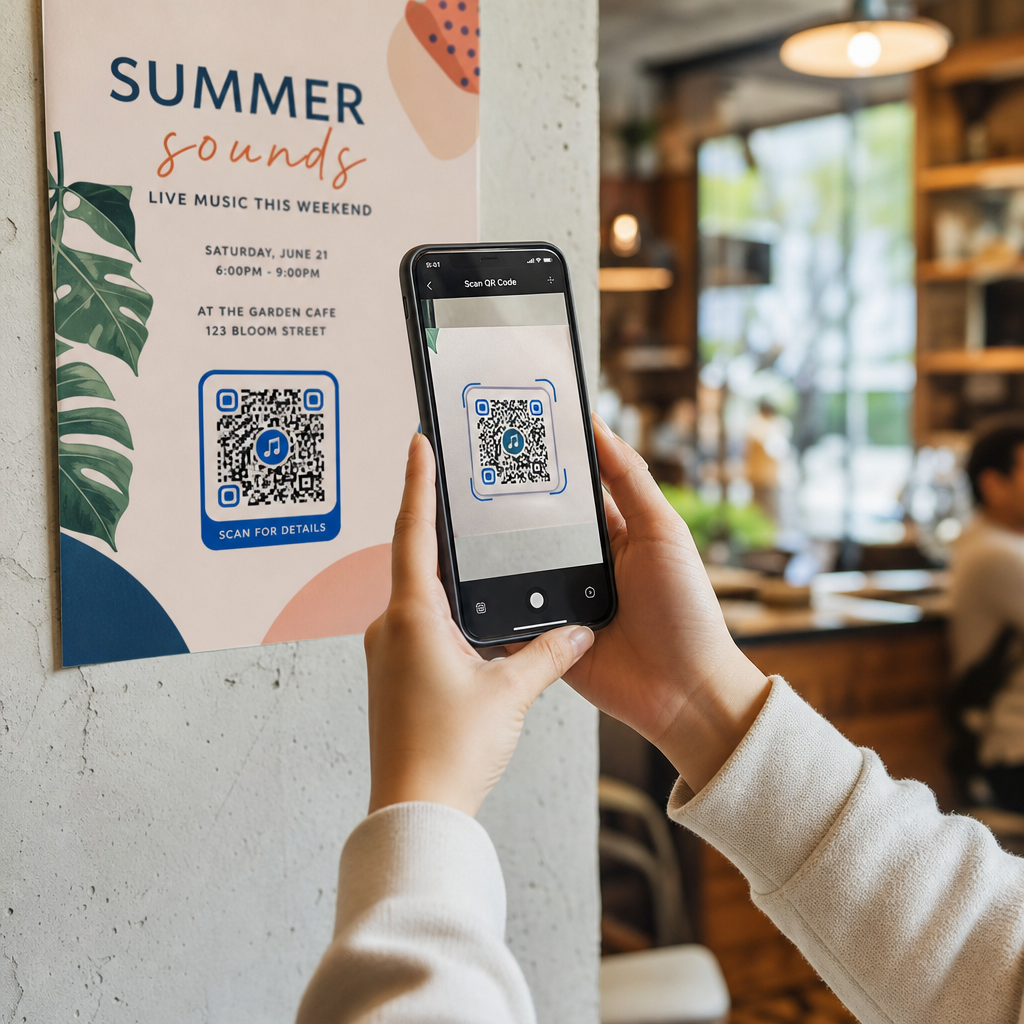
- Добавьте рамку с призывом к действию. Короткая фраза, например, “Сканируйте, чтобы просмотреть наше меню” или “Сканируйте для получения эксклюзивных предложений”, устраняет двусмысленность и увеличивает количество сканирований. Вы можете подобрать Рамка для QR кода к цветам вашего бренда и логотипу.
- Предварительный просмотр и тестирование. Отсканируйте код как минимум на двух разных устройствах перед загрузкой. Проверьте его при различном освещении и с расстояний, с которых, как вы ожидаете, пользователи будут сканировать.
- Загрузите в правильном формате. Используйте SVG или EPS для печати, PNG высокого разрешения для цифрового использования.

Для готовых фирменных дизайнов, которые можно быстро адаптировать, изучите Пример QR кода: шаблоны.
Использование динамических QR-кодов для брендированных кампаний
Если ваш брендированный QR-код будет размещен на печатных материалах, динамический код дает вам значительное преимущество. Со статическим кодом пункт назначения заблокирован навсегда. С динамическим кодом URL-адрес, закодированный в шаблоне, указывает на короткий редирект, который вы контролируете. Вы можете изменить, куда он ведет, в любое время без перепечатки или перепроектирования кода.
Это особенно важно для брендированных кодов, потому что:
- Вы можете захотеть менять сезонные предложения или целевые страницы кампаний
- Вы можете исправлять неработающие ссылки, не затрагивая физический материал
- Вы получаете аналитику сканирований – данные в реальном времени о том, когда, где и как часто сканируется код
Динамические коды также хорошо сочетаются с брендированным дизайном, потому что вы вкладываете больше усилий в код, который выглядит профессионально. Защита этих инвестиций с помощью обновляемого контента имеет практический смысл. Узнайте больше о полном наборе функций, доступных для пользовательских QR-кодов.
Примеры реального применения по отраслям
Понимание того, как другие компании используют брендированные QR-коды, может помочь вам определить правильный подход для ваших собственных материалов.
- Розничная торговля: Бренды одежды размещают QR-коды со своим логотипом на бирках, ссылаясь на руководства по стилю, таблицы размеров или интернет-магазин. Логотип в центре делает код узнаваемым и соответствующим бренду в точке продажи.
- Рестораны: QR-код на настольной подставке или обложке меню может ссылаться на цифровое меню, систему бронирования или программу лояльности. Согласование цветов кода с палитрой ресторана сохраняет целостность дизайна.
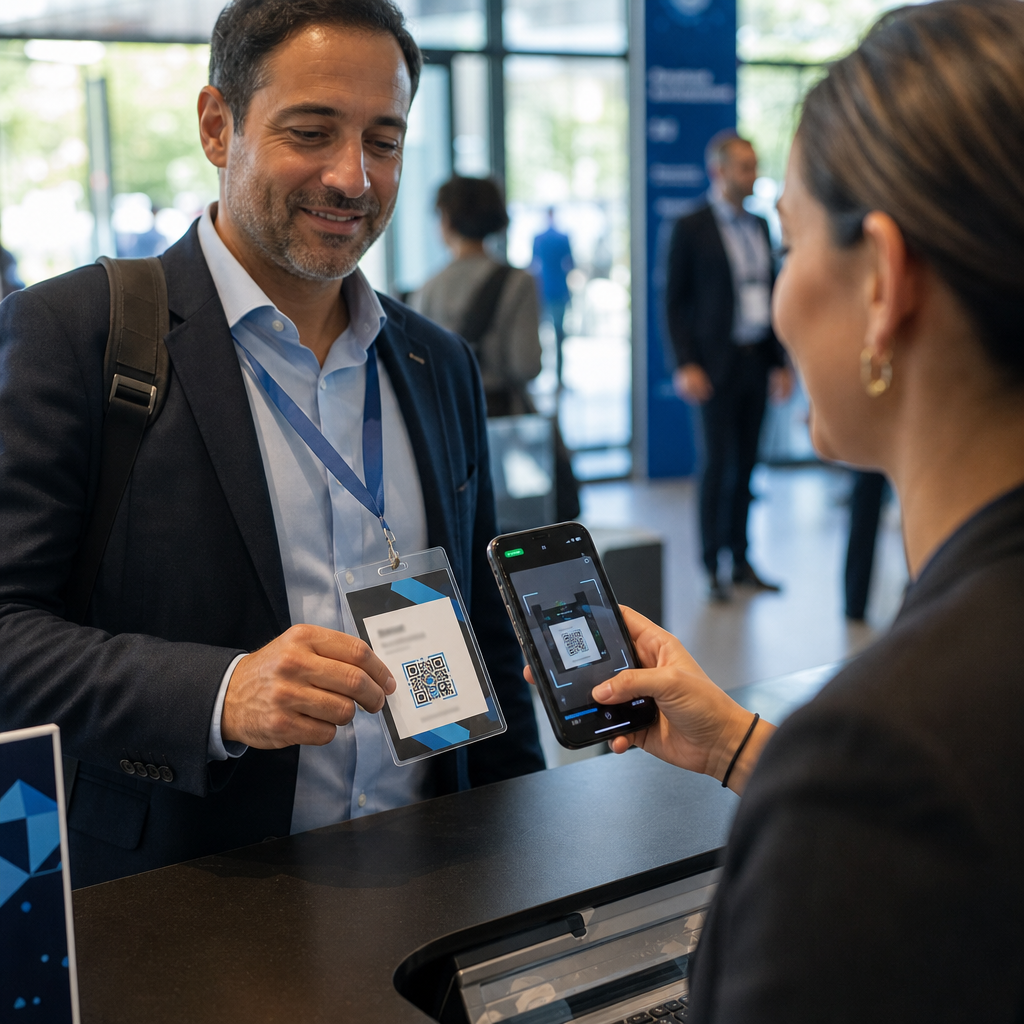
- Мероприятия: Организаторы мероприятий используют брендированные QR-коды на бейджах, вывесках и печатных программах для стимулирования загрузок приложений, регистрации или расписания сессий. Высокая коррекция ошибок особенно важна здесь, поскольку коды могут сканироваться при переменном освещении.
- Упаковка продукта: Брендированный QR-код на упаковке может ссылаться на инструкции по сборке, регистрацию гарантии или отзывы о продукте. Использование динамического кода здесь означает, что вы можете обновлять пункт назначения по мере развития продукта.

Для получения более подробных примеров см. 7 примеров брендированных QR-кодов.
Часто задаваемые вопросы
Не если вы следуете правильным рекомендациям. Установите коррекцию ошибок на Уровень H перед добавлением логотипа, держите логотип по центру и ограничьте его покрытие примерно 20–25% от общей площади кода. Избегайте закрытия трех угловых маркеров позиционирования. Протестируйте окончательный код на нескольких устройствах перед печатью.
Да, при условии, что вы поддерживаете достаточный контраст между темными модулями и светлым фоном. Стремитесь к коэффициенту контрастности не менее 4.5:1. Избегайте градиентов внутри шаблона модуля, никогда не инвертируйте цвета на светлое-на-темном и всегда держите тихую зону (пустой отступ вокруг кода) полностью чистой.
Минимальный рекомендуемый размер для сканирования с близкого расстояния составляет 0.8 × 0.8 дюйма (приблизительно 2 × 2 см). Для кодов, предназначенных для сканирования с больших расстояний, используйте правило 10:1: на каждые 10 см ожидаемого расстояния сканирования код должен быть не менее 1 см в ширину. Всегда экспортируйте файлы для печати в векторном формате, таком как SVG или EPS, чтобы избежать пикселизации.