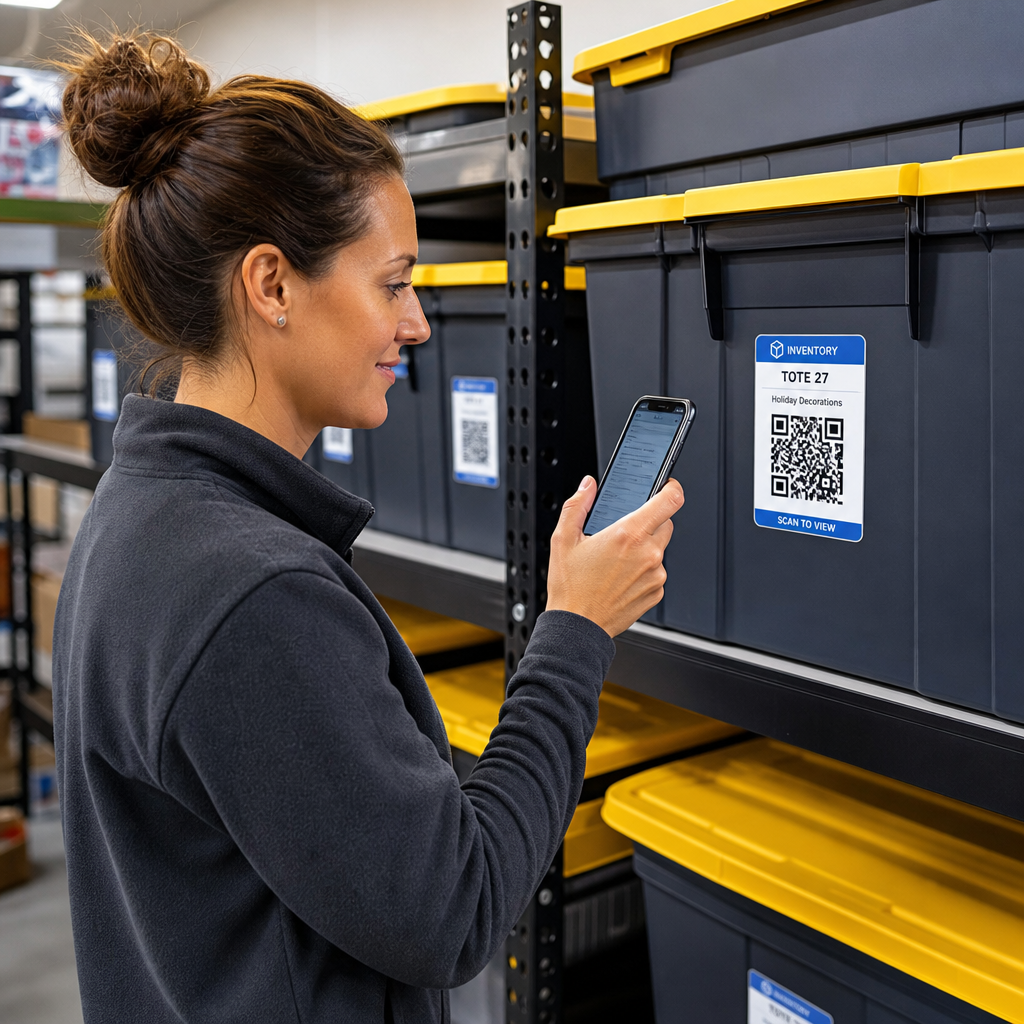
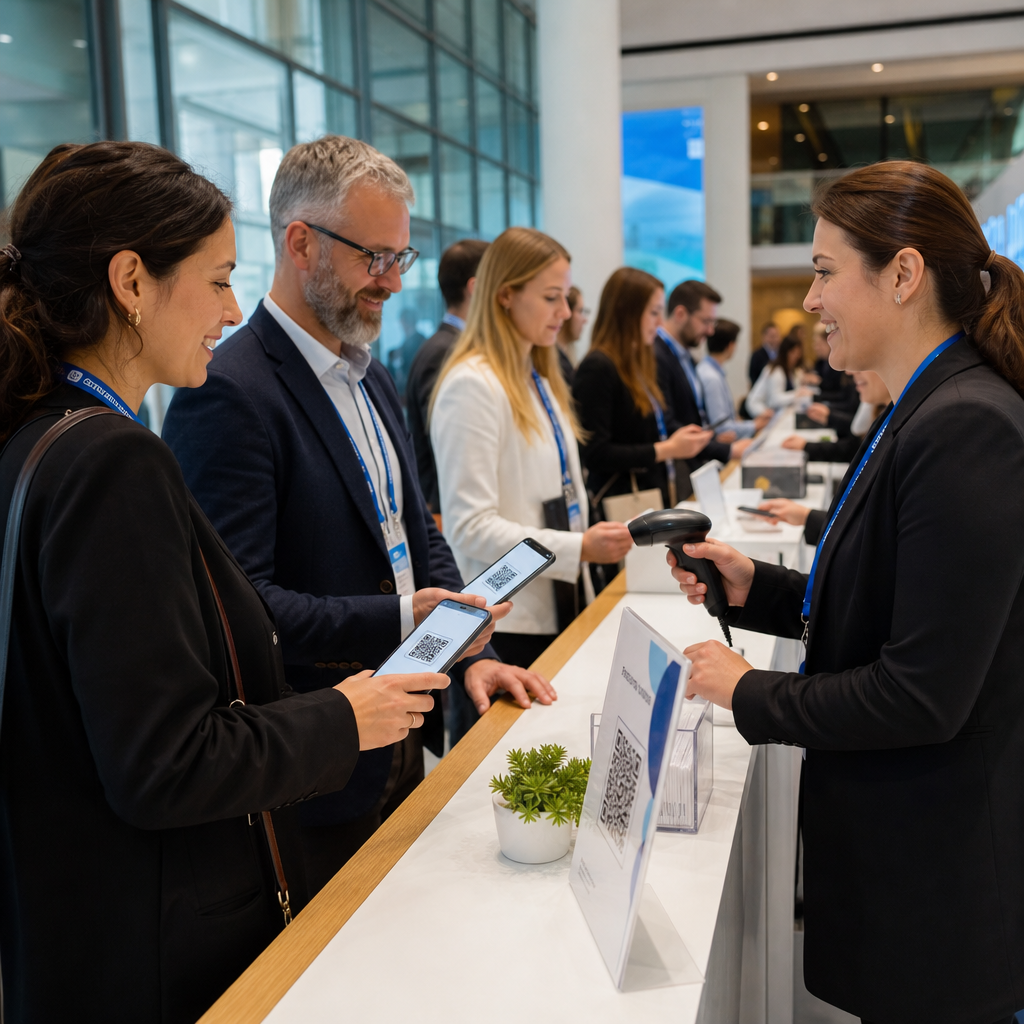
Vrei ca codul tău QR să arate ca parte a brandului tău în loc de un pătrat generic alb-negru? Un cod QR simplu funcționează, dar unul personalizat cu logo-ul și culorile tale construiește recunoaștere și este scanat mai mult. Acest ghid îți arată cum să creezi un cod QR personalizat care arată profesional fără a sacrifica scanabilitatea.
De ce codurile QR de brand performează mai bine
Un cod QR standard nu spune nimic unui scaner despre afacerea ta. Unul personalizat face mai multă treabă înainte ca cineva să-l scaneze. Când logo-ul tău se află în interiorul codului și culorile brandului tău încadrează designul, clienții recunosc imediat sursa. Această recunoaștere construiește încredere – iar încrederea generează scanări.
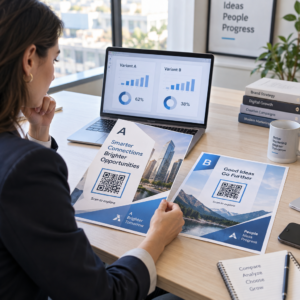
Cercetări acoperite în 7 exemple de coduri QR personalizate arată că codurile QR personalizate cu logo-uri pot crește ratele de scanare cu 30–70% comparativ cu cele generice. Dincolo de cifre, un cod personalizat îți întărește identitatea vizuală de fiecare dată când apare pe ambalaje, semnalistică sau materiale tipărite.
Afacerile care încă își conturează identitatea vizuală pot explora idei pentru un logo unic pentru afacere înainte de a-l aplica pe coduri QR, ambalaje și alte materiale de brand. Cheia este să știi ce alegeri de design ajută și care compromit scanabilitatea.
Cum corecția erorilor codului QR face posibilă integrarea logo-ului
Înainte de a-ți personaliza codul, este util să înțelegi de ce logo-urile pot fi adăugate fără a-l strica. Codurile QR includ corecție de erori încorporată bazată pe coduri Reed–Solomon, care adaugă date redundante, astfel încât scanerele pot reconstrui modelul chiar și atunci când o parte din el este obturată.
Există patru niveluri de corecție a erorilor:
- Nivel L – recuperează până la 7% din cuvintele de cod deteriorate; cea mai mică dimensiune a codului; cel mai bun pentru utilizare curată în interior
- Nivel M – recuperează până la 15%; alegerea standard pentru majoritatea aplicațiilor de marketing
- Nivel Q – recuperează până la 25%; potrivit pentru utilizare în exterior sau pe suprafețe texturate
- Nivel H – recuperează până la 30%; recomandat ori de câte ori adaugi un logo
Când încorporezi un logo în centrul unui cod QR, obturezi intenționat o parte din model. Corecția de erori de nivel H compensează acest lucru, permițând scanerului să reconstruiască datele lipsă. Fără aceasta, chiar și un logo mic poate cauza eșecuri de scanare.
Pentru o privire mai detaliată asupra modului în care funcționează acest lucru în practică, consultați cum funcționează corecția erorilor în codurile QR editabile.
Creați un cod QR personalizat cu un logo Sunteți gata să creați un cod QR care să reflecte brandul dvs.? Utilizați Creare cod QR cu logo pentru a încărca logo-ul dvs., alegeți culorile și generați un cod scanabil, conform brandului, în câteva minute.
Amplasarea logo-ului: Reguli care protejează scanabilitatea
Adăugarea incorectă a unui logo este unul dintre cele mai comune motive pentru care codurile QR personalizate eșuează. Urmați aceste ghiduri pentru a menține codul dvs. fiabil:
- Păstrați logo-ul centrat. Centrul unui cod QR conține module de date care beneficiază cel mai mult de acoperirea corecției de erori. Centrarea logo-ului evită cele trei marcaje de poziție din colțuri, care sunt critice pentru orientarea scanerului și nu trebuie acoperite niciodată.
- Limitați acoperirea logo-ului la aproximativ 20–25% din suprafața codului. Acoperirea a mai mult de 30% depășește ceea ce chiar și corecția de erori de nivel H poate recupera. Mai aproape de 20% vă oferă o marjă de siguranță confortabilă.
- Utilizați un fișier logo de înaltă rezoluție. Un logo neclar sau pixelat în centrul unui cod adaugă zgomot vizual care poate interfera cu scanarea, mai ales pe dispozitivele mai vechi. Utilizați PNG sau un format vectorial precum SVG pentru cel mai bun rezultat.
- Preferați logo-uri simple, pătrate sau circulare. Logo-urile dreptunghiulare verticale riscă să se suprapună peste modelele de sincronizare care rulează de-a lungul marginilor codului. Formele orizontale sau compacte sunt mai sigure.
- Testați pe mai multe dispozitive înainte de a imprima. Un cod care scanează perfect pe un iPhone nou poate eșua pe un Android mai vechi cu o cameră de rezoluție mai mică. Testați pe diferite platforme și în diverse condiții de iluminare.
Aflați mai multe despre integrarea sigură a logo-ului în ghidul despre cum să adăugați logo-uri la codurile QR.
Culoare și Contrast: Menținerea Culorilor Brandului Dvs. Scanabile
Puteți utiliza culorile brandului dvs. într-un cod QR, dar alegerile de culoare afectează direct dacă codul scanează în mod fiabil. Scanerele citesc diferența dintre modulele întunecate și un fundal deschis – nu nuanțe specifice. Când acest contrast dispare, dispare și scanabilitatea.
Regulile de Contrast de Urmat
- Utilizați module de prim-plan întunecate pe un fundal deschis. Aceasta este cerința de bază. Negrul clasic pe alb oferă un raport de contrast de 21:1 și este cea mai fiabilă combinație la nivel universal.
- Mențineți un raport de contrast minim de 4.5:1 pentru coduri mai mici. Pentru codurile de format mare vizualizate de la distanță, un raport de 4:1 este acceptabil. Puteți verifica acest lucru cu orice verificator de contrast pentru accesibilitate web.
- Nu inversați niciodată culorile. O schemă deschis pe întunecat (alb pe negru) poate arăta impresionant, dar multe scanere QR eșuează pe scheme de culori inversate.
- Evitați gradienții în cadrul modelului de module. Gradienții creează tonuri intermediare care reduc contrastul local și confundă scanerele. Dacă doriți un efect de gradient, aplicați-l doar elementelor decorative din afara modelului codului, cum ar fi o ramă sau un fundal.
- Păstrați zona liniștită clară. Zona liniștită este marginea goală care înconjoară codul QR. Standardul ISO necesită cel puțin patru module de spațiu gol pe toate laturile. Dacă fiecare modul are o lățime de 2 mm, zona liniștită trebuie să aibă cel puțin 8 mm pe fiecare latură. Plasarea textului, a elementelor decorative sau chiar a logo-ului dvs. prea aproape de această margine poate cauza eșecuri la scanare.
Pentru o defalcare completă a combinațiilor de culori care funcționează și a celor de evitat, consultați ghidul despre cele mai bune practici de contrast de culoare pentru codurile QR.
Dimensiune și Rezoluție: Cum să le obții corect pentru imprimare
Un cod QR frumos branduit, dar prea mic pentru a fi scanat, își pierde scopul. Dimensiunea afectează atât lizibilitatea, cât și distanța de scanare.
- Dimensiunea minimă pentru utilizare la distanță mică este de 0.8 × 0.8 inchi (aproximativ 2 × 2 cm). Sub această dimensiune, majoritatea scanerelor întâmpină dificultăți.
- Aplicați regula 10:1 pentru distanța de scanare. Pentru fiecare 10 cm de distanță de scanare așteptată, codul ar trebui să aibă cel puțin 1 cm lățime. Un cod destinat să fie scanat de la 50 cm distanță ar trebui să aibă cel puțin 5 cm lățime.
- Exportați în formate vectoriale pentru imprimare. Formatele SVG, EPS și PDF se scalează fără a pierde din calitate. Un PNG rasterizat la rezoluție joasă va apărea neclar la imprimare, iar un cod neclar s-ar putea să nu poată fi scanat. Exportați întotdeauna la 300 DPI sau mai mult pentru aplicații de imprimare.
Pentru ghiduri de dimensionare specifice contextului, consultați cele mai bune practici pentru lizibilitatea codurilor QR.
Pas cu Pas: Crearea unui cod QR branduit cu un logo
Iată un flux de lucru practic pentru crearea unui cod QR branduit care scanează fiabil.
- Alegeți un generator care suportă încorporarea logo-ului și personalizarea culorilor. Nu toate instrumentele fac asta. Căutați unul care vă permite să setați nivelurile de corecție a erorilor, să încărcați un logo și să ajustați culorile independent. Pageloot generatorul de coduri QR le acoperă pe toate acestea.
- Setați nivelul de corecție a erorilor la H înainte de a adăuga un logo. Unele generatoare setează implicit Nivelul M, ceea ce nu este suficient atunci când este prezent un logo.
- Introduceți URL-ul sau conținutul destinație. Dacă creați un cod pentru o campanie sau material tipărit, luați în considerare utilizarea unui cod QR dinamic astfel încât să puteți actualiza destinația mai târziu fără a retipări.
- Încărcați logo-ul dumneavoastră. Utilizați un fișier PNG sau SVG. Păstrați logo-ul simplu – evitați textul fin sau ilustrațiile complexe care își pierd claritatea la dimensiuni mici.
- Aplicați culorile brandului dumneavoastră. Alegeți o culoare închisă pentru prim-plan care se aliniază cu paleta brandului dumneavoastră și asociați-o cu un fundal deschis sau alb. Testați raportul de contrast înainte de finalizare.
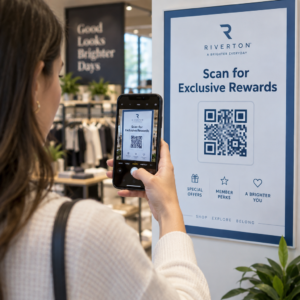
- Adăugați un cadru cu un apel la acțiune. O frază scurtă precum “Scanați pentru a vedea meniul nostru” sau “Scanați pentru oferte exclusive” elimină ambiguitatea și crește ratele de scanare. Puteți asorta Rame pentru coduri QR cu culorile brandului și logo-ul dumneavoastră.
- Previzualizați și testați. Scanați codul pe cel puțin două dispozitive diferite înainte de a-l descărca. Verificați-l în diferite condiții de iluminare și de la distanțele de la care vă așteptați ca utilizatorii să scaneze.
- Descarcă în formatul corect. Utilizați SVG sau EPS pentru tipar, PNG de înaltă rezoluție pentru utilizare digitală.

Pentru designuri de brand gata făcute pe care le puteți adapta rapid, explorați Șabloane de coduri QR.
Utilizarea codurilor QR dinamice pentru campanii de brand
Dacă codul tău QR personalizat va apărea pe materiale tipărite, un cod dinamic îți oferă un avantaj semnificativ. Cu un cod static, destinația este blocată permanent. Cu un cod dinamic, URL-ul codificat în model indică o scurtă redirecționare pe care o controlezi. Poți schimba destinația oricând, fără a retipări sau a redesena codul.
Acest lucru este important în special pentru codurile personalizate, deoarece:
- Poți dori să rotești oferte sezoniere sau pagini de destinație pentru campanii
- Poți remedia linkuri rupte fără a atinge materialul fizic
- Primești analize de scanare – date în timp real despre când, unde și cât de des este scanat codul
Codurile dinamice se potrivesc bine și cu designurile personalizate, deoarece investești mai mult efort într-un cod care arată profesional. Protejarea acestei investiții cu conținut actualizabil are sens practic. Află mai multe despre setul complet de funcționalități disponibil pentru codurile QR personalizate.
Aplicații în Lumea Reală pe Industrie
Înțelegerea modului în care alte afaceri utilizează codurile QR personalizate te poate ajuta să identifici abordarea corectă pentru propriile materiale.
- Retail: Brandurile de îmbrăcăminte încorporează coduri QR cu logo-ul lor pe etichete, legând la ghiduri de stil, tabele de mărimi sau magazinul online. Logo-ul din centru face codul recognoscibil și în concordanță cu brandul la punctul de vânzare.
- Restaurante: Un cod QR pe un suport de masă sau pe coperta meniului poate face legătura către meniul digital, sistemul de rezervări sau programul de fidelitate. Asortarea culorilor codului cu paleta restaurantului menține designul coerent.
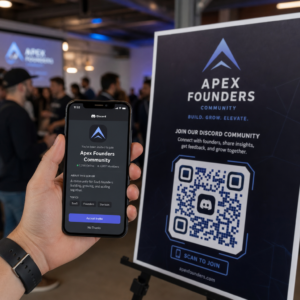
- Evenimente: Organizatorii de evenimente utilizează coduri QR personalizate pe ecusoane, semnalistică și programe tipărite pentru a stimula descărcările de aplicații, înregistrările sau programele sesiunilor. Corecția înaltă a erorilor este deosebit de importantă aici, deoarece codurile pot fi scanate în condiții de iluminare variabilă.
- Ambalajul produsului: Un cod QR personalizat pe ambalaj poate face legătura către instrucțiuni de asamblare, înregistrarea garanției sau recenzii de produs. Utilizarea unui cod dinamic aici înseamnă că poți actualiza destinația pe măsură ce produsul evoluează.

Pentru exemple mai detaliate, vezi 7 exemple de coduri QR personalizate.
Întrebări frecvente
Nu dacă urmați ghidurile corecte. Setați corecția erorilor la Nivel H înainte de a adăuga un logo, mențineți logo-ul centrat și limitați acoperirea acestuia la aproximativ 20–25% din suprafața totală a codului. Evitați acoperirea celor trei marcaje de poziție din colțuri. Testați codul final pe mai multe dispozitive înainte de imprimare.
Da, atâta timp cât mențineți un contrast suficient între modulele întunecate și fundalul deschis. Vizați un raport de contrast de cel puțin 4.5:1. Evitați gradienții în cadrul modelului modulului, nu inversați niciodată culorile la deschis pe întunecat și mențineți întotdeauna zona liniștită (marginea goală din jurul codului) complet liberă.
Dimensiunea minimă recomandată pentru scanare de aproape este de 0,8 × 0,8 inchi (aproximativ 2 × 2 cm). Pentru codurile destinate a fi scanate de la distanțe mai mari, utilizați regula 10:1: pentru fiecare 10 cm de distanță de scanare estimată, codul ar trebui să aibă o lățime de cel puțin 1 cm. Exportați întotdeauna fișierele de imprimare într-un format vectorial, cum ar fi SVG sau EPS, pentru a evita pixelarea.