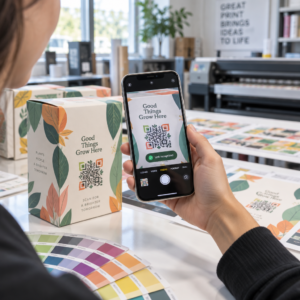
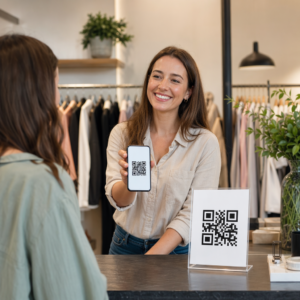
Chcete, aby váš QR kód vypadal jako součást vaší značky namísto generického černobílého čtverce? Obyčejný QR kód funguje, ale značkový s vaším logem a barvami buduje rozpoznatelnost a je více skenován. Tento průvodce vám ukáže, jak vytvořit vlastní QR kód, který vypadá profesionálně, aniž by obětoval skenovatelnost.
Proč značkové QR kódy fungují lépe
Standardní QR kód neřekne skeneru nic o vašem podnikání. Značkový kód udělá více práce, než ho kdokoli naskenuje. Když se vaše logo nachází uvnitř kódu a barvy vaší značky rámují design, zákazníci okamžitě rozpoznají zdroj. Toto rozpoznání buduje důvěru – a důvěra pohání skenování.
Výzkum zahrnutý v 7 příkladů značkových QR kódů ukazuje, že značkové QR kódy s logy mohou zvýšit míru skenování o 30–70 % ve srovnání s generickými. Kromě čísel, značkový kód posiluje vaši vizuální identitu pokaždé, když se objeví na obalech, nápisech nebo tiskových materiálech.
Firmy, které stále formují svou vizuální identitu, mohou prozkoumat nápady pro jedinečné logo pro podnikání před jeho aplikací napříč QR kódy, obaly a dalšími značkovými materiály. Klíčem je vědět, které designové volby pomáhají a které narušují skenovatelnost.
Jak korekce chyb QR kódu umožňuje integraci loga
Před přizpůsobením kódu je užitečné pochopit, proč lze loga vůbec přidávat, aniž by se kód poškodil. QR kódy obsahují vestavěnou korekci chyb založenou na Reed–Solomonových kódech, která přidává redundantní data, takže skenery mohou rekonstruovat vzor, i když je jeho část zakryta.
Existují čtyři úrovně korekce chyb:
- Úroveň L – obnoví až 7 % poškozených kódových slov; nejmenší velikost kódu; nejlepší pro čisté vnitřní použití
- Úroveň M – obnoví až 15 %; standardní volba pro většinu marketingových aplikací
- Úroveň Q – obnoví až 25 %; vhodné pro venkovní použití nebo texturované povrchy
- Úroveň H – obnoví až 30 %; doporučeno vždy, když přidáváte logo
Když vložíte logo do středu QR kódu, záměrně zakrýváte část vzoru. Korekce chyb úrovně H to kompenzuje, což umožňuje skeneru rekonstruovat chybějící data. Bez ní může i malé logo způsobit selhání skenování.
Pro hlubší pohled na to, jak to funguje v praxi, viz jak funguje oprava chyb v editovatelných QR kódech.
Vytvořte značkový QR kód s logem Jste připraveni vytvořit QR kód, který odráží vaši značku? Použijte QR kód s logem generátor k nahrání vašeho loga, výběru barev a vygenerování skenovatelného kódu odpovídajícího vaší značce během několika minut.
Umístění loga: Pravidla, která chrání skenovatelnost
Nesprávné přidání loga je jedním z nejčastějších důvodů selhání značkových QR kódů. Dodržujte tyto pokyny, aby váš kód zůstal spolehlivý:
- Udržujte logo vycentrované. Střed QR kódu obsahuje datové moduly, které nejvíce těží z pokrytí korekcí chyb. Vycentrování loga se vyhýbá třem rohovým pozičním značkám, které jsou klíčové pro orientaci skeneru a nikdy nesmí být zakryty.
- Omezte pokrytí logem na přibližně 20–25 % plochy kódu. Pokrytí více než 30 % přesahuje to, co dokáže obnovit i korekce chyb úrovně H. Blíže k 20 % vám dává pohodlnou bezpečnostní rezervu.
- Použijte soubor loga ve vysokém rozlišení. Rozmazané nebo pixelované logo ve středu kódu přidává vizuální šum, který může rušit skenování, zejména na starších zařízeních. Pro nejlepší výsledek použijte PNG nebo vektorový formát jako SVG.
- Preferujte jednoduchá, čtvercová nebo kruhová loga. Vertikální obdélníková loga riskují překrytí časovacích vzorů, které se táhnou podél okrajů kódu. Horizontální nebo kompaktní tvary jsou bezpečnější.
- Testujte na více zařízeních před tiskem. Kód, který se dokonale naskenuje na novém iPhonu, může selhat na starším Androidu s fotoaparátem s nižším rozlišením. Testujte napříč platformami a světelnými podmínkami.
Více o bezpečné integraci loga se dozvíte v průvodci na téma jak přidat loga do QR kódů.
Barva a kontrast: Jak udržet barvy vaší značky skenovatelné
Ve QR kódu můžete použít barvy své značky, ale výběr barev přímo ovlivňuje, zda se kód spolehlivě naskenuje. Skenery čtou rozdíl mezi tmavými moduly a světlým pozadím – nikoli konkrétní odstíny. Když tento kontrast zmizí, zmizí i skenovatelnost.
Pravidla kontrastu, která je třeba dodržovat
- Používejte tmavé moduly popředí na světlém pozadí. Toto je základní požadavek. Klasická černá na bílé nabízí kontrastní poměr 21:1 a je nejuniverzálněji spolehlivou kombinací.
- Udržujte minimální kontrastní poměr 4,5:1 pro menší kódy. Pro velkoformátové kódy prohlížené z dálky je přijatelný poměr 4:1. Můžete to ověřit pomocí jakéhokoli nástroje pro kontrolu kontrastu webové přístupnosti.
- Nikdy neinvertujte barvy. Světlé na tmavém (bílé na černém) schéma může vypadat nápadně, ale mnoho QR skenerů selhává u obrácených barevných schémat.
- Vyhněte se gradientům v rámci vzoru modulu. Gradienty vytvářejí střední tóny, které snižují lokální kontrast a matou skenery. Pokud chcete gradientní efekt, aplikujte jej pouze na dekorativní prvky mimo vzor kódu, jako je rámeček nebo pozadí.
- Udržujte klidovou zónu čistou. Klidová zóna je prázdný okraj obklopující QR kód. Norma ISO vyžaduje minimálně čtyři moduly prázdného prostoru na všech stranách. Pokud je každý modul široký 2 mm, klidová zóna musí být na každé straně minimálně 8 mm. Umístění textu, dekorativních prvků nebo dokonce vašeho loga příliš blízko k tomuto okraji může způsobit selhání skenování.
Úplný rozpis toho, které barevné kombinace fungují a kterým se vyhnout, naleznete v průvodci na osvědčené postupy pro barevný kontrast QR kódů.
Velikost a rozlišení: Jak to správně nastavit pro tisk
Krásně brandovaný QR kód, který je příliš malý na skenování, ztrácí svůj účel. Velikost ovlivňuje čitelnost i vzdálenost skenování.
- Minimální velikost pro použití zblízka je 0,8 × 0,8 palce (přibližně 2 × 2 cm). Pod touto velikostí má většina skenerů potíže.
- Použijte pravidlo 10:1 pro vzdálenost skenování. Na každých 10 cm očekávané vzdálenosti skenování by kód měl být široký alespoň 1 cm. Kód určený ke skenování z 50 cm by měl být široký alespoň 5 cm.
- Exportujte ve vektorových formátech pro tisk. Formáty SVG, EPS a PDF se škálují bez ztráty kvality. Rasterizovaný PNG s nízkým rozlišením se při tisku bude jevit rozmazaný a rozmazaný kód se nemusí naskenovat. Pro tiskové aplikace vždy exportujte v rozlišení 300 DPI nebo vyšším.
Pro pokyny k velikosti specifické pro kontext viz osvědčené postupy pro čitelnost QR kódů.
Krok za krokem: Vytvoření brandovaného QR kódu s logem
Zde je praktický pracovní postup pro vytvoření brandovaného QR kódu, který spolehlivě skenuje.
- Vyberte generátor, který podporuje vkládání loga a přizpůsobení barev. Ne všechny nástroje to umí. Hledejte takový, který vám umožní nastavit úrovně opravy chyb, nahrát logo a nezávisle upravovat barvy. Pageloot’s generátor QR kódů pokrývá všechny tyto možnosti.
- Nastavte úroveň opravy chyb na H před přidáním loga. Některé generátory standardně nastavují úroveň M, což není dostatečné, pokud je přítomno logo.
- Zadejte cílovou URL nebo obsah. Pokud vytváříte kód pro kampaň nebo tištěný materiál, zvažte použití dynamický QR kód abyste mohli cíl později aktualizovat bez nutnosti nového tisku.
- Nahrajte své logo. Použijte soubor PNG nebo SVG. Udržujte logo jednoduché – vyhněte se jemnému textu nebo složitým ilustracím, které ztrácejí jasnost v malých velikostech.
- Použijte barvy vaší značky. Vyberte tmavou barvu popředí, která odpovídá paletě vaší značky, a spárujte ji se světlým nebo bílým pozadím. Před dokončením otestujte kontrastní poměr.
- Přidejte rámeček s výzvou k akci. Krátká fráze jako “Naskenujte pro zobrazení našeho menu” nebo “Naskenujte pro exkluzivní nabídky” odstraňuje nejasnosti a zvyšuje míru skenování. Můžete sladit Rámečky pro QR kódy s barvami a logem vaší značky.
- Náhled a testování. Naskenujte kód na minimálně dvou různých zařízeních před stažením. Zkontrolujte jej v různých světelných podmínkách a ze vzdáleností, ze kterých očekáváte, že jej uživatelé budou skenovat.
- Stáhněte ve správném formátu. Pro tisk použijte SVG nebo EPS, pro digitální použití PNG ve vysokém rozlišení.

Pro hotové značkové designy, které můžete rychle přizpůsobit, prozkoumejte Šablony QR kódů.
Používání dynamických QR kódů pro značkové kampaně
Pokud se váš značkový QR kód objeví na tištěných materiálech, dynamický kód vám poskytne významnou výhodu. U statického kódu je cíl trvale uzamčen. U dynamického kódu URL adresa zakódovaná ve vzoru odkazuje na krátké přesměrování, které ovládáte. Můžete kdykoli změnit, kam vede, aniž byste museli kód znovu tisknout nebo přepracovávat.
To je důležité zejména pro značkové kódy, protože:
- Možná budete chtít střídat sezónní nabídky nebo vstupní stránky kampaní
- Můžete opravit nefunkční odkazy, aniž byste se dotkli fyzického materiálu
- Získáte analytiku skenování – data v reálném čase o tom, kdy, kde a jak často je kód skenován
Dynamické kódy se také dobře hodí k značkovým designům, protože investujete více úsilí do kódu, který vypadá profesionálně. Ochrana této investice s aktualizovatelným obsahem dává praktický smysl. Zjistěte více o úplné sadě funkcí dostupných pro vlastní QR kódy.
Reálné aplikace podle odvětví
Pochopení toho, jak jiné firmy používají značkové QR kódy, vám může pomoci identifikovat správný přístup pro vaše vlastní materiály.
- Maloobchod: Oděvní značky vkládají QR kódy se svým logem na visačky, které odkazují na stylové průvodce, tabulky velikostí nebo online obchod. Logo uprostřed činí kód rozpoznatelným a v souladu se značkou v místě prodeje.
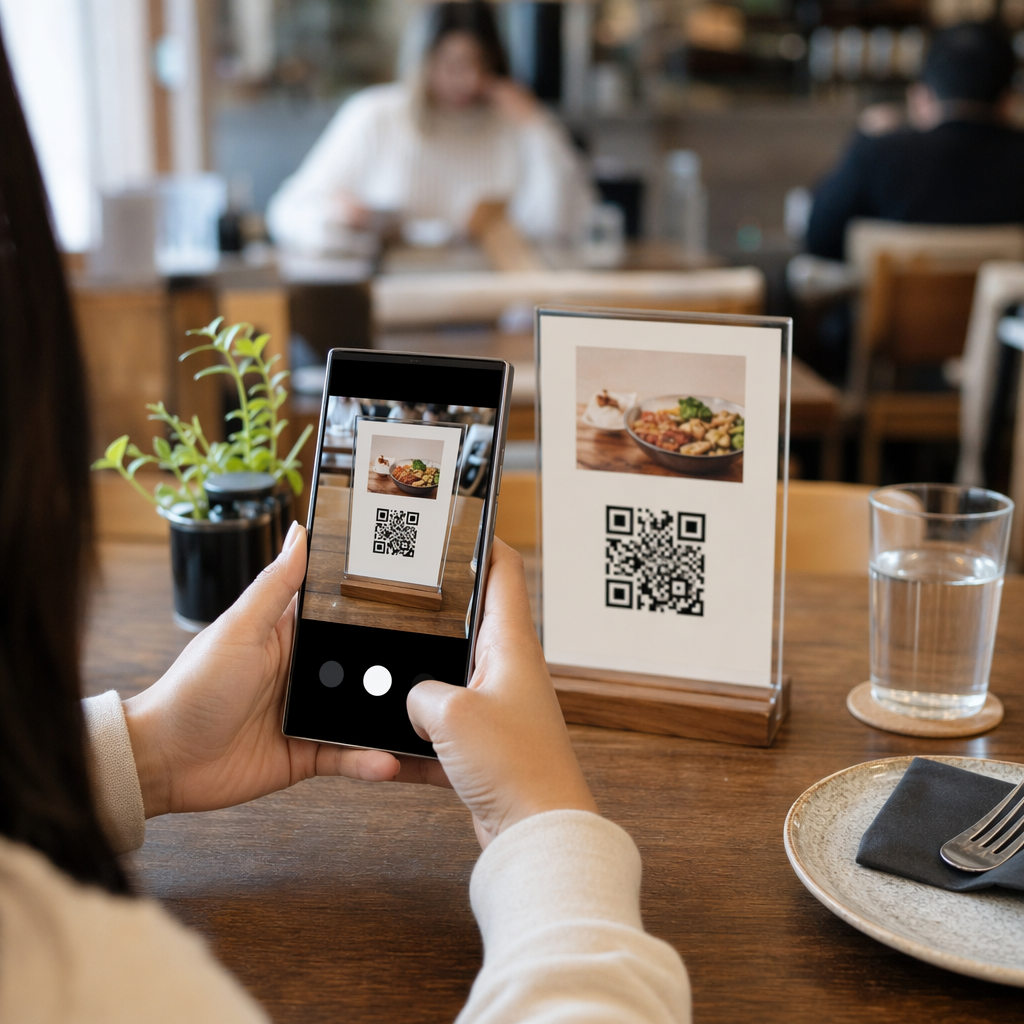
- Restaurace: QR kód na stolním stojánku nebo obalu menu může odkazovat na digitální menu, rezervační systém nebo věrnostní program. Sladění barev kódu s paletou restaurace udržuje design soudržný.
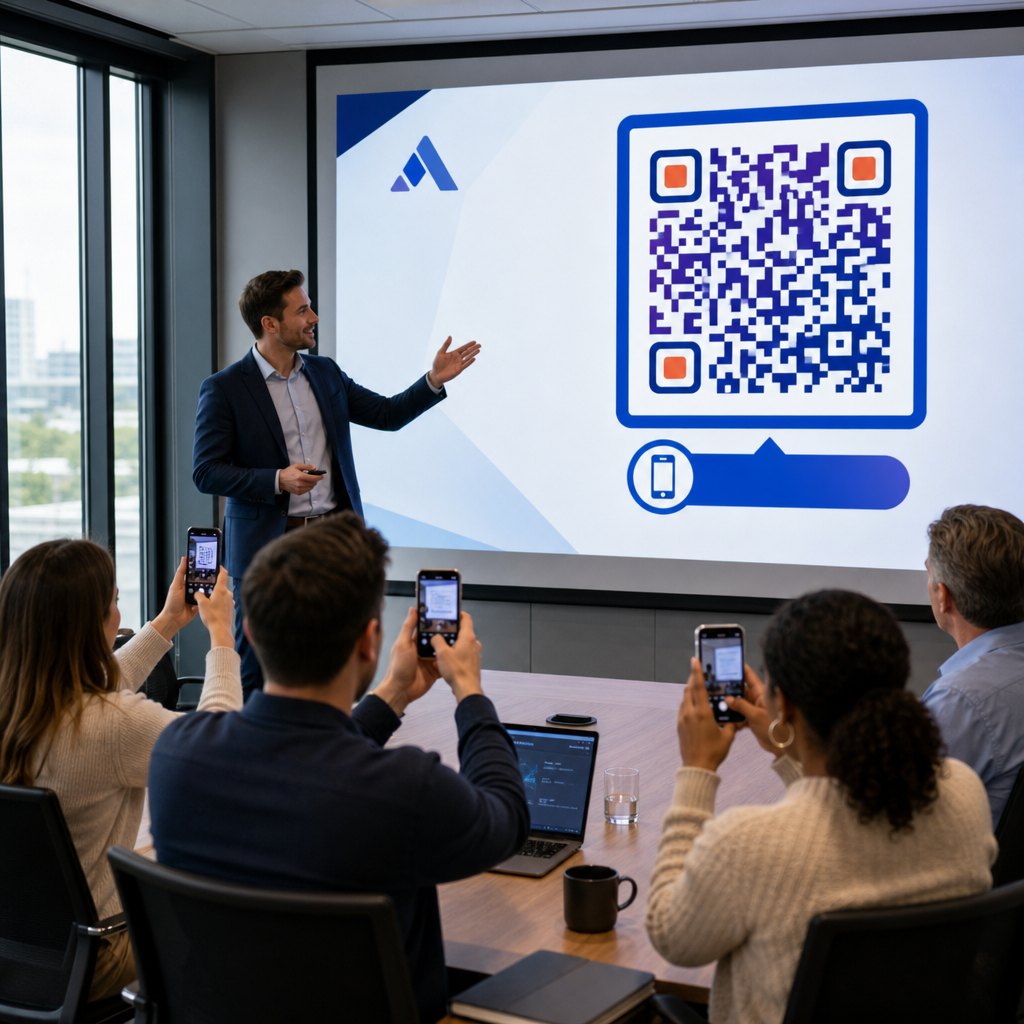
- Události: Organizátoři akcí používají značkové QR kódy na odznacích, cedulích a tištěných programech k podpoře stahování aplikací, přihlašování nebo rozvrhů relací. Vysoká korekce chyb je zde obzvláště důležitá, protože kódy mohou být skenovány v proměnlivém osvětlení.
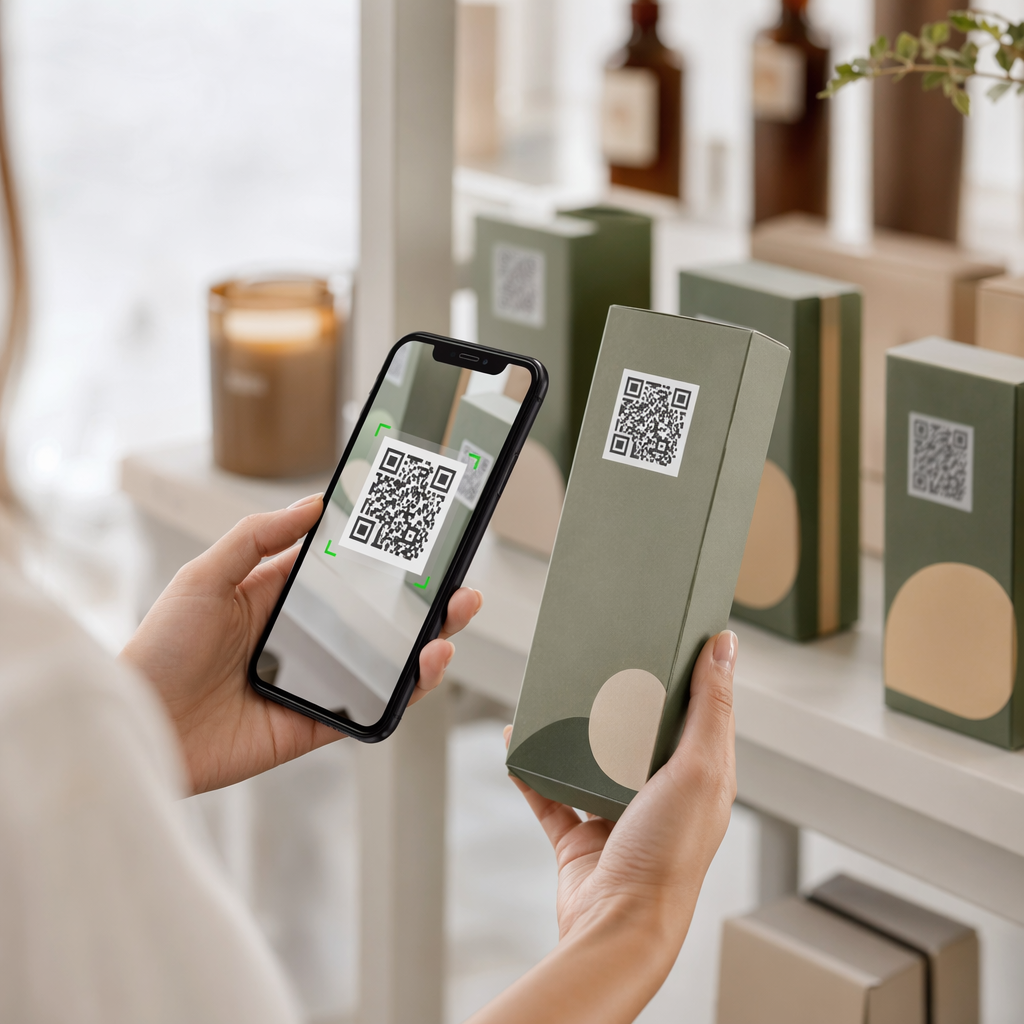
- Obaly produktů: Značkový QR kód na obalu může odkazovat na montážní pokyny, registraci záruky nebo recenze produktů. Použití dynamického kódu zde znamená, že můžete aktualizovat cíl, jak se produkt vyvíjí.

Pro podrobnější příklady viz 7 příkladů značkových QR kódů.
Často kladené otázky
Ne, pokud se budete řídit správnými pokyny. Nastavte korekci chyb na úroveň H před přidáním loga, udržujte logo vycentrované a omezte jeho pokrytí na přibližně 20–25 % celkové plochy kódu. Vyhněte se zakrytí tří rohových pozičních značek. Otestujte finální kód na více zařízeních před tiskem.
Ano, pokud zachováte dostatečný kontrast mezi tmavými moduly a světlým pozadím. Usilujte o kontrastní poměr alespoň 4,5:1. Vyhněte se gradientům v rámci vzoru modulu, nikdy neobracejte barvy na světlé na tmavém a vždy udržujte klidovou zónu (prázdný okraj kolem kódu) zcela čistou.
Minimální doporučená velikost pro skenování zblízka je 0.8 × 0.8 palce (přibližně 2 × 2 cm). Pro kódy určené ke skenování z větších vzdáleností použijte pravidlo 10:1: na každých 10 cm očekávané skenovací vzdálenosti by měl být kód široký alespoň 1 cm. Vždy exportujte tiskové soubory ve vektorovém formátu, jako je SVG nebo EPS, abyste předešli pixelizaci.