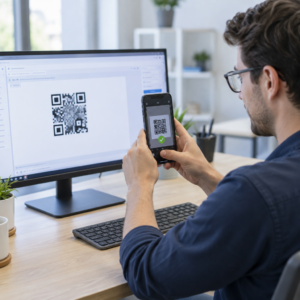
Haluatko asiakkaiden lähettävän sinulle viestin yhdellä skannauksella – ilman kirjoittamista, etsimistä tai kitkaa? Kun jonkun on etsittävä puhelinnumerosi tai WhatsApp-yhteystietosi käsin, useimmat heistä eivät vaivaudu. Tämä opas selittää tarkalleen, miten QR-koodit toimivat yleisimpien viestialustojen kanssa, jotta voit poistaa tämän esteen kokonaan.
Miksi QR-koodit ja viestintä toimivat hyvin yhdessä
QR-koodit yhdistävät fyysiset materiaalit ja digitaaliset toiminnot. Sen sijaan, että pyytäisit jotakuta kirjoittamaan puhelinnumeron tai navigoimaan chat-ikkunaan, yksi skannaus tekee kaiken automaattisesti. Tuloksena on vähemmän kitkaa, korkeampi konversio ja suora viestintäkanava, jota hallitset.
Tällä on suurempi merkitys kuin ennen. Lähes 83,4 miljoonaa aikuista älypuhelimen käyttäjää Yhdysvalloissa skannasi QR-koodin vuonna 2022 – noin 37,5 % aikuisista älypuhelimen omistajista – ja tämän osuuden ennustetaan nousevan 42,6 %:iin vuoteen 2025 mennessä. Näistä käyttäjistä useimmat skannaavat useita kertoja kuukaudessa, ja noin joka viides ilmoittaa skannaavansa viikoittain. Markkinoijille tämä tottumuksen taso tarkoittaa, että hyvin sijoitetulla viestintä-QR-koodilla on todellinen mahdollisuus tulla käytetyksi.
Käytännön sovellukset ovat laajat: tuotepakkauksessa oleva QR-koodi, joka avaa asiakastukichatin, tapahtumajuliste, joka aloittaa keskustelun myyntitiimin kanssa, tai käyntikortti, jonka avulla joku voi lähettää sinulle viestin WhatsAppissa tallentamatta numeroasi ensin. Voit oppia QR-koodin asennuksen perusteet ennen kuin syvennyt alla oleviin alustakohtaisiin vaiheisiin.
QR-koodit WhatsAppiin
WhatsAppilla oli noin 75,1 miljoonaa kuukausittaista aktiivista käyttäjää Yhdysvalloissa vuoden 2023 puolivälissä, mikä tekee siitä yhden laajimmin käytetyistä viestialustoista yrityksille, jotka kohdistavat mobiiliasiakkaisiin.
QR-koodin linkittämiseen WhatsAppiin on kaksi ensisijaista tapaa: chat-ikkunan avaaminen tai chat-ikkunan avaaminen esitäytetyllä viestillä. Ero on merkityksellinen riippuen siitä, mitä vuorovaikutukselta haluat.
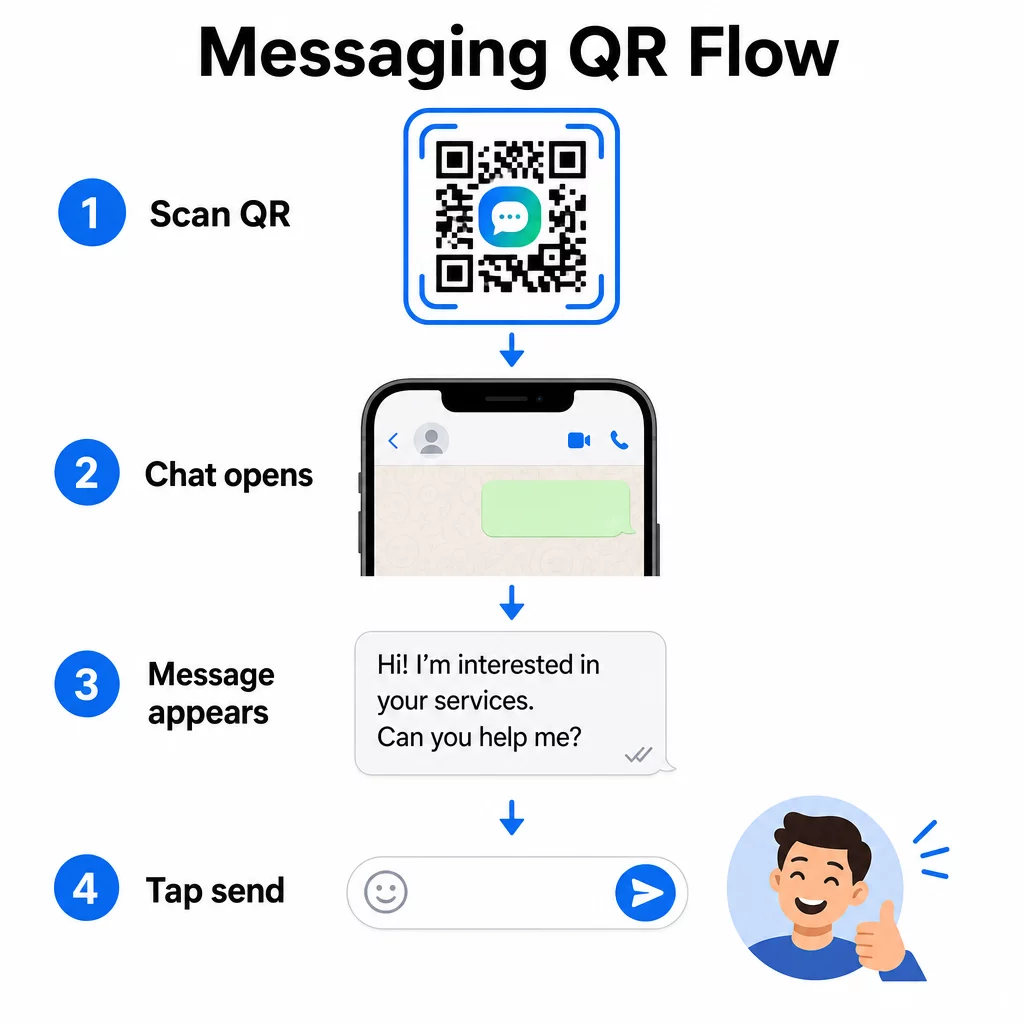
Chat-ikkunan avaaminen (Klikkaa keskustellaksesi)
Yksinkertaisempi kahdesta vaihtoehdosta avaa vain uuden chatin skannaajan ja numerosi välille. Käytä tätä muotoa URL-osoitteena QR-koodissasi:
“`
https://wa.me/YOURNUMBER
“`
Puhelinnumeron on oltava kansainvälisessä muodossa ilman sulkeita, väliviivoja, plusmerkkejä tai etunollia. Esimerkiksi Ison-Britannian numero Suur-Manchesterissa (0161 912 3456) muotoiltaisiin seuraavasti:
“`
https://wa.me/441619123456
“`
Jaotellaan se: maakoodi (44) + suuntanumero ilman etunollaa (161) + paikallinen numero (9123456). Testaa linkkisi aina ennen kuin tulostat sen minnekään.
Luo WhatsApp QR-koodi Käytä WhatsApp QR-koodi generaattori rakentaa brändätty, skannattava koodi numerollasi ja valinnaisella esitäytetyllä viestillä – manuaalista URL-muotoilua ei tarvita.
Esitäytetty viesti
Tämä vaihtoehto avaa chatin ja täyttää viestikentän tekstillä, jonka määrität etukäteen. Kun joku skannaa, hän näkee luonnosviestin valmiina lähetettäväksi – heidän tarvitsee vain napauttaa lähetä-painiketta. URL-muoto on:
“`
https://wa.me/YOURNUMBER?text=YOURMESSAGE
“`
Replace spaces in your message with `%20` so the URL encodes correctly. For example, the phrase “I would like more information” becomes `I%20would%20like%20more%20information`.
Hyödyllisiä esitäytettyjä viestiesimerkkejä ovat:
- `I%20would%20like%20to%20subscribe%20to%20your%20newsletter`
- `I%20would%20like%20a%20free%20sample`
- `I%20need%20help%20with%20my%20order`
Jos haluat jakaa esitäytetyn viestin kohdistamatta sitä tiettyyn numeroon – hyödyllinen sisällön jakamiseen suoran yhteydenoton sijaan – käytä sen sijaan tätä muotoa:
“`
https://wa.me/?text=YOURMESSAGE
“`
Esitäytetty viestimenetelmä on erityisen tehokas liidien hankinnassa. Tiedät tarkalleen, mistä joku skannasi (käyttämänsä koodin perusteella), ja saat heti heidän WhatsApp-numeronsa, kun he lähettävät viestin. Voit myös oppia lisää aiheesta WhatsApp QR-koodi: skannaus Androidilla ja iPhonella jos haluat ymmärtää käyttäjäkokemuksen toiselta puolelta.
QR-koodit Facebook Messengerille
Facebook Messengerillä oli noin 139 miljoonaa kuukausittaista käyttäjää Yhdysvalloissa vuoden 2023 puolivälissä, mikä tekee siitä maan laajimmin käytetyn mobiiliviestisovelluksen. Jos yleisösi on Facebookissa, Messengerin QR-koodi voi olla suora yhteys sivusi postilaatikkoon.
Linkin muoto on yksinkertainen:
“`
http://m.me/PAGENAME
“`
Korvaa `PAGENAME` Facebook-sivusi käyttäjänimellä – tämä on teksti, joka näkyy `facebook.com/`-osoitteen jälkeen sivusi URL-osoitteessa, ei sivun yläosassa näkyvä näyttönimi. Kun joku skannaa koodin, Messenger avaa uuden keskustelun suoraan sivusi kanssa.
Tämä toimii samalla tavalla kuin WhatsAppin click-to-chat -vaihtoehto: se avaa chat-ikkunan, mutta se ei esitäytä viestiä. Se tarkoittaa, että toimintakehotuksellasi on merkitystä. Minne tahansa sijoitatkin koodin, liitä siihen lyhyt kehotus, kuten:
- “Keskustele kanssamme”
- “Kysy meiltä kysymys”
- “Ota yhteyttä heti”
Varmista, että sivullasi on viesti-ilmoitukset käytössä, jotta vastaat nopeasti. Viivästynyt vastaus kumoaa pikaviestinnän tarkoituksen.
QR-koodit tekstiviesteille (SMS)
Klassisella tekstiviestillä on lähes universaali kattavuus – se on asennettu jokaiseen älypuhelimeen eikä sitä voi poistaa. Yleisöille, joissa WhatsAppin tai Messengerin käyttöönotto on epävarmaa, tekstiviesti on turvallisin varavaihtoehto.
SMS QR-koodin standardi URI-muoto on:
“`
sms:PHONENUMBER?body=YOURMESSAGE
“`
Huomaa, että iOS ja Android käsittelevät tätä URIa hieman eri tavoin. iOS käyttää tyypillisesti puolipistettä ennen `body`-osaa kysymysmerkin sijaan, joten jos kohdistat viestin sekakäyttäjäkunnalle, testaaminen molemmilla alustoilla ennen koodin jakelua on välttämätöntä. Useimmat QR-koodigeneraattorit hoitavat tämän automaattisesti, kun käytät erillistä SMS QR-koodityökalua.
Se Tekstin QR-koodi generaattori voi koodata tekstiviestiohjeita, yhteystietoja tai minkä tahansa lyhyen tekstimerkkijonon skannattavaan koodiin, kun taas erillinen SMS-generaattori käsittelee esitäytetyn viestimuodon erityisesti.
QR-koodit Telegramille
Telegram käyttää julkisia profiililinkkejä muodossa `t.me/username` kanaville, ryhmille ja profiileille. Muuntamalla kyseisen linkin QR-koodiksi joku voi liittyä kanavallesi tai aloittaa keskustelun yhdellä skannauksella.
Yksityisille ryhmille tai kanaville, joilla ei ole julkista käyttäjänimeä, käytä sen sijaan sovelluksen sisällä luotua kutsulinkkiä. Löytääksesi sen: avaa ryhmä, napauta “Lisää jäsen”, valitse sitten “Kutsu ryhmään linkin kautta”. Kopioi kyseinen URL ja liitä se linkin QR-koodigeneraattori luodaksesi koodisi. Löydät vaiheittaiset ohjeet tästä läpikäynnistä aiheesta QR-koodit Telegram-ryhmille.
QR-koodit sähköpostille
Sähköposti toimii eri tavalla kuin pikaviestintä, mutta sillä on sama perusidea: kitkan vähentäminen, jotta potentiaalisen yhteyshenkilön ei tarvitse kirjoittaa mitään. `mailto:`-linkki koodaa vastaanottajan osoitteen, aiheen ja viestin sisällön suoraan QR-koodiin.
Muoto on:
“`
mailto:[email protected]?subject=Your%20Subject&body=Your%20Message
“`
Like WhatsApp prefilled messages, spaces must be encoded as `%20`. When someone scans the code, their default email client opens with the recipient, subject, and body already populated.
Se Sähköpostin QR-koodi generaattori käsittelee tämän muotoilun automaattisesti ja antaa sinun mukauttaa koodin ulkoasua ennen lataamista.
Staattisten ja dynaamisten QR-koodien välillä valitseminen
Jokainen yllä oleva viestintä-QR-koodiesimerkki voidaan luoda joko staattisena tai dynaamisena koodina – ja valinnalla on käytännön seurauksia pitkäaikaisille kampanjoille.
A staattinen QR-koodi koodaa kohdelinkin pysyvästi. Jos puhelinnumerosi muuttuu, sivusi käyttäjätunnus muuttuu tai haluat testata eri esitäytettyä viestiä, sinun on luotava ja tulostettava uusi koodi.
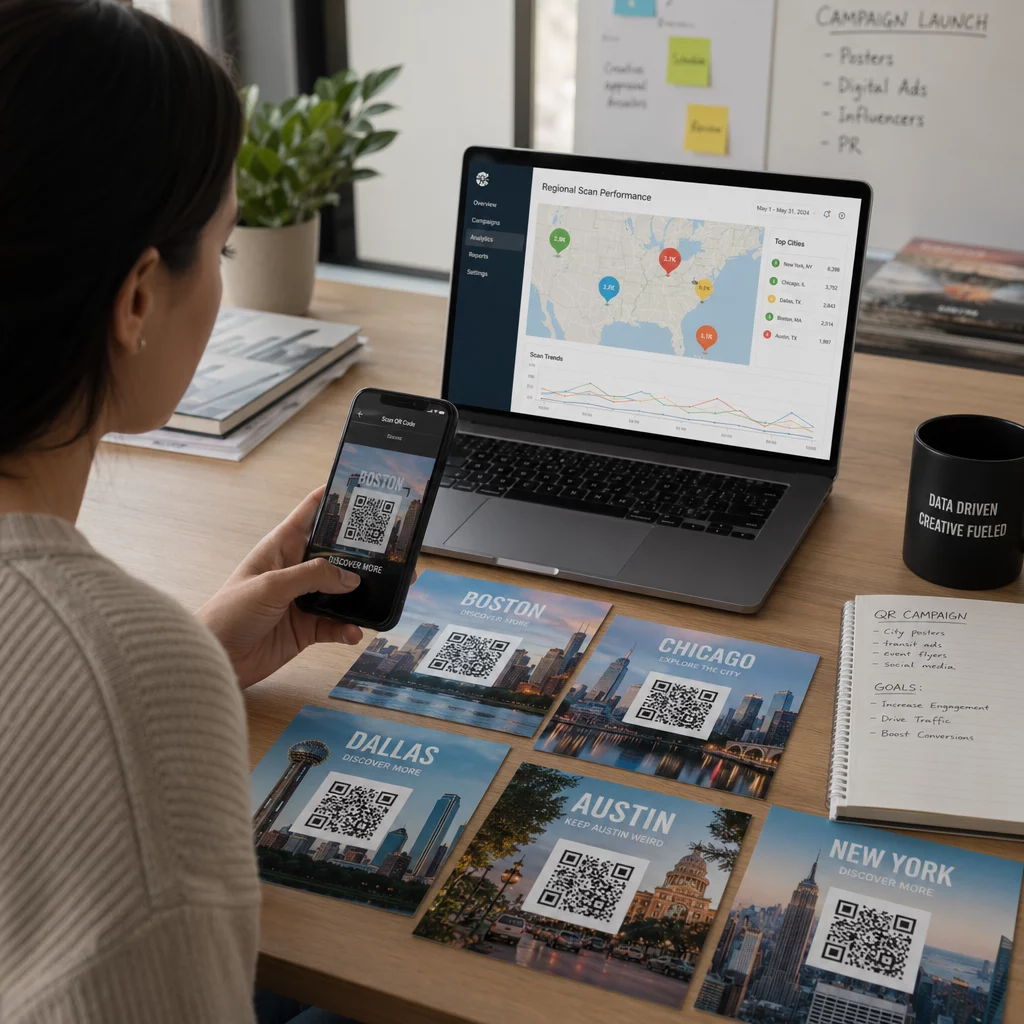
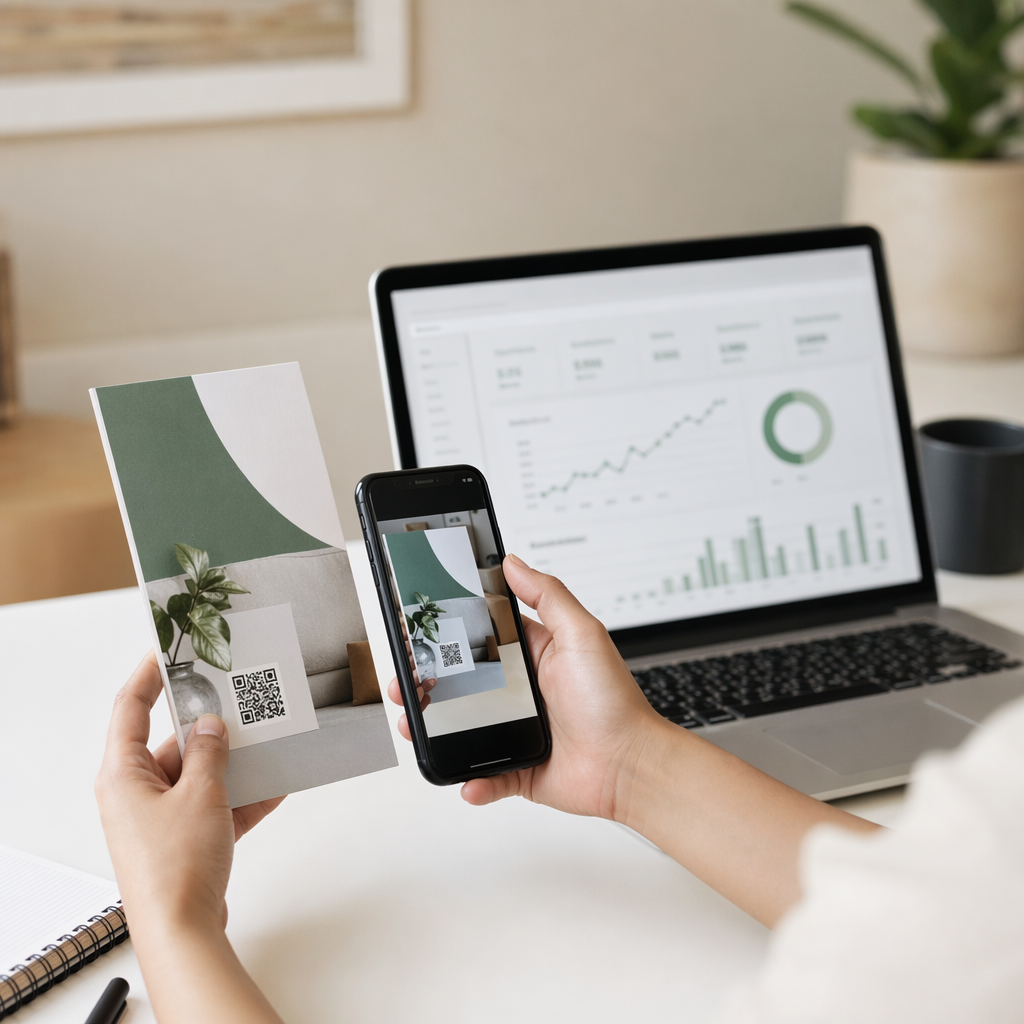
A dynaaminen QR-koodi tallentaa lyhyen uudelleenohjaus-URL-osoitteen, jonka voit päivittää milloin tahansa, jopa sen jälkeen, kun koodi on tulostettu. Muuta kohdetta, vaihda esitäytetty viesti tai ohjaa täysin eri alustalle – tulostettu koodi pysyy samana. Dynaamiset koodit tukevat myös skannausanalytiikkaa: voit seurata, kuinka monta ihmistä skannasi, milloin, missä ja millä laitteella.
Painetuille materiaaleille, kuten esitteille, tuotepakkauksille tai myymälänäytöille, dynaamiset koodit ovat yleensä älykkäämpi valinta. Voit oppia lisää kompromisseista tässä vertailussa staattisten ja dynaamisten QR-koodien välillä, ja tutustua seurannan määrittämiseen tässä oppaassa aiheesta QR-koodien seuranta.
Seuraa jokaista skannausta viestintäkampanjoissasi Haluatko tietää, mikä sijoitus tuottaa eniten keskusteluja? QR-koodigeneraattori antaa sinun rakentaa dynaamisia viestintä-QR-koodeja täydellä skannausanalytiikalla – seuraa suorituskykyä ja päivitä kohteita ilman uudelleentulostusta.
Minne sijoittaa viestintä-QR-koodeja
Tekninen asennus on vain puolet työstä. Viestintä-QR-koodi, jota kukaan ei näe, ei johda keskusteluihin. Muutama todistettu sijoitus:
- Tuotepakkaukset – asiakkaat, joilla on kysymys, voivat lähettää sinulle viestin suoraan pakkauksesta
- Käyntikortit – WhatsApp- tai Messenger-koodi korvaa yhteystiedon manuaalisen tallentamisen vaivan
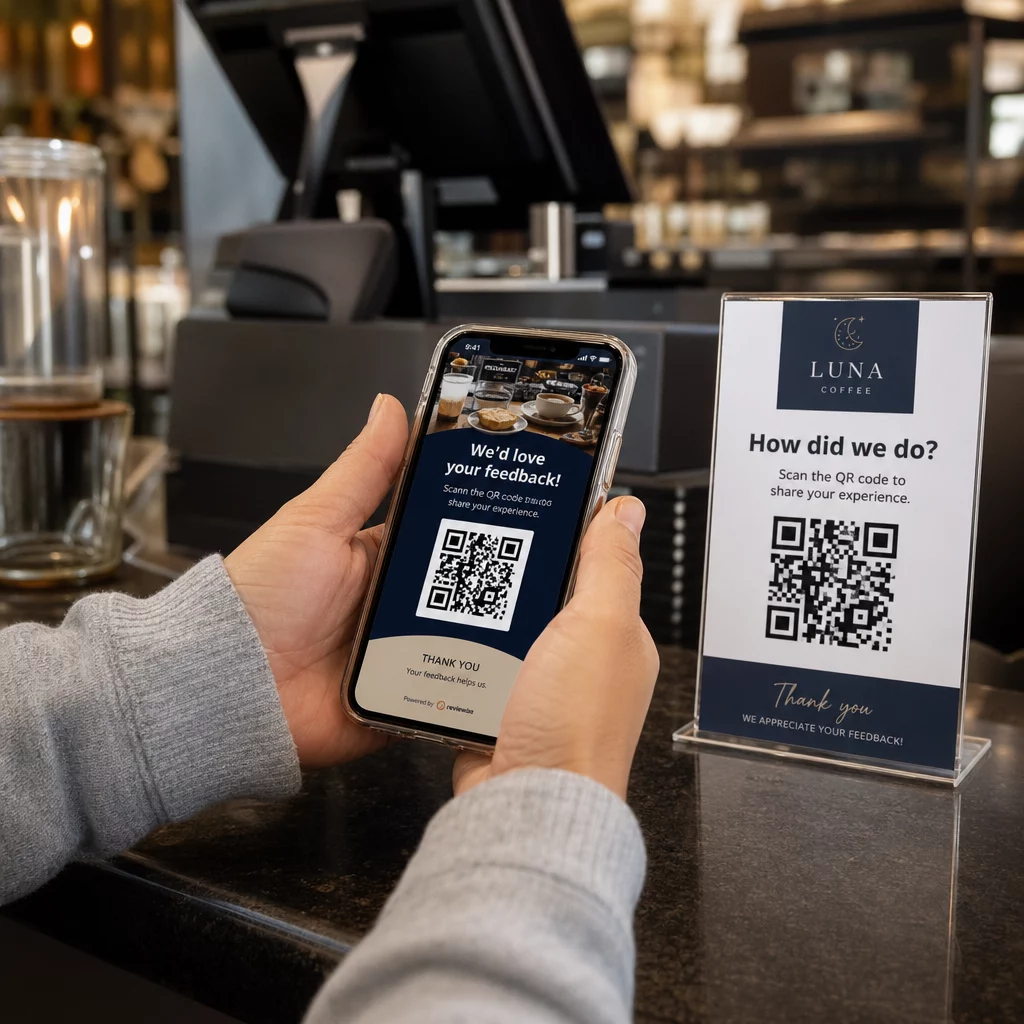
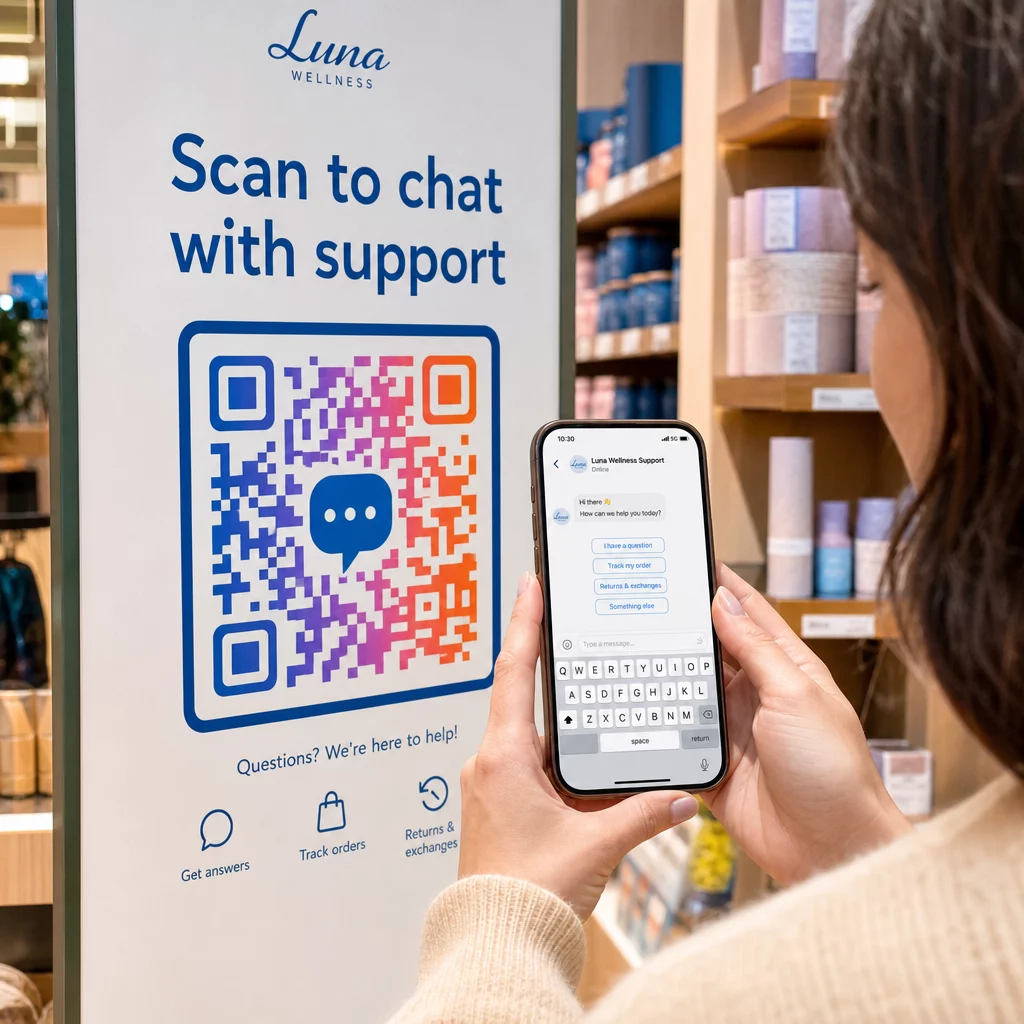
- Myymälän sisäiset opasteet – “Keskustele kanssamme” -koodit kassojen tai palvelupisteiden lähellä madaltavat kynnystä kysymyksille
- Tapahtumamateriaalit – pöytäkortit, kaulanauhat tai messuosaston esillepanot Telegram- tai Messenger-koodilla välitöntä seurantaa varten
- Painetut mainokset ja esitteet – esitäytetty tekstiviestikoodi antaa potentiaalisten asiakkaiden liittyä seurantaviestintään välittömästi
Minne tahansa sijoitatkin koodin, lisää lyhyt toimintakehote suoraan sen viereen. Pelkkä koodi ei selitä hyötyä. Kerro ihmisille, mitä he saavat skannaamalla: “Skannaa keskustellaksesi tuen kanssa”, “Skannaa saadaksesi tarjouksen” tai “Skannaa tilataksesi”.”
Usein kysytyt kysymykset
Kyllä. WhatsApp QR-koodi edellyttää WhatsAppin asentamista skannaajan laitteeseen; Messenger-koodi edellyttää Messenger-sovellusta tai Facebook-tiliä, johon pääsee selaimen kautta. Tekstiviestikoodit toimivat millä tahansa puhelimella ilman lisäsovellusta. Jos yleisösi sovelluskäyttö on epävarmaa, tekstiviestit tarjoavat laajimman kattavuuden.
Kyllä. WhatsApp tukee esitäytettyjä viestejä käyttäen `?text=`-parametria `wa.me`-linkkimuodossa. SMS QR-koodit tukevat runkoparametria `sms:`-URI:ssa, vaikka tarkka syntaksi voi hieman poiketa iOS:n ja Androidin välillä. Testaus molemmilla alustoilla ennen koodin jakelua on suositeltavaa.
Dynaaminen QR-koodi antaa sinun päivittää kohteen tai esitäytetyn viestin milloin tahansa ilman uudelleen tulostamista. Se tarjoaa myös skannausanalytiikkaa – skannausten kokonaismäärän, skannauspaikat, laitetypit – jotta voit mitata, mitkä sijoittelut ja viestit toimivat parhaiten. Tämä on erityisen hyödyllistä painetuille materiaaleille, joilla on pitkä käyttöikä.