> 산업 > How to Use QR Codes for Instant Messaging
QR 코드를 스캔하는 고객

How to Use QR Codes for Instant Messaging

Learn to use QR codes for WhatsApp, Facebook Messenger, and SMS. This guide explains how to set up chat links, prefilled messages, and track scan analytics.
Updated on 6월 10, 2026
목차

Want customers to message you with a single scan – no typing, no searching, no friction? When someone has to manually look up your phone number or find your WhatsApp contact, most of them won’t bother. This guide explains exactly how QR codes work with the most common messaging platforms so you can remove that barrier entirely.

Why QR Codes and Messaging Work Well Together

QR codes bridge the gap between physical materials and digital actions. Instead of asking someone to type a phone number or navigate to a chat window, a single scan does all of that automatically. The result is less friction, higher conversion, and a direct communication channel you control.

This matters more than it used to. Nearly 83.4 million adult smartphone users in the United States scanned a QR code in 2022 – about 37.5% of adult smartphone owners – and that share is projected to reach 42.6% by 2025. Among those users, most scan several times a month, and about one in five report scanning weekly. For marketers, that level of habitual behavior means a well-placed messaging QR code has a genuine chance of being used.

The practical applications are broad: a QR code on product packaging that opens a customer support chat, a poster at an event that starts a conversation with a sales team, or a business card that lets someone message you on WhatsApp without saving your number first. You can learn the fundamentals of QR code setup before diving into the platform-specific steps below.

QR Codes for WhatsApp

WhatsApp had approximately 75.1 million monthly active users in the United States as of mid-2023, making it one of the more widely used messaging platforms for businesses targeting mobile-first customers.

There are two primary ways to link a QR code to WhatsApp: opening a chat window, or opening a chat window with a prefilled message already typed in. The difference matters depending on what you want from the interaction.

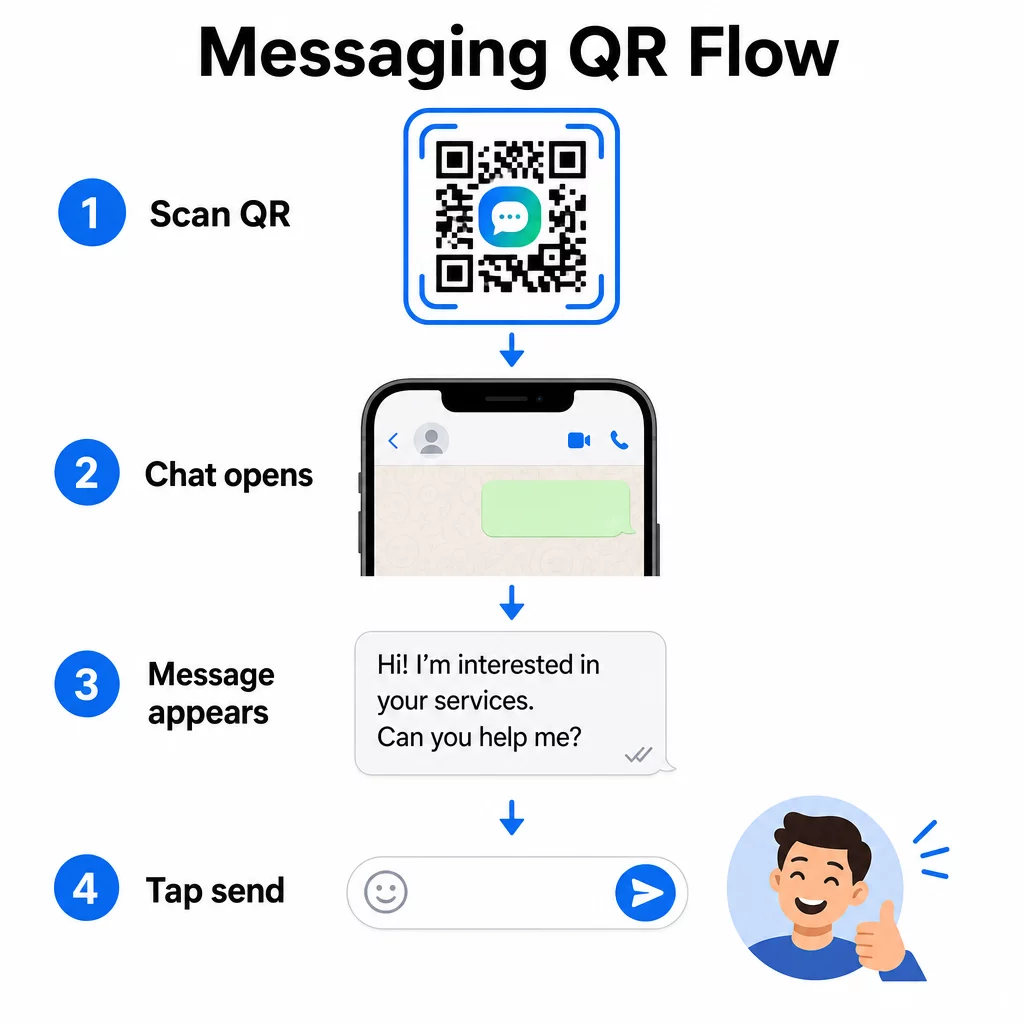
QR chat flow

Opening a Chat Window (Click to Chat)

The simpler of the two options just opens a new chat between the scanner and your number. Use this format as the URL inside your QR code:

“`

https://wa.me/YOURNUMBER

“`

The phone number must be in international format with no brackets, dashes, plus signs, or leading zeros. For example, a UK number in Greater Manchester (0161 912 3456) would be formatted as:

“`

https://wa.me/441619123456

“`

Break it down: country code (44) + area code without the leading zero (161) + local number (9123456). Always test your link before printing it anywhere.

Create a WhatsApp QR Code 사용 WhatsApp QR 코드 생성기 to build a branded, scannable code with your number and optional prefilled message – no manual URL formatting required.

Prefilled Message

This option opens a chat and populates the message field with text you define in advance. When someone scans, they see a draft message ready to send – they just tap the send button. The URL format is:

“`

https://wa.me/YOURNUMBER?text=YOURMESSAGE

“`

Replace spaces in your message with `%20` so the URL encodes correctly. For example, the phrase “I would like more information” becomes `I%20would%20like%20more%20information`.

Useful prefilled message examples include:

  • `I%20would%20like%20to%20subscribe%20to%20your%20newsletter`
  • `I%20would%20like%20a%20free%20sample`
  • `I%20need%20help%20with%20my%20order`

If you want to share a prefilled message without targeting a specific number – useful for content sharing rather than direct contact – use this format instead:

“`

https://wa.me/?text=YOURMESSAGE

“`

The prefilled message approach is particularly strong for lead generation. You know exactly where someone scanned (based on which code they used), and you immediately have their WhatsApp number when they send the message. You can also learn more about how to scan a QR code on WhatsApp if you want to understand the user experience from the other side.

Facebook Messenger 용 QR 코드

Facebook Messenger had approximately 139 million monthly users in the United States as of mid-2023, making it the most widely used mobile messaging app in the country. If your audience is on Facebook, a Messenger QR code can be a direct line into your page’s inbox.

The link format is straightforward:

“`

http://m.me/PAGENAME

“`

Replace `PAGENAME` with your Facebook page’s username – this is the text that appears after `facebook.com/` in your page’s URL, not the display name shown at the top of the page. When someone scans the code, Messenger opens a new conversation with your page directly.

This works similarly to the WhatsApp click-to-chat option: it opens the chat window, but it doesn’t prefill a message. That means your call-to-action matters. Wherever you place the code, pair it with a short prompt like:

  • “Chat with us”
  • “Ask us a question”
  • “Get in touch right now”

Make sure your page has messaging notifications enabled so you respond promptly. A delayed reply defeats the purpose of instant communication.

QR Codes for Text Messages (SMS)

Classic SMS has near-universal reach – it comes installed on every smartphone and cannot be removed. For audiences where WhatsApp or Messenger adoption is uncertain, SMS is the safest fallback.

The standard URI format for an SMS QR code is:

“`

sms:PHONENUMBER?body=YOURMESSAGE

“`

Note that iOS and Android handle this URI slightly differently. iOS typically uses a semicolon before `body` rather than a question mark, so if you’re targeting a mixed audience, testing on both platforms before distributing the code is essential. Most QR code generators handle this automatically when you use a dedicated SMS QR code tool.

그만큼 텍스트 QR 코드 생성기 can encode SMS instructions, contact details, or any short text string into a scannable code, while the dedicated SMS generator handles the prefilled message format specifically.

QR Codes for Telegram

Telegram uses public profile links in the format `t.me/username` for channels, groups, and profiles. Converting that link into a QR code lets someone join your channel or start a conversation with a single scan.

For private groups or channels that don’t have a public username, use the invite link generated from within the app instead. To find it: open the group, tap “Add Member,” then select “Invite to Group via Link.” Copy that URL and paste it into a 링크 QR 코드 생성기 to create your code. You can find step-by-step guidance in this walkthrough on QR codes for Telegram groups.

QR Codes for Email

Email functions differently from instant messaging, but it shares the same core idea: reducing friction so a potential contact doesn’t have to type anything. A `mailto:` link encodes the recipient address, subject line, and message body directly into the QR code.

The format is:

“`

mailto:[email protected]?subject=Your%20Subject&body=Your%20Message

“`

Like WhatsApp prefilled messages, spaces must be encoded as `%20`. When someone scans the code, their default email client opens with the recipient, subject, and body already populated.

그만큼 이메일 QR코드 생성기 handles this formatting automatically and lets you customize the code’s appearance before downloading.

정적 QR 코드와 동적 QR 코드 선택

Every messaging QR code example above can be generated as either a static or a dynamic code – and the choice has practical consequences for long-term campaigns.

정적 QR 코드 encodes the destination link permanently. If your phone number changes, your page username changes, or you want to test a different prefilled message, you have to generate and reprint a new code.

동적 QR 코드 stores a short redirect URL that you can update at any time, even after the code has been printed. Change the destination, swap the prefilled message, or redirect to a completely different platform – the printed code stays the same. Dynamic codes also support scan analytics: you can track how many people scanned, when, where, and on what type of device.

For printed materials like flyers, product packaging, or in-store displays, dynamic codes are usually the smarter choice. You can learn more about the tradeoffs in this comparison of 정적 vs 동적 QR 코드, and explore how to set up tracking in this guide on QR 코드 추적.

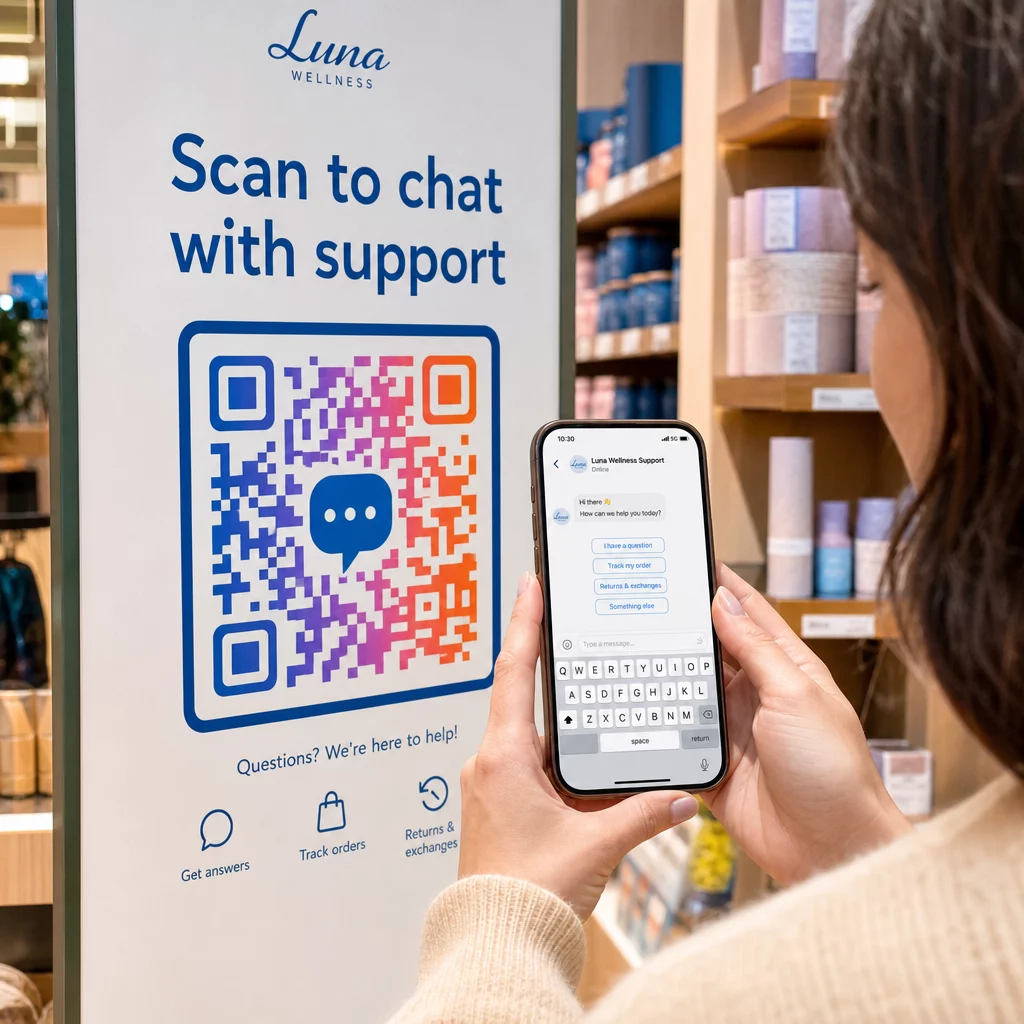
Scanning support QR

Track Every Scan Across Your Messaging Campaigns Want to know which placement drives the most conversations? The QR 코드 생성기 lets you build dynamic messaging QR codes with full scan analytics – monitor performance and update destinations without reprinting.

Where to Place Messaging QR Codes

The technical setup is only half the job. A messaging QR code that nobody sees doesn’t drive conversations. A few proven placements:

  • 제품 포장 – customers with a question can message you directly from the box
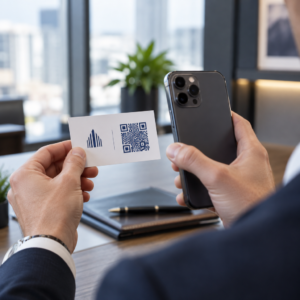
  • 명함 – a WhatsApp or Messenger code replaces the friction of saving a contact manually
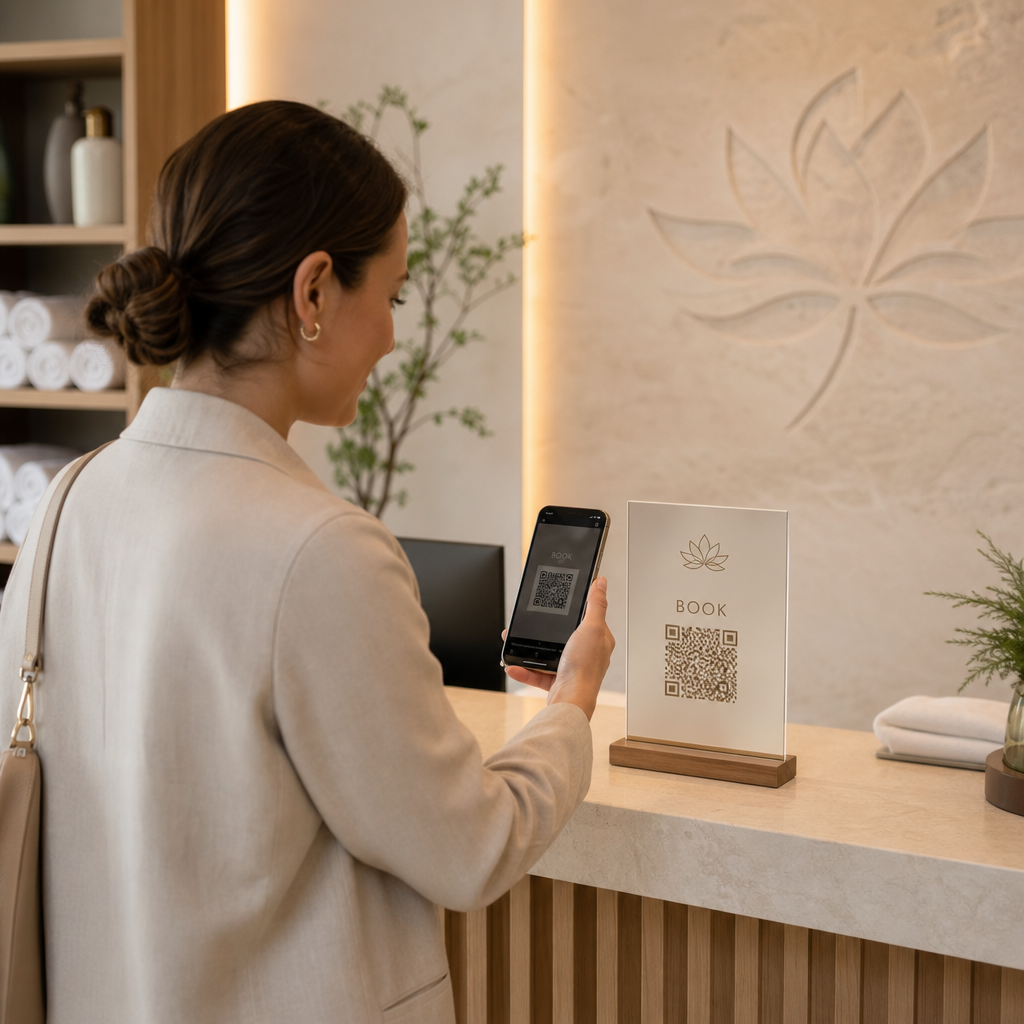
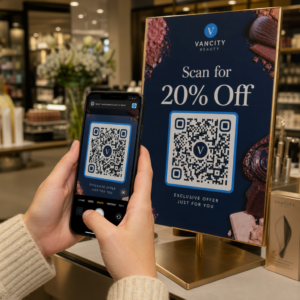
  • 매장 내 사이니지 – “Chat with us” codes near checkout or service desks lower the barrier for questions
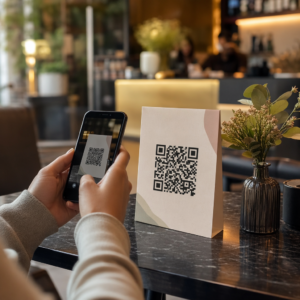
  • Event materials – table cards, lanyards, or booth displays with a Telegram or Messenger code for immediate follow-up
  • Print ads and brochures – a prefilled SMS code lets prospects opt in to follow-up communications instantly

Wherever you place the code, add a short call-to-action directly next to it. The code alone doesn’t explain the benefit. Tell people what they’ll get by scanning: “Scan to chat with support,” “Scan to get a quote,” or “Scan to subscribe.”

자주 묻는 질문

Do users need a specific app installed for a messaging QR code to work?

Yes. A WhatsApp QR code requires WhatsApp to be installed on the scanner’s device; a Messenger code requires the Messenger app or a Facebook account accessible via browser. SMS codes work on any phone without an additional app. If your audience’s app usage is uncertain, SMS offers the broadest reach.

Can I use a prefilled message for both WhatsApp and SMS QR codes?

Yes. WhatsApp supports prefilled messages using the `?text=` parameter in the `wa.me` link format. SMS QR codes support a body parameter in the `sms:` URI, though the exact syntax can differ slightly between iOS and Android. Testing on both platforms before distributing the code is recommended.

What is the advantage of a dynamic QR code for a messaging campaign?

A dynamic QR code lets you update the destination or prefilled message at any time without reprinting. It also provides scan analytics – total scans, scan locations, device types – so you can measure which placements and messages perform best. This is especially useful for printed materials with a long shelf life.

작성자 정보

시임 코스타비는 페이지루트의 콘텐츠 책임자입니다. 그는 페이지루트의 혁신적인 QR 코드 생성 서비스에 대한 글을 쓰고 있습니다. 5년 이상 QR 코드 분야에서 쌓아온 깊이 있는 전문 지식을 바탕으로, 시임은 이 분야의 전문가로 인정받고 있습니다. 그는 QR 기술을 활용하여 디지털 상호작용을 간소화하고 향상시키는 데 크게 기여하고 있습니다.

범주
에 대해 자세히 알아보기
밴에 있는 QR 코드
QR 코드 사용 차량
고객이 QR 배너를 스캔합니다.
QR 코드 사용 야외 배너

온라인으로 QR 코드를 생성해야하는 경우 QR 코드 만들기 무료로 여기!
Pageloot는 #1 Go-To 솔루션 QR 코드를 만들고 스캔합니다.

QF-19

블로그 세대

20,000개 이상의 브랜드로부터 신뢰를 받아 더 많은 매출, 리뷰, 팔로워를 확보했습니다.

클라이언트 로고
최고 브랜드의 신뢰
5 중 4.8 평가

4.86 / 5 별점

휴고 로랑
휴고 로랑
레스토랑 주인
가장 쉽고 안정적인 QR 코드 생성기. PDF 파일을 즉시 업로드할 수 있습니다. 이제 레스토랑 메뉴가 디지털화되었습니다.
루카스 얀센
루카스 얀센
부동산 개발사
이것은 훌륭한 도구이며 QR 코드를 사용하면 원하는 곳으로 이동할 수 있습니다. 우리는 위치 QR 코드만 사용하지만 유용한 기능이 너무 많습니다.
엠마 모레티
엠마 모레티
소매 제품
사용하기 쉽고 빠릅니다. 그것은 훌륭하게 작동하고 완벽한 이미지를 생성하므로 직원들이 내 vCard를 다운로드할 수 있습니다.
휴고 로랑
휴고 로랑
레스토랑 주인
가장 쉽고 안정적인 QR 코드 생성기. PDF 파일을 즉시 업로드할 수 있습니다. 이제 레스토랑 메뉴가 디지털화되었습니다.
루카스 얀센
루카스 얀센
부동산 개발사
이것은 훌륭한 도구이며 QR 코드를 사용하면 원하는 곳으로 이동할 수 있습니다. 우리는 위치 QR 코드만 사용하지만 유용한 기능이 너무 많습니다.
엠마 모레티
엠마 모레티
소매 제품
사용하기 쉽고 빠릅니다. 그것은 훌륭하게 작동하고 완벽한 이미지를 생성하므로 직원들이 내 vCard를 다운로드할 수 있습니다.
더 많은 QR 코드보기
Trusted QR code
아무도 신경 쓰지 않는다 QR 코드 정보
휴대폰 QR 코드 스캔
작동 원리 QR 코드 스캐너
Scanning food package QR
QR 코드 사용 식품 포장
무엇이든 디지털 경험으로 전환하세요 3분 이내에.

14일 무료 체험.

신용카드는 필요 없습니다.

첫 구매 시 30% 할인

코드를 사용하세요:

MP3 파일 공유

PDF QR 코드를 생성하려면 가입하세요

필요한 모든 것을 업로드하고 표시합니다.

  • 오디오 파일
  • 팟캐스트
  • 음악

가입 시 14일 무료 체험.
체험 기간 후 QR 코드 만료.

오디오 mp3 QR 코드를 생성하려면 가입하세요

프레임으로 더 많은 스캔 확보

QR 코드에 더 많은 프레임을 추가하려면 가입하세요

클릭 유도 문안 프레임은 고객이 QR 코드와 쉽게 상호 작용할 수 있도록 도와줍니다. 사용해 보세요!

가입 시 14일 무료 체험.
체험 기간 후 QR 코드 만료.

QR 코드에 더 많은 프레임을 추가하려면 가입하세요

도형으로 더 많은 스타일 추가

더 많은 도형을 만들려면 가입하세요

QR 코드는 정사각형일 필요가 없습니다. 브랜드 이미지에 맞게 전환해 보세요.

가입 시 14일 무료 체험.
체험 기간 후 QR 코드 만료.

더 많은 도형을 만들려면 가입하세요

QR 코드에 로고 추가

QR 코드에 로고를 추가하려면 가입하세요

로고와 브랜드를 추가하여 QR 코드를 돋보이게 만드세요.

가입 시 14일 무료 체험.
체험 기간 후 QR 코드 만료.

QR 코드에 로고를 추가하려면 가입하세요

스마트 앱 스토어 리디렉션

앱 스토어 QR 코드를 생성하려면 가입하세요

스마트 앱 스토어 QR 코드에 앱 링크를 추가하세요. 사용자는 장치에 따라 리디렉션됩니다.

가입 시 14일 무료 체험.
체험 기간 후 QR 코드 만료.

앱 스토어 QR 코드를 생성하려면 가입하세요

QR 코드에 이미지 업로드

이미지 QR 코드를 생성하려면 가입하세요

이미지를 쉽게 공유하세요. 몇 초 안에 동적으로 이미지를 변경하십시오.

가입 시 14일 무료 체험.
체험 기간 후 QR 코드 만료.

이미지 QR 코드를 생성하려면 가입하세요

PDF 파일 공유

PDF QR 코드를 생성하려면 가입하세요

필요한 모든 것을 업로드하고 표시합니다.

  • 메뉴 및 가격표
  • 명령
  • 모든 문서

가입 시 14일 무료 체험.
체험 기간 후 QR 코드 만료.

PDF QR 코드를 생성하려면 가입하세요

인쇄 없이 나중에 편집

다시 인쇄하지 않고 QR 코드를 편집하려면 가입하세요

동적 QR 코드를 사용하면 새 QR 코드를 인쇄하지 않고도 QR 코드의 내용을 변경할 수 있습니다.

가입 시 14일 무료 체험.
체험 기간 후 QR 코드 만료.

다시 인쇄하지 않고 QR 코드를 편집하려면 가입하세요

언제? 어디서? QR 코드 스캔 추적

QR 코드를 추적하려면 가입하세요

어떤 QR 코드가 가장 많이 스캔되고 무엇이 고객을 가장 흥분시키는지 알아보십시오.

가입 시 14일 무료 체험.
체험 기간 후 QR 코드 만료.

QR 코드를 추적하려면 가입하세요

인쇄 준비 파일 제공

PDF 및 SVG와 같은 벡터 QR 코드를 생성하려면 가입하세요.

.EPS, .PDF, .SVG

HD 해상도로 QR 코드를 다운로드하고 싶으신가요? 인쇄할 준비가 된 벡터 또는 픽셀 형식을 가져옵니다.

가입 시 14일 무료 체험.
체험 기간 후 QR 코드 만료.

PDF 및 SVG와 같은 벡터 QR 코드를 생성하려면 가입하세요.

기다리세요. 귀하의 QR 코드는 로드 중... 로드 중...

나만의 것으로 만들기

나중을 위해 QR 코드를 저장하려면 가입하세요.

다양한 색상, 로고 및 클릭 유도문안 프레임으로 멋진 QR 코드를 만들어 더 많은 스캔을 받으세요.

가입 시 14일 무료 체험.
체험 기간 후 QR 코드 만료.

나중을 위해 QR 코드를 저장하려면 가입하세요.