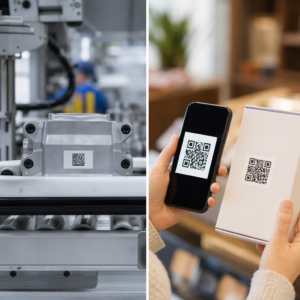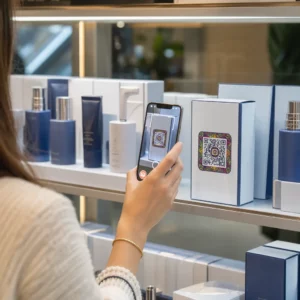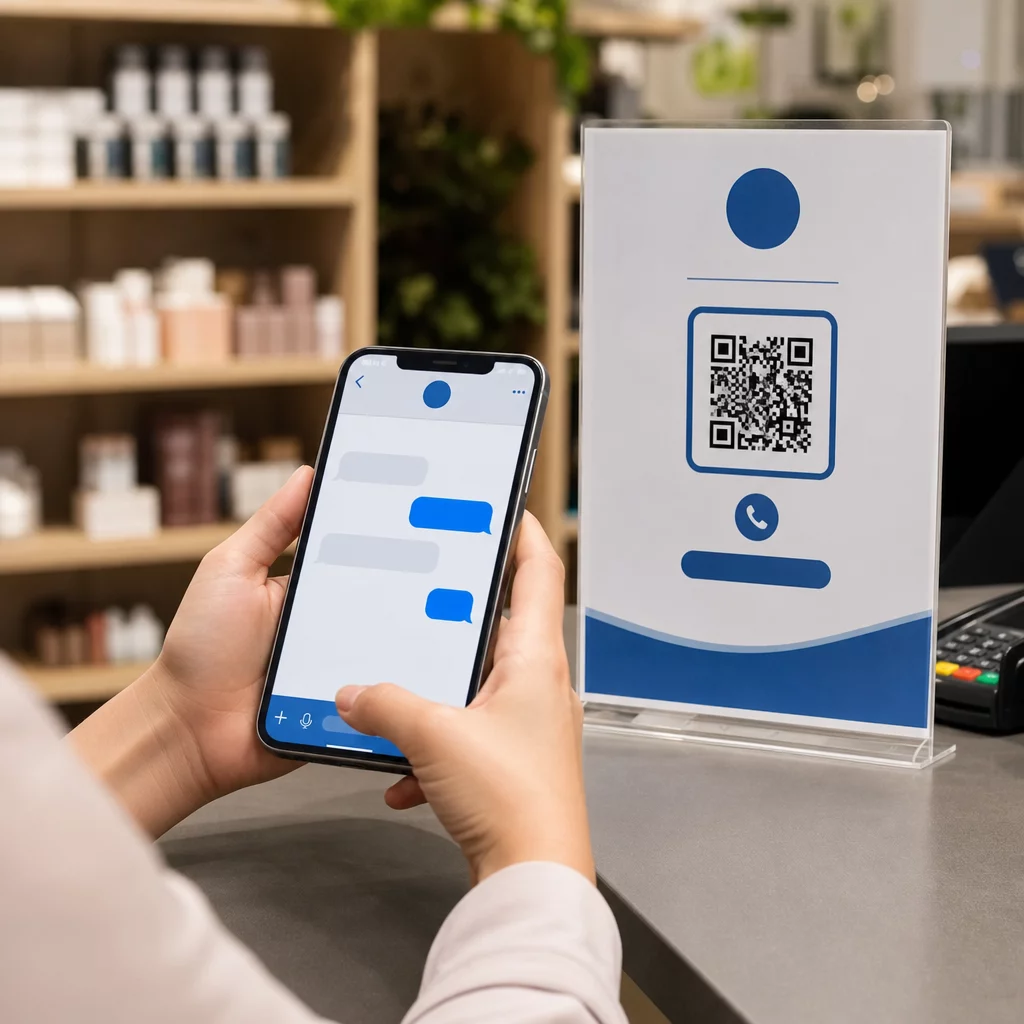
Ingin pelanggan menghantar mesej kepada anda dengan satu imbasan – tanpa menaip, tanpa mencari, tanpa halangan? Apabila seseorang perlu mencari nombor telefon anda secara manual atau mencari kenalan WhatsApp anda, kebanyakan mereka tidak akan peduli. Panduan ini menerangkan dengan tepat bagaimana kod QR berfungsi dengan platform pemesejan yang paling biasa supaya anda boleh menghapuskan halangan itu sepenuhnya.
Mengapa Kod QR dan Pemesejan Berfungsi dengan Baik Bersama
Kod QR merapatkan jurang antara bahan fizikal dan tindakan digital. Daripada meminta seseorang menaip nombor telefon atau menavigasi ke tetingkap sembang, satu imbasan melakukan semua itu secara automatik. Hasilnya adalah kurang halangan, penukaran yang lebih tinggi, dan saluran komunikasi langsung yang anda kawal.
Ini lebih penting daripada dahulu. Hampir 83.4 juta pengguna telefon pintar dewasa di Amerika Syarikat mengimbas kod QR pada tahun 2022 – kira-kira 37.5% pemilik telefon pintar dewasa – dan bahagian itu dijangka mencapai 42.6% menjelang 2025. Di kalangan pengguna tersebut, kebanyakan mengimbas beberapa kali sebulan, dan kira-kira satu daripada lima melaporkan mengimbas setiap minggu. Bagi pemasar, tahap tingkah laku kebiasaan itu bermakna kod QR pemesejan yang diletakkan dengan baik mempunyai peluang sebenar untuk digunakan.
Aplikasi praktikalnya luas: kod QR pada pembungkusan produk yang membuka sembang sokongan pelanggan, poster di acara yang memulakan perbualan dengan pasukan jualan, atau kad perniagaan yang membolehkan seseorang menghantar mesej kepada anda di WhatsApp tanpa menyimpan nombor anda terlebih dahulu. Anda boleh mempelajari asas-asas persediaan kod QR sebelum menyelami langkah-langkah khusus platform di bawah.
Kod QR untuk WhatsApp
WhatsApp mempunyai kira-kira 75.1 juta pengguna aktif bulanan di Amerika Syarikat pada pertengahan 2023, menjadikannya salah satu platform pemesejan yang lebih banyak digunakan untuk perniagaan yang menyasarkan pelanggan yang mengutamakan mudah alih.
Terdapat dua cara utama untuk memautkan kod QR ke WhatsApp: membuka tetingkap sembang, atau membuka tetingkap sembang dengan mesej pra-isi yang sudah ditaip. Perbezaan itu penting bergantung pada apa yang anda inginkan daripada interaksi tersebut.
Membuka Tetingkap Sembang (Klik untuk Sembang)
Pilihan yang lebih mudah daripada dua pilihan ini hanya membuka sembang baharu antara pengimbas dan nombor anda. Gunakan format ini sebagai URL di dalam kod QR anda:
“`
https://wa.me/YOURNUMBER
“`
Nombor telefon mestilah dalam format antarabangsa tanpa kurungan, sengkang, tanda tambah, atau sifar pendahulu. Contohnya, nombor UK di Greater Manchester (0161 912 3456) akan diformatkan sebagai:
“`
https://wa.me/441619123456
“`
Pecahkan: kod negara (44) + kod kawasan tanpa sifar pendahulu (161) + nombor tempatan (9123456). Sentiasa uji pautan anda sebelum mencetaknya di mana-mana.
Cipta Kod QR WhatsApp Menggunakan Kod QR WhatsApp untuk membina kod berjenama, boleh diimbas dengan nombor anda dan mesej prapenuh pilihan – tiada pemformatan URL manual diperlukan.
Mesej Prapenuh
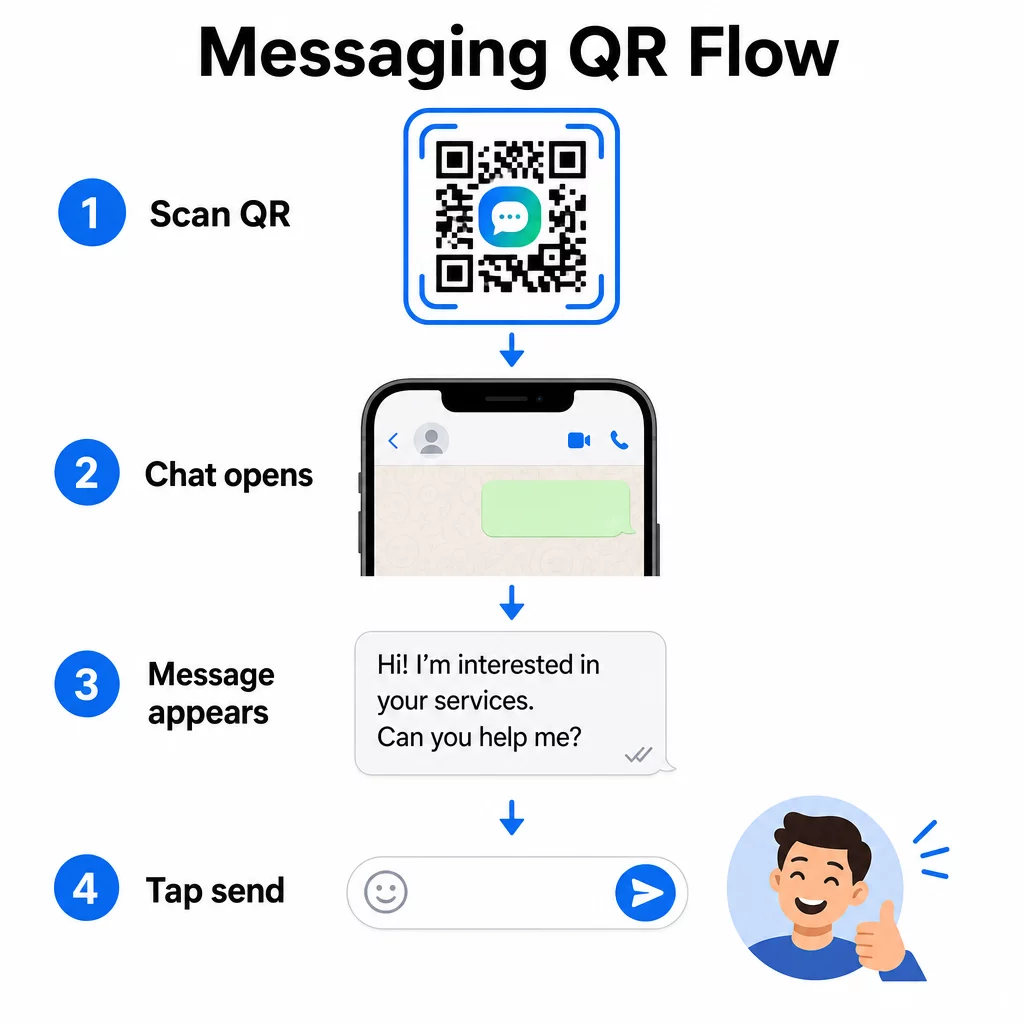
Pilihan ini membuka sembang dan mengisi medan mesej dengan teks yang anda tentukan terlebih dahulu. Apabila seseorang mengimbas, mereka melihat draf mesej sedia untuk dihantar – mereka hanya mengetik butang hantar. Format URL adalah:
“`
https://wa.me/YOURNUMBER?text=YOURMESSAGE
“`
Replace spaces in your message with `%20` so the URL encodes correctly. For example, the phrase “I would like more information” becomes `I%20would%20like%20more%20information`.
Contoh mesej prapenuh yang berguna termasuk:
- `I%20would%20like%20to%20subscribe%20to%20your%20newsletter`
- `I%20would%20like%20a%20free%20sample`
- `I%20need%20help%20with%20my%20order`
Jika anda ingin berkongsi mesej prapenuh tanpa menyasarkan nombor tertentu – berguna untuk perkongsian kandungan dan bukannya hubungan langsung – gunakan format ini sebagai ganti:
“`
https://wa.me/?text=YOURMESSAGE
“`
Pendekatan mesej prapenuh sangat berkesan untuk penjanaan petunjuk. Anda tahu dengan tepat di mana seseorang mengimbas (berdasarkan kod yang mereka gunakan), dan anda serta-merta mempunyai nombor WhatsApp mereka apabila mereka menghantar mesej. Anda juga boleh mengetahui lebih lanjut tentang cara mengimbas kod QR di WhatsApp jika anda ingin memahami pengalaman pengguna dari sudut pandang yang lain.
Kod QR untuk Facebook Messenger
Facebook Messenger mempunyai kira-kira 139 juta pengguna bulanan di Amerika Syarikat pada pertengahan 2023, menjadikannya aplikasi pemesejan mudah alih yang paling banyak digunakan di negara itu. Jika khalayak anda berada di Facebook, kod QR Messenger boleh menjadi talian terus ke peti masuk halaman anda.
Format pautan adalah mudah:
“`
http://m.me/PAGENAME
“`
Gantikan `PAGENAME` dengan nama pengguna halaman Facebook anda – ini adalah teks yang muncul selepas `facebook.com/` dalam URL halaman anda, bukan nama paparan yang ditunjukkan di bahagian atas halaman. Apabila seseorang mengimbas kod, Messenger membuka perbualan baharu dengan halaman anda secara langsung.
Ini berfungsi sama seperti pilihan klik-untuk-sembang WhatsApp: ia membuka tetingkap sembang, tetapi ia tidak mengisi mesej terlebih dahulu. Ini bermakna seruan tindakan anda penting. Di mana sahaja anda meletakkan kod, pasangkannya dengan gesaan ringkas seperti:
- “Berbual dengan kami”
- “Tanya kami soalan”
- “Hubungi kami sekarang”
Pastikan halaman anda mempunyai pemberitahuan pemesejan diaktifkan supaya anda membalas dengan segera. Balasan yang tertunda menjejaskan tujuan komunikasi segera.
Kod QR untuk Mesej Teks (SMS)
SMS klasik mempunyai jangkauan hampir universal – ia dipasang pada setiap telefon pintar dan tidak boleh dialih keluar. Untuk khalayak di mana penggunaan WhatsApp atau Messenger tidak pasti, SMS adalah pilihan sandaran yang paling selamat.
Format URI standard untuk kod QR SMS ialah:
“`
sms:PHONENUMBER?body=YOURMESSAGE
“`
Ambil perhatian bahawa iOS dan Android mengendalikan URI ini sedikit berbeza. iOS biasanya menggunakan koma bertitik sebelum `body` dan bukannya tanda soal, jadi jika anda menyasarkan khalayak campuran, pengujian pada kedua-dua platform sebelum mengedarkan kod adalah penting. Kebanyakan penjana kod QR mengendalikan ini secara automatik apabila anda menggunakan alat kod QR SMS khusus.
Yang Penjana tulisan QR boleh mengekod arahan SMS, butiran hubungan, atau sebarang rentetan teks pendek ke dalam kod yang boleh diimbas, manakala penjana SMS khusus mengendalikan format mesej yang telah diisi terlebih dahulu secara khusus.
Kod QR untuk Telegram
Telegram menggunakan pautan profil awam dalam format `t.me/username` untuk saluran, kumpulan dan profil. Menukar pautan itu menjadi kod QR membolehkan seseorang menyertai saluran anda atau memulakan perbualan dengan satu imbasan.
Untuk kumpulan atau saluran peribadi yang tidak mempunyai nama pengguna awam, gunakan pautan jemputan yang dijana dari dalam aplikasi. Untuk mencarinya: buka kumpulan, ketik “Tambah Ahli,” kemudian pilih “Jemput ke Kumpulan melalui Pautan.” Salin URL itu dan tampalkannya ke dalam penjana kod QR pautan untuk mencipta kod anda. Anda boleh mendapatkan panduan langkah demi langkah dalam panduan ini mengenai Kod QR untuk kumpulan Telegram.
Kod QR untuk E-mel
E-mel berfungsi secara berbeza daripada pemesejan segera, tetapi ia berkongikan idea teras yang sama: mengurangkan geseran supaya bakal kenalan tidak perlu menaip apa-apa. Pautan `mailto:` mengekod alamat penerima, baris subjek, dan badan mesej terus ke dalam kod QR.
Formatnya ialah:
“`
mailto:[email protected]?subject=Your%20Subject&body=Your%20Message
“`
Like WhatsApp prefilled messages, spaces must be encoded as `%20`. When someone scans the code, their default email client opens with the recipient, subject, and body already populated.
Yang Penjana kod QR e-mel mengendalikan pemformatan ini secara automatik dan membolehkan anda menyesuaikan penampilan kod sebelum memuat turun.
Memilih Antara Kod QR Statik dan Dinamik
Setiap contoh kod QR pemesejan di atas boleh dijana sama ada sebagai kod statik atau dinamik – dan pilihan tersebut mempunyai kesan praktikal untuk kempen jangka panjang.
A kod QR statik mengekod pautan destinasi secara kekal. Jika nombor telefon anda berubah, nama pengguna halaman anda berubah, atau anda ingin menguji mesej praisi yang berbeza, anda perlu menjana dan mencetak semula kod baharu.
A kod QR dinamik menyimpan URL pengalihan pendek yang boleh anda kemas kini pada bila-bila masa, walaupun selepas kod telah dicetak. Tukar destinasi, tukar mesej praisi, atau alihkan ke platform yang sama sekali berbeza – kod yang dicetak kekal sama. Kod dinamik juga menyokong analitik imbasan: anda boleh menjejaki berapa ramai orang yang mengimbas, bila, di mana, dan pada jenis peranti apa.
Untuk bahan bercetak seperti risalah, pembungkusan produk, atau paparan dalam kedai, kod dinamik biasanya pilihan yang lebih bijak. Anda boleh mengetahui lebih lanjut tentang pertukaran dalam perbandingan ini kod QR statik lwn dinamik, dan terokai cara untuk menyediakan penjejakan dalam panduan ini mengenai menjejaki kod QR.
Jejaki Setiap Imbasan Merentasi Kempen Pemesejan Anda Ingin tahu penempatan mana yang mendorong perbualan paling banyak? The Penjana Kod QR membolehkan anda membina kod QR pemesejan dinamik dengan analitik imbasan penuh – memantau prestasi dan mengemas kini destinasi tanpa mencetak semula.
Di Mana untuk Meletakkan Kod QR Pemesejan
Persediaan teknikal hanyalah separuh daripada kerja. Kod QR pemesejan yang tidak dilihat oleh sesiapa tidak mendorong perbualan. Beberapa penempatan yang terbukti:
- Pembungkusan produk – pelanggan dengan soalan boleh menghantar mesej kepada anda terus dari kotak
- Kad perniagaan – kod WhatsApp atau Messenger menggantikan geseran menyimpan kenalan secara manual
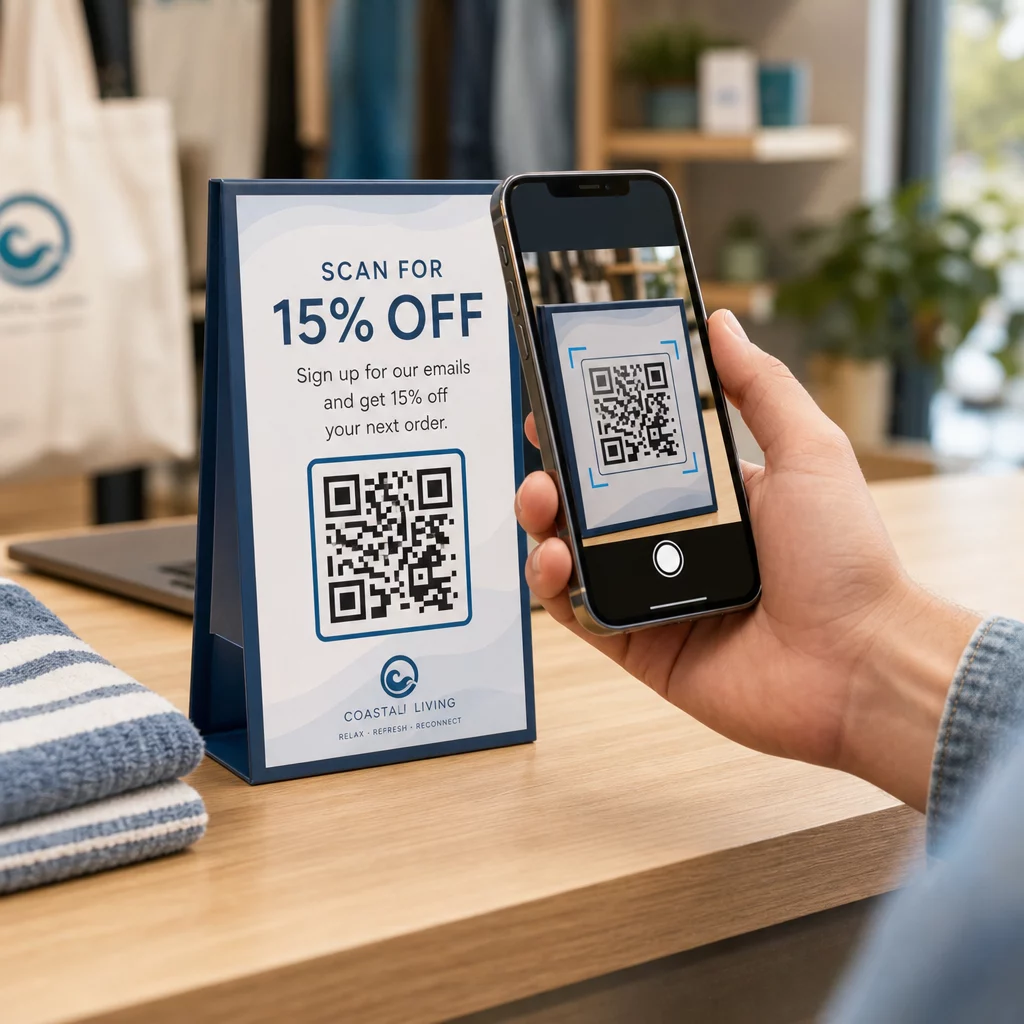
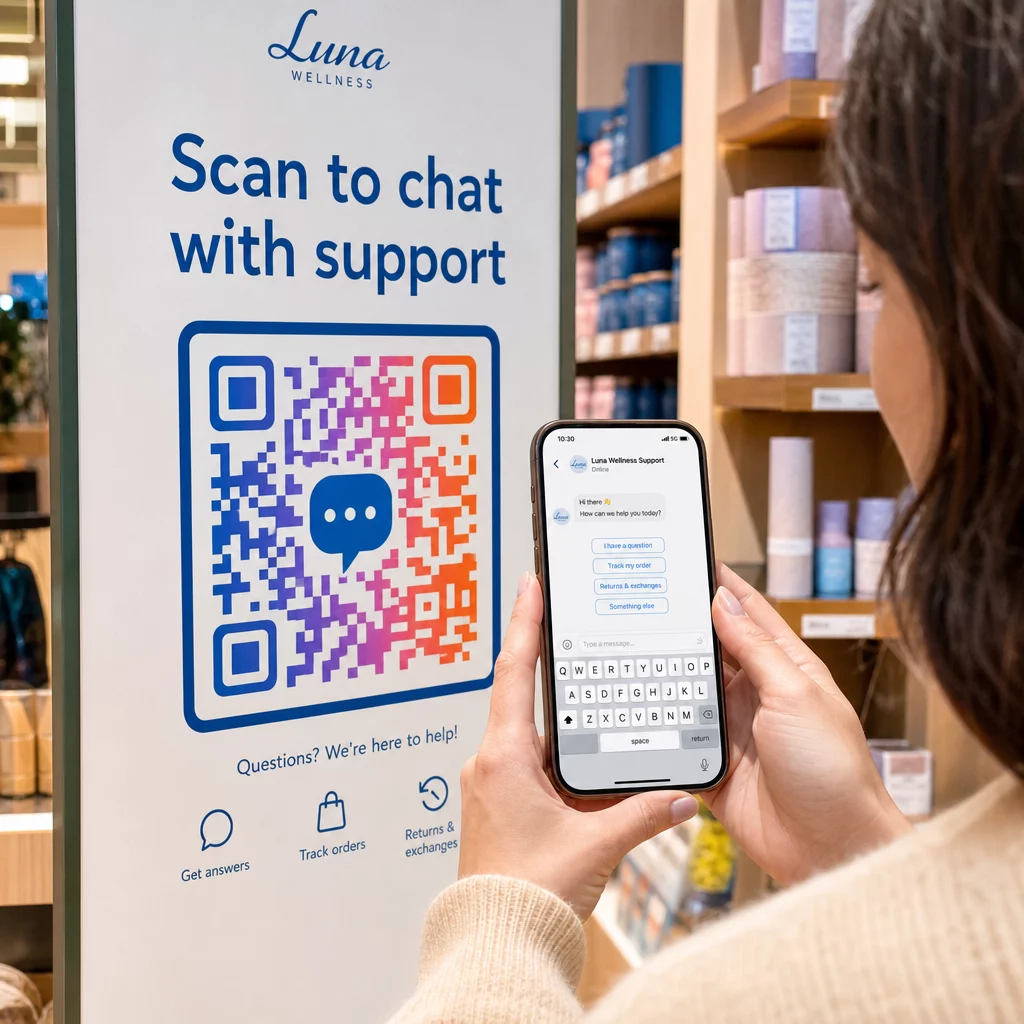
- Papan tanda dalam kedai – Kod “Berbual dengan kami” berhampiran kaunter pembayaran atau meja perkhidmatan merendahkan halangan untuk bertanya soalan
- Bahan acara – kad meja, tali gantung, atau paparan gerai dengan kod Telegram atau Messenger untuk tindakan susulan segera
- Iklan cetak dan risalah – kod SMS yang telah diisi membolehkan prospek memilih untuk menerima komunikasi susulan serta-merta
Di mana sahaja anda meletakkan kod itu, tambah seruan tindakan ringkas betul-betul di sebelahnya. Kod itu sahaja tidak menjelaskan manfaatnya. Beritahu orang ramai apa yang akan mereka dapat dengan mengimbas: “Imbas untuk berbual dengan sokongan,” “Imbas untuk mendapatkan sebut harga,” atau “Imbas untuk melanggan.”
Soalan lazim
Ya. Kod QR WhatsApp memerlukan WhatsApp dipasang pada peranti pengimbas; kod Messenger memerlukan aplikasi Messenger atau akaun Facebook yang boleh diakses melalui pelayar. Kod SMS berfungsi pada mana-mana telefon tanpa aplikasi tambahan. Jika penggunaan aplikasi oleh khalayak anda tidak pasti, SMS menawarkan jangkauan terluas.
Ya. WhatsApp menyokong mesej prapenuh menggunakan parameter `?text=` dalam format pautan `wa.me`. Kod QR SMS menyokong parameter badan dalam URI `sms:`, walaupun sintaks tepat mungkin sedikit berbeza antara `iOS` dan `Android`. Pengujian pada kedua-dua platform sebelum mengedarkan kod adalah disyorkan.
Kod QR dinamik membolehkan anda mengemas kini destinasi atau mesej prapenuh pada bila-bila masa tanpa mencetak semula. Ia juga menyediakan analitik imbasan – jumlah imbasan, lokasi imbasan, jenis peranti – supaya anda boleh mengukur penempatan dan mesej mana yang berprestasi terbaik. Ini amat berguna untuk bahan bercetak dengan jangka hayat yang panjang.