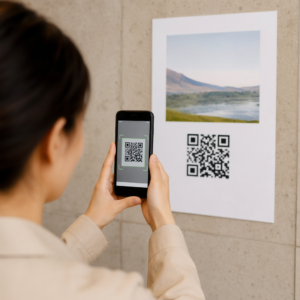
Vous voulez que les clients vous envoient un message avec un seul scan – sans taper, sans chercher, sans friction ? Quand quelqu'un doit chercher manuellement votre numéro de téléphone ou trouver votre contact WhatsApp, la plupart d'entre eux ne prendront pas la peine. Ce guide explique exactement comment les codes QR fonctionnent avec les plateformes de messagerie les plus courantes afin que vous puissiez supprimer entièrement cette barrière.
Pourquoi les codes QR et la messagerie fonctionnent bien ensemble
Les codes QR comblent le fossé entre les supports physiques et les actions numériques. Au lieu de demander à quelqu'un de taper un numéro de téléphone ou de naviguer vers une fenêtre de discussion, un seul scan fait tout cela automatiquement. Le résultat est moins de friction, une conversion plus élevée et un canal de communication direct que vous contrôlez.
Cela compte plus qu'avant. Près de 83,4 millions d'utilisateurs adultes de smartphones aux États-Unis ont scanné un code QR en 2022 – environ 37,5 % des propriétaires de smartphones adultes – et cette part devrait atteindre 42,6 % d'ici 2025. Parmi ces utilisateurs, la plupart scannent plusieurs fois par mois, et environ un sur cinq déclare scanner chaque semaine. Pour les spécialistes du marketing, ce niveau de comportement habituel signifie qu'un code QR de messagerie bien placé a une réelle chance d'être utilisé.
Les applications pratiques sont vastes : un code QR sur l'emballage d'un produit qui ouvre un chat de support client, une affiche lors d'un événement qui lance une conversation avec une équipe de vente, ou une carte de visite qui permet à quelqu'un de vous envoyer un message sur WhatsApp sans enregistrer votre numéro au préalable. Vous pouvez apprendre les bases de la configuration des codes QR avant de plonger dans les étapes spécifiques à chaque plateforme ci-dessous.
Codes QR pour WhatsApp
WhatsApp comptait environ 75,1 millions d'utilisateurs actifs mensuels aux États-Unis à la mi-2023, ce qui en fait l'une des plateformes de messagerie les plus utilisées par les entreprises ciblant les clients mobiles.
Il existe deux façons principales de lier un code QR à WhatsApp : ouvrir une fenêtre de discussion, ou ouvrir une fenêtre de discussion avec un message pré-rempli déjà tapé. La différence est importante selon ce que vous attendez de l'interaction.
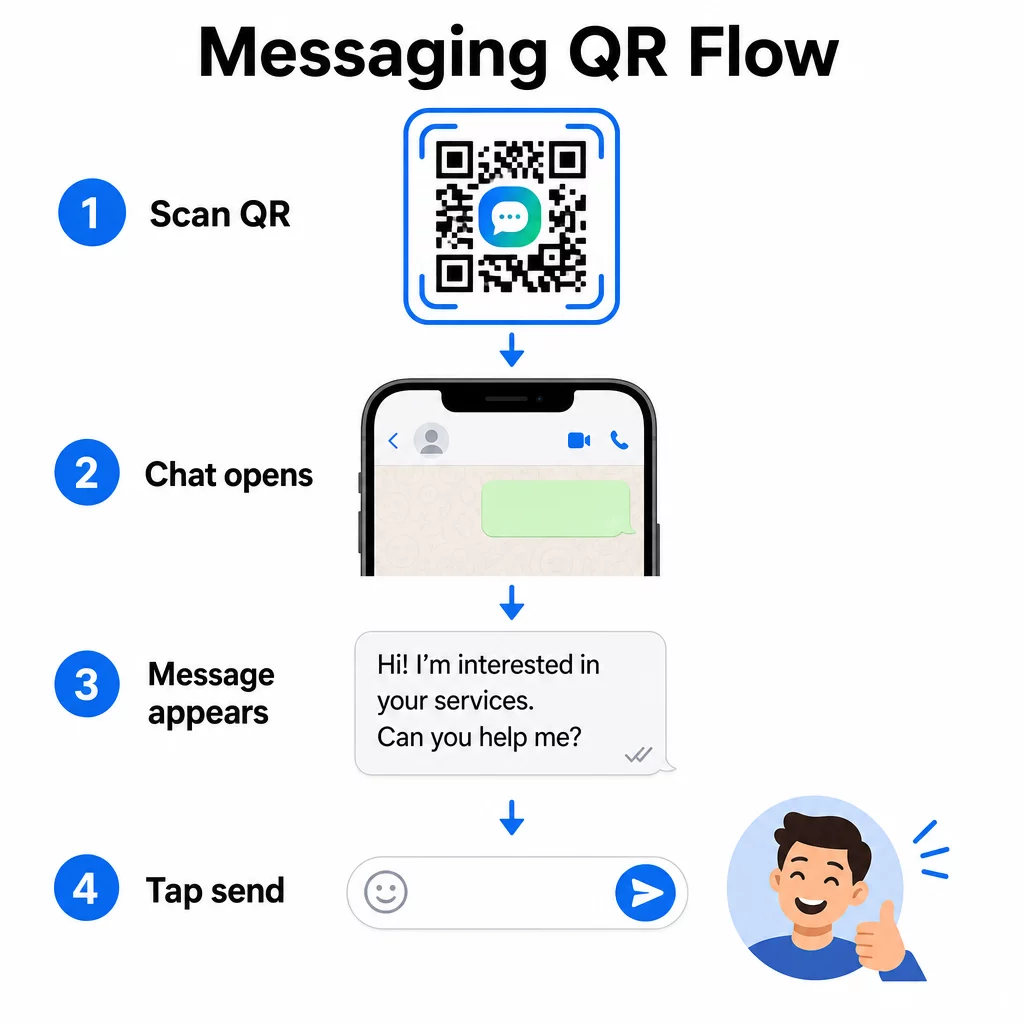
Ouvrir une fenêtre de discussion (Cliquer pour discuter)
La plus simple des deux options ouvre simplement une nouvelle discussion entre le scanner et votre numéro. Utilisez ce format comme URL à l'intérieur de votre code QR :
“`
https://wa.me/YOURNUMBER
“`
Le numéro de téléphone doit être au format international, sans parenthèses, tirets, signes plus ou zéros initiaux. Par exemple, un numéro britannique du Grand Manchester (0161 912 3456) serait formaté comme suit :
“`
https://wa.me/441619123456
“`
Décomposez-le : code pays (44) + indicatif régional sans le zéro initial (161) + numéro local (9123456). Testez toujours votre lien avant de l'imprimer n'importe où.
Créer un code QR WhatsApp Utilisez le Générateur de QR code WhatsApp pour créer un code de marque, scannable, avec votre numéro et un message prérempli facultatif – aucun formatage manuel d'URL requis.
Message prérempli
Cette option ouvre une discussion et remplit le champ de message avec le texte que vous définissez à l'avance. Lorsqu'une personne scanne, elle voit un brouillon de message prêt à être envoyé – elle n'a qu'à appuyer sur le bouton d'envoi. Le format de l'URL est :
“`
https://wa.me/YOURNUMBER?text=YOURMESSAGE
“`
Replace spaces in your message with `%20` so the URL encodes correctly. For example, the phrase “I would like more information” becomes `I%20would%20like%20more%20information`.
Voici des exemples de messages préremplis utiles :
- `I%20would%20like%20to%20subscribe%20to%20your%20newsletter`
- `I%20would%20like%20a%20free%20sample`
- `I%20need%20help%20with%20my%20order`
Si vous souhaitez partager un message prérempli sans cibler un numéro spécifique – utile pour le partage de contenu plutôt que le contact direct – utilisez plutôt ce format :
“`
https://wa.me/?text=YOURMESSAGE
“`
L'approche du message prérempli est particulièrement efficace pour la génération de leads. Vous savez exactement où quelqu'un a scanné (en fonction du code qu'il a utilisé), et vous avez immédiatement son numéro WhatsApp lorsqu'il envoie le message. Vous pouvez également en apprendre davantage sur Comment scanner un QR code sur WhatsApp si vous voulez comprendre l'expérience utilisateur de l'autre côté.
QR Codes pour Facebook Messenger
Facebook Messenger comptait environ 139 millions d'utilisateurs mensuels aux États-Unis à la mi-2023, ce qui en fait l'application de messagerie mobile la plus utilisée dans le pays. Si votre public est sur Facebook, un code QR Messenger peut être une ligne directe vers la boîte de réception de votre page.
Le format du lien est simple :
“`
http://m.me/PAGENAME
“`
Remplacez `PAGENAME` par le nom d'utilisateur de votre page Facebook – c'est le texte qui apparaît après `facebook.com/` dans l'URL de votre page, et non le nom d'affichage montré en haut de la page. Lorsqu'une personne scanne le code, Messenger ouvre directement une nouvelle conversation avec votre page.
Cela fonctionne de manière similaire à l'option de discussion instantanée de WhatsApp : cela ouvre la fenêtre de discussion, mais cela ne préremplit pas de message. Cela signifie que votre appel à l'action est important. Où que vous placiez le code, associez-le à une courte incitation comme :
- “Discutez avec nous”
- “Posez-nous une question”
- “Contactez-nous dès maintenant”
Assurez-vous que votre page a les notifications de messages activées afin que vous répondiez rapidement. Une réponse tardive annule l'objectif de la communication instantanée.
Codes QR pour les messages texte (SMS)
Le SMS classique a une portée quasi universelle – il est installé sur chaque smartphone et ne peut pas être supprimé. Pour les publics où l'adoption de WhatsApp ou Messenger est incertaine, le SMS est le repli le plus sûr.
Le format URI standard pour un code QR SMS est :
“`
sms:PHONENUMBER?body=YOURMESSAGE
“`
Notez qu'iOS et Android gèrent cette URI légèrement différemment. iOS utilise généralement un point-virgule avant `body` plutôt qu'un point d'interrogation, donc si vous ciblez un public mixte, il est essentiel de tester sur les deux plateformes avant de distribuer le code. La plupart des générateurs de codes QR gèrent cela automatiquement lorsque vous utilisez un outil de code QR SMS dédié.
Le Générateur de QR code texte peut encoder des instructions SMS, des coordonnées ou toute courte chaîne de texte dans un code scannable, tandis que le générateur SMS dédié gère spécifiquement le format de message prérempli.
Codes QR pour Telegram
Telegram utilise des liens de profil publics au format `t.me/username` pour les canaux, les groupes et les profils. Convertir ce lien en code QR permet à quelqu'un de rejoindre votre canal ou de démarrer une conversation avec un seul scan.
Pour les groupes ou canaux privés qui n'ont pas de nom d'utilisateur public, utilisez plutôt le lien d'invitation généré depuis l'application. Pour le trouver : ouvrez le groupe, appuyez sur “ Ajouter un membre ”, puis sélectionnez “ Inviter au groupe via un lien ”. Copiez cette URL et collez-la dans un générateur de code QR de lien pour créer votre code. Vous pouvez trouver des conseils étape par étape dans ce guide sur Codes QR pour les groupes Telegram.
Codes QR pour les e-mails
Le courriel fonctionne différemment de la messagerie instantanée, mais il partage la même idée fondamentale : réduire les frictions afin qu'un contact potentiel n'ait pas à taper quoi que ce soit. Un lien `mailto:` encode l'adresse du destinataire, la ligne d'objet et le corps du message directement dans le code QR.
Le format est :
“`
mailto:[email protected]?subject=Your%20Subject&body=Your%20Message
“`
Like WhatsApp prefilled messages, spaces must be encoded as `%20`. When someone scans the code, their default email client opens with the recipient, subject, and body already populated.
Le Générateur de QR code e-mail gère ce formatage automatiquement et vous permet de personnaliser l'apparence du code avant de le télécharger.
Choisir entre les codes QR statiques et dynamiques
Chaque exemple de code QR de messagerie ci-dessus peut être généré comme un code statique ou dynamique – et le choix a des conséquences pratiques pour les campagnes à long terme.
UNE code QR statique encode le lien de destination de manière permanente. Si votre numéro de téléphone change, votre nom d'utilisateur de page change, ou si vous souhaitez tester un message prérempli différent, vous devez générer et réimprimer un nouveau code.
UNE code QR dynamique stocke une courte URL de redirection que vous pouvez mettre à jour à tout moment, même après l'impression du code. Changez la destination, échangez le message prérempli ou redirigez vers une plateforme complètement différente – le code imprimé reste le même. Les codes dynamiques prennent également en charge l'analyse des scans : vous pouvez suivre combien de personnes ont scanné, quand, où et sur quel type d'appareil.
Pour les supports imprimés comme les flyers, les emballages de produits ou les affichages en magasin, les codes dynamiques sont généralement le choix le plus judicieux. Vous pouvez en apprendre davantage sur les compromis dans cette comparaison de static vs dynamic QR codes, et explorez comment configurer le suivi dans ce guide sur le suivi des codes QR.
Suivez Chaque Scan de Vos Campagnes de Messagerie Vous voulez savoir quel emplacement génère le plus de conversations ? Le Générateur de codes QR vous permet de créer des codes QR de messagerie dynamiques avec une analyse complète des scans – surveillez les performances et mettez à jour les destinations sans réimpression.
Où Placer les Codes QR de Messagerie
La configuration technique n'est que la moitié du travail. Un code QR de messagerie que personne ne voit ne génère pas de conversations. Quelques emplacements éprouvés :
- Emballages de produits – les clients ayant une question peuvent vous envoyer un message directement depuis la boîte
- Cartes de visite – un code WhatsApp ou Messenger remplace la friction de l'enregistrement manuel d'un contact
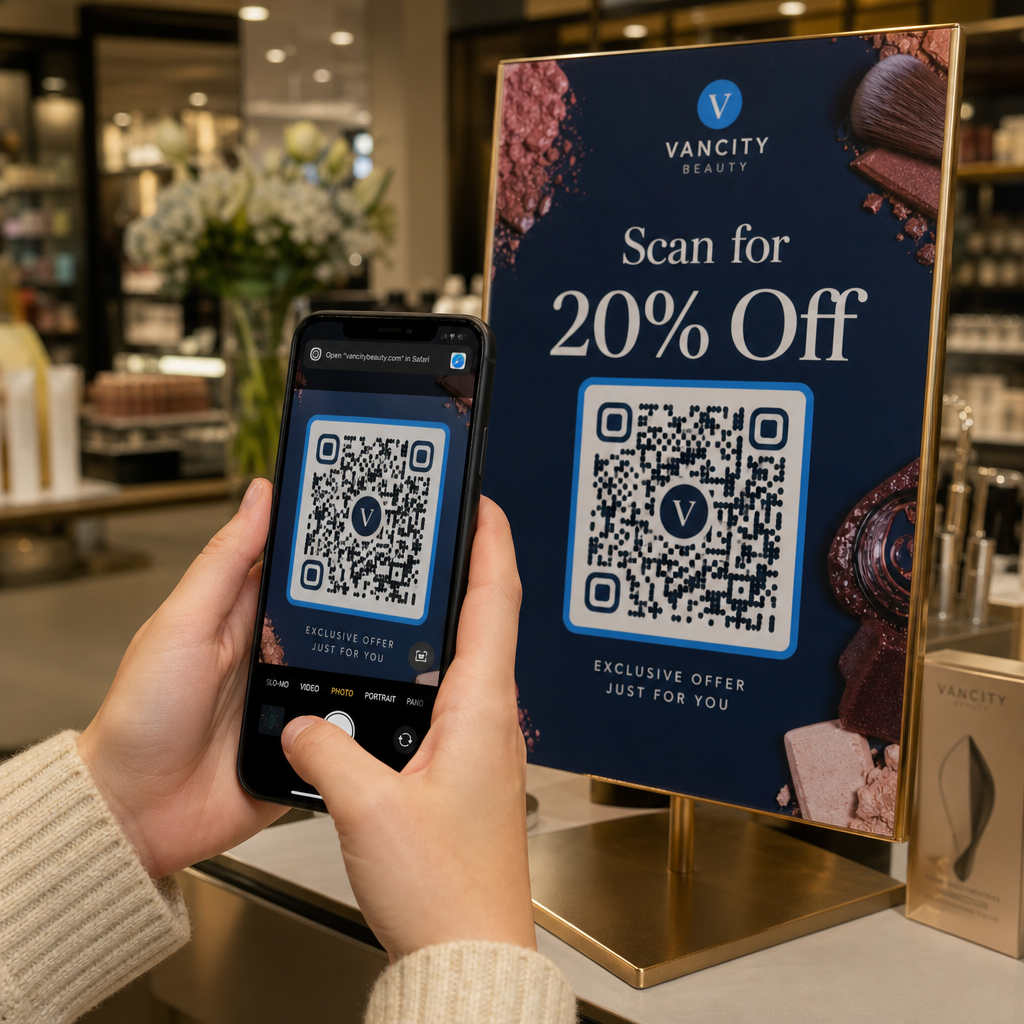
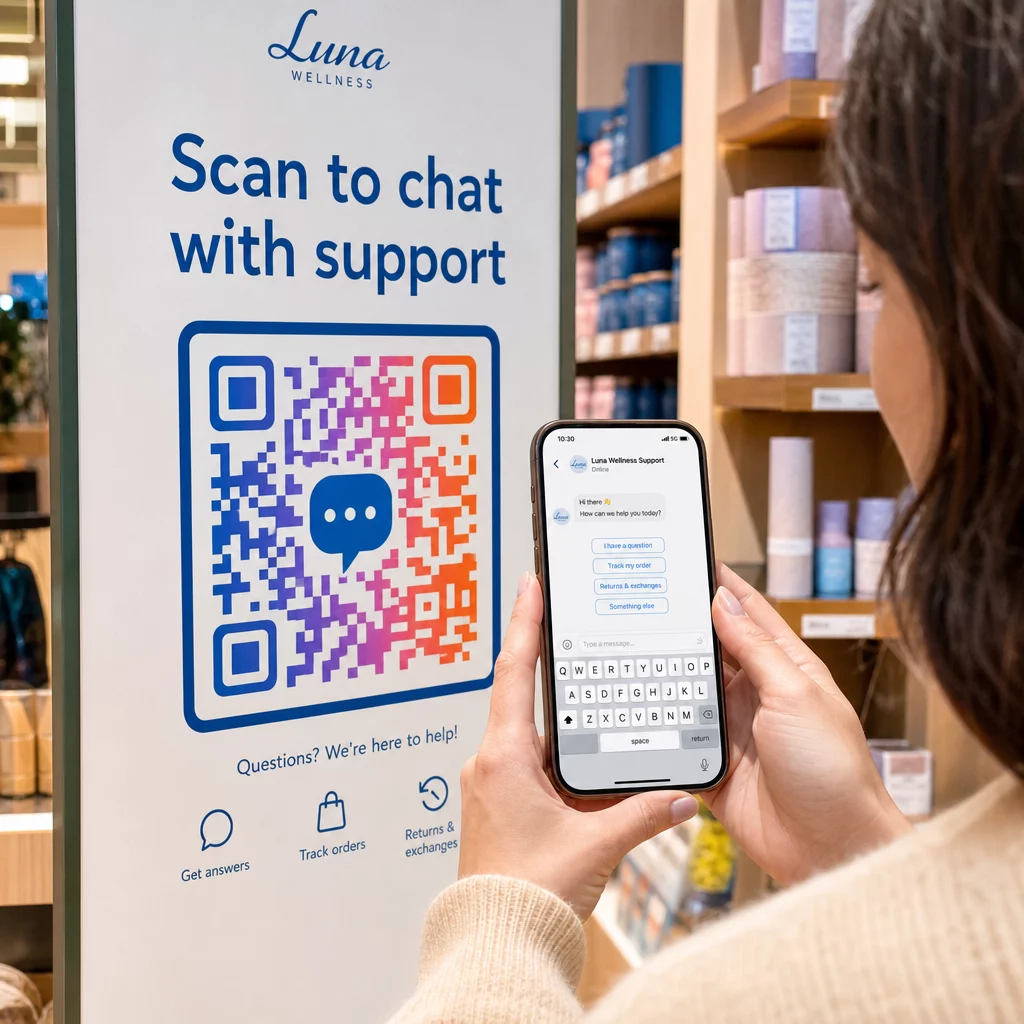
- Signalisation en magasin – Les codes “Discutez avec nous” près des caisses ou des bureaux de service réduisent les obstacles aux questions
- Matériel événementiel – des cartes de table, des cordons ou des présentoirs de stand avec un code Telegram ou Messenger pour un suivi immédiat
- Publicités imprimées et brochures – un code SMS prérempli permet aux prospects de s'inscrire instantanément aux communications de suivi
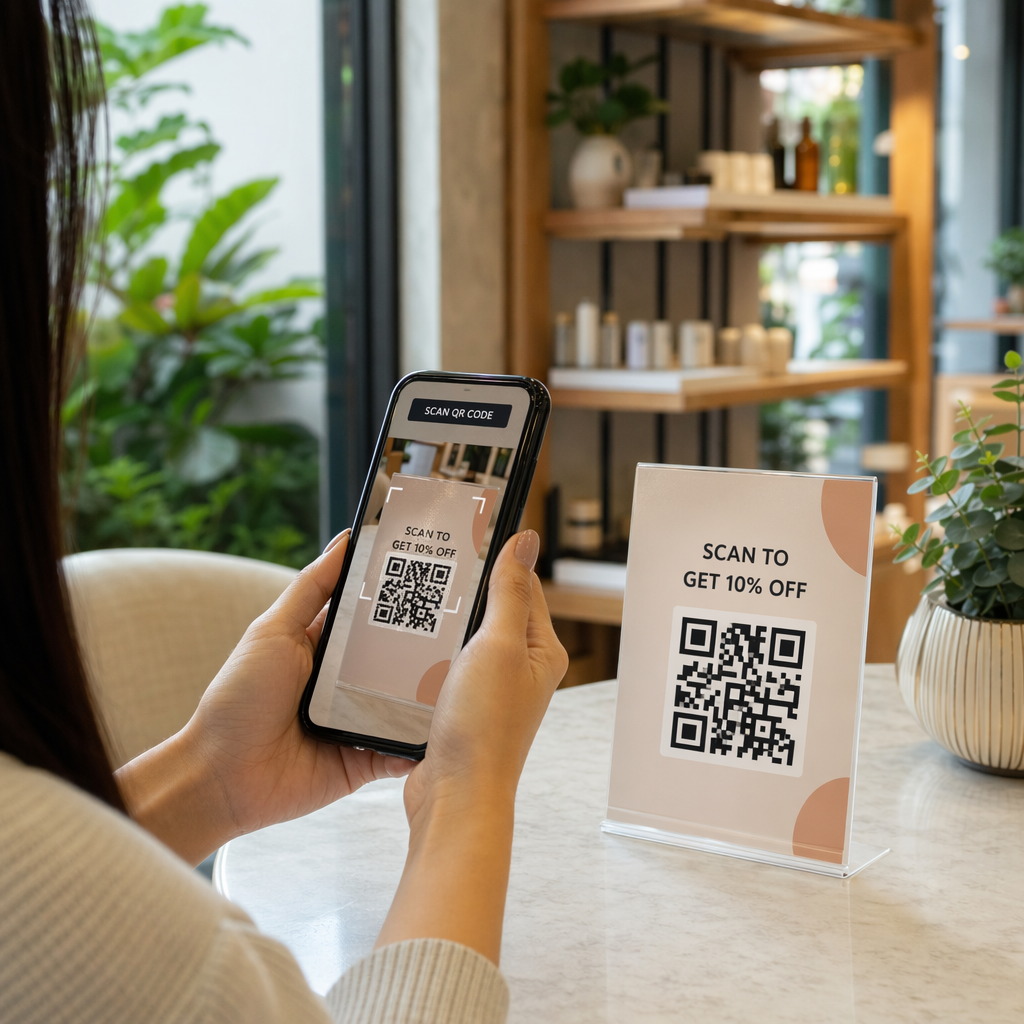
Où que vous placiez le code, ajoutez un court appel à l'action directement à côté. Le code seul n'explique pas l'avantage. Dites aux gens ce qu'ils obtiendront en scannant : “Scannez pour discuter avec le support”, “Scannez pour obtenir un devis” ou “Scannez pour vous abonner”.”
Questions fréquentes
Oui. Un code QR WhatsApp nécessite que WhatsApp soit installé sur l'appareil du scanner ; un code Messenger nécessite l'application Messenger ou un compte Facebook accessible via un navigateur. Les codes SMS fonctionnent sur n'importe quel téléphone sans application supplémentaire. Si l'utilisation des applications par votre public est incertaine, le SMS offre la plus large portée.
Oui. WhatsApp prend en charge les messages préremplis en utilisant le paramètre `?text=` dans le format de lien `wa.me`. Les codes QR SMS prennent en charge un paramètre de corps dans l'URI `sms:`, bien que la syntaxe exacte puisse différer légèrement entre iOS et Android. Il est recommandé de tester sur les deux plateformes avant de distribuer le code.
Un code QR dynamique vous permet de mettre à jour la destination ou le message prérempli à tout moment sans réimpression. Il fournit également des analyses de scan – nombre total de scans, lieux de scan, types d'appareils – afin que vous puissiez mesurer quels emplacements et messages sont les plus performants. Ceci est particulièrement utile pour les supports imprimés ayant une longue durée de vie.