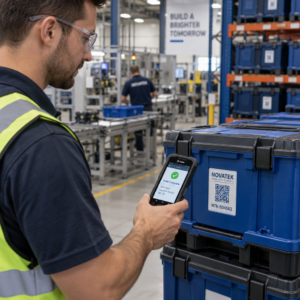
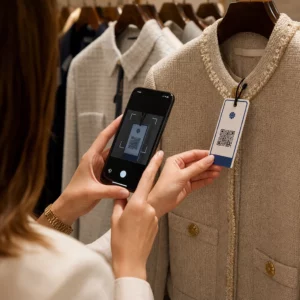
Chcete, aby vám zákazníci psali zprávy jediným skenováním – bez psaní, hledání a tření? Když si někdo musí ručně vyhledat vaše telefonní číslo nebo najít váš kontakt na WhatsAppu, většina z nich se s tím nebude obtěžovat. Tento průvodce přesně vysvětluje, jak QR kódy fungují s nejběžnějšími platformami pro zasílání zpráv, abyste tuto bariéru mohli zcela odstranit.
Proč QR kódy a zasílání zpráv fungují dobře dohromady
QR kódy překlenují propast mezi fyzickými materiály a digitálními akcemi. Namísto toho, abyste někoho žádali o zadání telefonního čísla nebo navigaci do okna chatu, jediné skenování to vše provede automaticky. Výsledkem je menší tření, vyšší konverze a přímý komunikační kanál, který ovládáte.
To je důležitější než dříve. Téměř 83,4 milionu dospělých uživatelů chytrých telefonů ve Spojených státech naskenovalo QR kód v roce 2022 – asi 37,5 % dospělých majitelů chytrých telefonů – a tento podíl se má do roku 2025 zvýšit na 42,6 %. Mezi těmito uživateli většina skenuje několikrát měsíčně a asi jeden z pěti uvádí, že skenuje týdně. Pro marketéry tato úroveň návykového chování znamená, že dobře umístěný QR kód pro zasílání zpráv má skutečnou šanci být použit.
Praktické aplikace jsou široké: QR kód na obalu produktu, který otevře chat zákaznické podpory, plakát na akci, který zahájí konverzaci s prodejním týmem, nebo vizitka, která někomu umožní poslat vám zprávu na WhatsAppu, aniž by si nejprve uložil vaše číslo. Můžete naučit se základy nastavení QR kódu než se ponoříte do níže uvedených kroků specifických pro platformu.
QR kódy pro WhatsApp
WhatsApp měl v polovině roku 2023 přibližně 75,1 milionu měsíčně aktivních uživatelů ve Spojených státech, což z něj činí jednu z nejrozšířenějších platforem pro zasílání zpráv pro firmy zaměřené na zákazníky preferující mobilní zařízení.
Existují dva hlavní způsoby, jak propojit QR kód s WhatsAppem: otevření okna chatu, nebo otevření okna chatu s již předvyplněnou zprávou. Rozdíl závisí na tom, co od interakce očekáváte.
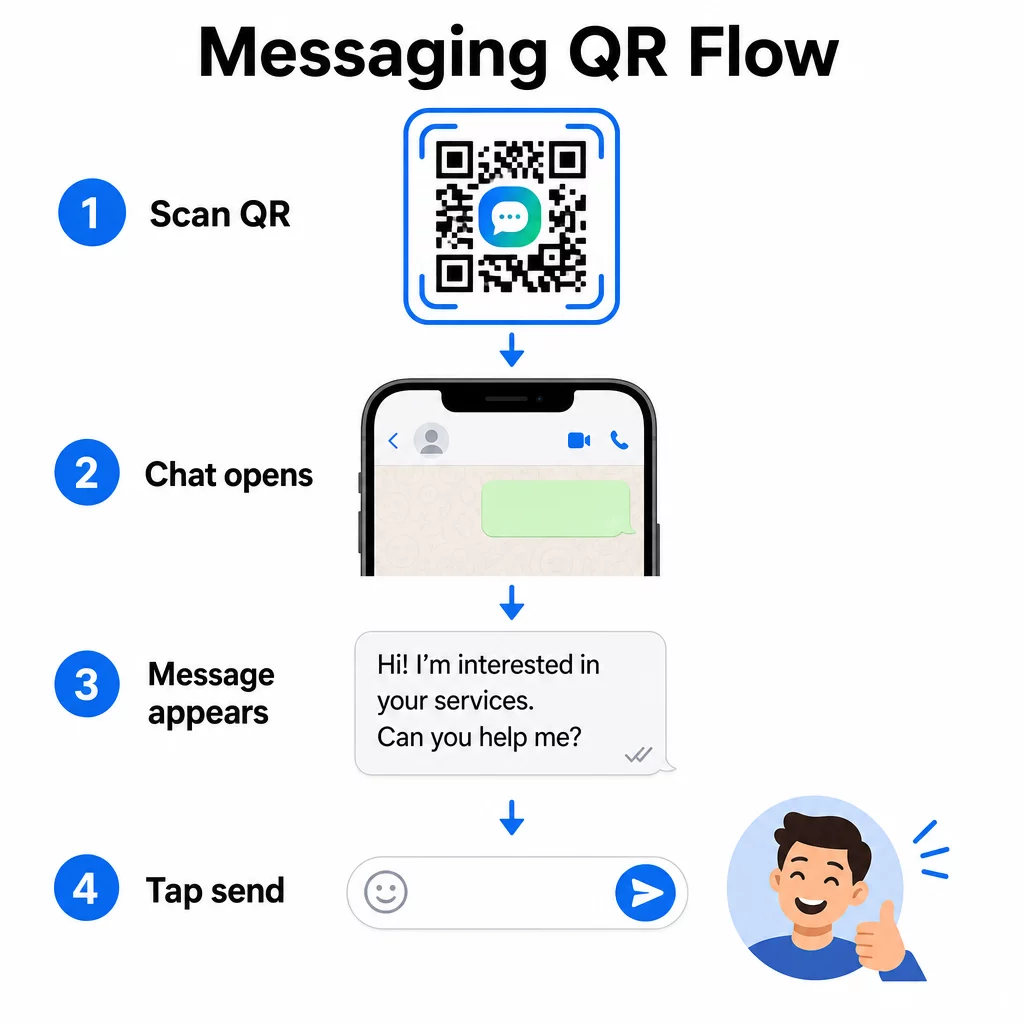
Otevření okna chatu (Kliknutím na chat)
Jednodušší z obou možností jednoduše otevře nový chat mezi skenerem a vaším číslem. Použijte tento formát jako URL uvnitř vašeho QR kódu:
“`
https://wa.me/YOURNUMBER
“`
Telefonní číslo musí být v mezinárodním formátu bez závorek, pomlček, znamének plus nebo úvodních nul. Například britské číslo ve Velkém Manchesteru (0161 912 3456) by bylo formátováno jako:
“`
https://wa.me/441619123456
“`
Rozdělte to: kód země (44) + předvolba bez úvodní nuly (161) + místní číslo (9123456). Vždy otestujte svůj odkaz, než jej kdekoli vytisknete.
Vytvořte QR kód pro WhatsApp Použijte WhatsApp QR kód generátor vytvořit značkový, skenovatelný kód s vaším číslem a volitelnou předvyplněnou zprávou – bez nutnosti ručního formátování URL.
Předvyplněná zpráva
Tato možnost otevře chat a vyplní pole zprávy textem, který definujete předem. Když někdo naskenuje kód, uvidí návrh zprávy připravený k odeslání – stačí klepnout na tlačítko odeslat. Formát URL je:
“`
https://wa.me/YOURNUMBER?text=YOURMESSAGE
“`
Replace spaces in your message with `%20` so the URL encodes correctly. For example, the phrase “I would like more information” becomes `I%20would%20like%20more%20information`.
Užitečné příklady předvyplněných zpráv zahrnují:
- `I%20would%20like%20to%20subscribe%20to%20your%20newsletter`
- `I%20would%20like%20a%20free%20sample`
- `I%20need%20help%20with%20my%20order`
Pokud chcete sdílet předvyplněnou zprávu bez cílení na konkrétní číslo – užitečné pro sdílení obsahu spíše než pro přímý kontakt – použijte místo toho tento formát:
“`
https://wa.me/?text=YOURMESSAGE
“`
Přístup s předvyplněnou zprávou je obzvláště silný pro generování potenciálních zákazníků. Víte přesně, kde někdo skenoval (na základě toho, jaký kód použil), a okamžitě máte jeho WhatsApp číslo, když zprávu odešle. Můžete se také dozvědět více o tom, jak naskenovat QR kód na WhatsApp pokud chcete pochopit uživatelskou zkušenost z druhé strany.
QR kódy pro Facebook Messenger
Facebook Messenger měl v polovině roku 2023 přibližně 139 milionů měsíčních uživatelů ve Spojených státech, což z něj činí nejpoužívanější mobilní messagingovou aplikaci v zemi. Pokud je vaše publikum na Facebooku, QR kód Messengeru může být přímou cestou do schránky vaší stránky.
Formát odkazu je jednoduchý:
“`
http://m.me/PAGENAME
“`
Nahraďte `PAGENAME` uživatelským jménem vaší facebookové stránky – toto je text, který se zobrazuje po `facebook.com/` v URL vaší stránky, nikoli zobrazované jméno uvedené v horní části stránky. Když někdo naskenuje kód, Messenger přímo otevře novou konverzaci s vaší stránkou.
To funguje podobně jako možnost WhatsApp click-to-chat: otevře okno chatu, ale nepředvyplní zprávu. To znamená, že vaše výzva k akci je důležitá. Kdekoli kód umístíte, spárujte jej s krátkou výzvou, jako je:
- “Chatujte s námi”
- “Zeptejte se nás”
- “Kontaktujte nás hned teď”
Ujistěte se, že vaše stránka má povolená oznámení o zprávách, abyste mohli reagovat okamžitě. Zpožděná odpověď maří účel okamžité komunikace.
QR kódy pro textové zprávy (SMS)
Klasické SMS mají téměř univerzální dosah – jsou nainstalovány na každém smartphonu a nelze je odstranit. Pro publikum, kde je nejisté přijetí WhatsAppu nebo Messengeru, jsou SMS nejbezpečnější záložní možností.
Standardní formát URI pro SMS QR kód je:
“`
sms:PHONENUMBER?body=YOURMESSAGE
“`
Všimněte si, že iOS a Android zpracovávají toto URI mírně odlišně. iOS obvykle používá středník před `body` namísto otazníku, takže pokud cílíte na smíšené publikum, je nezbytné otestovat kód na obou platformách před jeho distribucí. Většina generátorů QR kódů to zvládá automaticky, když použijete specializovaný nástroj pro SMS QR kódy.
Ten QR kód text: generátor dokáže zakódovat SMS instrukce, kontaktní údaje nebo jakýkoli krátký textový řetězec do skenovatelného kódu, zatímco specializovaný generátor SMS se konkrétně stará o formát předvyplněné zprávy.
QR kódy pro Telegram
Telegram používá veřejné odkazy na profily ve formátu `t.me/username` pro kanály, skupiny a profily. Převod tohoto odkazu na QR kód umožní někomu připojit se k vašemu kanálu nebo zahájit konverzaci jediným skenováním.
Pro soukromé skupiny nebo kanály, které nemají veřejné uživatelské jméno, použijte místo toho odkaz na pozvánku vygenerovaný přímo v aplikaci. Chcete-li jej najít: otevřete skupinu, klepněte na “Přidat člena” a poté vyberte “Pozvat do skupiny přes odkaz”. Zkopírujte tuto URL a vložte ji do generátor QR kódů odkazů pro vytvoření kódu. Podrobné pokyny naleznete v tomto návodu na QR kódy pro skupiny Telegram.
QR kódy pro e-mail
E-mail funguje jinak než rychlé zprávy, ale sdílí stejnou základní myšlenku: snížení tření, aby potenciální kontakt nemusel nic psát. Odkaz `mailto:` kóduje adresu příjemce, předmět a tělo zprávy přímo do QR kódu.
Formát je:
“`
mailto:[email protected]?subject=Your%20Subject&body=Your%20Message
“`
Like WhatsApp prefilled messages, spaces must be encoded as `%20`. When someone scans the code, their default email client opens with the recipient, subject, and body already populated.
Ten E-mail QR kód generátor zpracovává toto formátování automaticky a umožňuje vám přizpůsobit vzhled kódu před stažením.
Volba mezi statickými a dynamickými QR kódy
Každý výše uvedený příklad QR kódu pro zprávy lze vygenerovat buď jako statický, nebo dynamický kód – a tato volba má praktické důsledky pro dlouhodobé kampaně.
A statický QR kód kóduje cílový odkaz trvale. Pokud se změní vaše telefonní číslo, uživatelské jméno stránky nebo chcete otestovat jinou předvyplněnou zprávu, musíte vygenerovat a znovu vytisknout nový kód.
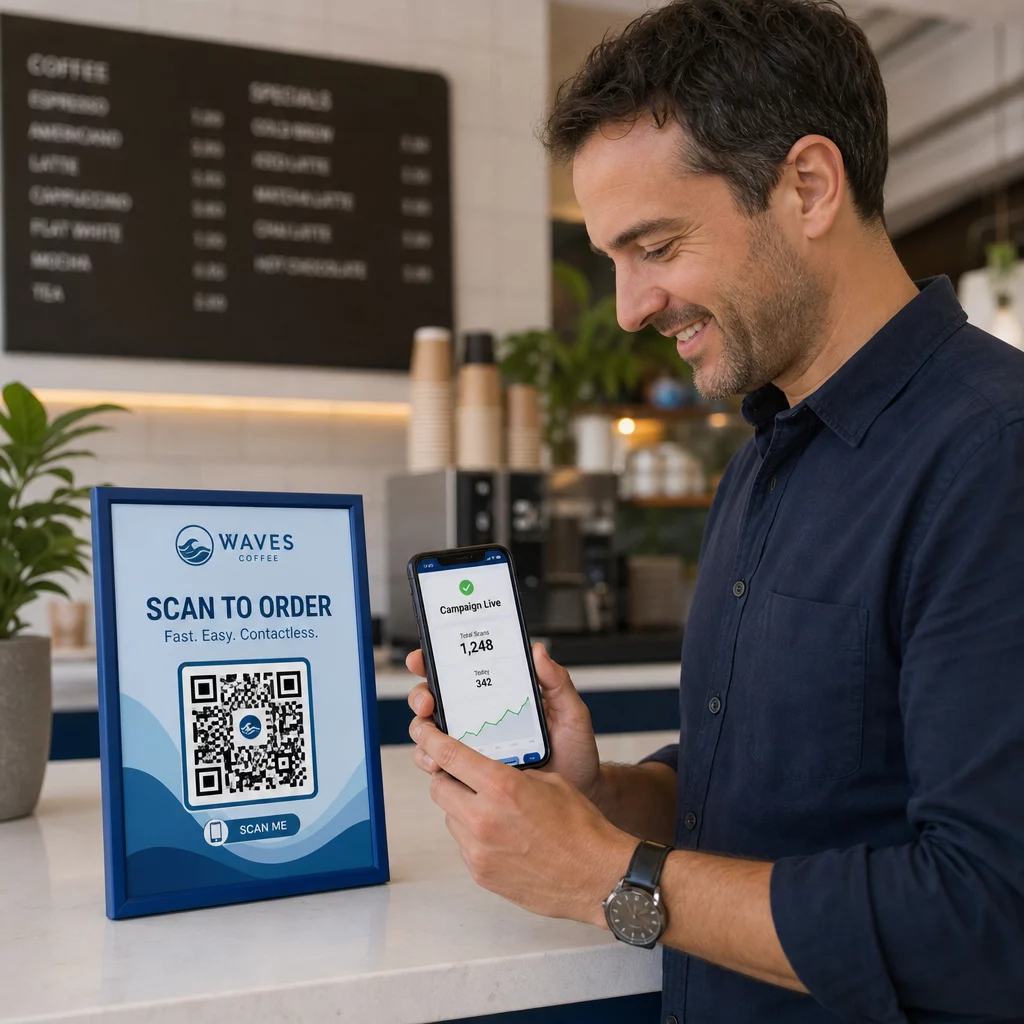
A dynamický QR kód ukládá krátkou přesměrovací URL, kterou můžete kdykoli aktualizovat, i poté, co byl kód vytištěn. Změňte cíl, vyměňte předvyplněnou zprávu nebo přesměrujte na zcela jinou platformu – vytištěný kód zůstane stejný. Dynamické kódy také podporují analytiku skenování: můžete sledovat, kolik lidí skenovalo, kdy, kde a na jakém typu zařízení.
Pro tištěné materiály, jako jsou letáky, obaly produktů nebo vystavení v obchodech, jsou dynamické kódy obvykle chytřejší volbou. Více o kompromisech se dozvíte v tomto srovnání statickými a dynamickými QR kódy, a prozkoumejte, jak nastavit sledování v tomto průvodci na téma sledování QR kódů.
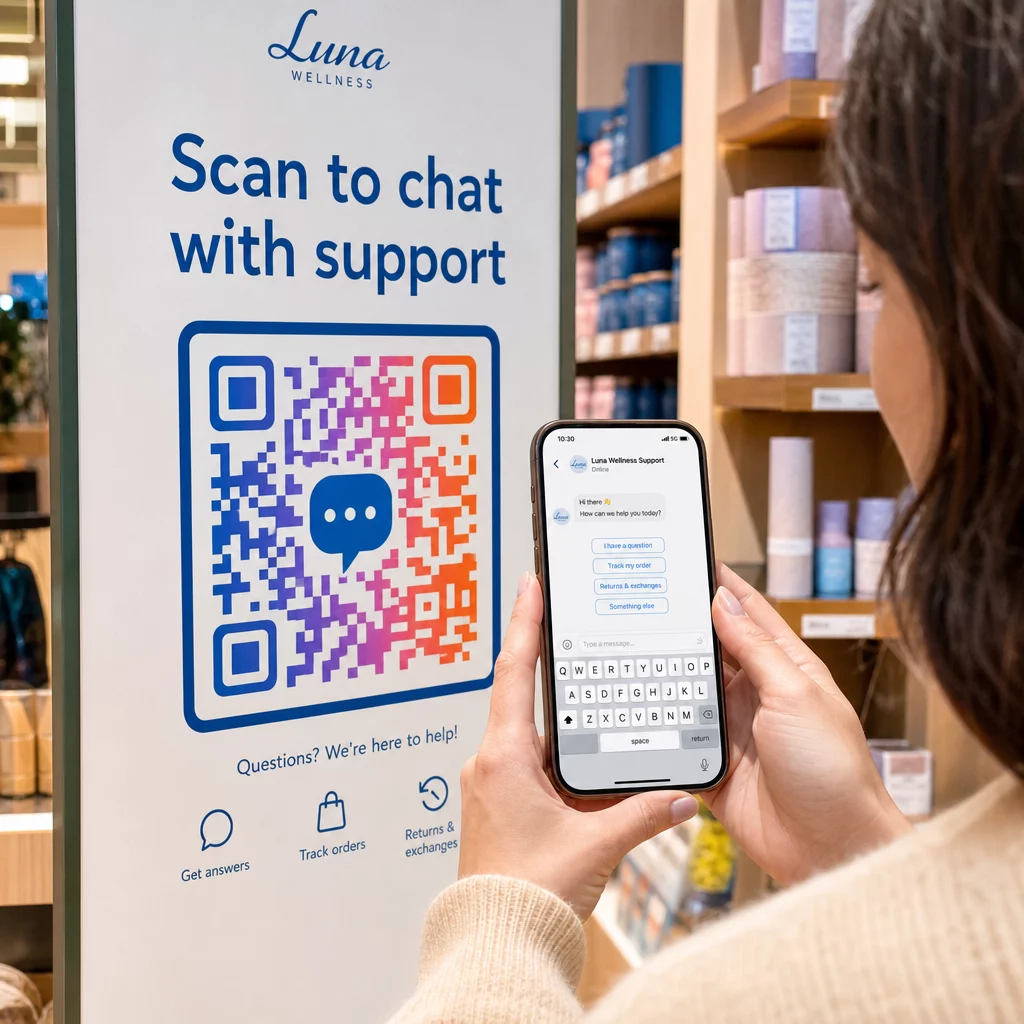
Sledujte každé skenování napříč vašimi kampaněmi se zprávami Chcete vědět, které umístění generuje nejvíce konverzací? Ten Generátor QR kódů vám umožňuje vytvářet dynamické QR kódy pro zprávy s plnou analytikou skenování – sledovat výkon a aktualizovat cíle bez opětovného tisku.
Kam umístit QR kódy pro zprávy
Technické nastavení je jen polovina práce. QR kód pro zprávy, který nikdo nevidí, negeneruje konverzace. Několik osvědčených umístění:
- Obaly produktů – zákazníci s dotazem vám mohou poslat zprávu přímo z krabice
- Vizitky – kód WhatsApp nebo Messenger nahrazuje potíže s ručním ukládáním kontaktu
- Značení v prodejně – Kódy “Chatujte s námi” u pokladen nebo servisních přepážek snižují bariéru pro dotazy
- Materiály pro události – stolní karty, šňůrky na krk nebo výstavní panely s kódem Telegram nebo Messenger pro okamžité navázání kontaktu
- Tištěné reklamy a brožury – předvyplněný SMS kód umožňuje potenciálním zákazníkům okamžitě se přihlásit k následné komunikaci
Kamkoli kód umístíte, přidejte krátkou výzvu k akci přímo vedle něj. Samotný kód nevysvětluje výhodu. Řekněte lidem, co získají skenováním: “Naskenujte pro chat s podporou,” “Naskenujte pro získání nabídky,” nebo “Naskenujte pro přihlášení k odběru.”
Často kladené otázky
Ano. QR kód WhatsApp vyžaduje, aby byl WhatsApp nainstalován na zařízení skeneru; kód Messenger vyžaduje aplikaci Messenger nebo účet Facebook přístupný přes prohlížeč. SMS kódy fungují na jakémkoli telefonu bez další aplikace. Pokud je používání aplikací vaším publikem nejisté, SMS nabízí nejširší dosah.
Ano. WhatsApp podporuje předvyplněné zprávy pomocí parametru `?text=` ve formátu odkazu `wa.me`. QR kódy SMS podporují parametr těla zprávy v URI `sms:`, ačkoli se přesná syntaxe může mírně lišit mezi iOS a Androidem. Před distribucí kódu se doporučuje testování na obou platformách.
Dynamický QR kód vám umožňuje kdykoli aktualizovat cíl nebo předvyplněnou zprávu bez nutnosti opětovného tisku. Poskytuje také analytiku skenování – celkový počet skenů, místa skenování, typy zařízení – takže můžete měřit, která umístění a zprávy fungují nejlépe. To je obzvláště užitečné pro tištěné materiály s dlouhou životností.