Etsitkö käytännöllisiä tapoja tehdä oppitunneistasi interaktiivisempia ja vähentää turhaa työtä? Pitkien URL-osoitteiden kirjoittaminen tuhlaa luokka-aikaa ja turhauttaa opiskelijoita jo ennen oppimisen alkua. Tämä opas käsittelee luovia, toteuttamiskelpoisia tapoja käyttää QR-koodeja opetuksessa, opiskelijoiden sitouttamisessa ja luokkahuoneen hallinnassa.
Miksi QR-koodit toimivat luokkahuoneympäristössä
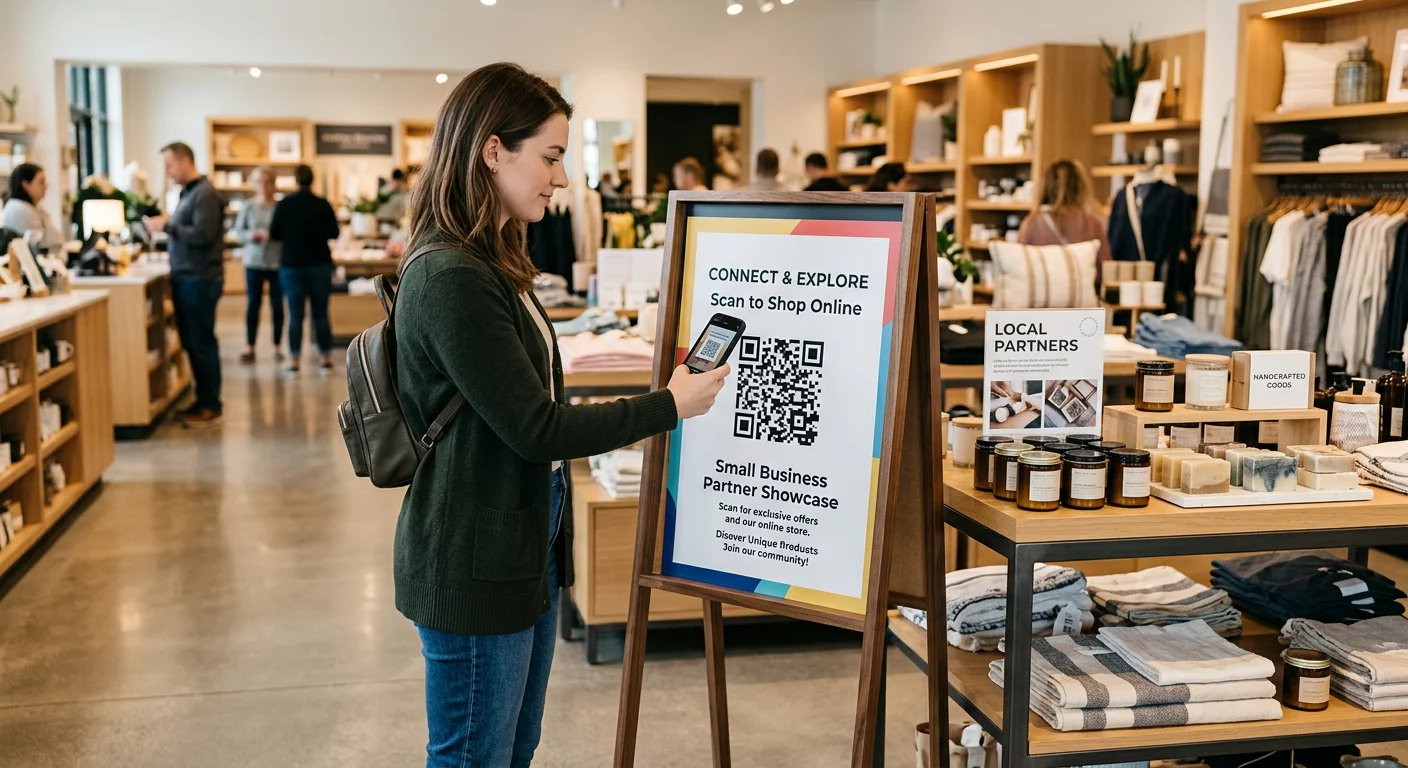
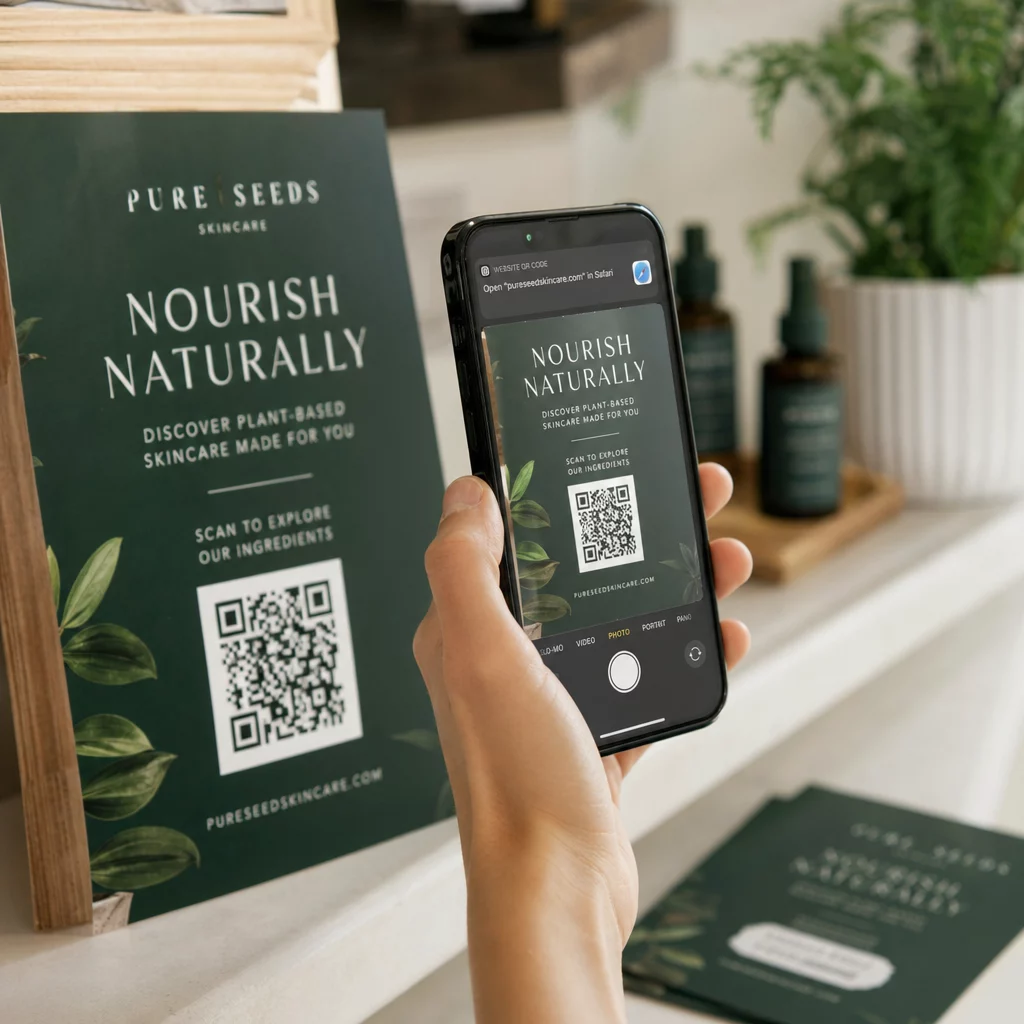
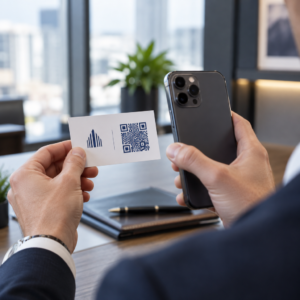
QR-koodi on skannattava kuva, joka ohjaa opiskelijan puhelimen tai tabletin välittömästi URL-osoitteeseen, PDF-tiedostoon, videoon, äänitiedostoon tai lomakkeeseen – ilman kirjoittamista. Pelkästään tämä ratkaisee yhden yleisimmistä luokkahuoneen kitkakohdista.
Käytännöllisyyden lisäksi tutkimus tukee niiden arvoa. Saudi-Arabian kouluissa tehdyssä tutkimuksessa havaittiin, että opiskelijat, jotka käyttivät oppikirjoihin upotettuja QR-koodeja, saavuttivat merkittävästi paremman akateemisen suorituskyvyn kuin ne, jotka eivät käyttäneet, eivätkä raportoineet merkittäviä teknisiä vaikeuksia. Erillisessä ammatillisten opiskelijoiden tutkimuksessa havaittiin, että ne, joilla oli vahvempi digitaalinen lukutaito, osoittivat suotuisampia oppimisasenteita, kun QR-koodit olivat osa opetusta.
Käytännön hyöty: QR-koodit ovat edullisia, helppoja luoda ja tehokkaita, kun opettajat valmistavat ne harkitusti ja varmistavat, että linkitetty sisältö on ikäryhmälle sopivaa. Työkalut, kuten Pagelootin koulutuksen QR-koodiratkaisu tekevät luokkahuonekoodien luomisesta helppoa, muokattavia, turvallisia ja aina ajan tasalla.
15 tapaa käyttää QR-koodeja luokkahuoneessa
1. Linkitä lisämateriaaleihin
Tulosta QR-koodeja työkirjoihin, oppikirjoihin tai seinätauluihin antaaksesi opiskelijoille välittömän pääsyn verkkoartikkeleihin, videoihin, simulaatioihin tai opinto-oppaisiin. Tämä poistaa tarpeen kirjoittaa pitkiä verkko-osoitteita ja pitää oppimisen vauhdissa. A URL-osoite QR-koodi on yksinkertaisin muoto tähän – liitä linkki, luo koodi ja tulosta.
2. Järjestä aarteenetsintä tai vihjerata
Aseta QR-koodeja luokkahuoneen tai koulun ympärille, jokainen linkittäen kysymykseen tai vihjeeseen. Vain oikea vastaus ohjaa opiskelijat seuraavaan paikkaan; väärä vastaus antaa vihjeen. Tämä lähestymistapa saa opiskelijat liikkeelle, kannustaa ongelmanratkaisuun ja muuttaa sisällön kertaamisen peliksi. Se toimii erityisen hyvin sanaston, historiallisten faktojen tai luonnontieteellisten käsitteiden kanssa.

3. Perusta oppimispisteitä
Määritä jokaiselle kiertävälle pisteelle oma QR-koodi. Jokainen koodi linkittää pisteen omaan sisältöön – videoon, tehtävään, tietokilpailuun tai lukemiseen. Opiskelijat voivat työskennellä itsenäisesti omaan tahtiinsa, ja voit eriyttää helposti linkittämällä materiaaleihin eri vaikeustasoilla ilman, että sinun tarvitsee tulostaa useita versioita mistään.
Tuo luokkahuoneen oppimispisteesi verkkoon Luo erilliset QR-koodit jokaiselle oppimispisteelle käyttäen Pageloot QR-koodigeneraattori ja päivitä linkitetty sisältö milloin tahansa tulostamatta yhtään arkkia uudelleen.
4. Kerää poistumislipukkeet ja palautteet
Linkitä QR-koodi Google Forms -lomakkeeseen tai nopeaan kyselyyn ja näytä se tunnin lopussa. Opiskelijat skannaavat ja lähettävät vastauksensa alle minuutissa, antaen sinulle reaaliaikaista tietoa ymmärtämisestä ennen kuin he poistuvat huoneesta. Google Forms QR-koodi generaattori tekee tästä asetelmasta nopean – luo lomake, kopioi jakolinkki ja luo koodi.
5. Jaa kurssimateriaalit paperittomasti
Sen sijaan, että tulostaisit opetusohjelmia, luentomuistiinpanoja tai lukulistoja, koodaa ne PDF QR-koodi ja julkaise koodi luokkahuoneen seinällä tai esityskalvoilla. Opiskelijat skannaavat kerran ja heillä on digitaalinen kopio. Jos päivität asiakirjan, dynaaminen QR-koodi antaa sinun vaihtaa linkitetyn tiedoston luomatta tai tulostamatta uutta koodia.
6. Tue opiskelijoita, joilla on lukivaikeuksia
Tallenna ohjeiden, sanastojen tai keskeisten kohtien ääniversioita ja lataa ne YouTubeen tai isännöintialustalle. Koodaa linkki MP3 QR-koodiksi ja jaa se opiskelijoille, jotka hyötyvät kuuntelusta lukemisen sijaan. Tämä lähestymistapa tukee näkövammaisia, dysleksiaa sairastavia tai englannin kielen oppimistarpeita omaavia oppijoita erottelematta ketään.
7. Esittele opiskelijoiden töitä
Pyydä opiskelijaryhmiä tallentamaan lyhyt video, jossa he selittävät, mitä he oppivat, miten he ratkaisivat ongelman tai mitä he loivat projektin aikana. Lataa nämä videot YouTubeen tai Google Driveen, koodaa sitten linkit QR-koodeiksi ja julkaise ne luokkahuoneessa tai käytävällä. Vanhemmat, vertaiset ja hallintohenkilöstö voivat skannata nähdäkseen työn avoimien ovien iltoina tai vanhempainilloissa.
8. Seuraa läsnäoloa digitaalisesti
Julkaise QR-koodi luokkahuoneen sisäänkäynnillä, joka on linkitetty sisäänkirjautumislomakkeeseen. Opiskelijat skannaavat saapuessaan ja lähettävät nimensä ja aikansa automaattisesti. Tämä poistaa tarpeen manuaalisille nimenhuudoille ja luo aikaleimatun tiedon, jonka voit tarkistaa myöhemmin. Pagelootin koulutustyökalut sisältävät vaihtoehtoja skannausten ja sitoutumisen seurantaan, mikä tekee läsnäolon kirjaamisesta suoraviivaista.
9. Helpottaa ryhmätyöskentelyä
Linkitä QR-koodi jaettuun Google Doc -tiedostoon, Jamboardiin tai yhteistyöalustaan, josta opiskelijaryhmät pääsevät käsiksi ohjeisiinsa, voivat jakaa ideoita tai dokumentoida edistymistään. Jokaisella ryhmällä voi olla oma koodinsa, joka osoittaa sen omaan jaettuun tilaan, mikä pitää projektit järjestyksessä ja vähentää materiaalien jakeluun kuluvaa aikaa.
10. Lisää QR-koodeja laboratorion asetelmiin
Kiinnitä QR-koodeja laboratoriolaitteisiin, malleihin tai koeasemiin. Jokainen koodi voi linkittää turvallisuusohjeeseen, vaiheittaiseen menettelyyn, esittelyvideoon tai lisäkysymyksiin. Opiskelijat saavat tarvitsemansa tiedon kontekstissa, juuri silloin kun he sitä tarvitsevat, ilman että heidän tarvitsee etsiä erillistä monistetta.
11. Mahdollista luokkahuoneäänestykset ja kyselyt
Näytä QR-koodi tunnin alussa tai lopussa, joka linkittää live-kyselyyn. Opiskelijat skannaavat äänestääkseen keskustelukysymyksestä, arvioidakseen luottamustaan aiheeseen tai osallistuakseen nopeaan luokkapäätökseen. Tämä toimii hyvin lämmittelyissä, mielipidekyselyissä ennen väittelyä tai käsitteen ymmärtämisen tarkistamisessa.
12. Rakenna opiskelijoiden tutkimuskeskus
Pyydä opiskelijoita etsimään ja kuratoimaan resursseja aiheesta, ja sitten koodaamaan lähteensä QR-koodeiksi, jotka julkaistaan ilmoitustaululla tai jaetaan digitaalisesti. Tämä luo “puhuvaa seinää” – visuaalisen, skannattavan lähdeluettelon, jota vertaiset voivat tutkia. Se kehittää tutkimustaitoja ja antaa opiskelijoille yleisön työlleen opettajan lisäksi.
13. Tue eriyttävää opetusta
Luo useita QR-koodeja, jotka linkittävät saman sisällön eri versioihin – perustavanlaatuiseen selitykseen, vakiotehtävään ja laajennushaasteeseen. Julkaise kaikki kolme ja anna opiskelijoiden valita itse, tai anna tietyt koodit harkitusti. Tämä antaa sinun kohdata opiskelijat heidän tasollaan tekemättä eriyttämisestä ilmeistä tai logistisesti monimutkaista.
14. Yhdistä vanhempiin ja perheisiin
Lisää QR-koodeja uutiskirjeisiin, todistusten kansiin tai opiskelijaprojektien esittelyihin. Linkitä ne tapahtumakalentereihin, lupalappuihin, projektivideoihin tai lisätietoihin, jotka pitävät perheet sitoutuneina luokkahuoneessa tapahtuvaan. Tämä vähentää sähköpostien edestakaista vaihtoa ja antaa vanhemmille helpon, skannattavan sisäänpääsyn koulun viestintään.
15. Mainosta koulun tapahtumia
Aseta QR-koodeja käytävien julisteisiin tai esitteisiin, jotka linkittävät suoraan tapahtumarekisteröintiin, ilmoittautumislomakkeisiin tai aikataulutietoihin. Opiskelijat ja vanhemmat skannaavat sen sijaan, että kirjoittaisivat URL-osoitteen tai etsisivät manuaalisesti, mikä lisää osallistumista ja vähentää poissaoloja esimerkiksi esityksistä, urheilutapahtumista tai kerhoista.
Käytännön vinkkejä ennen aloittamista
Muutama asia tarkistettavaksi ennen koodien tulostamista ja jakamista:
- Testaa jokainen koodi ennen tulostamista. Skannaa jokainen koodi vähintään kahdella eri laitteella varmistaaksesi, että linkki toimii ja sisältö latautuu oikein.
- Koko vaikuttaa skannausetäisyyteen. Seinälle tai julisteeseen sijoitetun koodin tavoitekoko on vähintään 4 × 4 cm, jotta opiskelijat voivat skannata sen mukavalta etäisyydeltä. Katso QR-koodin kokooppaastamme lisätietoja varten.
- Käytä dynaamisia QR-koodeja kaikkeen, mikä saattaa muuttua. Dynaamisten koodien avulla voit päivittää linkitetyn sisällön tulostuksen jälkeen, joten luokkahuoneen näytöllä oleva koodi pysyy hyödyllisenä koko vuoden. Lue lisää staattisten ja dynaamisten QR-koodien välillä päättääksesi, mikä sopii kuhunkin käyttötapaukseen.
- Pidä kontrasti korkeana. Tumma kuvio vaalealla taustalla skannautuu luotettavasti. Tarkista QR-koodin luettavuuden parhaisiin käytäntöihin jos mukautat värejä tai lisäät logon.
- Lisää lyhyt selite. Lyhyt tekstirivi koodin alla – “Skannaa tämän päivän lukemista varten” tai “Skannaa lähettääksesi poistumislipun” – poistaa arvailun ja lisää skannausmääriä.
QR-koodit toimivat parhaiten, kun ne vähentävät kitkaa sen sijaan, että lisäisivät sitä. Mitä selkeämmin koodi on merkitty, sitä luotettavammin se skannataan ja sitä enemmän se edistää keskittynyttä luokkahuoneympäristöä.

Luo luokkahuoneen QR-koodeja minuuteissa Pageloot-tuki Yli 25 QR-koodityyppiä mukaan lukien linkit, PDF-tiedostot, lomakkeet, kuvat ja ääni – kaikki muokattavissa ja seurattavissa. Aloita ilmainen 14 päivän kokeilujakso rakentaaksesi ensimmäiset luokkahuonekoodisi tänään.
Usein kysytyt kysymykset
Ei. Useimmat nykyaikaiset älypuhelimet ja tabletit voivat skannata QR-koodeja suoraan sisäänrakennetun kamerasovelluksen kautta. Opiskelijat yksinkertaisesti avaavat kameran, osoittavat sen koodiin ja napauttavat ilmestyvää ilmoitusta. Vanhemmille laitteille voidaan sen sijaan käyttää ilmaista QR-koodinlukijasovellusta.
Staattinen QR-koodi linkittää kiinteään kohteeseen, jota ei voi muuttaa tulostuksen jälkeen. Dynaaminen QR-koodi tallentaa lyhyen uudelleenohjaus-URL-osoitteen, joten voit päivittää linkitetyn sisällön – uuden videon, muokatun tehtäväpaperin tai eri lomakkeen – ilman koodin uudelleentulostusta. Luokkamateriaaleille, jotka muuttuvat vuoden mittaan, dynaamiset koodit ovat käytännöllisempi valinta.
Sinä hallitset, mihin kukin koodi linkittää, joten sinä päätät, mitä opiskelijat voivat käyttää. Käytä luotettavia alustoja, kuten Google Drivea, YouTubea (asianmukaisilla yksityisyysasetuksilla) tai koulun hyväksymiä työkaluja sisällön isännöintiin. Testaa jokainen linkki ennen koodien jakamista ja harkitse Pagelootin koulutusratkaisun kaltaisen alustan käyttöä, jonka avulla voit päivittää tai poistaa linkkejä käytöstä milloin tahansa, jos sisältöä on muutettava.