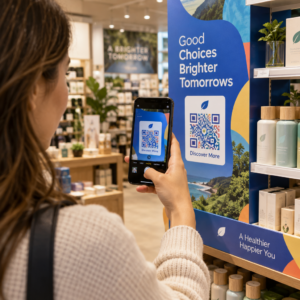
Vuoi che i clienti ti inviino messaggi con una singola scansione – senza digitare, senza cercare, senza attriti? Quando qualcuno deve cercare manualmente il tuo numero di telefono o trovare il tuo contatto WhatsApp, la maggior parte non si preoccuperà. Questa guida spiega esattamente come funzionano i codici QR con le piattaforme di messaggistica più comuni in modo da poter rimuovere completamente tale barriera.
Perché i codici QR e la messaggistica funzionano bene insieme
I codici QR colmano il divario tra materiali fisici e azioni digitali. Invece di chiedere a qualcuno di digitare un numero di telefono o di navigare verso una finestra di chat, una singola scansione fa tutto questo automaticamente. Il risultato è meno attrito, una maggiore conversione e un canale di comunicazione diretto che controlli.
Questo è più importante di quanto non lo fosse in passato. Quasi 83,4 milioni di utenti adulti di smartphone negli Stati Uniti hanno scansionato un codice QR nel 2022 – circa il 37,5% dei proprietari di smartphone adulti – e si prevede che questa quota raggiungerà il 42,6% entro il 2025. Tra questi utenti, la maggior parte scansiona più volte al mese, e circa uno su cinque dichiara di scansionare settimanalmente. Per i marketer, quel livello di comportamento abituale significa che un codice QR di messaggistica ben posizionato ha una reale possibilità di essere utilizzato.
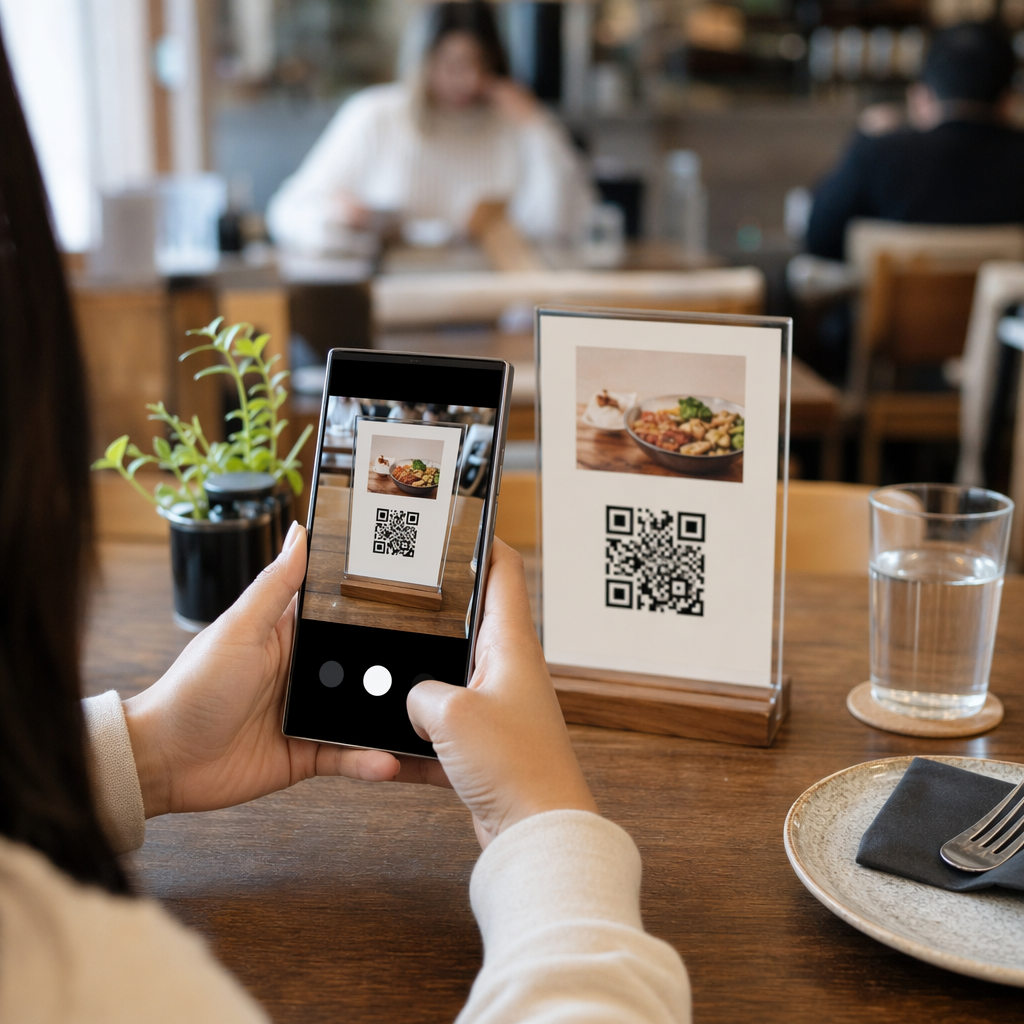
Le applicazioni pratiche sono ampie: un codice QR sulla confezione del prodotto che apre una chat di supporto clienti, un poster a un evento che avvia una conversazione con un team di vendita, o un biglietto da visita che consente a qualcuno di inviarti un messaggio su WhatsApp senza prima salvare il tuo numero. Puoi imparare i fondamenti della configurazione dei codici QR prima di approfondire i passaggi specifici della piattaforma di seguito.
Codici QR per WhatsApp
WhatsApp contava circa 75,1 milioni di utenti attivi mensili negli Stati Uniti a metà del 2023, rendendola una delle piattaforme di messaggistica più utilizzate per le aziende che si rivolgono a clienti mobile-first.
Ci sono due modi principali per collegare un codice QR a WhatsApp: aprire una finestra di chat, o aprire una finestra di chat con un messaggio precompilato già digitato. La differenza è importante a seconda di ciò che desideri dall'interazione.
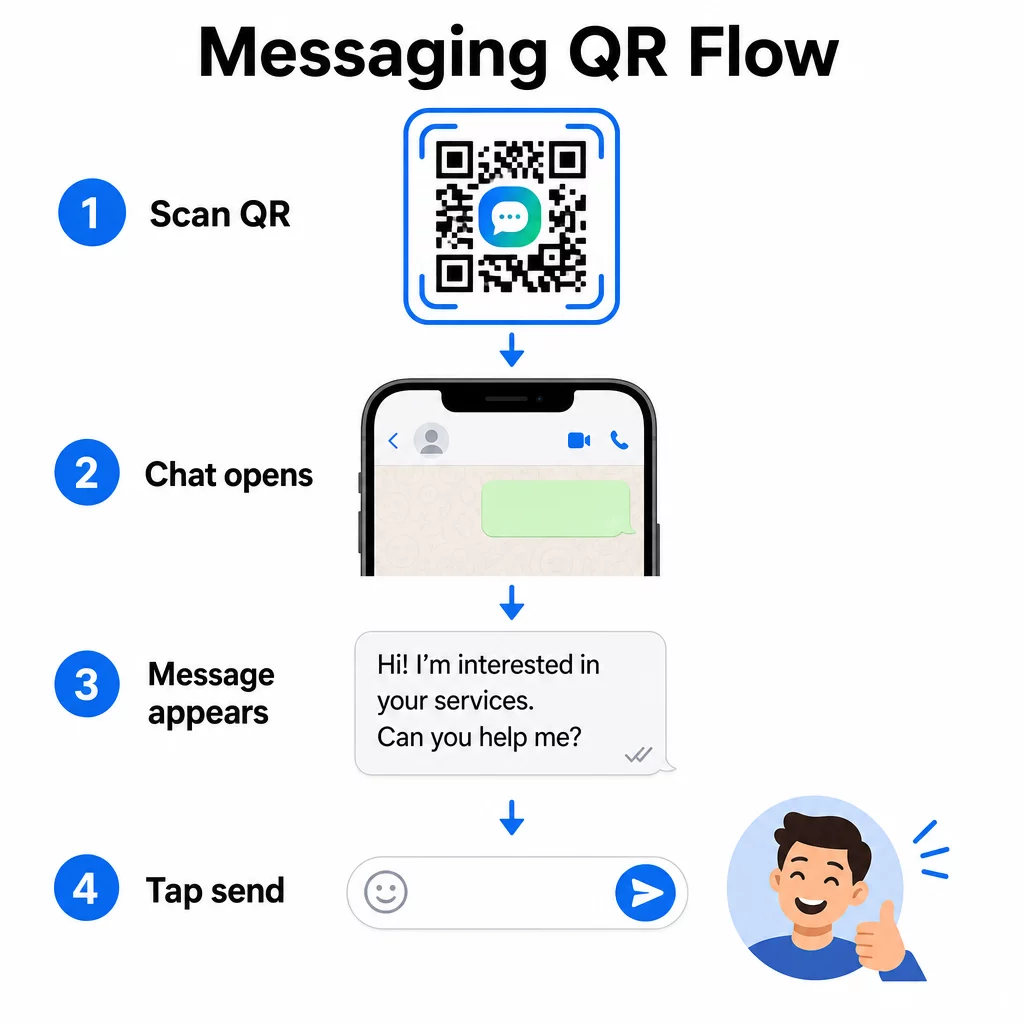
Apertura di una finestra di chat (Clicca per chattare)
L'opzione più semplice delle due apre semplicemente una nuova chat tra lo scanner e il tuo numero. Usa questo formato come URL all'interno del tuo codice QR:
“`
https://wa.me/YOURNUMBER
“`
Il numero di telefono deve essere in formato internazionale senza parentesi, trattini, segni più o zeri iniziali. Ad esempio, un numero del Regno Unito nella Grande Manchester (0161 912 3456) sarebbe formattato come:
“`
https://wa.me/441619123456
“`
Scomponiamolo: prefisso internazionale (44) + prefisso senza lo zero iniziale (161) + numero locale (9123456). Testa sempre il tuo link prima di stamparlo ovunque.
Crea un codice QR per WhatsApp Utilizzare il Generatore di QR code WhatsApp per creare un codice scansionabile e personalizzato con il tuo numero e un messaggio precompilato opzionale – nessuna formattazione manuale dell'URL richiesta.
Messaggio Precompilato
Questa opzione apre una chat e popola il campo del messaggio con il testo che definisci in anticipo. Quando qualcuno scansiona, vede una bozza di messaggio pronta per essere inviata – deve solo toccare il pulsante di invio. Il formato dell'URL è:
“`
https://wa.me/YOURNUMBER?text=YOURMESSAGE
“`
Replace spaces in your message with `%20` so the URL encodes correctly. For example, the phrase “I would like more information” becomes `I%20would%20like%20more%20information`.
Esempi utili di messaggi precompilati includono:
- `I%20would%20like%20to%20subscribe%20to%20your%20newsletter`
- `I%20would%20like%20a%20free%20sample`
- `I%20need%20help%20with%20my%20order`
Se vuoi condividere un messaggio precompilato senza mirare a un numero specifico – utile per la condivisione di contenuti piuttosto che per il contatto diretto – usa invece questo formato:
“`
https://wa.me/?text=YOURMESSAGE
“`
L'approccio del messaggio precompilato è particolarmente efficace per la generazione di lead. Sai esattamente dove qualcuno ha scansionato (in base al codice che ha utilizzato) e hai immediatamente il loro numero WhatsApp quando inviano il messaggio. Puoi anche saperne di più su Come scansionare un QR code su WhatsApp se vuoi capire l'esperienza utente dall'altra parte.
Codici QR per Facebook Messenger
Facebook Messenger contava circa 139 milioni di utenti mensili negli Stati Uniti a metà del 2023, rendendola l'app di messaggistica mobile più utilizzata nel paese. Se il tuo pubblico è su Facebook, un codice QR di Messenger può essere una linea diretta alla casella di posta della tua pagina.
Il formato del link è semplice:
“`
http://m.me/PAGENAME
“`
Sostituisci `PAGENAME` con il nome utente della tua pagina Facebook – questo è il testo che appare dopo `facebook.com/` nell'URL della tua pagina, non il nome visualizzato in cima alla pagina. Quando qualcuno scansiona il codice, Messenger apre direttamente una nuova conversazione con la tua pagina.
Questo funziona in modo simile all'opzione click-to-chat di WhatsApp: apre la finestra di chat, ma non precompila un messaggio. Ciò significa che la tua call-to-action è importante. Ovunque tu posizioni il codice, abbinalo a un breve invito all'azione come:
- “Chiacchiera con noi”
- “Fai una domanda”
- “Mettiti in contatto subito”
Assicurati che la tua pagina abbia le notifiche di messaggistica abilitate in modo da rispondere prontamente. Una risposta ritardata vanifica lo scopo della comunicazione istantanea.
Codici QR per messaggi di testo (SMS)
Gli SMS classici hanno una portata quasi universale: sono preinstallati su ogni smartphone e non possono essere rimossi. Per il pubblico in cui l'adozione di WhatsApp o Messenger è incerta, gli SMS sono il ripiego più sicuro.
Il formato URI standard per un codice QR SMS è:
“`
sms:PHONENUMBER?body=YOURMESSAGE
“`
Si noti che iOS e Android gestiscono questo URI in modo leggermente diverso. iOS utilizza tipicamente un punto e virgola prima di `body` anziché un punto interrogativo, quindi se ti rivolgi a un pubblico misto, è essenziale testare su entrambe le piattaforme prima di distribuire il codice. La maggior parte dei generatori di codici QR gestisce questo automaticamente quando si utilizza uno strumento dedicato per i codici QR SMS.
Il sito Generatore di QR code da testo può codificare istruzioni SMS, dettagli di contatto o qualsiasi breve stringa di testo in un codice scansionabile, mentre il generatore SMS dedicato gestisce specificamente il formato del messaggio precompilato.
Codici QR per Telegram
Telegram utilizza link di profilo pubblici nel formato `t.me/username` per canali, gruppi e profili. Convertire quel link in un codice QR consente a qualcuno di unirsi al tuo canale o avviare una conversazione con una singola scansione.
Per gruppi o canali privati che non hanno un nome utente pubblico, usa invece il link di invito generato dall'interno dell'app. Per trovarlo: apri il gruppo, tocca “Aggiungi membro”, quindi seleziona “Invita al gruppo tramite link”. Copia quell'URL e incollalo in un generatore di codici QR di link per creare il tuo codice. Puoi trovare una guida passo-passo in questa procedura dettagliata su Codici QR per gruppi Telegram.
Codici QR per e-mail
L'email funziona in modo diverso dalla messaggistica istantanea, ma condivide la stessa idea di base: ridurre l'attrito in modo che un potenziale contatto non debba digitare nulla. Un link `mailto:` codifica l'indirizzo del destinatario, l'oggetto e il corpo del messaggio direttamente nel codice QR.
Il formato è:
“`
mailto:[email protected]?subject=Your%20Subject&body=Your%20Message
“`
Like WhatsApp prefilled messages, spaces must be encoded as `%20`. When someone scans the code, their default email client opens with the recipient, subject, and body already populated.
Il sito Generatore di QR code per email gestisce automaticamente questa formattazione e ti consente di personalizzare l'aspetto del codice prima di scaricarlo.
Scegliere tra codici QR statici e dinamici
Ogni esempio di codice QR di messaggistica sopra può essere generato come codice statico o dinamico – e la scelta ha conseguenze pratiche per le campagne a lungo termine.
UN codice QR statico codifica il link di destinazione in modo permanente. Se il tuo numero di telefono cambia, il nome utente della tua pagina cambia, o vuoi testare un messaggio precompilato diverso, devi generare e ristampare un nuovo codice.
UN codice QR dinamico memorizza un URL di reindirizzamento breve che puoi aggiornare in qualsiasi momento, anche dopo che il codice è stato stampato. Cambia la destinazione, scambia il messaggio precompilato o reindirizza a una piattaforma completamente diversa – il codice stampato rimane lo stesso. I codici dinamici supportano anche l'analisi delle scansioni: puoi tracciare quante persone hanno scansionato, quando, dove e su quale tipo di dispositivo.
Per materiali stampati come volantini, imballaggi di prodotti o display in negozio, i codici dinamici sono solitamente la scelta più intelligente. Puoi saperne di più sui compromessi in questo confronto di codici QR statici vs dinamici, ed esplorare come impostare il tracciamento in questa guida su Tracciamento dei codici QR.
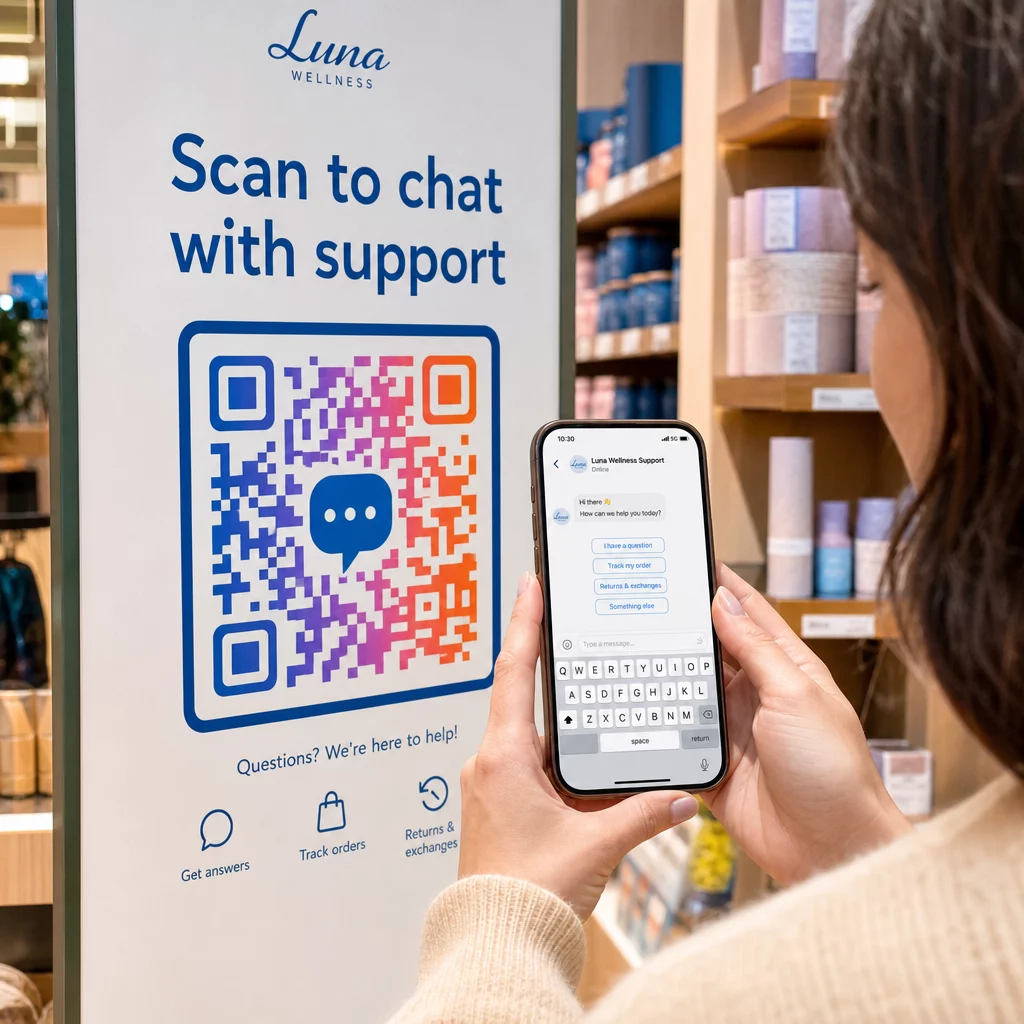
Traccia Ogni Scansione Nelle Tue Campagne di Messaggistica Vuoi sapere quale posizionamento genera il maggior numero di conversazioni? Il Generatore di codici QR ti consente di creare codici QR di messaggistica dinamici con analisi complete delle scansioni – monitora le prestazioni e aggiorna le destinazioni senza ristampare.
Dove Posizionare i Codici QR di Messaggistica
La configurazione tecnica è solo metà del lavoro. Un codice QR di messaggistica che nessuno vede non genera conversazioni. Alcuni posizionamenti comprovati:
- Confezioni dei prodotti – i clienti con una domanda possono inviarti un messaggio direttamente dalla scatola
- Biglietti da visita – un codice WhatsApp o Messenger sostituisce l'attrito di salvare un contatto manualmente
- Segnaletica in negozio – I codici “Chatta con noi” vicino alle casse o ai banchi di servizio abbassano la barriera per le domande
- Materiali per eventi – cartellini da tavolo, cordini o espositori per stand con un codice Telegram o Messenger per un follow-up immediato
- Annunci stampati e opuscoli – un codice SMS precompilato consente ai potenziali clienti di aderire istantaneamente alle comunicazioni di follow-up
Ovunque tu posizioni il codice, aggiungi una breve call-to-action direttamente accanto ad esso. Il codice da solo non spiega il vantaggio. Dì alle persone cosa otterranno scansionando: “Scansiona per chattare con il supporto,” “Scansiona per ottenere un preventivo,” o “Scansiona per iscriverti.”
Domande frequenti
Sì. Un codice QR di WhatsApp richiede che WhatsApp sia installato sul dispositivo dello scanner; un codice Messenger richiede l'app Messenger o un account Facebook accessibile tramite browser. I codici SMS funzionano su qualsiasi telefono senza un'app aggiuntiva. Se l'utilizzo delle app da parte del tuo pubblico è incerto, gli SMS offrono la più ampia portata.
Sì. WhatsApp supporta messaggi precompilati utilizzando il parametro `?text=` nel formato di link `wa.me`. I codici QR SMS supportano un parametro body nell'URI `sms:`, sebbene la sintassi esatta possa differire leggermente tra iOS e Android. Si raccomanda di testare su entrambe le piattaforme prima di distribuire il codice.
Un codice QR dinamico consente di aggiornare la destinazione o il messaggio precompilato in qualsiasi momento senza ristampare. Fornisce anche analisi delle scansioni – scansioni totali, posizioni delle scansioni, tipi di dispositivo – in modo da poter misurare quali posizionamenti e messaggi hanno le migliori prestazioni. Questo è particolarmente utile per i materiali stampati con una lunga vita utile.