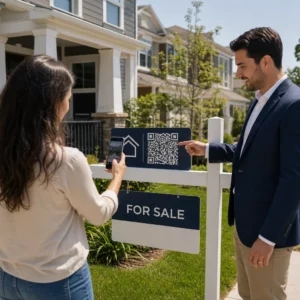
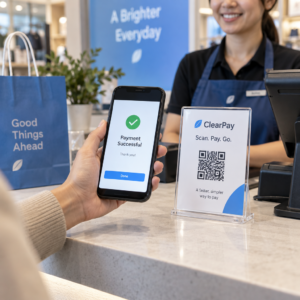
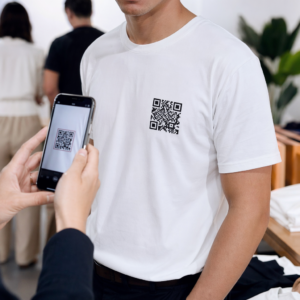
Искате клиентите да ви изпращат съобщения с едно сканиране – без писане, без търсене, без затруднения? Когато някой трябва ръчно да търси вашия телефонен номер или да намери вашия WhatsApp контакт, повечето от тях няма да си направят труда. Това ръководство обяснява точно как работят QR кодовете с най-често срещаните платформи за съобщения, така че да можете напълно да премахнете тази бариера.
Защо QR кодовете и съобщенията работят добре заедно
QR кодовете преодоляват пропастта между физическите материали и дигиталните действия. Вместо да молите някого да въвежда телефонен номер или да навигира до прозорец за чат, едно сканиране прави всичко това автоматично. Резултатът е по-малко затруднения, по-висока конверсия и директен комуникационен канал, който контролирате.
Това е по-важно от всякога. Близо 83,4 милиона възрастни потребители на смартфони в Съединените щати са сканирали QR код през 2022 г. – около 37,5% от възрастните собственици на смартфони – и този дял се очаква да достигне 42,6% до 2025 г. Сред тези потребители повечето сканират няколко пъти месечно, а около един на всеки пет съобщава за седмично сканиране. За маркетолозите това ниво на навици означава, че добре поставен QR код за съобщения има реален шанс да бъде използван.
Практическите приложения са широки: QR код върху опаковка на продукт, който отваря чат за поддръжка на клиенти, плакат на събитие, който започва разговор с екип по продажбите, или визитка, която позволява на някого да ви изпрати съобщение в WhatsApp, без първо да запазва номера ви. Можете да научите основите на настройката на QR код преди да се потопите в специфичните за платформата стъпки по-долу.
QR кодове за WhatsApp
WhatsApp имаше приблизително 75,1 милиона месечни активни потребители в Съединените щати към средата на 2023 г., което го прави една от по-широко използваните платформи за съобщения за бизнеси, насочени към клиенти, използващи предимно мобилни устройства.
Има два основни начина за свързване на QR код с WhatsApp: отваряне на прозорец за чат или отваряне на прозорец за чат с предварително попълнено съобщение. Разликата е важна в зависимост от това какво искате от взаимодействието.
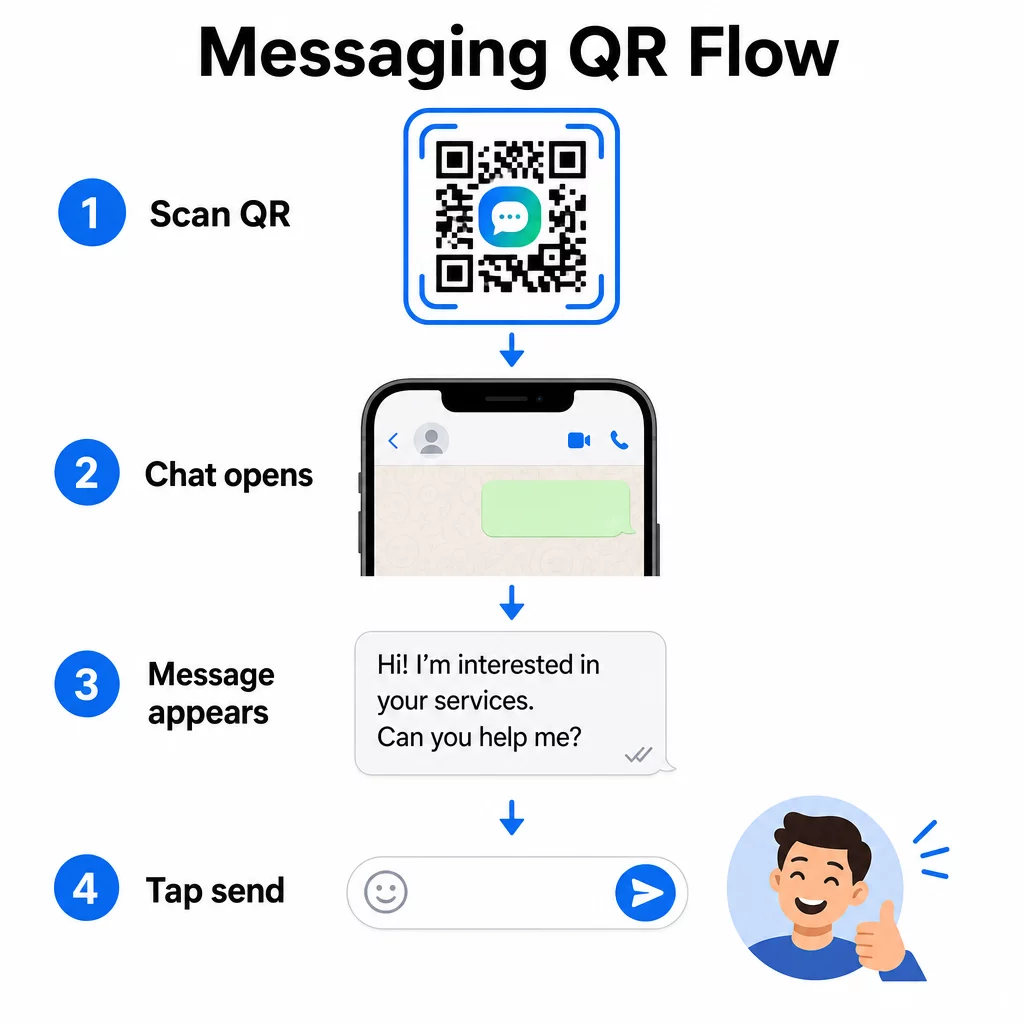
Отваряне на прозорец за чат (Кликни за чат)
По-простият от двата варианта просто отваря нов чат между сканиращия и вашия номер. Използвайте този формат като URL адрес във вашия QR код:
“`
https://wa.me/YOURNUMBER
“`
Телефонният номер трябва да е в международен формат без скоби, тирета, знаци плюс или водещи нули. Например, номер от Обединеното кралство в Голям Манчестър (0161 912 3456) би бил форматиран като:
“`
https://wa.me/441619123456
“`
Разбийте го: код на държава (44) + код на област без водеща нула (161) + местен номер (9123456). Винаги тествайте връзката си, преди да я отпечатате където и да е.
Създайте QR код за WhatsApp Използвай WhatsApp QR код за създаване на брандиран, сканируем код с вашия номер и опционално предварително попълнено съобщение – не се изисква ръчно форматиране на URL адрес.
Предварително попълнено съобщение
Тази опция отваря чат и попълва полето за съобщение с текст, който дефинирате предварително. Когато някой сканира, той вижда чернова на съобщение, готово за изпращане – просто докосва бутона за изпращане. Форматът на URL адреса е:
“`
https://wa.me/YOURNUMBER?text=YOURMESSAGE
“`
Replace spaces in your message with `%20` so the URL encodes correctly. For example, the phrase “I would like more information” becomes `I%20would%20like%20more%20information`.
Полезни примери за предварително попълнени съобщения включват:
- `I%20would%20like%20to%20subscribe%20to%20your%20newsletter`
- `I%20would%20like%20a%20free%20sample`
- `I%20need%20help%20with%20my%20order`
Ако искате да споделите предварително попълнено съобщение, без да таргетирате конкретен номер – полезно за споделяне на съдържание, а не за директен контакт – използвайте този формат вместо това:
“`
https://wa.me/?text=YOURMESSAGE
“`
Подходът с предварително попълнено съобщение е особено силен за генериране на потенциални клиенти. Знаете точно къде е сканирал някой (въз основа на кой код е използвал) и веднага имате неговия номер в WhatsApp, когато изпрати съобщението. Можете също така да научите повече за как да сканирате QR код в WhatsApp ако искате да разберете потребителското изживяване от другата страна.
QR кодове за Facebook Messenger
Facebook Messenger имаше приблизително 139 милиона месечни потребители в Съединените щати към средата на 2023 г., което го прави най-широко използваното мобилно приложение за съобщения в страната. Ако вашата аудитория е във Facebook, QR кодът на Messenger може да бъде директна връзка към входящата кутия на вашата страница.
Форматът на връзката е прост:
“`
http://m.me/PAGENAME
“`
Заменете `PAGENAME` с потребителското име на вашата Facebook страница – това е текстът, който се появява след `facebook.com/` в URL адреса на вашата страница, а не показваното име в горната част на страницата. Когато някой сканира кода, Messenger отваря нов разговор директно с вашата страница.
Това работи подобно на опцията за чат с едно кликване на WhatsApp: отваря прозореца за чат, но не попълва предварително съобщение. Това означава, че призивът ви за действие е важен. Където и да поставите кода, съчетайте го с кратък подтик като:
- “Разговаряйте с нас”
- “Задайте ни въпрос”
- “Свържете се с нас веднага”
Уверете се, че страницата ви има активирани известия за съобщения, за да отговаряте бързо. Забавеният отговор обезсмисля целта на незабавната комуникация.
QR кодове за текстови съобщения (SMS)
Класическият SMS има почти универсален обхват – той е инсталиран на всеки смартфон и не може да бъде премахнат. За аудитории, където приемането на WhatsApp или Messenger е несигурно, SMS е най-безопасният резервен вариант.
Стандартният URI формат за SMS QR код е:
“`
sms:PHONENUMBER?body=YOURMESSAGE
“`
Имайте предвид, че iOS и Android обработват този URI малко по-различно. iOS обикновено използва точка и запетая преди `body` вместо въпросителен знак, така че ако таргетирате смесена аудитория, тестването на двете платформи преди разпространението на кода е от съществено значение. Повечето генератори на QR кодове обработват това автоматично, когато използвате специализиран инструмент за SMS QR кодове.
На Създаване на QR код от текст може да кодира SMS инструкции, данни за контакт или всякакъв кратък текстов низ в сканируем код, докато специализираният SMS генератор обработва конкретно формата на предварително попълненото съобщение.
QR кодове за Telegram
Telegram използва публични връзки към профили във формат `t.me/username` за канали, групи и профили. Преобразуването на тази връзка в QR код позволява на някого да се присъедини към вашия канал или да започне разговор с едно сканиране.
За частни групи или канали, които нямат публично потребителско име, използвайте връзката за покана, генерирана от приложението. За да я намерите: отворете групата, докоснете “Добавяне на член”, след това изберете “Покана за група чрез връзка”. Копирайте този URL адрес и го поставете в генератор на QR кодове за връзки за да създадете своя код. Можете да намерите ръководство стъпка по стъпка в това ръководство за QR кодове за Telegram групи.
QR кодове за имейл
Имейлът функционира различно от незабавните съобщения, но споделя същата основна идея: намаляване на триенето, така че потенциален контакт да не се налага да пише нищо. Връзка `mailto:` кодира адреса на получателя, темата и тялото на съобщението директно в QR кода.
Форматът е:
“`
mailto:[email protected]?subject=Your%20Subject&body=Your%20Message
“`
Like WhatsApp prefilled messages, spaces must be encoded as `%20`. When someone scans the code, their default email client opens with the recipient, subject, and body already populated.
На QR код за имейл обработва това форматиране автоматично и ви позволява да персонализирате външния вид на кода преди изтегляне.
Избор между статични и динамични QR кодове
Всеки пример за QR код за съобщения по-горе може да бъде генериран като статичен или динамичен код – и изборът има практически последици за дългосрочни кампании.
A статичен QR код кодира връзката към дестинацията за постоянно. Ако телефонният ви номер се промени, потребителското ви име на страницата се промени или искате да тествате различно предварително попълнено съобщение, трябва да генерирате и препечатате нов код.
A динамичен QR код съхранява кратък URL адрес за пренасочване, който можете да актуализирате по всяко време, дори след като кодът е бил отпечатан. Променете дестинацията, разменете предварително попълненото съобщение или пренасочете към напълно различна платформа – отпечатаният код остава същият. Динамичните кодове също поддържат анализи на сканиранията: можете да проследявате колко хора са сканирали, кога, къде и на какъв тип устройство.
За печатни материали като флаери, продуктови опаковки или дисплеи в магазини, динамичните кодове обикновено са по-умният избор. Можете да научите повече за компромисите в това сравнение на статични срещу динамични QR кодове, и да проучите как да настроите проследяване в това ръководство за проследяване на QR кодове.
Проследявайте всяко сканиране във вашите кампании за съобщения Искате ли да знаете кое разположение води до най-много разговори? Генератор на QR кодове ви позволява да създавате динамични QR кодове за съобщения с пълни анализи на сканиранията – наблюдавайте ефективността и актуализирайте дестинациите без препечатване.
Къде да поставите QR кодове за съобщения
Техническата настройка е само половината работа. QR код за съобщения, който никой не вижда, не води до разговори. Няколко доказани места за поставяне:
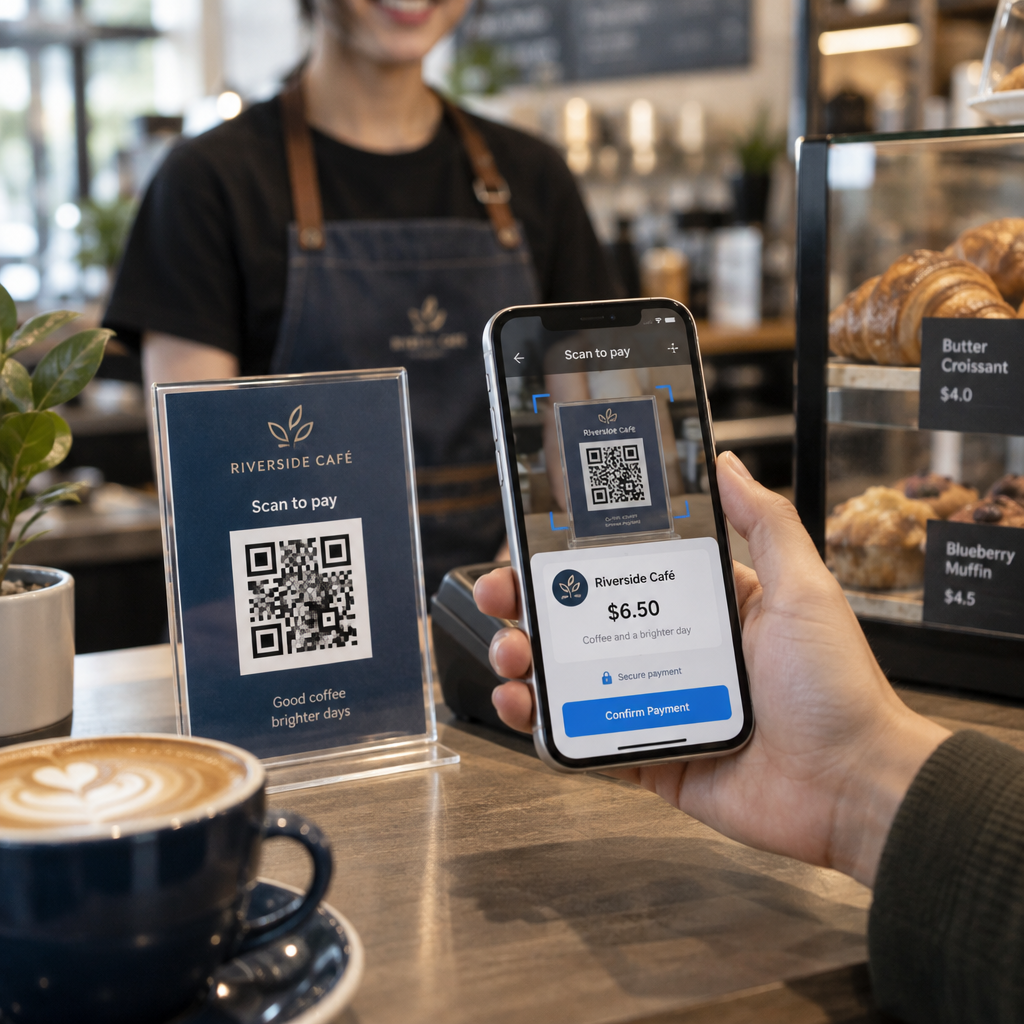
- Опаковки на продукти – клиенти с въпрос могат да ви изпратят съобщение директно от кутията
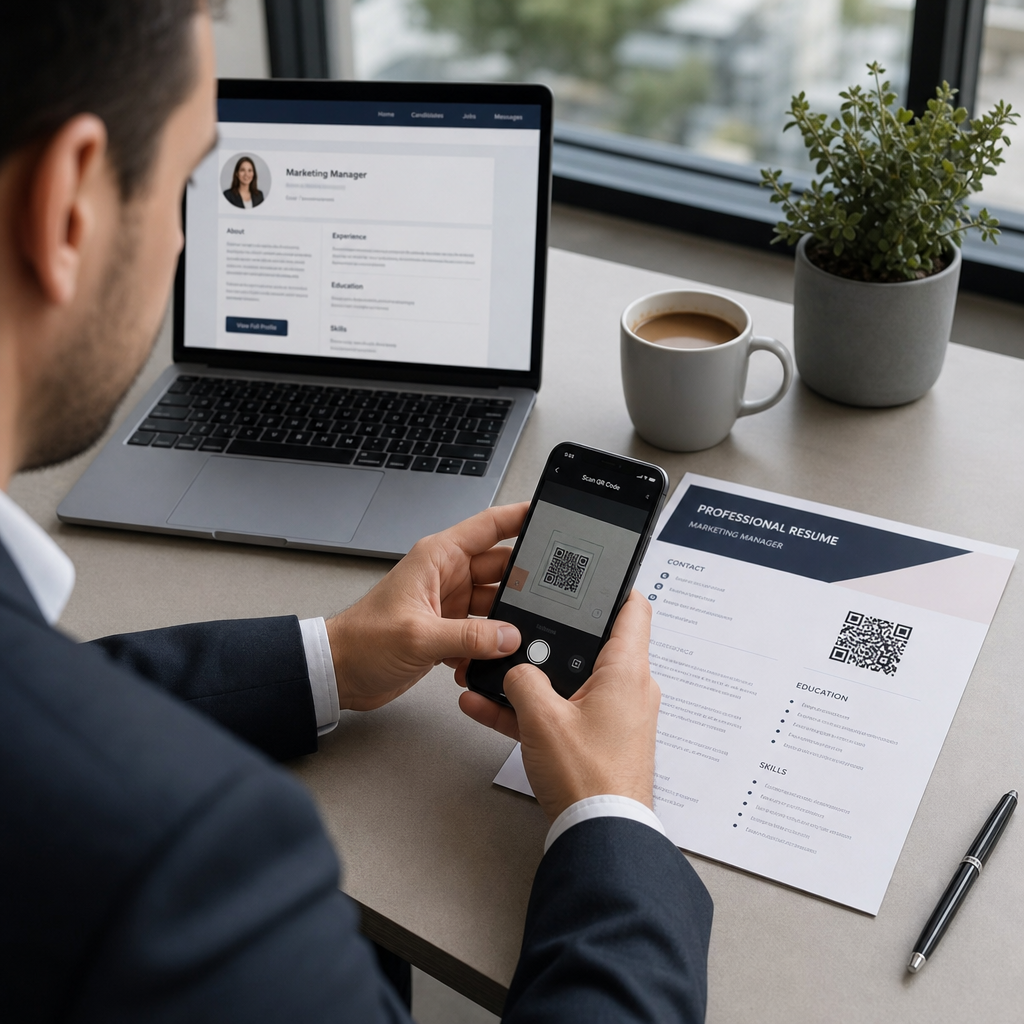
- Визитки – код за WhatsApp или Messenger замества неудобството от ръчното запазване на контакт
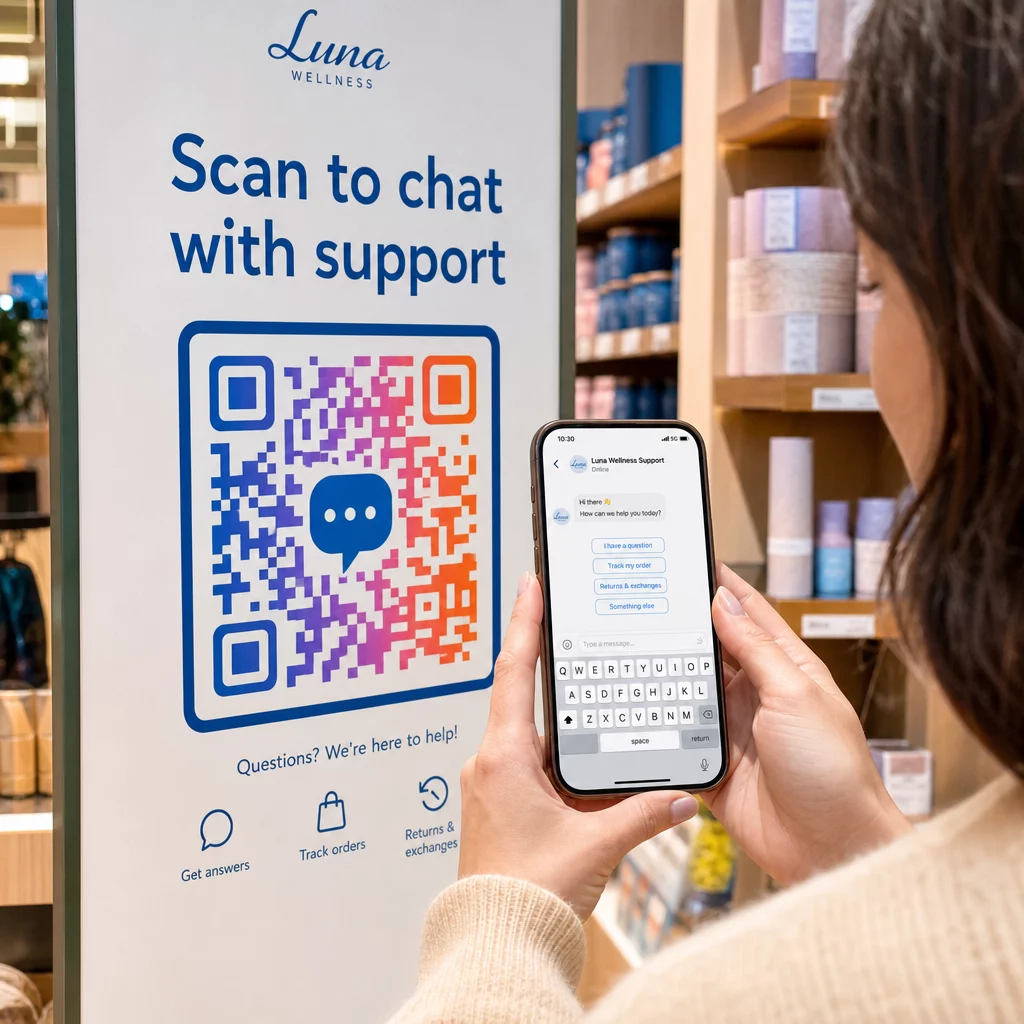
- Информационни табели в магазините – кодове “Разговаряйте с нас” близо до каси или бюра за обслужване намаляват бариерата за въпроси
- Материали за събития – настолни картички, връзки за баджове или дисплеи на щандове с код за Telegram или Messenger за незабавно проследяване
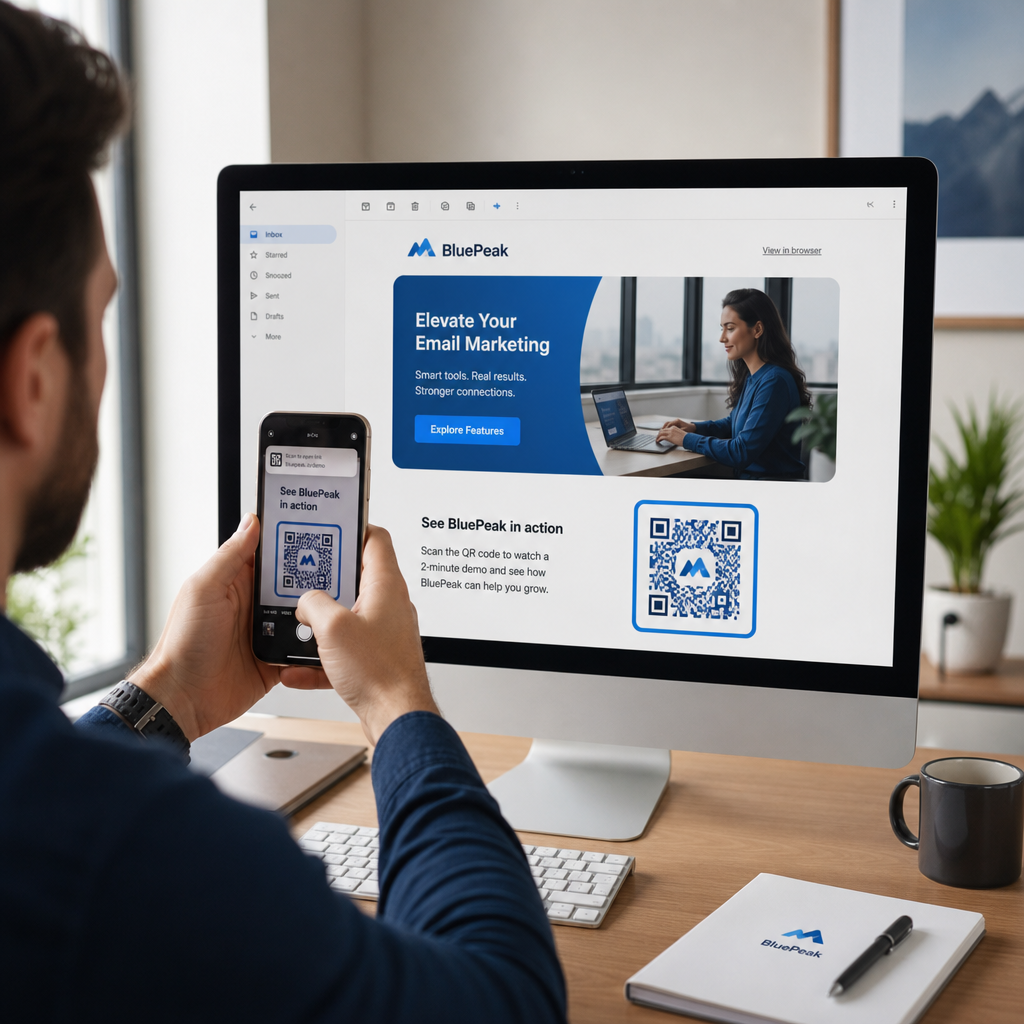
- Печатни реклами и брошури – предварително попълнен SMS код позволява на потенциалните клиенти да се включат незабавно в последващи комуникации
Където и да поставите кода, добавете кратък призив за действие непосредствено до него. Само кодът не обяснява ползата. Кажете на хората какво ще получат, като сканират: “Сканирайте, за да разговаряте с поддръжката”, “Сканирайте, за да получите оферта” или “Сканирайте, за да се абонирате.”
Често задавани въпроси
Да. QR код за WhatsApp изисква WhatsApp да е инсталиран на устройството на сканиращия; код за Messenger изисква приложението Messenger или Facebook акаунт, достъпен чрез браузър. SMS кодовете работят на всеки телефон без допълнително приложение. Ако използването на приложения от вашата аудитория е несигурно, SMS предлага най-широк обхват.
Да. WhatsApp поддържа предварително попълнени съобщения, използвайки параметъра `?text=` във формата на връзка `wa.me`. SMS QR кодовете поддържат параметър за тяло в `sms:` URI, въпреки че точният синтаксис може да се различава леко между iOS и Android. Препоръчва се тестване на двете платформи преди разпространение на кода.
Динамичен QR код ви позволява да актуализирате дестинацията или предварително попълненото съобщение по всяко време без препечатване. Той също така предоставя анализи на сканиранията – общ брой сканирания, местоположения на сканиранията, типове устройства – така че можете да измерите кои разположения и съобщения се представят най-добре. Това е особено полезно за печатни материали с дълъг срок на годност.