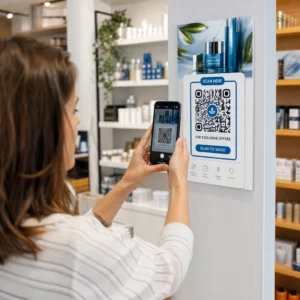
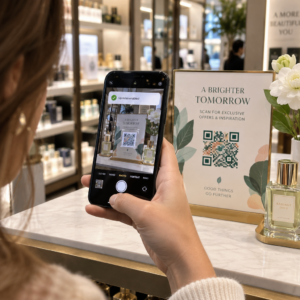
Ingin pelanggan mengirimi Anda pesan dengan sekali pindai – tanpa mengetik, tanpa mencari, tanpa hambatan? Ketika seseorang harus mencari nomor telepon Anda secara manual atau menemukan kontak WhatsApp Anda, kebanyakan dari mereka tidak akan repot. Panduan ini menjelaskan dengan tepat bagaimana kode QR bekerja dengan platform perpesanan paling umum sehingga Anda dapat menghilangkan hambatan itu sepenuhnya.
Mengapa Kode QR dan Perpesanan Bekerja Sama dengan Baik
Kode QR menjembatani kesenjangan antara materi fisik dan tindakan digital. Alih-alih meminta seseorang untuk mengetik nomor telepon atau menavigasi ke jendela obrolan, satu kali pindai melakukan semua itu secara otomatis. Hasilnya adalah lebih sedikit hambatan, konversi yang lebih tinggi, dan saluran komunikasi langsung yang Anda kendalikan.
Ini lebih penting dari sebelumnya. Hampir 83,4 juta pengguna smartphone dewasa di Amerika Serikat memindai kode QR pada tahun 2022 – sekitar 37,5% dari pemilik smartphone dewasa – dan pangsa tersebut diproyeksikan mencapai 42,6% pada tahun 2025. Di antara pengguna tersebut, sebagian besar memindai beberapa kali sebulan, dan sekitar satu dari lima melaporkan memindai setiap minggu. Bagi pemasar, tingkat perilaku kebiasaan itu berarti kode QR perpesanan yang ditempatkan dengan baik memiliki peluang nyata untuk digunakan.
Aplikasi praktisnya luas: kode QR pada kemasan produk yang membuka obrolan dukungan pelanggan, poster di acara yang memulai percakapan dengan tim penjualan, atau kartu nama yang memungkinkan seseorang mengirimi Anda pesan di WhatsApp tanpa menyimpan nomor Anda terlebih dahulu. Anda dapat mempelajari dasar-dasar pengaturan kode QR sebelum menyelami langkah-langkah khusus platform di bawah ini.
Kode QR untuk WhatsApp
WhatsApp memiliki sekitar 75,1 juta pengguna aktif bulanan di Amerika Serikat pada pertengahan tahun 2023, menjadikannya salah satu platform perpesanan yang lebih banyak digunakan untuk bisnis yang menargetkan pelanggan yang mengutamakan seluler.
Ada dua cara utama untuk menautkan kode QR ke WhatsApp: membuka jendela obrolan, atau membuka jendela obrolan dengan pesan yang sudah terisi sebelumnya. Perbedaannya penting tergantung pada apa yang Anda inginkan dari interaksi tersebut.
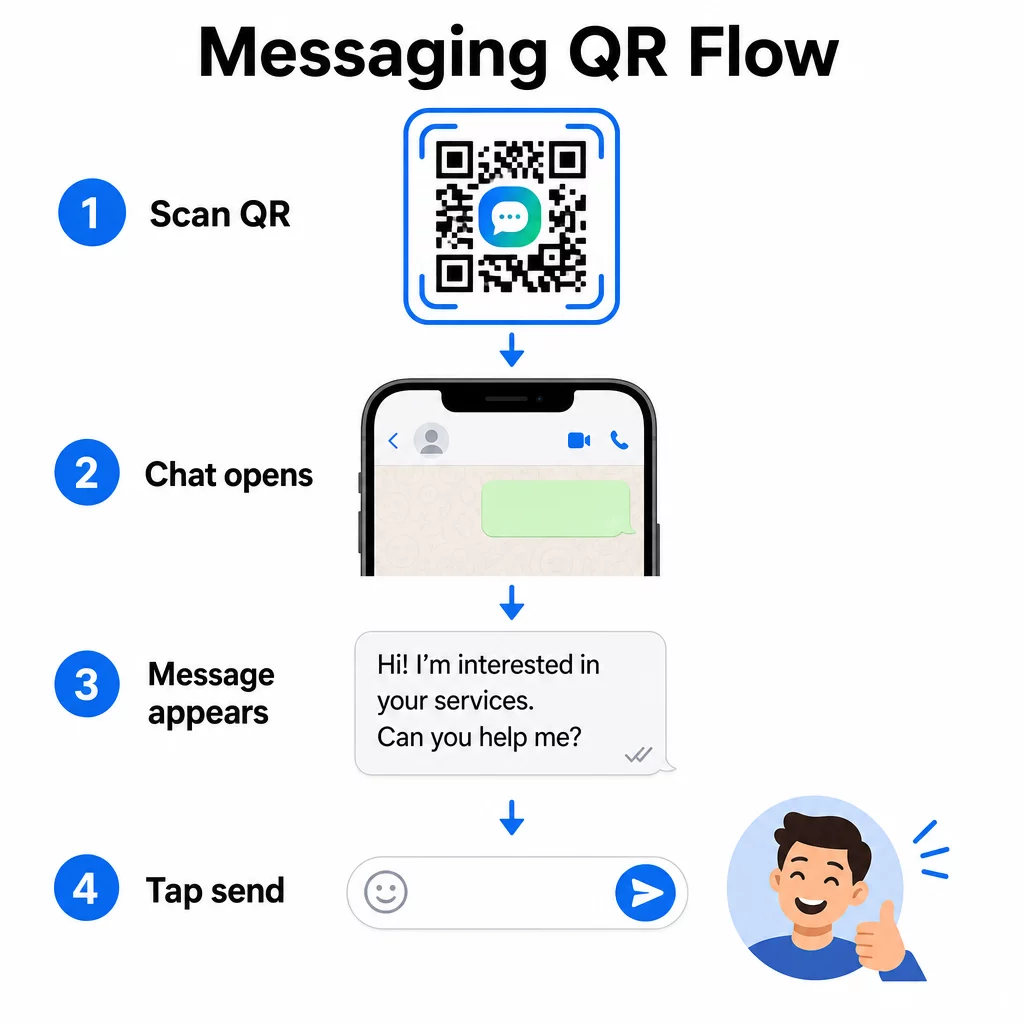
Membuka Jendela Obrolan (Klik untuk Mengobrol)
Pilihan yang lebih sederhana dari keduanya hanya membuka obrolan baru antara pemindai dan nomor Anda. Gunakan format ini sebagai URL di dalam kode QR Anda:
“`
https://wa.me/YOURNUMBER
“`
Nomor telepon harus dalam format internasional tanpa tanda kurung, tanda hubung, tanda plus, atau angka nol di depan. Misalnya, nomor Inggris di Greater Manchester (0161 912 3456) akan diformat sebagai:
“`
https://wa.me/441619123456
“`
Rinciannya: kode negara (44) + kode area tanpa angka nol di depan (161) + nomor lokal (9123456). Selalu uji tautan Anda sebelum mencetaknya di mana pun.
Buat Kode QR WhatsApp Menggunakan Generator QR Code WhatsApp untuk membuat kode bermerek yang dapat dipindai dengan nomor Anda dan pesan pra-isi opsional – tidak diperlukan pemformatan URL manual.
Pesan Pra-isi
Opsi ini membuka obrolan dan mengisi kolom pesan dengan teks yang Anda tentukan sebelumnya. Saat seseorang memindai, mereka melihat draf pesan yang siap dikirim – mereka hanya perlu mengetuk tombol kirim. Format URL-nya adalah:
“`
https://wa.me/YOURNUMBER?text=YOURMESSAGE
“`
Replace spaces in your message with `%20` so the URL encodes correctly. For example, the phrase “I would like more information” becomes `I%20would%20like%20more%20information`.
Contoh pesan pra-isi yang berguna meliputi:
- `I%20would%20like%20to%20subscribe%20to%20your%20newsletter`
- `I%20would%20like%20a%20free%20sample`
- `I%20need%20help%20with%20my%20order`
Jika Anda ingin membagikan pesan pra-isi tanpa menargetkan nomor tertentu – berguna untuk berbagi konten daripada kontak langsung – gunakan format ini sebagai gantinya:
“`
https://wa.me/?text=YOURMESSAGE
“`
Pendekatan pesan pra-isi sangat kuat untuk menghasilkan prospek. Anda tahu persis di mana seseorang memindai (berdasarkan kode yang mereka gunakan), dan Anda segera memiliki nomor WhatsApp mereka saat mereka mengirim pesan. Anda juga dapat mempelajari lebih lanjut tentang Cara scan barcode QR di WhatsApp jika Anda ingin memahami pengalaman pengguna dari sisi lain.
Kode QR untuk Facebook Messenger
Facebook Messenger memiliki sekitar 139 juta pengguna bulanan di Amerika Serikat pada pertengahan tahun 2023, menjadikannya aplikasi pesan seluler yang paling banyak digunakan di negara tersebut. Jika audiens Anda ada di Facebook, kode QR Messenger dapat menjadi jalur langsung ke kotak masuk halaman Anda.
Format tautannya mudah:
“`
http://m.me/PAGENAME
“`
Ganti `PAGENAME` dengan nama pengguna halaman Facebook Anda – ini adalah teks yang muncul setelah `facebook.com/` di URL halaman Anda, bukan nama tampilan yang ditunjukkan di bagian atas halaman. Saat seseorang memindai kode, Messenger akan membuka percakapan baru dengan halaman Anda secara langsung.
Ini berfungsi mirip dengan opsi klik-untuk-obrolan WhatsApp: ini membuka jendela obrolan, tetapi tidak mengisi pesan secara otomatis. Itu berarti ajakan bertindak Anda penting. Di mana pun Anda menempatkan kode, pasangkan dengan perintah singkat seperti:
- “Mengobrol dengan kami”
- “Ajukan pertanyaan kepada kami”
- “Hubungi kami sekarang juga”
Pastikan halaman Anda memiliki notifikasi pesan yang diaktifkan agar Anda merespons dengan cepat. Balasan yang tertunda menggagalkan tujuan komunikasi instan.
Kode QR untuk Pesan Teks (SMS)
SMS klasik memiliki jangkauan yang hampir universal – ia terinstal di setiap ponsel pintar dan tidak dapat dihapus. Untuk audiens di mana adopsi WhatsApp atau Messenger tidak pasti, SMS adalah pilihan cadangan teraman.
Format URI standar untuk kode QR SMS adalah:
“`
sms:PHONENUMBER?body=YOURMESSAGE
“`
Perhatikan bahwa iOS dan Android menangani URI ini sedikit berbeda. iOS biasanya menggunakan titik koma sebelum `body` daripada tanda tanya, jadi jika Anda menargetkan audiens campuran, pengujian di kedua platform sebelum mendistribusikan kode sangat penting. Sebagian besar generator kode QR menangani ini secara otomatis saat Anda menggunakan alat kode QR SMS khusus.
Itu Generator QR Code Teks dapat mengkodekan instruksi SMS, detail kontak, atau string teks pendek apa pun ke dalam kode yang dapat dipindai, sementara generator SMS khusus menangani format pesan yang sudah terisi secara spesifik.
Kode QR untuk Telegram
Telegram menggunakan tautan profil publik dalam format `t.me/username` untuk saluran, grup, dan profil. Mengubah tautan tersebut menjadi kode QR memungkinkan seseorang bergabung dengan saluran Anda atau memulai percakapan dengan satu kali pemindaian.
Untuk grup atau saluran pribadi yang tidak memiliki nama pengguna publik, gunakan tautan undangan yang dibuat dari dalam aplikasi sebagai gantinya. Untuk menemukannya: buka grup, ketuk “Tambah Anggota,” lalu pilih “Undang ke Grup via Tautan.” Salin URL tersebut dan tempelkan ke pembuat kode QR tautan untuk membuat kode Anda. Anda dapat menemukan panduan langkah demi langkah dalam panduan ini tentang Kode QR untuk grup Telegram.
Kode QR untuk Email
Email berfungsi berbeda dari pesan instan, tetapi memiliki ide inti yang sama: mengurangi gesekan sehingga calon kontak tidak perlu mengetik apa pun. Tautan `mailto:` mengkodekan alamat penerima, baris subjek, dan isi pesan langsung ke dalam kode QR.
Formatnya adalah:
“`
mailto:[email protected]?subject=Your%20Subject&body=Your%20Message
“`
Like WhatsApp prefilled messages, spaces must be encoded as `%20`. When someone scans the code, their default email client opens with the recipient, subject, and body already populated.
Itu Generator QR Code Email menangani pemformatan ini secara otomatis dan memungkinkan Anda menyesuaikan tampilan kode sebelum mengunduh.
Memilih Antara Kode QR Statis dan Dinamis
Setiap contoh kode QR pesan di atas dapat dibuat sebagai kode statis atau dinamis – dan pilihan ini memiliki konsekuensi praktis untuk kampanye jangka panjang.
SEBUAH kode QR statis mengkodekan tautan tujuan secara permanen. Jika nomor telepon Anda berubah, nama pengguna halaman Anda berubah, atau Anda ingin menguji pesan pra-isi yang berbeda, Anda harus membuat dan mencetak ulang kode baru.
SEBUAH kode QR dinamis menyimpan URL pengalihan singkat yang dapat Anda perbarui kapan saja, bahkan setelah kode dicetak. Ubah tujuan, tukar pesan pra-isi, atau alihkan ke platform yang sama sekali berbeda – kode yang dicetak tetap sama. Kode dinamis juga mendukung analitik pemindaian: Anda dapat melacak berapa banyak orang yang memindai, kapan, di mana, dan di perangkat jenis apa.
Untuk materi cetak seperti pamflet, kemasan produk, atau pajangan di toko, kode dinamis biasanya merupakan pilihan yang lebih cerdas. Anda dapat mempelajari lebih lanjut tentang pertukaran dalam perbandingan ini kode QR statis vs dinamis, dan jelajahi cara mengatur pelacakan dalam panduan ini tentang melacak kode QR.
Lacak Setiap Pemindaian di Seluruh Kampanye Pesan Anda Ingin tahu penempatan mana yang mendorong percakapan terbanyak? The Generator Kode QR memungkinkan Anda membuat kode QR pesan dinamis dengan analitik pemindaian penuh – memantau kinerja dan memperbarui tujuan tanpa mencetak ulang.
Tempat Menempatkan Kode QR Pesan
Pengaturan teknis hanyalah separuh pekerjaan. Kode QR pesan yang tidak dilihat siapa pun tidak mendorong percakapan. Beberapa penempatan yang terbukti:
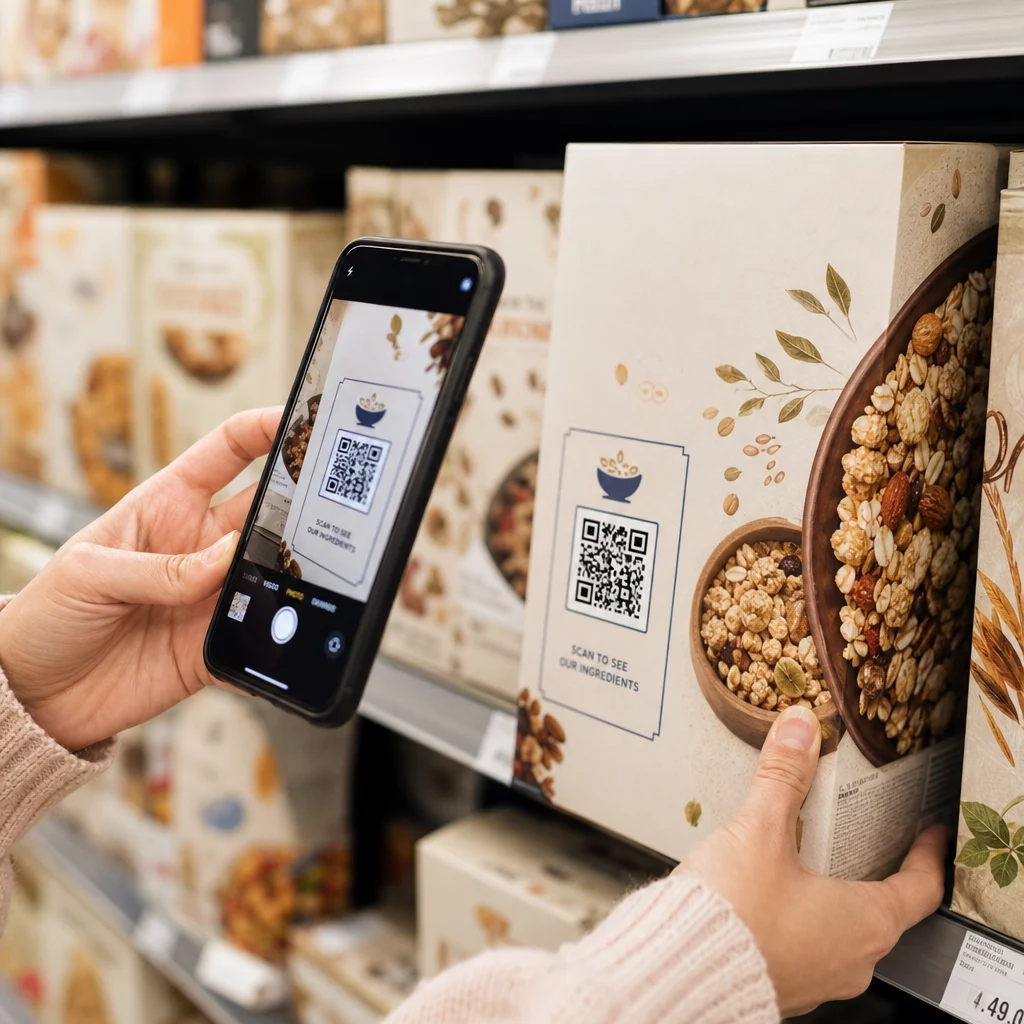
- Kemasan produk – pelanggan dengan pertanyaan dapat mengirim pesan langsung kepada Anda dari kotak
- Kartu nama – kode WhatsApp atau Messenger menggantikan gesekan menyimpan kontak secara manual
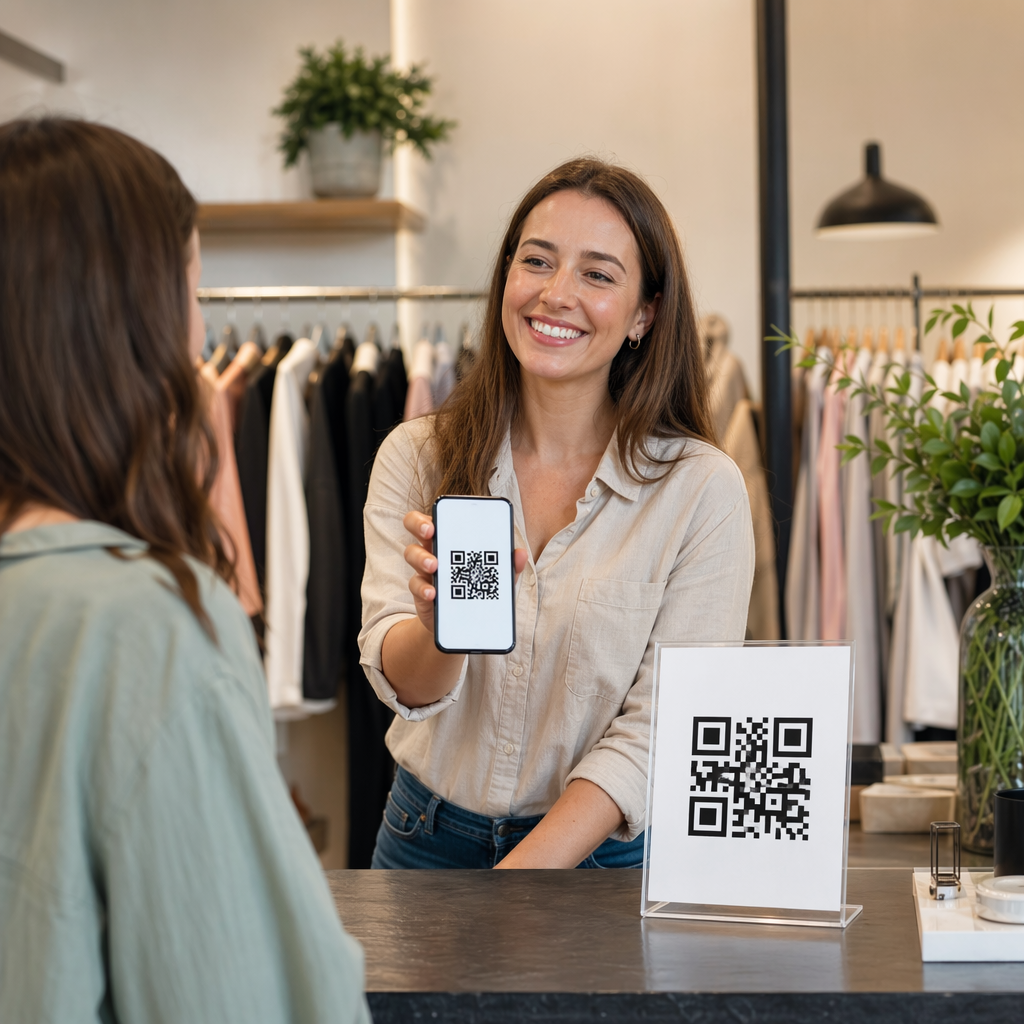
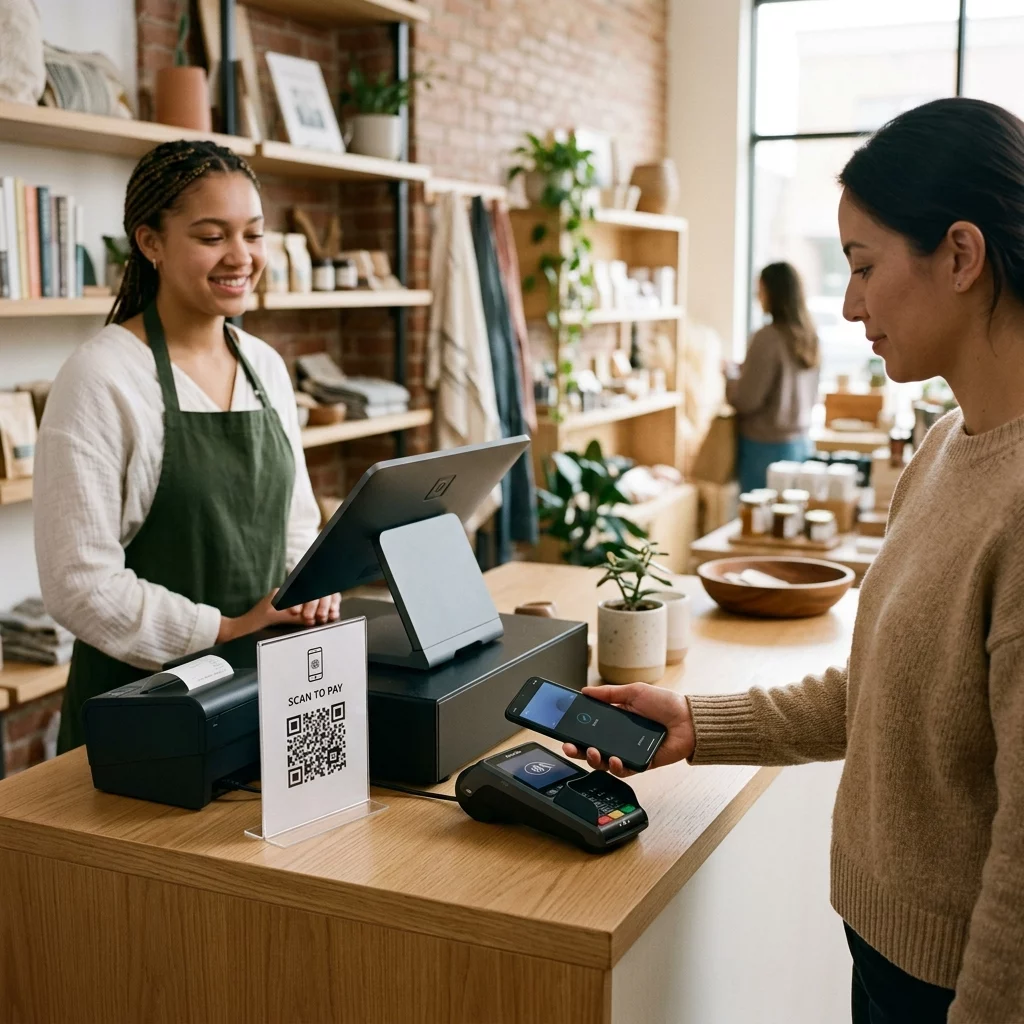
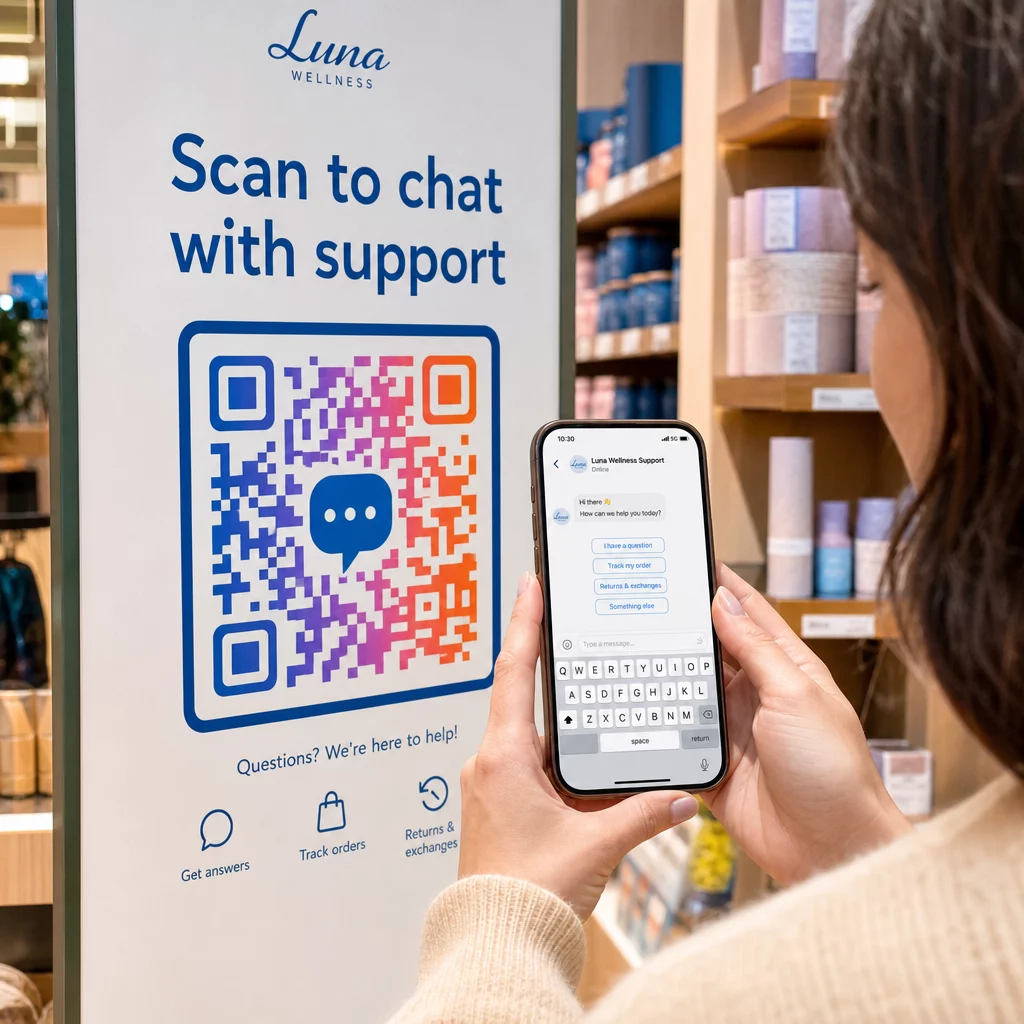
- Papan nama di dalam toko – Kode “Ngobrol dengan kami” di dekat kasir atau meja layanan menurunkan hambatan untuk bertanya
- Materi acara – Kartu meja, tali pengikat, atau pajangan stan dengan kode Telegram atau Messenger untuk tindak lanjut segera
- Iklan cetak dan brosur – Kode SMS yang sudah terisi memungkinkan prospek memilih untuk menerima komunikasi tindak lanjut secara instan
Di mana pun Anda menempatkan kode, tambahkan ajakan bertindak singkat tepat di sebelahnya. Kode saja tidak menjelaskan manfaatnya. Beritahu orang apa yang akan mereka dapatkan dengan memindai: “Pindai untuk mengobrol dengan dukungan,” “Pindai untuk mendapatkan penawaran,” atau “Pindai untuk berlangganan.”
Pertanyaan yang sering diajukan
Ya. Kode QR WhatsApp memerlukan WhatsApp terinstal di perangkat pemindai; kode Messenger memerlukan aplikasi Messenger atau akun Facebook yang dapat diakses melalui browser. Kode SMS berfungsi di ponsel mana pun tanpa aplikasi tambahan. Jika penggunaan aplikasi audiens Anda tidak pasti, SMS menawarkan jangkauan terluas.
Ya. WhatsApp mendukung pesan yang sudah terisi sebelumnya menggunakan parameter `?text=` dalam format tautan `wa.me`. Kode QR SMS mendukung parameter badan pesan dalam URI `sms:`, meskipun sintaksis pastinya bisa sedikit berbeda antara iOS dan Android. Pengujian di kedua platform sebelum mendistribusikan kode direkomendasikan.
Kode QR dinamis memungkinkan Anda memperbarui tujuan atau pesan yang sudah terisi kapan saja tanpa perlu mencetak ulang. Ini juga menyediakan analitik pemindaian – total pemindaian, lokasi pemindaian, jenis perangkat – sehingga Anda dapat mengukur penempatan dan pesan mana yang berkinerja terbaik. Ini sangat berguna untuk materi cetak dengan masa pakai yang panjang.