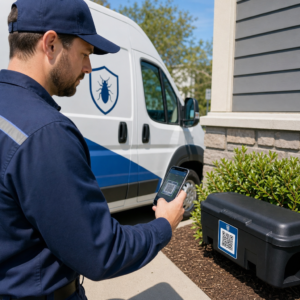
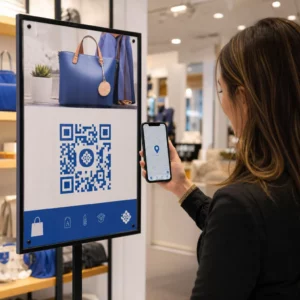
Chcete, aby vám zákazníci poslali správu jediným skenom – bez písania, hľadania, bez trenia? Keď si niekto musí manuálne vyhľadať vaše telefónne číslo alebo nájsť váš WhatsApp kontakt, väčšina z nich sa s tým nebude obťažovať. Táto príručka vysvetľuje presne, ako QR kódy fungujú s najbežnejšími platformami na zasielanie správ, aby ste túto bariéru mohli úplne odstrániť.
Prečo QR kódy a správy fungujú dobre spolu
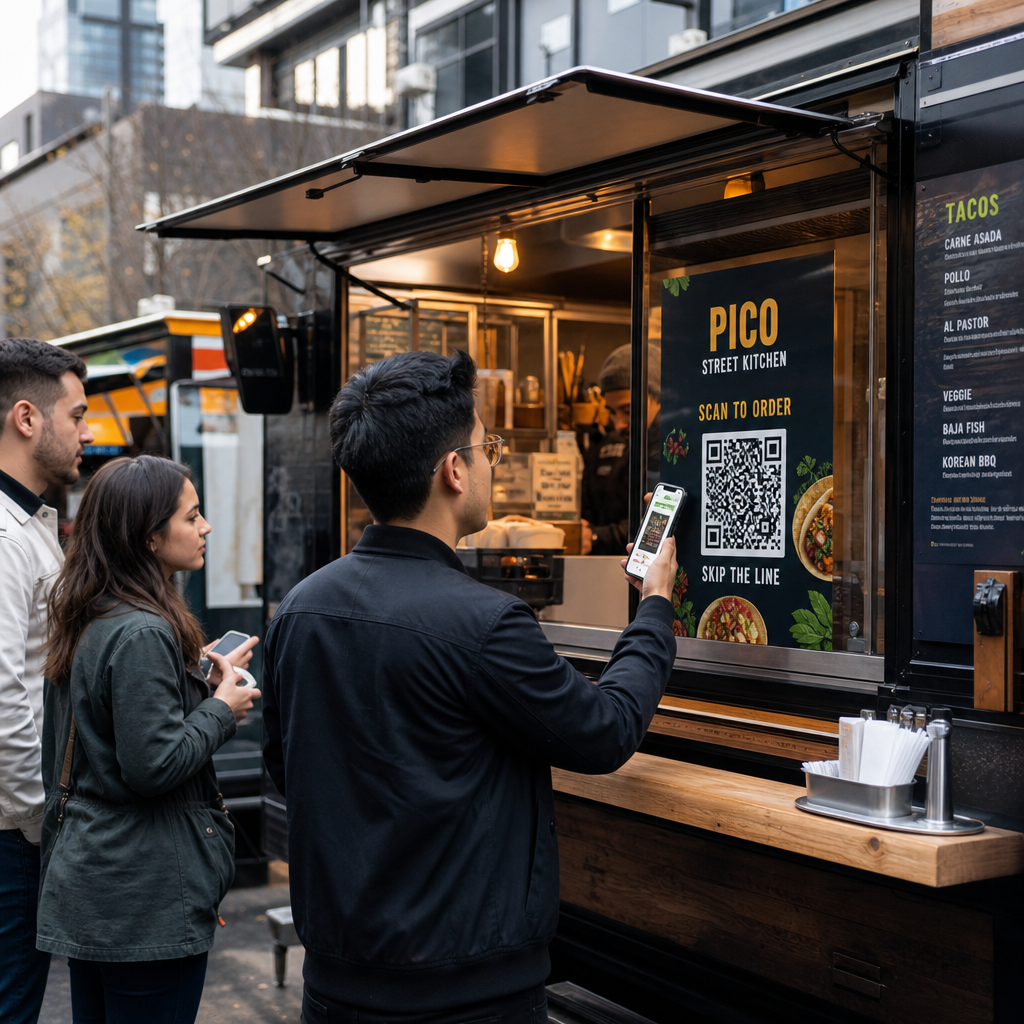
QR kódy prekonávajú priepasť medzi fyzickými materiálmi a digitálnymi akciami. Namiesto toho, aby ste niekoho žiadali, aby zadal telefónne číslo alebo prešiel do okna chatu, jediný sken to všetko urobí automaticky. Výsledkom je menšie trenie, vyššia konverzia a priamy komunikačný kanál, ktorý ovládate.
Na tom záleží viac ako kedysi. Takmer 83,4 milióna dospelých používateľov smartfónov v Spojených štátoch naskenovalo QR kód v roku 2022 – približne 37,5 % dospelých majiteľov smartfónov – a predpokladá sa, že tento podiel dosiahne 42,6 % do roku 2025. Medzi týmito používateľmi väčšina skenuje niekoľkokrát mesačne a približne jeden z piatich uvádza, že skenuje týždenne. Pre marketérov táto úroveň návykového správania znamená, že dobre umiestnený QR kód pre správy má skutočnú šancu byť použitý.
Praktické aplikácie sú široké: QR kód na obale produktu, ktorý otvorí chat zákazníckej podpory, plagát na podujatí, ktorý začne konverzáciu s obchodným tímom, alebo vizitka, ktorá niekomu umožní poslať vám správu na WhatsApp bez toho, aby si najprv uložil vaše číslo. Môžete naučiť sa základy nastavenia QR kódu predtým, ako sa ponoríte do krokov špecifických pre platformu nižšie.
QR kódy pre WhatsApp
WhatsApp mal v Spojených štátoch k polovici roka 2023 približne 75,1 milióna mesačne aktívnych používateľov, čo z neho robí jednu z najpoužívanejších platforiem na zasielanie správ pre firmy zamerané na zákazníkov, ktorí preferujú mobilné zariadenia.
Existujú dva hlavné spôsoby, ako prepojiť QR kód s WhatsApp: otvorenie okna chatu alebo otvorenie okna chatu s už predvyplnenou správou. Rozdiel závisí od toho, čo od interakcie očakávate.
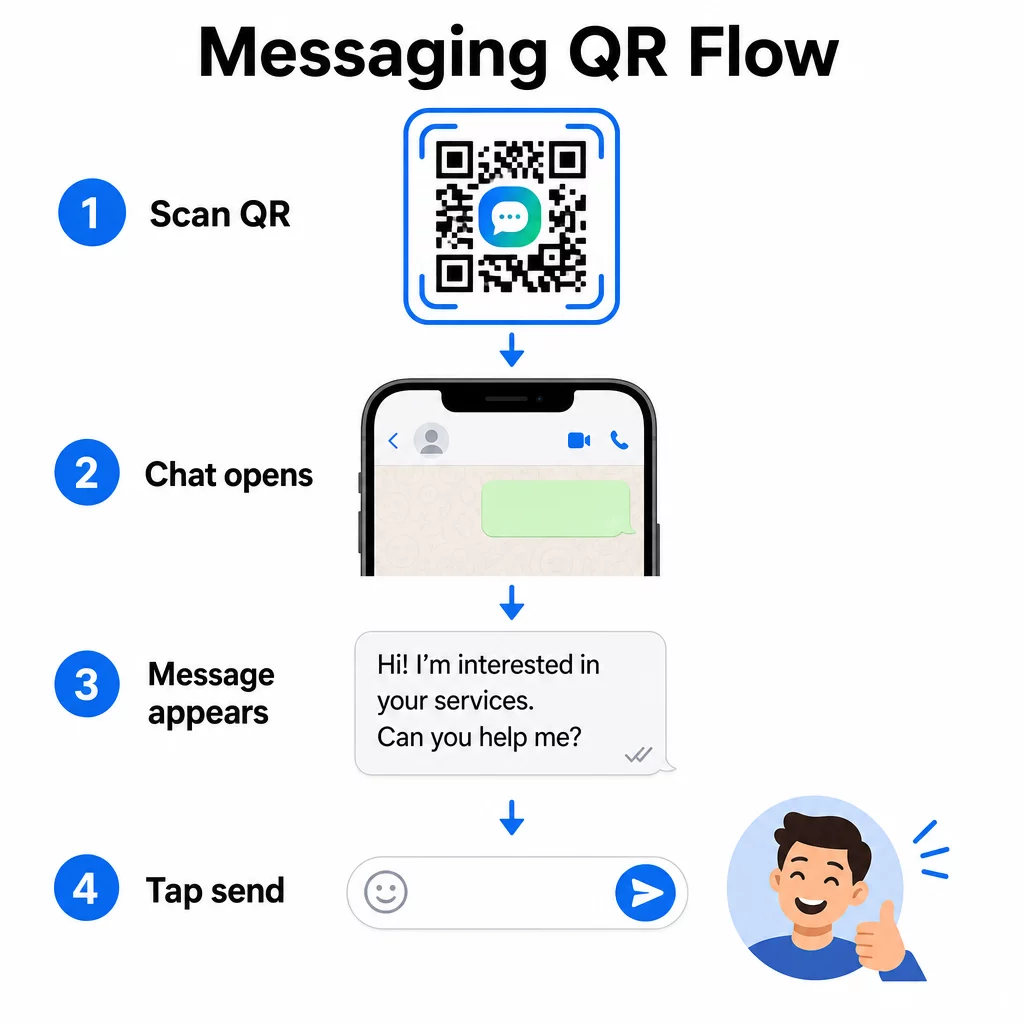
Otvorenie okna chatu (Kliknutím na chat)
Jednoduchšia z dvoch možností len otvorí nový chat medzi skenerom a vaším číslom. Použite tento formát ako URL vo vnútri vášho QR kódu:
“`
https://wa.me/YOURNUMBER
“`
Telefónne číslo musí byť v medzinárodnom formáte bez zátvoriek, pomlčiek, znamienok plus alebo úvodných núl. Napríklad britské číslo z oblasti Greater Manchester (0161 912 3456) by bolo formátované ako:
“`
https://wa.me/441619123456
“`
Rozoberme si to: kód krajiny (44) + predvoľba bez úvodnej nuly (161) + miestne číslo (9123456). Vždy otestujte svoj odkaz predtým, ako ho kdekoľvek vytlačíte.
Vytvorte QR kód pre WhatsApp Použi QR kód WhatsApp: generátor na vytvorenie značkového, skenovateľného kódu s vaším číslom a voliteľnou predvyplnenou správou – nevyžaduje sa žiadne manuálne formátovanie URL.
Predvyplnená správa
Táto možnosť otvorí chat a vyplní pole správy textom, ktorý definujete vopred. Keď niekto naskenuje, uvidí návrh správy pripravený na odoslanie – stačí klepnúť na tlačidlo odoslať. Formát URL je:
“`
https://wa.me/YOURNUMBER?text=YOURMESSAGE
“`
Replace spaces in your message with `%20` so the URL encodes correctly. For example, the phrase “I would like more information” becomes `I%20would%20like%20more%20information`.
Užitočné príklady predvyplnených správ zahŕňajú:
- `I%20would%20like%20to%20subscribe%20to%20your%20newsletter`
- `I%20would%20like%20a%20free%20sample`
- `I%20need%20help%20with%20my%20order`
Ak chcete zdieľať predvyplnenú správu bez zacielenia na konkrétne číslo – užitočné pre zdieľanie obsahu namiesto priameho kontaktu – použite namiesto toho tento formát:
“`
https://wa.me/?text=YOURMESSAGE
“`
Prístup s predvyplnenou správou je obzvlášť silný pre generovanie potenciálnych zákazníkov. Viete presne, kde niekto skenoval (na základe toho, ktorý kód použil), a okamžite máte ich WhatsApp číslo, keď odošlú správu. Môžete sa tiež dozvedieť viac o ako naskenovať QR kód na WhatsApp ak chcete pochopiť používateľskú skúsenosť z druhej strany.
QR kódy pre Facebook Messenger
Facebook Messenger mal v Spojených štátoch k polovici roka 2023 približne 139 miliónov mesačných používateľov, čo z neho robí najpoužívanejšiu mobilnú aplikáciu na zasielanie správ v krajine. Ak je vaše publikum na Facebooku, QR kód Messengeru môže byť priamou linkou do schránky vašej stránky.
Formát odkazu je jednoduchý:
“`
http://m.me/PAGENAME
“`
Nahraďte `PAGENAME` používateľským menom vašej Facebook stránky – toto je text, ktorý sa zobrazuje po `facebook.com/` v URL adrese vašej stránky, nie zobrazované meno uvedené v hornej časti stránky. Keď niekto naskenuje kód, Messenger otvorí novú konverzáciu priamo s vašou stránkou.
Toto funguje podobne ako možnosť WhatsApp click-to-chat: otvorí okno chatu, ale nevyplní správu vopred. To znamená, že vaša výzva k akcii je dôležitá. Kamkoľvek umiestnite kód, spárujte ho s krátkou výzvou, ako napríklad:
- “Chatujte s nami”
- “Opýtajte sa nás”
- “Spojte sa s nami hneď teraz”
Uistite sa, že vaša stránka má povolené notifikácie správ, aby ste mohli reagovať okamžite. Oneskorená odpoveď ruší účel okamžitej komunikácie.
QR kódy pre textové správy (SMS)
Klasické SMS majú takmer univerzálny dosah – sú nainštalované na každom smartfóne a nedajú sa odstrániť. Pre publikum, kde je prijatie WhatsAppu alebo Messengeru neisté, sú SMS najbezpečnejšou zálohou.
Štandardný formát URI pre SMS QR kód je:
“`
sms:PHONENUMBER?body=YOURMESSAGE
“`
Všimnite si, že iOS a Android spracovávajú tento URI mierne odlišne. iOS zvyčajne používa bodkočiarku pred `body` namiesto otázniku, takže ak cielite na zmiešané publikum, je nevyhnutné otestovať to na oboch platformách pred distribúciou kódu. Väčšina generátorov QR kódov to spracuje automaticky, keď použijete špecializovaný nástroj na SMS QR kódy.
Ten QR kód text: generátor textového QR kódu dokáže zakódovať SMS inštrukcie, kontaktné údaje alebo akýkoľvek krátky textový reťazec do skenovateľného kódu, zatiaľ čo špecializovaný SMS generátor spracuje konkrétne formát predvyplnenej správy.
QR kódy pre Telegram
Telegram používa verejné odkazy na profily vo formáte `t.me/username` pre kanály, skupiny a profily. Prevedenie tohto odkazu na QR kód umožní niekomu pripojiť sa k vášmu kanálu alebo začať konverzáciu jediným skenom.
Pre súkromné skupiny alebo kanály, ktoré nemajú verejné používateľské meno, použite namiesto toho odkaz na pozvánku vygenerovaný priamo v aplikácii. Ak ho chcete nájsť: otvorte skupinu, ťuknite na “Pridať člena”, potom vyberte “Pozvať do skupiny cez odkaz”. Skopírujte túto URL a vložte ju do generátor QR kódov odkazov na vytvorenie vášho kódu. Podrobné pokyny nájdete v tomto návode na QR kódy pre skupiny Telegram.
QR kódy pre e-mail
Email funguje inak ako okamžité správy, ale zdieľa rovnakú základnú myšlienku: zníženie trenia, aby potenciálny kontakt nemusel nič písať. Odkaz `mailto:` kóduje adresu príjemcu, predmet a telo správy priamo do QR kódu.
Formát je:
“`
mailto:[email protected]?subject=Your%20Subject&body=Your%20Message
“`
Like WhatsApp prefilled messages, spaces must be encoded as `%20`. When someone scans the code, their default email client opens with the recipient, subject, and body already populated.
Ten Generátor QR kódu pre e-mail spracováva toto formátovanie automaticky a umožňuje vám prispôsobiť vzhľad kódu pred stiahnutím.
Výber medzi statickými a dynamickými QR kódmi
Každý príklad QR kódu pre správy uvedený vyššie môže byť vygenerovaný ako statický alebo dynamický kód – a táto voľba má praktické dôsledky pre dlhodobé kampane.
A statický QR kód kóduje cieľový odkaz natrvalo. Ak sa zmení vaše telefónne číslo, zmení sa používateľské meno vašej stránky alebo chcete otestovať inú predvyplnenú správu, musíte vygenerovať a znova vytlačiť nový kód.
A dynamický QR kód ukladá krátku presmerovaciu URL adresu, ktorú môžete kedykoľvek aktualizovať, dokonca aj po vytlačení kódu. Zmeňte cieľ, vymeňte predvyplnenú správu alebo presmerujte na úplne inú platformu – vytlačený kód zostane rovnaký. Dynamické kódy tiež podporujú analýzu skenovania: môžete sledovať, koľko ľudí skenovalo, kedy, kde a na akom type zariadenia.
Pre tlačené materiály, ako sú letáky, obaly produktov alebo vystavenie v obchode, sú dynamické kódy zvyčajne múdrejšou voľbou. Viac o kompromisoch sa dozviete v tomto porovnaní statickými a dynamickými QR kódmi, a preskúmajte, ako nastaviť sledovanie v tejto príručke o sledovanie QR kódov.
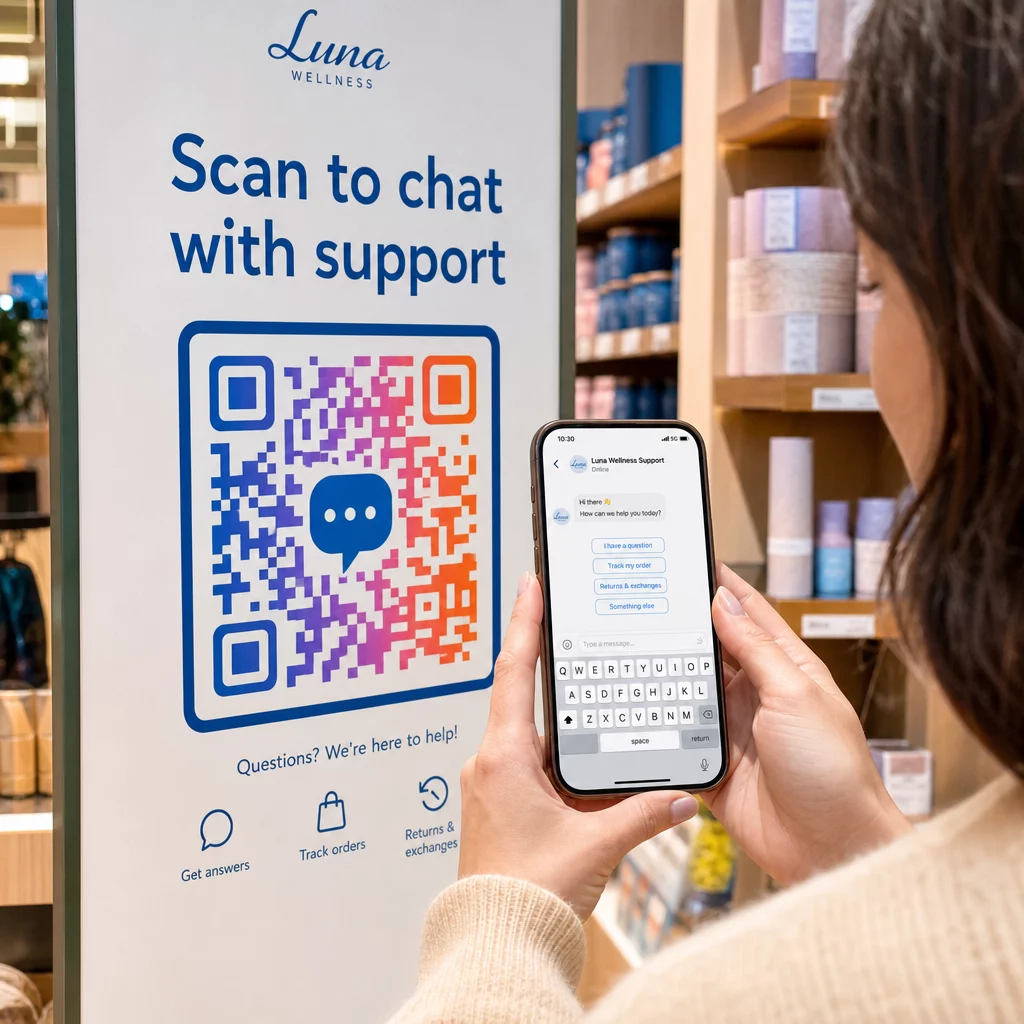
Sledujte každé skenovanie naprieč vašimi správovými kampaňami Chcete vedieť, ktoré umiestnenie generuje najviac konverzácií? Generátor QR kódov vám umožňuje vytvárať dynamické QR kódy pre správy s kompletnou analýzou skenovania – monitorovať výkon a aktualizovať ciele bez opätovnej tlače.
Kam umiestniť QR kódy pre správy
Technické nastavenie je len polovica práce. QR kód pre správy, ktorý nikto nevidí, nevedie ku konverzáciám. Niekoľko osvedčených umiestnení:
- Obal produktu – zákazníci s otázkou vám môžu poslať správu priamo z krabice
- Vizitky – kód WhatsApp alebo Messenger nahrádza trenie pri manuálnom ukladaní kontaktu
- Označenie v predajni – Kódy “Chatujte s nami” v blízkosti pokladní alebo servisných pultov znižujú bariéru pre otázky
- Materiály pre podujatia – stolové karty, šnúrky na krk alebo výstavné stojany s kódom Telegram alebo Messenger pre okamžité sledovanie
- Tlačené reklamy a brožúry – predvyplnený SMS kód umožňuje potenciálnym zákazníkom okamžite sa prihlásiť na odber následnej komunikácie
Kamkoľvek umiestnite kód, pridajte krátku výzvu na akciu priamo vedľa neho. Samotný kód nevysvetľuje výhodu. Povedzte ľuďom, čo získajú skenovaním: “Naskenujte pre chat s podporou”, “Naskenujte pre získanie cenovej ponuky” alebo “Naskenujte pre odber”.”
Často kladené otázky
Áno. QR kód WhatsApp vyžaduje, aby bol WhatsApp nainštalovaný na zariadení skenera; kód Messenger vyžaduje aplikáciu Messenger alebo účet Facebook prístupný cez prehliadač. SMS kódy fungujú na akomkoľvek telefóne bez dodatočnej aplikácie. Ak je používanie aplikácií vaším publikom neisté, SMS ponúka najširší dosah.
Áno. WhatsApp podporuje predvyplnené správy pomocou parametra `?text=` vo formáte odkazu `wa.me`. QR kódy SMS podporujú parameter `body` v URI `sms:`, hoci sa presná syntax môže mierne líšiť medzi systémami iOS a Android. Odporúča sa testovanie na oboch platformách pred distribúciou kódu.
Dynamický QR kód vám umožňuje kedykoľvek aktualizovať cieľ alebo predvyplnenú správu bez opätovnej tlače. Poskytuje tiež analytiku skenovania – celkový počet skenov, miesta skenovania, typy zariadení – aby ste mohli merať, ktoré umiestnenia a správy fungujú najlepšie. To je obzvlášť užitočné pre tlačené materiály s dlhou životnosťou.