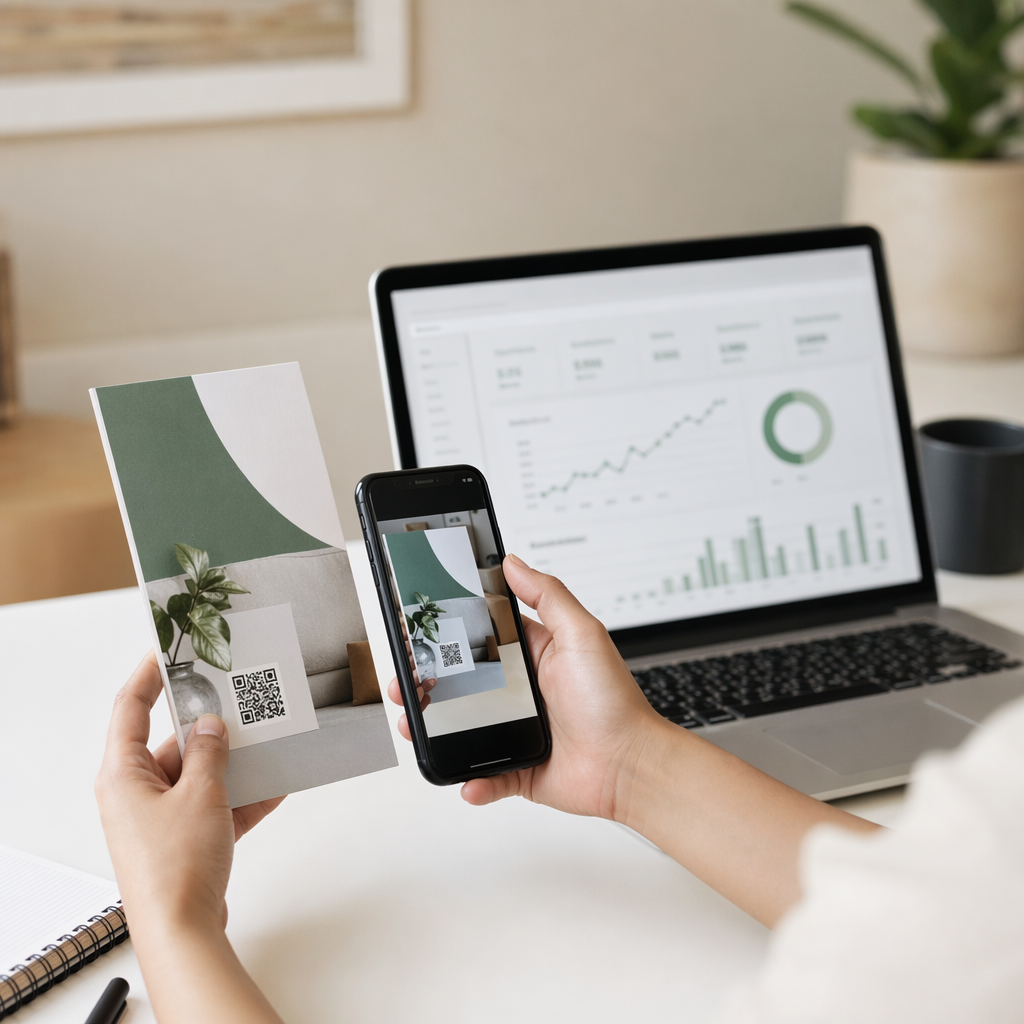
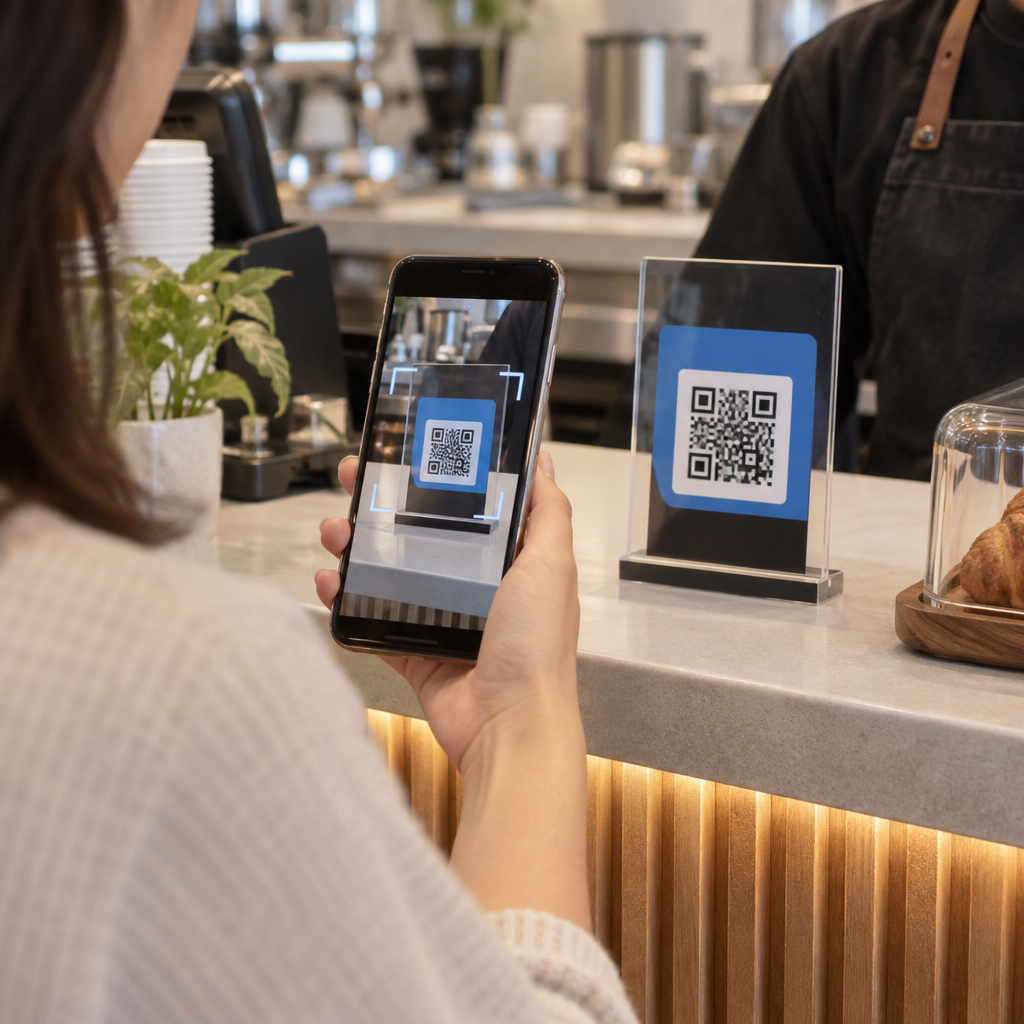
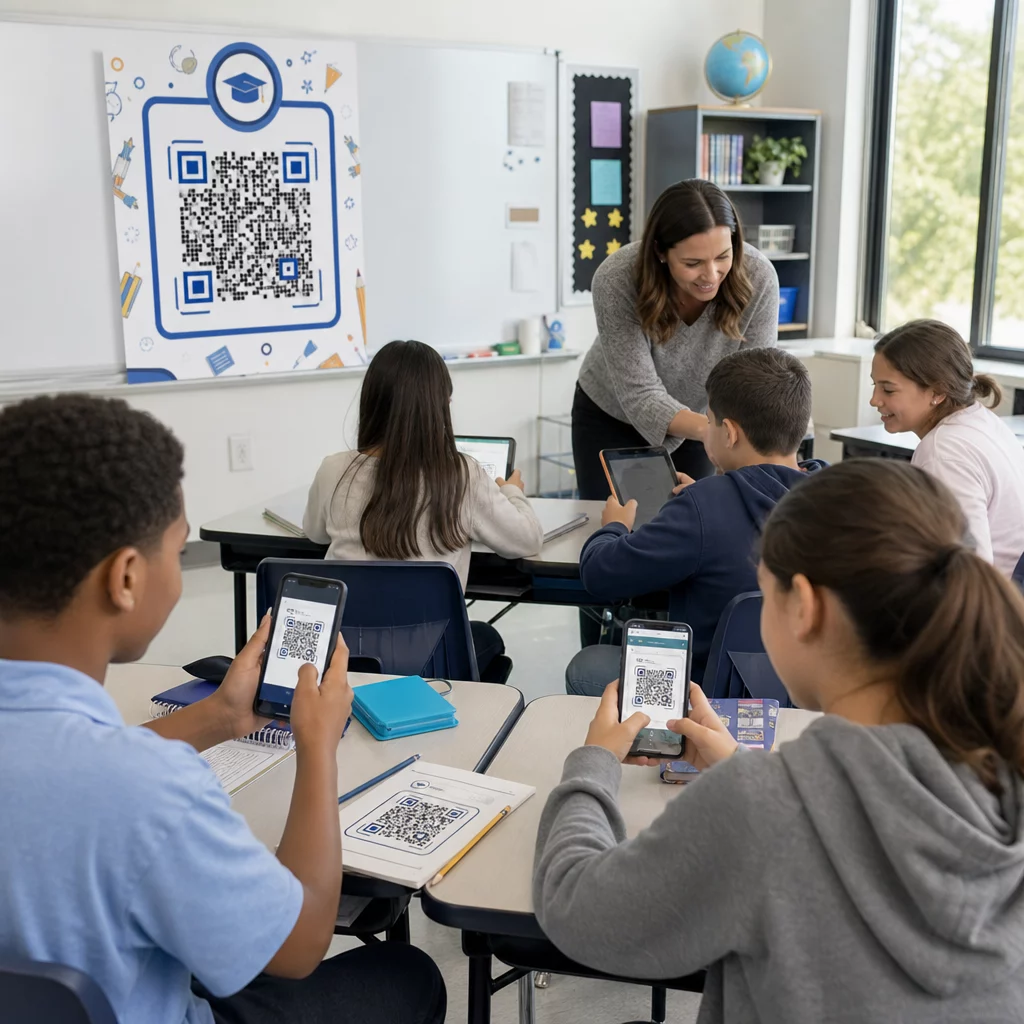
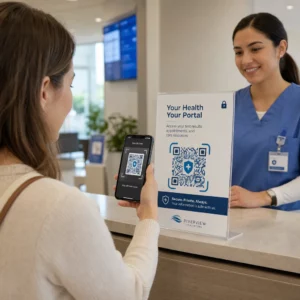
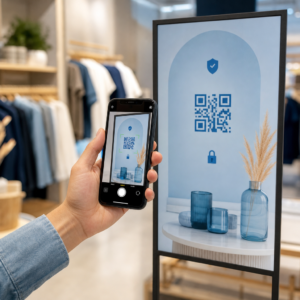
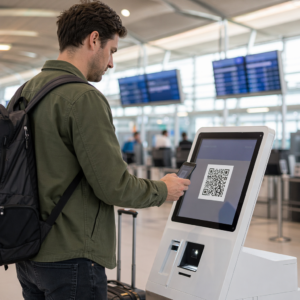
Ønsker du at kunder skal sende deg meldinger med en enkelt skanning – ingen skriving, ingen søking, ingen friksjon? Når noen må slå opp telefonnummeret ditt manuelt eller finne WhatsApp-kontakten din, vil de fleste ikke bry seg. Denne guiden forklarer nøyaktig hvordan QR-koder fungerer med de vanligste meldingsplattformene, slik at du kan fjerne den barrieren helt.
Hvorfor QR-koder og meldinger fungerer godt sammen
QR-koder bygger bro mellom fysiske materialer og digitale handlinger. I stedet for å be noen om å taste inn et telefonnummer eller navigere til et chatvindu, gjør en enkelt skanning alt dette automatisk. Resultatet er mindre friksjon, høyere konvertering og en direkte kommunikasjonskanal du kontrollerer.
Dette betyr mer enn det pleide. Nesten 83,4 millioner voksne smarttelefonbrukere i USA skannet en QR-kode i 2022 – omtrent 37,5 % av voksne smarttelefoneiere – og den andelen er anslått å nå 42,6 % innen 2025. Blant disse brukerne skanner de fleste flere ganger i måneden, og omtrent én av fem rapporterer å skanne ukentlig. For markedsførere betyr dette nivået av vanemessig atferd at en godt plassert meldings-QR-kode har en reell sjanse til å bli brukt.
De praktiske bruksområdene er brede: en QR-kode på produktemballasje som åpner en kundestøttechat, en plakat på et arrangement som starter en samtale med et salgsteam, eller et visittkort som lar noen sende deg melding på WhatsApp uten å lagre nummeret ditt først. Du kan lære det grunnleggende om QR-kodeoppsett før du dykker ned i de plattformspesifikke trinnene nedenfor.
QR-koder for WhatsApp
WhatsApp hadde omtrent 75,1 millioner månedlige aktive brukere i USA per midten av 2023, noe som gjør det til en av de mer utbredte meldingsplattformene for bedrifter som retter seg mot mobilførste kunder.
Det er to primære måter å koble en QR-kode til WhatsApp på: å åpne et chatvindu, eller å åpne et chatvindu med en forhåndsutfylt melding allerede skrevet inn. Forskjellen er viktig avhengig av hva du ønsker fra interaksjonen.
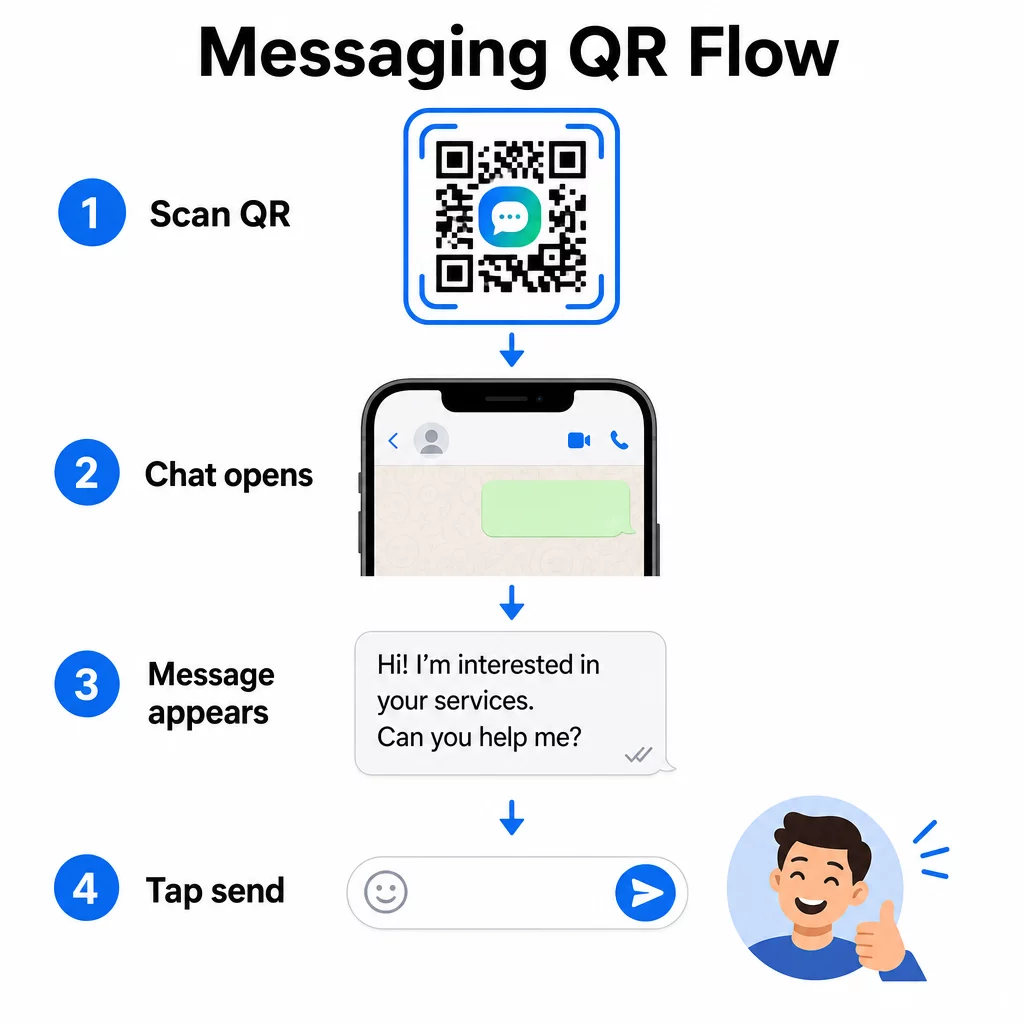
Åpne et chatvindu (Klikk for å chatte)
Det enklere av de to alternativene åpner bare en ny chat mellom skanneren og nummeret ditt. Bruk dette formatet som URL-en inne i QR-koden din:
“`
https://wa.me/YOURNUMBER
“`
Telefonnummeret må være i internasjonalt format uten parenteser, bindestreker, plusstegn eller innledende nuller. For eksempel vil et britisk nummer i Greater Manchester (0161 912 3456) formateres som:
“`
https://wa.me/441619123456
“`
Del det opp: landskode (44) + retningsnummer uten den innledende nullen (161) + lokalt nummer (9123456). Test alltid lenken din før du skriver den ut hvor som helst.
Opprett en WhatsApp QR-kode Bruke WhatsApp QR-kode generator å bygge en merkevaretilpasset, skannbar kode med nummeret ditt og valgfri forhåndsutfylt melding – ingen manuell URL-formatering er nødvendig.
Forhåndsutfylt melding
Dette alternativet åpner en chat og fyller meldingsfeltet med tekst du definerer på forhånd. Når noen skanner, ser de en utkastmelding klar til å sendes – de trykker bare på send-knappen. URL-formatet er:
“`
https://wa.me/YOURNUMBER?text=YOURMESSAGE
“`
Replace spaces in your message with `%20` so the URL encodes correctly. For example, the phrase “I would like more information” becomes `I%20would%20like%20more%20information`.
Nyttige eksempler på forhåndsutfylte meldinger inkluderer:
- `I%20would%20like%20to%20subscribe%20to%20your%20newsletter`
- `I%20would%20like%20a%20free%20sample`
- `I%20need%20help%20with%20my%20order`
Hvis du vil dele en forhåndsutfylt melding uten å målrette et spesifikt nummer – nyttig for innholdsdeling snarere enn direkte kontakt – bruk dette formatet i stedet:
“`
https://wa.me/?text=YOURMESSAGE
“`
Tilnærmingen med forhåndsutfylte meldinger er spesielt sterk for leadgenerering. Du vet nøyaktig hvor noen skannet (basert på hvilken kode de brukte), og du har umiddelbart deres WhatsApp-nummer når de sender meldingen. Du kan også lære mer om Hvordan skanne QR-kode i WhatsApp hvis du vil forstå brukeropplevelsen fra den andre siden.
QR-koder for Facebook Messenger
Facebook Messenger hadde omtrent 139 millioner månedlige brukere i USA per midten av 2023, noe som gjør den til den mest brukte mobilmeldingsappen i landet. Hvis publikummet ditt er på Facebook, kan en Messenger QR-kode være en direkte linje inn i sidens innboks.
Lenkeformatet er enkelt:
“`
http://m.me/PAGENAME
“`
Erstatt `PAGENAME` med Facebook-sidens brukernavn – dette er teksten som vises etter `facebook.com/` i sidens URL, ikke visningsnavnet som vises øverst på siden. Når noen skanner koden, åpner Messenger en ny samtale direkte med siden din.
Dette fungerer på samme måte som WhatsApps klikk-for-å-chatte-alternativ: det åpner chatvinduet, men det forhåndsutfyller ikke en melding. Det betyr at din oppfordring til handling er viktig. Uansett hvor du plasserer koden, par den med en kort oppfordring som:
- “Chat med oss”
- “Still oss et spørsmål”
- “Ta kontakt med oss nå”
Sørg for at siden din har meldingsvarsler aktivert slik at du svarer raskt. Et forsinket svar ødelegger hensikten med umiddelbar kommunikasjon.
QR-koder for tekstmeldinger (SMS)
Klassisk SMS har nesten universell rekkevidde – det er installert på hver smarttelefon og kan ikke fjernes. For publikum der adopsjon av WhatsApp eller Messenger er usikker, er SMS det tryggeste alternativet.
Standard URI-format for en SMS QR-kode er:
“`
sms:PHONENUMBER?body=YOURMESSAGE
“`
Merk at iOS og Android håndterer denne URI-en litt forskjellig. iOS bruker vanligvis et semikolon før `body` i stedet for et spørsmålstegn, så hvis du retter deg mot et blandet publikum, er testing på begge plattformer før distribusjon av koden avgjørende. De fleste QR-kodegeneratorer håndterer dette automatisk når du bruker et dedikert SMS QR-kodeverktøy.
De Lag QR-kode fra tekst kan kode SMS-instruksjoner, kontaktdetaljer eller en hvilken som helst kort tekststreng til en skannbar kode, mens den dedikerte SMS-generatoren håndterer det forhåndsutfylte meldingsformatet spesifikt.
QR-koder for Telegram
Telegram bruker offentlige profillinker i formatet `t.me/username` for kanaler, grupper og profiler. Å konvertere den linken til en QR-kode lar noen bli med i kanalen din eller starte en samtale med en enkelt skanning.
For private grupper eller kanaler som ikke har et offentlig brukernavn, bruk invitasjonslenken som genereres fra appen i stedet. For å finne den: åpne gruppen, trykk på “Legg til medlem”, og velg deretter “Inviter til gruppe via lenke”. Kopier den URL-en og lim den inn i en lenke QR-kodegenerator for å lage koden din. Du kan finne trinnvis veiledning i denne gjennomgangen om QR-koder for Telegram-grupper.
QR-koder for e-post
E-post fungerer annerledes enn direktemeldinger, men den deler den samme kjerneideen: å redusere friksjon slik at en potensiell kontakt ikke trenger å skrive noe. En `mailto:`-lenke koder mottakeradresse, emnelinje og meldingsinnhold direkte inn i QR-koden.
Formatet er:
“`
mailto:[email protected]?subject=Your%20Subject&body=Your%20Message
“`
Like WhatsApp prefilled messages, spaces must be encoded as `%20`. When someone scans the code, their default email client opens with the recipient, subject, and body already populated.
De E-post QR-kode generator håndterer denne formateringen automatisk og lar deg tilpasse kodens utseende før nedlasting.
Velge mellom statiske og dynamiske QR-koder
Hvert eksempel på meldings-QR-kode ovenfor kan genereres som enten en statisk eller en dynamisk kode – og valget har praktiske konsekvenser for langsiktige kampanjer.
EN statisk QR-kode koder destinasjonslenken permanent. Hvis telefonnummeret ditt endres, brukernavnet på siden din endres, eller du vil teste en annen forhåndsutfylt melding, må du generere og skrive ut en ny kode.
EN dynamisk QR-kode lagrer en kort omdirigerings-URL som du kan oppdatere når som helst, selv etter at koden er skrevet ut. Endre destinasjonen, bytt den forhåndsutfylte meldingen, eller omdiriger til en helt annen plattform – den trykte koden forblir den samme. Dynamiske koder støtter også skanneanalyse: du kan spore hvor mange som skannet, når, hvor og på hvilken type enhet.
For trykt materiale som flygeblader, produktemballasje eller butikkutstillinger, er dynamiske koder vanligvis det smartere valget. Du kan lære mer om avveiningene i denne sammenligningen av statiske vs dynamiske QR-koder, og utforske hvordan du setter opp sporing i denne veiledningen om sporing av QR-koder.
Spor hver skanning på tvers av meldingskampanjene dine Vil du vite hvilken plassering som driver flest samtaler? Den QR-kodegenerator lar deg bygge dynamiske meldings-QR-koder med full skanneanalyse – overvåk ytelse og oppdater destinasjoner uten å skrive ut på nytt.
Hvor du skal plassere meldings-QR-koder
Det tekniske oppsettet er bare halve jobben. En meldings-QR-kode som ingen ser, driver ikke samtaler. Noen få velprøvde plasseringer:
- Produktemballasje – kunder med et spørsmål kan sende deg en melding direkte fra esken
- Visittkort – en WhatsApp- eller Messenger-kode erstatter friksjonen ved å lagre en kontakt manuelt
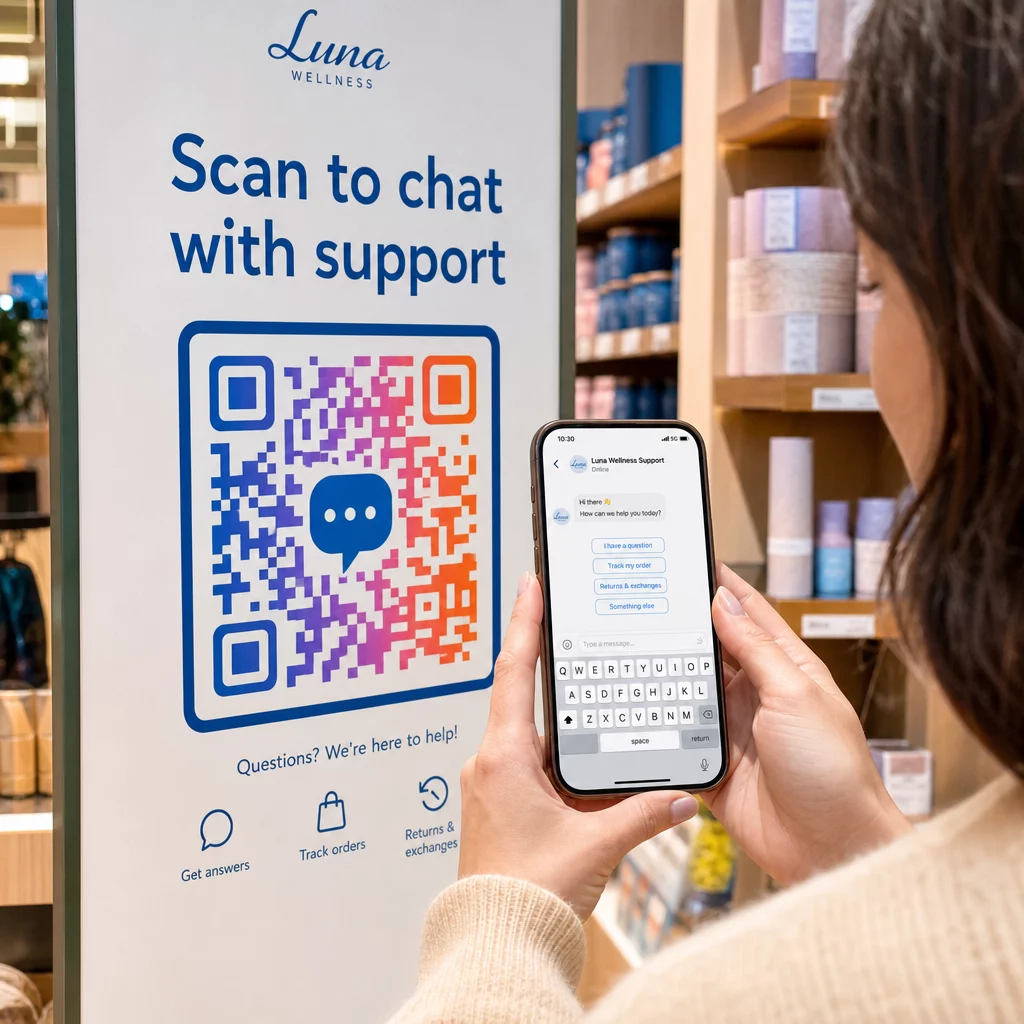
- Skilting i butikk – “Chat med oss”-koder nær kassen eller servicedisker senker terskelen for spørsmål
- Arrangementsmateriell – bordkort, nøkkelbånd eller standutstillinger med en Telegram- eller Messenger-kode for umiddelbar oppfølging
- Trykte annonser og brosjyrer – en forhåndsutfylt SMS-kode lar potensielle kunder melde seg på oppfølgingskommunikasjon umiddelbart
Uansett hvor du plasserer koden, legg til en kort oppfordring til handling rett ved siden av den. Koden alene forklarer ikke fordelen. Fortell folk hva de får ved å skanne: “Skann for å chatte med kundestøtte”, “Skann for å få et tilbud” eller “Skann for å abonnere.”
Ofte stilte spørsmål
Ja. En WhatsApp QR-kode krever at WhatsApp er installert på skannerens enhet; en Messenger-kode krever Messenger-appen eller en Facebook-konto tilgjengelig via nettleser. SMS-koder fungerer på hvilken som helst telefon uten en ekstra app. Hvis publikums appbruk er usikker, tilbyr SMS den bredeste rekkevidden.
Ja. WhatsApp støtter forhåndsutfylte meldinger ved å bruke `?text=`-parameteret i `wa.me`-lenkeformatet. SMS QR-koder støtter en body-parameter i `sms:`-URI-en, selv om den nøyaktige syntaksen kan variere litt mellom iOS og Android. Testing på begge plattformer før koden distribueres anbefales.
En dynamisk QR-kode lar deg oppdatere destinasjonen eller den forhåndsutfylte meldingen når som helst uten å skrive ut på nytt. Den gir også skanneanalyser – totalt antall skanninger, skannesteder, enhetstyper – slik at du kan måle hvilke plasseringer og meldinger som fungerer best. Dette er spesielt nyttig for trykt materiale med lang holdbarhet.