Odeslání QR kódu k tisku bez předchozího otestování je jednou z nejčastějších – a nejdražších – chyb v tiskovém marketingu. Kód, který vypadá perfektně na obrazovce, může zcela selhat, jakmile se dostane na papír, vinyl nebo obal. Tento průvodce vás provede každou kontrolou, kterou musíte provést před schválením tiskové série.
Proč QR kódy selhávají po tisku
QR kód, který se čistě skenuje na vašem monitoru, může selhat v reálném světě z důvodů, které se stanou viditelnými až po tisku. Pochopení těchto bodů selhání vám pomůže sestavit spolehlivý kontrolní seznam před tiskem.
Nejčastějšími viníky jsou:
- Příliš malá velikost pro očekávanou skenovací vzdálenost
- Nízké rozlišení způsobující rozmazané nebo pixelované moduly
- Nedostatečný kontrast mezi kódem a jeho pozadím
- Chybějící klidová zóna (jasný okraj obklopující kód)
- Vysoká hustota dat vytvářející vzor příliš jemný pro čtení kamerami
- Špatný formát souboru použitý pro tiskový výstup
Každý z těchto problémů je zcela předcházetelný, pokud ho zachytíte před spuštěním tisku. Níže uvedené sekce se zabývají každým z nich postupně.
Zkontrolujte velikost QR kódu vzhledem ke skenovací vzdálenosti
Velikost je jediným nejčastějším důvodem, proč tištěný QR kód selže. Standardní pravidlo je poměr 10:1: šířka QR kódu by měla být alespoň 1 cm (nebo 1 palec) na každých 10 cm (nebo 10 palců) očekávané skenovací vzdálenosti. Kód na vizitce držené na délku paže potřebuje velmi odlišnou velikost než kód na plakátu čteném z druhé strany místnosti.
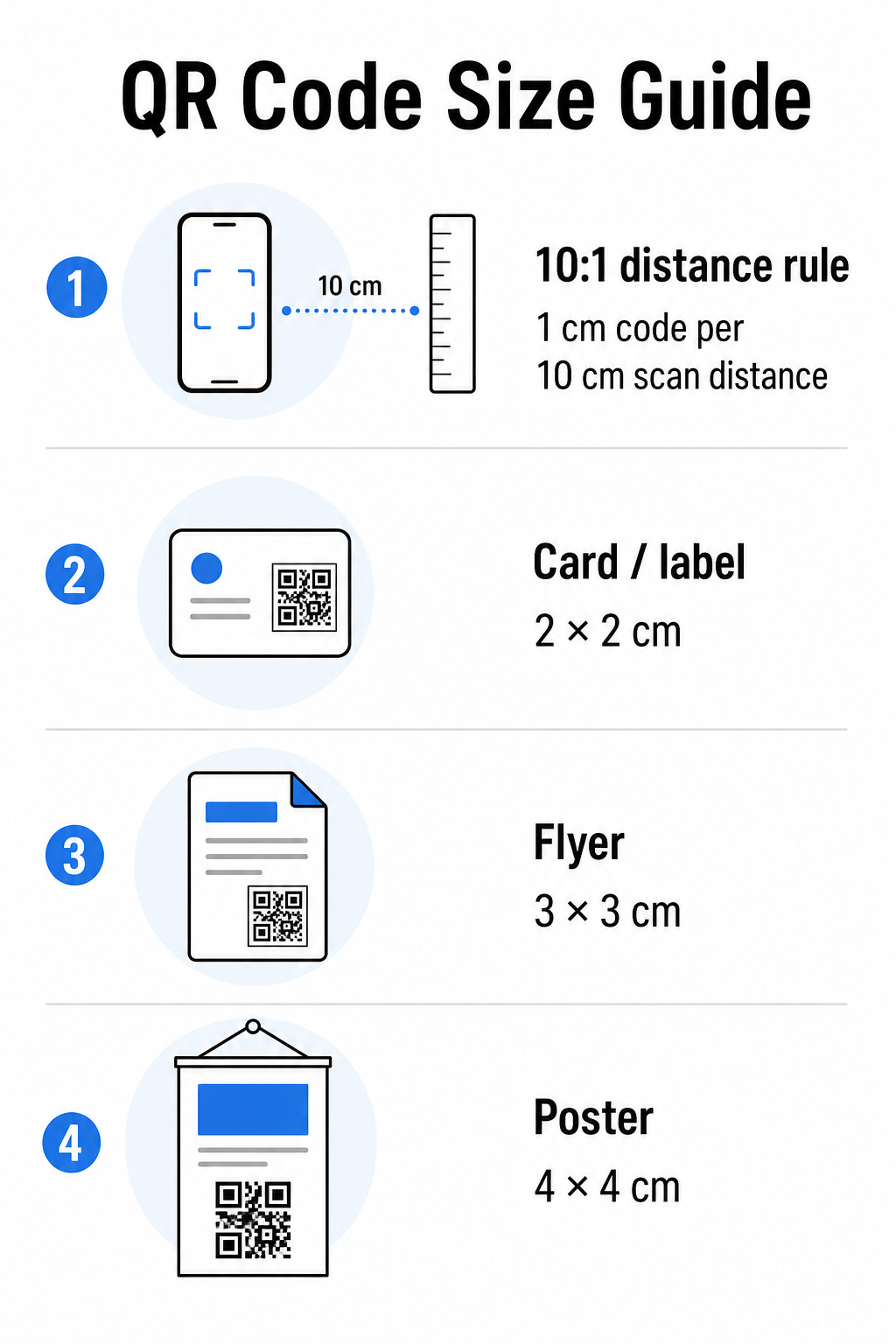
Použijte tuto tabulku jako výchozí bod pro běžné tiskové materiály:
| Tiskový materiál | Minimální doporučená velikost | Typická skenovací vzdálenost |
|---|---|---|
| Vizitka / štítek | 2 × 2 cm (0,8 × 0,8 palce) | 20–30 cm (8–12 palců) |
| Brožura / leták | 3 × 3 cm (1,2 × 1,2 palce) | 30 cm (12 palců) |
| Plakát / značení | 4 × 4 cm (1,6 × 1,6 palce) | 40 cm (16 palců) |
| Billboard / banner | 40 × 40 cm (16 × 16 palců) | 4 m (13 stop) |
Před schválením jakéhokoli tiskového souboru potvrďte, že rozměry kódu odpovídají vašemu očekávanému použití. průvodci velikostí QR kódů poskytuje kompletní rozpis podle typu materiálu, včetně toho, jak hustota dat ovlivňuje minimální životaschopnou velikost.
Ověřte formát souboru a tiskové rozlišení
Formát, který exportujete, je stejně důležitý jako samotný design. Rastrové obrázky jako PNG a JPEG jsou tvořeny pixely. Při zvětšení pro velkoformátový tisk se rozmažou a jemné moduly v QR kódu ztratí své ostré hrany – což činí kód obtížně nebo nemožně skenovatelným.
Pro jakýkoli tištěný QR kód použijte vektorové formáty: SVG, EPS nebo PDF. Vektorové soubory se škálují na jakoukoli velikost bez ztráty kvality, protože jsou definovány matematicky, nikoli pixel po pixelu. Pokud musíte použít rastrový formát, ujistěte se, že rozlišení je alespoň 300 DPI při zamýšlené tiskové velikosti – nikoli při velikosti náhledu na obrazovce.
Rychlá kontrola rozlišení: otevřete soubor obrázku, poznamenejte si jeho pixelové rozměry a vydělte zamýšlenou tiskovou velikostí v palcích. Pokud je 1palcový QR kód uložen jako obrázek 100 × 100 pixelů, má pouze 100 DPI – hluboko pod minimem 300 DPI a téměř zaručeně se vytiskne rozmazaně.
Pro hlubší pohled na toto téma, průvodci rozlišením tisku QR kódů podrobně pokrývá požadavky na DPI a volbu formátů.
Vytvořte QR kódy připravené k tisku během několika sekund Ten Generátor QR kódu Pageloot vám umožní stáhnout si kódy ve formátech SVG, EPS a PDF – připravené pro jakoukoli tiskovou velikost bez ztráty kvality.
Otestujte kontrast před tiskem
Skenery QR kódů fungují tak, že rozlišují tmavé moduly od světlého pozadí. Pokud je kontrast příliš nízký, skener nemůže spolehlivě identifikovat vzor – i když kód vypadá lidskému oku v pořádku.
Technická norma, kterou je třeba splnit, je minimální kontrastní poměr 4:1 mezi tmavými moduly a světlým pozadím. Pro platební aplikace nebo případy použití zaměřené na přístupnost, usilujte o 4,5:1 nebo vyšší. Černé moduly na bílém pozadí vytvářejí poměr 21:1 – zlatý standard, podle kterého se měří každá jiná barevná kombinace.
Běžné chyby kontrastu, které je třeba zkontrolovat před tiskem:
- Světle šedé moduly na bílém pozadí: nedostatečný kontrast, který selže při slabém osvětlení
- Obrácené barvy (světlý kód na tmavém pozadí): některé skenery to zvládnou, mnohé ne – nikdy se na to nespoléhejte
- Přechodové výplně na modulech: vytváří nerovnoměrný kontrast, který mate skenery
- Barvy značky, které jsou si příliš podobné v tónu: otestujte s převodem do odstínů šedi, abyste viděli skutečný kontrast
Praktický test před tiskem je převést obrázek QR kódu do odstínů šedi a zkontrolovat, zda jsou moduly stále jasně rozlišitelné od pozadí. Pokud se začnou v odstínech šedi slévat, selžou u široké škály kamer zařízení a světelných podmínek. průvodce osvědčenými postupy pro barevný kontrast QR kódů obsahuje tabulku barevných kombinací ukazující poměry kontrastu a očekávané výsledky skenování pro běžné páry.
Potvrďte, že klidová zóna je neporušená
Ten tichou zónu je prázdný okraj obklopující všechny čtyři strany QR kódu. Není to designová preference – je to technický požadavek definovaný standardem ISO/IEC 18004. Bez něj skenery nemohou určit, kde kód začíná a končí, a skenování selže.
Tichá zóna musí být široká alespoň čtyři moduly na všech stranách, kde jeden modul je jeden z malých čtverců v mřížce kódu. Jako praktická reference:
- Pro 1palcový QR kód, ponechte přibližně 0,15 palce volného prostoru na všech stranách
- Pro QR kód vizitky, udržujte tichou zónu o velikosti alespoň 0,25 palce
Před odesláním k tisku si přibližte soubor rozvržení a potvrďte, že žádný text, obrázky, okraje nebo vzor pozadí nezasahuje do této zóny. Umístění kódu příliš blízko k okraji designu nebo jeho překrytí dekorativními prvky je jednou z nejčastějších příčin selhání skenování, které se projeví až po vytištění zakázky.
Zkontrolujte úroveň opravy chyb
QR kódy mají vestavěný systém obnovy nazvaný oprava chyb, který umožňuje čtení kódu, i když je jeho část poškozena, zakryta nebo opotřebována. Existují čtyři úrovně, z nichž každá nabízí jiný kompromis mezi odolností a hustotou dat:
| Úroveň | Kapacita obnovy | Nejlepší případ použití |
|---|---|---|
| L (nízká) | ~7% | Čisté, nepoškozené povrchy; maximální hustota dat |
| M (střední) | ~15% | Standardní tiskové materiály s určitým opotřebením |
| Q (kvartil) | ~25% | Kódy s překryvy loga nebo mírným rizikem poškození |
| H (vysoké) | ~30% | Venkovní použití, balení, kódy s velkými překryvy loga |
Pokud váš QR kód obsahuje logo překryté na vzoru – běžná volba značky – potřebujete alespoň úroveň Q, a ideálně úroveň H. Logo účinně zakrývá část kódu, takže oprava chyb musí kompenzovat. Před dokončením potvrďte, s jakou úrovní byl váš kód vygenerován, a vždy otestujte značkový kód s překryvem na místě. Průvodce průvodce osvědčenými postupy pro čitelnost QR kódů podrobně popisuje, jak oprava chyb interaguje s umístěním loga.
Proveďte fyzický tiskový test před plným tiskem
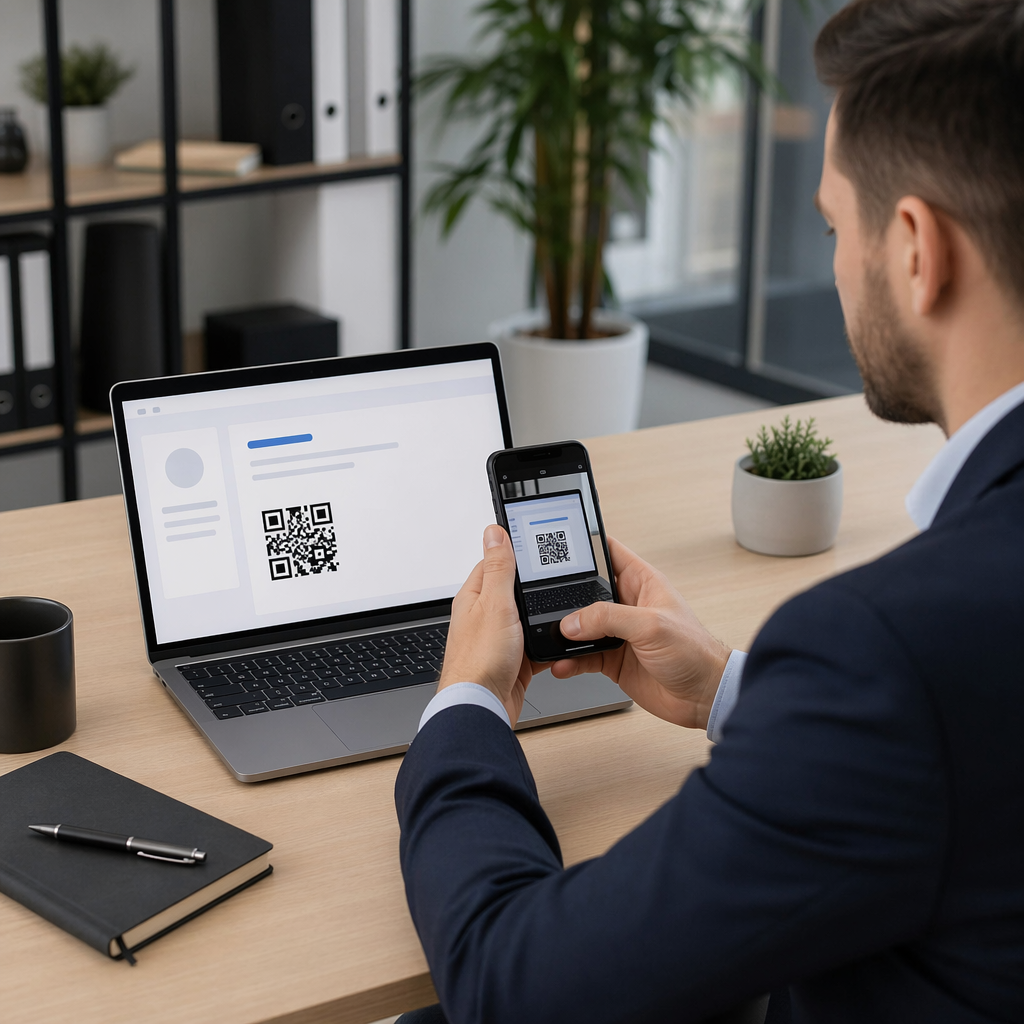
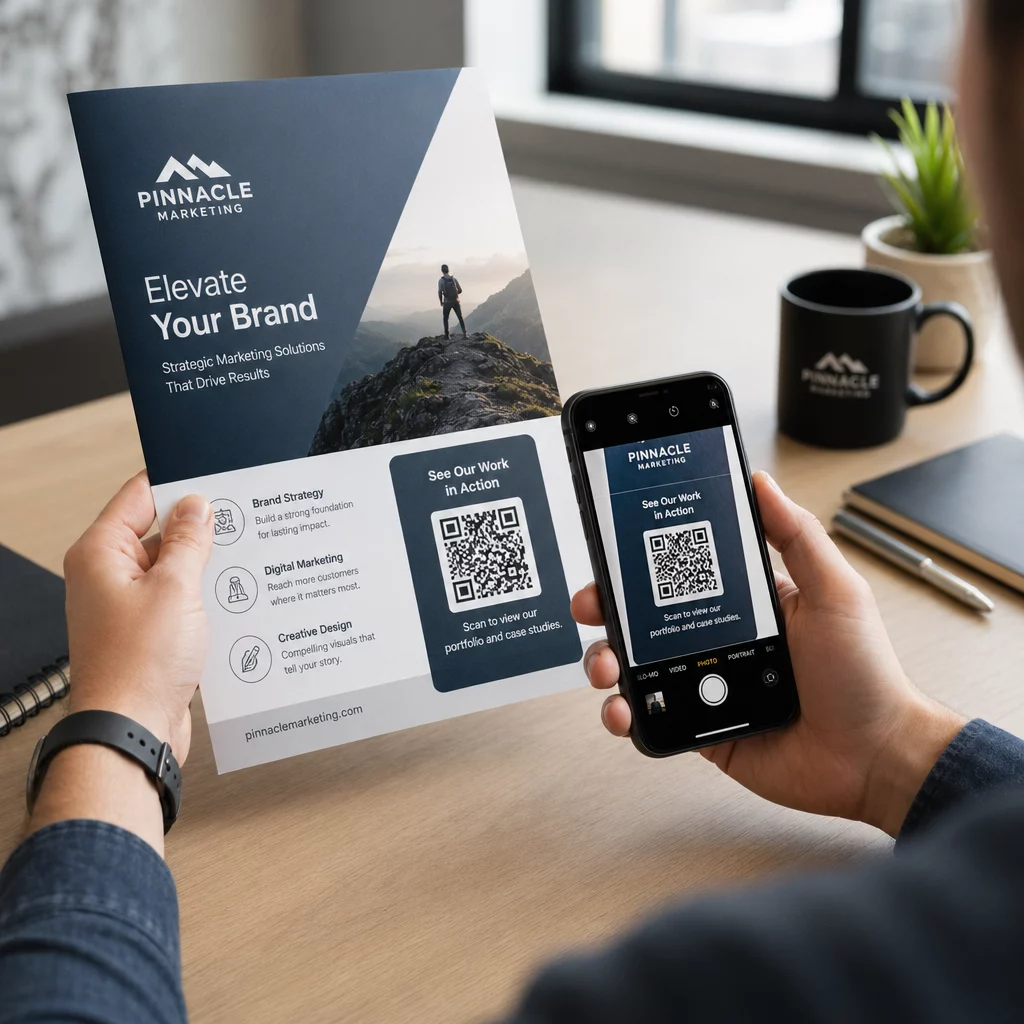
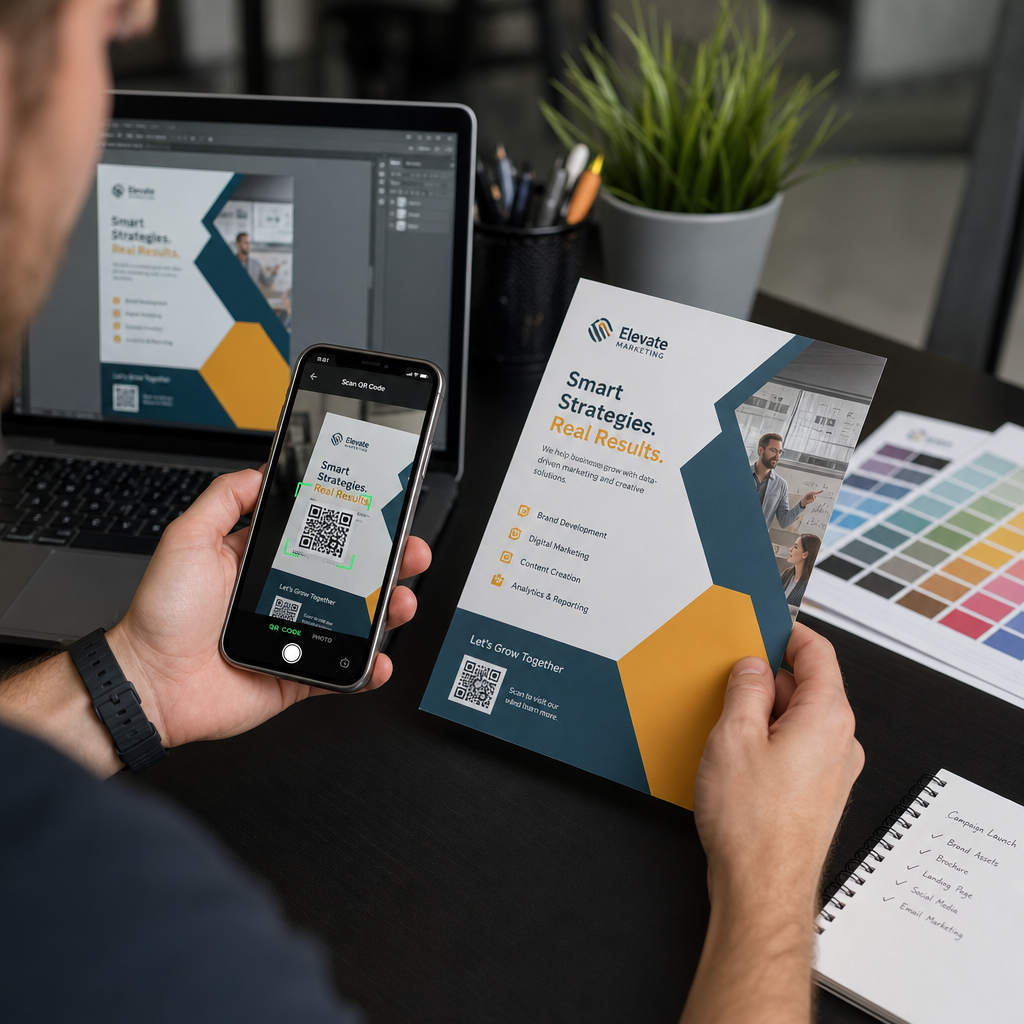
Žádné množství kontroly na obrazovce nenahradí tisk fyzického důkazu. Vytiskněte jednu kopii v přesné konečné velikosti na přesném materiálu , který plánujete použít, a poté jej otestujte v podmínkách, které odrážejí reálné použití.
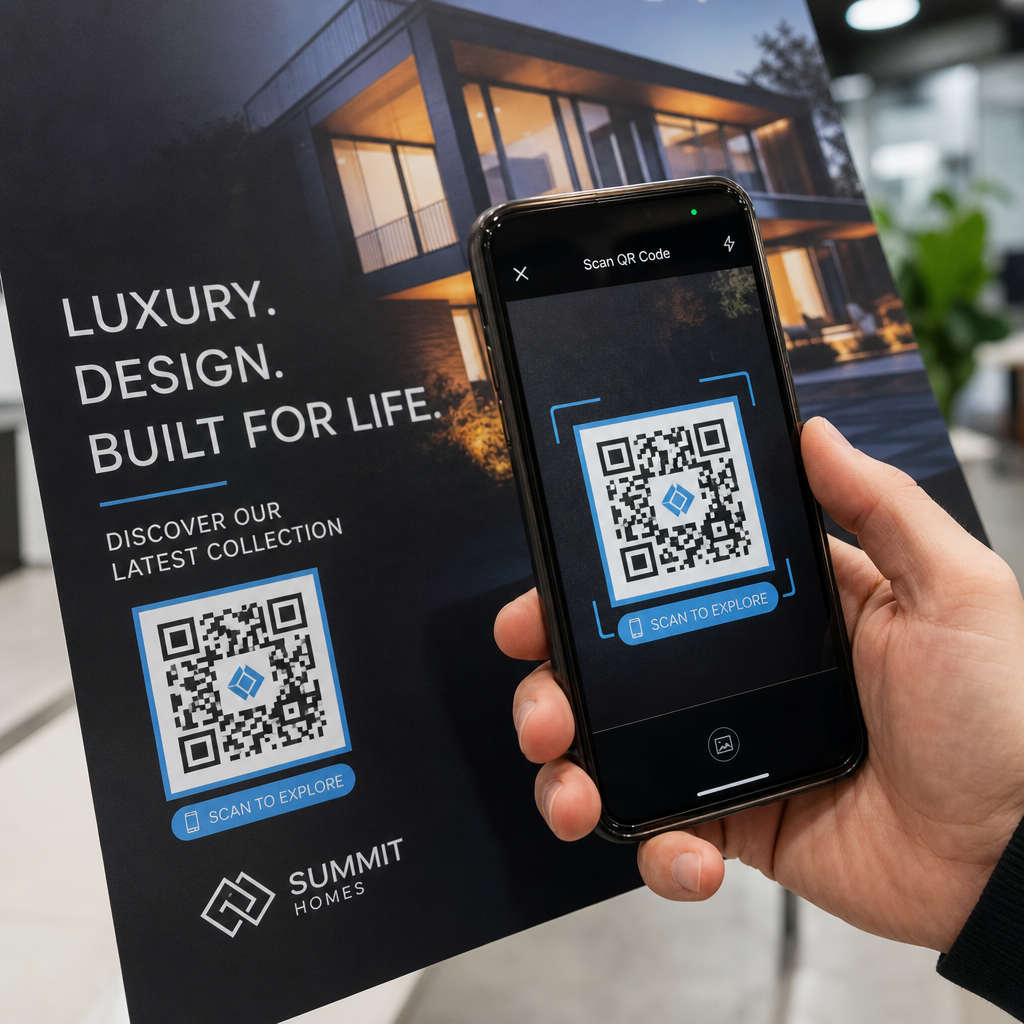
Váš fyzický test by měl zahrnovat:
- Více zařízení: testujte na alespoň dvou různých chytrých telefonech – jeden iOS a jeden Android – pomocí nativní aplikace fotoaparátu i skeneru třetí strany
- Více vzdáleností: skenujte z typické uživatelské vzdálenosti a také z mírně větší vzdálenosti, abyste potvrdili, že existuje rezerva pro chyby
- Více světelných podmínek: testujte v jasném přirozeném světle, standardním vnitřním osvětlení a slabém světle, pokud se kód objeví v některém z těchto prostředí
- Skutečný povrch: lesklé povrchy odrážejí světlo a mohou způsobit selhání skenování, i když je design kódu správný; matné povrchy fungují spolehlivěji za různých podmínek
Kód můžete také digitálně ověřit nahráním obrázku vašeho designu do Skener QR kódů Pageloot , abyste potvrdili, že se správně dekóduje, než se zavážete k plnému tisku. Pokud váš kód selže v některém z těchto testů, použijte běžného průvodce řešením problémů s QR kódy k diagnostice konkrétního bodu selhání před úpravou a opětovným testováním.
Pro strukturovaný přehled toho, co by mělo mobilní testování zahrnovat, průvodce průvodce testováním QR kódů pro mobilní použitelnost podrobně prochází kompatibilitu zařízení, úhly skenování a výkon cíle.
Zohledněte svou metodu tisku a povrch
Způsob, jakým je QR kód vytištěn, ovlivňuje skenovatelnost nezávisle na samotném designu kódu. Různé metody produkují různé úrovně ostrosti modulů a různé povrchy interagují se světlem způsoby, které mohou skenování buď pomoci, nebo ho bránit.
Klíčové úvahy podle metody a materiálu:
- Matné povrchy rozptylují světlo, spíše než aby ho odrážely, což je činí téměř vždy lepšími než lesklé povrchy pro spolehlivost skenování
- Ofsetový tisk produkuje velmi ostré hrany modulů a je dobře vhodný pro velkoobjemové tiskové série
- Digitální tisk funguje dobře pro krátké série a přizpůsobené kódy, ale kvalita inkoustu se liší a může časem vyblednout
- Termální tisk je ekonomický pro štítky, ale může rozmazat jemné hrany modulů – zvětšete velikost kódu, abyste to kompenzovali
- Texturované nebo zakřivené povrchy zavádějí zkreslení, které může zmást skenery; použijte větší kód, abyste to zohlednili
Pro úplný rozbor toho, jak každá technika ovlivňuje skenovatelnost, průvodce na téma jak tiskové techniky ovlivňují skenovatelnost QR kódů pokrývá výběr metody, přípravu substrátu a trvanlivost inkoustu.
Použijte dynamický QR kód k ochraně před změnami po tisku
I dokonale otestovaný QR kód může po vytištění selhat, pokud se změní cílová URL, propojená stránka je odstraněna nebo je třeba aktualizovat obsah kampaně. U statického QR kódu jakákoli změna cíle znamená přetisk všeho.
Dynamické QR kódy To vyřešíte zakódováním krátké přesměrovací URL namísto přímo konečného cíle. Přesměrování lze kdykoli aktualizovat z vašeho panelu, takže vytištěný kód zůstane platný, i když se vaše kampaň vyvíjí. To také znamená, že můžete opravit nefunkční odkaz ihned po distribuci – bez přetiskování jediného kusu.
Kromě prevence chyb vám dynamické kódy poskytují přístup k analytice skenování: celkový počet skenů, místa skenování, čas skenování a typy zařízení. Tato data vám řeknou, zda vaše tištěné materiály skutečně fungují v terénu, a kam zaměřit optimalizaci. Ten průvodci používáním QR kódů v tištěných médiích zahrnuje, jak dynamické kódy zapadají do širší strategie tiskové kampaně.
Chraňte svou tiskovou investici Vytvořit Dynamický QR kód abyste udrželi své tištěné materiály aktuální a sledovali výkon skenování v reálném světě – aniž byste se kdykoli vraceli k tisku.
Kontrolní seznam testování QR kódu před tiskem
Před schválením jakéhokoli QR kódu pro tiskovou produkci projděte si každý z následujících bodů:
- Velikost kódu odpovídá pravidlu 10:1 pro očekávanou skenovací vzdálenost
- Soubor je exportován ve formátu SVG, EPS nebo PDF (nebo rastr s minimem 300 DPI v konečné tiskové velikosti)
- Kontrastní poměr mezi moduly a pozadím splňuje minimálně 4:1
- Tichá zóna o minimálně čtyřech modulech je čistá na všech stranách
- Úroveň korekce chyb je vhodná (Q nebo H, pokud je přítomna překryvná vrstva loga)
- Kód se správně dekóduje při skenování z nahraného obrázku
- Fyzický důkaz testován na zařízeních iOS i Android
- Fyzický důkaz testován v realistických světelných podmínkách a na skutečném tiskovém materiálu
- Cílová URL je aktivní, optimalizovaná pro mobilní zařízení a načítá se rychle
- Použit dynamický QR kód, pokud se cíl může po tisku změnit
Provedení těchto kontrol před každou tiskovou úlohou zabere mnohem méně času než opětovné objednání tiskové série. Dobrý výkon QR kódu začíná u souboru, ne u skeneru. Nastavte správně velikost, formát, kontrast a tichou zónu již ve fázi návrhu, vytiskněte zkušební tisk na skutečný materiál a otestujte ho tak, jak ho vaše publikum skutečně použije.
Často kladené otázky
Spolehlivé minimum pro skenování zblízka – například na vizitkách nebo etiketách produktů – je 2 × 2 cm (0,8 × 0,8 palce). Pro větší tiskoviny platí pravidlo 10:1: šířka kódu by měla být alespoň 1 cm na každých 10 cm očekávané skenovací vzdálenosti. Plakát skenovaný z 1 metru, například, potřebuje kód široký alespoň 10 cm.
Vždy použijte vektorový formát – SVG, EPS, nebo PDF – pro tisk. Vektorové soubory se škálují na jakoukoli velikost, aniž by se rozmazaly nebo pixelovaly. Pokud musíte použít rastrový formát jako PNG, ujistěte se, že rozlišení je alespoň 300 DPI při konečné tiskové velikosti. Rastrové soubory s nízkým rozlišením jsou jednou z nejčastějších příčin nečitelných tištěných QR kódů.
Vytiskněte jeden náhled v přesné zamýšlené velikosti na přesném materiálu, který plánujete použít, poté jej otestujte na minimálně dvou různých zařízeních (iOS a Android) v realistických světelných podmínkách. Můžete také nahrát obrázek svého kódu do Pageloot QR Code Scanneru, abyste ověřili, že se správně dekóduje, než půjde do tisku. Použití dynamického QR kódu přidává další vrstvu ochrany – pokud se po tisku bude cokoli potřebovat změnit, můžete aktualizovat cíl bez opětovného tisku.