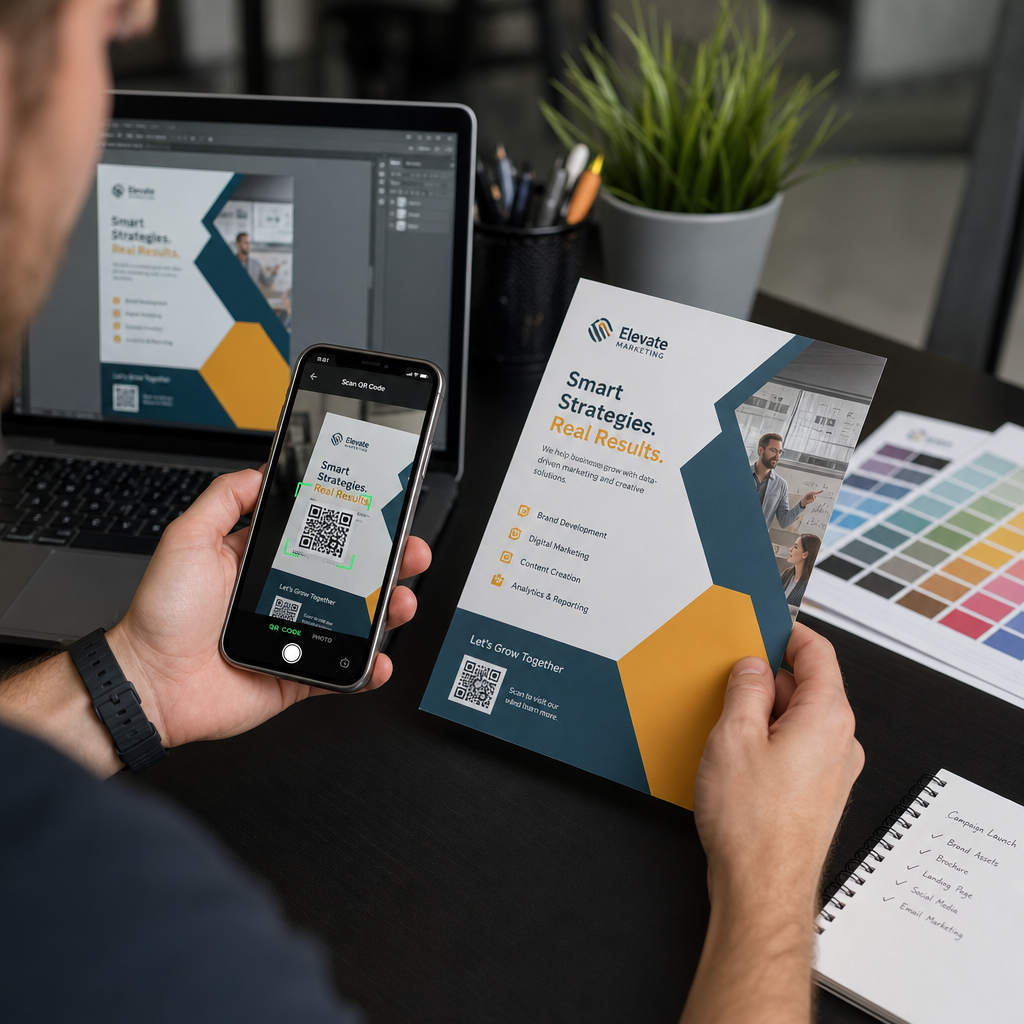
Posielanie QR kódu do tlače bez predchádzajúceho otestovania je jednou z najčastejších – a najnákladnejších – chýb v tlačovom marketingu. Kód, ktorý vyzerá dokonale na obrazovke, môže úplne zlyhať, akonáhle sa dostane na papier, vinyl alebo obal. Táto príručka vás prevedie každou kontrolou, ktorú musíte vykonať pred schválením tlačovej série.
Prečo QR kódy zlyhávajú po vytlačení
QR kód, ktorý sa čisto skenuje na vašom monitore, môže zlyhať v reálnom svete z dôvodov, ktoré sa stanú viditeľnými až po vytlačení. Pochopenie týchto bodov zlyhania vám pomôže vytvoriť spoľahlivý kontrolný zoznam pred tlačou.
Najčastejšími vinníkmi sú:
- Príliš malá veľkosť pre očakávanú vzdialenosť skenovania
- Nízke rozlíšenie spôsobujúce rozmazané alebo pixelované moduly
- Nedostatočný kontrast medzi kódom a jeho pozadím
- Chýbajúca tichá zóna (jasný okraj obklopujúci kód)
- Vysoká hustota dát vytvárajúce príliš jemný vzor na čítanie kamerami
- Nesprávny formát súboru použitý pre tlačový výstup
Každý z týchto problémov je úplne predchádzateľný, ak ho zachytíte predtým, ako sa spustí tlač. Nižšie uvedené sekcie sa venujú každému z nich postupne.
Skontrolujte veľkosť vášho QR kódu vzhľadom na vzdialenosť skenovania
Veľkosť je jediným najčastejším dôvodom zlyhania vytlačeného QR kódu. Štandardné pravidlo je pomer 10:1: šírka QR kódu by mala byť aspoň 1 cm (alebo 1 palec) na každých 10 cm (alebo 10 palcov) očakávanej vzdialenosti skenovania. Kód na vizitke držanej na dĺžku paže potrebuje veľmi odlišnú veľkosť ako ten na plagáte čítanom z celej miestnosti.
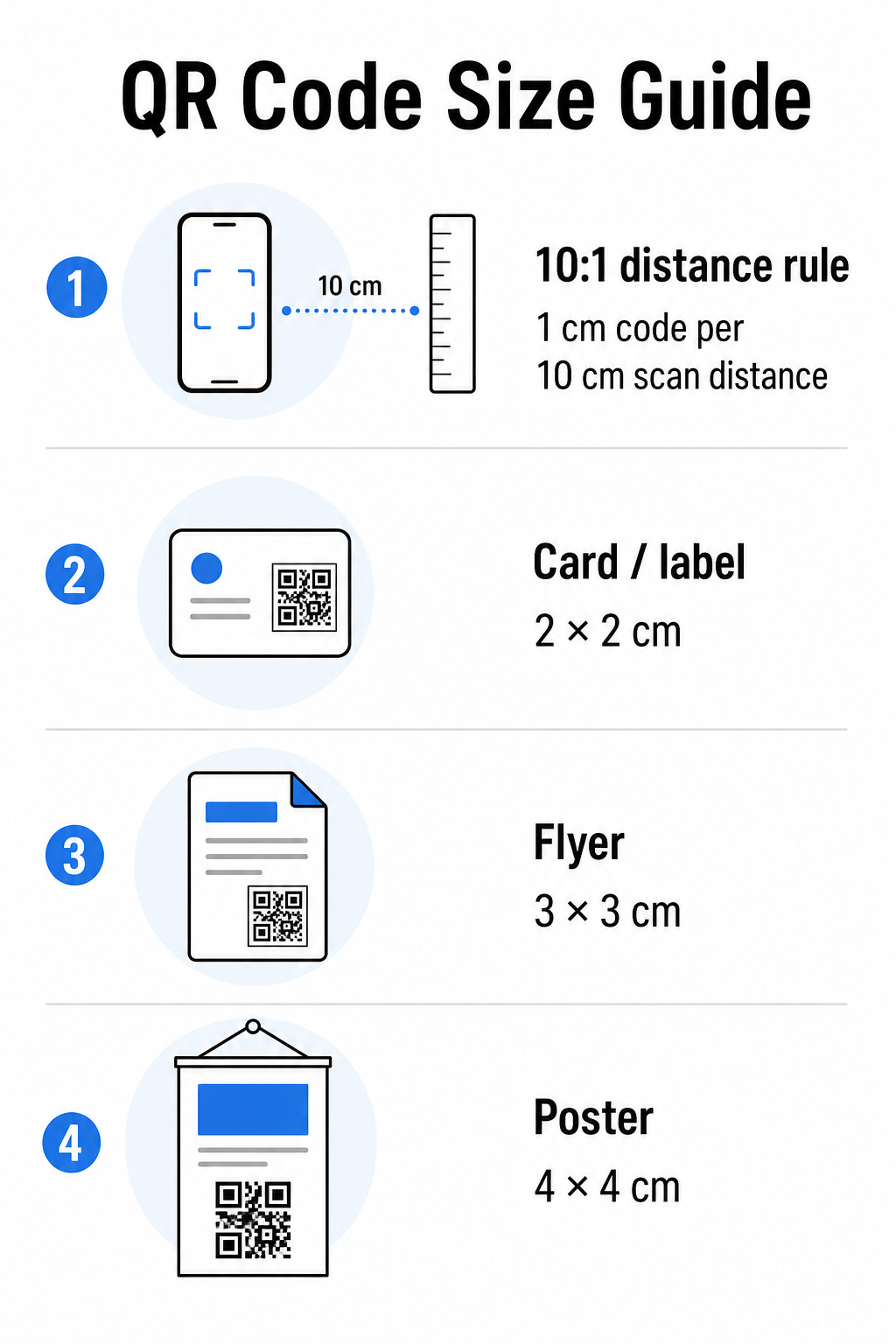
Použite túto tabuľku ako východiskový bod pre bežné tlačové materiály:
| Tlačový materiál | Minimálna odporúčaná veľkosť | Typická skenovacia vzdialenosť |
|---|---|---|
| Vizitka / štítok | 2 × 2 cm (0,8 × 0,8 palca) | 20–30 cm (8–12 palcov) |
| Brožúra / leták | 3 × 3 cm (1,2 × 1,2 palca) | 30 cm (12 palcov) |
| Plagát / značenie | 4 × 4 cm (1,6 × 1,6 palca) | 40 cm (16 palcov) |
| Billboard / banner | 40 × 40 cm (16 × 16 palcov) | 4 m (13 stôp) |
Pred schválením akéhokoľvek tlačového súboru potvrďte, že rozmery kódu zodpovedajú vášmu očakávanému prípadu použitia. príručke veľkosti QR kódov poskytuje kompletný rozpis podľa typu materiálu, vrátane toho, ako hustota dát ovplyvňuje minimálnu životaschopnú veľkosť.
Overte formát súboru a rozlíšenie tlače
Formát, ktorý exportujete, je rovnako dôležitý ako samotný dizajn. Rastrové obrázky ako PNG a JPEG sú tvorené pixelmi. Pri zväčšení pre veľkoformátovú tlač sa rozmažú a jemné moduly v QR kóde strácajú ostré hrany – čo robí kód ťažkým alebo nemožným na skenovanie.
Pre akýkoľvek tlačený QR kód použite vektorové formáty: SVG, EPS alebo PDF. Vektorové súbory sa škálujú na akúkoľvek veľkosť bez straty kvality, pretože sú definované matematicky, a nie pixel po pixeli. Ak musíte použiť rastrový formát, uistite sa, že rozlíšenie je aspoň 300 DPI pri zamýšľanej veľkosti tlače – nie pri veľkosti náhľadu na obrazovke.
Rýchla kontrola rozlíšenia: otvorte súbor obrázka, poznačte si jeho pixelové rozmery a vydelte zamýšľanou veľkosťou tlače v palcoch. Ak je 1-palcový QR kód uložený ako obrázok s rozmermi 100 × 100 pixelov, má len 100 DPI – hlboko pod minimom 300 DPI a takmer zaručene sa vytlačí rozmazane.
Pre hlbší pohľad na túto tému sprievodcovi rozlíšením tlače QR kódov podrobne pokrýva požiadavky na DPI a výber formátov.
Vytvorte QR kódy pripravené na tlač za sekundy Ten Generátor QR kódov Pageloot vám umožní stiahnuť si kódy vo formátoch SVG, EPS a PDF – pripravené pre akúkoľvek veľkosť tlače bez straty kvality.
Otestujte kontrast pred tlačou
Skenery QR kódov fungujú tak, že rozlišujú tmavé moduly od svetlého pozadia. Ak je tento kontrast príliš nízky, skener nedokáže spoľahlivo identifikovať vzor – aj keď kód vyzerá pre ľudské oko dobre.
Technická norma, ktorú treba splniť, je minimálny kontrastný pomer 4:1 medzi tmavými modulmi a svetlým pozadím. Pre platobné aplikácie alebo prípady použitia zamerané na prístupnosť, cieľte na 4,5:1 alebo vyšší. Čierne moduly na bielom pozadí vytvárajú pomer 21:1 – zlatý štandard, voči ktorému sa meria každá iná farebná kombinácia.
Bežné chyby kontrastu, ktoré treba skontrolovať pred tlačou:
- Svetlosivé moduly na bielom: nedostatočný kontrast, ktorý zlyhá pri slabom osvetlení
- Obrátené farby (svetlé kódy na tmavom pozadí): niektoré skenery to zvládnu, mnohé nie – nikdy sa na to nespoliehajte
- Gradientové výplne na moduloch: vytvára nerovnomerný kontrast, ktorý mätie skenery
- Farby značky, ktoré sú príliš blízke tónom: otestujte s konverziou do odtieňov sivej, aby ste videli skutočný kontrast
Praktický test pred tlačou je previesť obrázok QR kódu do odtieňov sivej a skontrolovať, či sú moduly stále jasne odlíšiteľné od pozadia. Ak sa začnú v odtieňoch sivej spájať, zlyhajú pri širokej škále kamier zariadení a svetelných podmienok. príručku osvedčených postupov pre farebný kontrast QR kódov obsahuje tabuľku farebných kombinácií zobrazujúcu pomery kontrastu a očakávané výsledky skenovania pre bežné párovania.
Potvrďte, že tichá zóna je neporušená
Ten tichú zónu je prázdny okraj obklopujúci všetky štyri strany QR kódu. Nie je to dizajnová preferencia – je to technická požiadavka definovaná štandardom ISO/IEC 18004. Bez neho skenery nedokážu nájsť, kde sa kód začína a končí, a skenovanie zlyhá.
Tichá zóna musí byť široká aspoň štyri moduly na všetkých stranách, kde jeden modul je jeden z malých štvorcov v mriežke kódu. Ako praktická referencia:
- Pre 1-palcový QR kód, ponechajte približne 0,15 palca voľného priestoru na všetkých stranách
- Pre QR kód vizitky, udržujte tichú zónu s minimálnou šírkou 0,25 palca
Pred odoslaním do tlače priblížte svoj súbor rozloženia a potvrďte, že žiadny text, obrázky, okraje alebo vzory pozadia nezasahujú do tejto zóny. Umiestnenie kódu príliš blízko k okraju dizajnu alebo jeho prekrývanie s dekoratívnymi prvkami je jednou z najčastejších príčin zlyhania skenovania, ktoré sa prejavia až po vytlačení.
Skontrolujte úroveň korekcie chýb
QR kódy majú vstavaný systém obnovy nazývaný korekcia chýb, ktorý umožňuje čítať kód, aj keď je jeho časť poškodená, zakrytá alebo opotrebovaná. Existujú štyri úrovne, z ktorých každá ponúka iný kompromis medzi odolnosťou a hustotou dát:
| Úroveň | Kapacita obnovy | Najlepší prípad použitia |
|---|---|---|
| L (nízka) | ~7% | Čisté, nepoškodené povrchy; maximálna hustota dát |
| M (stredná) | ~15% | Štandardné tlačové materiály s určitým opotrebovaním |
| Q (kvartil) | ~25% | Kódy s prekrytím loga alebo stredným rizikom poškodenia |
| H (vysoká) | ~30% | Vonkajšie použitie, balenie, kódy s veľkými prekrytiami loga |
Ak váš QR kód obsahuje logo prekryté vzorom – bežná voľba značky – potrebujete aspoň úroveň Q, a ideálne úroveň H. Logo efektívne zakrýva časť kódu, takže korekcia chýb to musí kompenzovať. Pred finalizáciou potvrďte, s akou úrovňou bol váš kód vygenerovaný, a vždy otestujte značkový kód s prekrytím na mieste. Dokument sprievodca osvedčenými postupmi čitateľnosti QR kódov podrobne pokrýva, ako korekcia chýb interaguje s umiestnením loga.
Vykonajte fyzický test tlače pred plnou sériou
Žiadne množstvo kontroly na obrazovke nenahradí tlač fyzickej skúšobnej verzie. Vytlačte jednu kópiu v presnej finálnej veľkosti na presnom materiáli ktorý plánujete použiť, a potom ho otestujte v podmienkach, ktoré odrážajú reálne použitie.
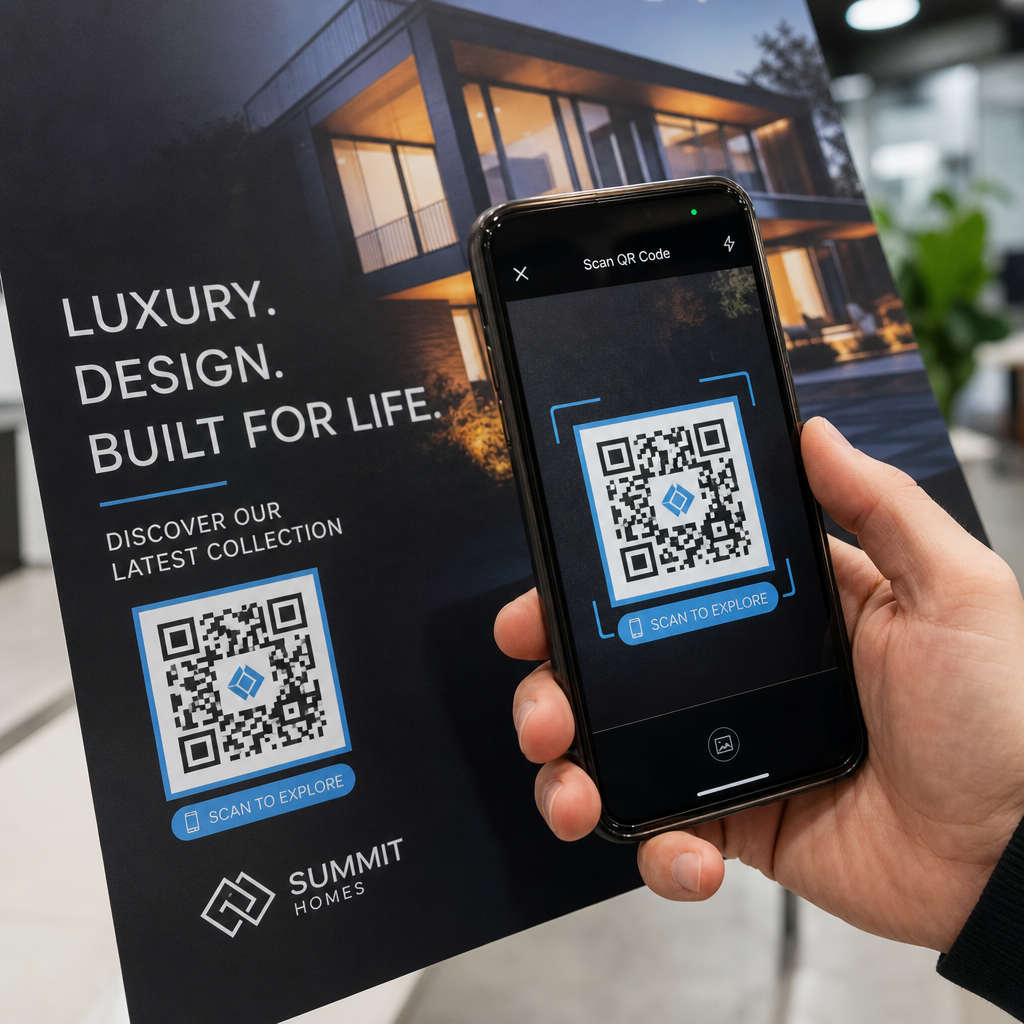
Váš fyzický test by mal zahŕňať:
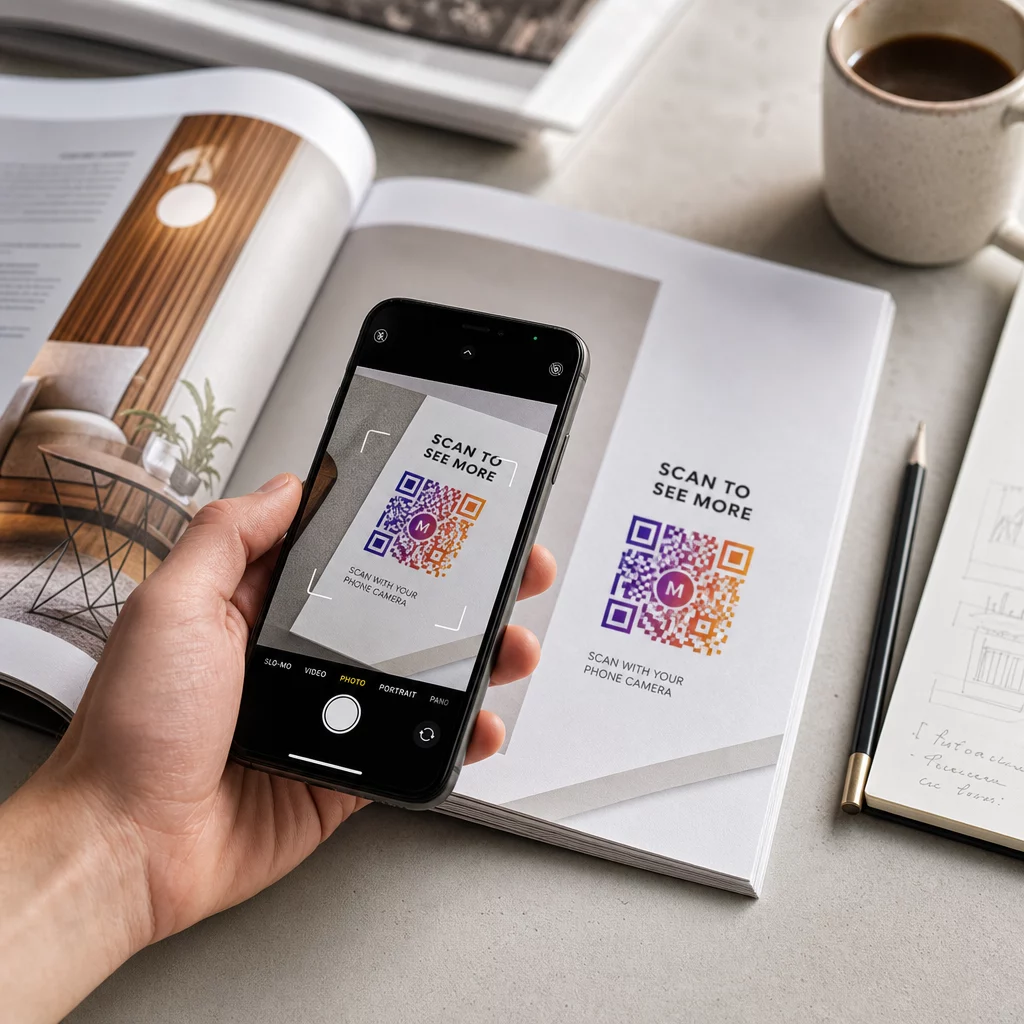
- Viacero zariadení: testujte na aspoň dvoch rôznych smartfónoch – jednom iOS a jednom Android – pomocou natívnej aplikácie fotoaparátu aj skenera tretej strany
- Viacero vzdialeností: skenujte z typickej používateľskej vzdialenosti a tiež z mierne väčšej vzdialenosti, aby ste potvrdili, že existuje priestor na chyby
- Viacero svetelných podmienok: testujte v jasnom prirodzenom svetle, štandardnom vnútornom osvetlení a slabom svetle, ak sa kód bude zobrazovať v ktoromkoľvek z týchto prostredí
- Skutočný povrch: lesklé povrchy odrážajú svetlo a môžu spôsobiť zlyhanie skenovania, aj keď je dizajn kódu správny; matné povrchy fungujú spoľahlivejšie za rôznych podmienok
Kód môžete overiť aj digitálne nahraním obrázka vášho dizajnu na Skener QR kódov Pageloot aby ste potvrdili, že sa správne dekóduje, predtým než sa zaviažete k plnej produkcii. Ak váš kód zlyhá v ktoromkoľvek z týchto testov, použite sprievodcu riešením bežných problémov s QR kódmi na diagnostiku konkrétneho miesta zlyhania pred úpravou a opätovným testovaním.
Pre štruktúrovaný prehľad toho, čo by malo mobilné testovanie pokrývať, sprievodca testovaním QR kódov pre mobilnú použiteľnosť podrobne prechádza kompatibilitou zariadení, uhlami skenovania a výkonom cieľovej stránky.
Zohľadnite svoju metódu tlače a povrch
Spôsob tlače QR kódu ovplyvňuje skenovateľnosť nezávisle od samotného dizajnu kódu. Rôzne metódy vytvárajú rôzne úrovne ostrosti modulov a rôzne povrchy interagujú so svetlom spôsobmi, ktoré môžu skenovanie buď pomôcť, alebo mu brániť.
Kľúčové úvahy podľa metódy a materiálu:
- Matné povrchy rozptyľujú svetlo namiesto toho, aby ho odrážali, čo ich robí takmer vždy lepšími ako lesklé povrchy pre spoľahlivosť skenovania
- Ofsetová tlač vytvára veľmi ostré okraje modulov a je dobre vhodná pre veľkoobjemové tlačové série
- Digitálna tlač funguje dobre pre malé série a prispôsobené kódy, ale kvalita atramentu sa líši a môže časom vyblednúť
- Termálna tlač je ekonomická pre štítky, ale môže rozmazať jemné okraje modulov – zväčšite veľkosť kódu, aby ste to kompenzovali
- Textúrované alebo zakrivené povrchy zavádzajú skreslenie, ktoré môže zmiasť skenery; použite väčší kód, aby ste to zohľadnili
Pre úplný rozpis toho, ako každá technika ovplyvňuje skenovateľnosť, sprievodca na ako tlačové techniky ovplyvňujú skenovateľnosť QR kódov pokrýva výber metódy, prípravu substrátu a trvanlivosť atramentu.
Použite dynamický QR kód na ochranu pred zmenami po tlači
Aj dokonale otestovaný QR kód môže po vytlačení zlyhať, ak sa zmení cieľová URL adresa, prepojená stránka bude odstránená alebo bude potrebné aktualizovať obsah kampane. Pri statickom QR kóde akákoľvek zmena cieľa znamená pretlačenie všetkého.
Dynamické kódy QR vyriešiť to zakódovaním krátkej presmerovacej URL adresy namiesto priamej konečnej destinácie. Presmerovanie je možné aktualizovať kedykoľvek z vášho ovládacieho panela, takže vytlačený kód zostane platný, aj keď sa vaša kampaň vyvíja. To tiež znamená, že môžete opraviť nefunkčný odkaz ihneď po distribúcii – bez pretlačenia jediného kusu.
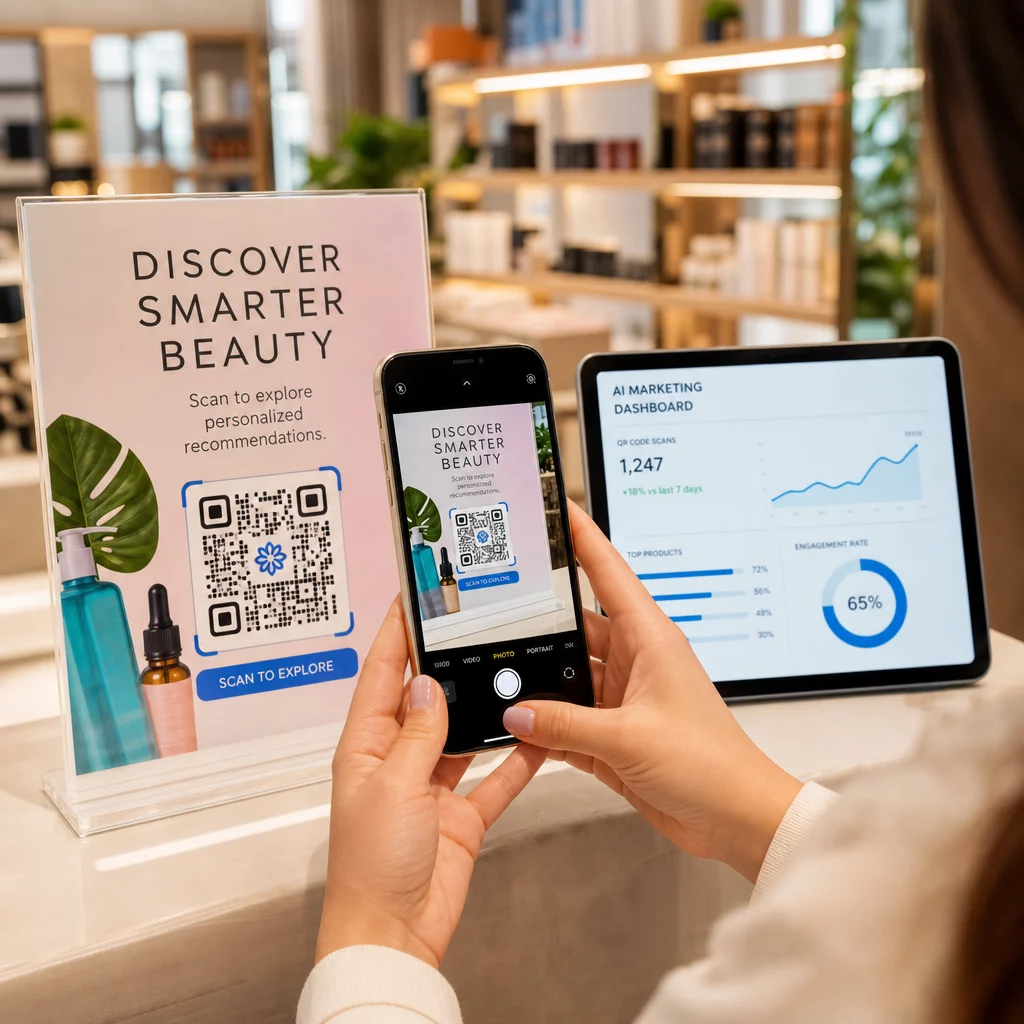
Okrem prevencie chýb vám dynamické kódy poskytujú prístup k analytike skenovania: celkový počet skenov, miesta skenovania, čas skenovania a typy zariadení. Tieto údaje vám povedia, či vaše tlačené materiály skutočne fungujú v teréne a kde zamerať optimalizáciu. The sprievodcovi používania QR kódov v tlačových médiách pokrýva, ako dynamické kódy zapadajú do širšej stratégie tlačových kampaní.
Chráňte svoju investíciu do tlače Vytvor Dynamický QR kód aby ste udržali svoje tlačené materiály aktuálne a sledovali výkon skenovania v reálnom svete – bez toho, aby ste sa museli vrátiť k tlači.
Predtlačový kontrolný zoznam testovania QR kódu
Pred schválením akéhokoľvek QR kódu pre tlačovú produkciu si prejdite každý z nasledujúcich bodov:
- Veľkosť kódu zodpovedá pravidlu 10:1 pre očakávanú vzdialenosť skenovania
- Súbor je exportovaný vo formáte SVG, EPS alebo PDF (alebo raster s minimálne 300 DPI pri konečnej tlačovej veľkosti)
- Kontrastný pomer medzi modulmi a pozadím spĺňa minimálne 4:1
- Tichá zóna minimálne štyroch modulov je čistá zo všetkých strán
- Úroveň korekcie chýb je vhodná (Q alebo H, ak je prítomné prekrytie loga)
- Kód sa správne dekóduje pri skenovaní z nahraného obrázka
- Fyzická skúška testovaná na zariadeniach iOS aj Android
- Fyzická skúška testovaná v realistických svetelných podmienkach a na skutočnom tlačovom materiáli
- Cieľová URL adresa je aktívna, optimalizovaná pre mobilné zariadenia a rýchlo sa načítava
- Použitý dynamický QR kód, ak sa destinácia môže potrebovať zmeniť po vytlačení
Prejdenie týmito kontrolami pred každou tlačovou úlohou trvá oveľa menej času ako opätovné objednanie tlačovej série. Dobrý výkon QR kódu začína súborom, nie skenerom. Nastavte správne veľkosť, formát, kontrast a tichú zónu už vo fáze návrhu, vytlačte si skúšobnú verziu na skutočnom materiáli a otestujte ju tak, ako ju bude skutočne používať vaše publikum.
Často kladené otázky
Spoľahlivé minimum pre skenovanie zblízka – napríklad na vizitkách alebo etiketách produktov – je 2 × 2 cm (0,8 × 0,8 palca). Pre väčšie tlačové materiály platí pravidlo 10:1: šírka kódu by mala byť aspoň 1 cm na každých 10 cm očakávanej skenovacej vzdialenosti. Plagát skenovaný z 1 metra, napríklad, potrebuje kód široký aspoň 10 cm.
Vždy používajte vektorový formát – SVG, EPS alebo PDF – pre tlač. Vektorové súbory sa škálujú na akúkoľvek veľkosť bez rozmazania alebo pixelizácie. Ak musíte použiť rastrový formát ako PNG, uistite sa, že rozlíšenie je aspoň 300 DPI pri konečnej veľkosti tlače. Rastrové súbory s nízkym rozlíšením sú jednou z najčastejších príčin nečitateľných vytlačených QR kódov.
Vytlačte jednu skúšobnú kópiu v presnej zamýšľanej veľkosti na presnom materiáli, ktorý plánujete použiť, potom ho otestujte na minimálne dvoch rôznych zariadeniach (iOS a Android) v realistických svetelných podmienkach. Môžete tiež nahrať obrázok vášho kódu do Pageloot QR Code Scanner, aby ste overili, či sa správne dekóduje pred tým, ako pôjde do tlače. Použitie dynamického QR kódu pridáva ďalšiu vrstvu ochrany – ak sa niečo potrebuje zmeniť po vytlačení, môžete aktualizovať cieľ bez opätovného vytlačenia.