Att skicka en QR-kod till tryck utan att testa den först är ett av de vanligaste – och dyraste – misstagen inom tryckt marknadsföring. En kod som ser perfekt ut på skärmen kan misslyckas helt när den väl hamnar på papper, vinyl eller förpackning. Denna guide går igenom varje kontroll du behöver göra innan du godkänner en tryckning.
Varför QR-koder misslyckas efter tryckning
En QR-kod som skannar rent på din bildskärm kan misslyckas i den verkliga världen av skäl som bara blir synliga efter tryckning. Att förstå dessa felpunkter hjälper dig att bygga en pålitlig checklista före tryckning.
De vanligaste orsakerna är:
- Storlek som är för liten för det förväntade skanningsavståndet
- Låg upplösning vilket orsakar suddiga eller pixlade moduler
- Otillräcklig kontrast mellan koden och dess bakgrund
- Saknad tyst zon (den tydliga ramen som omger koden)
- Hög datatäthet vilket skapar ett mönster som är för fint för kameror att läsa
- Fel filformat används för utskrift
Var och en av dessa problem är helt förebyggbara om du upptäcker dem innan tryckpressen körs. Avsnitten nedan behandlar var och en i tur och ordning.
Kontrollera din QR-kods storlek mot skanningsavståndet
Storlek är den enskilt vanligaste anledningen till att en tryckt QR-kod misslyckas. Standardregeln är 10:1-förhållande: QR-kodens bredd bör vara minst 1 cm (eller 1 tum) för varje 10 cm (eller 10 tum) av förväntat skanningsavstånd. En kod på ett visitkort som hålls på armlängds avstånd behöver en mycket annorlunda storlek än en på en affisch läst från andra sidan rummet.
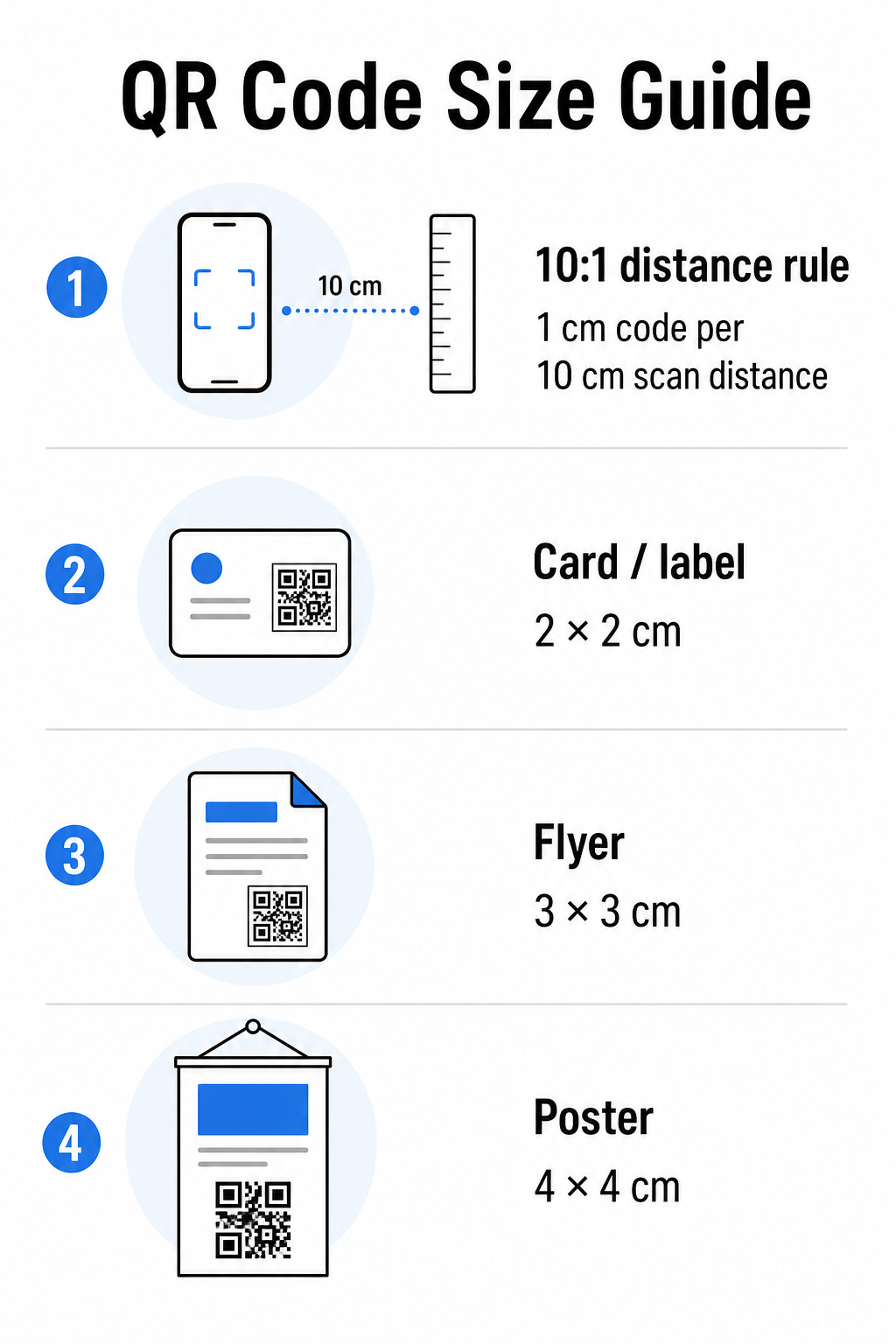
Använd denna tabell som en utgångspunkt för vanliga tryckmaterial:
| Tryckmaterial | Minsta rekommenderade storlek | Typiskt skanningsavstånd |
|---|---|---|
| Visitkort / etikett | 2 × 2 cm (0,8 × 0,8 tum) | 20–30 cm (8–12 tum) |
| Broschyr / flygblad | 3 × 3 cm (1,2 × 1,2 tum) | 30 cm (12 tum) |
| Affisch / skyltning | 4 × 4 cm (1,6 × 1,6 tum) | 40 cm (16 tum) |
| Billboard / banderoll | 40 × 40 cm (16 × 16 tum) | 4 m (13 fot) |
Innan du godkänner någon tryckfil, bekräfta att kodens dimensioner matchar ditt förväntade användningsfall. Den storleksguide för QR-koder ger en komplett uppdelning per materialtyp, inklusive hur datatäthet påverkar den minsta möjliga storleken.
Verifiera ditt filformat och utskriftsupplösning
Formatet du exporterar är lika viktigt som designen i sig. Rasterbilder som PNG och JPEG består av pixlar. När de skalas upp för storformatsutskrift blir de suddiga och de fina modulerna i en QR-kod förlorar sina skarpa kanter – vilket gör koden svår eller omöjlig att skanna.
För alla tryckta QR-koder, använd vektorformat: SVG, EPS eller PDF. Vektorfiler skalas till vilken storlek som helst utan att förlora kvalitet eftersom de definieras matematiskt snarare än pixel för pixel. Om du måste använda ett rasterformat, se till att upplösningen är minst 300 DPI vid den avsedda utskriftsstorleken – inte vid skärmförhandsgranskningens storlek.
En snabb upplösningskontroll: öppna din bildfil, notera dess pixeldimensioner och dela med den avsedda utskriftsstorleken i tum. Om en 1-tums QR-kod sparas som en 100 × 100 pixelbild, är den bara 100 DPI – långt under minimikravet på 300 DPI och nästan garanterat att bli suddig vid utskrift.
För en djupare titt på detta ämne, 10. guide för utskriftsupplösning för QR-koder täcker DPI-krav och formatval i detalj.
Skapa utskriftsklara QR-koder på sekunder De Pageloot QR-kodgenerator låter dig ladda ner dina koder i SVG-, EPS- och PDF-format – redo för vilken utskriftsstorlek som helst utan kvalitetsförlust.
Testa kontrasten innan den går till tryck
QR-kodskannrar fungerar genom att skilja mörka moduler från en ljus bakgrund. När kontrasten är för låg kan skannern inte tillförlitligt identifiera mönstret – även om koden ser bra ut för det mänskliga ögat.
Den tekniska referenspunkten att uppfylla är en minsta kontrastförhållande på 4:1 mellan de mörka modulerna och den ljusa bakgrunden. För betalningsapplikationer eller tillgänglighetsfokuserade användningsfall, sikta på 4,5:1 eller högre. Svarta moduler på en vit bakgrund ger ett förhållande på 21:1 – guldstandarden som alla andra färgkombinationer mäts mot.
Vanliga kontrastfel att kontrollera innan utskrift:
- Ljusgrå moduler på vit: otillräcklig kontrast som kommer att misslyckas i svagt ljus
- Omvända färger (ljus kod på mörk bakgrund): vissa skannrar hanterar detta, många gör det inte – förlita dig aldrig på det
- Tonade fyllningar på moduler: skapar ojämn kontrast som förvirrar skannrar
- Märkesfärger som är för nära i ton: testa med en gråskalekonvertering för att se verklig kontrast
Ett praktiskt test före tryckning är att konvertera din QR-kodbild till gråskala och kontrollera om modulerna fortfarande är tydligt urskiljbara från bakgrunden. Om de börjar smälta samman i gråskala kommer de att misslyckas över ett brett spektrum av enhetskameror och ljusförhållanden. Den guide för bästa praxis för färgkontrast i QR-koder inkluderar en färgkombinationstabell som visar kontrastförhållanden och förväntade skanningsresultat för vanliga parningar.
Bekräfta att den tysta zonen är intakt
De tyst zon är den tomma marginalen som omger alla fyra sidor av en QR-kod. Det är inte en designpreferens – det är ett tekniskt krav definierat av ISO/IEC 18004-standarden. Utan den kan skannrar inte lokalisera var koden börjar och slutar, och skanningen kommer att misslyckas.
Den tysta zonen måste vara minst fyra moduler bred på alla sidor, där en modul är en av de små rutorna i kodrutnätet. Som en praktisk referens:
- För en 1-tums QR-kod, tillåt ungefär 0,15 tum av fritt utrymme på alla sidor
- För en visitkort QR-kod, bibehåll en tyst zon på minst 0,25 tum
Innan du skickar till tryck, zooma in i din layoutfil och bekräfta att ingen text, bild, kant eller bakgrundsmönster inkräktar på denna zon. Att placera en kod för nära kanten av en design eller överlappa den med dekorativa element är en av de vanligaste orsakerna till skanningsfel som bara uppstår efter att jobbet har tryckts.
Kontrollera felkorrigeringsnivån
QR-koder har ett inbyggt återställningssystem som kallas felkorrigering, vilket gör att koden kan läsas även om en del av den är skadad, skymd eller sliten. Det finns fyra nivåer, var och en erbjuder en olika avvägning mellan motståndskraft och datatäthet:
| Nivå | Återställningskapacitet | Bästa användningsfallet |
|---|---|---|
| L (låg) | ~7% | Rena, oskadade ytor; maximal datatäthet |
| M (medelstor) | ~15% | Standardtryckmaterial med visst slitage |
| Q (kvartil) | ~25% | Koder med logotypöverlägg eller måttlig risk för skada |
| H (hög) | ~30% | Utomhusbruk, förpackningar, koder med stora logotypöverlägg |
Om din QR-kod inkluderar en logotyp överlagd på mönstret – ett vanligt varumärkesval – behöver du minst nivå Q, och helst nivå H. Logotypen skymmer effektivt en del av koden, så felkorrigeringen måste kompensera. Bekräfta vilken nivå din kod genererades med innan du slutför, och testa alltid en märkeskod med överlägget på plats. Den guide för bästa praxis för QR-kodläsbarhet täcker hur felkorrigering interagerar med logotypens placering i detalj.
Utför ett fysiskt trycktest före hela upplagan
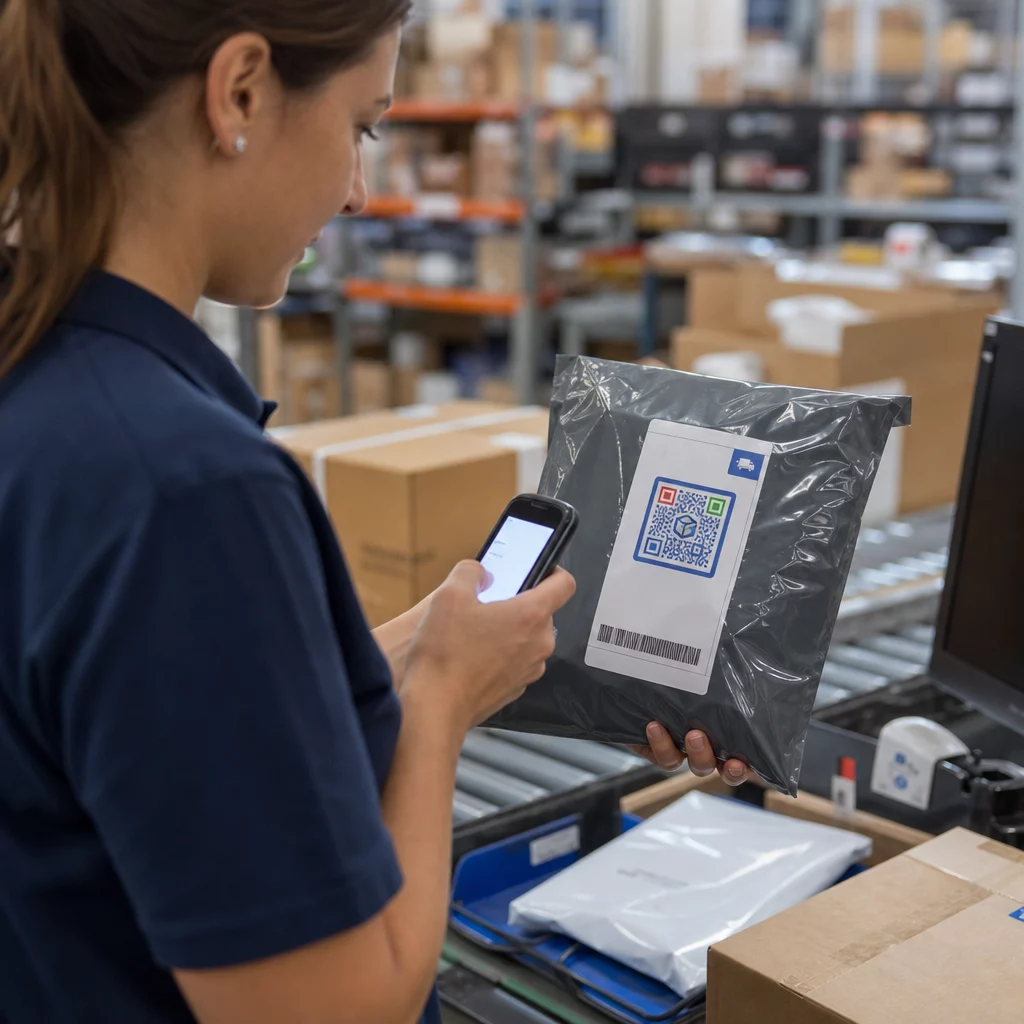
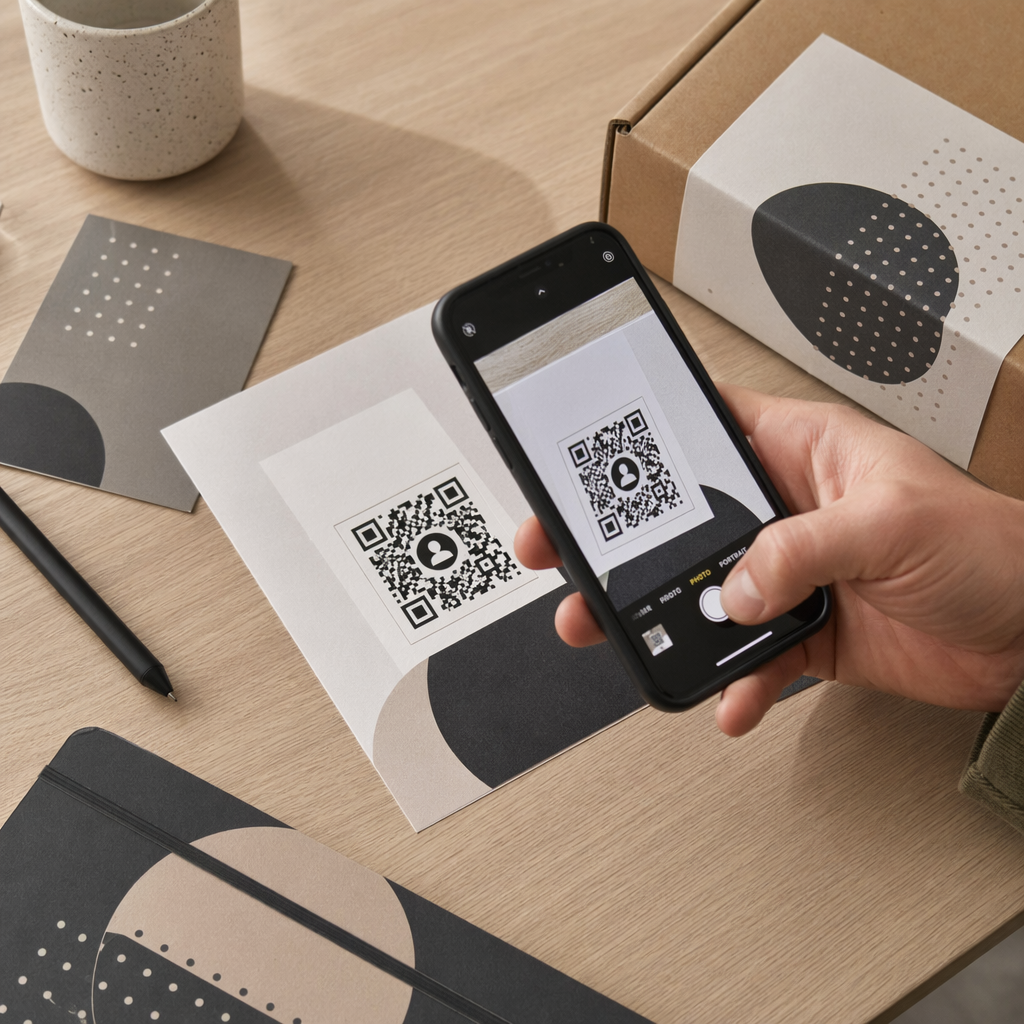
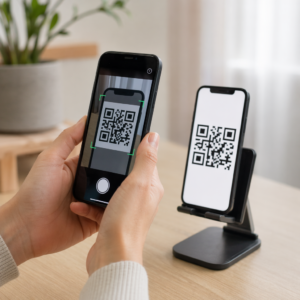
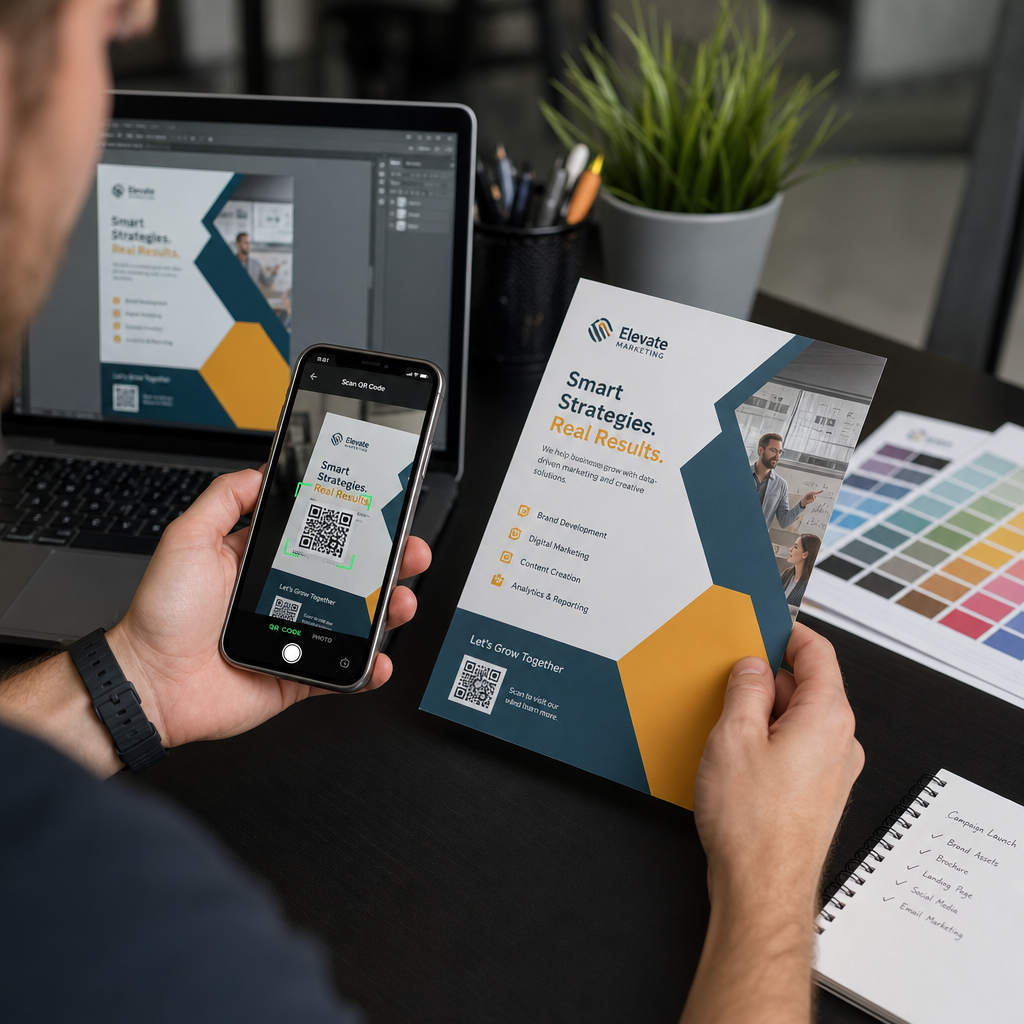
Ingen mängd skärmkontroll ersätter att trycka ett fysiskt prov. Tryck en enda kopia i exakta slutstorleken på det exakta materialet du planerar att använda, testa den sedan under förhållanden som återspeglar verklig användning.
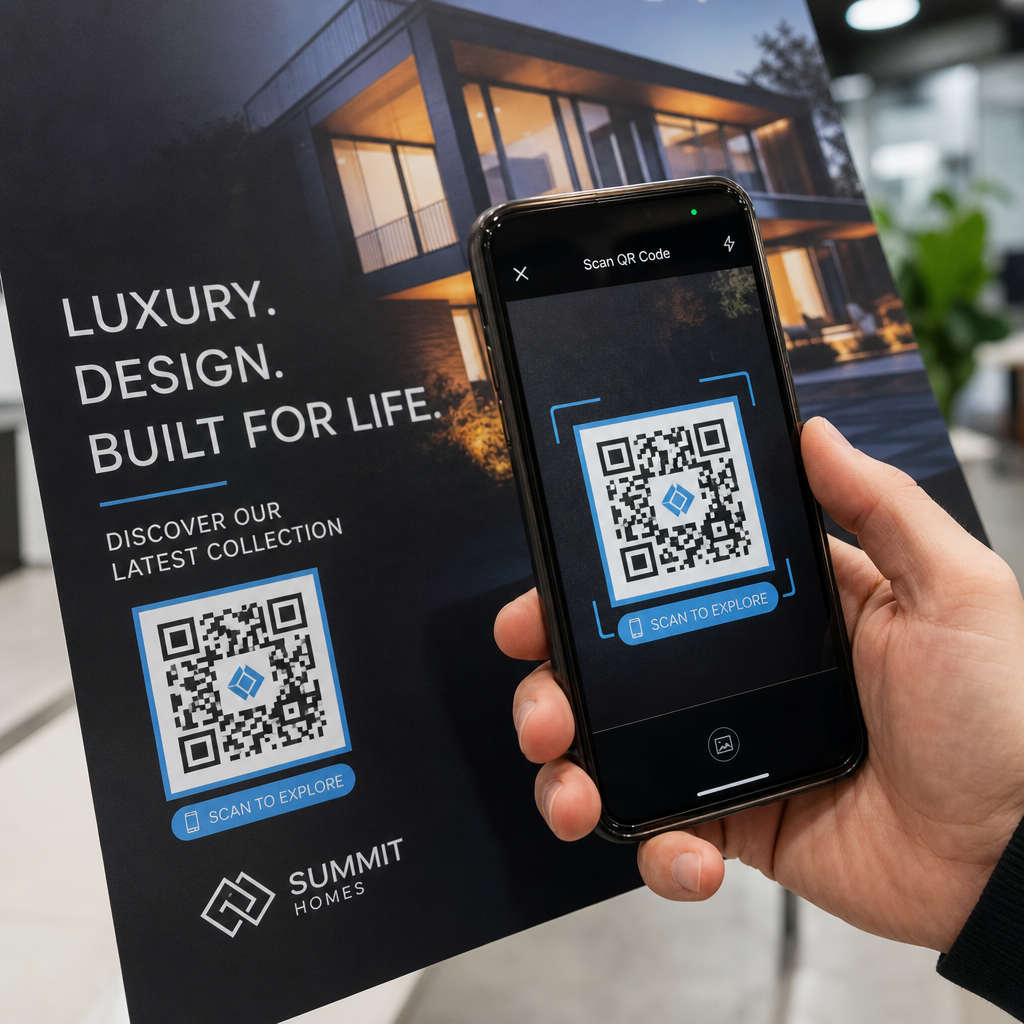
Ditt fysiska test bör omfatta:
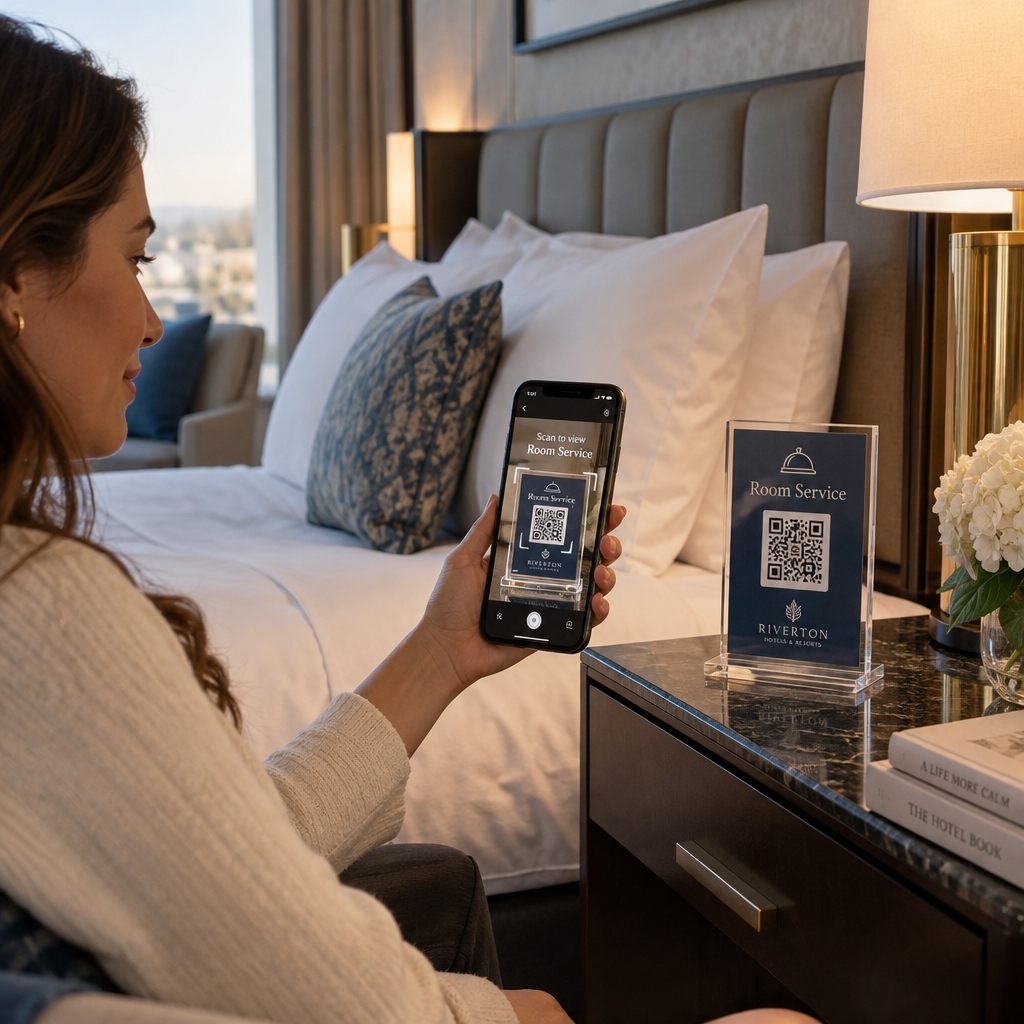
- Flera enheter: testa på minst två olika smartphones – en iOS och en Android – med både den inbyggda kameraappen och en tredjepartsskanner
- Flera avstånd: skanna från det typiska användaravståndet, och även från något längre bort för att bekräfta att det finns felmarginal
- Flera ljusförhållanden: testa i starkt naturligt ljus, standard inomhusbelysning och svagt ljus om koden kommer att visas i någon av dessa miljöer
- Den faktiska ytan: glansiga ytor reflekterar ljus och kan orsaka skanningsfel även när koddesignen är korrekt; matta ytor presterar mer tillförlitligt under olika förhållanden
Du kan också verifiera koden digitalt genom att ladda upp en bild av din design till Pageloot QR-kodskanner för att bekräfta att den avkodas korrekt innan du beställer en fullständig upplaga. Om din kod misslyckas med något av dessa tester, använd vanliga felsökningsguiden för QR-koder för att diagnostisera den specifika felpunkten innan du justerar och testar igen.
För en strukturerad översikt över vad mobiltestning bör omfatta, guide för att testa QR-koder för mobil användbarhet går igenom enhetskompatibilitet, skanningsvinklar och destinationsprestanda i detalj.
Ta hänsyn till din tryckmetod och yta
Sättet en QR-kod trycks på påverkar skanningsbarheten oberoende av själva koddesignen. Olika metoder ger olika nivåer av modulskärpa, och olika ytor interagerar med ljus på sätt som antingen kan hjälpa eller hindra skanning.
Viktiga överväganden per metod och material:
- Matta ytor sprider ljus snarare än reflekterar det, vilket gör dem nästan alltid överlägsna glansiga ytor för skanningspålitlighet
- Offsettryck producerar mycket skarpa modulkanter och är väl lämpat för stora tryckupplagor
- Digitaltryck fungerar bra för korta upplagor och anpassade koder, men bläckkvaliteten varierar och kan blekna över tid
- Termotryck är ekonomiskt för etiketter men kan sudda ut fina modulkanter – öka kodstorleken för att kompensera
- Texturerade eller böjda ytor introducerar distorsion som kan förvirra skannrar; använd en större kod för att ta hänsyn till det
För en fullständig genomgång av hur varje teknik påverkar skanningsbarheten, guiden om 15. hur trycktekniker påverkar QR-kodens skanningsbarhet täcker metodval, substratberedning och bläckhållbarhet.
Använd en dynamisk QR-kod för att skydda mot ändringar efter tryck
Även en perfekt testad QR-kod kan misslyckas efter tryck om destinations-URL:en ändras, den länkade sidan tas bort, eller kampanjinnehållet behöver uppdateras. Med en statisk QR-kod innebär varje ändring av destinationen att allt måste tryckas om.
Dynamiska QR-koder löser detta genom att koda en kort omdirigerings-URL snarare än den slutliga destinationen direkt. Omdirigeringen kan uppdateras när som helst från din instrumentpanel, så den tryckta koden förblir giltig även när din kampanj utvecklas. Detta innebär också att du kan fixa en trasig länk omedelbart efter distribution – utan att trycka om en enda del.
Utöver felprevention ger dynamiska koder dig tillgång till skanningsanalys: totala skanningar, skanningsplatser, tid för skanning och enhetstyper. Denna data berättar om dina tryckta material faktiskt fungerar i fält, och var du ska fokusera optimeringen. Den guide för att använda QR-koder i tryckta medier täcker hur dynamiska koder passar in i en bredare strategi för tryckta kampanjer.
Skydda din tryckinvestering Skapa en Dynamisk QR-kod för att hålla dina tryckta material aktuella och spåra verklig skanningsprestanda – utan att någonsin behöva gå tillbaka till tryckeriet.
Checklista för testning av QR-kod före tryck
Innan du godkänner någon QR-kod för tryckproduktion, gå igenom var och en av följande:
- Kodstorleken matchar 10:1-regeln för förväntat skanningsavstånd
- Filen exporteras i SVG-, EPS- eller PDF-format (eller raster med minst 300 DPI vid slutlig utskriftsstorlek)
- Kontrastförhållandet mellan moduler och bakgrund uppfyller minst 4:1
- Tyst zon på minst fyra moduler är tydlig på alla sidor
- Felfelsrättningsnivån är lämplig (Q eller H om en logotypöverlagring finns)
- Koden avkodas korrekt när den skannas från en uppladdad bild
- Fysiskt prov testat på både iOS- och Android-enheter
- Fysiskt prov testat i realistiska ljusförhållanden och på det faktiska tryckmaterialet
- Destinations-URL:en är live, mobiloptimerad och laddas snabbt
- Dynamisk QR-kod används om destinationen kan behöva ändras efter tryckning
Att gå igenom dessa kontroller före varje tryckjobb tar betydligt mindre tid än att beställa om en tryckning. Bra QR-kodprestanda börjar med filen, inte skannern. Få storlek, format, kontrast och tyst zon rätt i designstadiet, tryck ett prov på det verkliga materialet, och testa det på det sätt som din publik faktiskt kommer att använda det.
Vanliga frågor
Det tillförlitliga minimumet för närskanning – som på visitkort eller produktetiketter – är 2 × 2 cm (0,8 × 0,8 tum). För större tryckt material, tillämpa 10:1-regeln: kodens bredd bör vara minst 1 cm för varje 10 cm förväntat skanningsavstånd. En affisch skannad från 1 meters avstånd, till exempel, behöver en kod som är minst 10 cm bred.
Använd alltid ett vektorformat – SVG, EPS, eller PDF – för tryck. Vektorfiler skalas till valfri storlek utan att bli suddiga eller pixliga. Om du måste använda ett rasterformat som PNG, se till att upplösningen är minst 300 DPI vid den slutliga tryckstorleken. Lågupplösta rasterfiler är en av de vanligaste orsakerna till oläsbara tryckta QR-koder.
Skriv ut ett enda korrektur i exakt avsedd storlek på exakt det material du planerar att använda, testa det sedan på minst två olika enheter (iOS och Android) i realistiska ljusförhållanden. Du kan också ladda upp en bild av din kod till Pageloot QR Code Scanner för att verifiera att den avkodas korrekt innan den går i tryck. Att använda en dynamisk QR-kod lägger till ytterligare ett skyddslager – om något behöver ändras efter utskrift, kan du uppdatera destinationen utan att skriva ut igen.