Which QR code format will actually save your staff time and keep your guests happy? Choosing the wrong setup leads to high reprinting costs and frustrated diners who struggle to read your menu on small screens. This guide compares the most effective QR solutions to help you select the most efficient digital menu for your daily operations.
Dynamic vs. Static QR Codes
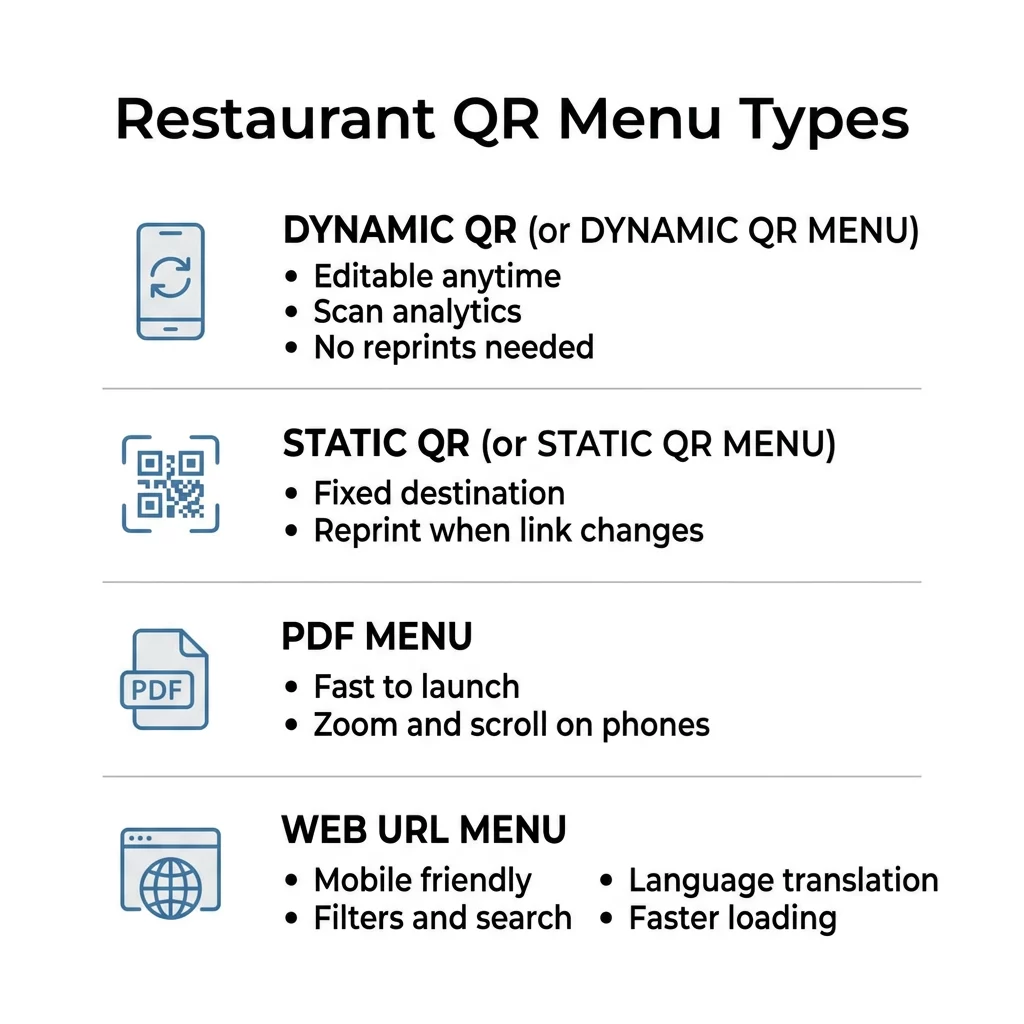
The most critical decision you will make is whether to use a static or dynamic format. Static QR codes encode your menu’s destination directly into the pattern, meaning the data is fixed. If you change your menu’s web address or need to fix a typo, you must reprint every single code on your tables. Consequently, these are only suitable for unchanging information like a permanent Wi-Fi password.
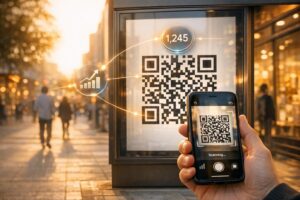
In contrast, dynamic QR codes provide the operational flexibility required by modern restaurants. These codes use a short redirect link that allows you to edit a QR code link at any time without changing the physical printed materials. This technology allows you to 86 items in real-time or update seasonal pricing from a central dashboard. Beyond flexibility, dynamic codes provide scan analytics, helping you track which tables are most active and what times of day guests are scanning.
Stop wasting money on reprints whenever your prices change. Use the Pageloot Dynamic QR Code Generator to manage your digital menu with real-time updates and scan tracking.
PDF Menus for Quick Digital Adoption
A PDF QR code is often the fastest way to transition from paper to digital service. This format is ideal for restaurants that already have a professionally designed print menu and want to get online immediately. When a guest scans a PDF QR code, the document opens directly on their smartphone, providing a familiar reading experience.
However, PDF menus come with usability trade-offs. Because these files are typically designed for large paper sheets, they can be difficult to read on mobile devices, often requiring guests to zoom and scroll. If you choose this format, optimize the document by using larger fonts and a single-column layout. While this setup is low-cost and quick to deploy, it lacks the interactive features of a dedicated webpage.
Web-Based URL Menus for Guest Experience
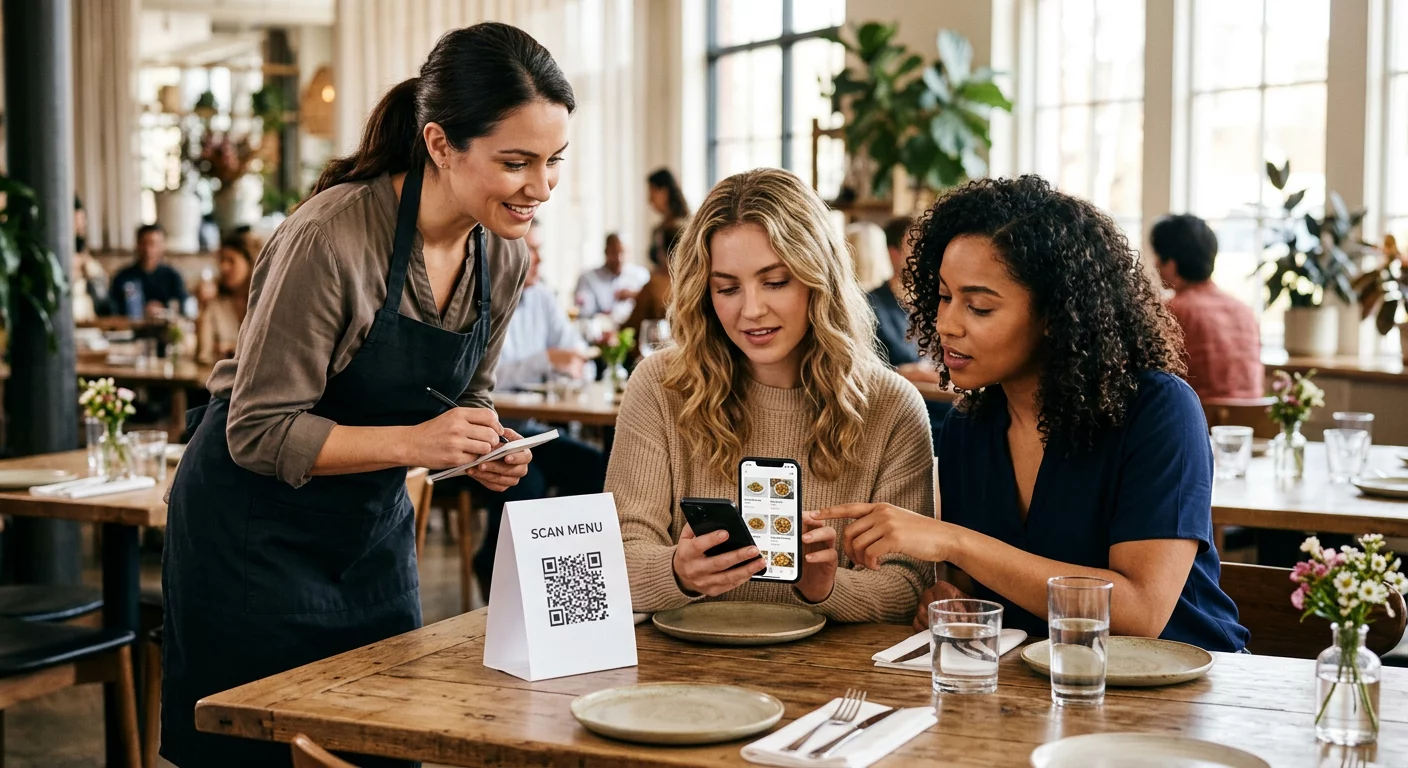
For establishments prioritizing guest experience and accessibility, a mobile-optimized URL menu is the superior choice. This setup uses a link QR code generator to connect your table tents to a responsive webpage. Unlike static files, a web-based menu automatically adjusts to fit any screen size, ensuring your food photography and item descriptions look professional.
Research indicates that 78% of diners prefer digital menus for their convenience, particularly when they offer interactive elements. A mobile-responsive site allows you to implement features like:
- Filterable categories: Guests can quickly find vegan, gluten-free, or allergen-safe options.
- Faster loading speeds: Optimized webpages typically load in under three seconds, significantly faster than large PDF files.
- Automatic translation: Digital menus can detect a guest’s language settings to provide a localized experience for tourists.
- Higher check averages: Interactive menus can boost spending by up to 17% through integrated upselling and high-resolution visuals.
Google Drive and Multi-Link Solutions
Small cafes or food trucks often need a middle ground between a simple file and a complex website. A Google Drive QR code allows you to host your menu in a cloud folder where you can update the file while the sharing link remains identical. When you use a Google Drive QR code generator, you simply need to ensure your permissions are set to public so guests can view the content without technical hurdles.
For a more comprehensive “guest hub,” many operators utilize multi-link landing pages. This approach creates a single destination where guests can view the food menu, join a loyalty program, follow social media, or leave a review. By centralizing these resources, you turn a simple utility into a powerful marketing tool. You can find detailed instructions on setting up these interactive hubs in this step-by-step guide to creating a QR code menu.
Reliability and Scannability Best Practices
The most sophisticated digital menu is useless if the physical code fails to scan. Poor lighting and reflective surfaces are common enemies of scannability in dining rooms. To ensure a seamless experience, you should follow established guidelines for QR code readability and placement.
Size and Contrast Requirements
Standardization is key to reliability. Following QR code usability best practices will prevent the most common technical failures.
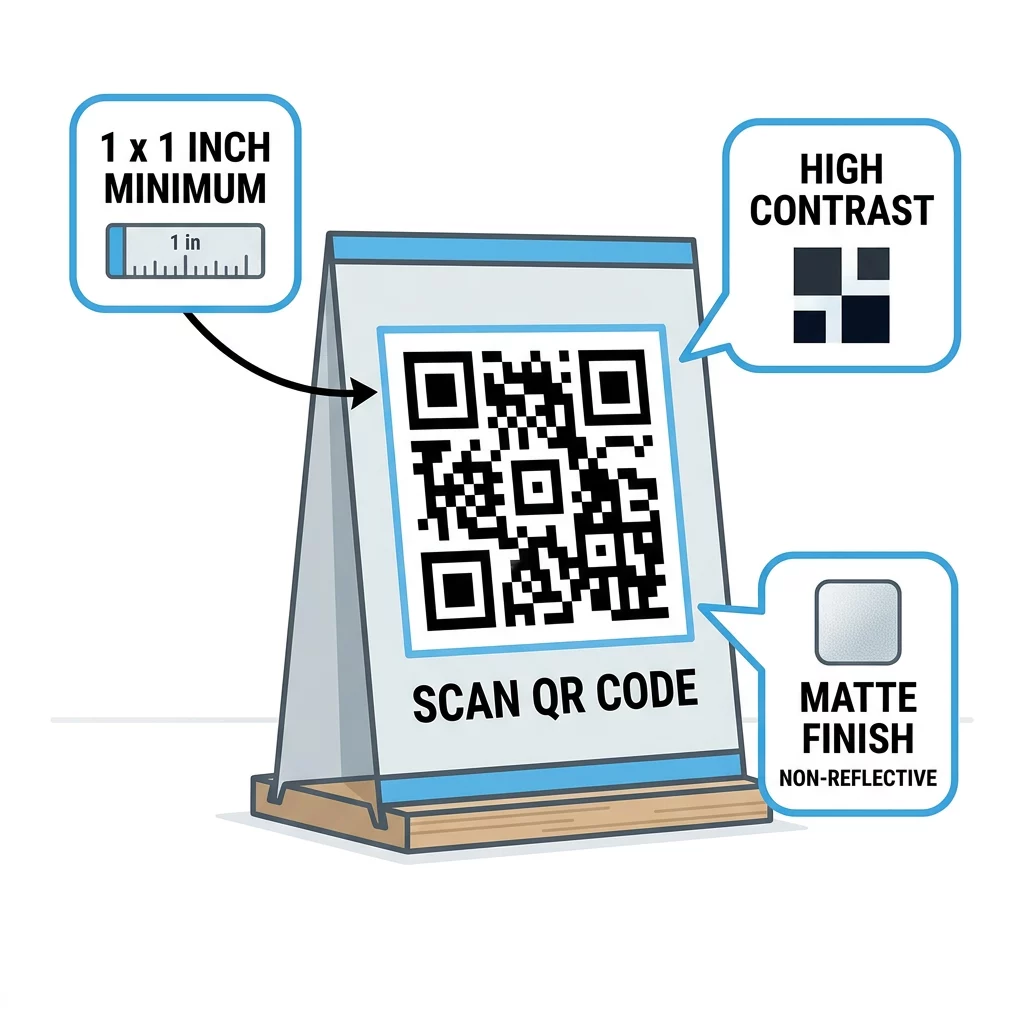
- Proportions: For most restaurant tables, the QR code should be at least 1 x 1 inch to be recognized by older smartphone cameras.
- Color Contrast: Maintain a high-contrast design, preferably using a dark code on a light background. Avoid “inverted” designs (light code on dark background), as these often fail in dim evening lighting.
- Materials: Use matte finishes for table tents or stickers to reduce glare from overhead lights.
- Branding: When you design a QR code menu, you can include your logo in the center of the code, but ensure you use a high error correction level to maintain scannability.
By choosing dynamic technology and optimizing for mobile usability, you can significantly reduce labor costs and improve table turnover. Large-scale groups like Marriott have successfully implemented these strategies, saving over $150,000 in printing costs by switching to a centralized digital menu system.
FAQ
You do not need to reprint your codes if you use a dynamic QR code. These allow you to update the destination link or the content of the linked file from your dashboard while the physical code on your tables remains the same.
A PDF menu is a digital version of your print layout and is faster to set up but harder to read on small screens. A web-responsive menu is a mobile-friendly webpage that automatically adjusts its layout for the best user experience and faster loading.
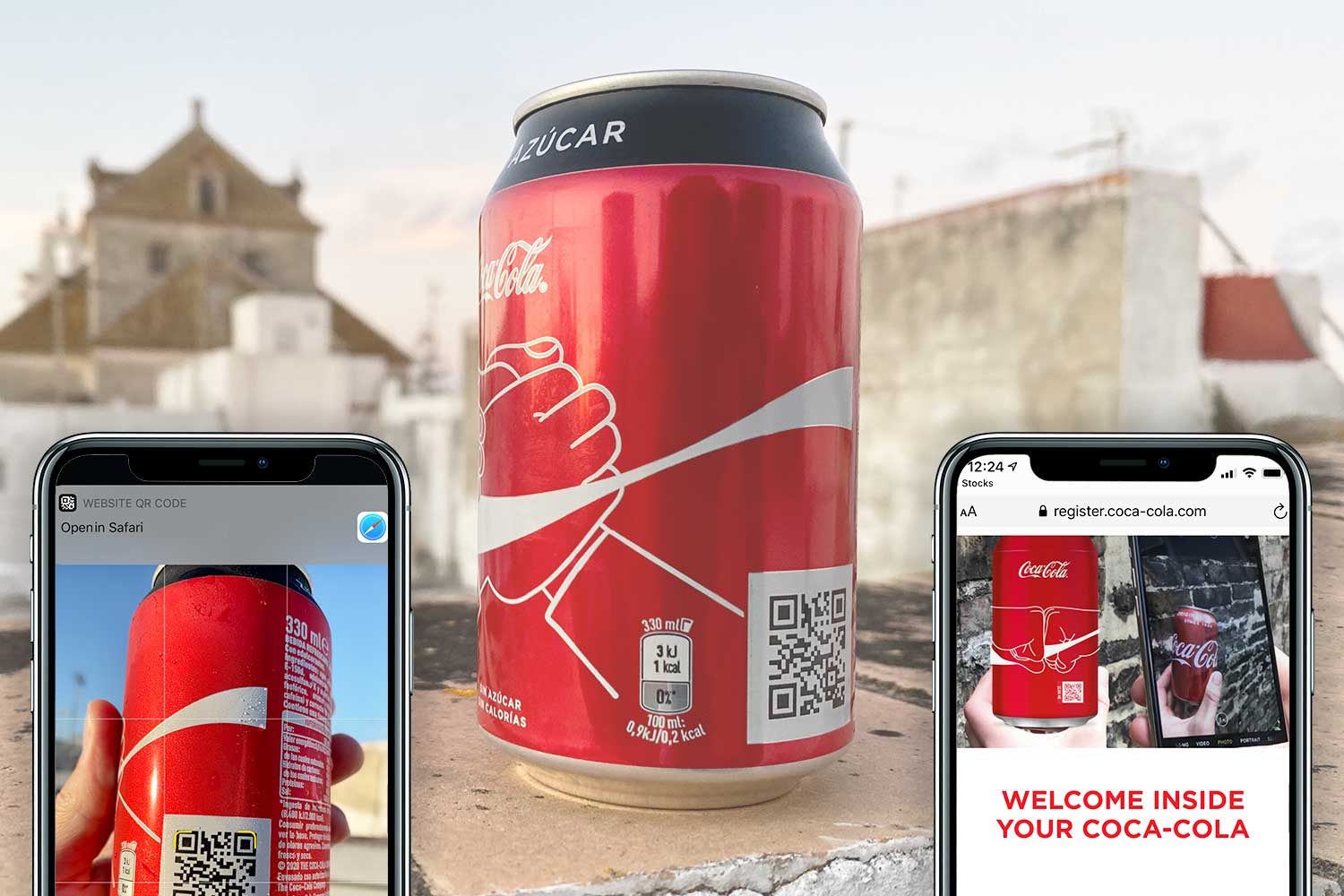
Most modern smartphones have QR scanning capabilities integrated directly into the native camera app. Guests only need to open their camera and point it at the code to receive a notification to open the digital menu. To get started with a professional digital menu that scales with your business, try our free QR code generator to create your first dynamic menu today.