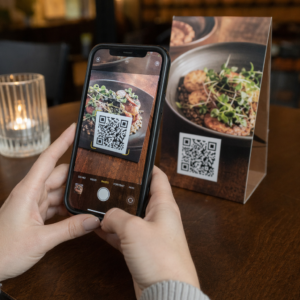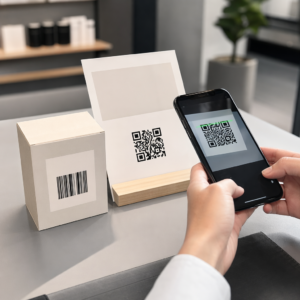

Onko eläinlääkäriasemasi henkilökunta ylikuormittunut tungoksesta odotushuoneissa ja loputtomista paperilomakkeista? Manuaaliset hallinnolliset tehtävät viivästyttävät hoitoa, lisäävät vastaanoton stressiä ja turhauttavat lemmikinomistajia. Skannattavien digitaalisten työnkulkujen käyttöönotto antaa klinikallesi mahdollisuuden sujuvoittaa sisäänkirjautumisia, automatisoida jälkihoito-ohjeet ja yksinkertaistaa asiakasmarkkinointia.
Päivittäisten toimintojen ja potilaiden sisäänkirjautumisen tehostaminen
Asiakasvirran hallinta aamun ruuhka-aikoina on jatkuva haaste praktiikkajohtajille. Paperisten rekisteröintileikepöytien korvaaminen digitaalisilla kosketuspisteillä vähentää odotustilan ruuhkaa ja estää manuaalisia tietojen syöttövirheitä käytännönhallintaohjelmistossasi.
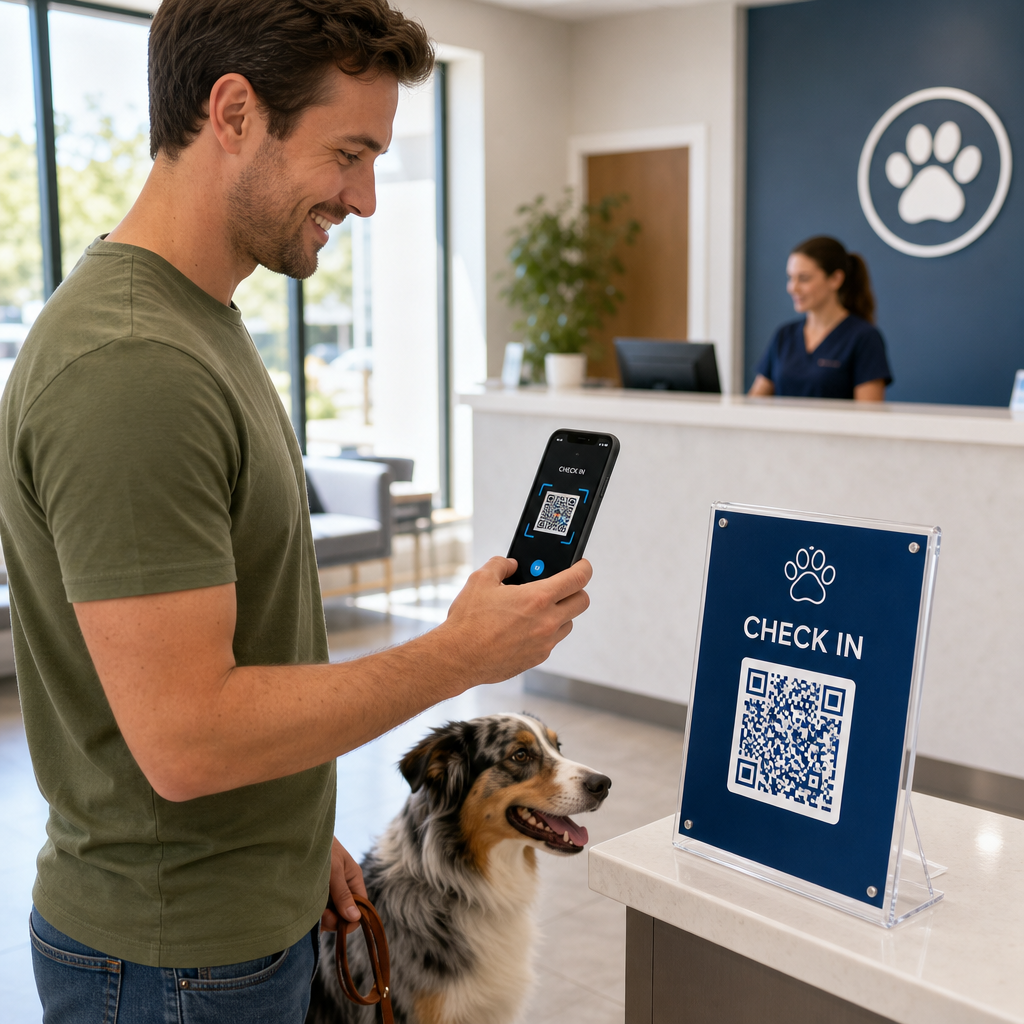
Kosketusvapaiden sisäänkirjautumiskoodien asettaminen odotustilan akryylitelineisiin tai etuoven kyltteihin antaa lemmikinomistajille mahdollisuuden aloittaa sisäänkirjautumisen suoraan älypuhelimistaan. Kun asiakkaat skannaavat koodin, he avaavat turvallisen digitaalisen lomakkeen vahvistaakseen yhteystietonsa, täydentääkseen terveystietonsa tai allekirjoittaakseen leikkausta edeltävät suostumussopimukset.
Eläinlääkäriklinikkojen keskeisiä toiminnallisia kosketuspisteitä ovat:
- Digitaalinen potilaan sisäänkirjautuminen: Ohjaa asiakkaat digitaalisiin sisäänottolomakkeisiin ennen tapaamisia, jotta terveyshistoriatiedot saadaan päivitettyä ilman vastaanoton viivästyksiä käyttämällä Google Forms QR-koodi generaattori.
- Kosketusvapaa maksunkäsittely: Näytä pikamaksu-kylttejä kassalla, jotta lemmikinomistajat voivat maksaa laskut maksun QR-koodiratkaisujen kautta digitaalisilla lompakoilla tai PayPal.
- Hätäyhteystietojen jakaminen: Tarjoa digitaalisia vCard-yhteystietokoodeja jääkaappimagneettiesitteissä, jotta omistajat voivat tallentaa klinikasi tärkeät numerot suoraan matkapuhelimiensa osoitekirjoihin.
Yksinkertaista potilaiden sisäänkirjautuminen ja lomakkeiden kerääminen Poista paperipino ja nopeuta odotustilan sisäänkirjautumisia räätälöidyillä digitaalisilla lomakkeilla. Käytä Google Forms QR-koodi generaattori luodaksesi skannattavia sisäänottolomakkeita klinikallesi jo tänään.
Asiakaskoulutuksen ja jälkihoidon noudattamisen parantaminen
Lemmikkien omistajat tuntevat usein olonsa ylikuormitetuksi kotiutuksen aikana ja unohtavat suulliset kotihoito-ohjeet. Tarjoamalla välittömän digitaalisen pääsyn leikkauksen jälkeisiin ohjeisiin paranee hoidon noudattaminen ja vähenee tarpeettomia paniikkipuheluita.
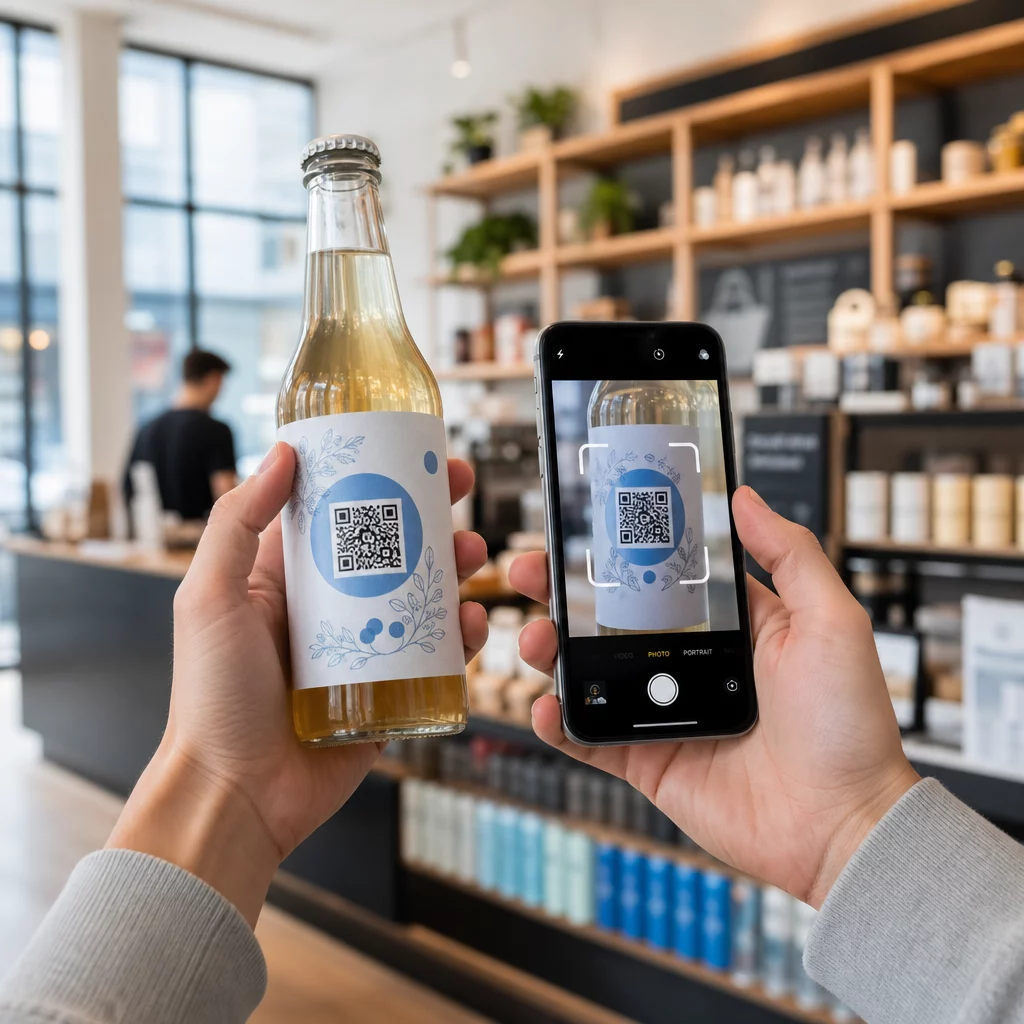
Skannattavien koodien tulostaminen lääkepulloihin, kotiutuskansioihin tai hoitolehtiin yhdistää asiakkaat suoraan opetusvideoihin, haavanhoito-oppaisiin ja fysioterapian esittelyihin. Laajemman tapaan terveydenhuollon QR-koodisovellukset, digitaaliset jälkihoitotyökalut varmistavat, että kriittinen lääketieteellinen ohjeistus on saatavilla 24/7.
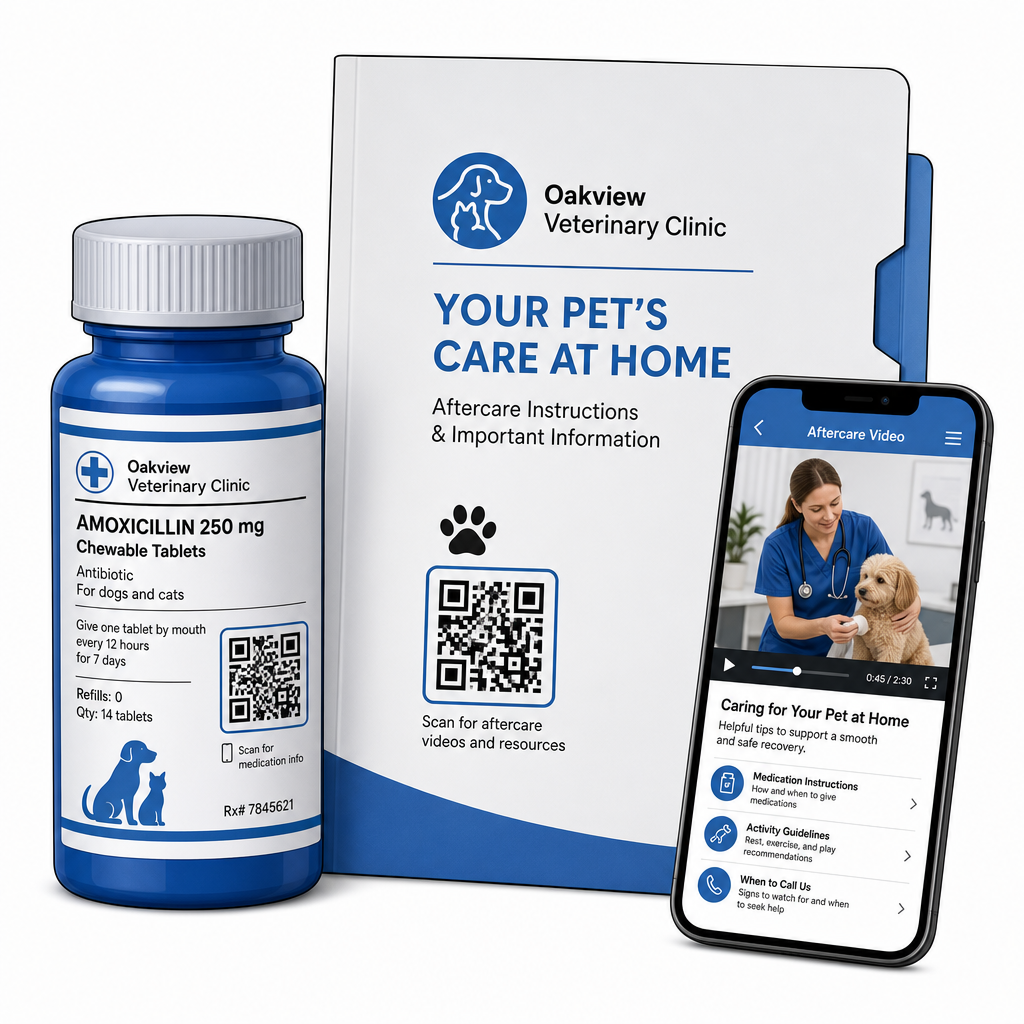
Voit toimittaa käynnin jälkeiset materiaalit tehokkaasti seuraavien avulla:
- Digitaaliset kotiutuskansiot: Lataa kattavat leikkauksen jälkeiset palautumisohjekirjat käyttämällä PDF QR-koodi generaattori jotta lemmikkien omistajat voivat tallentaa asiakirjatiedostoja suoraan puhelimiinsa.
- Lääkkeenannon oppaat: Linkitä reseptipullojen etiketit suoraan lyhyisiin videoesittelyihin, jotka näyttävät oikean pillerin annostelun, silmätippatekniikat tai insuliinipistokset.
- Ruokavalio- ja hyvinvointioppaat: Näytä skannattavat linkit rotukohtaisiin ravitsemusoppaisiin, loisten ehkäisyaikatauluihin ja hammashoitosuosituksiin vastaanottotiloissa.
Praktikan markkinoinnin ja maineenhallinnan edistäminen
Eläinlääkäripraktikan kasvattaminen vaatii jatkuvaa paikallista sitoutumista ja positiivisia online-arvosteluja. Digitaalisten kosketuspisteiden strateginen sijoittelu fyysisiin markkinointiresursseihin auttaa muuttamaan rutiinikäynnit pitkäaikaiseksi praktikan kasvuksi.
Asettamalla arvostelupyyntöjä kotiutuspisteeseen tai tulostamalla ne laskuihin kannustat tyytyväisiä asiakkaita jättämään palautetta heidän kokemuksensa ollessa tuoreena. Voit virtaviivaistaa tätä prosessia käyttämällä Google-arvostelun QR-koodi generaattori ohjaamaan lemmikkien omistajat suoraan profiiliisi.
Luottamuksen säilyttämiseksi ja sääntelystandardien noudattamiseksi praktikoiden on noudatettava keskeisiä vaatimustenmukaisuussääntöjä:
| Markkinointialue | Parhaan käytännön standardi | Sääntely- & alustavaatimus |
|---|---|---|
| Google-arvostelut | Ohjaa kaikki asiakkaat vahvistettuun Google My Business -profiiliisi. | FTC:n ohjeistus ja Googlen käytännöt kieltävät ehdottomasti arvostelujen rajoittamisen, väärennetyt arvostelut tai alennusten ja lahjojen tarjoamisen vastineeksi arvosteluista. |
| Hyvinvointisuunnitelmat | Ohjaa asiakkaat monilinkkiin laskeutumissivuille ennaltaehkäisevän hoidon ilmoittautumiseen. | Tarjoa läpinäkyvät hintatiedot ja selkeät ehdot vuosittaisille hyvinvointipaketeille. |
| Asiakasohjaukset | Esitä suositusten rekisteröintikoodit käyntikorteissa ja tervetuliaiskansioissa. | Varmista, että suositusehdot koskevat tasapuolisesti kaikkia nykyisiä asiakkaita. |
Yhteistyön seuranta painetuissa esitteissä, kausiluonteisissa tarjouksissa ja suosittelukorteissa on suoraviivaista, kun käytetään jäljitettäviä dynaamisia QR-koodeja. Klinikkapäälliköt voivat tarkastella reaaliaikaisia skannausmittareita arvioidakseen, mikä mainospaikka tuottaa eniten asiakasvuorovaikutusta.
Parhaat käytännöt skannattavuuteen, turvallisuuteen ja saavutettavuuteen
QR-koodi, joka ei skannaudu, aiheuttaa turhautumista sekä lemmikkien omistajille että klinikan henkilökunnalle. Teknisten standardien ja turvallisuusprotokollien noudattaminen varmistaa luotettavan suorituskyvyn kaikissa eläinlääkinnän kosketuspisteissä.
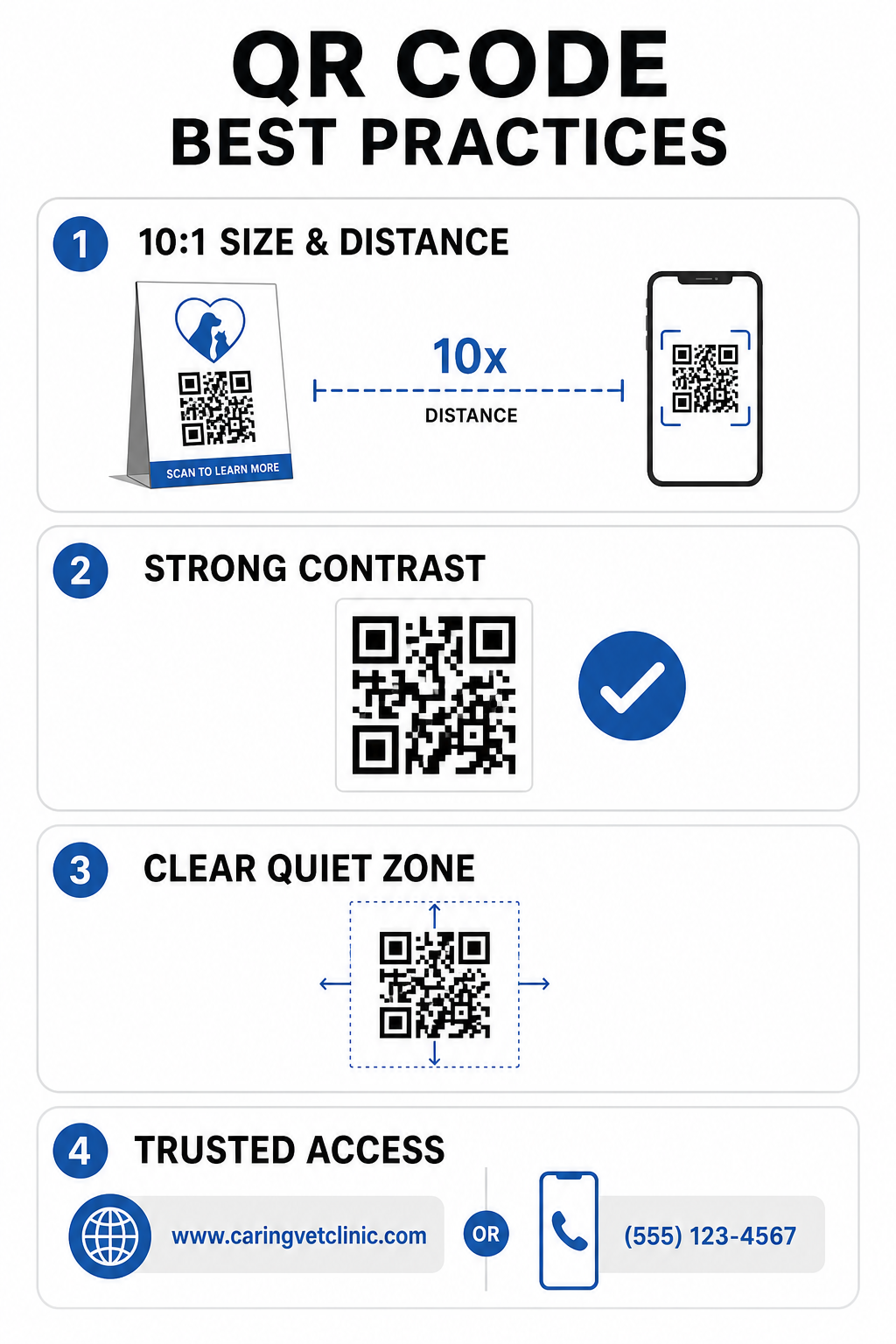
Tekniset tulostusohjeet
- Säilytä 10:1 koko-etäisyyssuhde: Tee koodista vähintään 1 cm leveä jokaista 10 cm:n odotettua skannausetäisyyttä kohti, pitäen lähialueen koodien vähimmäiskoon 2 x 2 cm.
- Varmista korkea värikontrasti: Säilytä vähintään 4:1 kontrastisuhde tummien koodikuvioiden ja vaaleiden taustojen välillä, välttäen vaaleita kuvioita vaaleilla taustoilla.
- Säilytä hiljainen vyöhyke: Jätä selkeä valkoinen reunus koodin ulkoreunojen ympärille estääksesi häiriöitä ympäröivistä graafisista elementeistä.
- Vie korkearesoluutioiset tiedostot: Tallenna tulostusaineistot vektorimuodoissa, kuten SVG tai EPS, vähintään 300 DPI:n tarkkuudella pikselöitymisen estämiseksi, noudattaen vahvistettuja parhaita käytäntöjä QR-koodin luettavuudelle.
Turvallisuus- ja saavutettavuusstandardit
- Suojaa fyysiset opasteet verkkourkinnalta: Tarkasta klinikan kyltit säännöllisesti suojautuaksesi haitallisilta peittotarroilta (quishing), jotka kohdistuvat lemmikkien omistajiin.
- Hyödynnä luotettuja mukautettuja verkkotunnuksia: Linkitä koodit suoraan vahvistettuihin klinikan verkkotunnuksiin yleisten URL-lyhentäjien sijaan varmistaaksesi kohteen turvallisuuden.
- Tarjoa vaihtoehtoisia pääsykeinoja: Sisällytä lyhyitä kirjoitettuja URL-osoitteita, puhelinnumeroita tai henkilökunnan apua koodien rinnalle, selkeiden ja ymmärrettävien skannausohjeiden kera.
Eläinlääkinnällisten kosketuspisteidesi päivittäminen
Skannattavien työnkulkujen integrointi eläinlääkäripraktiikkaasi luo yhteyden fyysisten asiakaskosketuspisteiden ja digitaalisten hallintatyökalujen välille. Paperisten lomakkeiden korvaaminen digitaalisilla sisäänottovaihtoehdoilla, välittömien jälkihoitovideoiden tarjoaminen ja palautteen keräämisen yksinkertaistaminen vähentävät henkilökunnan väsymystä samalla kun nostavat potilaiden hoitostandardia.
Aloita tunnistamalla klinikkasi ruuhkaiset kitkakohdat, kuten aulan sisäänkirjautuminen tai lääkkeiden luovutus. Valitse dynaamiset vaihtoehdot, jotta voit päivittää linkitettyjä verkko-osoitteita tai ladattavia asiakirjoja milloin tahansa tulostamatta fyysisiä kylttejä uudelleen. Rakenna, mukauta ja seuraa praktikasi digitaalisia kosketuspisteitä käyttäen Pageloot QR-koodigeneraattori tänään.
Usein kysytyt kysymykset
Dynaamiset QR-koodit mahdollistavat henkilökunnalle kohdeverkkosivun tai linkitetyn PDF-dokumentin päivittämisen milloin tahansa, ilman että fyysisiä esitteitä, opasteita tai pilleripulloja tarvitsee tulostaa uudelleen. Ne tarjoavat myös skannausanalytiikkaa, jonka avulla toimiston johtajat voivat arvioida asiakkaiden sitoutumista.
Ei. FTC:n ohjeistukset ja Googlen arvostelukäytännöt kieltävät jyrkästi kannustimien, ilmaisten tuotteiden tai alennusten tarjoamisen verkkoverostelujen vastineeksi. Toimijoiden on kerättävä aitoa, kannustamatonta palautetta.
Noudata 10:1 etäisyys-kokosuhdeohjetta. Jos lemmikin omistaja skannaa julisteen 100 cm:n (noin 3 jalan) etäisyydeltä, koodin tulee olla vähintään 10 x 10 cm, ja sen ympärillä tulee olla selkeä valkoinen reunus.