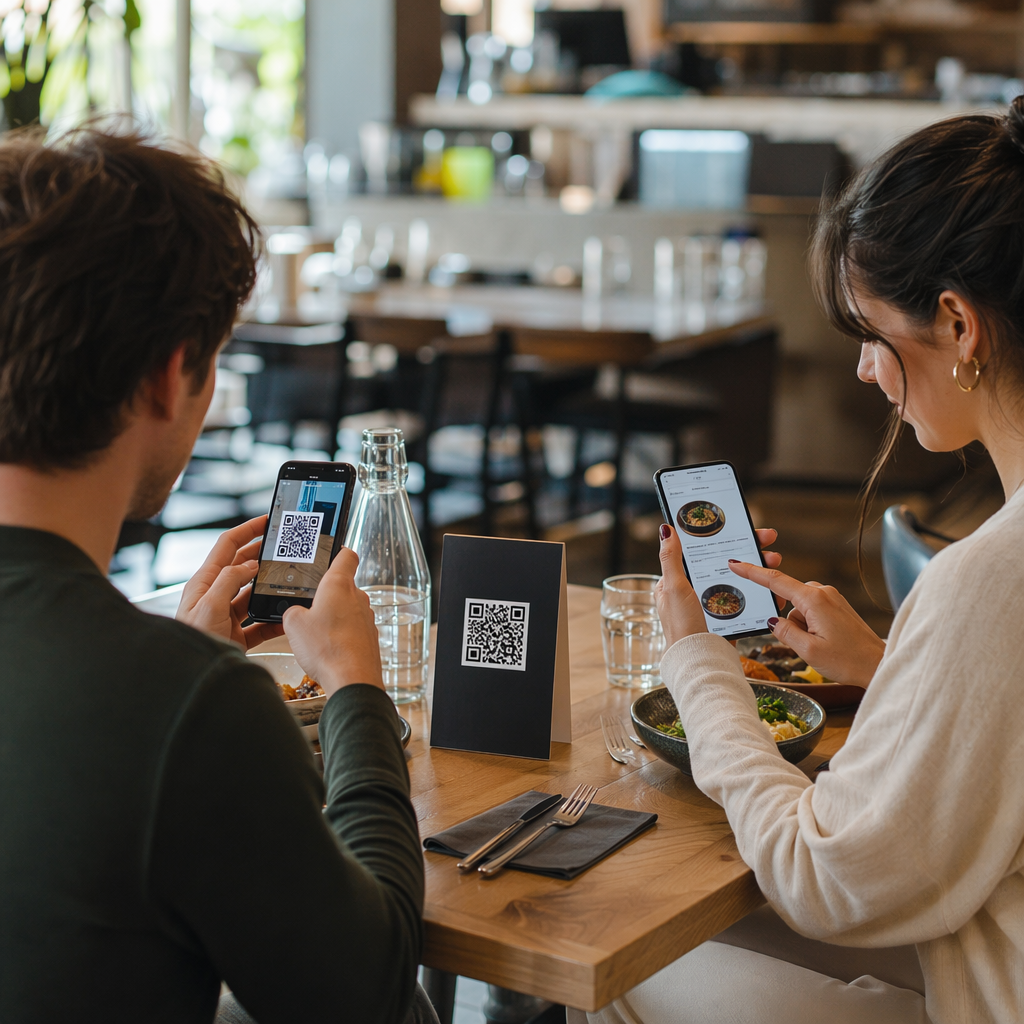
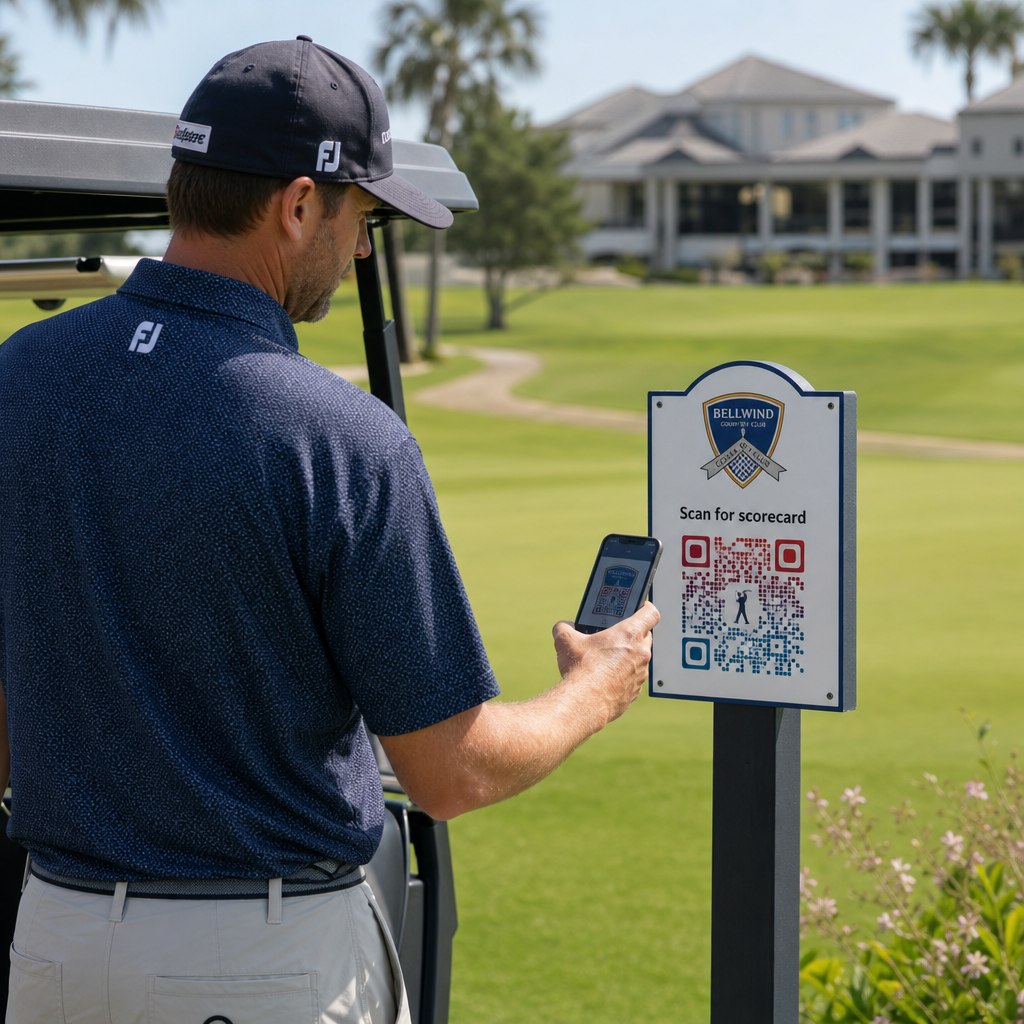
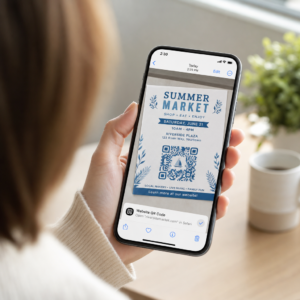
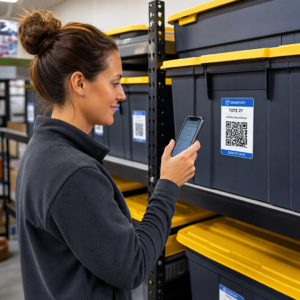
Czy Twoi subskrybenci ignorują linki tekstowe podczas czytania wiadomości na ekranach komputerów? Kiedy odbiorcy otwierają wiadomości e-mail na komputerze, zmuszanie ich do ręcznego wyszukiwania aplikacji mobilnych lub wpisywania długich adresów internetowych stwarza niepotrzebne problemy. Włączenie skanowalnych kodów do marketingu e-mailowego zapewnia bezpośrednie połączenie między przeglądaniem wiadomości na komputerze a korzystaniem z nich na urządzeniach mobilnych.
Jak kody QR łączą komputery stacjonarne z urządzeniami mobilnymi
Większość kampanii e-mailowych napotyka na przeszkodę związaną z obsługą wielu urządzeń: subskrybenci często czytają e-maile promocyjne na komputerze stacjonarnym lub laptopie, ale zamierzone działanie – takie jak instalacja aplikacji mobilnej, zapisanie wizytówki lub dodanie przepustki na wydarzenie – wykonuje się na smartfonie.
Umieszczenie skanowalnej grafiki w wiadomości e-mail pozwala odbiorcom na otwarcie aparatu w smartfonie, skierowanie go na ekran komputera i natychmiastowe uruchomienie akcji na urządzeniu mobilnym. Taka interakcja między urządzeniami zmniejsza wskaźniki porzuceń w przypadku procesów wymagających udziału urządzeń mobilnych. Marketerzy mogą również wykorzystać tę strategię wielokanałową, aby… połączenie mediów społecznościowych i marketingu e-mailowego, kierując czytelników biuletynów bezpośrednio do aktywnych profili w mediach społecznościowych.
Praktyczne przypadki użycia kampanii marketingu e-mailowego
Umieszczenie skanowalnego elementu w wiadomości e-mail powinno zawsze służyć jasno określonemu celowi funkcjonalnemu. Oto kluczowe scenariusze, w których dodanie skanowalnego kodu jest skuteczniejsze niż standardowe linki tekstowe:
- Pobieranie aplikacji do jazdy samochodem:Przekieruj użytkowników komputerów stacjonarnych bezpośrednio do sklepu iOS App Store lub Google Play Store w oparciu o system operacyjny ich telefonu.
- Dodawanie kart lojalnościowych Wallet:Przenoś przepustki na wydarzenia, bilety lub kupony cyfrowe z ekranów komputerów bezpośrednio do Apple Wallet lub Google Wallet.
- Aktualizowanie danych kontaktowych:Pozwól kontaktom biznesowym zapisywać dane przedstawicieli handlowych bezpośrednio w książce adresowej telefonu za pomocą wizytówek vCard.
- Wyzwalanie wstępnie wypełnionych wiadomości:Otwórz mobilnego klienta poczty e-mail lub aplikację do przesyłania wiadomości, wstępnie wypełnioną informacjami o odbiorcy i tekstem zapytania.
- Uproszczenie przesyłania formularzy: Kieruj czytelników do ankiet zoptymalizowanych pod kątem urządzeń mobilnych lub stron zarządzania subskrypcjami. Jeśli prowadzisz kampanie newsletterowe, możesz bezproblemowo łączyć elementy skanowalne z Przepływy pracy e-maili Mailchimp aby usprawnić proces rejestracji subskrybentów.
Twórz elastyczne kody kampanii e-mailowych Chcesz zaktualizować swój link promocyjny po wysłaniu wiadomości e-mail? Użyj Generator dynamicznych kodów QR możliwość modyfikowania łączy docelowych w dowolnym momencie i monitorowania wydajności skanowania w czasie rzeczywistym.
Najważniejsze najlepsze praktyki dotyczące możliwości skanowania i dostępności wiadomości e-mail
Umieszczając skanowalne grafiki w szablonach wiadomości e-mail, techniczne wykonanie decyduje o tym, czy subskrybenci będą mogli skutecznie wchodzić w interakcję z treścią. Przestrzeganie ustalonych standardów wizualnych i dostępności gwarantuje, że każdy subskrybent może uczestniczyć w procesie bez barier technicznych.
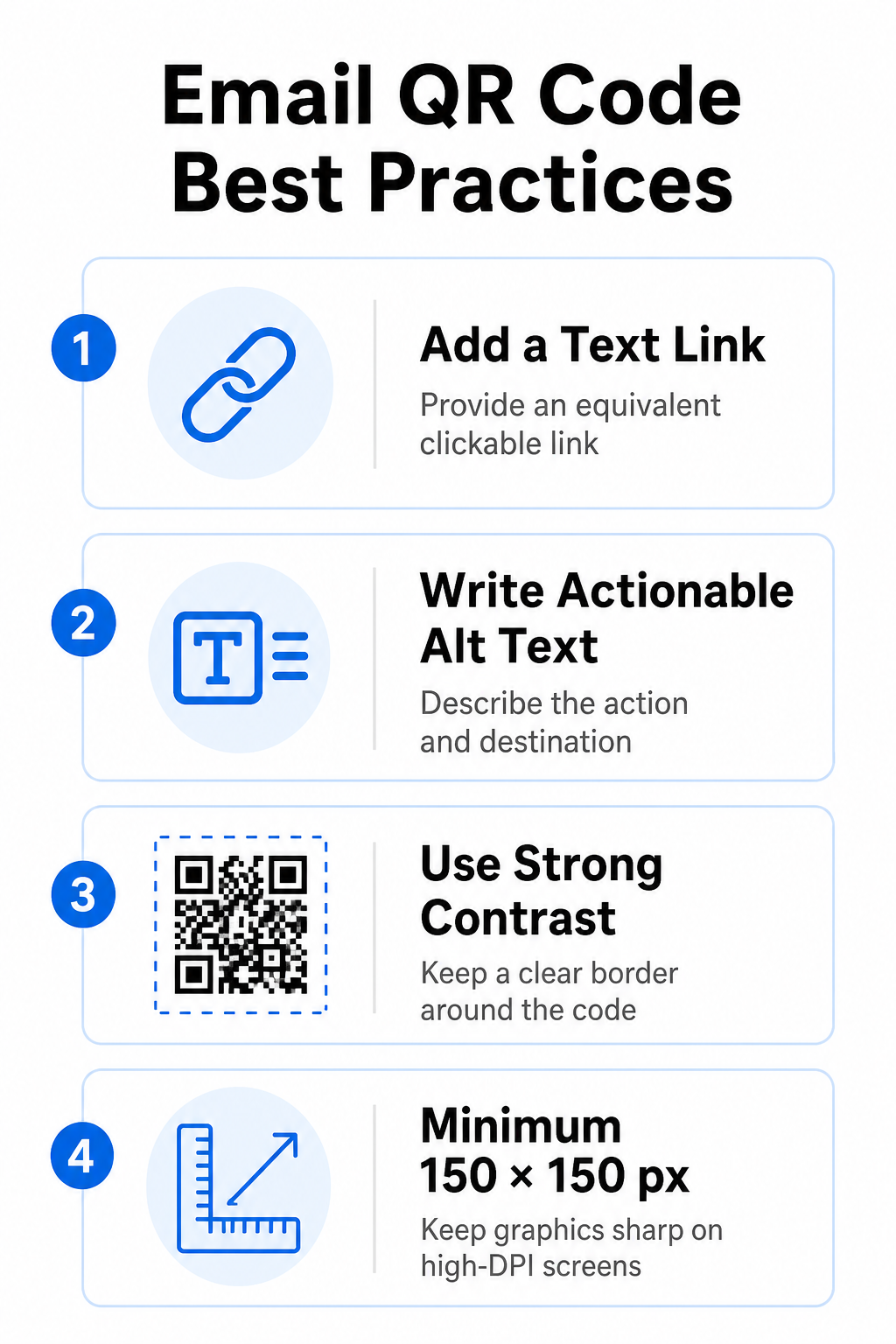
Zawsze podawaj równoważny link tekstowy
Grafika, którą można zeskanować, nigdy nie powinna być jedyną metodą dostępu do informacji w wiadomości e-mail. Standardy dostępności wymagają standardowego, klikalnego hiperłącza umieszczonego obok lub bezpośrednio pod grafiką. Dzięki temu subskrybenci czytający wiadomość e-mail na urządzeniu mobilnym – gdzie zeskanowanie własnego ekranu jest niemożliwe – lub osoby korzystające z czytników ekranu mogą łatwo uzyskać dostęp do linku docelowego.
Uwzględnij tekst alternatywny umożliwiający podjęcie działań
Klienci poczty e-mail często domyślnie blokują obrazy. Jeśli grafika nie załaduje się od razu, czytniki ekranu i subskrybenci polegają na tekście alternatywnym, aby zrozumieć treść. Używaj opisowego tekstu alternatywnego, który wyjaśnia konkretną czynność i cel, na przykład `alt=”Zeskanuj kod QR, aby odebrać kupon rabatowy 20%”`, zamiast opisywać grafikę wizualnie.
Zapewnij wysoki kontrast kolorów i ciche strefy
Skanery wymagają wysokiego kontrastu między ciemnymi wzorami na pierwszym planie a jasnymi tłami. Ciemne kody umieszczone na jasnych tłach maksymalizują absorpcję światła i zapewniają szybkie wykrywanie przez kamerę. Unikaj stosowania jasnych kodów na jasnych tłach lub ciemnych wzorów na ciemnych sekcjach szablonów wiadomości e-mail. Dodatkowo, zachowaj niezakłóconą granicę – tzw. strefę ciszy – wokół obwodu kodu, aby otaczające elementy projektu wiadomości e-mail nie zakłócały rozpoznawania przez skaner. Zapoznaj się z tymi parametrami strukturalnymi w naszym poradniku. najlepszymi praktykami w zakresie czytelności kodów QR przed utworzeniem szablonów.
Rozmiar grafiki dla wyświetlaczy o wysokiej rozdzielczości
Aby zapewnić czytelność grafiki na ekranach o wysokiej rozdzielczości, bez rozmycia i pikselizacji, wyświetl obraz w minimalnym rozmiarze 150 x 150 pikseli (2 cm x 2 cm). Eksportuj obrazy w formatach wektorowych o wysokiej rozdzielczości za pomocą niezawodnego generator kodów QR z linkiem utrzymuje gęstość danych pod kontrolą i zapewnia ostrość linii na ekranach komputerów stacjonarnych.
| Parametr projektu | Rekomendacja | Powód techniczny |
|---|---|---|
| Minimalne wymiary | 150 x 150 pikseli (2 x 2 cm) | Zapobiega błędom ustawiania ostrości kamery i pikselizacji na ekranach komputerów o wysokiej rozdzielczości. |
| Kolor pierwszego planu | Ciemny (np. czarny, granatowy) | Maksymalizuje absorpcję światła, umożliwiając szybką detekcję przez kamerę. |
| Kolor tła | Jasny (np. biały, jasnoszary) | Zapewnia niezbędny kontrast w stosunku do modułów danych na pierwszym planie. |
| Treść tekstu alternatywnego | “Zeskanuj kod QR, aby [akcja]” | Zapewnia przejrzysty kontekst łącza, gdy obrazy są wyłączone przez klientów poczty e-mail. |
Twórz niestandardowe kody QR z logo Gotowy na integrację kodów skanowalnych z projektami swoich newsletterów? Generuj bezpłatnie kody o wysokiej rozdzielczości i dostosowane do Twoich potrzeb, korzystając z naszego głównego narzędzia. Generator kodów QR już dziś.
Statyczne i dynamiczne kody QR w kampaniach e-mailowych
Wybór właściwego formatu technicznego dla skanowalnych grafik ma wpływ zarówno na elastyczność kampanii, jak i dokładność raportowania.
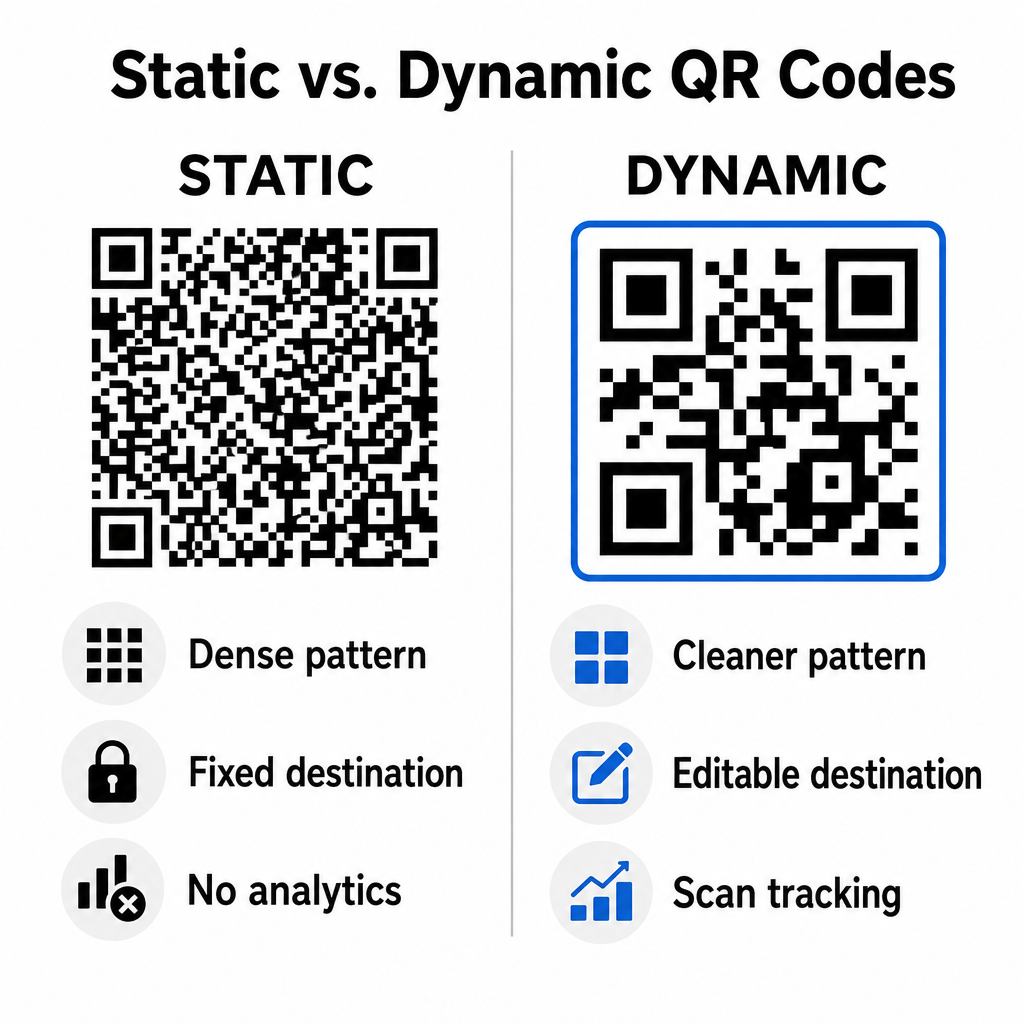
Kody statyczne przechowują docelowy adres URL bezpośrednio w matrycy wizualnej. Ponieważ długie adresy internetowe wymagają większej liczby modułów danych, kody statyczne wyświetlają gęste, złożone wzorce, które stają się trudniejsze do zdekodowania przez aparaty smartfonów na ekranach komputerów. Co więcej, kody statyczne nie oferują żadnych metryk śledzenia i nie można ich edytować po wysłaniu biuletynu e-mail.
Kody dynamiczne osadzają krótki adres URL przekierowania zamiast pełnego adresu strony docelowej. Ta różnica strukturalna tworzy bardziej przejrzysty, o mniejszej gęstości wzór wizualny, który jest natychmiast skanowany nawet w mniejszych rozmiarach. Kody dynamiczne umożliwiają menedżerom kampanii aktualizowanie linków docelowych po wdrożeniu i gromadzenie kompleksowych analiz. Zrozumienie różnic między statycznymi a dynamicznymi kodami QR Pomaga wybrać odpowiedni format dla cyklicznych sekwencji newsletterów. Wykorzystując dynamiczne adresy URL przekierowań, zyskujesz dostęp do niezbędnych informacji. Metryki śledzenia kodów QR w tym całkowitą liczbę skanów, systemy operacyjne urządzeń, znaczniki czasu skanów i dystrybucję geograficzną.
Typowe błędy, których należy unikać w kampaniach e-mailowych
Unikanie przewidywalnych błędów projektowych i błędów związanych z doświadczeniem użytkownika chroni wskaźniki zaangażowania w kampanię i utrzymuje zaufanie subskrybentów:
- Pominięcie wyraźnych instrukcji skanowania:Wyświetlanie nieoznakowanego kodu bez wyjaśnienia nagrody lub następnego kroku zmniejsza zaangażowanie.
- Kierowanie użytkowników na strony nieodpowiadające:Wysyłanie mobilnych skanerów na strony docelowe przeznaczone wyłącznie dla komputerów stacjonarnych powoduje tarcia i zwiększa współczynnik odrzuceń.
- Nadmierne dostosowywanie elementów wizualnych:Umieszczanie wyraźnych logotypów lub gradientów tła o niskim kontraście na matrycy danych utrudnia skanowanie przez kamerę.
- Pomijanie testów renderowania międzyklientowego:Brak testów wyglądu kodu w aplikacjach Gmail, Outlook i Apple Mail zarówno w trybie jasnym, jak i ciemnym prowadzi do uszkodzonych układów.
Wdrażanie strategii kodów QR w wiadomościach e-mail
Połączenie hiperłączy tekstowych z dynamiczną, czytelną grafiką tworzy efektywną ścieżkę od czytania wiadomości e-mail na komputerze do działania na urządzeniach mobilnych. Utrzymanie silnego kontrastu kolorów, dodanie opisowego tekstu alternatywnego i sprawdzenie, czy strony docelowe są zoptymalizowane pod kątem ekranów mobilnych, zapewnia płynną podróż odbiorców na różnych urządzeniach. Wdrażaj te standardy w swojej kolejnej sekwencji, używając… Generator dynamicznych kodów QR aby tworzyć, dostosowywać i śledzić skanowalne linki we wszystkich kampaniach marketingu e-mailowego.
Najczęściej zadawane pytania
Czytniki mobilne nie mogą łatwo zeskanować kodu wyświetlanego na ekranie ich urządzenia. Zawsze łącz skanowalną grafikę z przylegającym, klikalnym linkiem tekstowym, aby użytkownicy urządzeń mobilnych mogli po prostu dotknąć, aby dotrzeć do celu.
Wyświetl obraz w rozmiarze co najmniej 150 x 150 pikseli (lub 2 cm x 2 cm). Dzięki temu aparaty smartfonów będą mogły zdekodować matrycę podczas skanowania ekranu laptopa lub komputera stacjonarnego.
Tak, pod warunkiem korzystania z generatora dynamicznych kodów QR. Dynamiczne kody rejestrują metryki skanowania, takie jak czas skanowania, systemy operacyjne urządzeń i lokalizacja geograficzna, bez konieczności stosowania złożonych parametrów adresu URL.