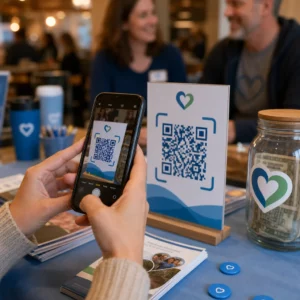
Да ли ваши претплатници на имејлове игноришу текстуалне линкове када читају поруке на екранима рачунара? Када примаоци отварају имејлове на рачунару, присиљавање да ручно претражују мобилне апликације или куцају дугачке веб адресе ствара непотребне проблеме. Укључивање скенираних кодова у ваш имејл маркетинг пружа директан мост између прегледа на рачунару и мобилног извршавања.
Како QR кодови превазилазе јаз између десктоп и мобилних уређаја
Већина имејл кампања се суочава са препреком на више уређаја: претплатници често читају промотивне имејлове на десктоп или лаптоп рачунару, али предвиђена радња – као што је инсталирање мобилне апликације, чување контакт картице или додавање пропуснице за догађај – припада паметном телефону.
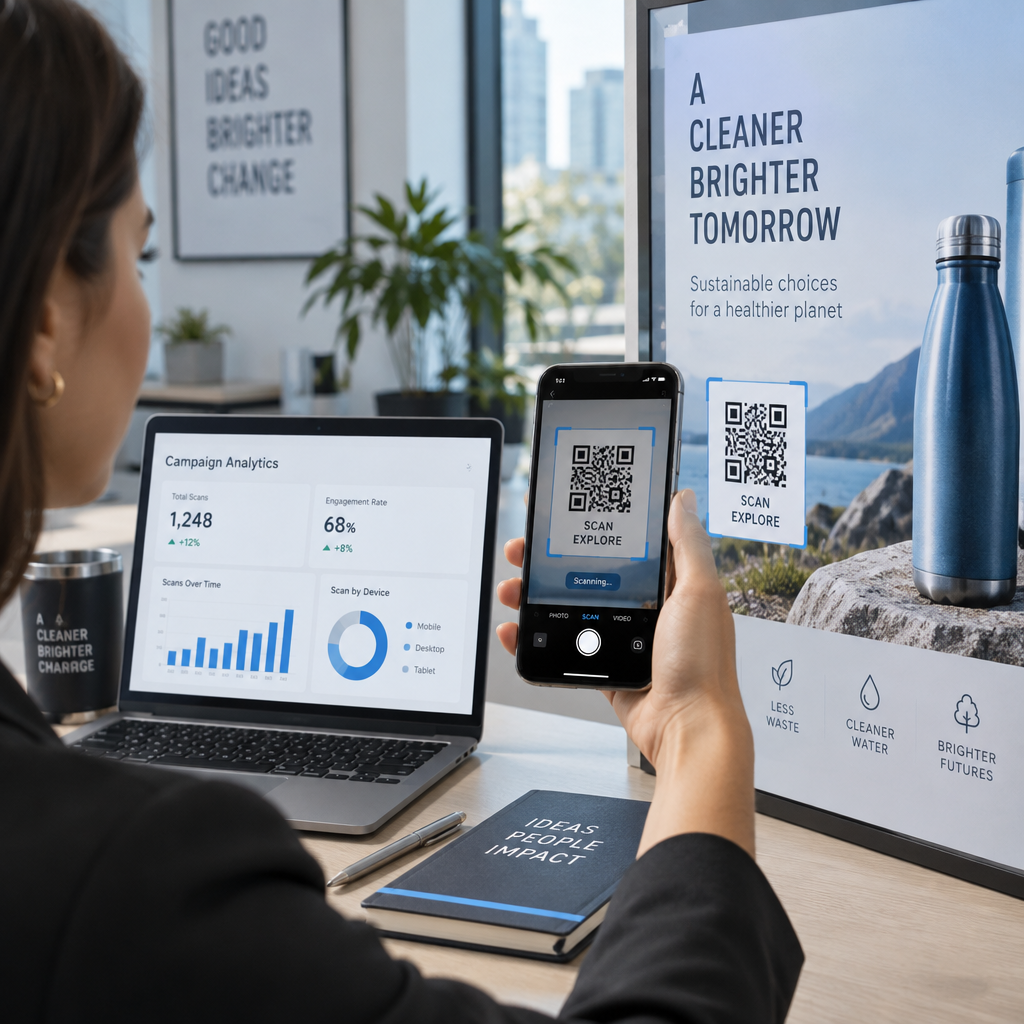
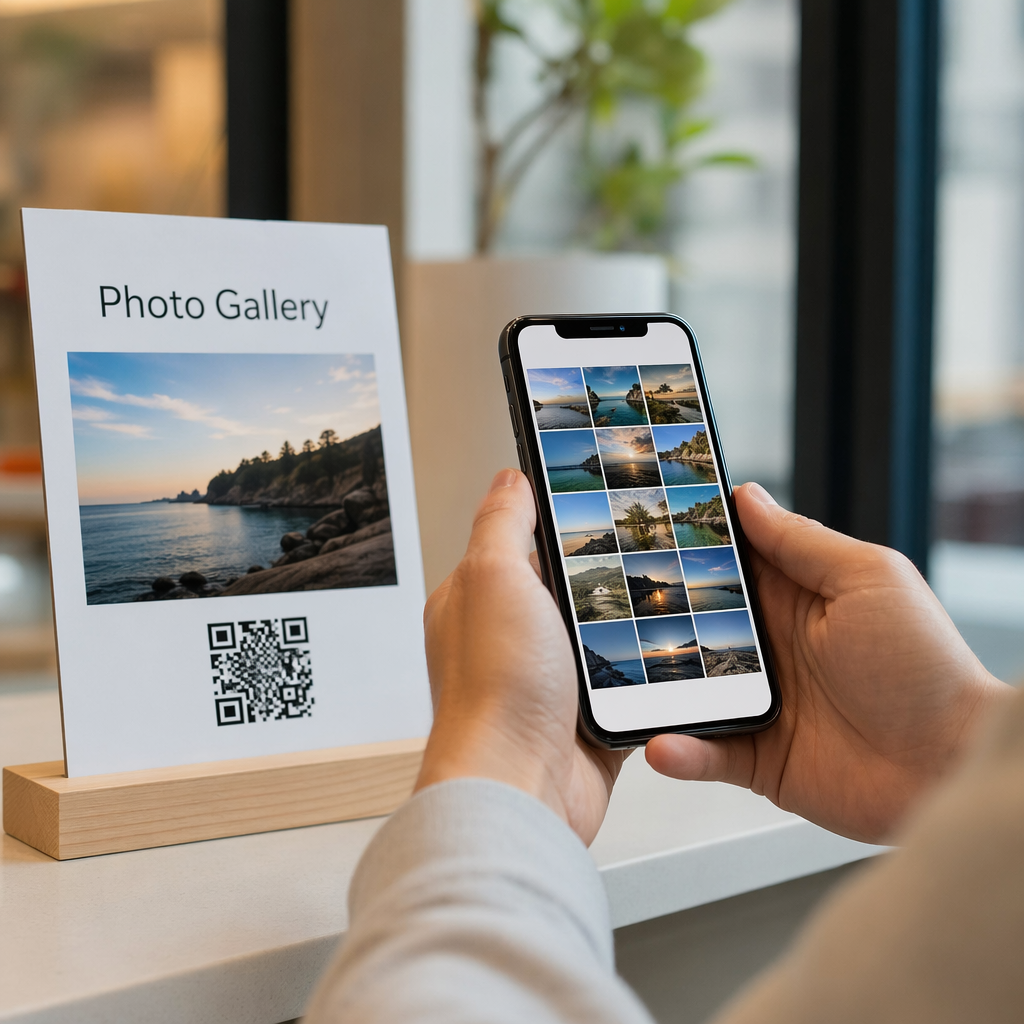
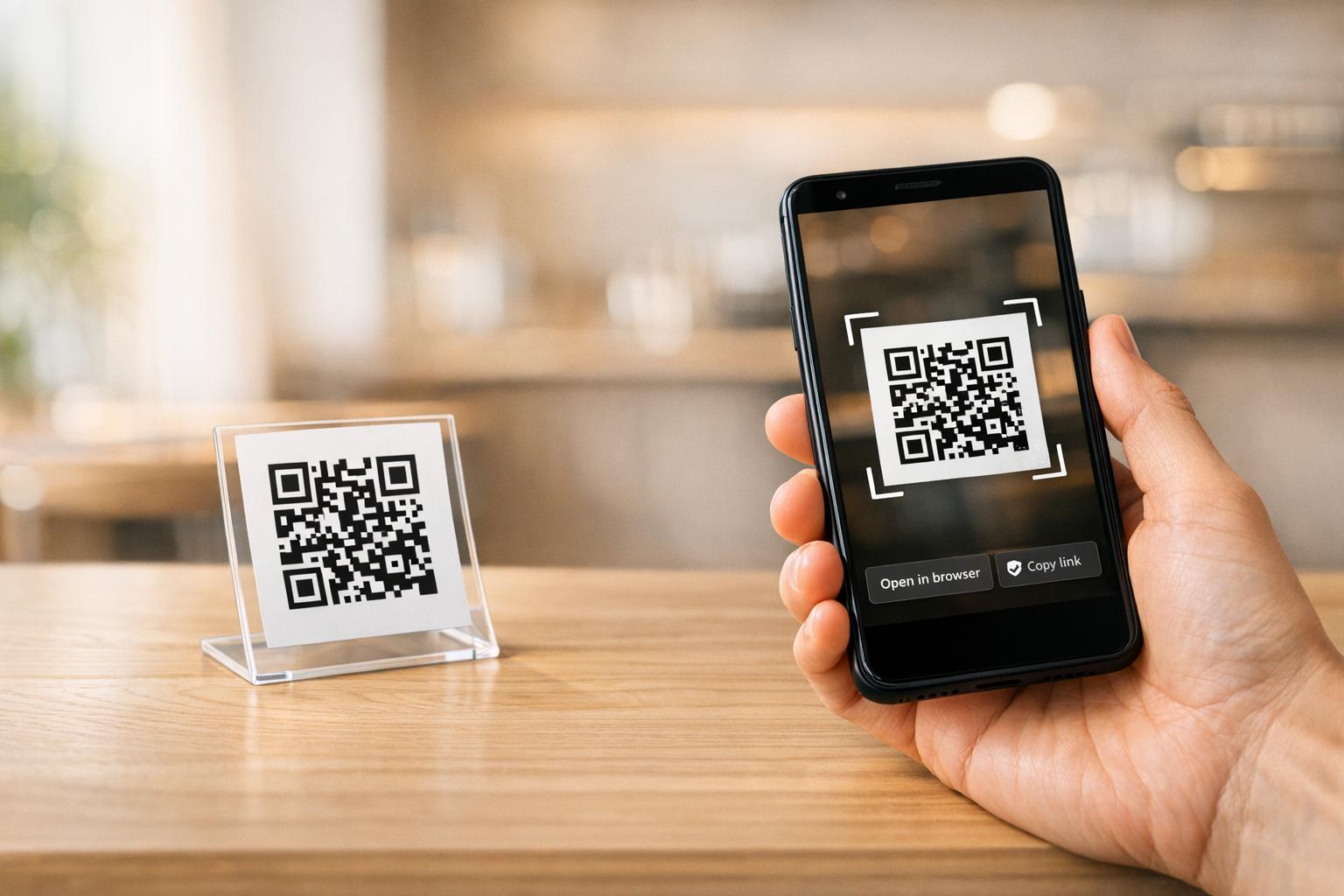
Постављање скенирајуће графике унутар имејла омогућава примаоцима да отворе камеру свог паметног телефона, усмере је ка екрану рачунара и одмах покрену акцију на свом мобилном уређају. Ова интеракција између уређаја смањује стопу одустајања за радне процесе који захтевају учешће на мобилним уређајима. Маркетиншки стручњаци такође могу да користе ову стратегију више канала да... povežete društvene medije i email marketing, водећи читаоце десктоп билтена директно до активних профила на друштвеним мрежама.
Практични случајеви употребе за кампање е-маил маркетинга
Укључивање елемента за скенирање у имејл увек треба да служи јасној функционалној сврси. Ево кључних сценарија у којима додавање кода за скенирање надмашује стандардне текстуалне линкове:
- Преузимања апликација за вожњуУсмерите десктоп читаче директно на iOS App Store или Google Play Store на основу оперативног система њиховог телефона.
- Додавање картица лојалности за НовчаникПреносите пропуснице за догађаје, карте или дигиталне купоне са десктоп екрана директно у Apple Wallet или Google Wallet.
- Ажурирање контакт података: Дозволите пословним контактима да директно сачувају податке продајних представника у свој телефонски адресар путем vCards датотека.
- Покретање унапред попуњених порукаОтворите мобилне имејл клијенте или апликације за размену порука унапред попуњене информацијама о примаоцу и текстом упита.
- Поједностављивање слања образацаУсмерите читаоце на анкете оптимизоване за мобилне уређаје или странице за управљање претплатама. Ако покрећете кампање билтена, можете беспрекорно повезати елементе који се могу скенирати са Токови рада е-поште у Mailchimp-у да би се поједноставило регистровање претплатника.
Креирајте флексибилне кодове за е-маил кампање Треба да ажурирате промотивни линк након слања имејла? Користите Dinamički QR kod generator да бисте у било ком тренутку изменили одредишне везе и пратили перформансе скенирања у реалном времену.
Најважније најбоље праксе за скенирање и приступачност имејлова
Приликом постављања скенирајуће графике у шаблоне имејлова, техничко извршење одређује да ли претплатници могу успешно да интерагују са вашим садржајем. Праћење утврђених визуелних и стандарда приступачности осигурава да сваки претплатник може да учествује без техничких препрека.
Увек наведите еквивалентну текстуалну везу
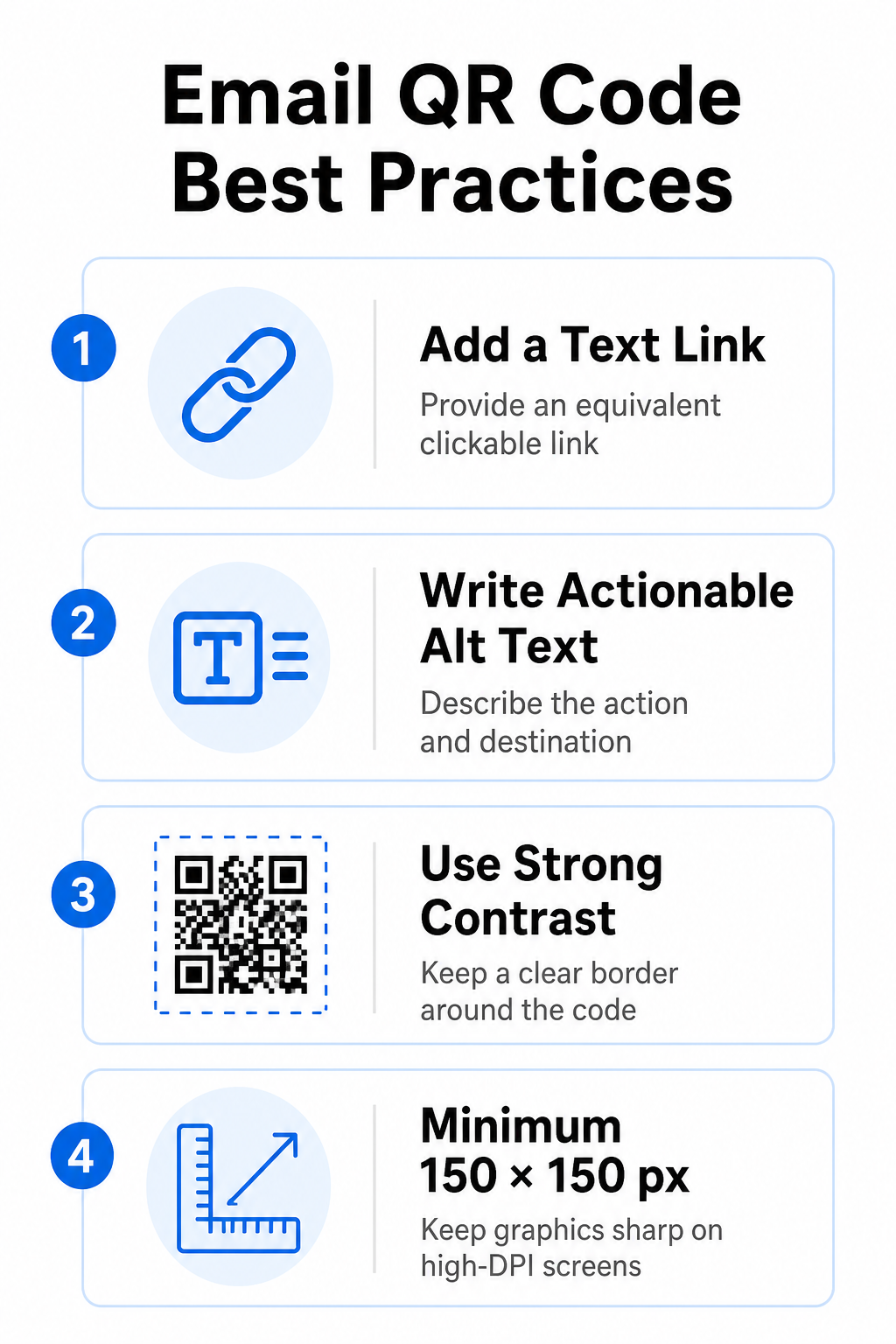
Скенирајућа графика никада не сме бити једини метод за приступ информацијама у имејл поруци. Стандарди приступачности захтевају стандардну, кликабилну хипервезу постављену поред или директно испод графике. Ово осигурава да претплатници који читају имејл на мобилном уређају – где скенирање сопственог екрана није могуће – или они који користе читаче екрана могу лако приступити одредишној вези.
Укључи алтернативни текст који омогућава радњу
Клијенти е-поште често блокирају слике подразумевано. Ако се ваша графика не учита одмах, читачи екрана и претплатници се ослањају на алтернативни текст да би разумели садржај. Користите описни алтернативни текст који објашњава одређену радњу и одредиште, као што је `alt="Скенирајте QR код да бисте затражили свој купон за попуст 20%"`, уместо да визуелно описујете графику.
Обезбедите висок контраст боја и мирне зоне
Скенери захтевају висок контраст између тамних шаблона у првом плану и светлих позадинских простора. Тамни кодови постављени на светлим позадинама максимизирају апсорпцију светлости и обезбеђују брзо откривање камером. Избегавајте коришћење светлих кодова на светлим позадинама или тамних шаблона на тамним деловима шаблона е-поште. Поред тога, одржавајте неометану ивицу – познату као мирна зона – око обода кода како бисте спречили да околни елементи дизајна е-поште ометају препознавање скенера. Прегледајте ове структурне параметре у нашем водичу о najbolje prakse za čitljivost QR kodova пре него што направите своје шаблоне.
Величина графике за екране са високом резолуцијом од DPI
Да бисте осигурали да се графика јасно приказује на екранима високе резолуције без замућења или пикселизације, прикажите слику у минималној величини од 150 x 150 пиксела (2 цм x 2 цм). Експортујте своје слике у векторске формате високе резолуције користећи поуздан link generatora QR kodova Одржава густину података управљивом и оштре линије на екранима десктопа.
| Параметар дизајна | Preporuka | Технички разлог |
|---|---|---|
| Minimalne dimenzije | 150 x 150 пиксела (2 x 2 цм) | Спречава грешке у фокусирању камере и пикселизацију на екранима рачунара са високом резолуцијом од DPI. |
| Боја предњег плана | Тамна (нпр. црна, тегет) | Максимизира апсорпцију светлости за брзо откривање камере. |
| Боја позадине | Светло (нпр. бело, светло сиво) | Обезбеђује неопходан контраст у односу на модуле података у првом плану. |
| Садржај алтернативног текста | “Скенирајте QR код за [акцију]” | Пружа јасан контекст линка када клијенти е-поште онемогуће приказивање слика. |
Направите прилагођене брендиране QR кодове Спремни да интегришете скенирајуће кодове у дизајн вашег е-билтена? Генеришите прилагођене кодове високе резолуције бесплатно користећи наш главни Генератор QR kodova danas.
Статички наспрам динамичких QR кодова у имејл кампањама
Избор исправног техничког формата за скенирајућу графику утиче и на флексибилност кампање и на тачност извештавања.
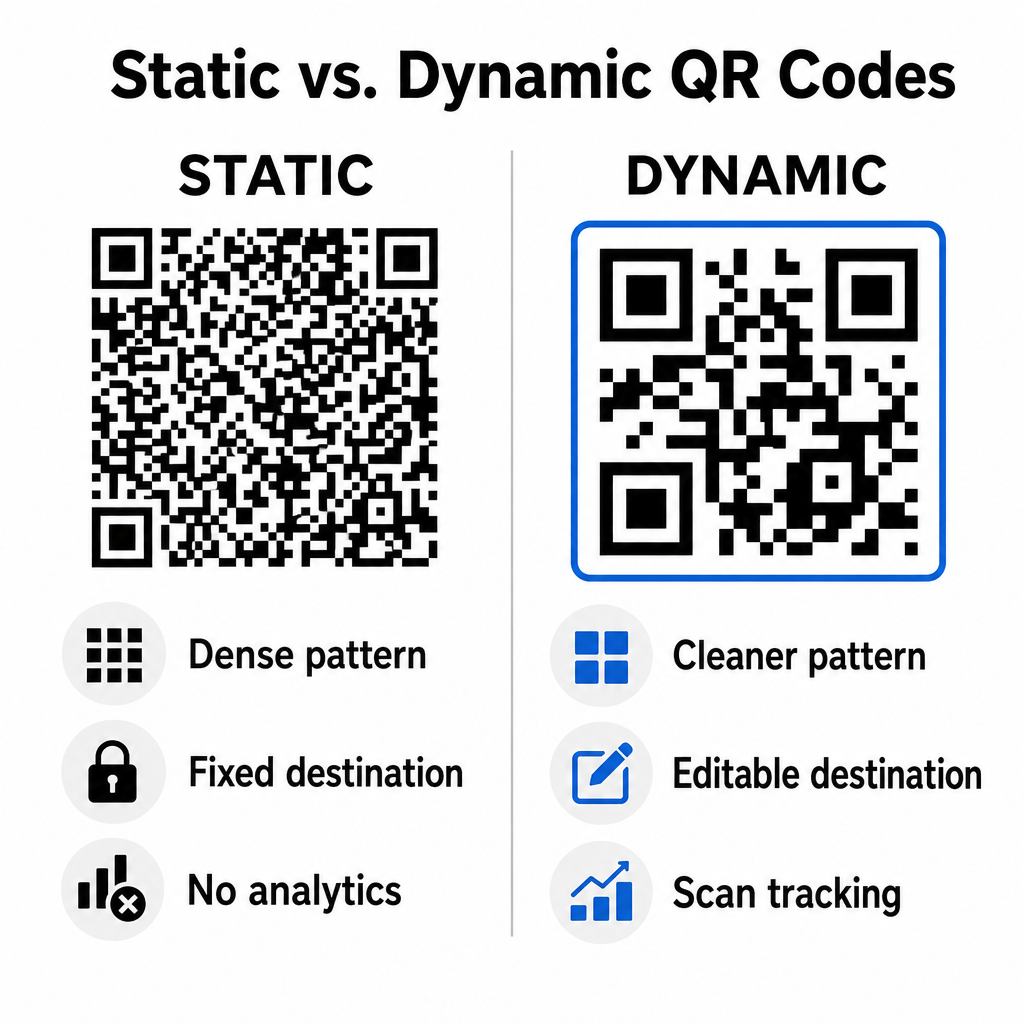
Статички кодови чувају ваш одредишни URL директно унутар визуелне матрице. Пошто дугачке веб адресе захтевају више модула података, статички кодови приказују густе, сложене обрасце које је камерама паметних телефона теже декодирати са екрана рачунара. Штавише, статички кодови не нуде метрике праћења и не могу се уређивати након што се пошаље е-маил билтен.
Динамички кодови уграђују кратку URL адресу за преусмеравање уместо пуне адресе одредишне странице. Ова структурна разлика ствара чистији визуелни образац мање густине који се тренутно скенира чак и при мањим величинама. Динамички кодови омогућавају менаџерима кампања да ажурирају одредишне линкове након имплементације и да прикупе свеобухватну аналитику. Разумевање разлика између statičkih i dinamičkih QR kodova помаже вам да одаберете прави формат за понављајуће секвенце билтена. Коришћењем динамичких URL-ова за преусмеравање, добијате приступ основним Метрике праћења QR кода укључујући укупан број скенирања, оперативне системе уређаја, временске ознаке скенирања и географску дистрибуцију.
Уобичајене грешке које треба избегавати у имејл кампањама
Избегавање предвидљивих грешака у дизајну и корисничком искуству штити стопу ангажовања ваше кампање и чува поверење претплатника:
- Изостављање јасних упутстава за скенирањеПриказивање неозначеног кода без објашњења награде или следећег корака смањује ангажовање.
- Усмеравање корисника на странице које се не прилагођавајуСлање мобилних скенера на одредишне странице само за десктоп рачунаре ствара трење и повећава стопу напуштања платформе.
- Прекомерно прилагођавање визуелних елеменатаПостављање тешких логотипа или градијената позадине ниског контраста преко матрице података угрожава скенирање камером.
- Прескакање тестова рендеровања између клијенатаНеуспех у тестирању изгледа кода у Gmail-у, Outlook-у и Apple Mail-у, како у светлом тако и у тамном режиму, доводи до неисправних распореда.
Покретање стратегије за QR кодове ваше е-поште
Комбиновање текстуалних хиперлинкова са динамичком графиком која се може скенирати успоставља ефикасан пут од читања имејлова на десктопу до акције на мобилним уређајима. Одржавање јаког контраста боја, пружање описног алтернативног текста и провера да ли су одредишне странице оптимизоване за мобилне екране осигуравају глатко путовање ваше публике на различитим уређајима. Имплементирајте ове стандарде у следећој секвенци користећи Dinamički QR kod generator да бисте креирали, прилагођавали и пратили скенирајуће линкове у свим вашим кампањама е-маркетинга.
Često postavljana pitanja
Мобилни читачи не могу лако скенирати код приказан на екрану њиховог уређаја. Увек упарите скенирајућу графику са суседним, кликабилним текстуалним линком како би мобилни корисници могли једноставно да додирну да би стигли до одредишта.
Прикажите слику у минималној величини од 150 x 150 пиксела (или 2 цм x 2 цм). Ово осигурава да камере паметних телефона могу декодирати матрицу приликом скенирања екрана лаптопа или десктопа.
Да, под условом да користите генератор динамичких QR кодова. Динамички кодови бележе метрике скенирања, укључујући време скенирања, оперативне системе уређаја и географску локацију без потребе за сложеним URL параметрима.