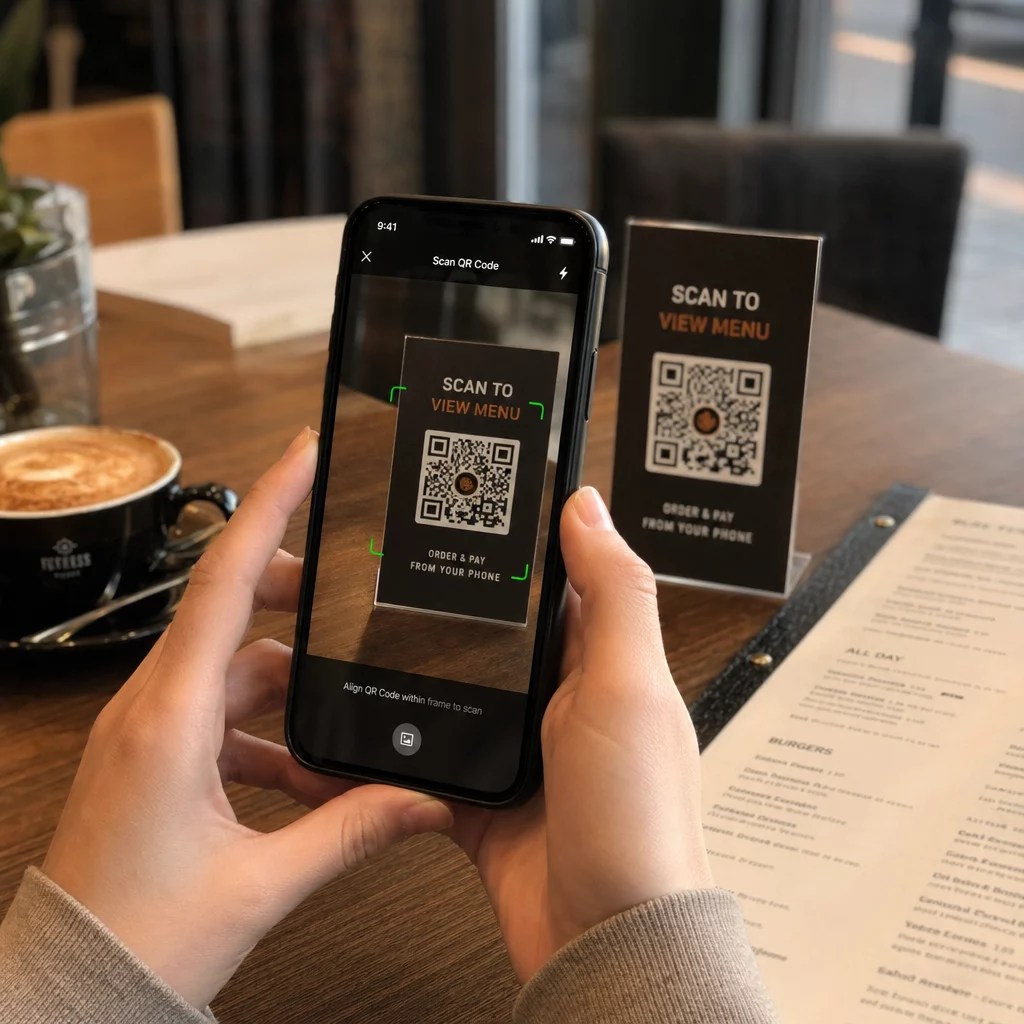
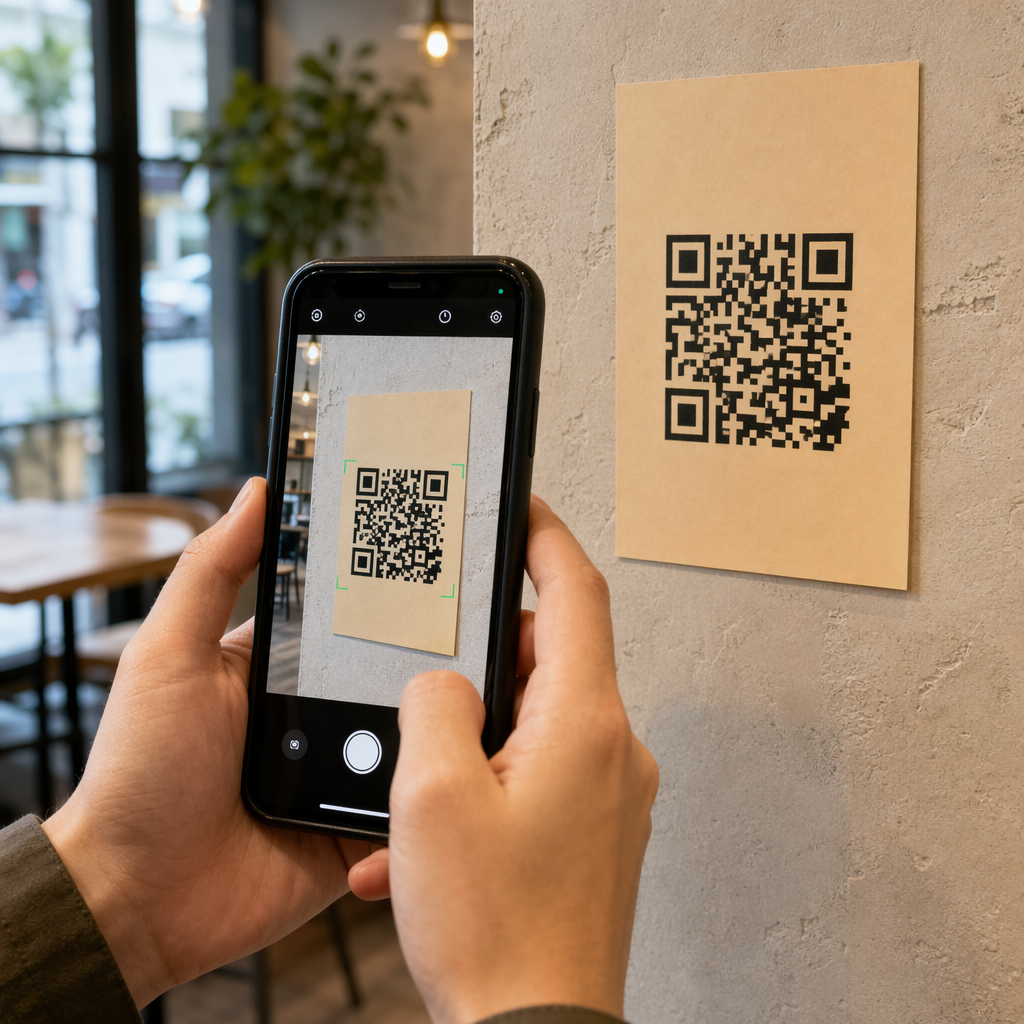
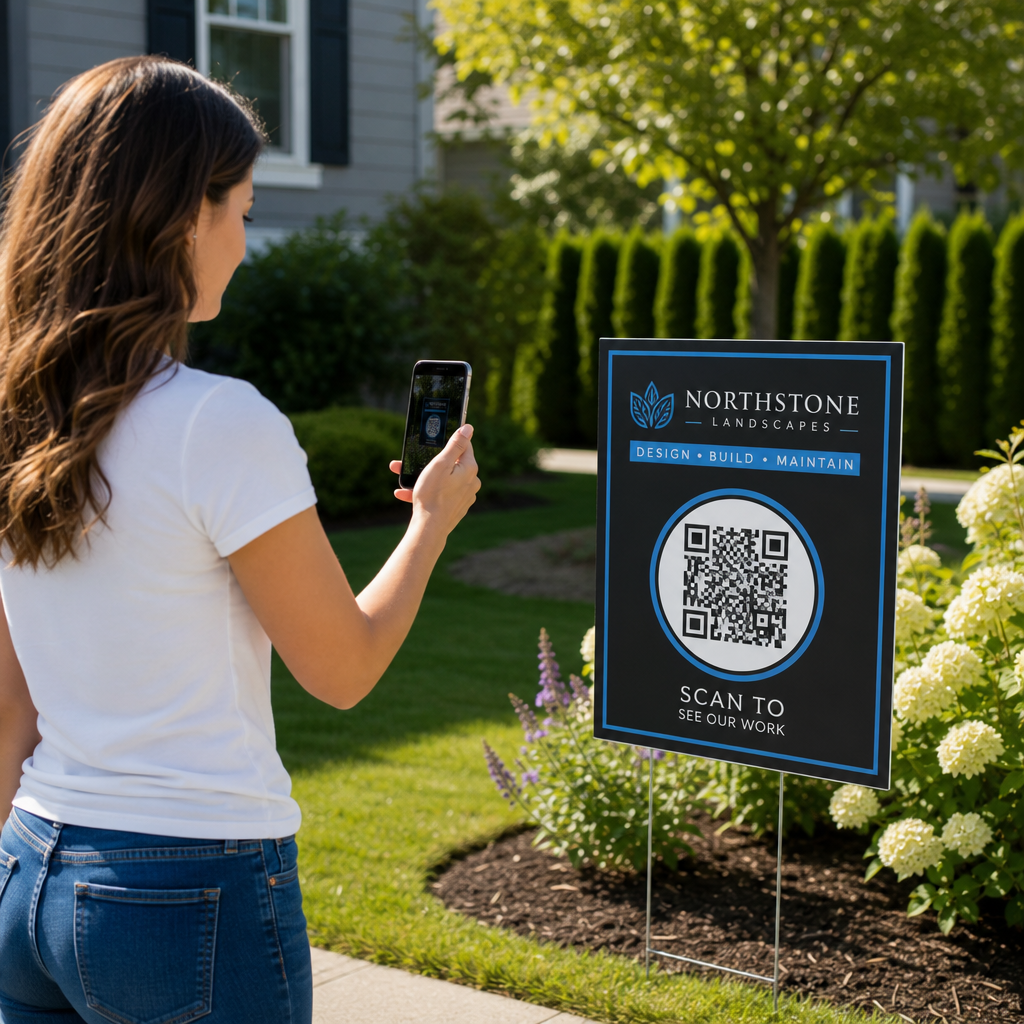
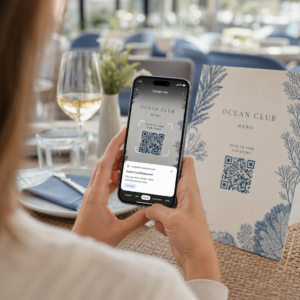
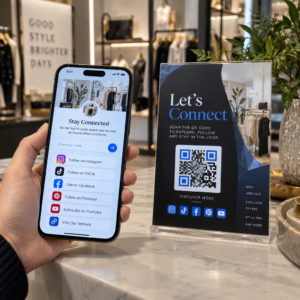
Kas teie e-posti tellijad ignoreerivad tekstilinke, kui nad loevad sõnumeid lauaarvuti ekraanil? Kui saajad avavad e-kirju arvutis, tekitab nende sundimine käsitsi mobiilirakendusi otsima või pikki veebiaadresse sisestama tarbetut hõõrdumist. Skanneeritavate koodide lisamine teie e-posti turundusse loob otsese silla lauaarvuti vaatamise ja mobiilirakenduse vahel.
Kuidas QR-koodid ületavad lauaarvutite ja mobiiltelefonide vahelise lõhe
Enamik e-posti kampaaniaid seisab silmitsi seadmeülese takistusega: tellijad loevad reklaamkirju sageli laua- või sülearvutis, kuid kavandatud toiming – näiteks mobiilirakenduse installimine, kontaktkaardi salvestamine või ürituse pääsme lisamine – peaks toimuma nutitelefonis.
Skanneeritava graafika paigutamine e-kirja sisse võimaldab adressaatidel avada oma nutitelefoni kaamera, suunata see oma arvutiekraanile ja koheselt oma mobiilseadmes toimingu käivitada. See seadmeteülene interaktsioon vähendab mobiilset osalemist nõudvate töövoogude katkestamise määra. Turundajad saavad seda kanaliteülest strateegiat kasutada ka selleks, et ühendada sotsiaalmeedia ja e-posti turunduse, suunates lauaarvuti uudiskirja lugejad otse aktiivsetele sotsiaalmeedia profiilidele.
Praktilised kasutusjuhud e-posti turunduskampaaniate jaoks
Skannitava elemendi lisamine e-kirja peaks alati täitma selget funktsionaalset eesmärki. Siin on peamised stsenaariumid, kus skannitava koodi lisamine annab parema tulemuse kui tavalised tekstilingid:
- Sõidurakenduste allalaadimisedSuuna lauaarvuti lugejad otse iOS-i App Store'i või Google Play poodi, olenevalt nende telefoni operatsioonisüsteemist.
- Walleti kliendikaartide lisamine: Kandke ürituste pääsmed, piletid või digitaalsed kupongid lauaarvutite kuvaritelt otse Apple Walletisse või Google Walletisse.
- Kontaktandmete värskendamine: Lubage ärikontaktidel salvestada müügiesindaja andmed otse oma telefoni aadressiraamatusse vCardide kaudu.
- Eelnevalt täidetud sõnumite käivitamine: Avage mobiilsed e-posti kliendid või sõnumsiderakendused, mis on eelnevalt täidetud saaja teabe ja päringutekstiga.
- Vormide esitamise lihtsustamineSuunake lugejad mobiilile optimeeritud küsitlustele või tellimuste haldamise lehtedele. Uudiskirjakampaaniate korral saate sujuvalt ühendada skannitavaid elemente Mailchimpi e-posti töövood tellijate registreerumise sujuvamaks muutmiseks.
Looge paindlikke e-posti kampaaniakoode Kas peate pärast e-kirja saatmist oma reklaamilinki värskendama? Kasutage seda Dünaamilise QR koodi generaator sihtkoha linke igal ajal muuta ja skannimise toimivust reaalajas jälgida.
Olulised parimad tavad e-posti skannitavuse ja ligipääsetavuse tagamiseks
Skanneeritavate graafikute paigutamisel e-posti mallidesse määrab tehniline teostus, kas tellijad saavad teie sisuga edukalt suhelda. Kehtestatud visuaalsete ja ligipääsetavuse standardite järgimine tagab, et iga tellija saab tehniliste takistusteta osaleda.
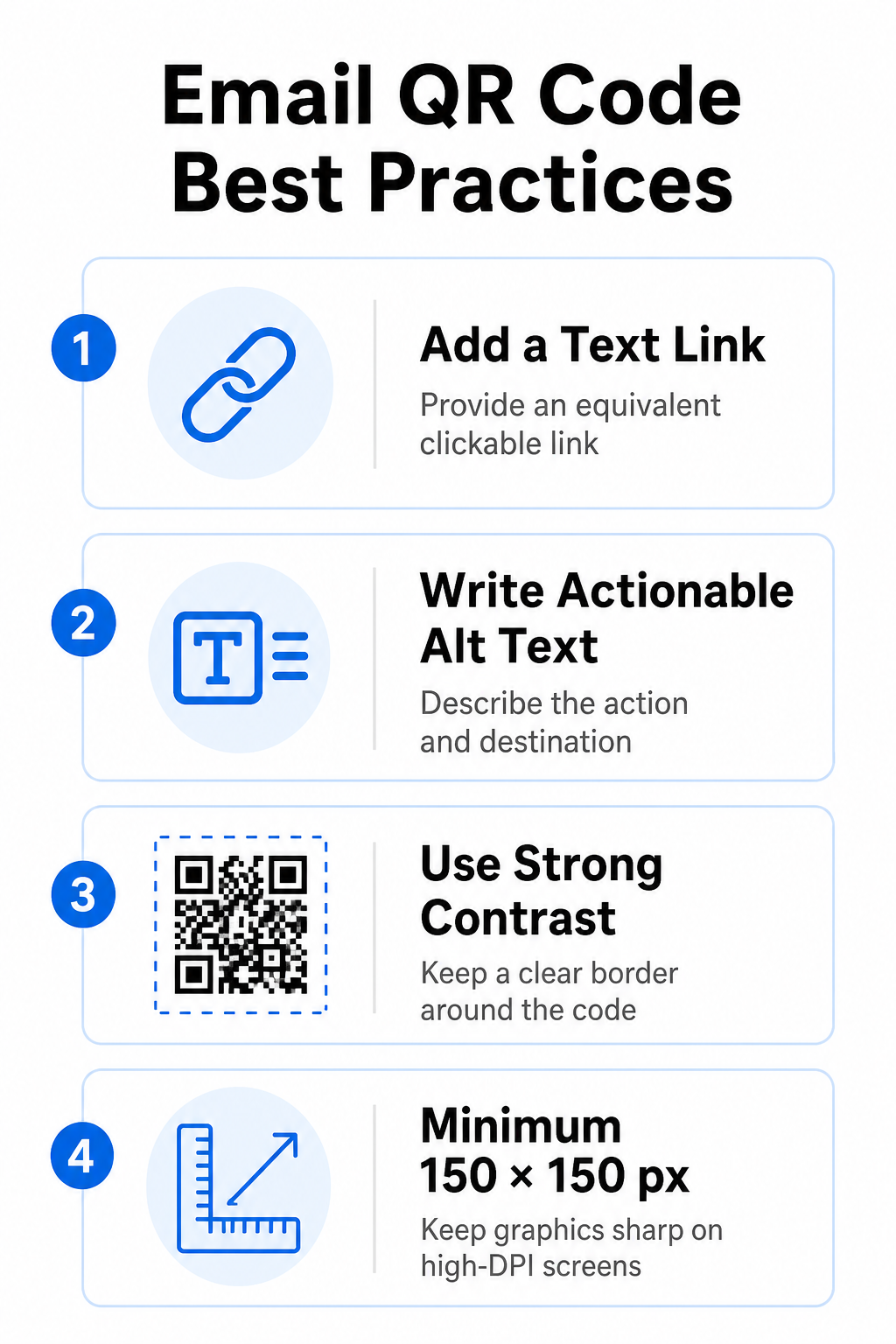
Esitage alati samaväärne tekstilink
Skanneeritav graafika ei tohiks kunagi olla ainus meetod e-kirjas olevale teabele juurdepääsuks. Ligipääsetavuse standardid nõuavad standardset, klõpsatavat hüperlinki, mis paigutatakse graafika kõrvale või otse selle alla. See tagab, et tellijad, kes loevad e-kirja mobiilseadmes – kus oma ekraani skannimine pole võimalik – või ekraanilugejaid kasutavad, saavad sihtkoha lingile hõlpsalt ligi.
Lisa toimiv alt-tekst
Meilikliendid blokeerivad pilte sageli vaikimisi. Kui teie graafika ei laadi kohe, loodavad ekraanilugejad ja tellijad sisu mõistmiseks alternatiivsele tekstile. Kasutage kirjeldavat alternatiivset teksti, mis selgitab konkreetset toimingut ja sihtkohta, näiteks `alt="Skannige QR-koodi, et saada oma 20% sooduskupongi"`, selle asemel, et graafikat visuaalselt kirjeldada.
Tagage kõrge värvikontrastsus ja vaiksed tsoonid
Skannerid vajavad suurt kontrasti tumedate esiplaani mustrite ja heledate taustaruumide vahel. Heledale taustale paigutatud tumedad koodid maksimeerivad valguse neeldumist ja tagavad kiire kaameratuvastuse. Vältige heledate koodide kasutamist heledal taustal või tumedate mustrite kasutamist tumedate meilimallide osade taustal. Lisaks hoidke koodi perimeetri ümber takistusteta äärist – nn vaikset tsooni –, et ümbritsevad meili kujunduse elemendid ei segaks skanneri tuvastust. Vaadake need struktuuriparameetrid üle meie juhendis. QR-koodi loetavuse parimaid tavasid enne mallide loomist.
Suure DPI-ga ekraanide graafika
Selleks, et graafika kuvataks kõrgresolutsiooniga ekraanidel selgelt ja hägususeta või piksliteta, kuvage pilti minimaalse suurusega 150 x 150 pikslit (2 cm x 2 cm). Piltide eksportimine kõrgresolutsiooniga vektorvormingus usaldusväärse programmi abil lingi QR-koodi generaator hoiab andmetiheduse hallatava ja jooned lauaarvutite ekraanidel teravad.
| Kujundusparameeter | Soovitus | Tehniline põhjus |
|---|---|---|
| Minimaalsed mõõtmed | 150 x 150 pikslit (2 x 2 cm) | Hoiab ära kaamera teravustamise tõrke ja pikslite tekkimise kõrge DPI-ga töölauaekraanidel. |
| Esiplaani värv | Tume (nt must, tumesinine) | Maksimeerib valguse neeldumist kiireks kaamera tuvastamiseks. |
| Taustavärv | Hele (nt valge, helehall) | Annab vajaliku kontrasti esiplaanil olevate andmemoodulitega. |
| Alt-teksti sisu | “Skannige QR-koodi [toiming] jaoks” | Annab lingile selge konteksti, kui e-posti kliendid on pildid keelanud. |
Looge kohandatud kaubamärgiga QR-koode Kas olete valmis oma e-posti uudiskirjade kujundusse skannitavaid koode integreerima? Genereerige meie peamise saidi abil tasuta kõrge eraldusvõimega kohandatud koode. QR-koodi generaator täna.
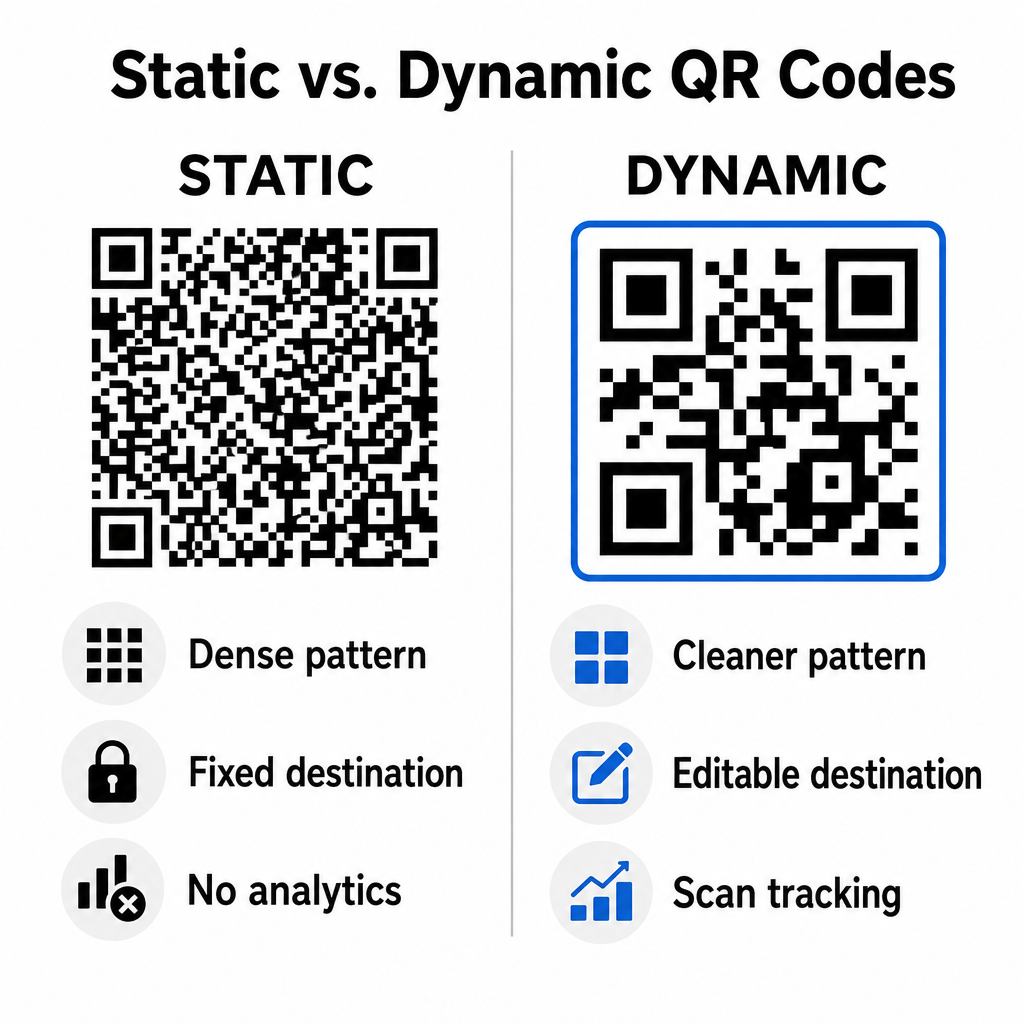
Staatilised vs. dünaamilised QR-koodid e-posti kampaaniates
Skannitavate graafikute jaoks õige tehnilise vormingu valimine mõjutab nii kampaania paindlikkust kui ka aruandluse täpsust.
Staatilised koodid salvestavad teie sihtkoha URL-i otse visuaalsesse maatriksisse. Kuna pikad veebiaadressid vajavad rohkem andmemooduleid, kuvavad staatilised koodid tihedaid ja keerulisi mustreid, mida nutitelefonide kaameratel on arvutiekraanidelt raskem dešifreerida. Lisaks ei paku staatilised koodid jälgimismõõdikuid ja neid ei saa pärast uudiskirja väljasaatmist muuta.
Dünaamilised koodid manustavad lühikese ümbersuunamis-URL-i täieliku sihtlehe aadressi asemel. See struktuuriline erinevus loob puhtama ja väiksema tihedusega visuaalse mustri, mis skannib koheselt isegi väiksemate suuruste korral. Dünaamilised koodid võimaldavad kampaaniajuhtidel sihtkoha linke pärast juurutamist värskendada ja jäädvustada põhjalikku analüüsi. Erinevuste mõistmine staatiliste ja dünaamiliste QR-koodide vahel aitab teil valida korduvate uudiskirjade järjestuste jaoks õige vormingu. Dünaamiliste ümbersuunamis-URL-ide abil saate juurdepääsu olulistele QR-koodi jälgimise mõõdikud sealhulgas skannimiste koguarv, seadmete operatsioonisüsteemid, skannimise ajatemplid ja geograafiline jaotus.
Levinud vead, mida e-posti kampaaniates vältida
Ennustatavate disaini- ja kasutuskogemuse vigade vältimine kaitseb teie kampaania kaasatuse määra ja säilitab tellijate usalduse:
- Selgete skannimisjuhiste väljajätmineMärgistamata koodi kuvamine ilma tasu või järgmise sammu selgitamata vähendab kaasatust.
- Kasutajate suunamine mittereageerivatele lehtedeleMobiilsete skannerite saatmine ainult lauaarvutitele mõeldud sihtlehtedele tekitab hõõrdumist ja suurendab põrkemääre.
- Visuaalsete elementide ülemäärane kohandamineRaskete logode või madala kontrastsusega taustagradientide paigutamine andmemaatriksi peale halvendab kaamera skannitavust.
- Klientidevahelise renderdamise testide vahelejätmineKoodi ilmumise testimata jätmine Gmailis, Outlookis ja Apple Mailis nii heledas kui ka tumedas režiimis põhjustab paigutuse vigaseid tulemusi.
Sinu e-posti QR-koodi strateegia käivitamine
Tekstipõhiste hüperlinkide kombineerimine dünaamilise skannitava graafikaga loob tõhusa tee lauaarvuti e-kirjade lugemisest mobiilitoiminguteni. Tugeva värvikontrasti säilitamine, kirjeldava alt-teksti pakkumine ja sihtkoha maandumislehtede mobiiliekraanidele optimeerimise kontrollimine tagab teie sihtrühmale sujuva seadmeülese teekonna. Rakendage neid standardeid oma järgmises järjestuses, kasutades Dünaamilise QR koodi generaator et luua, kohandada ja jälgida skannitavaid linke kõigis oma e-turunduskampaaniates.
Korduma kippuvad küsimused
Mobiililugejad ei saa oma seadme ekraanil kuvatavat koodi hõlpsalt skannida. Lisage skannitavad pildid alati kõrvalasuva klõpsatava tekstilingiga, et mobiilikasutajad saaksid sihtkohta jõudmiseks lihtsalt puudutada.
Kuva pilti minimaalse suurusega 150 x 150 pikslit (või 2 cm x 2 cm). See tagab, et nutitelefoni kaamerad saavad sülearvuti või lauaarvuti ekraani skannides maatriksit dekodeerida.
Jah, eeldusel, et kasutate dünaamilist QR-koodi generaatorit. Dünaamilised koodid salvestavad skannimisnäitajaid, sealhulgas skannimisaegu, seadme operatsioonisüsteeme ja geograafilist asukohta, ilma et oleks vaja keerulisi URL-parameetreid.