首页 > 博客 > Guidelines for Using QR Codes in Email Marketing
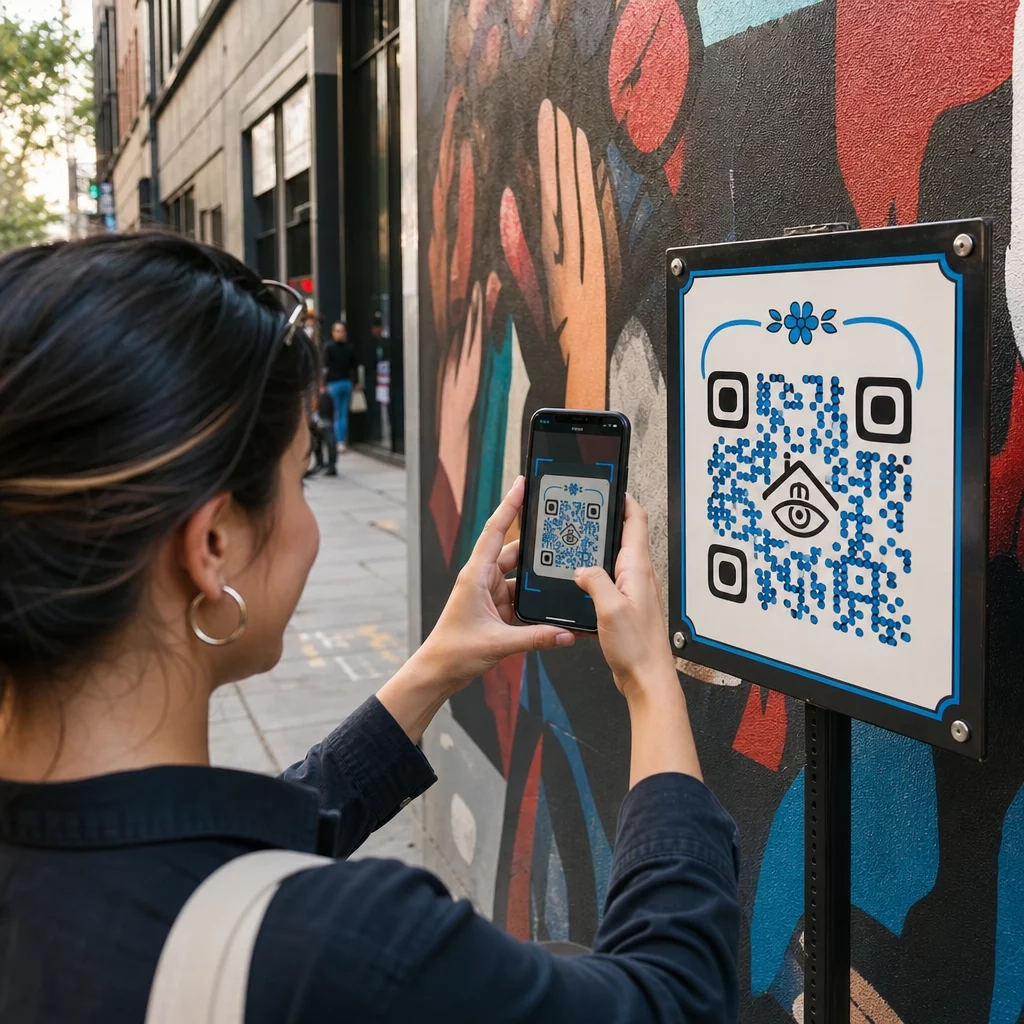
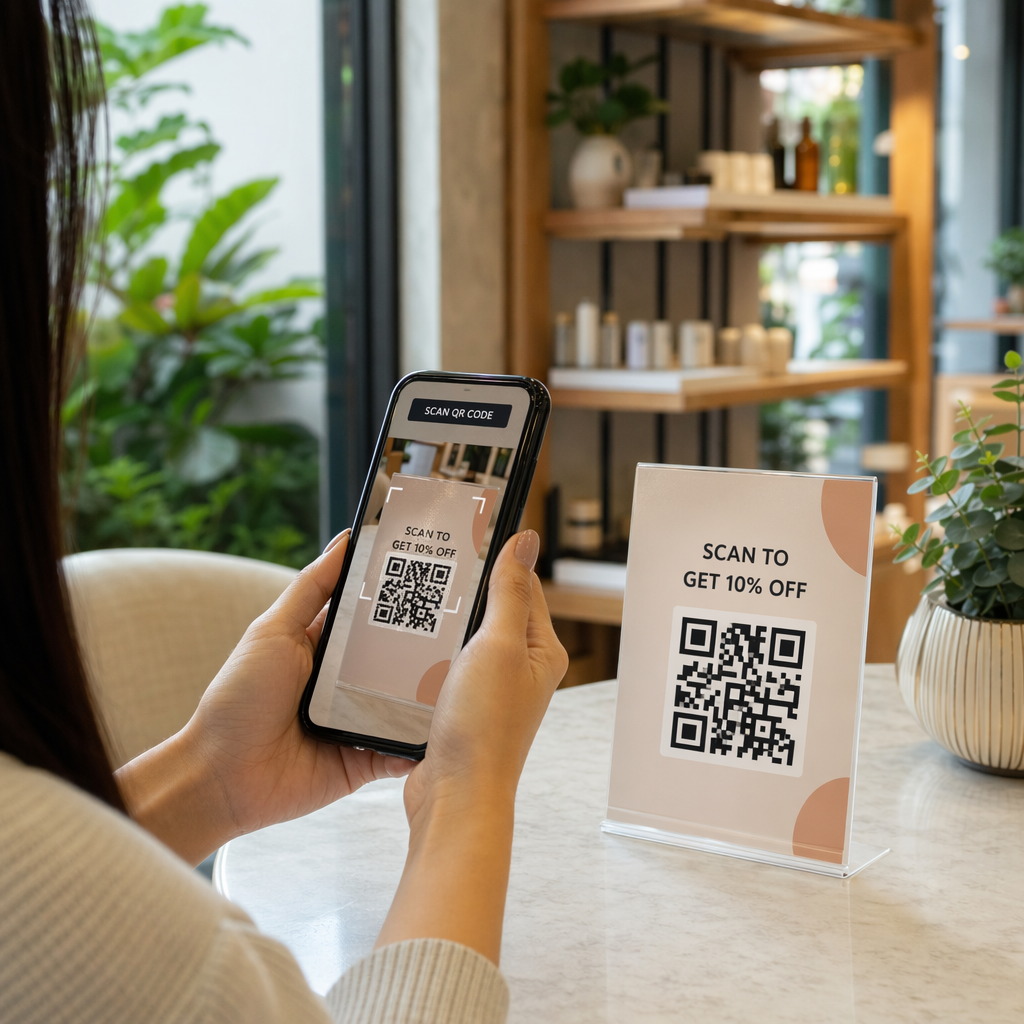
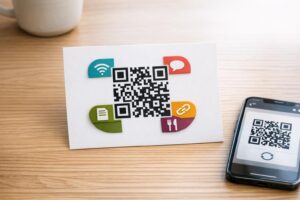
Scanning an email QR code

Guidelines for Using QR Codes in Email Marketing

Learn how to use QR codes in email marketing to bridge the desktop-to-mobile gap. Discover best practices for design, tracking, and accessibility.
Updated on 7 月 27, 2026
目录

Are your email subscribers ignoring text links when reading messages on desktop screens? When recipients open emails on a computer, forcing them to manually search for mobile apps or type long web addresses creates unnecessary friction. Incorporating scannable codes into your email marketing provides a direct bridge between desktop viewing and mobile execution.

How QR Codes Bridge the Desktop-to-Mobile Gap

Most email campaigns face a cross-device hurdle: subscribers frequently read promotional emails on a desktop or laptop computer, but the intended action – such as installing a mobile app, saving a contact card, or adding an event pass – belongs on a smartphone.

Placing a scannable graphic inside an email allows recipients to open their smartphone camera, point it at their computer screen, and immediately trigger an action on their mobile device. This cross-device interaction reduces drop-off rates for workflows that require mobile participation. Marketers can also use this cross-channel strategy to 连接社交媒体和电子邮件营销, guiding desktop newsletter readers straight to active social profiles.

Practical Use Cases for Email Marketing Campaigns

Including a scannable element in an email should always serve a clear functional purpose. Here are key scenarios where adding a scannable code outperforms standard text links alone:

  • Driving App Downloads: Route desktop readers directly to the iOS App Store or Google Play Store based on their phone’s operating system.
  • Adding Wallet Loyalty Cards: Transfer event passes, tickets, or digital coupons from desktop displays straight into Apple Wallet or Google Wallet.
  • Updating Contact Details: Allow business contacts to save sales representative details directly into their phone address book via vCards.
  • Triggering Pre-Filled Messages: Open mobile email clients or messaging apps pre-populated with recipient information and inquiry text.
  • Simplifying Form Submissions: Direct readers to mobile-optimized surveys or subscription management pages. If you run newsletter campaigns, you can seamlessly connect scannable elements with Mailchimp email workflows to streamline subscriber sign-ups.

Create Flexible Email Campaign Codes Need to update your promotional link after sending an email? Use the 动态二维码生成器 to modify destination links anytime and monitor scan performance in real time.

Critical Best Practices for Email Scannability and Accessibility

When placing scannable graphics into email templates, technical execution determines whether subscribers can successfully interact with your content. Following established visual and accessibility standards ensures every subscriber can participate without technical barriers.

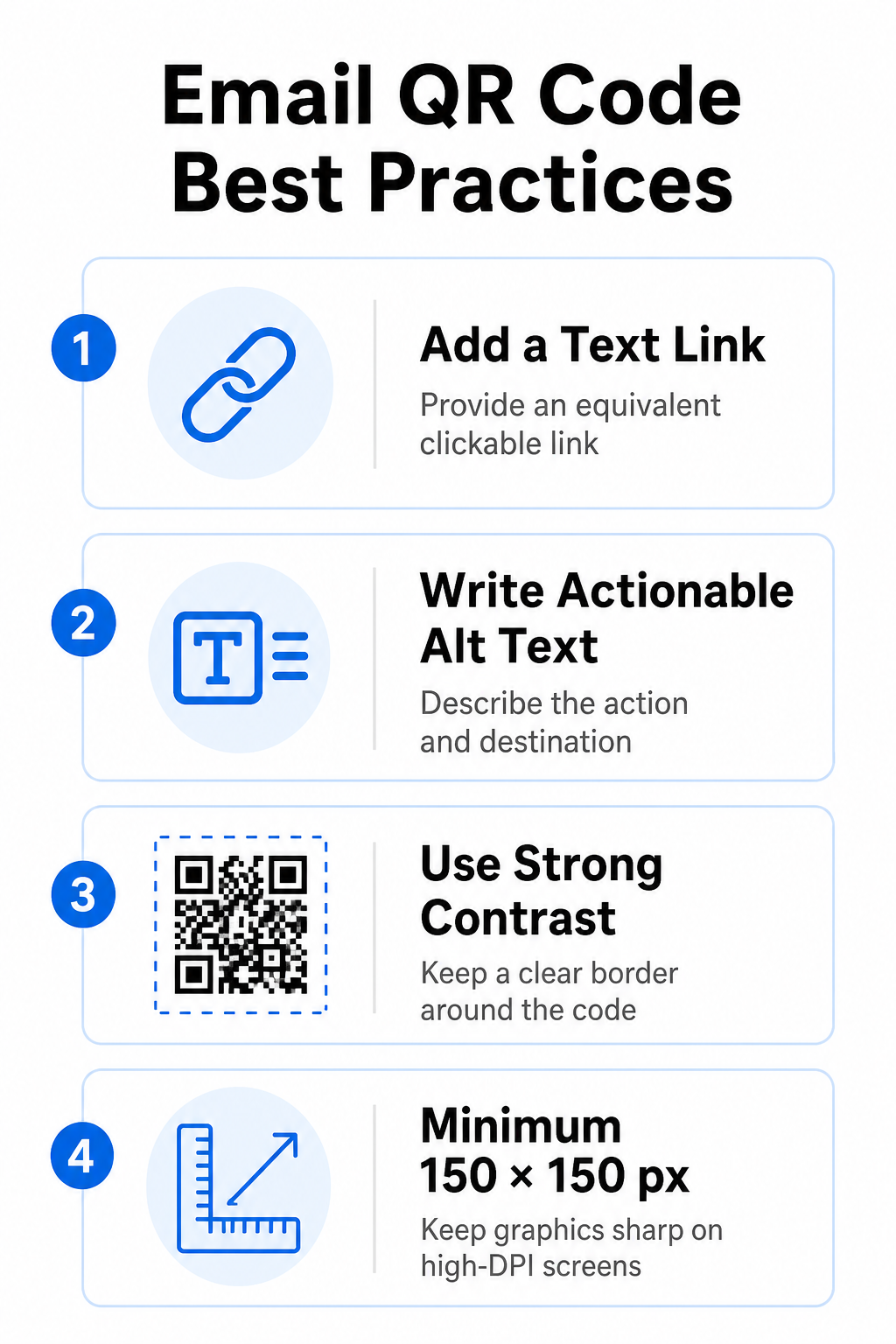
Email QR code best practices

Always Provide an Equivalent Text Link

A scannable graphic must never be the exclusive method for accessing information in an email message. Accessibility standards require a standard, clickable hyperlink placed adjacent to or directly beneath the graphic. This ensures that subscribers reading the email on a mobile device – where scanning their own screen is impossible – or those using screen readers can easily access the destination link.

Include Actionable Alt Text

Email clients frequently block images by default. If your graphic fails to load immediately, screen readers and subscribers rely on alternative text to understand the content. Use descriptive alt text that explains the specific action and destination, such as `alt=”Scan QR code to claim your 20% discount coupon”`, rather than describing the graphic visually.

Ensure High Color Contrast and Quiet Zones

Scanners require high contrast between dark foreground patterns and light background spaces. Dark codes placed on light backgrounds maximize light absorption and ensure rapid camera detection. Avoid using light-colored codes on light backgrounds or dark patterns against dark email template sections. Additionally, maintain an unobstructed border – known as a quiet zone – around the perimeter of the code to prevent surrounding email design elements from interfering with scanner recognition. Review these structural parameters in our guide on 二维码可读性的最佳实践 before building your templates.

Size Graphics for High-DPI Displays

To ensure the graphic renders clearly on high-resolution screens without blurriness or pixelation, display the image at a minimum size of 150 x 150 pixels (2 cm x 2 cm). Exporting your images in high-resolution vector formats using a reliable 链接二维码生成器 keeps data density manageable and lines sharp across desktop displays.

Design Parameter 建议 Technical Reason
最小尺寸 150 x 150 pixels (2 x 2 cm) Prevents camera focus failure and pixelation on high-DPI desktop screens.
Foreground Color Dark (e.g., Black, Navy) Maximizes light absorption for rapid camera detection.
Background Color Light (e.g., White, Light Gray) Provides necessary contrast against foreground data modules.
Alt Text Content “Scan QR code to [action]” Delivers clear link context when images are disabled by email clients.

Build Custom Branded QR Codes Ready to integrate scannable codes into your email newsletter designs? Generate high-resolution, customized codes for free using our main 二维码生成器 。.

Static vs. Dynamic QR Codes in Email Campaigns

Choosing the correct technical format for your scannable graphics affects both campaign flexibility and reporting accuracy.

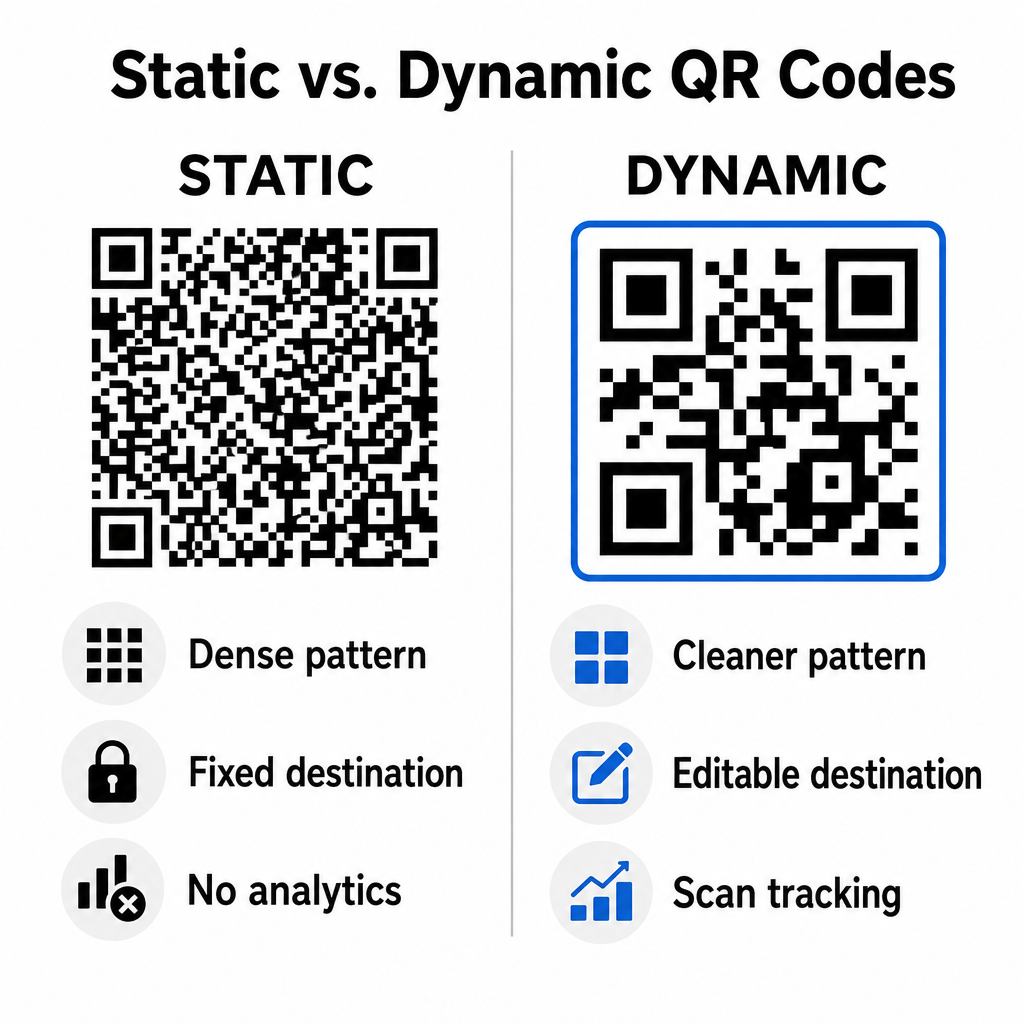
Static codes store your destination URL directly inside the visual matrix. Because long web addresses require more data modules, static codes display dense, complex patterns that become harder for smartphone cameras to decode off computer displays. Furthermore, static codes offer no tracking metrics and cannot be edited once an email newsletter is sent out.

Dynamic codes embed a short redirect URL instead of the full landing page address. This structural difference creates a cleaner, lower-density visual pattern that scans instantly even at smaller sizes. Dynamic codes allow campaign managers to update destination links after deployment and capture comprehensive analytics. Understanding the differences between 静态与动态二维码 helps you select the right format for recurring newsletter sequences. By utilizing dynamic redirect URLs, you gain access to essential QR code tracking metrics including total scan counts, device operating systems, scan timestamps, and geographic distribution.

Static versus dynamic QR codes

Common Mistakes to Avoid in Email Campaigns

Avoiding predictable design and user experience errors protects your campaign engagement rates and preserves subscriber trust:

  • Omitting clear scanning instructions: Displaying an unlabelled code without explaining the reward or next step reduces engagement.
  • Directing users to non-responsive pages: Sending mobile scanners to desktop-only landing pages creates friction and drives bounce rates higher.
  • Over-customizing visual elements: Placing heavy logos or low-contrast background gradients over the data matrix compromises camera scannability.
  • Skipping cross-client rendering tests: Failing to test code appearances across Gmail, Outlook, and Apple Mail in both light and dark modes leads to broken layouts.

Launching Your Email QR Code Strategy

Combining text hyperlinks with dynamic scannable graphics establishes an efficient path from desktop email reading to mobile action. Maintaining strong color contrast, providing descriptive alt text, and verifying that destination landing pages are optimized for mobile screens ensures a smooth cross-device journey for your audience. Implement these standards in your next sequence by using the 动态二维码生成器 to build, customize, and track scannable links across all your email marketing campaigns.

常见问题

Should I put a QR code in an email meant for mobile readers?

Mobile readers cannot easily scan a code displayed on their own device screen. Always pair scannable graphics with an adjacent, clickable text link so mobile users can simply tap to reach the destination.

What is the minimum size for a QR code inside an email template?

Display the image at a minimum size of 150 x 150 pixels (or 2 cm x 2 cm). This ensures smartphone cameras can decode the matrix when scanning a laptop or desktop screen.

Can I track how many subscribers scan the QR code in my email?

Yes, provided you use a dynamic QR code generator. Dynamic codes record scan metrics including scan times, device operating systems, and geographic location without requiring complex URL parameters.

关于作者

Siim Kostabi 是 Pageloot 的内容主管,负责撰写关于我们创新型二维码生成器服务的文章。凭借五年多来在二维码领域积累的深厚专业知识,Siim 是该领域的专家。他致力于利用二维码技术简化和增强数字交互,并取得了显著的成果。.

类别
了解更多关于
顾客扫描咖啡馆菜单
的QR码 咖啡厅
QR QR码的#1解决方案

如果您需要在线创建QR码,则可以 制作二维码 就在这里免费!
Pageloot是 #1转到解决方案 创建和扫描QR码。

BL-0318

博客生成器

受到超过 20,000 个品牌的信赖,可获得更多销售、评论和关注者。

客户徽标
受到顶级品牌的信赖
评分为 4.8(共 5)

4.86 / 5 星评级

雨果·劳伦特
雨果·劳伦特
餐馆老板
有史以来最容易和最可靠的QR码生成器。PDF文件可以立即上传。我们的餐厅菜单现在是数字化的。
卢卡斯-詹森
卢卡斯-詹森
房地产开发商
这是一个很好的工具,二维码带你到你想要的地方。我们只使用位置二维码,但有许多有用的功能。
艾玛-莫雷蒂
艾玛-莫雷蒂
零售产品
易于使用和快速。它工作得很好,创造了一个完美的图像,所以员工可以下载我的vCard。
雨果·劳伦特
雨果·劳伦特
餐馆老板
有史以来最容易和最可靠的QR码生成器。PDF文件可以立即上传。我们的餐厅菜单现在是数字化的。
卢卡斯-詹森
卢卡斯-詹森
房地产开发商
这是一个很好的工具,二维码带你到你想要的地方。我们只使用位置二维码,但有许多有用的功能。
艾玛-莫雷蒂
艾玛-莫雷蒂
零售产品
易于使用和快速。它工作得很好,创造了一个完美的图像,所以员工可以下载我的vCard。
查看更多QR码
手机扫描二维码
它是如何工作的 QR码扫描仪
将一切转化为数字体验 不到3分钟。

免费试用 14 天。

无需信用卡。

首次购买可享受 30% 折扣

使用代码:

分享您的 MP3 文件

注册以创建 PDF QR 码

上传和显示你需要的一切。

  • 音频文件
  • 播客
  • 音乐

注册即可享 14 天免费试用。.
试用期结束后,二维码将失效。.

注册以创建音频 mp3 二维码

使用边框获得更多扫描

注册以向您的二维码添加更多框架

呼叫行动框架帮助您的客户与QR码轻松互动。试试吧!

注册即可享 14 天免费试用。.
试用期结束后,二维码将失效。.

注册以向您的二维码添加更多框架

使用形状添加更多样式

注册以创建更多形状

二维码不一定是方形的。试着改变它以适应你的品牌形象。

注册即可享 14 天免费试用。.
试用期结束后,二维码将失效。.

注册以创建更多形状

为您的二维码添加徽标

注册以将您的徽标添加到二维码中

通过在二维码上添加你的标志和品牌,使你的二维码脱颖而出。

注册即可享 14 天免费试用。.
试用期结束后,二维码将失效。.

注册以将您的徽标添加到二维码中

智能应用商店重定向

注册以创建应用商店二维码

将您的应用程序链接添加到我们的智能应用程序商店QR码。用户会根据他们的设备被重新定向。

注册即可享 14 天免费试用。.
试用期结束后,二维码将失效。.

注册以创建应用商店二维码

将图片上传到二维码

注册以创建图像二维码

轻松分享你的图像。在几秒钟内动态地改变任何图像。

注册即可享 14 天免费试用。.
试用期结束后,二维码将失效。.

注册以创建图像二维码

分享您的 PDF 文件

注册以创建 PDF QR 码

上传和显示你需要的一切。

  • 菜单和价格表
  • 使用说明
  • 任何文件

注册即可享 14 天免费试用。.
试用期结束后,二维码将失效。.

注册以创建 PDF QR 码

稍后编辑,无需打印

注册即可编辑您的二维码,无需再次打印

动态QR码让你改变你的QR码的内容,而不需要打印新的QR码。

注册即可享 14 天免费试用。.
试用期结束后,二维码将失效。.

注册即可编辑您的二维码,无需再次打印

何时?何地?追踪您的二维码扫描

注册以追踪您的二维码

发现你的哪些二维码收到了最多的扫描,以及什么最能让你的客户兴奋。

注册即可享 14 天免费试用。.
试用期结束后,二维码将失效。.

注册以追踪您的二维码

提供可打印文件

注册以创建 PDF 和 SVG 等矢量二维码

.EPS, .PDF, .SVG

想下载高清分辨率的QR码吗?获得矢量或像素格式,可随时打印。

注册即可享 14 天免费试用。.
试用期结束后,二维码将失效。.

注册以创建 PDF 和 SVG 等矢量二维码

请等待。您的二维码是 正在加载... 正在加载...

打造专属

注册以保存您的二维码以供日后使用

通过创建具有不同颜色、标识和行动呼吁框架的出色的QR码,获得更多的扫描。

注册即可享 14 天免费试用。.
试用期结束后,二维码将失效。.

注册以保存您的二维码以供日后使用