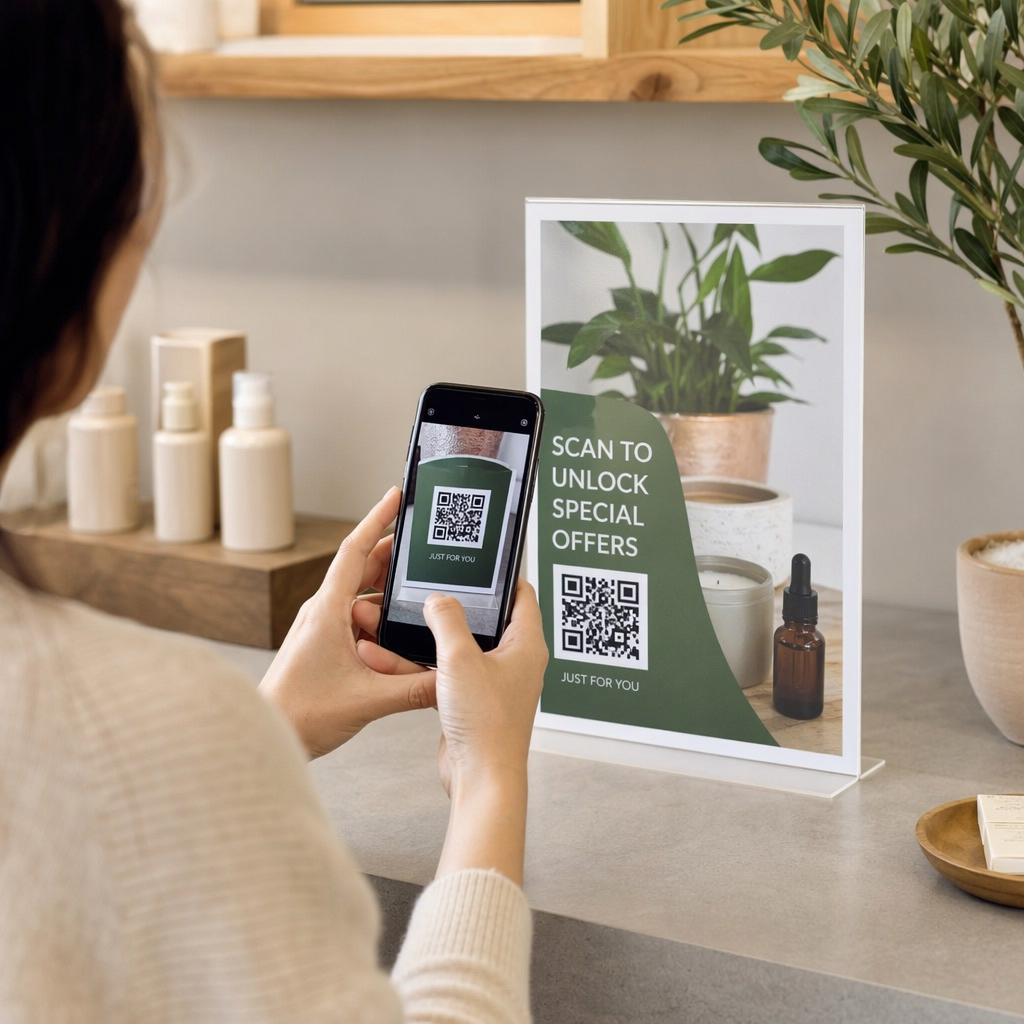
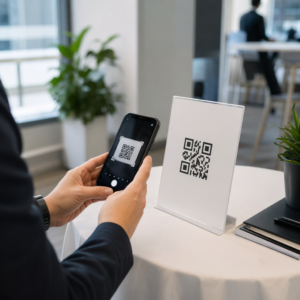
Apakah Anda tidak yakin apakah bisnis Anda secara hukum diwajibkan untuk membuat kode QR dapat diakses di bawah ADA? Melakukan kesalahan ini dapat membuat organisasi Anda terpapar risiko kepatuhan dan mengecualikan pelanggan penyandang disabilitas dari konten yang berhak mereka akses. Panduan ini menguraikan sektor mana yang memiliki kewajiban hukum paling jelas dan standar aksesibilitas apa yang berlaku ketika kode QR menjadi bagian dari komunikasi Anda yang berhadapan dengan pelanggan.
Realitas Hukum Inti: Tidak Ada Undang-Undang yang Mewajibkan Kode QR, Namun Undang-Undang Aksesibilitas Tetap Berlaku
Sebelum menyelami industri tertentu, satu klarifikasi penting: tidak ada ketentuan dalam Undang-Undang Penyandang Disabilitas Amerika yang secara khusus mewajibkan bisnis atau lembaga mana pun untuk menggunakan kode QR. ADA berfokus pada memastikan komunikasi yang efektif dan setara dengan penyandang disabilitas – terlepas dari teknologi apa yang Anda pilih untuk menyampaikan komunikasi tersebut.
Implikasi krusialnya adalah ini: setelah Anda memilih untuk menggunakan kode QR sebagai bagian dari komunikasi Anda yang berhadapan dengan pelanggan, kewajiban aksesibilitas akan menyertainya. Jika kode QR Anda adalah metode utama atau satu-satunya untuk mengakses informasi penting, kode tersebut harus dapat digunakan oleh semua orang – termasuk penyandang gangguan penglihatan, mobilitas terbatas, atau disabilitas lainnya.
Pikirkan seperti ini: Anda tidak diwajibkan untuk memasang ramp, tetapi jika bangunan Anda memiliki tangga yang harus digunakan pelanggan untuk mengakses layanan Anda, standar ADA mengatur bagaimana ramp tersebut harus dibangun. Demikian pula, jika kode QR adalah cara Anda menyampaikan menu, formulir, atau informasi publik yang penting, maka kode QR tersebut dan konten yang ditautkannya harus dapat diakses.
Judul II: Organisasi Pemerintah dan Sektor Publik
Pemerintah negara bagian dan lokal memiliki beberapa kewajiban aksesibilitas digital yang paling eksplisit dan terdokumentasi dengan baik di bawah ADA. Judul II ADA mewajibkan semua entitas pemerintah negara bagian dan lokal untuk berkomunikasi dengan penyandang disabilitas seefektif mereka berkomunikasi dengan orang lain. Ini mencakup setiap tingkat operasi pemerintah – departemen kepolisian, pengadilan, layanan pemungutan suara, sekolah umum, perguruan tinggi komunitas, perpustakaan umum, distrik air, dan distrik tujuan khusus lainnya.
Pada tahun 2024, Departemen Kehakiman AS menyelesaikan aturan di bawah Judul II yang menetapkan WCAG 2.1 Level AA sebagai standar teknis untuk konten web dan aplikasi seluler pemerintah negara bagian dan lokal. Ini berarti bahwa ketika sebuah lembaga pemerintah menempatkan kode QR pada dokumen publik, tanda, atau lokasi fisik, konten digital yang ditautkan oleh kode QR tersebut harus sesuai dengan kriteria keberhasilan WCAG 2.1 Level A dan Level AA.
Panduan federal juga menjelaskan bahwa kode QR yang digunakan dalam publikasi federal diharapkan memenuhi Bagian 508 dari Undang-Undang Rehabilitasi, yang memperlakukan kode QR sebagai bentuk Teknologi Informasi dan Komunikasi (TIK). Berdasarkan Bagian 508, kode QR dalam dokumen digital harus diperlakukan baik sebagai gambar yang memerlukan teks alternatif deskriptif maupun sebagai tautan yang memerlukan alternatif teks yang dapat diakses – sehingga pengguna yang tidak dapat memindai kode tersebut masih dapat mencapai informasi yang sama.
Persyaratan praktis untuk penggunaan kode QR pemerintah meliputi:
- Teks aksesibel yang berdekatan: Sediakan URL tujuan atau alternatif ketikan singkat di samping setiap kode QR agar pengguna yang tidak dapat memindainya masih dapat mengakses konten
- Teks alternatif deskriptif: Dalam dokumen digital, teks alternatif harus menjelaskan fungsi kode QR (misalnya, “Kode QR yang menautkan ke aplikasi izin parkir aksesibel kota”), bukan hanya penampilannya
- Penempatan fisik: Kode QR yang dicetak harus diposisikan di tempat orang yang menggunakan kursi roda dapat memindainya dengan nyaman – panduan merekomendasikan ketinggian antara 3,5 dan 4,5 kaki
- Konten tujuan yang dapat diakses: Halaman web atau dokumen yang diakses melalui kode QR itu sendiri harus memenuhi WCAG 2.1 Level AA
Untuk panduan penempatan terperinci khusus untuk penggunaan pemerintah, lihat panduan kami tentang penempatan kode QR terbaik untuk lembaga pemerintah.
Jaga Kode QR Pemerintah Tetap Terbarui Tanpa Mencetak Ulang Perlu memperbarui URL tujuan pada tanda pemerintah yang terpasang tanpa mengganti materi fisik? Gunakan Generator QR Code Dinamis untuk mengubah konten yang tertaut kapan saja – tidak perlu mencetak ulang.
Judul III: Bisnis dan Organisasi yang Terbuka untuk Umum
Bisnis swasta dan organisasi nirlaba yang melayani publik dicakup oleh Judul III ADA, yang mendefinisikan ini sebagai “akomodasi publik.” Daftar entitas yang dicakup luas dan mencakup hampir setiap jenis bisnis yang berinteraksi langsung dengan pelanggan. Di bawah Judul III, organisasi-organisasi ini harus menyediakan komunikasi yang efektif untuk pelanggan dengan disabilitas penglihatan, pendengaran, dan bicara, termasuk melalui alat bantu dan layanan tambahan bila diperlukan.
Kategori-kategori berikut secara eksplisit diidentifikasi sebagai akomodasi publik di bawah ADA:
| Kategori | Contoh |
|---|---|
| Tempat penginapan | Hotel, motel, penginapan |
| Tempat makan dan minum | Restoran, bar |
| Tempat hiburan | Teater, stadion, gedung konser |
| Tempat berkumpul umum | Pusat konvensi, auditorium |
| Tempat penjualan dan penyewaan | Toko kelontong, pusat perbelanjaan, toko perangkat keras |
| Tempat layanan | Bank, apotek, penyedia layanan kesehatan, kantor hukum, rumah sakit |
| Terminal transportasi | Stasiun bus dan kereta api |
| Pameran atau koleksi publik | Museum, perpustakaan, galeri |
| Rekreasi | Taman, kebun binatang, taman hiburan |
| Institusi pendidikan | Sekolah pembibitan swasta hingga program pascasarjana |
| Layanan sosial | Pusat penitipan anak, pusat lansia, tempat penampungan tunawisma, bank makanan |
| Olahraga dan rekreasi | Pusat kebugaran, spa kesehatan, arena boling, lapangan golf |
Jika organisasi Anda muncul dalam daftar ini dan Anda menggunakan kode QR dalam konteks yang berinteraksi dengan pelanggan – papan nama, menu, tampilan produk, terminal pembayaran, atau materi informasi – kewajiban komunikasi yang efektif berlaku untuk pengalaman kode QR tersebut.
Layanan Kesehatan: Kewajiban yang Ditingkatkan dan Taruhan Praktis
Rumah sakit, klinik, apotek, dan penyedia layanan kesehatan swasta muncul di bawah Judul III sebagai lembaga layanan. Namun, organisasi layanan kesehatan sering beroperasi di bawah standar privasi dan informasi tambahan yang membuat komunikasi yang mudah diakses menjadi sangat penting.
Ketika kode QR terhubung ke instruksi pulang, informasi obat, penjadwalan janji temu, atau formulir pasien, konsekuensi ketidakmampuan akses bukan hanya hukum – tetapi juga klinis. Pasien dengan penglihatan rendah yang tidak dapat mengakses instruksi dosis karena kode QR tidak memiliki opsi cadangan menghadapi risiko kesehatan yang signifikan.
Kode QR di fasilitas layanan kesehatan harus selalu disertai dengan alternatif yang mudah diakses seperti selebaran cetak besar, penjelasan audio, atau bantuan staf. Untuk fasilitas kesehatan masyarakat yang juga merupakan entitas pemerintah, kewajiban Judul II berlaku di atas persyaratan komunikasi layanan kesehatan standar.
Jelajahi bagaimana kode QR digunakan di rumah sakit dan fasilitas layanan kesehatan untuk contoh implementasi praktis.
Perhotelan: Menu, Check-In, dan Layanan Tamu
Industri perhotelan – hotel, restoran, dan bar – telah mengadopsi kode QR dengan kecepatan yang luar biasa, terutama untuk menu digital. Karena restoran dan hotel secara eksplisit terdaftar sebagai akomodasi publik di bawah Judul III, setiap pengalaman tamu yang disampaikan melalui QR membawa kewajiban komunikasi yang efektif.
Restoran yang hanya mengandalkan menu kode QR harus memastikan bahwa menu tersebut dapat diakses oleh tamu dengan gangguan penglihatan. Ini berarti halaman arahan yang ditautkan oleh kode QR harus kompatibel dengan pembaca layar, menggunakan kontras warna yang cukup, dan memiliki struktur judul yang logis. Tamu yang tidak dapat menggunakan kode QR – baik karena gangguan penglihatan, ketidakbiasaan dengan ponsel pintar, atau keterbatasan motorik – harus memiliki cara alternatif untuk mengakses informasi yang sama.
Untuk implementasi menu yang mudah diakses, Generator kode QR menu memungkinkan Anda menautkan ke menu digital yang dapat Anda perbarui secara instan tanpa mencetak ulang materi fisik – berguna saat ketersediaan item berubah atau saat Anda perlu memperbarui halaman yang ditautkan untuk meningkatkan aksesibilitas.
Untuk panduan tentang membuat pembayaran kode QR dapat diakses di pengaturan perhotelan dan ritel, lihat artikel kami tentang praktik terbaik aksesibilitas pembayaran kode QR.
Pendidikan: Sekolah Negeri dan Swasta
Institusi pendidikan mencakup Judul II dan Judul III tergantung pada apakah mereka dioperasikan secara publik atau swasta. Sekolah K–12 negeri, perguruan tinggi komunitas, dan universitas negeri termasuk dalam Judul II, termasuk aturan DOJ yang mewajibkan kepatuhan WCAG 2.1 Level AA untuk konten web dan aplikasi seluler. Sekolah swasta di semua tingkatan dicakup oleh Judul III sebagai akomodasi publik.
Dalam kedua kasus, ketika sekolah menggunakan kode QR untuk mendistribusikan materi kursus, informasi acara, formulir, atau sumber belajar, materi tersebut harus dapat diakses. Seorang siswa dengan gangguan penglihatan harus dapat mengakses konten yang sama dengan teman-teman mereka. Dalam praktiknya, ini berarti:
- PDF yang ditautkan harus diberi tag dan kompatibel dengan pembaca layar
- Konten web yang diakses melalui kode QR harus memenuhi standar WCAG
- Penempatan kode QR fisik di ruang kelas atau koridor harus pada ketinggian yang dapat diakses oleh siswa pengguna kursi roda
Lihat bagaimana kode QR digunakan di sekolah dan pendidikan untuk ide kasus penggunaan spesifik, dan jelajahi Ubah PDF ke QR Code untuk mendistribusikan dokumen kursus yang dapat diakses.
Ritel: Toko, Kemasan, dan Pajangan Dalam Toko
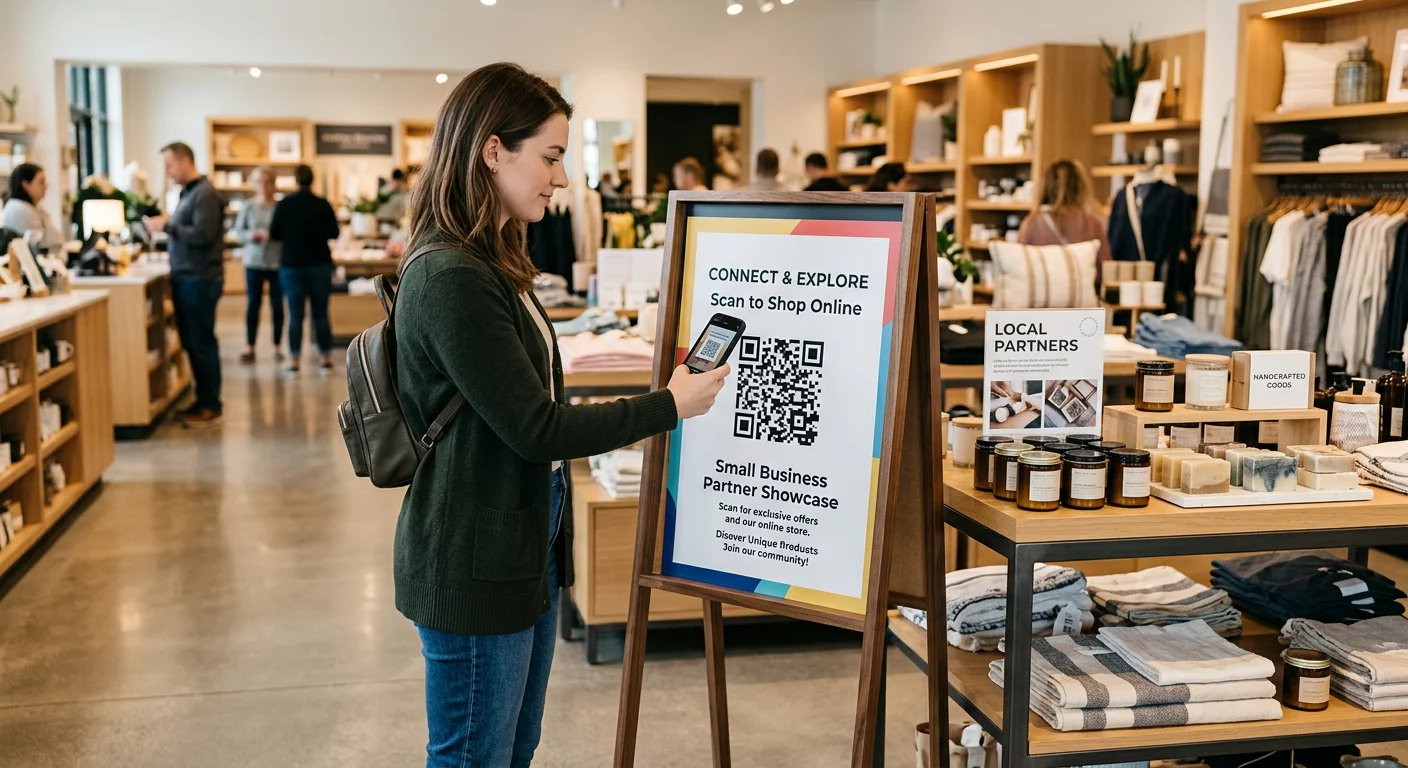
Toko ritel, pusat perbelanjaan, dan toko kelontong terdaftar sebagai akomodasi publik di bawah Title III. Seiring dengan semakin umumnya kode QR pada kemasan produk, pajangan rak, dan area kasir, organisasi ritel menghadapi peningkatan paparan terhadap kewajiban komunikasi yang efektif.
Kode QR pada label produk yang menautkan ke instruksi penggunaan, daftar bahan, atau informasi garansi harus dapat digunakan oleh pelanggan dengan gangguan penglihatan. Jika kode tersebut adalah cara utama untuk mengakses informasi tersebut – dan tidak ada alternatif yang setara yang disediakan – pengecer mungkin tidak memenuhi kewajiban komunikasi efektifnya.
Pertimbangan aksesibilitas utama untuk penerapan QR ritel meliputi:
- Menyediakan URL yang diketik atau padanan cetak di samping kode QR pada kemasan
- Memastikan halaman informasi produk yang ditautkan dari kode QR memenuhi standar kontras dan navigasi WCAG
- Menempatkan kode QR di dalam toko pada ketinggian dan posisi yang dapat diakses oleh pengguna kursi roda
Untuk strategi penempatan, lihat panduan kami tentang penempatan kode QR teratas untuk toko ritel.
Standar Teknis yang Berlaku di Seluruh Industri
Terlepas dari sektor mana Anda beroperasi, standar aksesibilitas inti yang sama berlaku saat Anda menggunakan kode QR. Ini berasal dari panduan WCAG 2.1 dan Bagian 508, dan mencakup kode QR fisik itu sendiri serta konten digital yang ditautkannya.
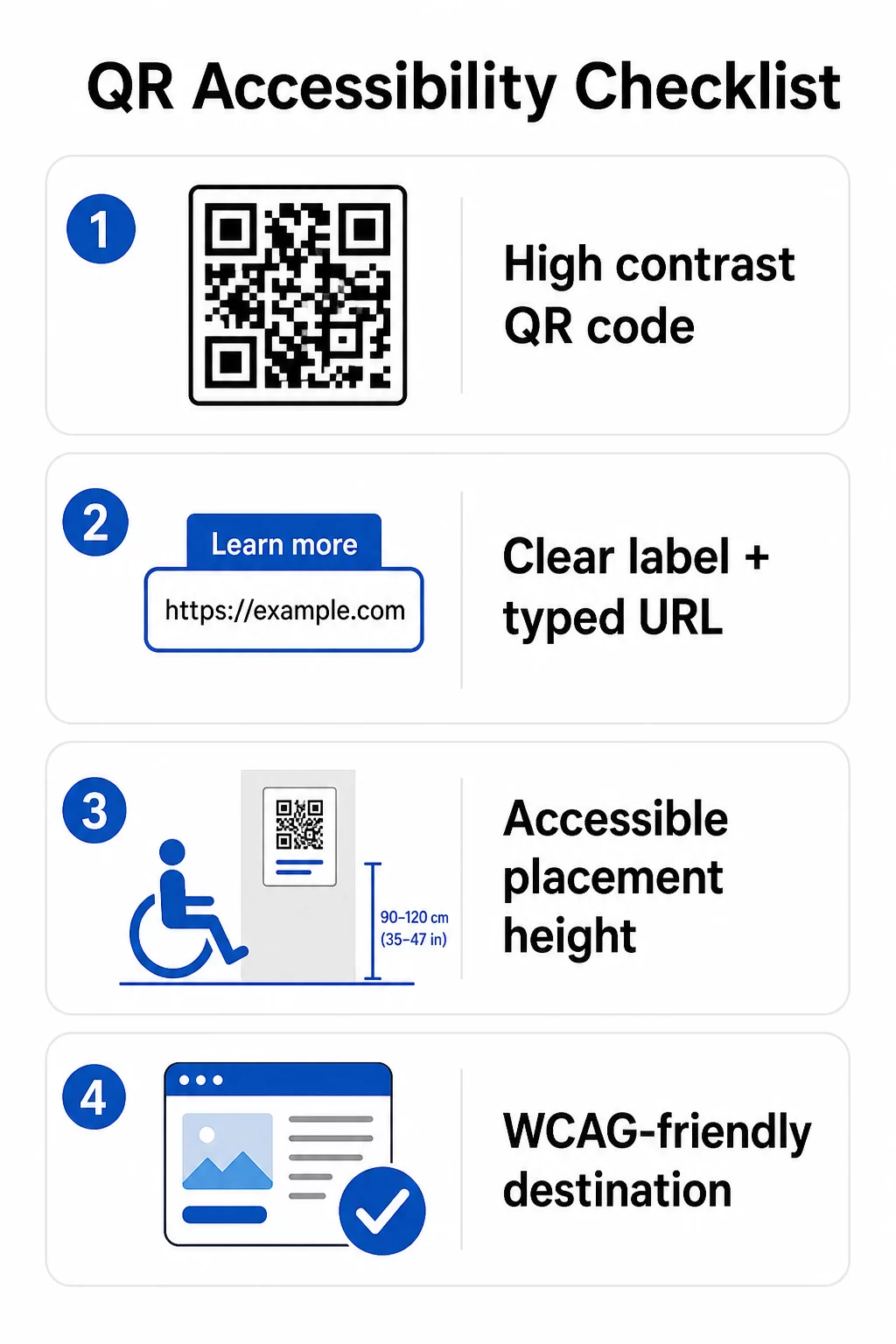
Untuk kode QR fisik:
- Gunakan latar depan gelap pada latar belakang terang, dengan rasio kontras minimal 4.5:1 untuk aksesibilitas penuh
- Cetak kode dengan ukuran minimal 1 inci × 1 inci, dan ikuti aturan 10:1 untuk jarak pemindaian (lebar kode 1 inci per 10 inci jarak pandang yang diharapkan)
- Letakkan kode yang dicetak antara 3,5 dan 4,5 kaki dari lantai agar pengguna kursi roda dapat menjangkaunya dengan nyaman
- Tambahkan label yang jelas atau ajakan bertindak di dekatnya agar pengguna memahami fungsi kode sebelum memindai
- Sediakan URL teks yang berdekatan atau alternatif yang setara agar pengguna yang tidak dapat memindai kode QR tetap dapat mengakses konten
Untuk konten digital yang ditautkan:
- Halaman web tujuan harus memenuhi kriteria keberhasilan WCAG 2.1 Level A dan AA
- Dalam dokumen digital, kode QR memerlukan teks alternatif deskriptif yang menjelaskan tujuan kode – bukan tampilan visualnya (Kriteria Keberhasilan WCAG 1.1.1)
- Kontras non-teks modul kode QR terhadap latar belakangnya harus memenuhi rasio minimal 3:1 (Kriteria Keberhasilan WCAG 1.4.11)
- Jika kode QR berfungsi sebagai tautan, teks alternatif harus menjelaskan ke mana arahnya (Kriteria Keberhasilan WCAG 2.4.4)
Untuk daftar periksa implementasi lengkap, lihat panduan kami tentang cara membuat kode QR sesuai ADA dan yang lebih luas praktik terbaik kegunaan kode QR.
Anda juga dapat menjelajahi kode QR yang diaktifkan suara dan isyarat taktil sebagai strategi lanjutan untuk melayani pengguna dengan gangguan penglihatan – sangat relevan untuk penerapan di bidang kesehatan, pendidikan, dan pemerintahan.
Buat Kode QR yang Aksesibel Sejak Awal Menggunakan Generator Kode QR untuk membangun kode QR dengan kontras tinggi, ukuran yang tepat, dengan label dan merek yang jelas – lalu tautkan ke konten yang aksesibel yang memenuhi standar WCAG.
Mengapa Kode QR yang Aksesibel Merupakan Praktik yang Baik di Luar Kepatuhan Hukum
Terlepas dari kewajiban hukum, membuat kode QR yang aksesibel memperluas audiens yang dapat berinteraksi dengan konten Anda. Kode QR yang tidak aksesibel tidak hanya menciptakan risiko hukum – tetapi juga menciptakan celah dalam pengalaman pelanggan Anda. Seorang tamu di restoran yang tidak dapat membaca menu QR, seorang pasien yang tidak dapat mengakses instruksi pengobatan, atau seorang siswa yang tidak dapat mengunduh materi kursus karena PDF yang tidak aksesibel, semuanya mewakili momen di mana organisasi Anda gagal berkomunikasi secara efektif.
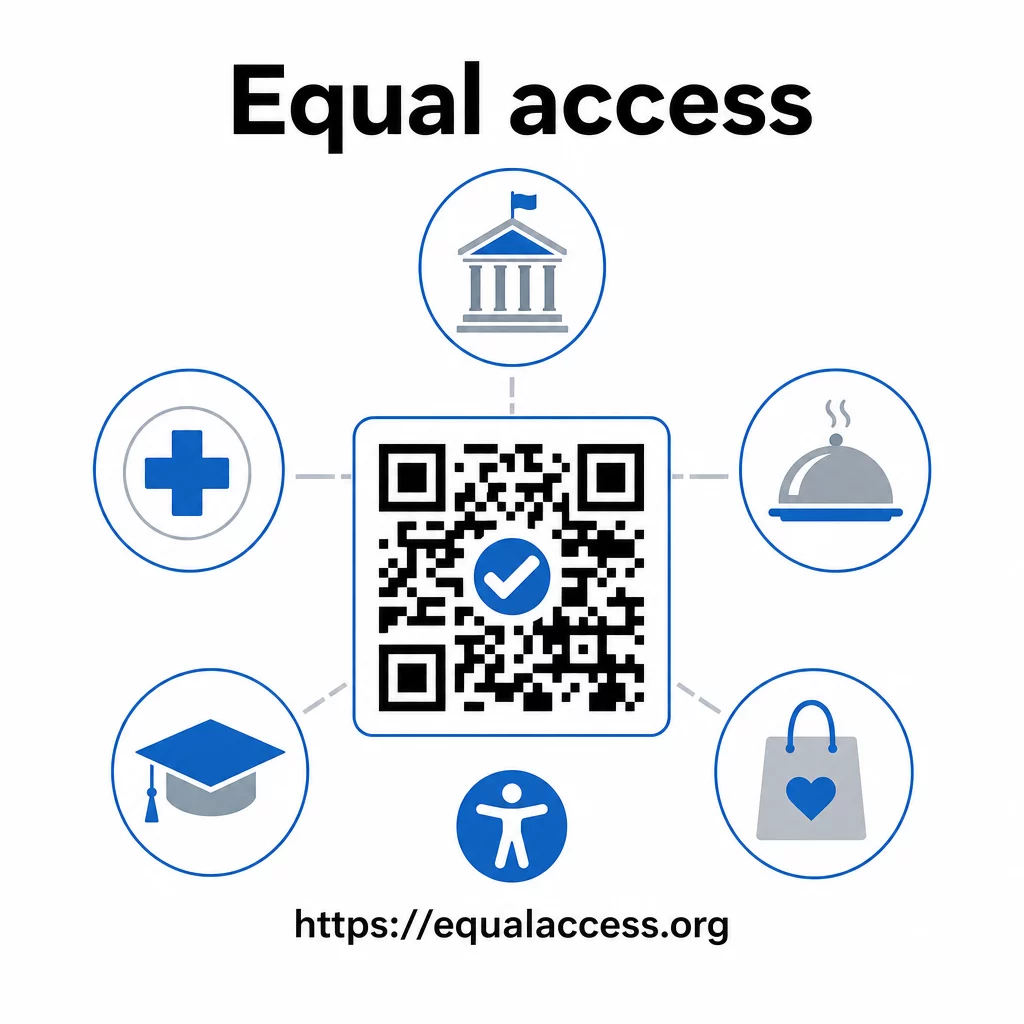
Praktik kode QR yang aksesibel juga cenderung meningkatkan pengalaman bagi semua orang. Kontras yang cukup membantu kode memindai lebih cepat dalam pencahayaan buruk. Ukuran yang tepat membantu pengguna dari segala usia memindai dari jarak yang nyaman. Label yang jelas mengurangi kebingungan bagi pengguna kode QR pemula. Peningkatan ini menguntungkan seluruh audiens Anda, bukan hanya pengguna dengan disabilitas.
Untuk melihat lebih dalam tentang kontras, ukuran, keterbacaan, dan penempatan, jelajahi panduan kami tentang praktik terbaik keterbacaan kode QR dan praktik terbaik kontras warna kode QR.
Kewajiban aksesibilitas berlaku luas di seluruh pemerintahan, layanan kesehatan, pendidikan, perhotelan, dan ritel – dan standar teknis yang sama mengatur semuanya. Titik awal praktisnya jelas: jika kode QR adalah cara Anda mengomunikasikan informasi penting, komunikasi tersebut harus aksesibel. Gunakan kode QR dinamis sehingga Anda dapat memperbarui konten yang tertaut untuk menjaga kepatuhan tanpa mencetak ulang, dan jelajahi berbagai solusi kode QR khusus industri untuk menemukan implementasi yang tepat untuk sektor Anda.
Pertanyaan yang sering diajukan
Tidak ada undang-undang yang secara khusus mewajibkan bisnis untuk menggunakan kode QR. Namun, jika Anda memilih untuk menggunakan kode QR sebagai bagian dari komunikasi yang berinteraksi langsung dengan pelanggan, persyaratan komunikasi efektif ADA berlaku. Jika kode QR adalah cara utama atau satu-satunya pelanggan dapat mengakses informasi, pengalaman tersebut harus dapat diakses oleh penyandang disabilitas – termasuk mereka yang memiliki gangguan penglihatan atau mobilitas terbatas.
Lembaga pemerintah negara bagian dan lokal menghadapi kewajiban paling eksplisit di bawah Title II ADA dan aturan final DOJ tahun 2024, yang mensyaratkan kepatuhan WCAG 2.1 Level AA untuk konten web dan aplikasi seluler. Bisnis swasta yang terbuka untuk umum – termasuk restoran, hotel, rumah sakit, toko ritel, sekolah swasta, bank, dan gym – tercakup di bawah Title III dan harus menyediakan komunikasi yang efektif melalui alat bantu dan layanan tambahan. Lembaga federal juga diatur oleh Bagian 508 dari Undang-Undang Rehabilitasi.
Tidak ada daftar periksa tunggal yang diamanatkan oleh ADA secara khusus untuk kode QR, tetapi praktik terbaik yang diambil dari panduan WCAG 2.1 dan Bagian 508 meliputi: menggunakan latar depan gelap pada latar belakang terang dengan rasio kontras minimal 4,5:1; mencetak kode dengan ukuran minimal 1 inci × 1 inci; menempatkan kode fisik pada ketinggian yang dapat diakses (3,5–4,5 kaki dari lantai); menyediakan URL teks terdekat sebagai alternatif bagi pengguna yang tidak dapat memindai; menambahkan teks alternatif deskriptif dalam dokumen digital; dan memastikan konten tujuan memenuhi standar WCAG 2.1 Level AA.