ホーム > ブログ > Which Industries Need ADA-Compliant QR Codes?
Accessible QR code

Which Industries Need ADA-Compliant QR Codes?

Learn which industries require ADA-compliant QR codes under Title II and III, including government, healthcare, retail, and hospitality for WCAG compliance.
Updated on 6月 10, 2026
目次

Are you unsure whether your business is legally required to make QR codes accessible under the ADA? Getting this wrong can expose your organization to compliance risk and exclude customers with disabilities from content they have a right to access. This guide breaks down which sectors carry the clearest legal obligations and what accessibility standards apply when QR codes are part of your customer-facing communications.

The Core Legal Reality: No Law Requires QR Codes, But Accessibility Laws Still Apply

Before diving into specific industries, one important clarification: no provision of the Americans with Disabilities Act specifically mandates that any business or agency use QR codes. The ADA focuses on ensuring effective, equal communication with people who have disabilities – regardless of which technology you choose to deliver that communication.

The critical implication is this: once you choose to use a QR code as part of your customer-facing communications, accessibility obligations follow. If your QR code is the primary or sole method of accessing important information, it must be usable by everyone – including people with visual impairments, limited mobility, or other disabilities.

Think of it this way: you are not required to install a ramp, but if your building has steps that customers must use to access your services, ADA standards govern how that ramp must be built. Similarly, if a QR code is how you deliver a menu, a form, or critical public information, then that QR code and the content it links to must be accessible.

Title II: Government and Public Sector Organizations

State and local governments carry some of the most explicit and well-documented digital accessibility obligations under the ADA. Title II of the ADA requires all state and local government entities to communicate with people with disabilities as effectively as they communicate with others. This covers every level of government operation – police departments, courts, voting services, public schools, community colleges, public libraries, water districts, and other special purpose districts.

In 2024, the U.S. Department of Justice finalized a rule under Title II designating WCAG 2.1 Level AA as the technical standard for state and local governments’ web content and mobile applications. This means that when a government agency places a QR code on a public document, sign, or physical location, the digital content that QR code links to must conform to WCAG 2.1 Level A and Level AA success criteria.

Federal guidance also makes clear that QR codes used in federal publications are expected to meet Section 508 of the Rehabilitation Act, which treats QR codes as a form of Information and Communication Technology (ICT). Under Section 508, a QR code in a digital document must be treated both as an image requiring descriptive alt text and as a link requiring an accessible text alternative – so that users who cannot scan the code can still reach the same information.

Practical requirements for government QR code use include:

  • Adjacent accessible text: Provide the destination URL or a short typed alternative next to every QR code so users who cannot scan it can still access the content
  • Descriptive alt text: In digital documents, alt text must describe what the QR code does (e.g., “QR code linking to the city’s accessible parking permit application”), not just its appearance
  • Physical placement: Printed QR codes should be positioned where people using wheelchairs can comfortably scan them – guidance recommends a height between 3.5 and 4.5 feet
  • Accessible destination content: The webpage or document reached through the QR code must itself meet WCAG 2.1 Level AA

For detailed placement guidance specific to government use, see our guide on best QR code placements for government agencies.

Keep Government QR Codes Updated Without Reprinting Need to update a destination URL on a posted government sign without replacing the physical material? Use the ダイナミックQRコードジェネレーター to change the linked content anytime – no reprinting required.

Title III: Businesses and Organizations Open to the Public

Private businesses and nonprofit organizations that serve the public are covered by Title III of the ADA, which defines these as “public accommodations.” The list of covered entities is broad and includes nearly every type of customer-facing business. Under Title III, these organizations must provide effective communication for customers with vision, hearing, and speech disabilities, including through auxiliary aids and services when necessary.

The following categories are explicitly identified as public accommodations under the ADA:

カテゴリー
Places of lodging Hotels, motels, inns
Food and drink establishments Restaurants, bars
Entertainment venues Theaters, stadiums, concert halls
Public gathering places Convention centers, auditoriums
Sales and rental establishments Grocery stores, shopping centers, hardware stores
Service establishments Banks, pharmacies, healthcare providers, law offices, hospitals
Transportation terminals Bus and train stations
Public display or collection Museums, libraries, galleries
Recreation Parks, zoos, amusement parks
Educational institutions Private nursery schools through graduate programs
Social services Daycare centers, senior centers, homeless shelters, food banks
Exercise and recreation Gyms, health spas, bowling alleys, golf courses

If your organization appears in this list and you use QR codes in any customer-facing context – signage, menus, product displays, payment terminals, or informational materials – effective communication obligations apply to that QR code experience.

Healthcare: Heightened Obligations and Practical Stakes

Hospitals, clinics, pharmacies, and private healthcare providers appear under Title III as service establishments. But healthcare organizations often operate under additional privacy and information standards that make accessible communication especially important.

When a QR code links to discharge instructions, medication information, appointment scheduling, or patient forms, the consequences of inaccessibility are not just legal – they are clinical. A patient with low vision who cannot access dosage instructions because a QR code lacks a fallback option faces a meaningful health risk.

QR codes in healthcare settings should always be accompanied by accessible alternatives such as large-print handouts, audio explanations, or staff assistance. For public health facilities that are also government entities, Title II obligations apply on top of standard healthcare communication requirements.

Explore how QR codes are used in hospitals and healthcare settings for practical implementation examples.

Hospitality: Menus, Check-In, and Guest Services

The hospitality industry – hotels, restaurants, and bars – has adopted QR codes at a remarkable pace, especially for digital menus. Because restaurants and hotels are explicitly listed as public accommodations under Title III, every QR-delivered guest experience carries an effective communication obligation.

A restaurant that relies solely on a QR code menu must ensure that menu is accessible to guests with visual impairments. This means the landing page the QR code links to should be compatible with screen readers, use sufficient color contrast, and have a logical heading structure. Guests who cannot use a QR code – whether due to visual impairment, unfamiliarity with smartphones, or motor limitations – must have an alternative way to access the same information.

For accessible menu implementation, the メニューQRコードジェネレーター allows you to link to a digital menu that you can update instantly without reprinting physical materials – useful when item availability changes or when you need to update the linked page to improve accessibility.

For guidance on making QR code payments accessible in hospitality and retail settings, see our article on QRコード決済のアクセシビリティに関するベストプラクティス.

Education: Public and Private Schools

Educational institutions span both Title II and Title III depending on whether they are publicly or privately operated. Public K–12 schools, community colleges, and state universities fall under Title II, including the DOJ rule requiring WCAG 2.1 Level AA compliance for web content and mobile apps. Private schools at all levels are covered by Title III as public accommodations.

In either case, when schools use QR codes to distribute course materials, event information, forms, or learning resources, those materials must be accessible. A student with a visual impairment must be able to access the same content as their peers. In practice, this means:

  • Linked PDFs must be tagged and screen-reader compatible
  • Web content reached through QR codes must meet WCAG standards
  • Physical QR code placements in classrooms or hallways should be at heights accessible to students using wheelchairs

See how QR codes are used in schools and education for specific use case ideas, and explore the PDF QRコードジェネレータ for distributing accessible course documents.

Retail: Stores, Packaging, and In-Store Displays

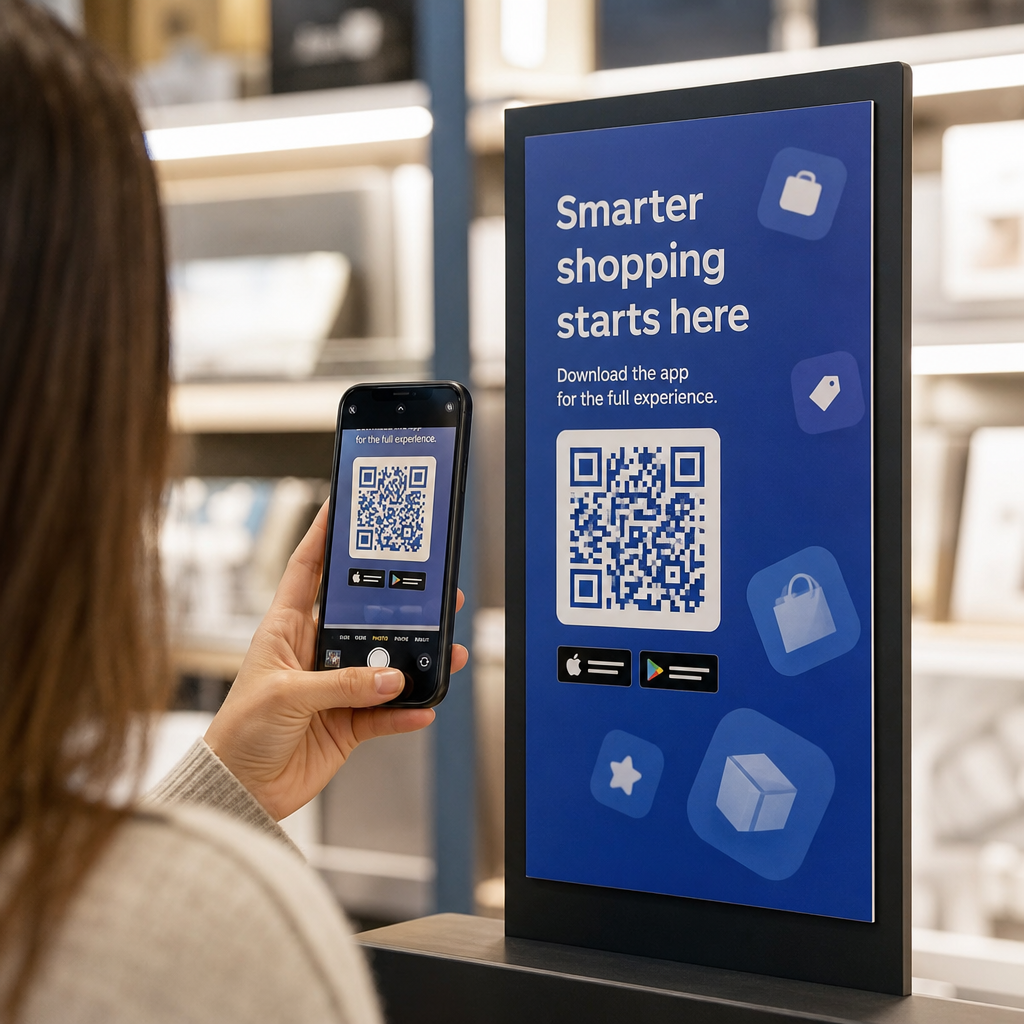
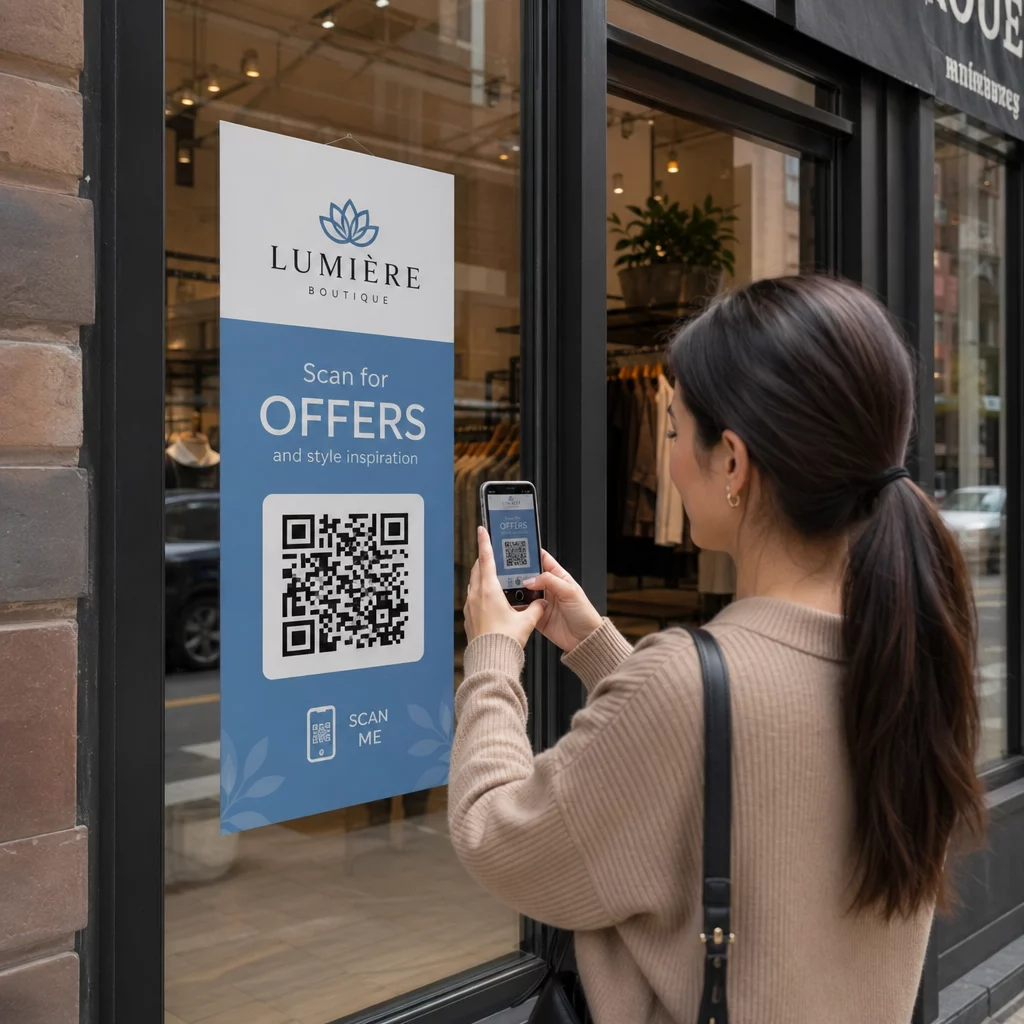
Retail stores, shopping centers, and grocery stores are listed as public accommodations under Title III. As QR codes become more common on product packaging, shelf displays, and checkout areas, retail organizations face growing exposure to effective communication obligations.

A QR code on a product label that links to usage instructions, ingredient lists, or warranty information must be usable by customers with visual impairments. If the code is the primary way to access that information – and no equivalent alternative is provided – the retailer may not be meeting its effective communication obligations.

Key accessibility considerations for retail QR deployments include:

  • Providing a typed URL or printed equivalent alongside QR codes on packaging
  • Ensuring product information pages linked from QR codes meet WCAG contrast and navigation standards
  • Placing in-store QR codes at heights and in positions accessible to wheelchair users

For placement strategy, see our guide on 小売店向けの最適なQRコード配置.

The Technical Standards That Apply Across Industries

Regardless of which sector you operate in, the same core accessibility standards apply when you deploy QR codes. These come from WCAG 2.1 and Section 508 guidance, and they cover both the physical QR code itself and the digital content it links to.

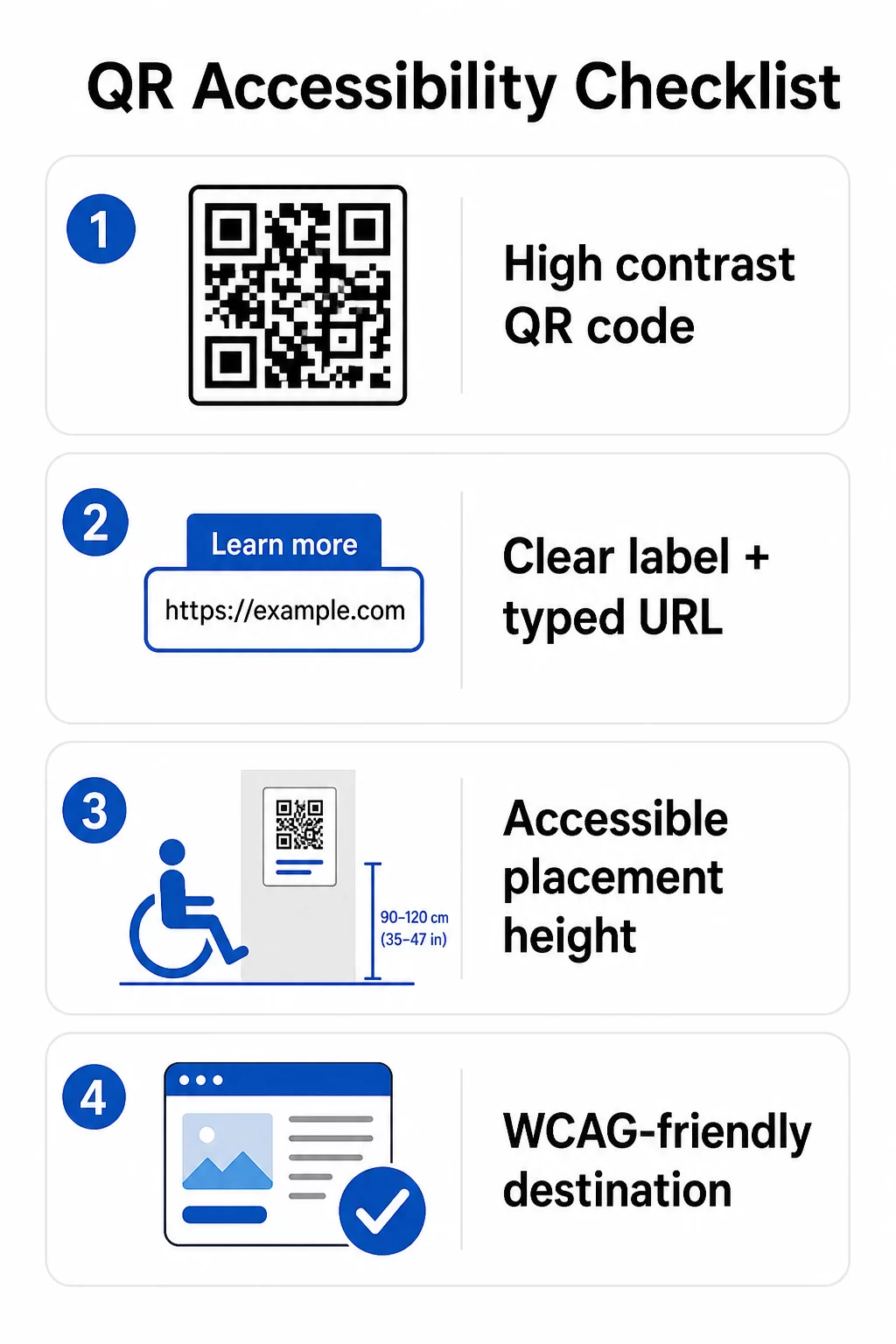
QR accessibility checklist

For the physical QR code:

  • Use a dark foreground on a light background, targeting a contrast ratio of at least 4.5:1 for full accessibility
  • Print codes at a minimum size of 1 inch × 1 inch, and follow the 10:1 rule for scanning distance (1 inch of code width per 10 inches of expected viewing distance)
  • Place printed codes between 3.5 and 4.5 feet from the floor so wheelchair users can comfortably reach them
  • Add a clear label or call-to-action nearby so users understand what the code does before scanning
  • Provide an adjacent text URL or equivalent alternative so users who cannot scan the QR code can still access the content

For the linked digital content:

  • Destination web pages must meet WCAG 2.1 Level A and AA success criteria
  • In digital documents, QR codes need descriptive alt text explaining the code’s purpose – not its visual appearance (WCAG Success Criterion 1.1.1)
  • The non-text contrast of QR code modules against their background must meet at least a 3:1 ratio (WCAG Success Criterion 1.4.11)
  • If the QR code functions as a link, the alt text must describe where it leads (WCAG Success Criterion 2.4.4)

For a complete implementation checklist, see our guide on how to make QR codes ADA-compliant and our broader QRコードのユーザビリティに関するベストプラクティス.

You can also explore 音声起動型QRコード and tactile cues as advanced strategies for serving users with visual impairments – particularly relevant for healthcare, education, and government deployments.

Create Accessible QR Codes From the Start を使用しています。 QRコードジェネレーター to build high-contrast, properly sized QR codes with clear labels and branding – then link them to accessible content that meets WCAG standards.

Why Accessible QR Codes Are Good Practice Beyond Legal Compliance

Legal obligations aside, making QR codes accessible expands the audience that can engage with your content. An inaccessible QR code does not just create legal exposure – it creates a gap in your customer experience. A guest at a restaurant who cannot read the QR menu, a patient who cannot access medication instructions, or a student who cannot download course materials because of an inaccessible PDF all represent moments where your organization has failed to communicate effectively.

Industries needing accessibility

Accessible QR code practices also tend to improve the experience for everyone. Sufficient contrast helps codes scan faster in poor lighting. Proper sizing helps users of all ages scan from a comfortable distance. Clear labels reduce confusion for first-time QR code users. These improvements benefit your entire audience, not just users with disabilities.

For a deeper look at contrast, sizing, readability, and placement, explore our guides on QRコードの可読性に関するベストプラクティス そして QRコードの色のコントラストに関するベストプラクティス.

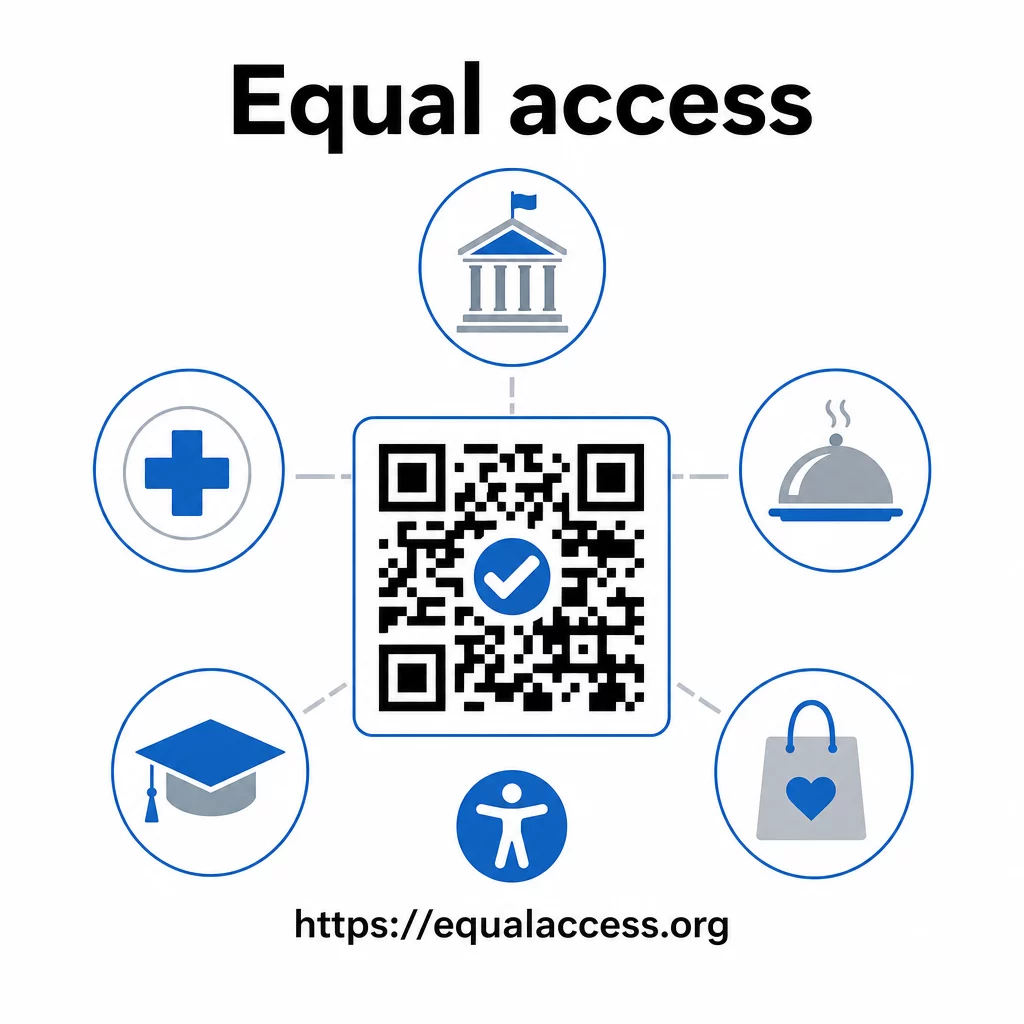
Accessibility obligations apply broadly across government, healthcare, education, hospitality, and retail – and the same technical standards govern all of them. The practical starting point is straightforward: if a QR code is how you communicate important information, that communication must be accessible. Use ダイナミックQRコード so you can update linked content to maintain compliance without reprinting, and explore the full range of industry-specific QR code solutions to find the right implementation for your sector.

よくある質問

Is my business legally required to use ADA-compliant QR codes?

No law specifically requires businesses to use QR codes. However, if you choose to use QR codes as part of your customer-facing communications, the ADA’s effective communication requirements apply. If a QR code is the primary or only way customers can access information, that experience must be accessible to people with disabilities – including those with visual impairments or limited mobility.

Which industries face the clearest ADA accessibility obligations when using QR codes?

State and local government agencies face the most explicit obligations under Title II of the ADA and the DOJ’s 2024 final rule, which requires WCAG 2.1 Level AA compliance for web content and mobile apps. Private businesses open to the public – including restaurants, hotels, hospitals, retail stores, private schools, banks, and gyms – are covered under Title III and must provide effective communication through auxiliary aids and services. Federal agencies are additionally governed by Section 508 of the Rehabilitation Act.

What is the minimum required to make a QR code ADA-accessible?

There is no single checklist mandated by the ADA specifically for QR codes, but best practices drawn from WCAG 2.1 and Section 508 guidance include: using a dark foreground on a light background with at least a 4.5:1 contrast ratio; printing codes at a minimum size of 1 inch × 1 inch; placing physical codes at accessible heights (3.5–4.5 feet from the floor); providing a nearby text URL as an alternative for users who cannot scan; adding descriptive alt text in digital documents; and ensuring the destination content meets WCAG 2.1 Level AA standards.

著者について

Siim KostabiはPagelootのコンテンツリードです。Pagelootの革新的なQRコード生成サービスについて執筆しています。5年以上にわたるQRコードに関する深い専門知識を持つSiimは、この分野の専門家です。QRテクノロジーを活用してデジタルインタラクションを簡素化・拡張する上で、大きな進歩を遂げています。.

カテゴリー
について詳しくはこちら
Wedding QR code
のQRコード ウェディング
QRマーケティングコードのスキャン
QRコード 追跡
✅ QRコードの#1ソリューション

オンラインでQRコードを作成する必要がある場合は QRコードを作る ここで無料で
ページルートは #1のGo-Toソリューション でQRコードを作成してスキャンすることができます。

BL-0171

売上、レビュー、フォロワーを増やすために 20,000 を超えるブランドから信頼されています。

クライアントのロゴ
トップブランドから信頼される
5 のうち 4.8 と評価しました

4.86 / 5つ星評価

ユーゴ・ローラン
ユーゴ・ローラン
レストランオーナー
最も簡単で信頼性の高いQRコードジェネレータです。PDFファイルを即座にアップロードできます。レストランのメニューがデジタル化されました。
ルーカス・ジャンセン
ルーカス・ジャンセン
不動産開発業者
これは優れたツールで、QRコードでちょうど欲しいところに連れて行ってくれます。私たちは位置情報のQRコードしか使っていませんが、とても便利な機能がたくさんあります。
エマ・モレッティ
エマ・モレッティ
小売製品
使いやすいし、早い。素晴らしい機能で、完璧な画像を作成してくれるので、社員は私のvCardをダウンロードすることができます。
ユーゴ・ローラン
ユーゴ・ローラン
レストランオーナー
最も簡単で信頼性の高いQRコードジェネレータです。PDFファイルを即座にアップロードできます。レストランのメニューがデジタル化されました。
ルーカス・ジャンセン
ルーカス・ジャンセン
不動産開発業者
これは優れたツールで、QRコードでちょうど欲しいところに連れて行ってくれます。私たちは位置情報のQRコードしか使っていませんが、とても便利な機能がたくさんあります。
エマ・モレッティ
エマ・モレッティ
小売製品
使いやすいし、早い。素晴らしい機能で、完璧な画像を作成してくれるので、社員は私のvCardをダウンロードすることができます。
QRコードをもっと見る
Students scanning classroom QR
のQRコードを作る 教室
LinkedIn QRネットワーキング
どのように LinkedIn QRコードを探す
あらゆるものをデジタル体験に変えよう 3分以内に。

14日間の無料トライアル。

クレジットカードは必要ありません。

初回購入で30%オフ

次のコードを使用してください:

MP3ファイルを共有

PDF QRコードを作成するにはサインアップしてください

必要なものをすべてアップロードして表示する。

  • オーディオファイル
  • ポッドキャスト
  • 音楽

サインアップで14日間無料トライアル。.
トライアル終了後、QRコードは期限切れになります。.

オーディオmp3 QRコードを作成するにはサインアップしてください

フレームでより多くのスキャンを獲得

QRコードにフレームを追加するにはサインアップしてください

コールトゥアクションフレームは、お客様が簡単にQRコードと対話できるようにします。ぜひお試しください。

サインアップで14日間無料トライアル。.
トライアル終了後、QRコードは期限切れになります。.

QRコードにフレームを追加するにはサインアップしてください

シェイプでスタイルを追加

より多くの図形を作成するにはサインアップしてください

QRコードは四角いものである必要はありません。あなたのブランドのイメージに合わせて変えてみてください。

サインアップで14日間無料トライアル。.
トライアル終了後、QRコードは期限切れになります。.

より多くの図形を作成するにはサインアップしてください

QRコードにロゴを追加

QRコードにロゴを追加するにはサインアップしてください

QRコードにロゴやブランドを入れることで、目立たせることができます。

サインアップで14日間無料トライアル。.
トライアル終了後、QRコードは期限切れになります。.

QRコードにロゴを追加するにはサインアップしてください

スマートなApp Storeリダイレクト

アプリストアのQRコードを作成するにはサインアップしてください

スマートなApp StoreのQRコードに、あなたのアプリのリンクを追加します。ユーザーは、デバイスに応じてリダイレクトされます。

サインアップで14日間無料トライアル。.
トライアル終了後、QRコードは期限切れになります。.

アプリストアのQRコードを作成するにはサインアップしてください

QRコードに画像をアップロード

画像QRコードを作成するにはサインアップしてください

画像を簡単に共有できます。どんな画像も、数秒でダイナミックに変化します。

サインアップで14日間無料トライアル。.
トライアル終了後、QRコードは期限切れになります。.

画像QRコードを作成するにはサインアップしてください

PDFファイルを共有

PDF QRコードを作成するにはサインアップしてください

必要なものをすべてアップロードして表示する。

  • メニュー&プライスリスト
  • 指示
  • 任意の書類

サインアップで14日間無料トライアル。.
トライアル終了後、QRコードは期限切れになります。.

PDF QRコードを作成するにはサインアップしてください

印刷せずに後で編集

再度印刷せずにQRコードを編集するにはサインアップしてください

ダイナミックQRコードは、新たにQRコードを印刷することなく、QRコードの内容を変更することができます。

サインアップで14日間無料トライアル。.
トライアル終了後、QRコードは期限切れになります。.

再度印刷せずにQRコードを編集するにはサインアップしてください

いつ?どこで?QRコードのスキャンを追跡

QRコードを追跡するにはサインアップしてください

どのQRコードが最も多くスキャンされ、何が最も顧客を喜ばせているのかを知ることができます。

サインアップで14日間無料トライアル。.
トライアル終了後、QRコードは期限切れになります。.

QRコードを追跡するにはサインアップしてください

印刷可能なファイルが利用可能

PDFやSVGのようなベクターQRコードを作成するにはサインアップしてください

.eps、.pdf、.svg

QRコードをHD解像度でダウンロードしたいですか?すぐに印刷できるベクターまたはピクセル形式を入手しましょう。

サインアップで14日間無料トライアル。.
トライアル終了後、QRコードは期限切れになります。.

PDFやSVGのようなベクターQRコードを作成するにはサインアップしてください

しばらくお待ちください。あなたのQRコードは ロード... ロード...

あなただけのものに

サインアップしてQRコードを後で保存してください

異なる色、ロゴ、コールトゥアクションフレームで素晴らしいQRコードを作成することで、より多くのスキャンを得ることができます。

サインアップで14日間無料トライアル。.
トライアル終了後、QRコードは期限切れになります。.

サインアップしてQRコードを後で保存してください