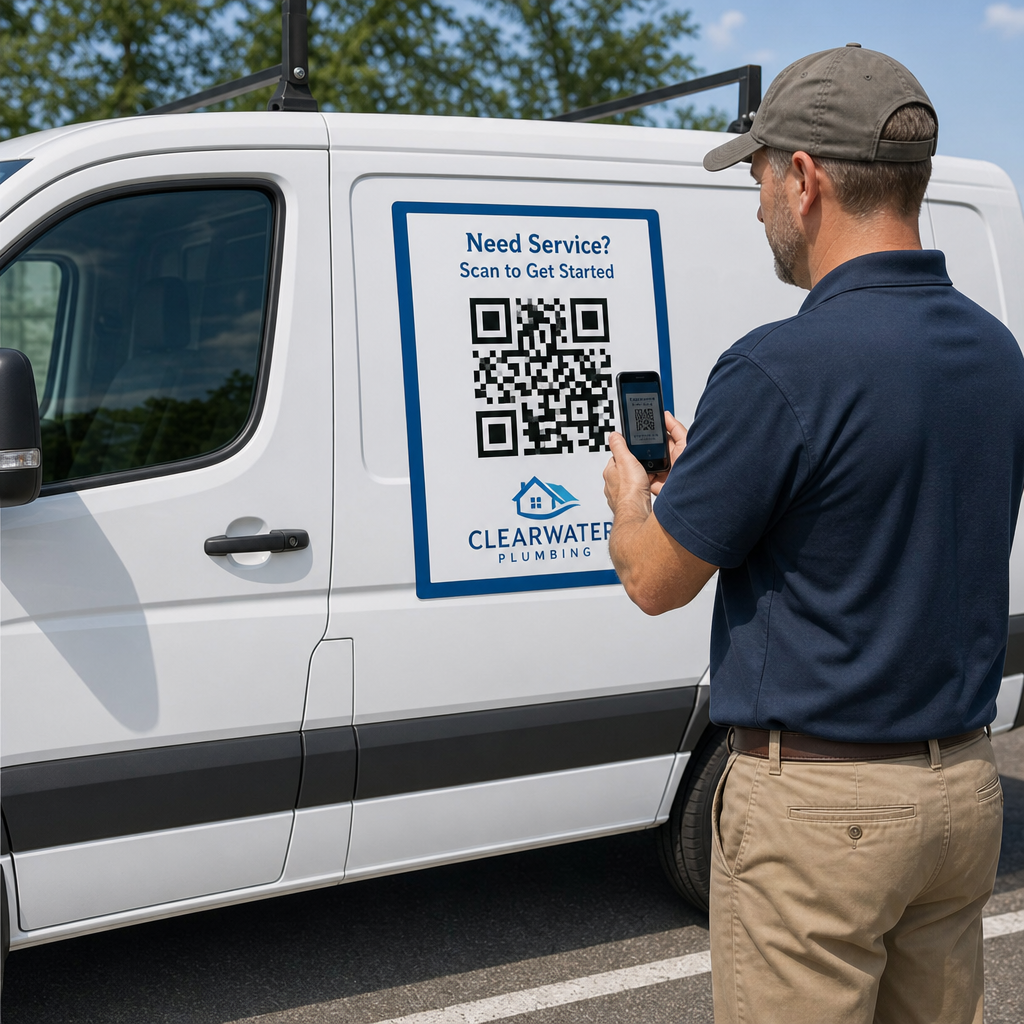
Pernahkah Anda mencetak magnet mobil hanya untuk mendapati bahwa kamera ponsel pintar gagal memindainya dari jarak beberapa meter? Kode yang tidak dapat dipindai membuang biaya pencetakan dan kehilangan prospek pelanggan yang berharga di jalan. Berikut cara menghitung dimensi, mengoptimalkan kontras, dan memasang magnet kendaraan yang dapat dipindai untuk bisnis Anda.
Menghitung Ukuran Kode untuk Jarak Pandang
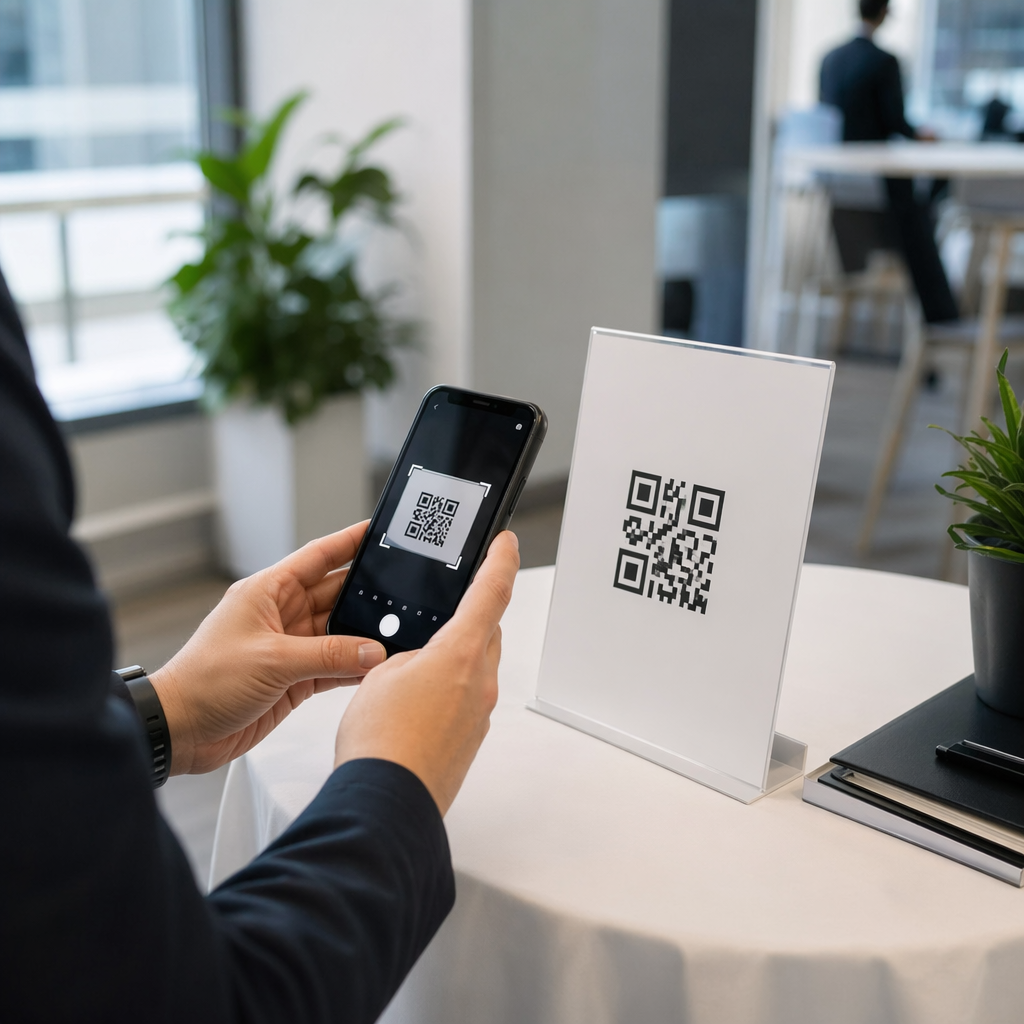
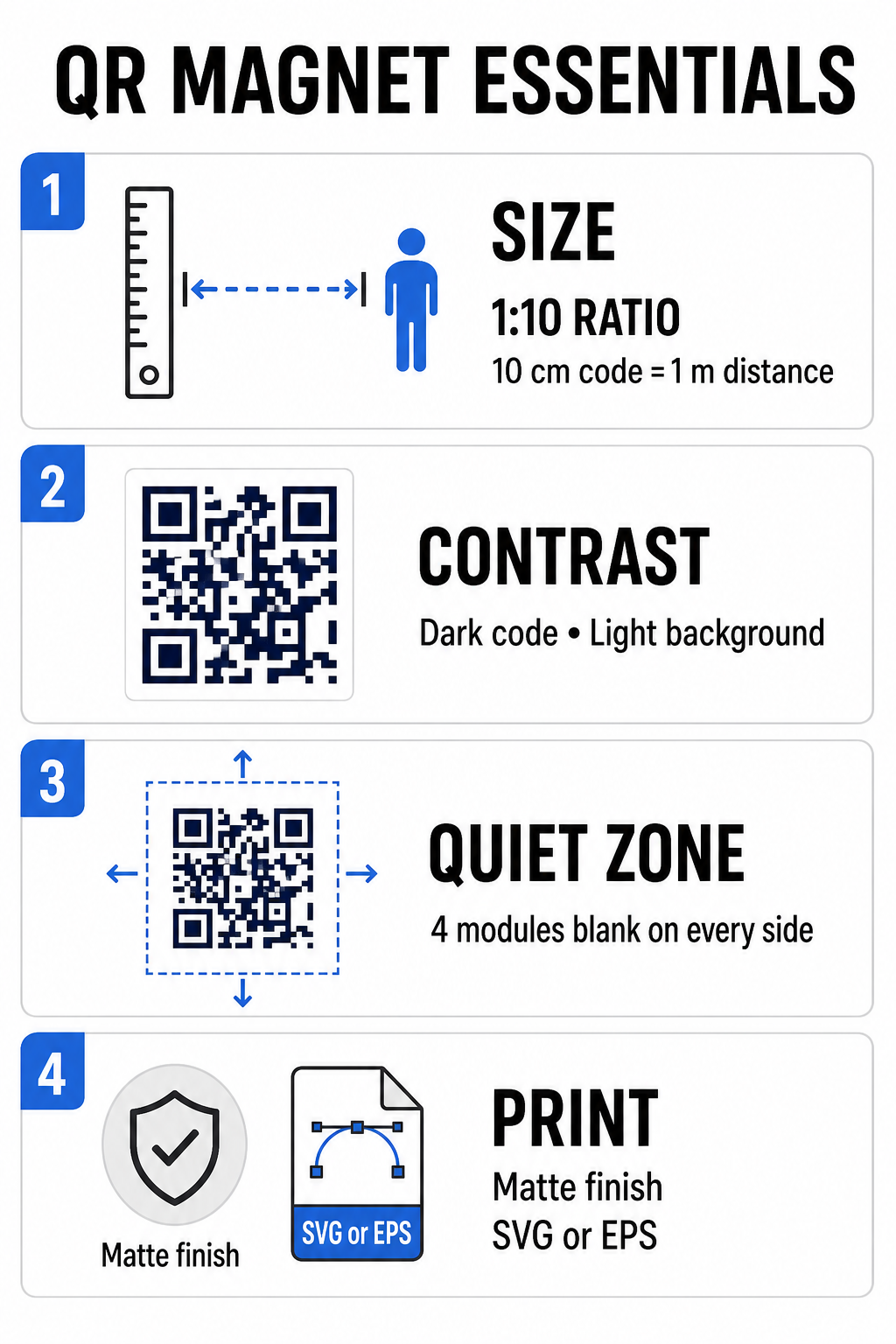
Magnet mobil membutuhkan kode QR yang jauh lebih besar daripada kartu nama atau brosur karena pemirsa berinteraksi dengannya dari jarak jauh. Kamera smartphone standar mengandalkan Rasio 1:10 antara ukuran kode dan jarak pemindaian. Jika calon pelanggan berdiri 1 meter (sekitar 3,3 kaki) dari kendaraan Anda yang terparkir, pola kode QR persegi harus berukuran minimal 10 cm (4 inci) lebarnya.
Kepadatan data secara langsung memengaruhi seberapa mudah sensor kamera mengunci gambar karya seni Anda dari jarak jauh. Mengemas alamat web lengkap ke dalam pola statis menciptakan modul kecil dan padat yang sulit diuraikan oleh lensa. Dengan menggunakan Generator Kode QR Tautan Membangun kode dinamis menjaga muatan tetap pendek dan struktur modul tetap jarang. Kepadatan matriks yang lebih rendah mempercepat autofokus kamera dan meningkatkan keandalan pemindaian. Meninjau secara detail panduan ukuran kode QR akan membantu Anda memilih dimensi yang tepat berdasarkan tempat parkir yang Anda targetkan dan ukuran pintu kendaraan Anda.
Buat Kode QR Dinamis yang Dapat Dilacak untuk Kendaraan Anda Ingin kode yang bersih dan berdensitas rendah yang dapat Anda perbarui kapan saja tanpa mencetak ulang magnet Anda? Gunakan ini Generator kode QR gratis untuk mendesain kode yang dapat diedit dan melacak kinerja kampanye.
Mendesain Karya Seni Luar Ruangan dengan Kontras Tinggi
Kondisi pencahayaan luar ruangan berubah sepanjang hari, sehingga pemilihan warna sangat penting untuk kemampuan pemindaian seluler. Pemindai mendeteksi kode dengan mengukur cahaya yang dipantulkan dari modul yang kontras. Anda harus selalu menggunakan pola latar depan gelap yang dicetak pada latar belakang terang yang solid, seperti hitam atau biru tua pada putih matte.
Kombinasi warna dengan kontras rendah seperti kuning di atas putih atau biru muda di atas abu-abu akan terlihat buruk di bawah sinar matahari langsung atau di tempat yang sangat teduh. Anda dapat meninjau kembali kombinasi warna yang sudah ada. praktik terbaik kontras warna kode QR untuk memastikan palet warna Anda memenuhi ambang batas pembacaan yang andal.
- Pertahankan zona tenang.Sisakan ruang kosong yang jelas setidaknya selebar empat modul di keempat sisi pola kode QR. Jangan pernah memasukkan foto kendaraan, tekstur latar belakang, atau garis batas ke dalam margin ini.
- Hindari laminasi yang memantulkan cahaya atau mengkilap.Lapisan vinil mengkilap menghasilkan pantulan sinar matahari yang menyilaukan kamera ponsel pintar. Pilih lapisan matte pada lembaran vinil magnetik Anda untuk meredam sinar matahari langsung.
- Ekspor dalam format file vektor: Percetakan memerlukan karya seni beresolusi tinggi untuk mencegah tepi yang buram. Selalu ekspor kode Anda dalam format vektor seperti SVG atau EPS sehingga pola tersebut dapat diskalakan tanpa mengalami pikselasi. Pelajari lebih lanjut tentang bagaimana teknik pencetakan memengaruhi kemampuan pindai kode QR.
| Elemen Desain | Praktik Terbaik | Kesalahan Umum yang Harus Dihindari |
|---|---|---|
| Kombinasi Warna | Kode gelap pekat pada latar belakang terang matte. | Kode abu-abu gelap pada cat kendaraan berpola atau berwarna gelap. |
| Margin Zona Hening | Setidaknya 4 modul ruang kosong di semua sisi. | Menempatkan teks atau karya seni di dalam batas kosong. |
| Format File | Grafik vektor EPS atau SVG | Gambar PNG atau JPG beresolusi rendah yang diperbesar |
| Lapisan Permukaan Magnet | Lapisan pelindung UV matte dan anti-silau | Lapisan mengkilap atau metalik yang memantulkan sinar matahari |
Menambahkan Teks Ajakan Bertindak dan Logo
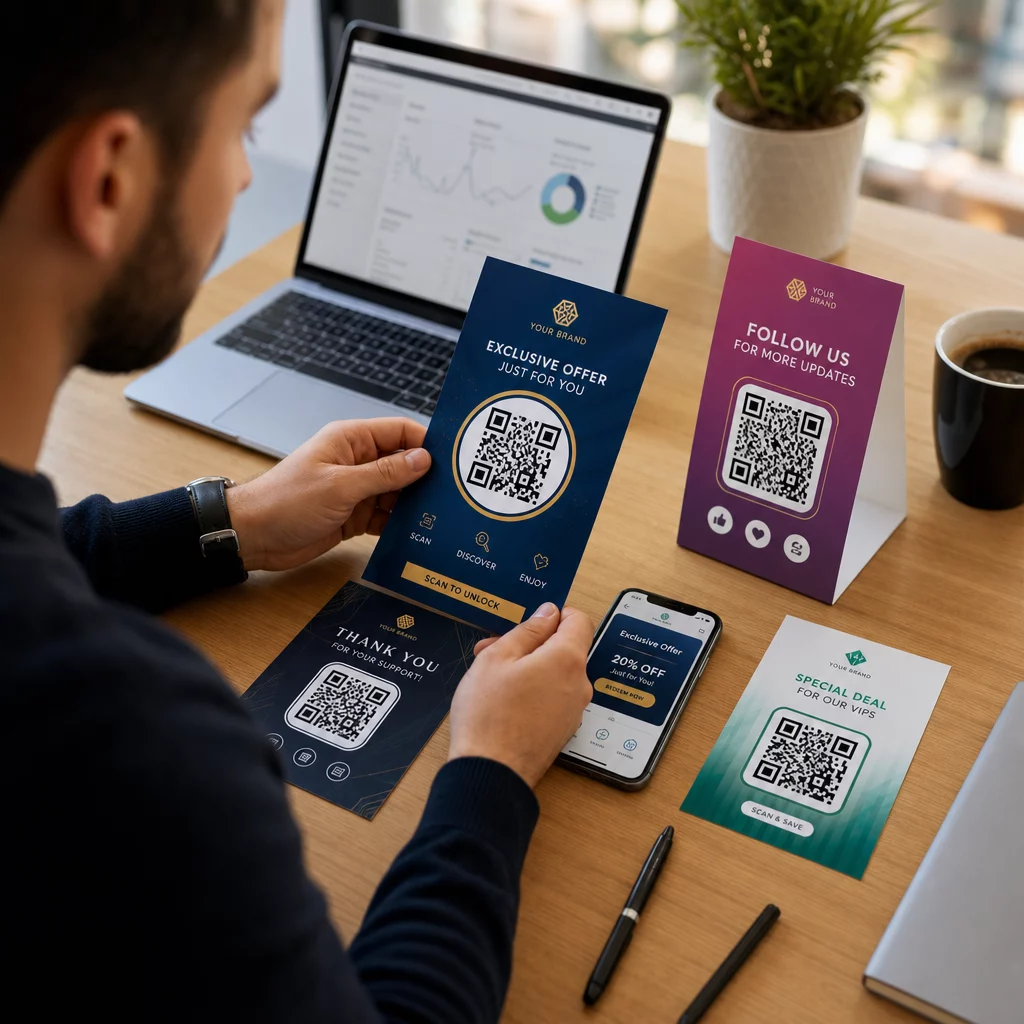
Pola persegi polos tidak memberikan insentif kepada calon pelanggan untuk membuka aplikasi kamera mereka. Menggabungkan kode QR Anda dengan teks ajakan bertindak (CTA) yang ringkas menjelaskan manfaat pasti dari pemindaian. Instruksi langsung seperti “Pindai untuk Diskon 15%,” “Pindai untuk Estimasi Gratis,” atau “Pindai untuk Melihat Menu” secara signifikan meningkatkan tingkat pemindaian.
Menempatkan logo perusahaan di tengah kode Anda memperkuat branding visual dan membangun kepercayaan. Saat menambahkan karya seni tengah khusus, pilih Generator QR Code dengan Logo opsi dan atur tingkat koreksi kesalahan ke Level Q (25%) atau Tingkat H (30%). Koreksi kesalahan yang lebih tinggi menambahkan blok data redundan ke pola, memungkinkan kamera ponsel untuk mendekode tautan target bahkan jika logo Anda menutupi hingga 30% dari area tengah. Berhati-hatilah agar tidak pernah mengaburkan atau mendistorsi tiga pola pencari persegi besar yang terletak di sudut kode.
Untuk panduan tambahan mengenai penataan grafis pemasaran, silakan lihat halaman kami. panduan utama penempatan kode QR dalam pemasaran.
Cara Memasang dan Merawat Magnet Mobil dengan Aman
Lokasi penempatan magnet mobil menentukan apakah pemirsa dapat berinteraksi dengannya dengan aman. Pemindaian sambil berkendara pada kendaraan yang bergerak tidak efektif karena efek buram akibat gerakan dan menciptakan bahaya lalu lintas yang serius. Rancang kampanye Anda berdasarkan skenario parkir, seperti kendaraan servis yang ditempatkan di lokasi kerja, mobil pengiriman di area persiapan, atau mobil pribadi yang diparkir di tempat parkir komersial.
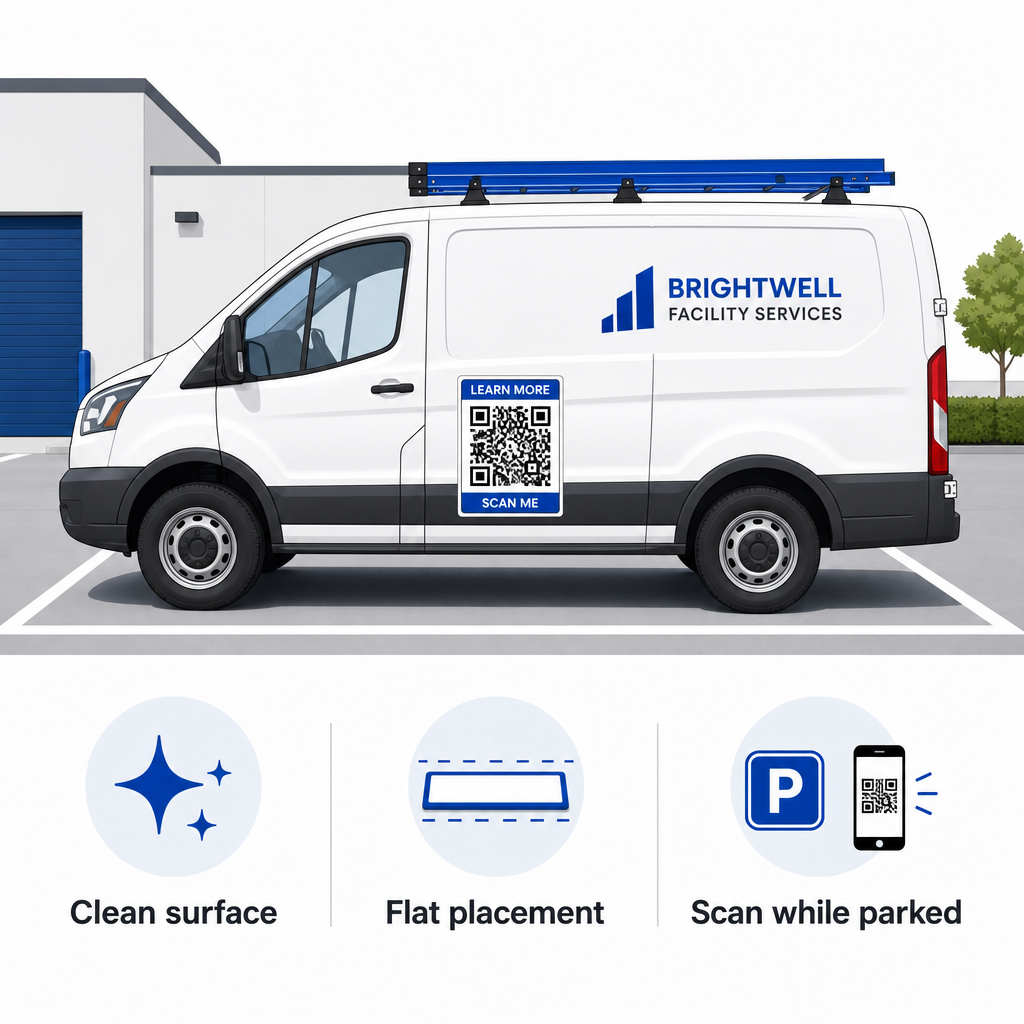
- Pasang pada panel logam datarTempelkan magnet pada pintu samping yang rata, panel samping yang halus, atau pintu belakang yang rata. Hindari kontur bodi, lis trim, pegangan, dan lekukan tajam. Magnet tidak akan menempel pada fiberglass, panel aluminium, bumper plastik, atau area yang dilapisi dempul bodi.
- Bersihkan permukaan tempat aplikasi akan diaplikasikan.Kotoran, debu, dan penumpukan lilin dapat melemahkan daya rekat magnet dan memerangkap kotoran yang dapat menggores cat kendaraan. Cuci dan keringkan panel kendaraan dan bagian belakang magnet dengan larutan sabun lembut sebelum pemasangan.
- Bentangkan lembaran tersebut sepenuhnya rata.Sejajarkan salah satu sisi magnet dengan panel dan biarkan bagian lainnya menempel secara alami. Tekan dengan kuat di seluruh permukaan untuk menghilangkan kantong udara, gelembung, atau tepi yang terangkat yang dapat menangkap angin saat berkendara.
- Lakukan pembersihan secara rutin.Lepaskan magnet setidaknya sekali seminggu untuk membersihkan uap air dan debu jalan yang terperangkap. Simpan magnet kendaraan yang tidak digunakan dalam posisi datar di tempat yang sejuk dan kering untuk mencegah perubahan bentuk atau sudut yang melengkung.
Tips pemasangan terperinci untuk armada komersial tersedia dalam panduan kami tentang kode QR pada kendaraan.
Pengujian Kemampuan Pemindaian dalam Kondisi Luar Ruangan Nyata
Sebelum memasang magnet kendaraan Anda di sepanjang rute layanan aktif, Anda harus memvalidasi kemampuan pemindaian di berbagai lingkungan dunia nyata. Pola yang mudah didekode di bawah pencahayaan kantor mungkin gagal saat terkena silau luar ruangan yang menyengat atau bayangan yang gelap.
Uji magnet hasil cetakan Anda dalam tiga kondisi penting:
- Mundurlah ke jarak pandang realistis yang akan digunakan pelanggan Anda dan pastikan fokus otomatis kamera terkunci dengan cepat.
- Periksa kinerja pemindaian di bawah terik matahari siang, langit mendung, dan tempat teduh sebagian.
- Pindai magnet menggunakan beberapa ponsel pintar iOS dan Android, termasuk perangkat murah dengan resolusi kamera yang lebih rendah.
Anda juga dapat menguji tautan tujuan Anda dengan layanan online. Scan QR Code & Barcode untuk memastikan halaman arahan terbuka dengan cepat melalui jaringan seluler. Setelah ditetapkan praktik terbaik untuk keterbacaan kode QR Memastikan bahwa magnet pemasaran seluler Anda secara konsisten mengubah visibilitas kendaraan offline menjadi keterlibatan online yang dapat dilacak.
Untuk mulai membuat iklan kendaraan Anda sendiri yang menghasilkan konversi tinggi, pilih tautan target Anda, terapkan pemformatan dinamis dengan kontras tinggi, dan hasilkan karya seni vektor yang siap untuk dicetak secara profesional.
Pertanyaan yang sering diajukan
Ukuran yang disarankan bergantung pada jarak pemindaian menggunakan rasio 1:10. Jika pengguna memindai magnet Anda dari jarak 3 kaki saat parkir, pola kode QR setidaknya harus berukuran 3,6 hingga 4 inci (9 hingga 10 cm). Untuk jarak pandang yang lebih jauh, perbesar ukuran kode dan minimalkan data yang dikodekan.
Tidak. Efek buram akibat gerakan, kecepatan kendaraan, dan penundaan fokus otomatis kamera membuat pemindaian kendaraan yang bergerak menjadi tidak aman dan tidak dapat diandalkan. Selalu rancang kampanye QR kendaraan untuk situasi di mana kendaraan diparkir di tempat yang mudah diakses, seperti lokasi kerja, tempat parkir, atau area bongkar muat.
Selalu berikan format file vektor seperti SVG, EPS, atau PDF vektor resolusi tinggi. File vektor mempertahankan tepi yang tajam pada ukuran cetak apa pun, memastikan modul kode QR tetap jelas tanpa pikselasi atau keburaman selama pencetakan magnet format besar.