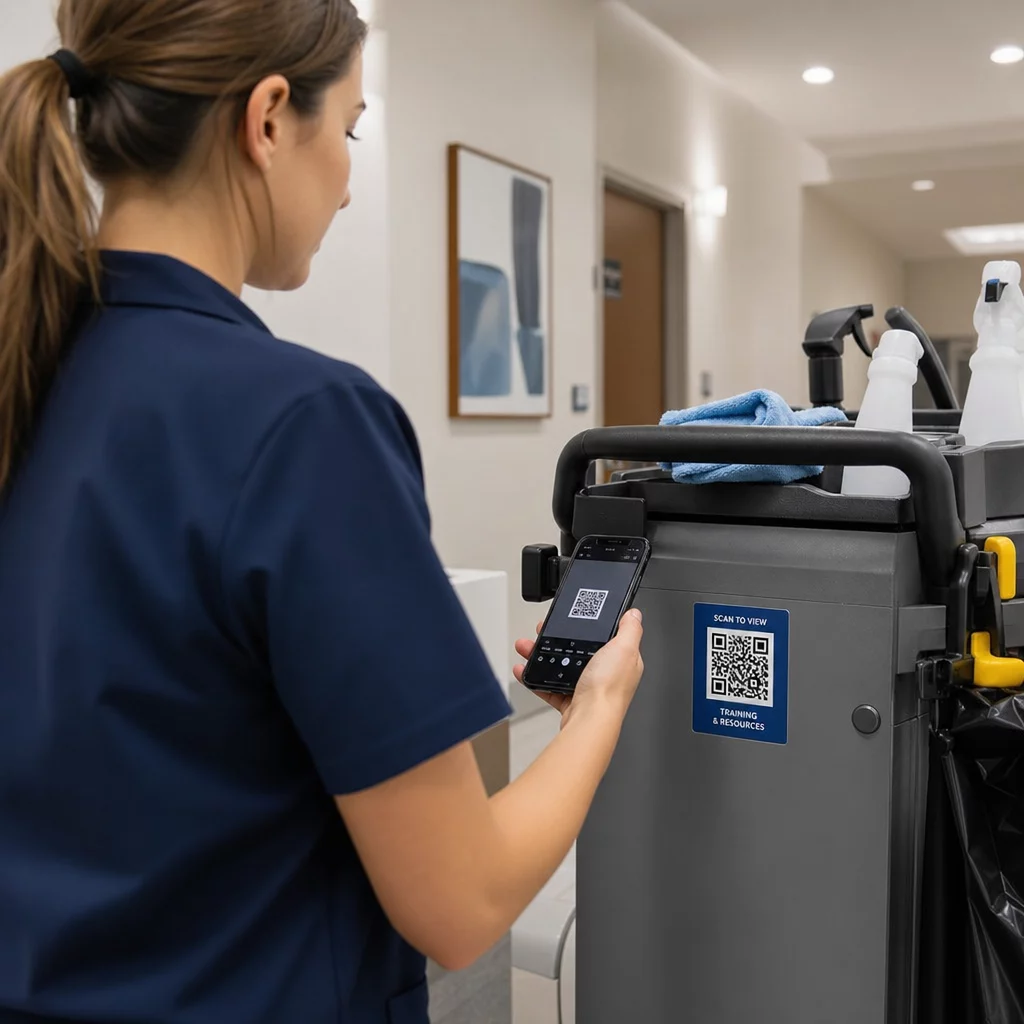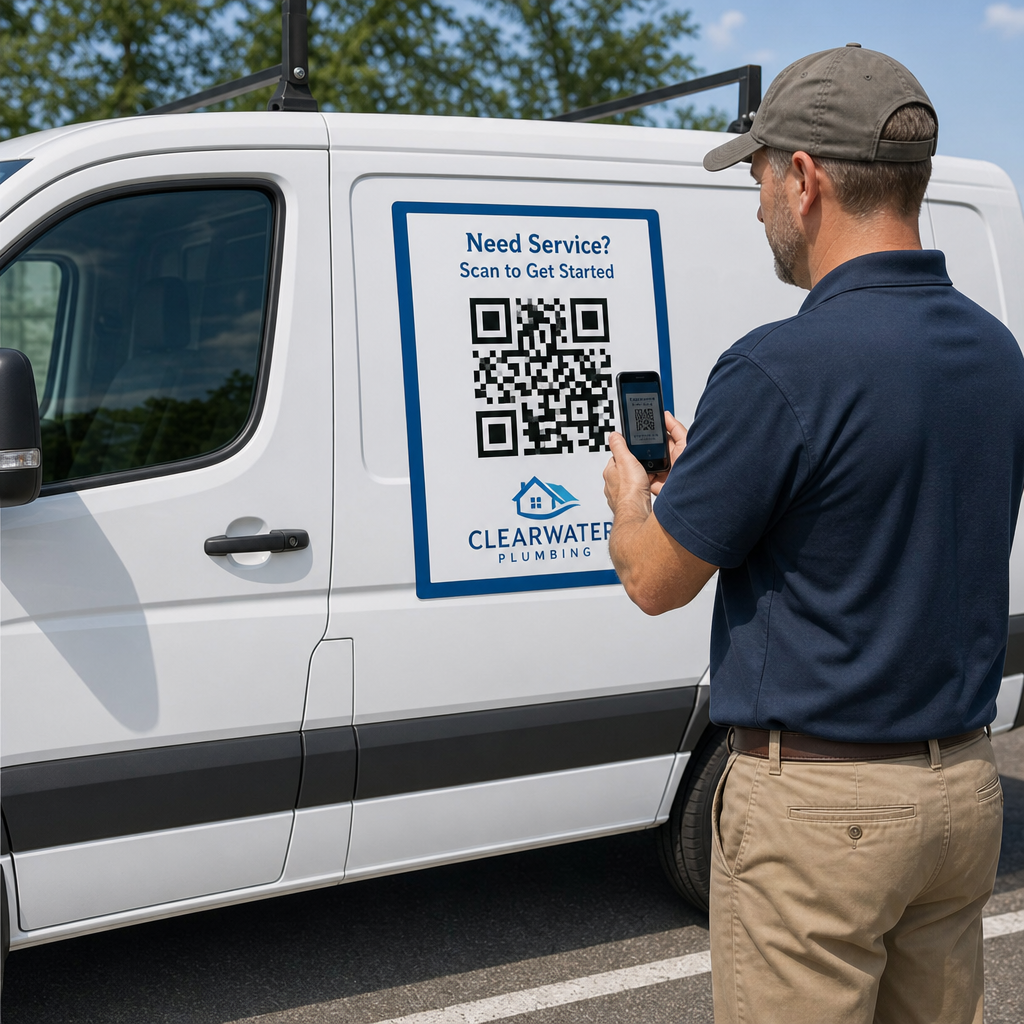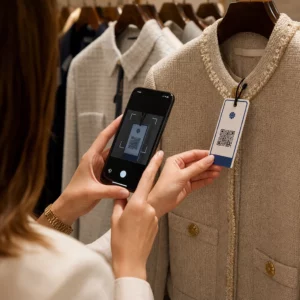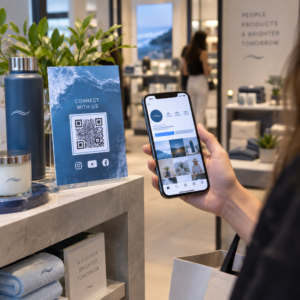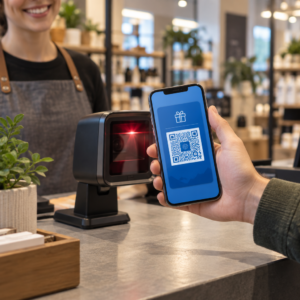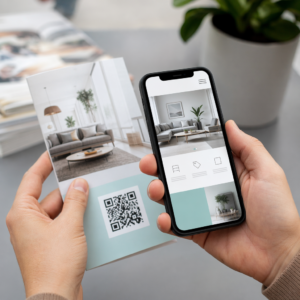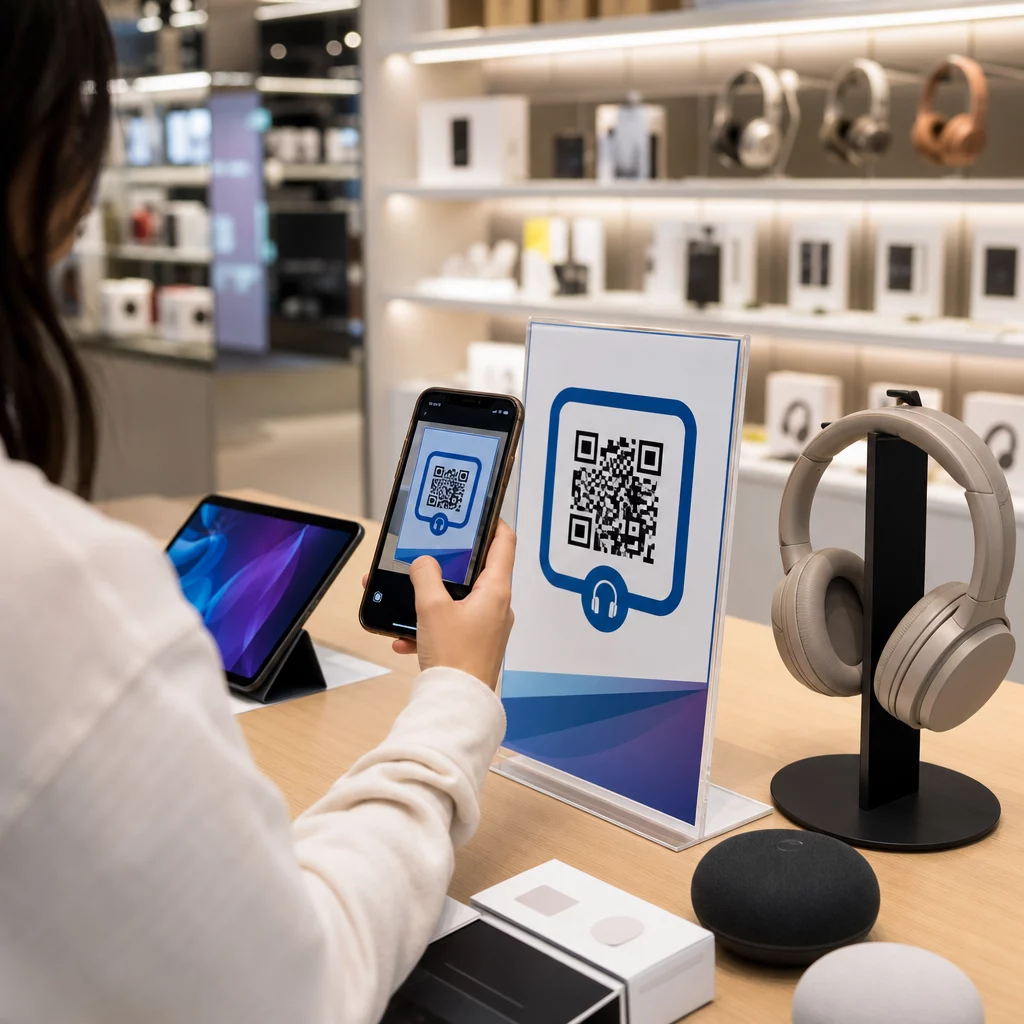
Hur hindrar du en kund som går in i din elektronikbutik från att köpa samma produkt billigare på Amazon? Problemet är att de flesta fysiska butiker inte ger smartphone-beväpnade kunder någon anledning att stanna. QR-koder på produkter och förpackningar ändrar den ekvationen genom att förvandla varje hylla till en interaktiv kontaktpunkt.
Konsumentundersökningar visar att 64 % av kunderna har skannat en QR-kod på en produkt när de handlat i en butik, och 61 % har gjort det efter köpet. Denna engagemangsnivå är inte tillfällig – den speglar en genuin förväntan att fysiska produkter ska kopplas till digital information. Denna guide går igenom sju praktiska sätt som elektronikmärken och återförsäljare kan använda QR-koder för att förbättra kundupplevelsen och fånga försäljning som annars skulle kunna gå förlorad.
Varför elektronikhandlare skannar mer än andra kategorier
Konsumenter som köper elektronik är unikt forskningsdrivna. De jämför specifikationer, läser recensioner och tittar på demonstrationer innan de bestämmer sig för ett köp – ofta medan de står precis bredvid produkten. Det beteendet skapar en öppning: om din QR-kod är det enklaste sättet att få tillförlitlig information i beslutsögonblicket, äger du det ögonblicket.
Enligt färsk konsumentdata skannar 43 % av konsumenterna oftast QR-koder för att få tillgång till produktinformation. Inom elektronik specifikt sträcker sig kunder redan efter sina telefoner – QR-koder ger helt enkelt den instinkten en användbar destination.
Grunden för allt detta är dynamiska QR-koder, vilket låter dig uppdatera destinations-URL:en efter utskrift. För elektronik – där produktspecifikationer ändras, firmwareuppdateringar rullas ut och kampanjer roterar säsongsvis – innebär detta att du aldrig behöver trycka om förpackningar bara för att hålla länkat innehåll aktuellt.
Håll ditt produktinnehåll alltid uppdaterat Använd Dynamisk QR-kodgenerator för att skapa spårbara, redigerbara QR-koder för dina elektronikprodukter. Uppdatera destinationer när som helst utan att trycka om en enda etikett.
7 sätt att använda QR-koder för konsumentelektronik
1. Omedelbar tillgång till recensioner vid beslutstillfället
Mer än 70 % av elektronik köpare läser recensioner på sina smartphones när de bläddrar i butik. Istället för att låta dem försvinna till en tredjepartswebbplats som kan visa en konkurrents produkt, kan en QR-kod på din hyllkantsetikett eller produktförpackning länka direkt till en kurerad recensionssida som du kontrollerar.
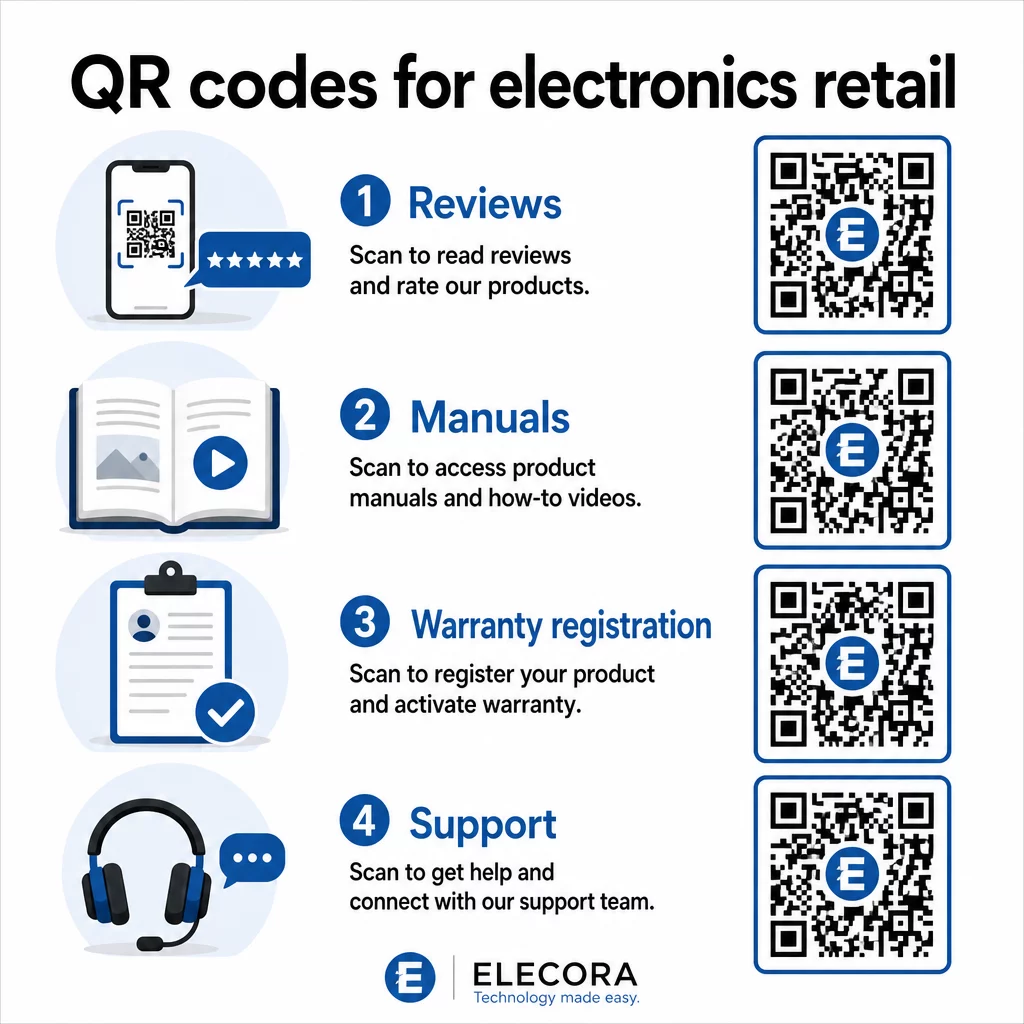
När kunder kan tillfredsställa sitt forskningsbehov utan att lämna din miljö, är de mer benägna att slutföra köpet då och där. Länka koden till en landningssida som kombinerar stjärnbetyg, viktiga recensionshöjdpunkter och en tydlig väg till köp.
2. Digitala produktmanualer och installationsguider
Att trycka en fullfärgs, flerspråkig instruktionsmanual lägger till kostnad och volym till varje enhet. En QR-kod på Produktförpackningar eller direkt på enheten länkar till en alltid aktuell digital manual – en som kan inkludera videogenomgångar, kommenterade diagram och språkval.
Detta tillvägagångssätt löser också uppdateringsproblemet. När firmware ändras eller en ny funktion lanseras, uppdaterar du den länkade PDF:en eller sidan en gång, och varje kund som skannar den koden får den senaste versionen. Den QR-kodgenerator för PDF gör det enkelt att hosta och uppdatera manualdokument utan att röra den tryckta koden.
För tillverkare är detta särskilt praktiskt. Som behandlas i QR-koder för tillverkning, förenklar inbäddning av QR-koder i instruktionsmaterial som länkar till videohandledningar monteringen och minskar supportkontakterna.
3. Strömlinjeformad garanti- och produktregistrering
Pappersgarantikort har notoriskt låga svarsfrekvenser. Kunder tappar bort dem, glömmer att skicka dem, eller fyller helt enkelt aldrig i dem. En QR-kod tryckt inuti lådan eller på själva enheten länkar direkt till ett digitalt registreringsformulär – tillgängligt i samma ögonblick som kunden öppnar förpackningen.
Använda en QR-kod för Google-formulär eller en anpassad landningssida kan du samla in registreringsdata, preferenser och kontaktuppgifter med betydligt mindre friktion. Skanningsanalysen berättar också hur många kunder som slutför registreringen och när, så att du kan följa upp med meddelanden om firmwareuppdateringar eller erbjudanden om utökad garanti vid exakt rätt tidpunkt.
4. Produktautentisering och förfalskningsskydd
För premiumelektronik – hörlurar, kameror, smarta hemenheter – är förfalskning ett verkligt problem för både varumärken och konsumenter. En QR-kod länkad till en autentiseringssida låter kunder verifiera att det de köpt är äkta. Skanning tar dem till en varumärkeskontrollerad sida som bekräftar produktens äkthet och serienummer.
Detta användningsfall bygger också förtroende efter köpet. En kund som bekräftar att deras produkt är äkta är mer benägen att registrera sig, lämna en recension och återvända till varumärket för sitt nästa köp.
5. Kupongkoder i butik och tidsbegränsade erbjudanden
En QR-kod nära kassan eller på en produktdisplay kan ge en rabatt som endast gäller om kunden köper idag. Detta fungerar särskilt bra för tillbehör eller pakettillägg – en kod på en routerdisplay som erbjuder 20% rabatt på en kompatibel mesh-nod, till exempel, skapar en merförsäljningsmöjlighet till minimal kostnad.
Eftersom dynamiska QR-koder låter dig ändra det länkade erbjudandet utan att trycka om något, kan du rotera kampanjer veckovis eller koppla dem till lagernivåer. Kunder som skannar och delar erbjudandet med andra utökar dess räckvidd organiskt.
Spåra vilka kampanjer som genererar flest skanningar Använd Länk QR-kodgenerator för att skapa spårbara kampanjkoder. Se exakt vilka produktplaceringar och erbjudanden som konverterar i realtid.
6. Beteendebaserad skanningspersonalisering
QR-koder med skanningsspårning möjliggör en mer sofistikerad upplevelse över tid. Om en kund tidigare har skannat koder för smarta högtalare kan nästa skanning visa en sida som är relevant för det intresset – ett meddelande om en ny modell, ett kompatibelt tillbehör eller ett tidsbegränsat paket. Denna typ av beteendemässig kontext förvandlar en passiv etikett till en personlig kontaktpunkt.
Plattformar som Pageloot tillhandahåller skanningsanalys som visar när, var och hur ofta koder skannas, vilket ger ditt marknadsföringsteam data för att förfina dessa upplevelser över tid.
7. Support och felsökning efter köp
Ett stort varumärke för hushållsapparater som flyttade supportresurser till smarta QR-koder på produkter såg en 20% minskning av samtalsvolymen till callcentret. För konsumentelektronik – där installationsproblem och funktionsfrågor är vanliga – är detta en betydande operativ fördel.
En QR-kod på enheten eller i förpackningen kan länka till ett supportnav med felsökningsguider, FAQ-sidor, tillgång till livechatt eller videohandledningar. Som diskuterats i QR-koder för support inom e-handel, kan dessa koder till och med förladda ett chattfönster med produktinformation, vilket gör att supportteam kan lösa problem snabbare.
Detta minskar frustrationen för kunden och minskar kostnaderna för din supportverksamhet samtidigt.
Praktiska riktlinjer för att trycka QR-koder på elektronikförpackningar
Att få användningsfallen rätt är bara halva jobbet. En QR-kod som inte skannas tillförlitligt i en butiksmiljö motverkar sitt eget syfte. Tänk på dessa grundläggande principer när du förbereder koder för tryck:
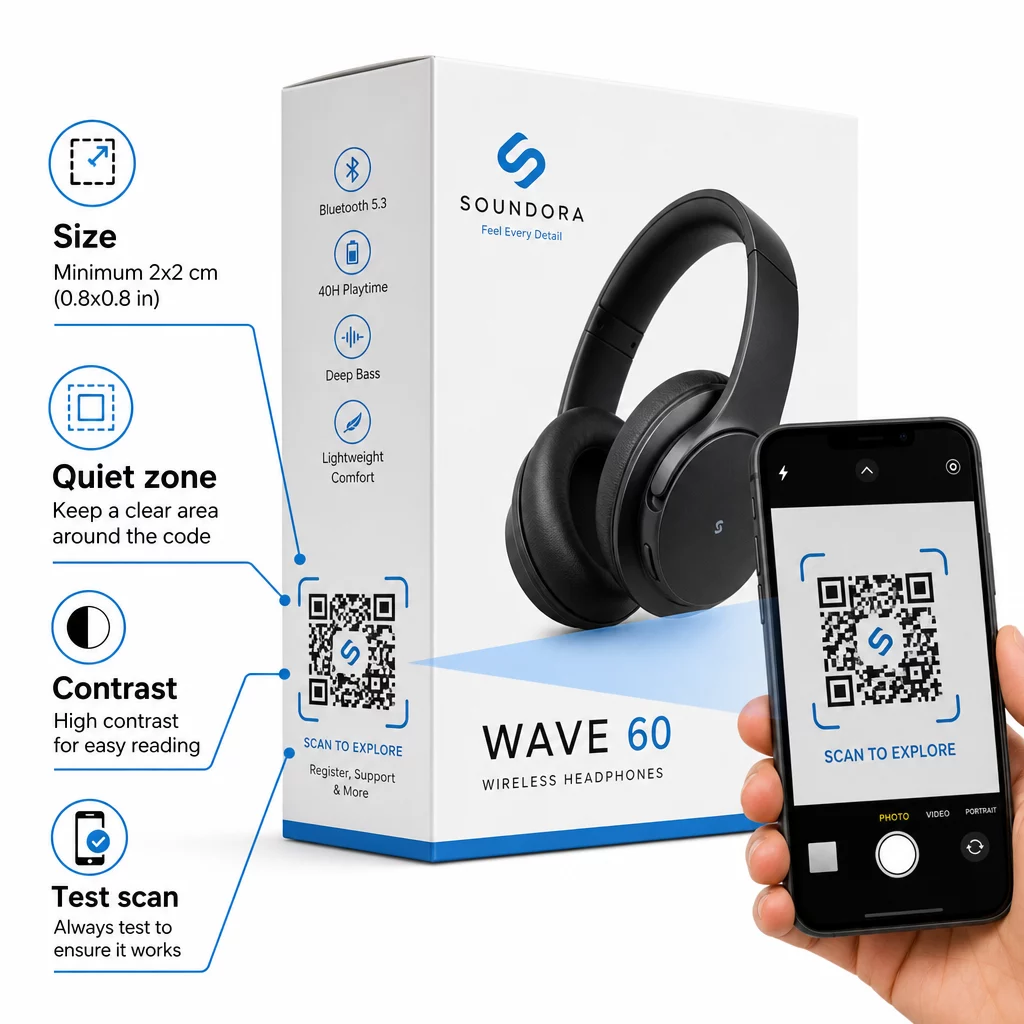
- Minsta storlek: Tryck inte mindre än 2 × 2 cm (ungefär 0,8 × 0,8 tum) för tillförlitlig skanning på nära håll. Större är bättre för lådor eller förpackningar som ses på avstånd.
- Tyst zon: Bibehåll en tydlig, otryckt marginal på minst fyra moduler på alla sidor av koden. Utan denna buffert försämras skannerigenkänningen avsevärt.
- Kontrast: Använd mörka moduler på en ljus bakgrund. Ett kontrastförhållande på 4:1 mellan QR-koden och dess bakgrund är det tillförlitliga minimumet. Undvik röda eller orange förgrundsfärger, som många smartphonekameror har svårt att läsa.
- Felkorrigering: Använd nivå M (15%) för standardförpackningar. Om du bäddar in en logotyp i koden, byt till nivå H (30%) och testa på flera enheter.
- Filformat: Tillhandahåll QR-kodens grafik i vektorformat – SVG, EPS eller PDF – och tryck med 300–400 dpi för att bevara modulernas tydlighet.
För en djupare titt på storleksanpassning över olika material, QR-kodstorlek för olika tryckmaterial täcker kartong, papper och tyg i detalj. För kontrast- och läsbarhetsstandarder, bästa praxis för läsbarhet av QR-koder tillhandahåller en grundlig teknisk referens.
Du kan också utforska hur QR-koder på förpackningar gynnar detaljhandeln brett och granska ultimat guide till QR-koder för produktetiketter för etikettspecifika implementeringsråd.
Koppla fysiska produkter till digitala upplevelser
De sju användningsfallen ovan delar en gemensam nämnare: de minskar friktionen i exakt de ögonblick då kunder mest behöver information, trygghet eller support. En kund som kan verifiera en produkts äkthet, läsa transparenta recensioner och registrera sin garanti, allt från en enda skanning på förpackningen, är en kund med färre anledningar att tveka – och fler anledningar att lita på ditt varumärke.
Dynamiska QR-koder är den praktiska grunden för allt detta. Till skillnad från statiska koder som låser dig till en enda destination, låter dynamiska koder dig uppdatera länkat innehåll, rotera kampanjer och spåra prestanda utan att ändra något på själva förpackningen.
Börja bygga smartare produktupplevelser Skapa varumärkesanpassade, spårbara QR-koder för dina elektronikprodukter med Pageloots QR-kodgenerator. Gratis 14-dagars provperiod. Inget kreditkort krävs.
Vanliga frågor
Dynamiska QR-koder är det bättre valet för produktförpackningar eftersom de låter dig uppdatera den länkade destinationen – oavsett om det är en manual, en supportsida eller en kampanj – utan att trycka om. Statiska QR-koder låser dig till en fast URL permanent, vilket skapar problem när innehåll ändras eller kampanjer löper ut.
Placera QR-koder på plana, släta ytor borta från veck, sömmar och böjda kanter. För primärförpackningar fungerar bakpanelen eller en dedikerad informationspanel bra. Undvik att placera koder nära tryckta kanter eller upptagna grafiska element som minskar den tysta zonen. En kort uppmaning i närheten – som “Skanna för installationsguide” eller “Skanna för att registrera” – ökar skanningsfrekvensen genom att göra värdet tydligt innan kunden tar upp sin telefon.
Dynamiska QR-koder inkluderar inbyggd skanningsanalys som registrerar hur många gånger varje kod skannas, tillsammans med tid, plats och enhetstyp. Denna data låter dig jämföra prestanda över olika produkter, placeringar eller kampanjer. Plattformar som Pageloot tillhandahåller en centraliserad instrumentpanel där du kan övervaka alla dina QR-koder samtidigt och justera destinationer eller innehåll baserat på vad datan visar.