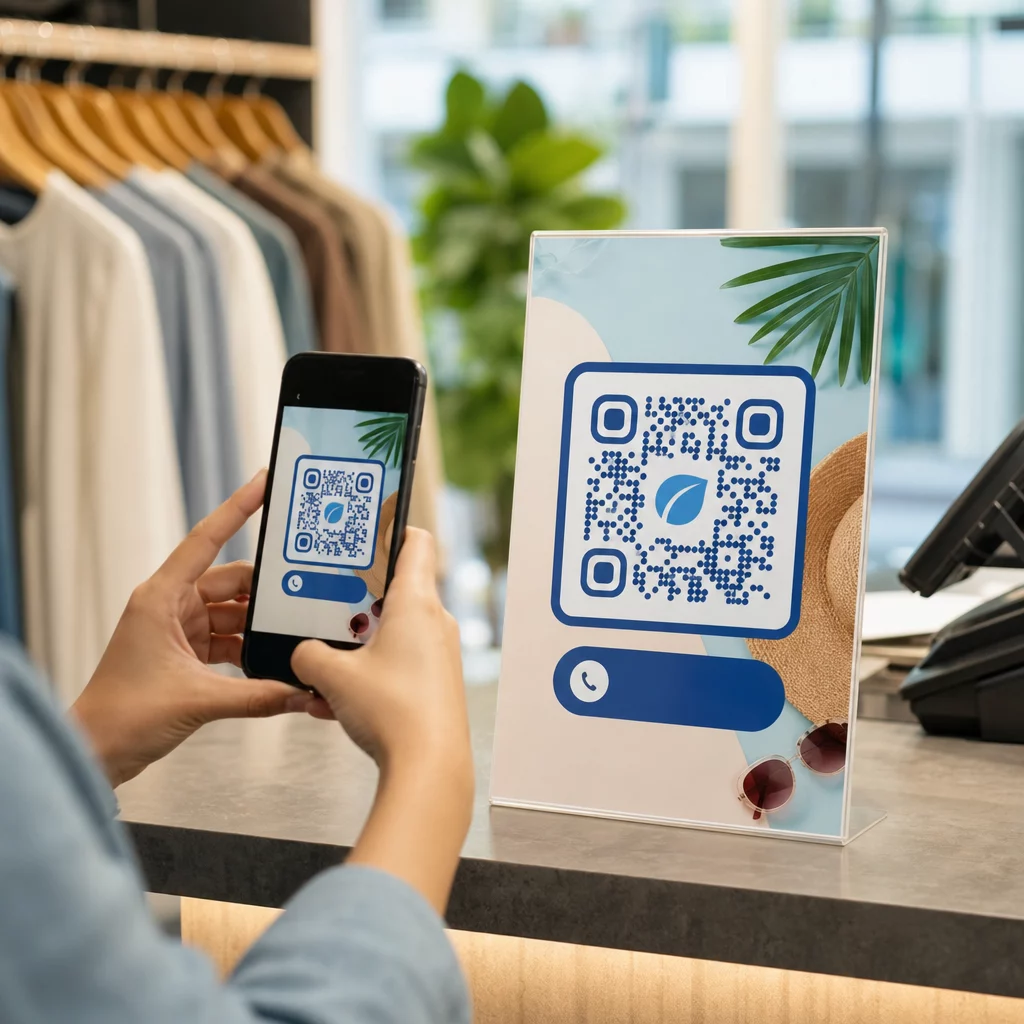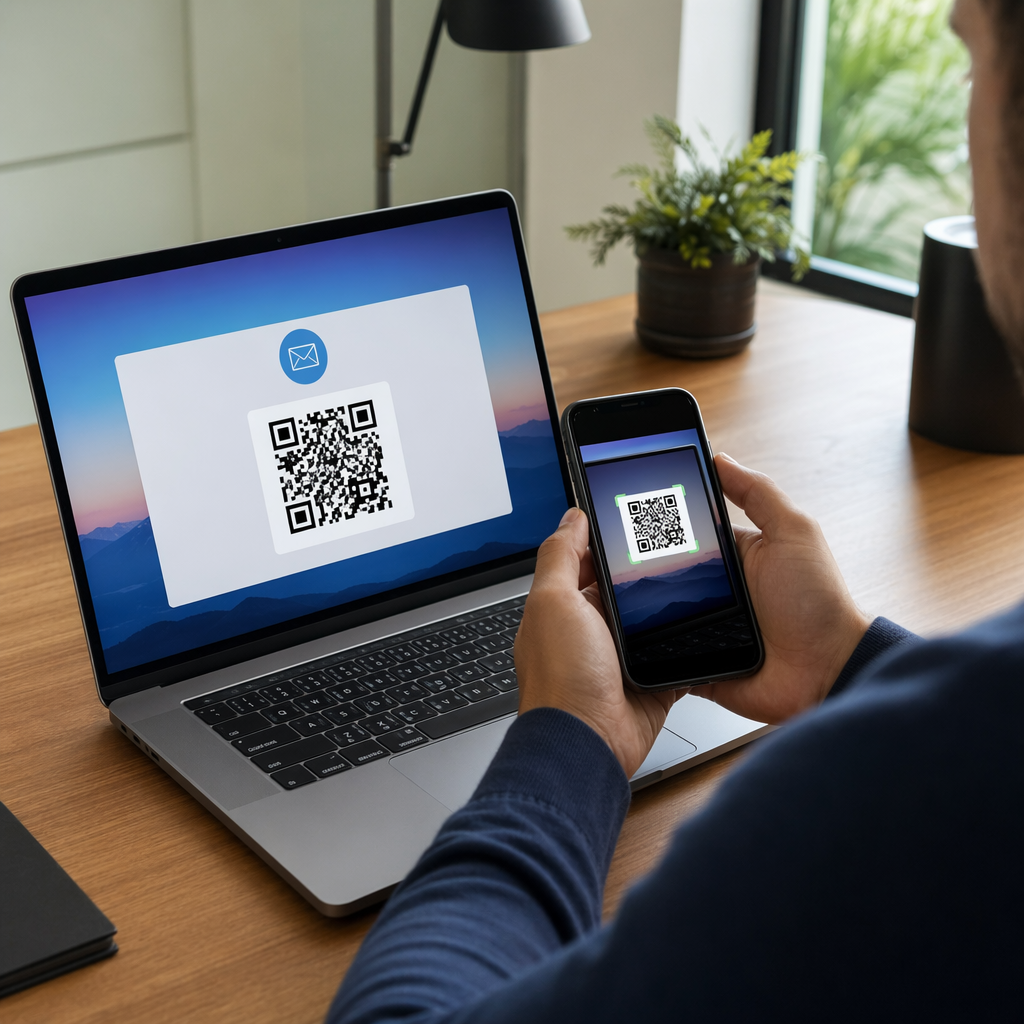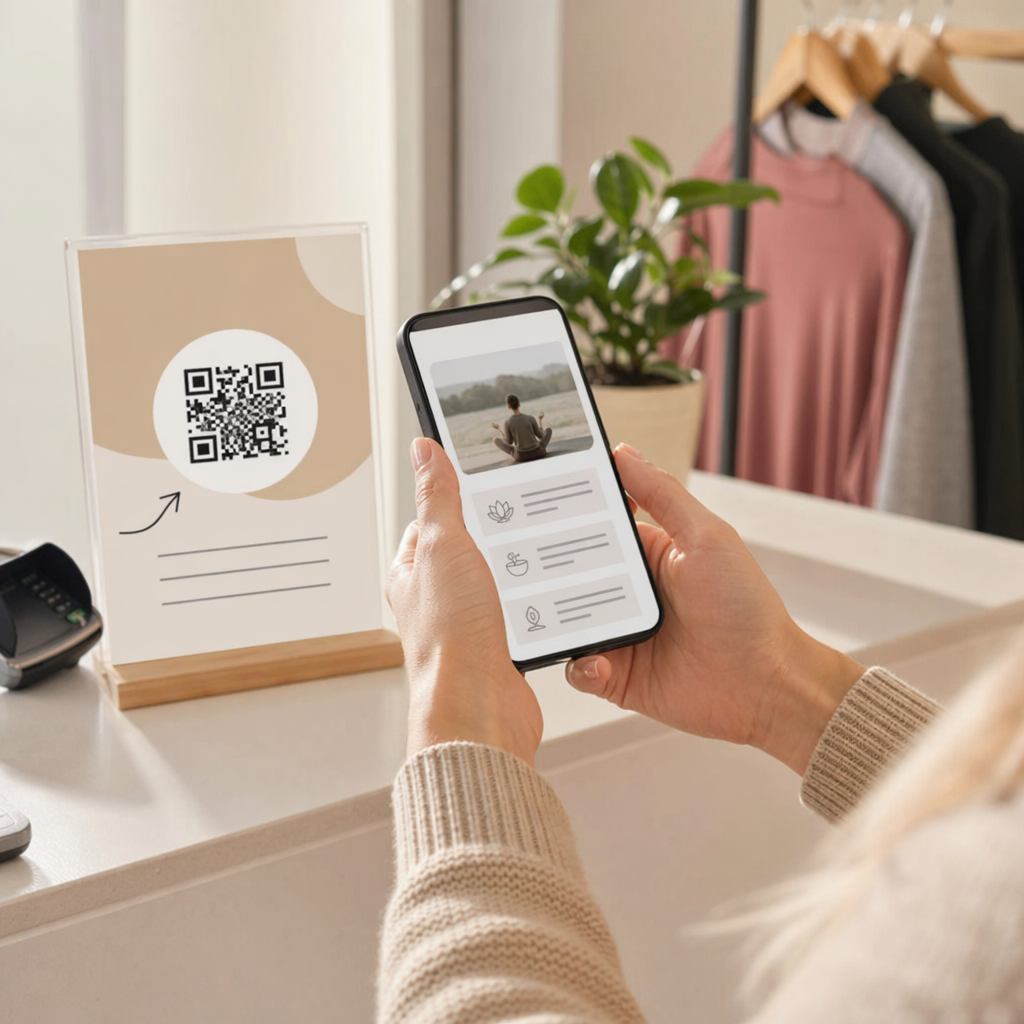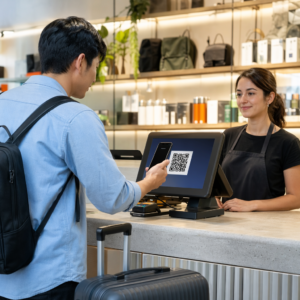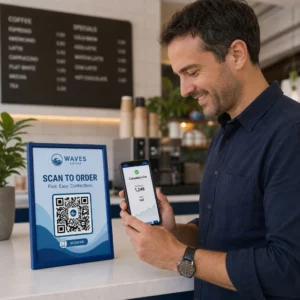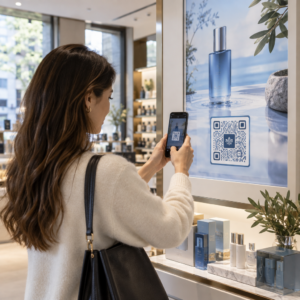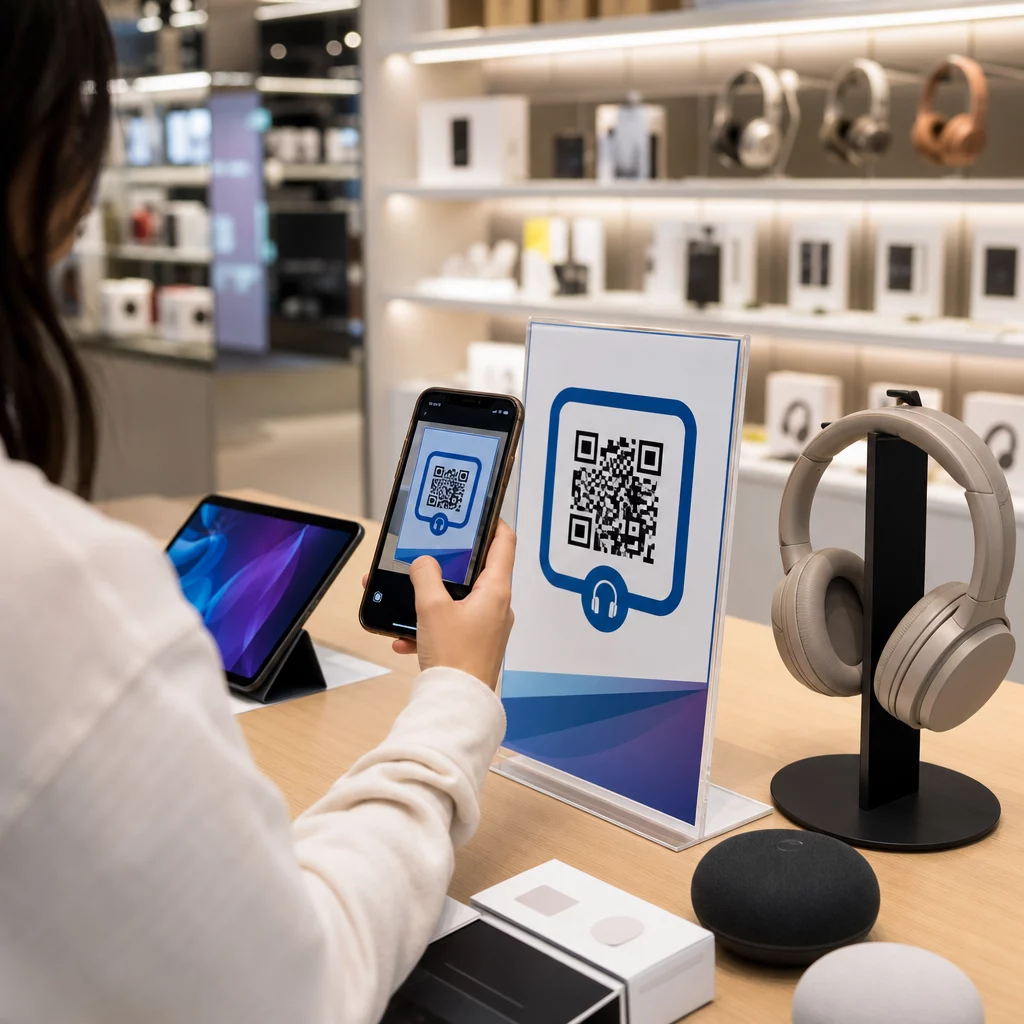
Comment empêcher un client qui entre dans votre magasin d'électronique d'acheter le même produit moins cher sur Amazon ? Le problème est que la plupart des détaillants physiques ne donnent aucune raison aux acheteurs équipés de smartphones de rester. Les codes QR sur les produits et les emballages changent cette équation en transformant chaque étagère en un point de contact interactif.
La recherche auprès des consommateurs montre que 64 % des acheteurs ont scanné un code QR sur un produit lors de leurs achats en magasin, et 61 % l'ont fait après l'achat. Ce niveau d'engagement n'est pas fortuit – il reflète une attente réelle que les produits physiques se connectent aux informations numériques. Ce guide présente sept façons pratiques dont les marques et les détaillants d'électronique peuvent utiliser les codes QR pour améliorer l'expérience client et capter des ventes qui autrement pourraient leur échapper.
Pourquoi les acheteurs d'électronique scannent plus que dans d'autres catégories
Les acheteurs d'électronique grand public sont particulièrement axés sur la recherche. Ils comparent les spécifications, lisent les avis et regardent des démonstrations avant de s'engager dans un achat – souvent en se tenant juste à côté du produit. Ce comportement crée une opportunité : si votre code QR est le moyen le plus simple d'obtenir des informations fiables au moment de la décision, vous maîtrisez ce moment.
Selon des données récentes sur les consommateurs, 43 % des consommateurs scannent le plus souvent les codes QR pour accéder aux informations sur les produits. Dans le domaine de l'électronique spécifiquement, les acheteurs ont déjà tendance à prendre leur téléphone – les codes QR donnent simplement à cet instinct une direction utile.
La base de tout cela est les codes QR dynamiques, qui vous permettent de mettre à jour l'URL de destination après l'impression. Pour l'électronique – où les spécifications des produits changent, les mises à jour de firmware sont déployées et les promotions tournent saisonnièrement – cela signifie que vous n'avez jamais besoin de réimprimer l'emballage juste pour maintenir le contenu lié à jour.
Gardez le contenu de votre produit toujours à jour Utilisez le Générateur de QR code dynamique pour créer des codes QR traçables et modifiables pour vos produits électroniques. Mettez à jour les destinations à tout moment sans réimprimer une seule étiquette.
7 façons d'utiliser les codes QR pour l'électronique grand public
1. Accès instantané aux avis au moment de la décision
Plus de 70 % des acheteurs d'électronique lisent des avis sur leur smartphone lorsqu'ils naviguent en magasin. Plutôt que de les laisser disparaître sur un site tiers qui pourrait faire apparaître le produit d'un concurrent, un code QR sur votre étiquette de rayon ou la boîte du produit peut renvoyer directement à une page d'avis organisée que vous contrôlez.
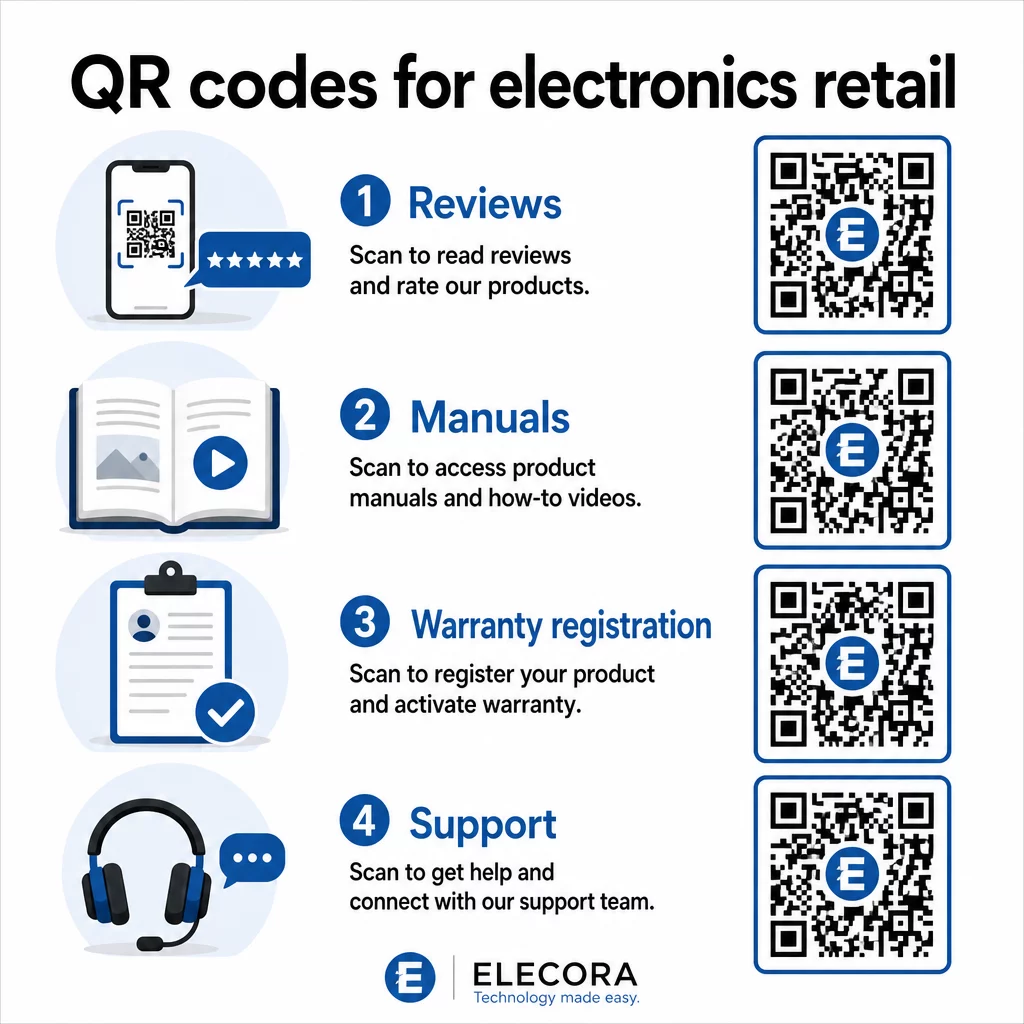
Lorsque les acheteurs peuvent satisfaire leur besoin de recherche sans quitter votre environnement, ils sont plus susceptibles de finaliser l'achat sur-le-champ. Liez le code à une page de destination qui combine les évaluations par étoiles, les points saillants des avis et un chemin clair vers l'achat.
2. Manuels de produits numériques et guides de configuration
L'impression d'un manuel d'instructions couleur et multilingue ajoute des coûts et du volume à chaque unité. Un code QR sur Emballages de produits ou directement sur l'appareil renvoie à un manuel numérique toujours à jour – un manuel qui peut inclure des démonstrations vidéo, des diagrammes annotés et une sélection de langues.
Cette approche résout également le problème de la mise à jour. Lorsque le micrologiciel change ou qu'une nouvelle fonctionnalité est lancée, vous mettez à jour le PDF ou la page liée une seule fois, et chaque client qui scanne ce code obtient la dernière version. Le Générateur de QR code PDF facilite l'hébergement et la mise à jour des documents manuels sans toucher au code imprimé.
Pour les fabricants, c'est particulièrement pratique. Comme indiqué dans QR codes pour la fabrication, l'intégration de codes QR dans les matériaux d'instruction qui renvoient à des tutoriels vidéo simplifie l'assemblage et réduit les contacts avec le support.
3. Garantie et enregistrement de produit simplifiés
Les cartes de garantie papier ont des taux de remplissage notoirement bas. Les clients les perdent, oublient de les envoyer par la poste ou ne les remplissent tout simplement jamais. Un code QR imprimé à l'intérieur de la boîte ou sur l'appareil lui-même renvoie directement à un formulaire d'enregistrement numérique – accessible dès que le client ouvre l'emballage.
En utilisant un Code QR du formulaire Google ou une page de destination personnalisée, vous pouvez capturer les données d'enregistrement, les préférences et les coordonnées avec beaucoup moins de friction. Les analyses de scan vous indiquent également combien de clients complètent l'enregistrement et quand, afin que vous puissiez faire un suivi avec des avis de mise à jour du micrologiciel ou des offres de garantie prolongée au moment opportun.
4. Authentification des produits et lutte contre la contrefaçon
Pour l'électronique haut de gamme – écouteurs, appareils photo, appareils domestiques intelligents – la contrefaçon est une réelle préoccupation pour les marques et les consommateurs. Un code QR lié à une page d'authentification permet aux clients de vérifier que ce qu'ils ont acheté est authentique. Le scan les dirige vers une page contrôlée par la marque qui confirme l'authenticité et le numéro de série du produit.
Ce cas d'utilisation renforce également la confiance après l'achat. Un client qui confirme que son produit est authentique est plus susceptible de s'enregistrer, de laisser un avis et de revenir vers la marque pour son prochain achat.
5. Codes de réduction en magasin et offres à durée limitée
Un code QR près de la caisse ou sur un présentoir de produit peut offrir une réduction qui ne s'applique que si le client achète aujourd'hui. Cela fonctionne particulièrement bien pour les accessoires ou les modules complémentaires – un code sur un présentoir de routeur qui offre 20% de réduction sur un nœud maillé compatible, par exemple, crée une opportunité de vente incitative à un coût minimal.
Parce que les codes QR dynamiques vous permettent de modifier l'offre liée sans rien réimprimer, vous pouvez faire tourner les promotions chaque semaine ou les lier aux niveaux de stock. Les clients qui scannent et partagent l'offre avec d'autres étendent sa portée de manière organique.
Suivez les promotions qui génèrent le plus de scans Utilisez le Générateur de codes QR de liens pour créer des codes promotionnels traçables. Voyez exactement quels placements de produits et offres convertissent en temps réel.
6. Personnalisation des scans basée sur le comportement
Les codes QR avec suivi de scan permettent une expérience plus sophistiquée au fil du temps. Si un client a déjà scanné des codes pour des enceintes connectées, le scan suivant peut afficher une page pertinente pour cet intérêt – l'annonce d'un nouveau modèle, un accessoire compatible ou un pack à durée limitée. Ce type de contexte comportemental transforme une étiquette passive en un point de contact personnalisé.
Des plateformes comme Pageloot fournissent analyses de scan qui montrent quand, où et à quelle fréquence les codes sont scannés, donnant à votre équipe marketing les données nécessaires pour affiner ces expériences au fil du temps.
7. Support après-achat et dépannage
Une grande marque d'appareils électroménagers qui a transféré ses ressources de support vers des codes QR intelligents sur les produits a constaté une réduction de 20 % du volume des appels au centre d'appels. Pour l'électronique grand public – où les problèmes de configuration et les questions sur les fonctionnalités sont courants – il s'agit d'un avantage opérationnel significatif.
Un code QR sur l'appareil ou dans la boîte peut renvoyer à un centre de support avec des guides de dépannage, des pages FAQ, un accès au chat en direct ou des tutoriels vidéo. Comme discuté dans Codes QR pour le support en e-commerce, ces codes peuvent même précharger une fenêtre de chat avec les détails du produit, permettant aux équipes de support de résoudre les problèmes plus rapidement.
Cela réduit la frustration du client et diminue simultanément les coûts de votre opération de support.
Directives pratiques pour l'impression de codes QR sur les emballages électroniques
Bien définir les cas d'utilisation n'est que la moitié du travail. Un code QR qui ne scanne pas de manière fiable dans un environnement de vente au détail perd tout son sens. Gardez ces principes fondamentaux à l'esprit lors de la préparation des codes pour l'impression :
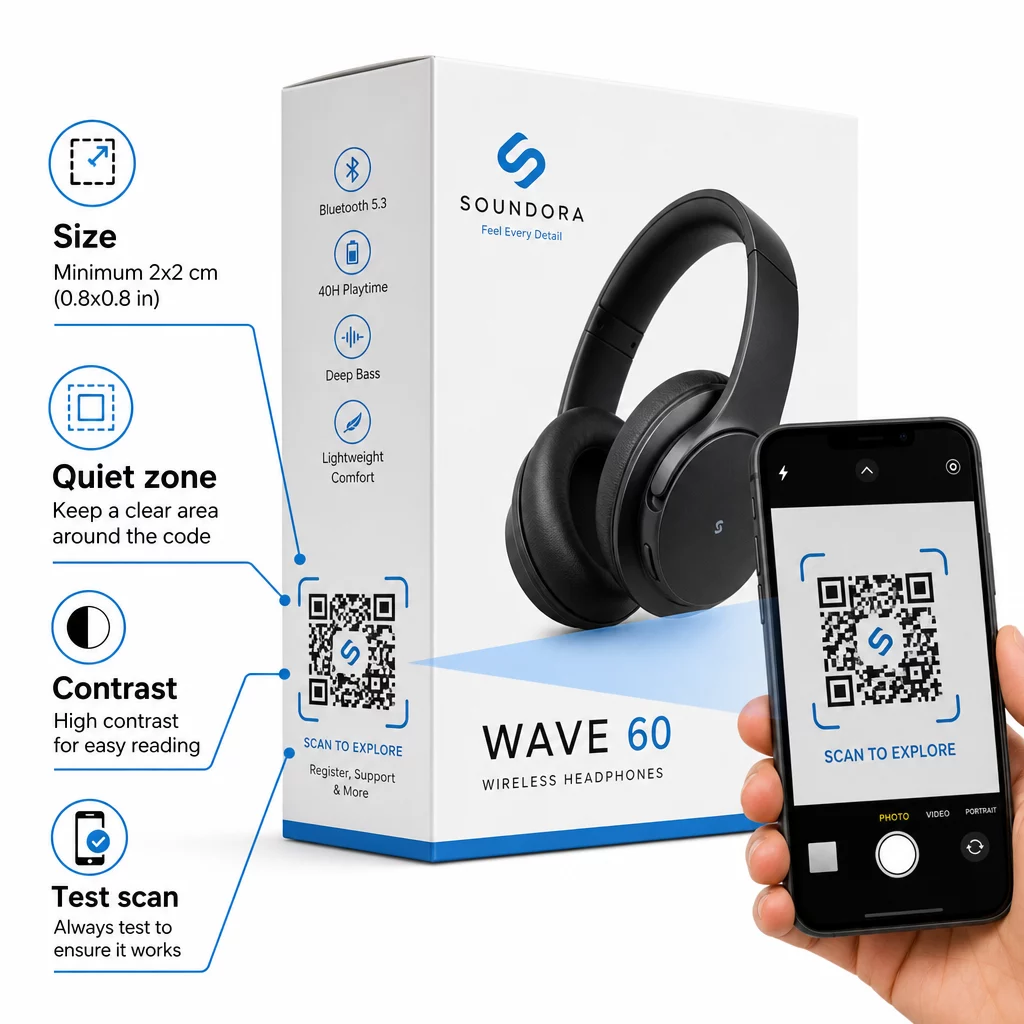
- Taille minimale : Imprimez à une taille minimale de 2 × 2 cm (environ 0,8 × 0,8 pouces) pour un scan fiable à courte portée. Plus grand est préférable pour les boîtes ou les emballages vus de loin.
- Zone de silence : Maintenez une marge claire et non imprimée d'au moins quatre modules sur tous les côtés du code. Sans cette zone tampon, la reconnaissance par le scanner se dégrade considérablement.
- Contraste : Utilisez des modules sombres sur un fond clair. Un rapport de contraste de 4:1 entre le code QR et son arrière-plan est le minimum fiable. Évitez les couleurs de premier plan rouges ou oranges, que de nombreux appareils photo de smartphones ont du mal à lire.
- Correction d'erreur : Utilisez le niveau M (15 %) pour les emballages standard. Si vous intégrez un logo à l'intérieur du code, passez au niveau H (30 %) et testez sur plusieurs appareils.
- Format de fichier : Fournissez l'illustration du code QR au format vectoriel – SVG, EPS ou PDF – et imprimez à 300–400 dpi pour préserver la clarté des modules.
Pour un examen plus approfondi du dimensionnement sur différents matériaux, le dimensionnement des codes QR pour différents matériaux d'impression couvre le carton, le papier et le tissu en détail. Pour les normes de contraste et de lisibilité, les meilleures pratiques pour la lisibilité des codes QR fournit une référence technique complète.
Vous pouvez également explorer comment les codes QR sur les emballages bénéficient au commerce de détail de manière générale et consulter les guide ultime des codes QR pour les étiquettes de produits pour des conseils de mise en œuvre spécifiques aux étiquettes.
Connecter les produits physiques aux expériences numériques
Les sept cas d'utilisation ci-dessus partagent un fil conducteur commun : ils réduisent les frictions aux moments précis où les clients ont le plus besoin d'informations, de réassurance ou de soutien. Un acheteur qui peut vérifier l'authenticité d'un produit, lire des avis transparents et enregistrer sa garantie, le tout à partir d'un seul scan sur la boîte, est un client qui a moins de raisons d'hésiter – et plus de raisons de faire confiance à votre marque.
Les codes QR dynamiques sont la base pratique de tout cela. Contrairement aux codes statiques qui vous enferment dans une seule destination, les codes dynamiques vous permettent de mettre à jour le contenu lié, de faire tourner les promotions et de suivre les performances sans rien changer sur l'emballage lui-même.
Commencez à créer des expériences produit plus intelligentes Créez des codes QR personnalisés et traçables pour vos produits électroniques avec les solutions de Pageloot Générateur de codes QR. Essai gratuit de 14 jours. Aucune carte de crédit requise.
Questions fréquentes
Les codes QR dynamiques sont le meilleur choix pour l'emballage des produits car ils vous permettent de mettre à jour la destination liée – qu'il s'agisse d'un manuel, d'une page d'assistance ou d'une promotion – sans réimpression. Les codes QR statiques vous lient à une URL fixe de manière permanente, ce qui crée des problèmes lorsque le contenu change ou que les promotions expirent.
Placez les codes QR sur des surfaces planes et lisses, loin des plis, des coutures et des bords incurvés. Pour l'emballage primaire, le panneau arrière ou un panneau d'information dédié fonctionne bien. Évitez de placer les codes près des bordures imprimées ou des éléments graphiques chargés qui réduisent la zone de silence. Un bref appel à l'action à proximité – tel que “ Scanner pour le guide d'installation ” ou “ Scanner pour s'enregistrer ” – augmente les taux de scan en rendant la valeur claire avant que le client ne prenne son téléphone.
Les codes QR dynamiques incluent des analyses de scan intégrées qui enregistrent le nombre de fois où chaque code est scanné, ainsi que l'heure, le lieu et le type d'appareil. Ces données vous permettent de comparer les performances entre différents produits, emplacements ou campagnes. Des plateformes comme Pageloot offrent un tableau de bord centralisé où vous pouvez surveiller tous vos codes QR simultanément et ajuster les destinations ou le contenu en fonction de ce que les données révèlent.