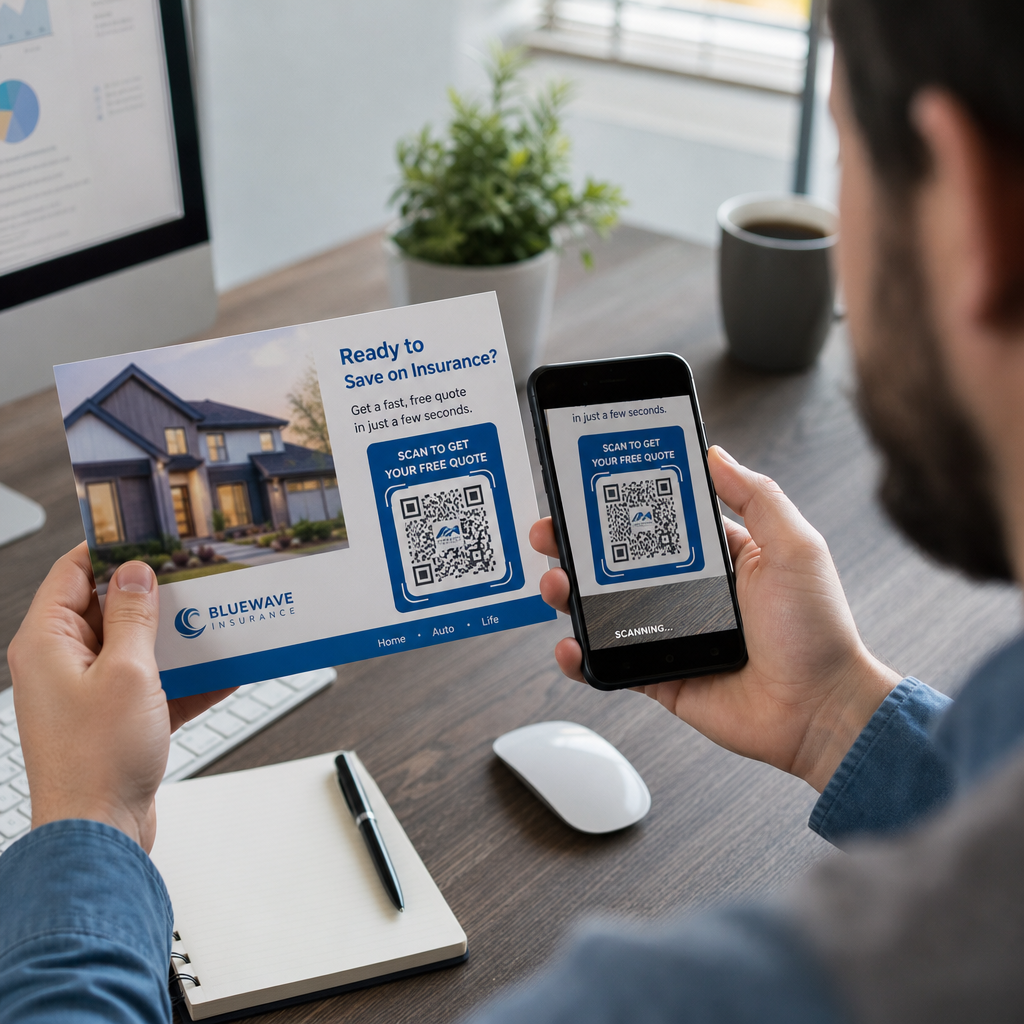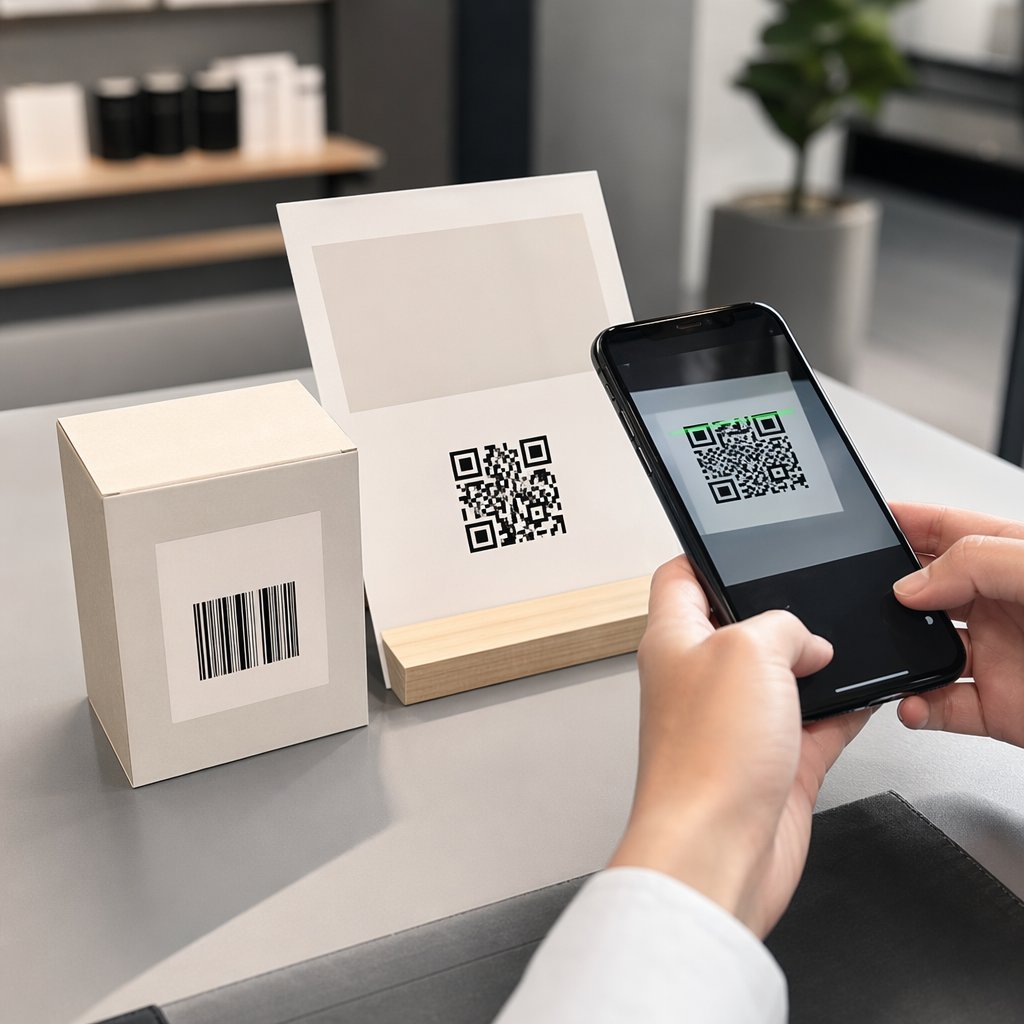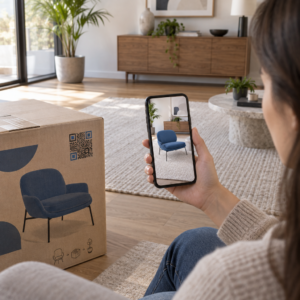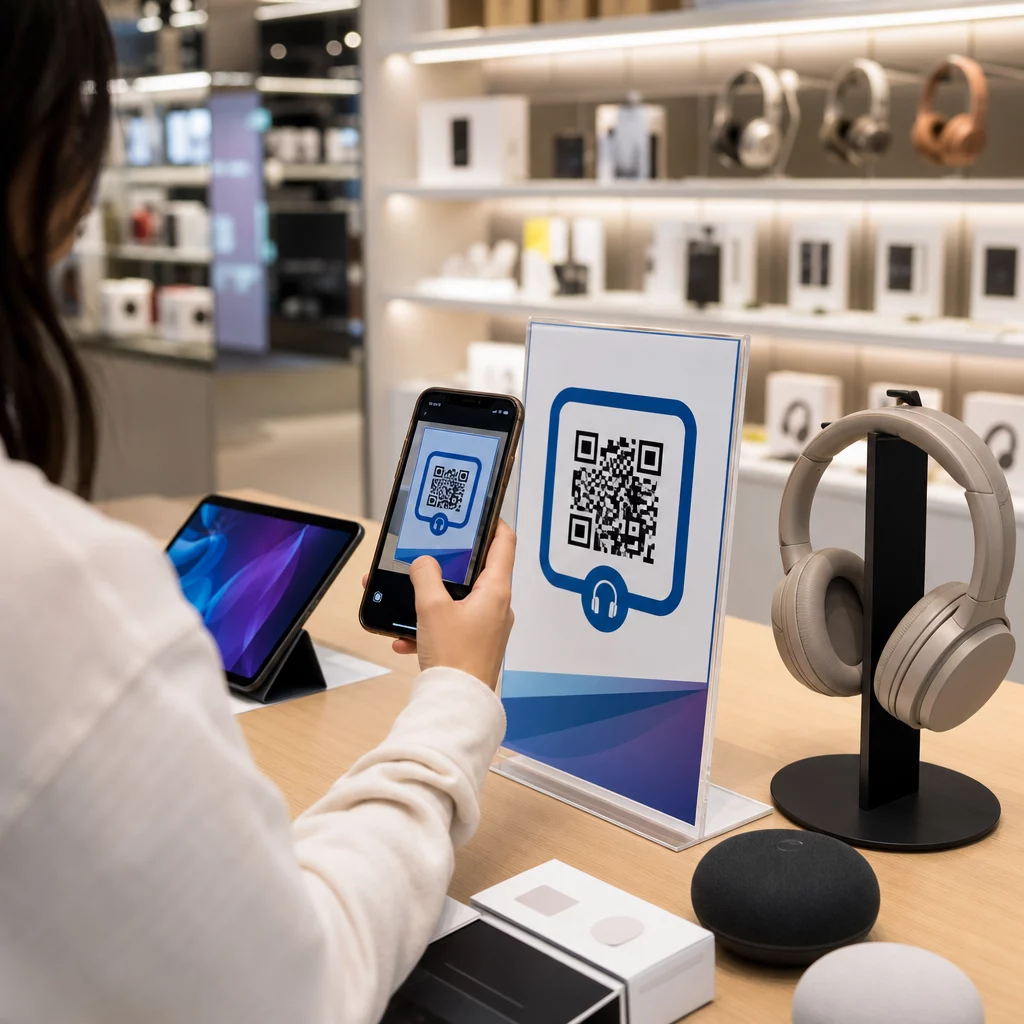
Elektronik mağazanıza giren bir müşterinin aynı ürünü Amazon'dan daha ucuza almasını nasıl engellersiniz? Sorun şu ki, çoğu fiziksel perakendeci akıllı telefonlu alışveriş yapanlara kalmaları için hiçbir neden sunmuyor. Ürünler ve ambalajlardaki QR kodları, her rafı etkileşimli bir temas noktasına dönüştürerek bu denklemi değiştiriyor.
Tüketici araştırmaları, alışveriş yapanların 'ünün bir mağazada alışveriş yaparken bir ürün üzerindeki QR kodunu taradığını ve 'inin ise satın alma işleminden sonra bunu yaptığını gösteriyor. Bu etkileşim düzeyi tesadüfi değil – fiziksel ürünlerin dijital bilgiye bağlanması yönünde gerçek bir beklentiyi yansıtıyor. Bu kılavuz, elektronik markalarının ve perakendecilerinin müşteri deneyimini iyileştirmek ve aksi takdirde kaçabilecek satışları yakalamak için QR kodlarını kullanabileceği yedi pratik yolu ele alıyor.
Elektronik Alışveriş Yapanlar Neden Diğer Kategorilerden Daha Fazla Tarama Yapıyor?
Tüketici elektroniği alıcıları benzersiz bir şekilde araştırma odaklıdır. Bir satın alma işlemine karar vermeden önce teknik özellikleri karşılaştırır, yorumları okur ve demoları izlerler – genellikle ürünün hemen yanında dururken. Bu davranış bir fırsat yaratır: eğer QR kodunuz karar anında güvenilir bilgiye ulaşmanın en kolay yoluysa, o anı siz kontrol edersiniz.
Son tüketici verilerine göre, tüketicilerin 'ü en sık ürün bilgilerine erişmek için QR kodlarını tarıyor. Özellikle elektronikte, alışveriş yapanlar zaten telefonlarına uzanıyorlar – QR kodları bu içgüdüye sadece faydalı bir yön veriyor.
Tüm bunların temeli şudur: dinamik QR kodları, bu da baskıdan sonra hedef URL'yi güncellemenize olanak tanır. Elektronik için – ürün özelliklerinin değiştiği, yazılım güncellemelerinin yayınlandığı ve promosyonların mevsimsel olarak döndüğü yerlerde – bu, bağlantılı içeriği güncel tutmak için ambalajı asla yeniden basmanız gerekmediği anlamına gelir.
Ürün İçeriğinizi Her Zaman Güncel Tutun Kullan Dinamik QR Kod Oluşturucu elektronik ürünleriniz için izlenebilir, düzenlenebilir QR kodları oluşturmak için. Tek bir etiketi yeniden basmadan hedefleri istediğiniz zaman güncelleyin.
Tüketici Elektroniği İçin QR Kodlarını Kullanmanın 7 Yolu
1. Karar Anında Yorumlara Anında Erişim
Elektronik alıcılarının 'inden fazlası mağaza içinde gezinirken akıllı telefonlarından yorumları okuyor. Onların bir rakibin ürününü ortaya çıkarabilecek üçüncü taraf bir siteye kaybolmasına izin vermek yerine, raf etiketinizdeki veya ürün kutunuzdaki bir QR kodu, kontrol ettiğiniz özel bir yorum sayfasına doğrudan bağlantı verebilir.
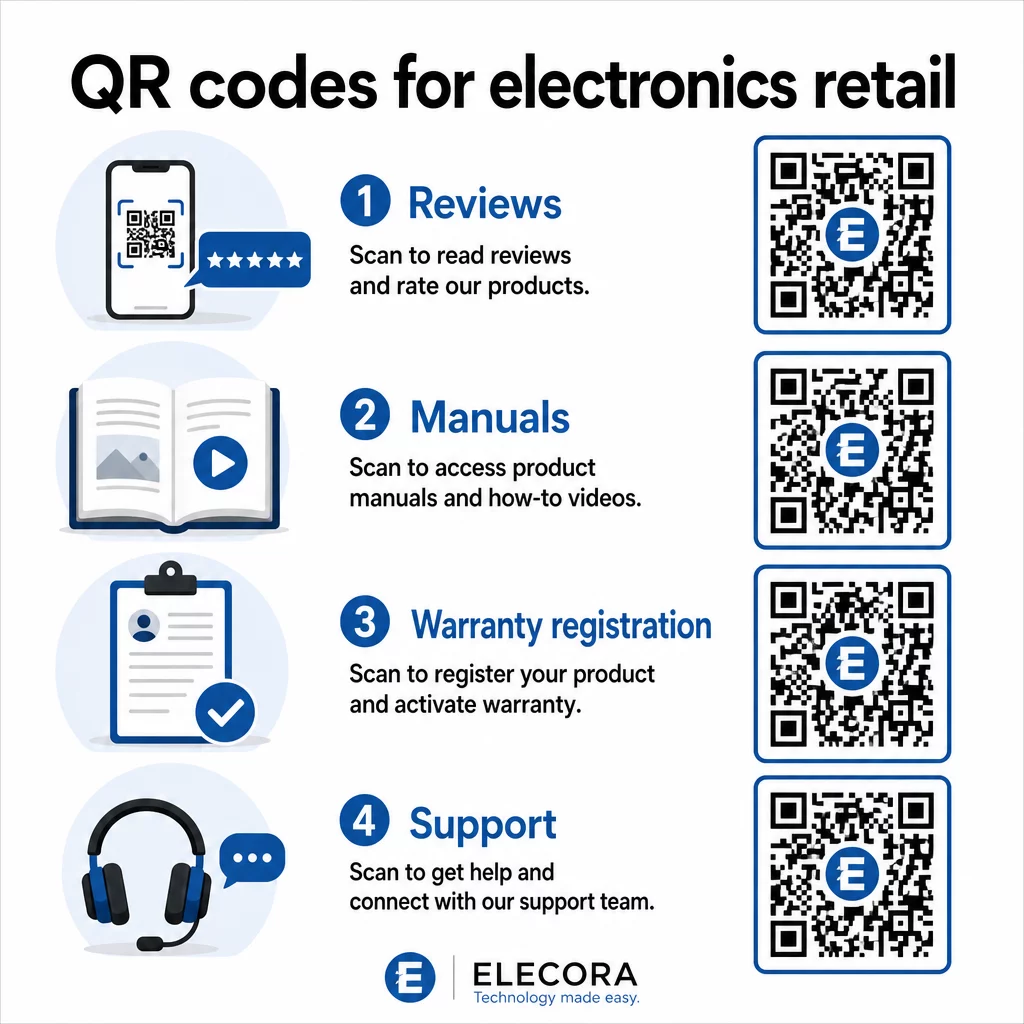
Alışveriş yapanlar araştırma ihtiyaçlarını sizin ortamınızdan ayrılmadan karşılayabildiklerinde, satın alma işlemini o an ve orada tamamlama olasılıkları daha yüksektir. Kodu, yıldız derecelendirmelerini, önemli yorum özetlerini ve net bir satın alma yolunu birleştiren bir açılış sayfasına bağlayın.
2. Dijital Ürün Kılavuzları ve Kurulum Rehberleri
Tam renkli, çok dilli bir kullanım kılavuzu basmak her birime maliyet ve hacim katar. Üzerindeki bir QR kodu Ürün ambalajı veya doğrudan cihaz üzerindeki bir QR kodu, her zaman güncel bir dijital kılavuza bağlanır – bu kılavuz video anlatımları, açıklamalı diyagramlar ve dil seçimi içerebilir.
Bu yaklaşım güncelleme sorununu da çözer. Donanım yazılımı değiştiğinde veya yeni bir özellik çıktığında, bağlantılı PDF'i veya sayfayı bir kez güncellersiniz ve bu kodu tarayan her müşteri en son sürümü alır. PDF QR Kod Oluşturucu basılı koda dokunmadan kılavuz belgeleri barındırmayı ve güncellemeyi kolaylaştırır.
Üreticiler için bu özellikle pratiktir. Şurada belirtildiği gibi Üretim için QR kodlar, talimat materyallerine video eğitimlerine bağlanan QR kodları yerleştirmek montajı basitleştirir ve destek iletişimlerini azaltır.
3. Kolaylaştırılmış Garanti ve Ürün Kaydı
Kağıt garanti kartlarının tamamlama oranları oldukça düşüktür. Müşteriler onları kaybeder, postalamayı unutur veya hiç doldurmaz. Kutunun içine veya cihazın kendisine basılan bir QR kodu, doğrudan dijital bir kayıt formuna bağlanır – müşterinin ambalajı açtığı anda erişilebilir.
Kullanmak Google Form QR kodu veya özel bir açılış sayfasıyla, kayıt verilerini, tercihleri ve iletişim bilgilerini çok daha az sürtünmeyle yakalayabilirsiniz. Tarama analizleri ayrıca kaç müşterinin kaydı tamamladığını ve ne zaman tamamladığını gösterir, böylece donanım yazılımı güncelleme bildirimleri veya uzatılmış garanti teklifleriyle tam doğru zamanda takip edebilirsiniz.
4. Ürün Doğrulama ve Sahtecilikle Mücadele
Premium elektronik ürünler – kulaklıklar, kameralar, akıllı ev cihazları – için sahtecilik hem markalar hem de tüketiciler için gerçek bir endişedir. Bir doğrulama sayfasına bağlanan bir QR kodu, müşterilerin satın aldıkları ürünün orijinal olduğunu doğrulamasına olanak tanır. Tarama, onları ürünün orijinalliğini ve seri numarasını onaylayan, marka kontrollü bir sayfaya götürür.
Bu kullanım durumu, satın alma sonrası güveni de artırır. Ürününün orijinal olduğunu onaylayan bir müşteri, kaydolma, yorum bırakma ve bir sonraki satın alımı için markaya geri dönme olasılığı daha yüksektir.
5. Mağaza İçi Kupon Kodları ve Süreli Teklifler
Kasa alanının yakınında veya bir ürün teşhirinde bulunan bir QR kodu, yalnızca müşteri bugün satın alırsa geçerli olan bir indirim sunabilir. Bu, özellikle aksesuarlar veya paket eklentileri için iyi çalışır – örneğin, uyumlu bir mesh düğümünde indirim sunan bir yönlendirici teşhirindeki bir kod, minimum maliyetle bir üst satış fırsatı yaratır.
Dinamik QR kodları, bağlantılı teklifi hiçbir şeyi yeniden basmadan değiştirmenize olanak tanıdığı için, promosyonları haftalık olarak döndürebilir veya envanter seviyelerine bağlayabilirsiniz. Teklifi tarayan ve başkalarıyla paylaşan müşteriler, erişimini organik olarak genişletir.
Hangi Promosyonların En Çok Tarama Sağladığını Takip Edin Kullan Bağlantı QR Kod Oluşturucu izlenebilir promosyon kodları oluşturmak için. Hangi ürün yerleşimlerinin ve tekliflerin gerçek zamanlı olarak dönüşüm sağladığını tam olarak görün.
6. Davranış Tabanlı Tarama Kişiselleştirme
Tarama takibi olan QR kodları, zamanla daha gelişmiş bir deneyim sağlar. Bir müşteri daha önce akıllı hoparlörler için kodları taradıysa, bir sonraki tarama o ilgi alanına uygun bir sayfa – yeni bir model duyurusu, uyumlu bir aksesuar veya sınırlı süreli bir paket – gösterebilir. Bu tür davranışsal bağlam, pasif bir etiketi kişiselleştirilmiş bir temas noktasına dönüştürür.
Pageloot gibi platformlar sağlar tarama analizi kodların ne zaman, nerede ve ne sıklıkta tarandığını gösteren veriler sunarak pazarlama ekibinize bu deneyimleri zamanla iyileştirmek için veri sağlar.
7. Satış Sonrası Destek ve Sorun Giderme
Destek kaynaklarını ürünlerdeki akıllı QR kodlarına kaydıran büyük bir ev aletleri markası, çağrı merkezi hacminde azalma gördü. Kurulum sorunları ve özellik sorularının yaygın olduğu tüketici elektroniği için bu, önemli bir operasyonel faydadır.
Cihazdaki veya kutudaki bir QR kodu, sorun giderme kılavuzları, SSS sayfaları, canlı sohbet erişimi veya video eğitimleri içeren bir destek merkezine bağlanabilir. Tartışıldığı gibi e-ticarette destek için QR kodları, bu kodlar bir sohbet penceresini ürün detaylarıyla önceden yükleyebilir, bu da destek ekiplerinin sorunları daha hızlı çözmesini sağlar.
Bu, müşterinin hayal kırıklığını azaltırken aynı zamanda destek operasyonunuzun maliyetini düşürür.
Elektronik Ambalajlara QR Kodları Basmak İçin Pratik Kılavuzlar
Kullanım senaryolarını doğru belirlemek işin sadece yarısıdır. Perakende ortamında güvenilir bir şekilde taranamayan bir QR kodu kendi amacını boşa çıkarır. Kodları baskıya hazırlarken bu temel bilgileri aklınızda bulundurun:
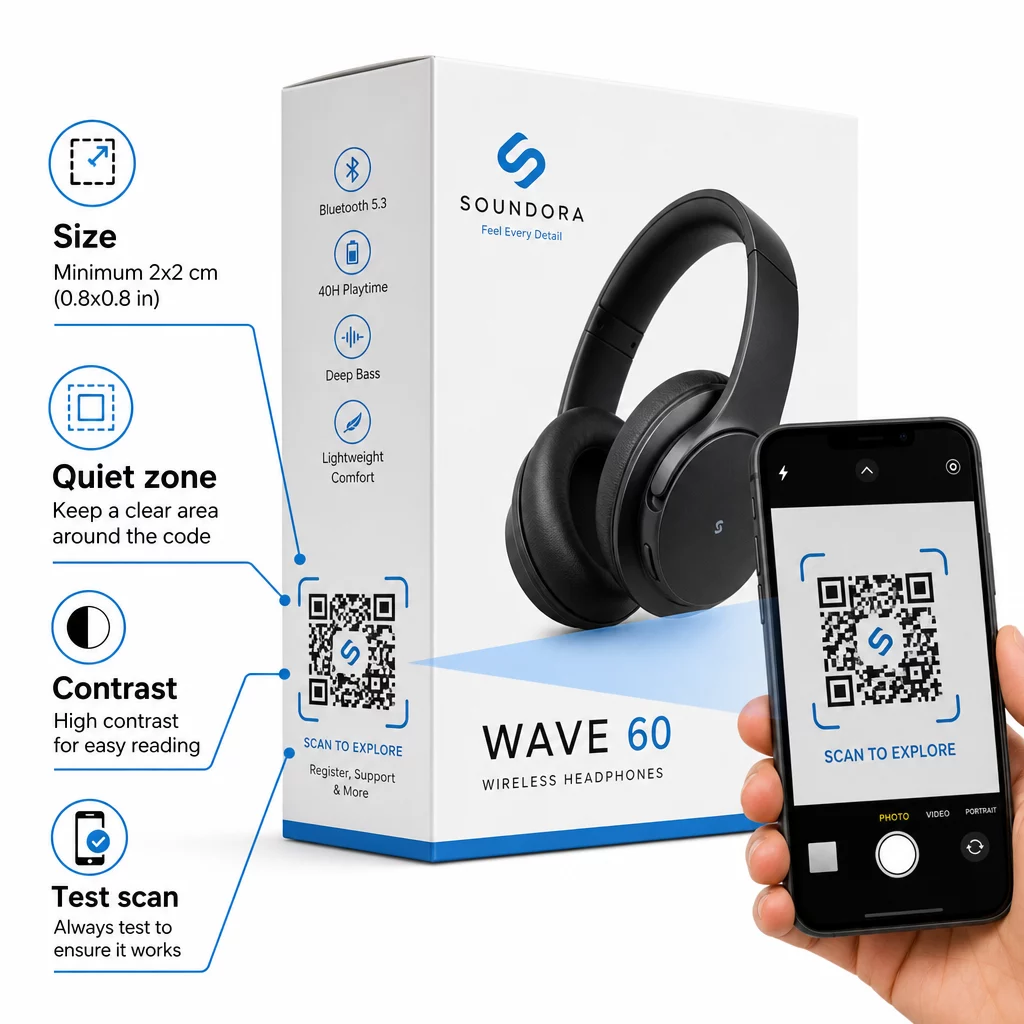
- Minimum boyut: Güvenilir yakın mesafe taraması için 2 × 2 cm'den (yaklaşık 0.8 × 0.8 inç) küçük olmamak üzere yazdırın. Uzaktan görülen kutular veya ambalajlar için daha büyük olması daha iyidir.
- Sessiz bölge: Kodun tüm kenarlarında en az dört modül genişliğinde net, baskısız bir kenar boşluğu bırakın. Bu tampon olmadan, tarayıcı tanıma önemli ölçüde bozulur.
- Kontrast: Açık bir arka plan üzerinde koyu modüller kullanın. QR kodu ile arka planı arasında 4:1 kontrast oranı güvenilir minimumdur. Birçok akıllı telefon kamerasının okumakta zorlandığı kırmızı veya turuncu ön plan renklerinden kaçının.
- Hata düzeltme: Standart ambalajlar için Seviye M () kullanın. Koda bir logo yerleştirirseniz, Seviye H'ye () geçin ve birden fazla cihazda test edin.
- Dosya formatı: QR kodu çizimini vektör formatında – SVG, EPS veya PDF – sağlayın ve modül netliğini korumak için 300–400 dpi'da yazdırın.
Farklı malzemelerde boyutlandırmaya daha derinlemesine bir bakış için, farklı baskı malzemeleri için QR kodu boyutlandırma karton, kağıt ve kumaşı ayrıntılı olarak kapsar. Kontrast ve okunabilirlik standartları için, QR kodu okunabilirliği için en iyi uygulamaları kapsamlı bir teknik referans sağlar.
Nasıl olduğunu da keşfedebilirsiniz ambalajdaki QR kodları perakendeye geniş çapta fayda sağlar ve inceleyin ürün etiketleri için QR kodları nihai rehberi etikete özel uygulama tavsiyesi için.
Fiziksel Ürünleri Dijital Deneyimlere Bağlama
Yukarıdaki yedi kullanım durumu ortak bir noktayı paylaşır: müşterilerin bilgiye, güvenceye veya desteğe en çok ihtiyaç duyduğu anlarda sürtünmeyi azaltırlar. Bir ürünün orijinalliğini doğrulayabilen, şeffaf yorumları okuyabilen ve garantisini kutudaki tek bir taramayla kaydedebilen bir müşteri, tereddüt etmek için daha az, markanıza güvenmek için daha fazla nedene sahip bir müşteridir.
Dinamik QR kodları tüm bunların pratik temelidir. Sizi tek bir hedefe kilitleyen statik kodların aksine, dinamik kodlar bağlantılı içeriği güncellemenize, promosyonları döndürmenize ve performansı ambalajın kendisinde hiçbir şeyi değiştirmeden izlemenize olanak tanır.
Daha Akıllı Ürün Deneyimleri Oluşturmaya Başlayın Pageloot'un sunduğu markalı, izlenebilir QR kodları elektronik ürünleriniz için oluşturun QR Kod Oluşturucu. 14 günlük ücretsiz deneme. Kredi kartı gerekmez.
Sıkça sorulan sorular
Dinamik QR kodları, ürün ambalajı için daha iyi bir seçimdir çünkü bağlantılı hedefi – ister bir kılavuz, ister bir destek sayfası veya bir promosyon olsun – yeniden baskı yapmadan güncellemenize olanak tanır. Statik QR kodları sizi kalıcı olarak sabit bir URL'ye kilitler, bu da içerik değiştiğinde veya promosyonlar sona erdiğinde sorunlar yaratır.
QR kodlarını katlanmalardan, dikişlerden ve kavisli kenarlardan uzakta, düz, pürüzsüz yüzeylere yerleştirin. Birincil ambalaj için arka panel veya özel bir bilgi paneli iyi sonuç verir. Sessiz bölgeyi azaltan basılı kenarlıkların veya yoğun grafik öğelerinin yakınına kod yerleştirmekten kaçının. Yakınlarda kısa bir harekete geçirici mesaj – örneğin “Kurulum kılavuzu için tarayın” veya “Kaydolmak için tarayın” gibi – müşteri telefonunu eline almadan önce değeri netleştirerek tarama oranlarını artırır.
Dinamik QR kodları, her bir kodun kaç kez tarandığını, zamanını, konumunu ve cihaz türünü kaydeden yerleşik tarama analizi içerir. Bu veriler, farklı ürünler, yerleşimler veya kampanyalar arasındaki performansı karşılaştırmanıza olanak tanır. Pageloot gibi platformlar, tüm QR kodlarınızı aynı anda izleyebileceğiniz ve verilerin gösterdiklerine göre hedefleri veya içeriği ayarlayabileceğiniz merkezi bir kontrol paneli sunar.