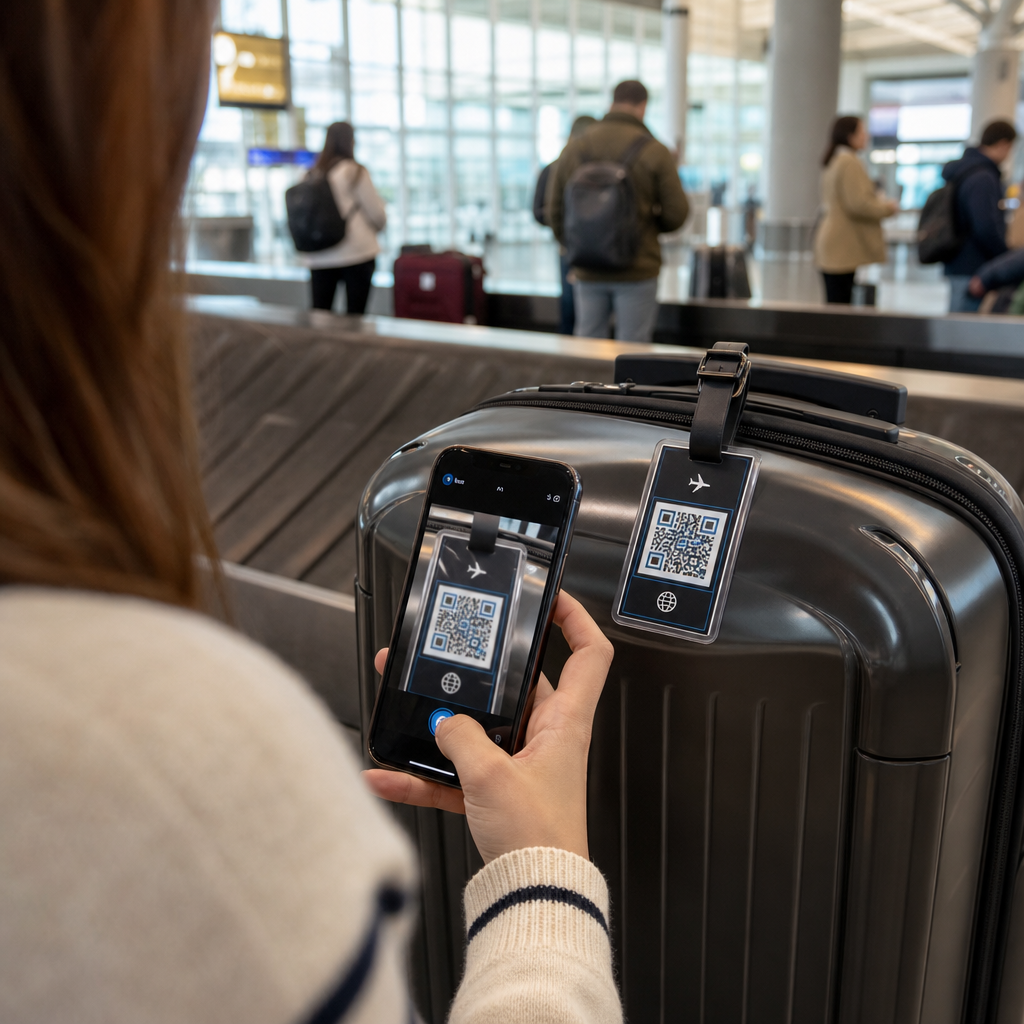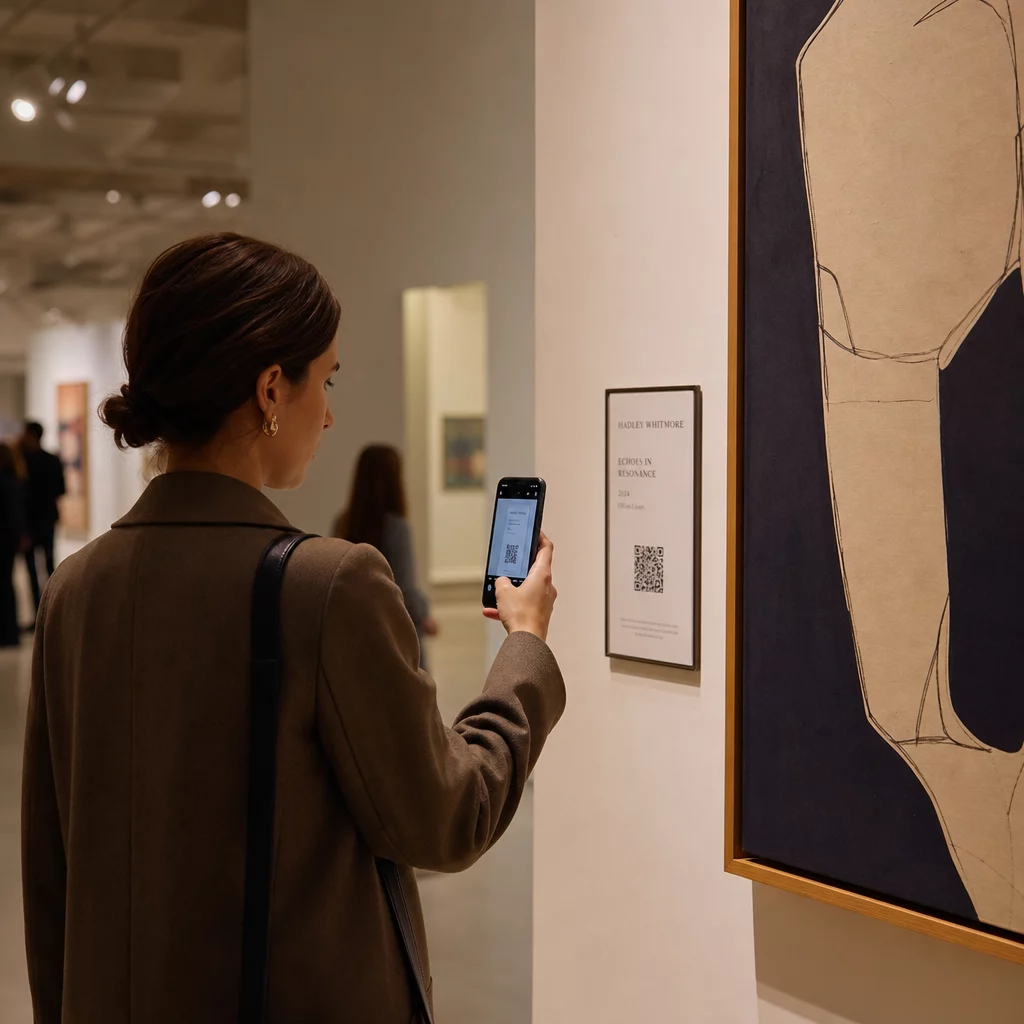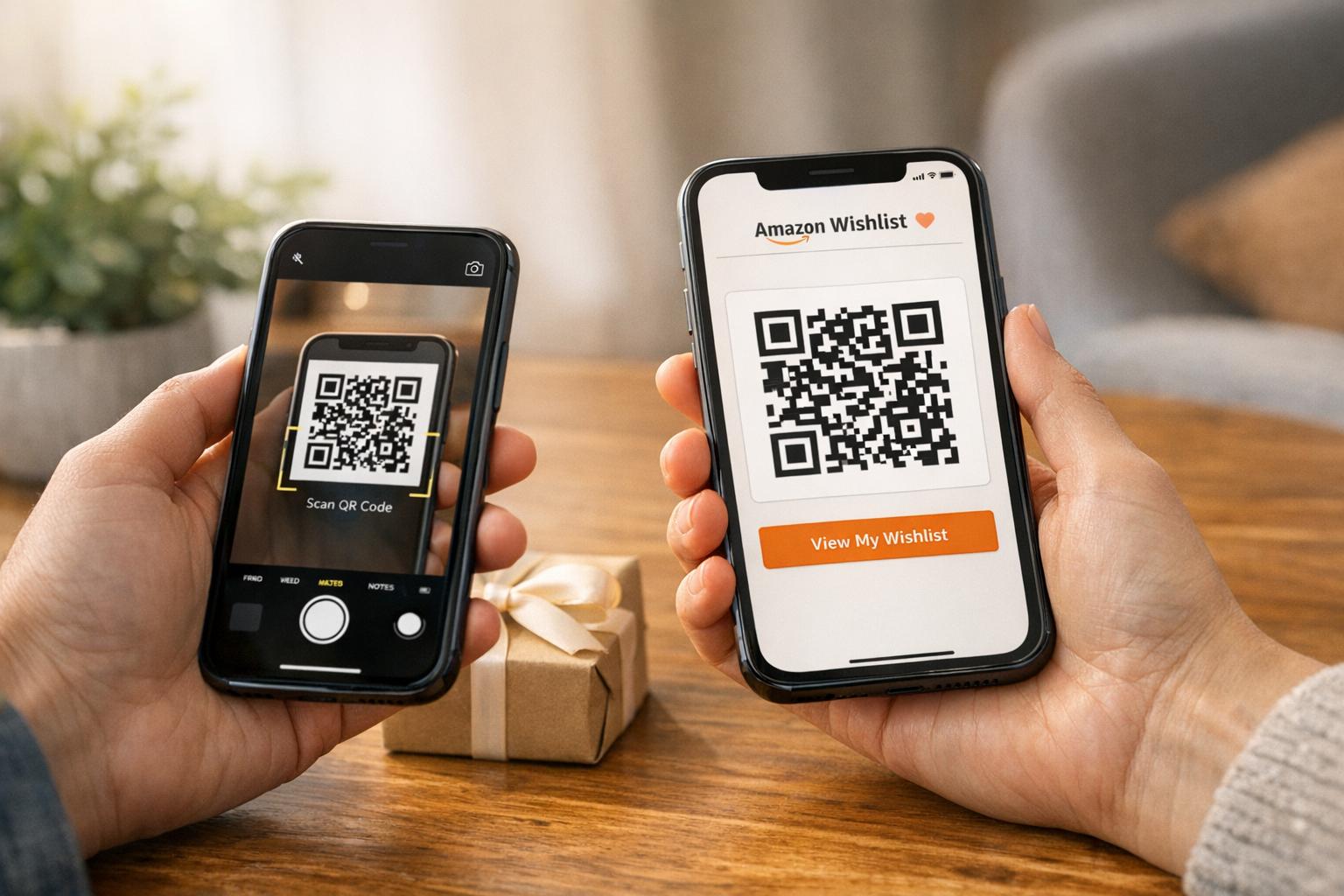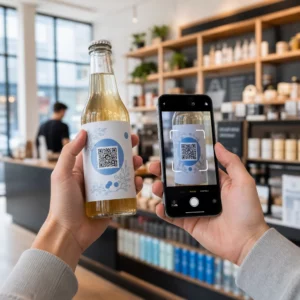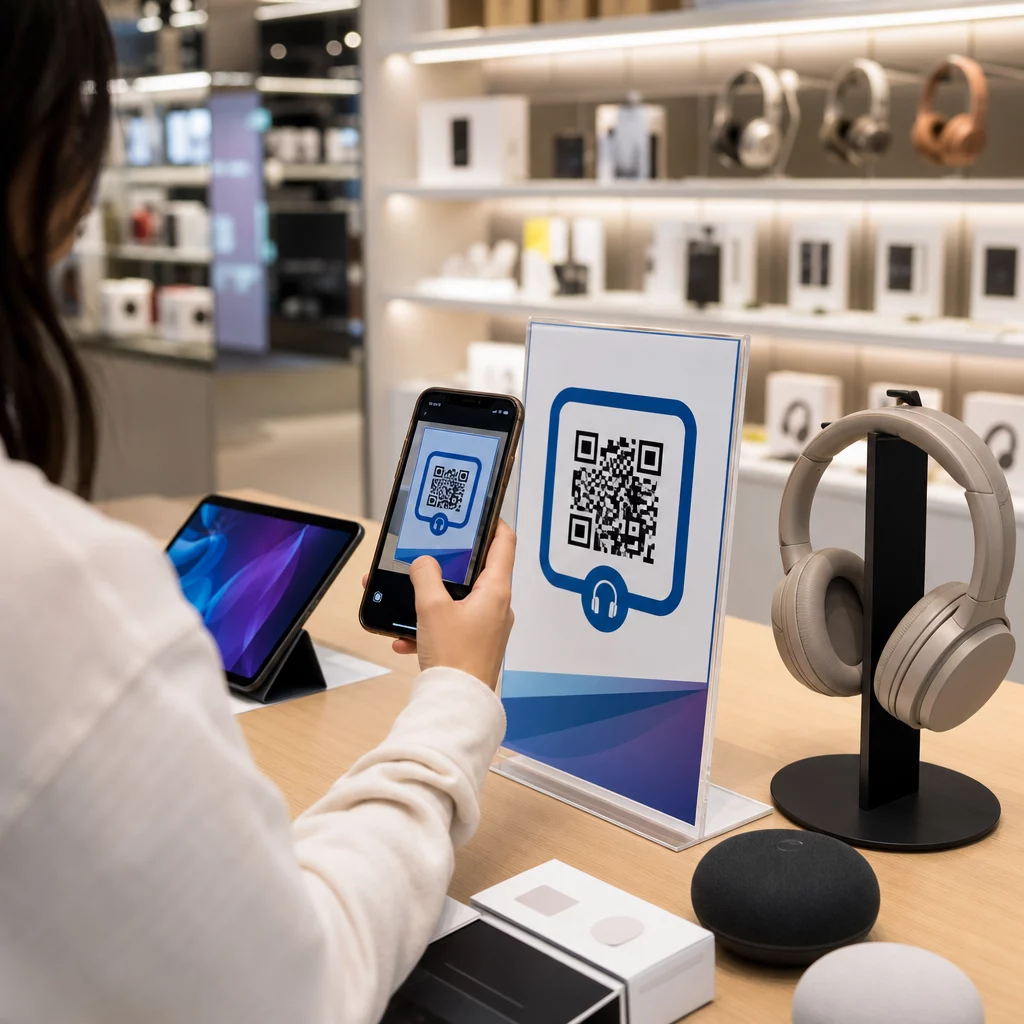
Bagaimana Anda mencegah pelanggan yang masuk ke toko elektronik Anda membeli produk yang sama dengan harga lebih murah di Amazon? Masalahnya adalah sebagian besar pengecer fisik tidak memberikan alasan bagi pembeli yang bersenjatakan ponsel pintar untuk tetap tinggal. Kode QR pada produk dan kemasan mengubah persamaan itu dengan mengubah setiap rak menjadi titik sentuh interaktif.
Riset konsumen menunjukkan bahwa 64% pembeli telah memindai kode QR pada produk saat berbelanja di toko, dan 61% telah melakukannya setelah pembelian. Tingkat keterlibatan tersebut bukanlah kebetulan – ini mencerminkan ekspektasi nyata bahwa produk fisik terhubung dengan informasi digital. Panduan ini membahas tujuh cara praktis merek dan pengecer elektronik dapat menggunakan kode QR untuk meningkatkan pengalaman pelanggan dan menangkap penjualan yang mungkin akan hilang.
Mengapa Pembeli Elektronik Lebih Banyak Memindai Dibanding Kategori Lain
Pembeli elektronik konsumen sangat didorong oleh riset. Mereka membandingkan spesifikasi, membaca ulasan, dan menonton demo sebelum berkomitmen untuk membeli – seringkali saat berdiri tepat di samping produk. Perilaku itu menciptakan peluang: jika kode QR Anda adalah cara termudah untuk mendapatkan informasi yang andal pada saat keputusan, Anda menguasai momen itu.
Menurut data konsumen terbaru, 43% konsumen paling sering memindai kode QR untuk mengakses informasi produk. Khususnya di bidang elektronik, pembeli sudah meraih ponsel mereka – kode QR hanya memberikan insting itu tempat yang berguna untuk dituju.
Dasar dari semua ini adalah kode QR dinamis, yang memungkinkan Anda memperbarui URL tujuan setelah dicetak. Untuk elektronik – di mana spesifikasi produk berubah, pembaruan firmware diluncurkan, dan promosi berputar secara musiman – ini berarti Anda tidak perlu mencetak ulang kemasan hanya untuk menjaga konten yang terhubung tetap terkini.
Jaga Konten Produk Anda Selalu Terkini Menggunakan Generator QR Code Dinamis untuk membuat kode QR yang dapat dilacak dan diedit untuk produk elektronik Anda. Perbarui tujuan kapan saja tanpa mencetak ulang satu label pun.
7 Cara Menggunakan Kode QR untuk Elektronik Konsumen
1. Akses Instan ke Ulasan pada Titik Keputusan
Lebih dari 70% pembeli elektronik membaca ulasan di ponsel pintar mereka saat menjelajah di toko. Daripada membiarkan mereka menghilang ke situs pihak ketiga yang mungkin menampilkan produk pesaing, kode QR pada label rak atau kotak produk Anda dapat langsung menautkan ke halaman ulasan yang dikurasi yang Anda kendalikan.
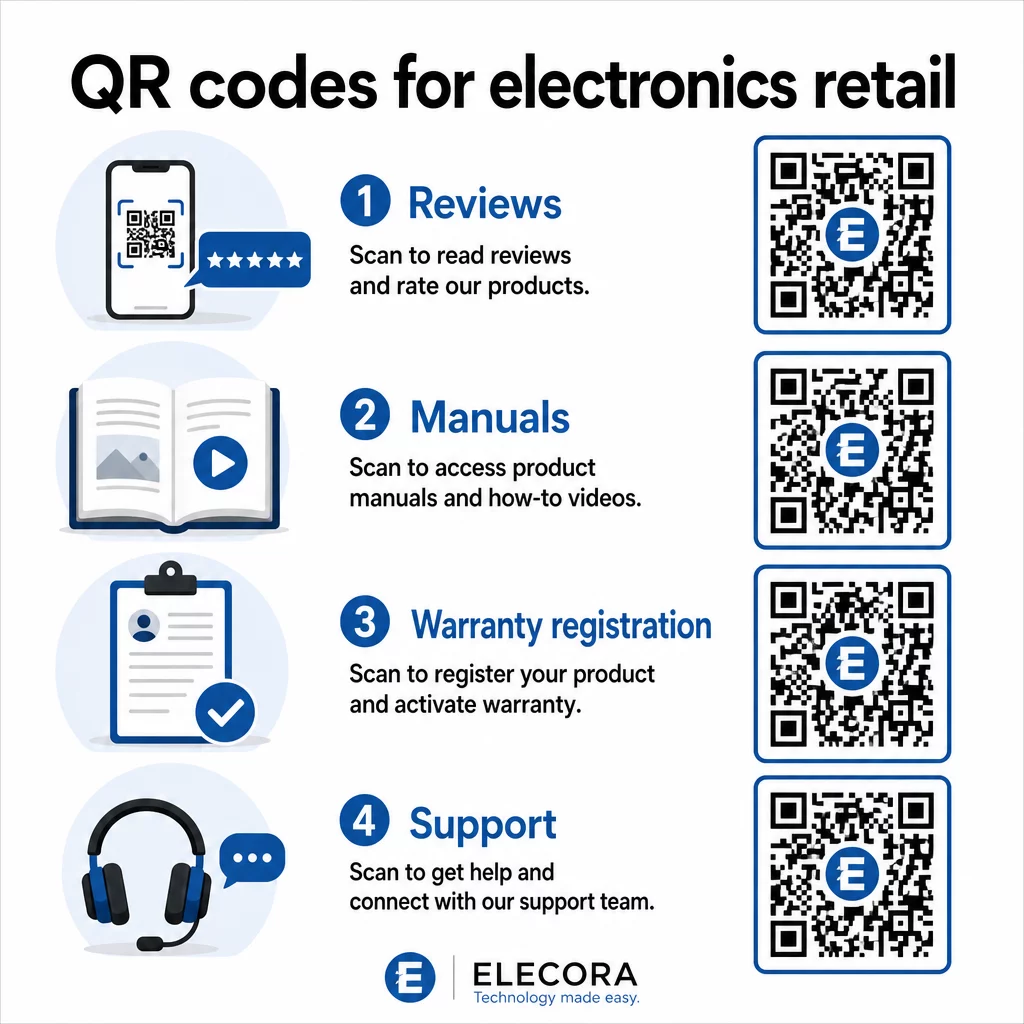
Ketika pembeli dapat memenuhi kebutuhan riset mereka tanpa meninggalkan lingkungan Anda, mereka lebih mungkin untuk menyelesaikan pembelian saat itu juga. Tautkan kode ke halaman arahan yang menggabungkan peringkat bintang, sorotan ulasan utama, dan jalur yang jelas untuk pembelian.
2. Manual Produk Digital dan Panduan Penyiapan
Mencetak manual instruksi berwarna penuh dan multibahasa menambah biaya dan volume pada setiap unit. Kode QR pada Kemasan produk atau langsung pada perangkat menautkan ke manual digital yang selalu terkini – yang dapat mencakup panduan video, diagram beranotasi, dan pilihan bahasa.
Pendekatan ini juga memecahkan masalah pembaruan. Ketika firmware berubah atau fitur baru diluncurkan, Anda memperbarui PDF atau halaman yang tertaut sekali, dan setiap pelanggan yang memindai kode tersebut mendapatkan versi terbaru. The Ubah PDF ke QR Code membuatnya mudah untuk menghosting dan memperbarui dokumen manual tanpa menyentuh kode yang dicetak.
Bagi produsen, ini sangat praktis. Seperti yang dibahas dalam QR Code untuk Manufaktur, menyematkan kode QR dalam materi instruksi yang tertaut ke tutorial video menyederhanakan perakitan dan mengurangi kontak dukungan.
3. Pendaftaran Garansi dan Produk yang Efisien
Kartu garansi kertas memiliki tingkat penyelesaian yang sangat rendah. Pelanggan kehilangannya, lupa mengirimkannya, atau tidak pernah mengisinya. Kode QR yang dicetak di dalam kotak atau pada perangkat itu sendiri tertaut langsung ke formulir pendaftaran digital – dapat diakses saat pelanggan membuka kemasan.
Menggunakan Kode QR Formulir Google atau halaman arahan khusus, Anda dapat menangkap data pendaftaran, preferensi, dan detail kontak dengan gesekan yang jauh lebih sedikit. Analitik pemindaian juga memberi tahu Anda berapa banyak pelanggan yang menyelesaikan pendaftaran dan kapan, sehingga Anda dapat menindaklanjuti dengan pemberitahuan pembaruan firmware atau penawaran garansi yang diperpanjang pada waktu yang tepat.
4. Otentikasi Produk dan Anti-Pemalsuan
Untuk elektronik premium – headphone, kamera, perangkat rumah pintar – pemalsuan adalah kekhawatiran nyata bagi merek dan konsumen. Kode QR yang tertaut ke halaman otentikasi memungkinkan pelanggan memverifikasi bahwa apa yang mereka beli adalah asli. Pemindaian membawa mereka ke halaman yang dikontrol merek yang mengonfirmasi keaslian produk dan nomor seri.
Kasus penggunaan ini juga membangun kepercayaan pasca-pembelian. Pelanggan yang mengonfirmasi produk mereka asli lebih mungkin untuk mendaftar, meninggalkan ulasan, dan kembali ke merek untuk pembelian berikutnya.
5. Kode Kupon di Toko dan Penawaran Terbatas Waktu
Kode QR di dekat area kasir atau pada tampilan produk dapat memberikan diskon yang hanya berlaku jika pelanggan membeli hari ini. Ini bekerja sangat baik untuk aksesori atau add-on bundel – kode pada tampilan router yang menawarkan diskon 20% untuk node mesh yang kompatibel, misalnya, menciptakan peluang upsell dengan biaya minimal.
Karena kode QR dinamis memungkinkan Anda mengubah penawaran yang tertaut tanpa mencetak ulang apa pun, Anda dapat merotasi promosi setiap minggu atau mengikatnya ke tingkat inventaris. Pelanggan yang memindai dan membagikan penawaran dengan orang lain memperluas jangkauannya secara organik.
Lacak Promosi Mana yang Mendorong Pemindaian Terbanyak Menggunakan Generator Kode QR Tautan untuk membuat kode promosi yang dapat dilacak. Lihat dengan tepat penempatan produk dan penawaran mana yang menghasilkan konversi secara real time.
6. Personalisasi Pemindaian Berbasis Perilaku
Kode QR dengan pelacakan pemindaian memungkinkan pengalaman yang lebih canggih seiring waktu. Jika pelanggan sebelumnya telah memindai kode untuk speaker pintar, pemindaian berikutnya dapat menampilkan halaman yang relevan dengan minat tersebut – pengumuman model baru, aksesori yang kompatibel, atau paket waktu terbatas. Konteks perilaku semacam ini mengubah label pasif menjadi titik sentuh yang dipersonalisasi.
Platform seperti Pageloot menyediakan analitik pemindaian yang menunjukkan kapan, di mana, dan seberapa sering kode dipindai, memberikan tim pemasaran Anda data untuk menyempurnakan pengalaman ini seiring waktu.
7. Dukungan Pasca-Pembelian dan Pemecahan Masalah
Salah satu merek peralatan rumah tangga besar yang mengalihkan sumber daya dukungan ke kode QR pintar pada produk melihat pengurangan volume pusat panggilan sebesar 20%. Untuk elektronik konsumen – di mana masalah pengaturan dan pertanyaan fitur umum terjadi – ini adalah manfaat operasional yang signifikan.
Kode QR pada perangkat atau di dalam kotak dapat menautkan ke pusat dukungan dengan panduan pemecahan masalah, halaman FAQ, akses obrolan langsung, atau tutorial video. Seperti yang dibahas dalam Kode QR untuk dukungan dalam e-commerce, kode-kode ini bahkan dapat memuat jendela obrolan dengan detail produk, memungkinkan tim dukungan menyelesaikan masalah lebih cepat.
Ini mengurangi frustrasi bagi pelanggan dan mengurangi biaya untuk operasi dukungan Anda secara bersamaan.
Panduan Praktis untuk Mencetak Kode QR pada Kemasan Elektronik
Memahami kasus penggunaan dengan benar hanyalah separuh pekerjaan. Kode QR yang tidak dapat dipindai dengan andal di lingkungan ritel mengalahkan tujuannya sendiri. Ingatlah dasar-dasar ini saat menyiapkan kode untuk dicetak:
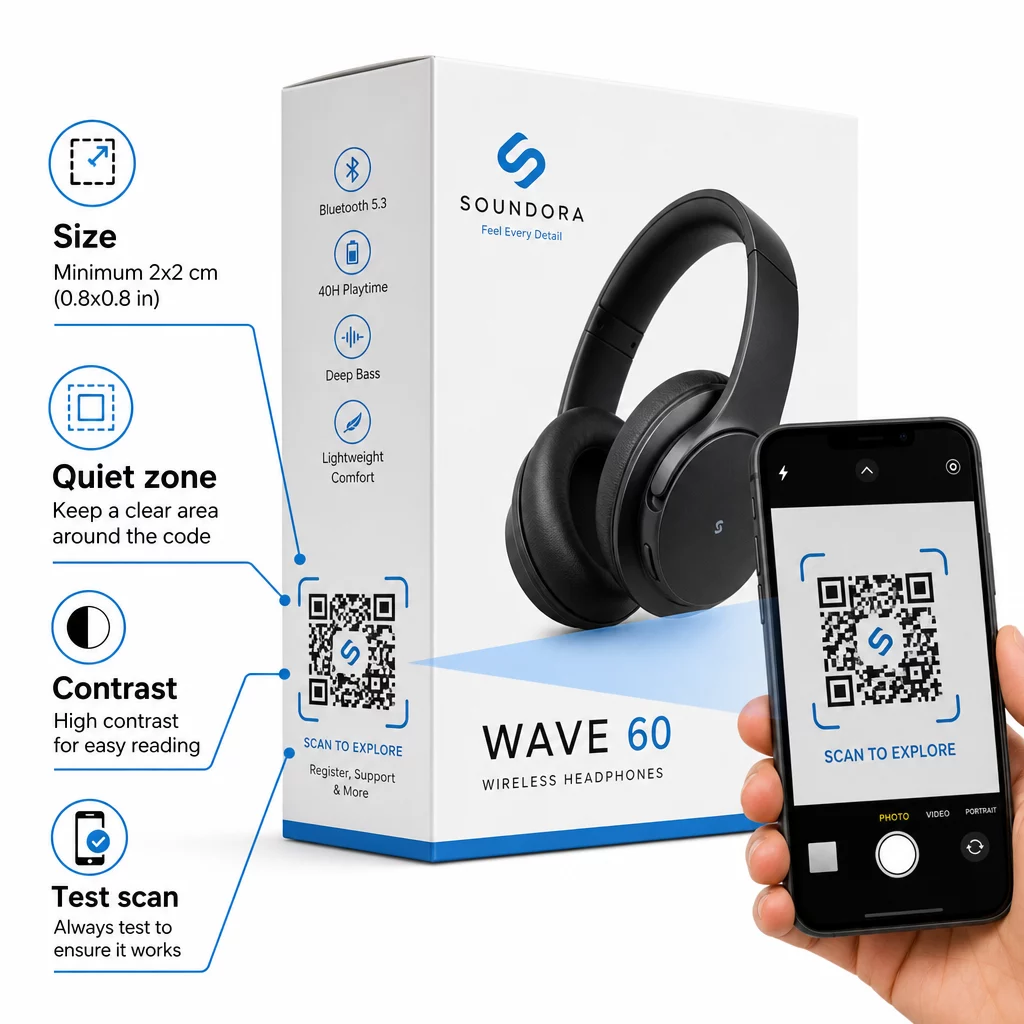
- Ukuran minimum: Cetak tidak lebih kecil dari 2 × 2 cm (sekitar 0,8 × 0,8 inci) untuk pemindaian jarak dekat yang andal. Lebih besar lebih baik untuk kotak atau kemasan yang dilihat dari kejauhan.
- Zona tenang: Pertahankan margin yang jelas dan tidak tercetak setidaknya empat modul di semua sisi kode. Tanpa penyangga ini, pengenalan pemindai akan menurun secara signifikan.
- Kontras: Gunakan modul gelap pada latar belakang terang. Rasio kontras 4:1 antara kode QR dan latar belakangnya adalah minimum yang andal. Hindari warna latar depan merah atau oranye, yang sulit dibaca oleh banyak kamera ponsel pintar.
- Koreksi kesalahan: Gunakan Level M (15%) untuk kemasan standar. Jika Anda menyematkan logo di dalam kode, beralihlah ke Level H (30%) dan uji di berbagai perangkat.
- Format file: Sediakan karya seni kode QR dalam format vektor – SVG, EPS, atau PDF – dan cetak pada 300–400 dpi untuk menjaga kejelasan modul.
Untuk melihat lebih dalam tentang ukuran di berbagai bahan, ukuran kode QR untuk berbagai bahan cetak mencakup karton, kertas, dan kain secara rinci. Untuk standar kontras dan keterbacaan, praktik terbaik untuk keterbacaan kode QR menyediakan referensi teknis yang menyeluruh.
Anda juga dapat menjelajahi bagaimana kode QR pada kemasan menguntungkan ritel secara luas dan meninjau panduan utama kode QR untuk label produk untuk saran implementasi khusus label.
Menghubungkan Produk Fisik ke Pengalaman Digital
Tujuh kasus penggunaan di atas memiliki benang merah yang sama: mereka mengurangi gesekan pada saat-saat tepat ketika pelanggan paling membutuhkan informasi, jaminan, atau dukungan. Pembeli yang dapat memverifikasi keaslian produk, membaca ulasan transparan, dan mendaftarkan garansi mereka semua dari satu pemindaian pada kotak adalah pelanggan dengan lebih sedikit alasan untuk ragu – dan lebih banyak alasan untuk mempercayai merek Anda.
Kode QR dinamis adalah fondasi praktis untuk semua ini. Tidak seperti kode statis yang mengunci Anda ke satu tujuan, kode dinamis memungkinkan Anda memperbarui konten yang terhubung, merotasi promosi, dan melacak kinerja tanpa mengubah apa pun pada kemasan itu sendiri.
Mulai Membangun Pengalaman Produk yang Lebih Cerdas Buat kode QR bermerek dan dapat dilacak untuk produk elektronik Anda dengan Pageloot’s Generator Kode QR. Uji coba gratis 14 hari. Tidak perlu kartu kredit.
Pertanyaan yang sering diajukan
Kode QR dinamis adalah pilihan yang lebih baik untuk kemasan produk karena memungkinkan Anda memperbarui tujuan yang terhubung – baik itu manual, halaman dukungan, atau promosi – tanpa mencetak ulang. Kode QR statis mengunci Anda ke URL tetap secara permanen, yang menimbulkan masalah ketika konten berubah atau promosi kedaluwarsa.
Tempatkan kode QR pada permukaan datar dan halus jauh dari lipatan, jahitan, dan tepi melengkung. Untuk kemasan primer, panel belakang atau panel informasi khusus berfungsi dengan baik. Hindari menempatkan kode di dekat batas cetak atau elemen grafis yang ramai yang mengurangi zona tenang. Ajakan bertindak singkat di dekatnya – seperti “Pindai untuk panduan pengaturan” atau “Pindai untuk mendaftar” – meningkatkan tingkat pemindaian dengan memperjelas nilai sebelum pelanggan mengangkat ponsel mereka.
Kode QR Dinamis menyertakan analitik pemindaian bawaan yang mencatat berapa kali setiap kode dipindai, beserta waktu, lokasi, dan jenis perangkat. Data ini memungkinkan Anda membandingkan kinerja di berbagai produk, penempatan, atau kampanye. Platform seperti Pageloot menyediakan dasbor terpusat tempat Anda dapat memantau semua kode QR Anda sekaligus dan menyesuaikan tujuan atau konten berdasarkan apa yang ditunjukkan oleh data.