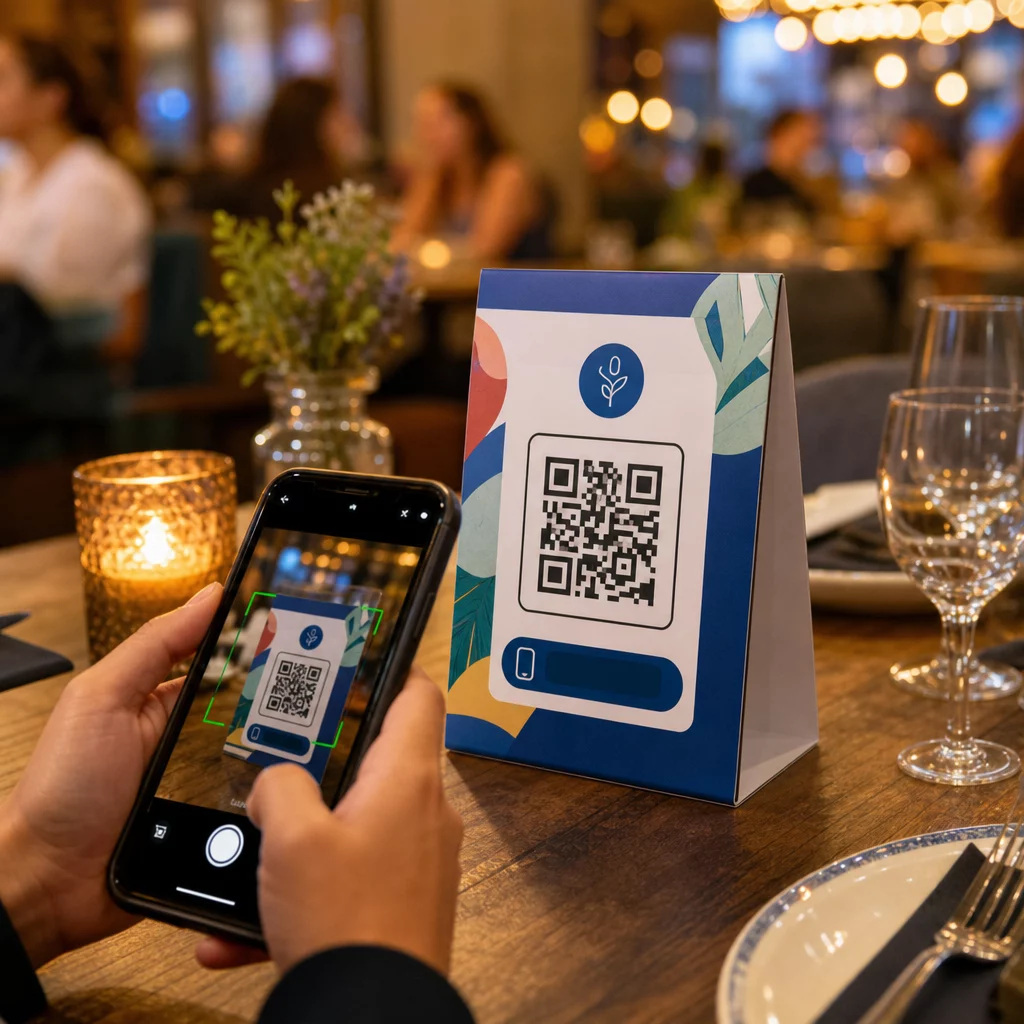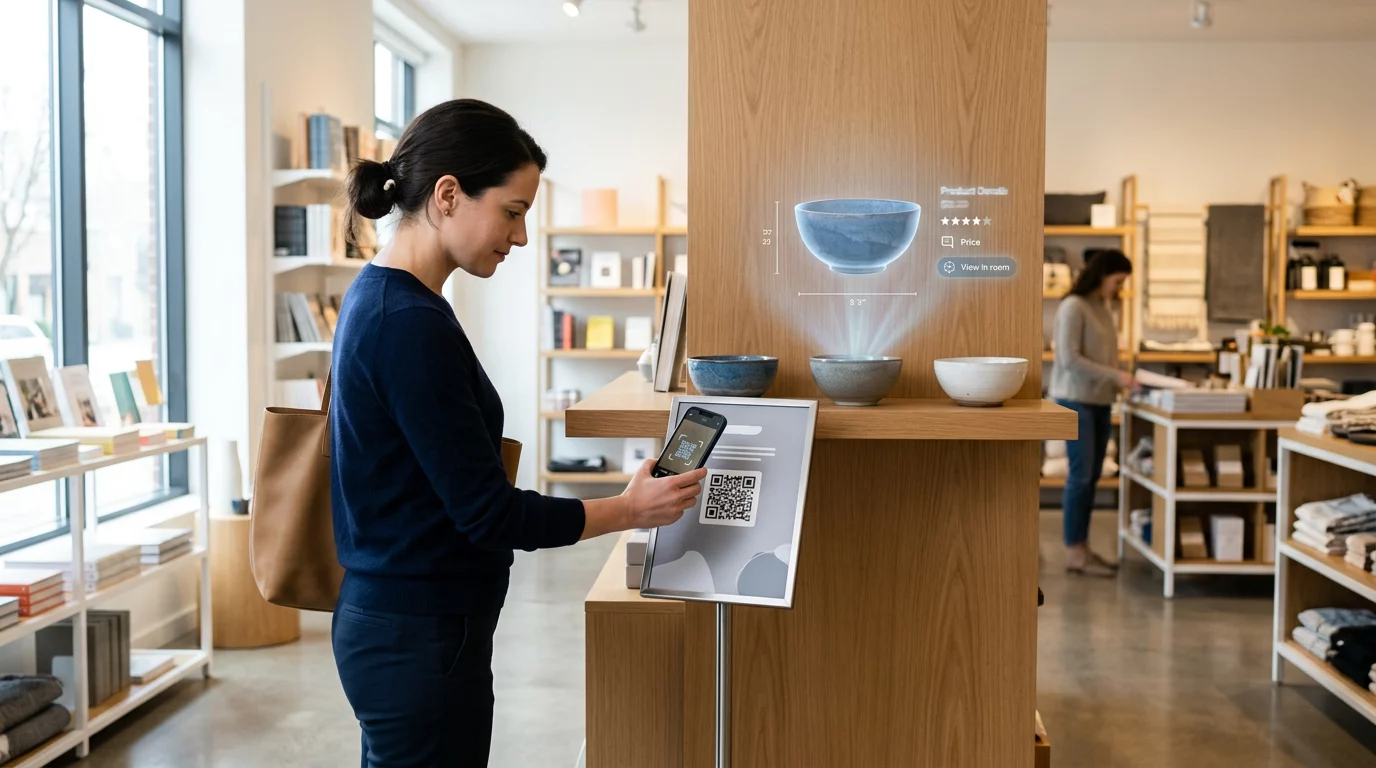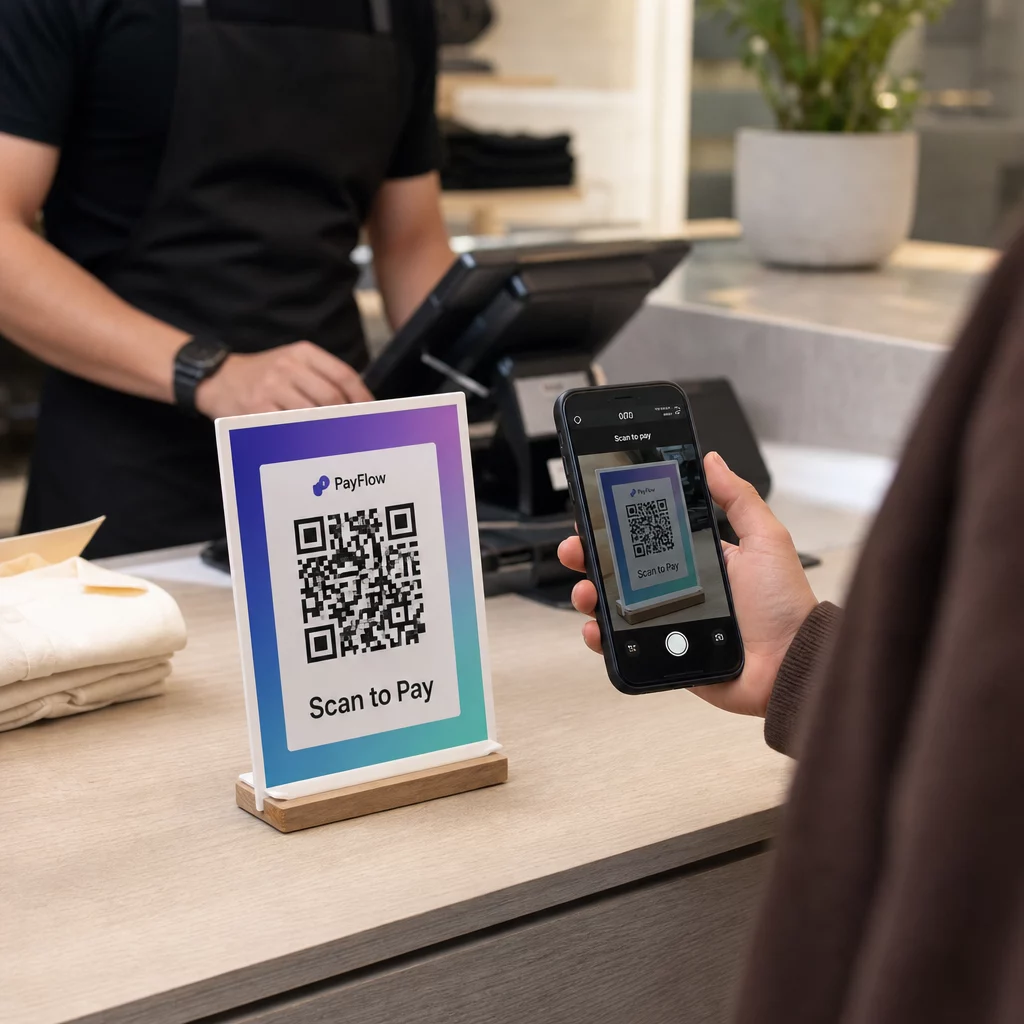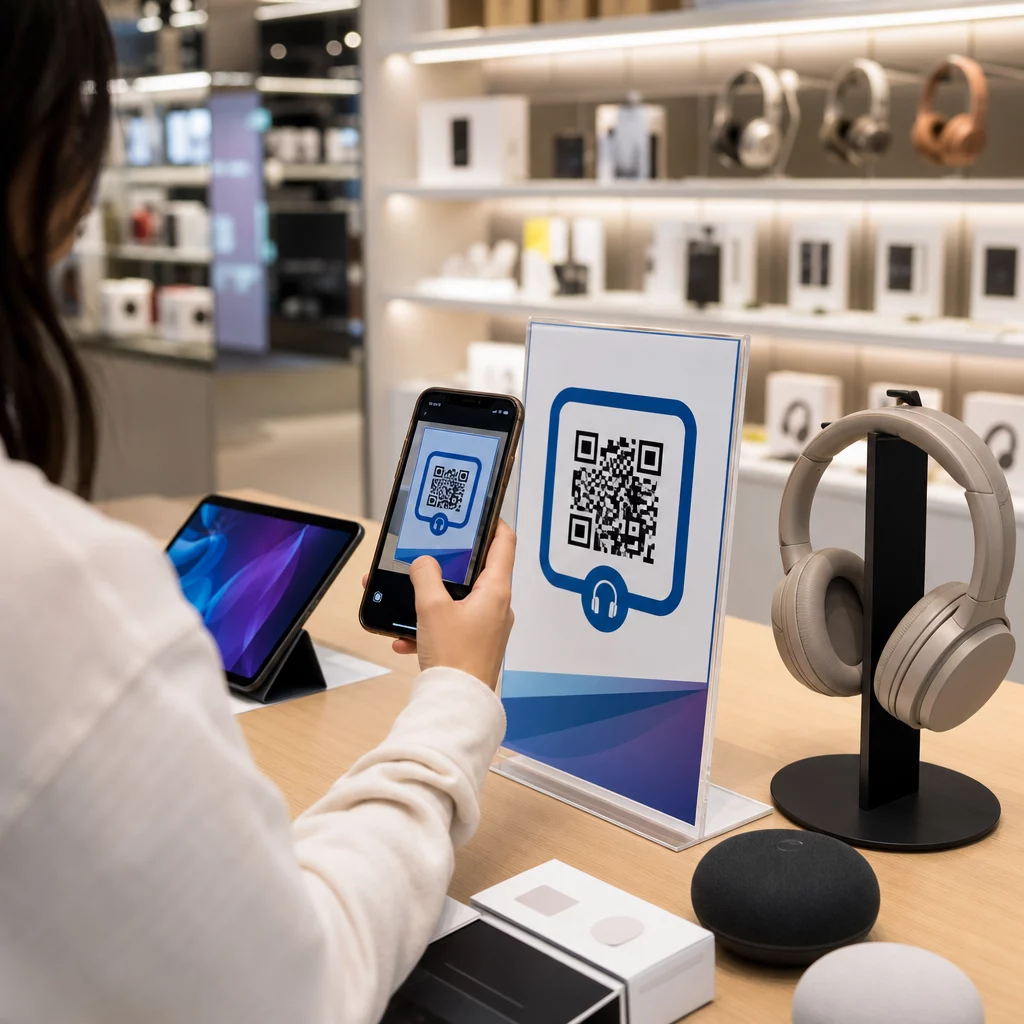
Kaip išlaikyti klientą, kuris užsuka į jūsų elektronikos parduotuvę, kad jis nepirktų to paties produkto pigiau „Amazon“? Problema ta, kad dauguma fizinių parduotuvių nesuteikia išmaniaisiais telefonais ginkluotiems pirkėjams jokios priežasties pasilikti. QR kodai ant produktų ir pakuočių pakeičia šią lygtį, paversdami kiekvieną lentyną interaktyviu sąlyčio tašku.
Vartotojų tyrimai rodo, kad 64% pirkėjų nuskenavo QR kodą ant produkto apsipirkdami parduotuvėje, o 61% tai padarė po pirkimo. Toks įsitraukimo lygis nėra atsitiktinis – jis atspindi tikrą lūkestį, kad fiziniai produktai jungiasi su skaitmenine informacija. Šis vadovas aprašo septynis praktinius būdus, kaip elektronikos prekių ženklai ir mažmenininkai gali naudoti QR kodus, siekdami pagerinti klientų patirtį ir užfiksuoti pardavimus, kurie kitu atveju galėtų išeiti pro duris.
Kodėl elektronikos pirkėjai skenuoja daugiau nei kitų kategorijų pirkėjai
Vartotojų elektronikos pirkėjai yra išskirtinai orientuoti į tyrimus. Jie lygina specifikacijas, skaito atsiliepimus ir žiūri demonstracijas prieš įsipareigodami pirkti – dažnai stovėdami šalia produkto. Toks elgesys sukuria galimybę: jei jūsų QR kodas yra lengviausias būdas gauti patikimą informaciją sprendimo priėmimo metu, jūs valdote tą momentą.
Remiantis naujausiais vartotojų duomenimis, 43% vartotojų dažniausiai skenuoja QR kodus, kad pasiektų informaciją apie produktą. Būtent elektronikos srityje pirkėjai jau siekia savo telefonų – QR kodai tiesiog suteikia šiam instinktui naudingą kryptį.
Visa tai pagrįsta dinaminiai QR kodai, kurie leidžia atnaujinti paskirties URL po spausdinimo. Elektronikos srityje – kur keičiasi produktų specifikacijos, išleidžiami programinės įrangos atnaujinimai ir sezoniškai keičiasi akcijos – tai reiškia, kad jums niekada nereikės perspausdinti pakuotės vien tam, kad susieta informacija būtų aktuali.
Visada atnaujinkite savo produkto turinį Naudoti Dinaminis QR kodo generatorius sukurti sekamus, redaguojamus QR kodus jūsų elektronikos gaminiams. Atnaujinkite paskirties vietas bet kuriuo metu, neperspausdindami nė vienos etiketės.
7 būdai, kaip naudoti QR kodus vartotojų elektronikai
1. Momentinė prieiga prie atsiliepimų sprendimo priėmimo metu
Daugiau nei 70% elektronikos pirkėjų skaito atsiliepimus savo išmaniuosiuose telefonuose naršydami parduotuvėje. Užuot leidę jiems dingti trečiosios šalies svetainėje, kuri gali parodyti konkurento produktą, QR kodas ant jūsų lentynos etiketės ar produkto dėžutės gali tiesiogiai nukreipti į kuruojamą atsiliepimų puslapį, kurį kontroliuojate.
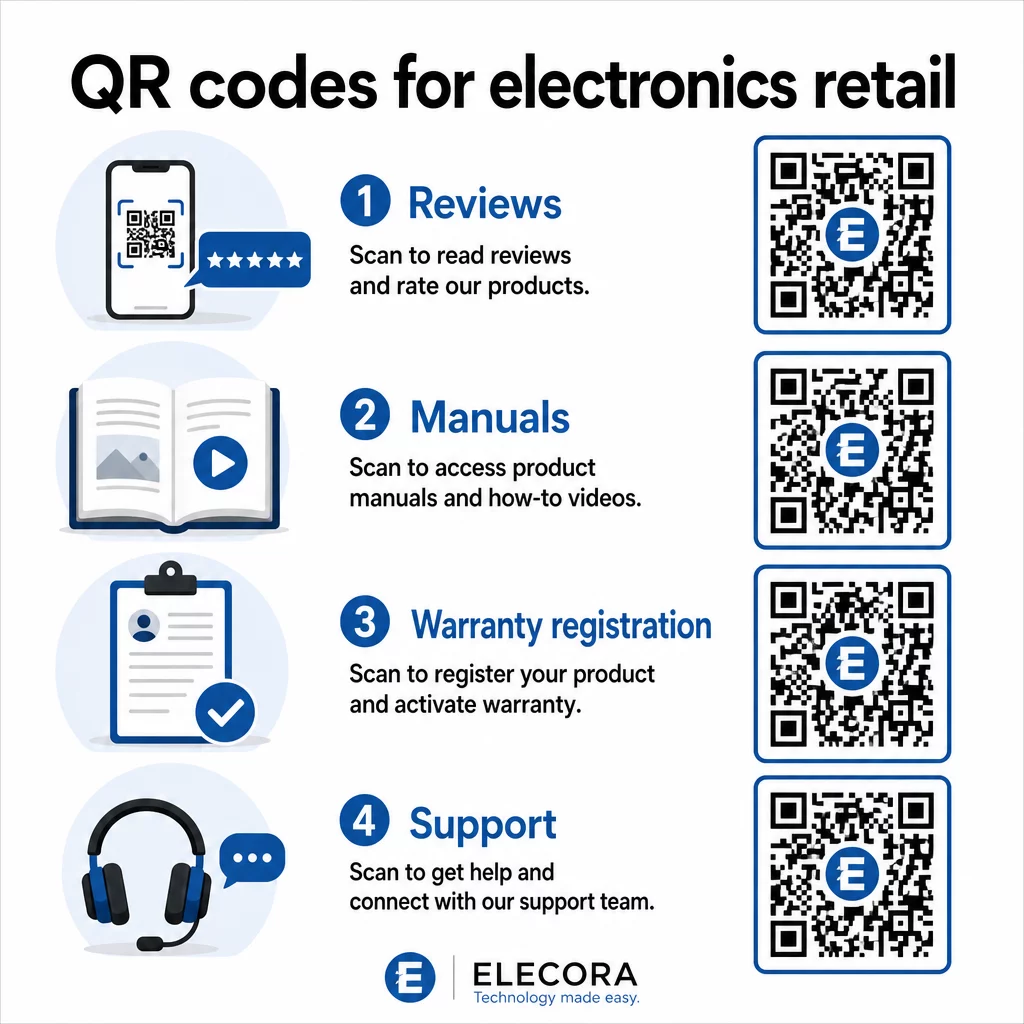
Kai pirkėjai gali patenkinti savo tyrimų poreikį nepalikdami jūsų aplinkos, jie labiau linkę užbaigti pirkimą čia ir dabar. Susiekite kodą su nukreipimo puslapiu, kuriame derinami žvaigždučių įvertinimai, pagrindiniai atsiliepimų akcentai ir aiškus kelias į pirkimą.
2. Skaitmeniniai produktų vadovai ir nustatymo instrukcijos
Spausdinant spalvotą, daugiakalbį instrukcijų vadovą, kiekvieno vieneto kaina ir tūris padidėja. QR kodas ant Produkto pakuotė arba tiesiogiai ant įrenginio nukreipia į visada aktualų skaitmeninį vadovą – tokį, kuriame gali būti vaizdo įrašų apžvalgos, anotuotos diagramos ir kalbos pasirinkimas.
Šis metodas taip pat išsprendžia atnaujinimo problemą. Kai keičiasi programinė įranga arba išleidžiama nauja funkcija, susietą PDF ar puslapį atnaujinate vieną kartą, ir kiekvienas klientas, nuskenavęs tą kodą, gauna naujausią versiją. Šis PDF QR kodo generatorius leidžia lengvai talpinti ir atnaujinti vadovo dokumentus neliečiant atspausdinto kodo.
Gamintojams tai ypač praktiška. Kaip aptarta QR kodai gamybai, QR kodų įterpimas į instrukcijų medžiagą, kuri susieja su vaizdo pamokomis, supaprastina surinkimą ir sumažina palaikymo kontaktų skaičių.
3. Supaprastinta garantija ir produkto registracija
Popierinės garantijos kortelės pasižymi itin mažu užpildymo rodikliu. Klientai jas pameta, pamiršta išsiųsti paštu arba tiesiog niekada neužpildo. QR kodas, atspausdintas dėžutės viduje arba ant paties įrenginio, tiesiogiai susieja su skaitmenine registracijos forma – prieinama tą akimirką, kai klientas atidaro pakuotę.
Naudojant "Google" formos QR kodas arba pasirinktiniame nukreipimo puslapyje galite surinkti registracijos duomenis, pageidavimus ir kontaktinę informaciją su daug mažiau trinties. Nuskaitymo analizė taip pat parodo, kiek klientų užbaigia registraciją ir kada, todėl galite laiku pateikti programinės įrangos atnaujinimo pranešimus arba išplėstinės garantijos pasiūlymus.
4. Produkto autentiškumo patvirtinimas ir kova su klastotėmis
Aukščiausios klasės elektronikai – ausinėms, kameroms, išmaniesiems namų įrenginiams – klastojimas kelia realų susirūpinimą tiek prekių ženklams, tiek vartotojams. QR kodas, susietas su autentiškumo patvirtinimo puslapiu, leidžia klientams patikrinti, ar tai, ką jie įsigijo, yra tikra. Nuskaitymas nukreipia juos į prekės ženklo kontroliuojamą puslapį, kuris patvirtina produkto autentiškumą ir serijos numerį.
Šis naudojimo atvejis taip pat didina pasitikėjimą po pirkimo. Klientas, patvirtinęs, kad jo produktas yra tikras, labiau linkęs registruotis, palikti atsiliepimą ir grįžti prie prekės ženklo kitam pirkiniui.
5. Parduotuvės kuponų kodai ir riboto laiko pasiūlymai
QR kodas prie kasos zonos arba ant produkto stendo gali suteikti nuolaidą, kuri galioja tik tuo atveju, jei klientas perka šiandien. Tai ypač gerai veikia priedams ar komplektiniams priedams – pavyzdžiui, kodas ant maršrutizatoriaus stendo, siūlantis 20% nuolaidą suderinamam tinklo mazgui, sukuria papildomo pardavimo galimybę minimaliomis sąnaudomis.
Kadangi dinaminiai QR kodai leidžia keisti susietą pasiūlymą nieko neperspausdinant, galite keisti akcijas kas savaitę arba susieti jas su atsargų lygiais. Klientai, kurie nuskaito ir dalijasi pasiūlymu su kitais, organiškai išplečia jo pasiekiamumą.
Stebėkite, kurios akcijos generuoja daugiausiai nuskaitymų Naudoti Nuorodos QR kodo generatorius sukurti stebimus reklaminius kodus. Tiksliai matykite, kurie produktų išdėstymai ir pasiūlymai konvertuojasi realiuoju laiku.
6. Elgesiu pagrįstas nuskaitymo personalizavimas
QR kodai su nuskaitymo stebėjimu laikui bėgant leidžia sukurti sudėtingesnę patirtį. Jei klientas anksčiau nuskaitydavo išmaniųjų garsiakalbių kodus, kitas nuskaitymas gali atverti puslapį, susijusį su tuo interesu – naujo modelio pranešimą, suderinamą priedą arba riboto laiko rinkinį. Toks elgesio kontekstas paverčia pasyvią etiketę personalizuotu sąlyčio tašku.
Tokios platformos kaip Pageloot teikia nuskaitymo analizės kurios rodo, kada, kur ir kaip dažnai kodai nuskaitomi, suteikdamos jūsų rinkodaros komandai duomenis, kad laikui bėgant patobulintų šias patirtis.
7. Palaikymas po pirkimo ir trikčių šalinimas
Vienas didelis buitinės technikos prekės ženklas, perkėlęs palaikymo išteklius į išmaniuosius QR kodus ant gaminių, pastebėjo 20 % sumažėjimą skambučių centro apimtyje. Vartotojų elektronikai – kur dažnai pasitaiko sąrankos problemų ir funkcijų klausimų – tai yra reikšminga veiklos nauda.
QR kodas ant įrenginio arba dėžutėje gali nukreipti į palaikymo centrą su trikčių šalinimo vadovais, DUK puslapiais, tiesioginės pokalbių prieigos galimybe arba vaizdo pamokomis. Kaip aptarta QR kodai palaikymui el. prekyboje, šie kodai netgi gali iš anksto įkelti pokalbių langą su produkto detalėmis, leidžiant palaikymo komandoms greičiau išspręsti problemas.
Tai vienu metu sumažina kliento nusivylimą ir jūsų palaikymo operacijos išlaidas.
Praktinės gairės spausdinant QR kodus ant elektronikos pakuočių
Teisingas naudojimo atvejų nustatymas yra tik pusė darbo. QR kodas, kuris patikimai nenuskaitomas mažmeninės prekybos aplinkoje, praranda savo prasmę. Rengdami kodus spausdinimui, atsižvelkite į šiuos pagrindinius principus:
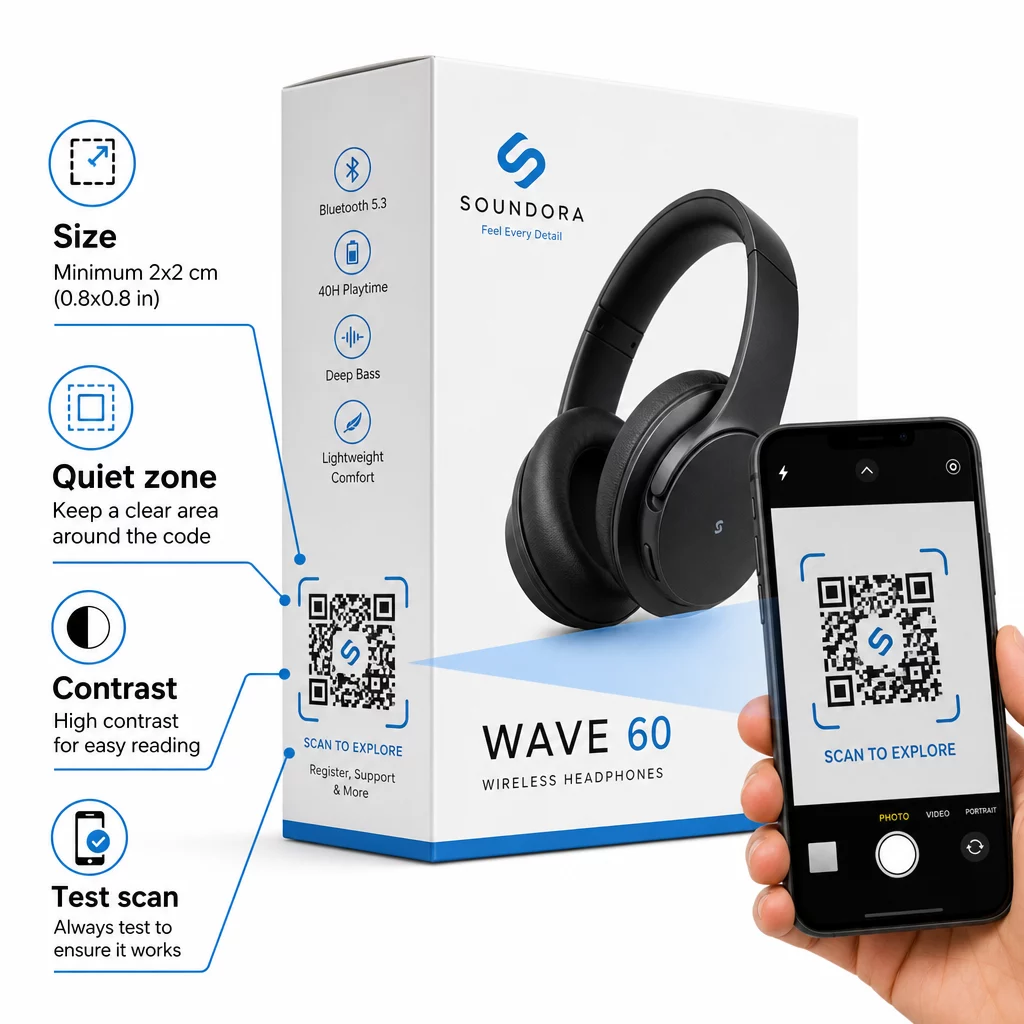
- Minimalus dydis: Spausdinkite ne mažesniu nei 2 × 2 cm (apie 0,8 × 0,8 colio) dydžiu, kad būtų patikimas nuskaitymas iš arti. Didesnis dydis yra geresnis dėžėms ar pakuotėms, žiūrimoms iš toli.
- Tylioji zona: Išlaikykite aiškų, nespausdintą bent keturių modulių kraštą visose kodo pusėse. Be šio buferio skaitytuvo atpažinimas žymiai pablogėja.
- Kontrastas: Naudokite tamsius modulius šviesiame fone. 4:1 kontrasto santykis tarp QR kodo ir jo fono yra patikimas minimumas. Venkite raudonų ar oranžinių priekinio plano spalvų, kurias daugeliui išmaniųjų telefonų kamerų sunku nuskaityti.
- Klaidų taisymas: Standartinei pakuotei naudokite M lygį (15 %). Jei įterpiate logotipą į kodą, perjunkite į H lygį (30 %) ir išbandykite su keliais įrenginiais.
- Failo formatas: Pateikite QR kodo maketą vektoriniu formatu – SVG, EPS arba PDF – ir spausdinkite 300–400 dpi raiška, kad išsaugotumėte modulio aiškumą.
Norėdami išsamiau susipažinti su dydžiais įvairioms medžiagoms, QR kodo dydžio nustatymas skirtingoms spausdinimo medžiagoms išsamiai apima kartoną, popierių ir audinį. Kontrastui ir skaitomumo standartams, geriausia praktika QR kodo skaitomumui pateikia išsamią techninę nuorodą.
Taip pat galite sužinoti, kaip QR kodai ant pakuotės plačiai naudingi mažmeninei prekybai ir peržiūrėti išsamų QR kodų vadovą produkto etiketėms etiketėms skirtų įgyvendinimo patarimų.
Fizinių produktų jungimas su skaitmeninėmis patirtimis
Septyni aukščiau pateikti naudojimo atvejai turi bendrą bruožą: jie sumažina trintį būtent tais momentais, kai klientams labiausiai reikia informacijos, patikinimo ar palaikymo. Pirkėjas, kuris gali patikrinti produkto autentiškumą, perskaityti skaidrias apžvalgas ir užregistruoti garantiją vienu nuskaitymu ant dėžutės, yra klientas, turintis mažiau priežasčių dvejoti – ir daugiau priežasčių pasitikėti jūsų prekės ženklu.
Dinaminiai QR kodai yra praktinis viso to pagrindas. Skirtingai nuo statinių kodų, kurie jus užrakina vienoje paskirties vietoje, dinaminiai kodai leidžia atnaujinti susietą turinį, keisti akcijas ir stebėti našumą, nekeičiant nieko ant pačios pakuotės.
Pradėkite kurti išmanesnes produktų patirtis Kurkite firminius, sekamus QR kodus savo elektronikos gaminiams su Pageloot QR kodo generatorius. Nemokamas 14 dienų bandymas. Kredito kortelė nereikalinga.
Dažniausiai užduodami klausimai
Dinaminiai QR kodai yra geresnis pasirinkimas produktų pakuotėms, nes jie leidžia atnaujinti susietą paskirties vietą – ar tai būtų vadovas, palaikymo puslapis ar akcija – be pakartotinio spausdinimo. Statiniai QR kodai visam laikui užrakina jus prie fiksuoto URL, o tai sukelia problemų, kai keičiasi turinys arba baigiasi akcijos.
QR kodus dėkite ant lygių, glotnių paviršių, toliau nuo raukšlių, siūlių ir išlenktų kraštų. Pirminėms pakuotėms gerai tinka galinis skydelis arba specialus informacinis skydelis. Venkite dėti kodų šalia spausdintų kraštinių ar užimtų grafinių elementų, kurie sumažina ramiąją zoną. Trumpas raginimas veikti netoliese – pvz., “Nuskaitykite, kad gautumėte sąrankos vadovą” arba “Nuskaitykite, kad užsiregistruotumėte” – padidina nuskaitymo dažnį, aiškiai nurodydamas vertę, kol klientas paima telefoną.
Dinaminiai QR kodai apima integruotą nuskaitymo analizę, kuri registruoja, kiek kartų kiekvienas kodas buvo nuskaitytas, kartu su laiku, vieta ir įrenginio tipu. Šie duomenys leidžia palyginti našumą tarp skirtingų produktų, vietų ar kampanijų. Platformos, tokios kaip Pageloot, suteikia centralizuotą prietaisų skydelį, kuriame galite vienu metu stebėti visus savo QR kodus ir koreguoti paskirties vietas ar turinį, remiantis tuo, ką rodo duomenys.