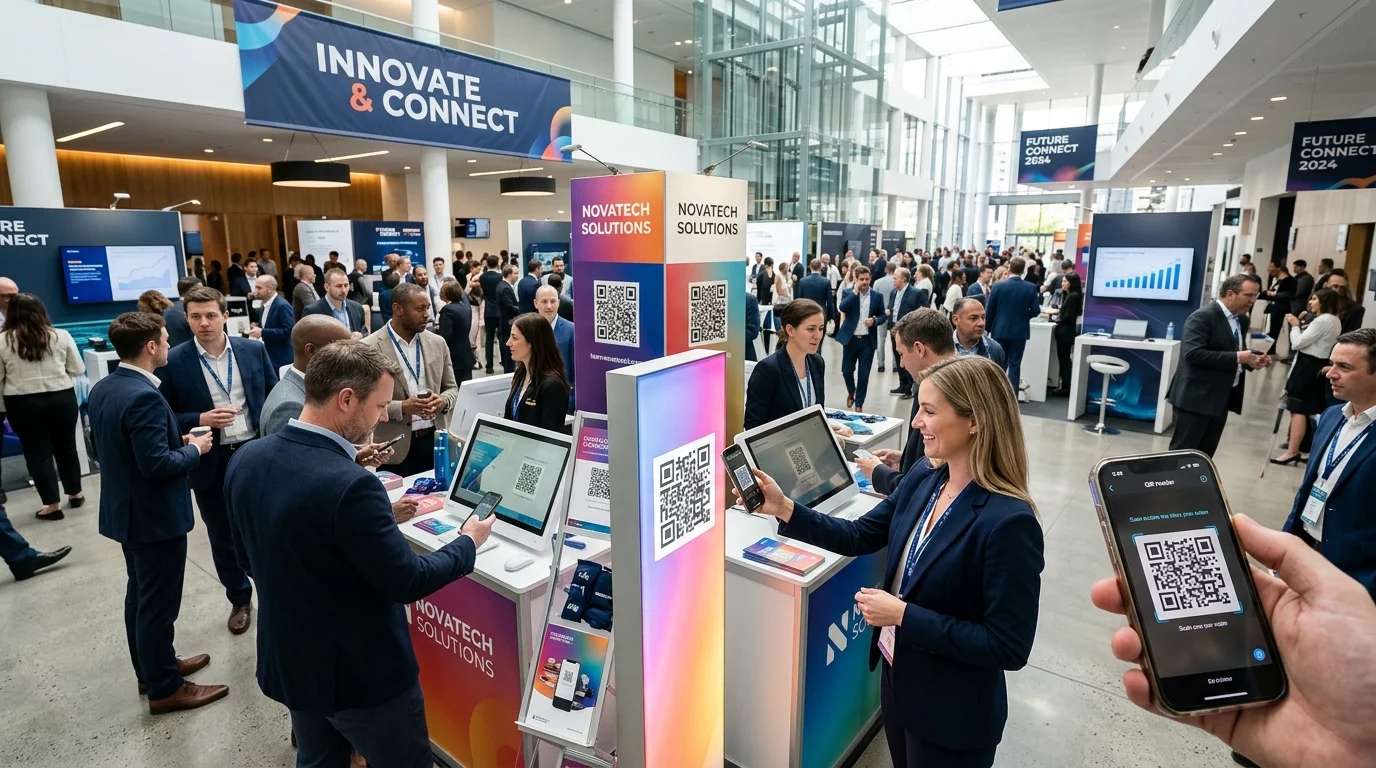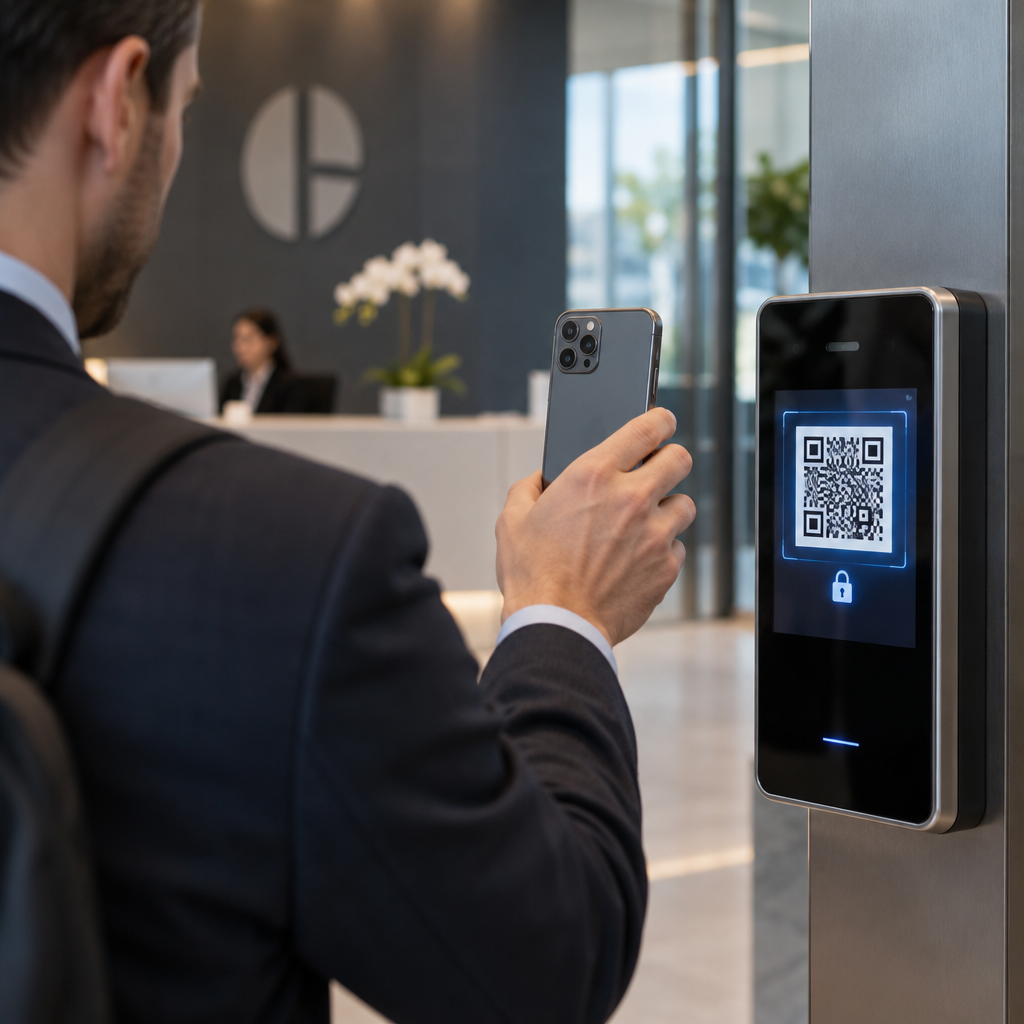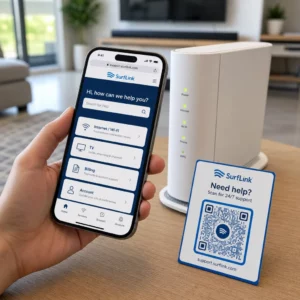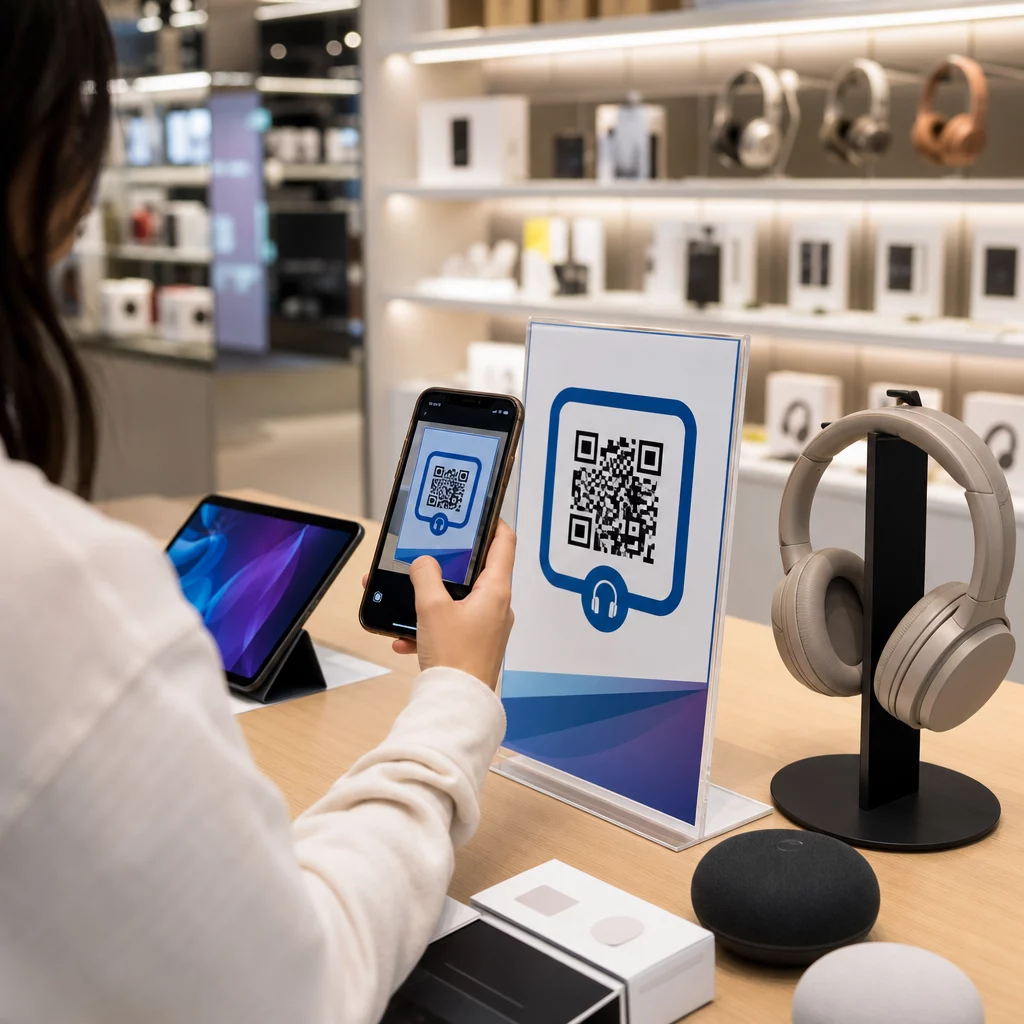
Cum împiedici un client care intră în magazinul tău de electronice să cumpere același produs mai ieftin de pe Amazon? Problema este că majoritatea comercianților cu amănuntul fizici nu oferă cumpărătorilor înarmați cu smartphone-uri niciun motiv să rămână. Codurile QR de pe produse și ambalaje schimbă această ecuație transformând fiecare raft într-un punct de contact interactiv.
Cercetările de piață arată că 64% dintre cumpărători au scanat un cod QR pe un produs în timp ce făceau cumpărături într-un magazin, iar 61% au făcut acest lucru după cumpărare. Acest nivel de implicare nu este întâmplător – reflectă o așteptare autentică ca produsele fizice să se conecteze la informații digitale. Acest ghid prezintă șapte moduri practice prin care mărcile și comercianții de electronice pot utiliza codurile QR pentru a îmbunătăți experiența clienților și a capta vânzări care altfel ar putea ieși pe ușă.
De ce cumpărătorii de electronice scanează mai mult decât în alte categorii
Cumpărătorii de electronice de consum sunt în mod unic orientați spre cercetare. Ei compară specificațiile, citesc recenzii și urmăresc demonstrații înainte de a se angaja într-o achiziție – adesea în timp ce stau chiar lângă produs. Acest comportament creează o oportunitate: dacă codul tău QR este cel mai simplu mod de a obține informații fiabile în momentul deciziei, tu deții acel moment.
Conform datelor recente despre consumatori, 43% dintre consumatori scanează cel mai adesea coduri QR pentru a accesa informații despre produse. În special în domeniul electronicelor, cumpărătorii își iau deja telefoanele – codurile QR pur și simplu oferă acelui instinct o direcție utilă.
Fundația pentru toate acestea este codurile QR dinamice, care îți permit să actualizezi URL-ul de destinație după imprimare. Pentru electronice – unde specificațiile produselor se schimbă, actualizările de firmware sunt lansate și promoțiile se rotesc sezonier – acest lucru înseamnă că nu trebuie niciodată să reimprimi ambalajul doar pentru a menține conținutul legat actual.
Păstrează conținutul produsului tău mereu actualizat Folosește Generator cod QR dinamic pentru a crea coduri QR urmăribile, editabile pentru produsele tale electronice. Actualizează destinațiile oricând fără a reimprima o singură etichetă.
7 moduri de a utiliza codurile QR pentru electronicele de consum
1. Acces instantaneu la recenzii în punctul de decizie
Peste 70% dintre cumpărătorii de electronice citesc recenzii pe smartphone-urile lor în timp ce navighează în magazin. În loc să-i lași să dispară pe un site terț care ar putea afișa un produs concurent, un cod QR de pe eticheta raftului sau de pe cutia produsului tău poate face legătura directă către o pagină de recenzii curată pe care o controlezi.
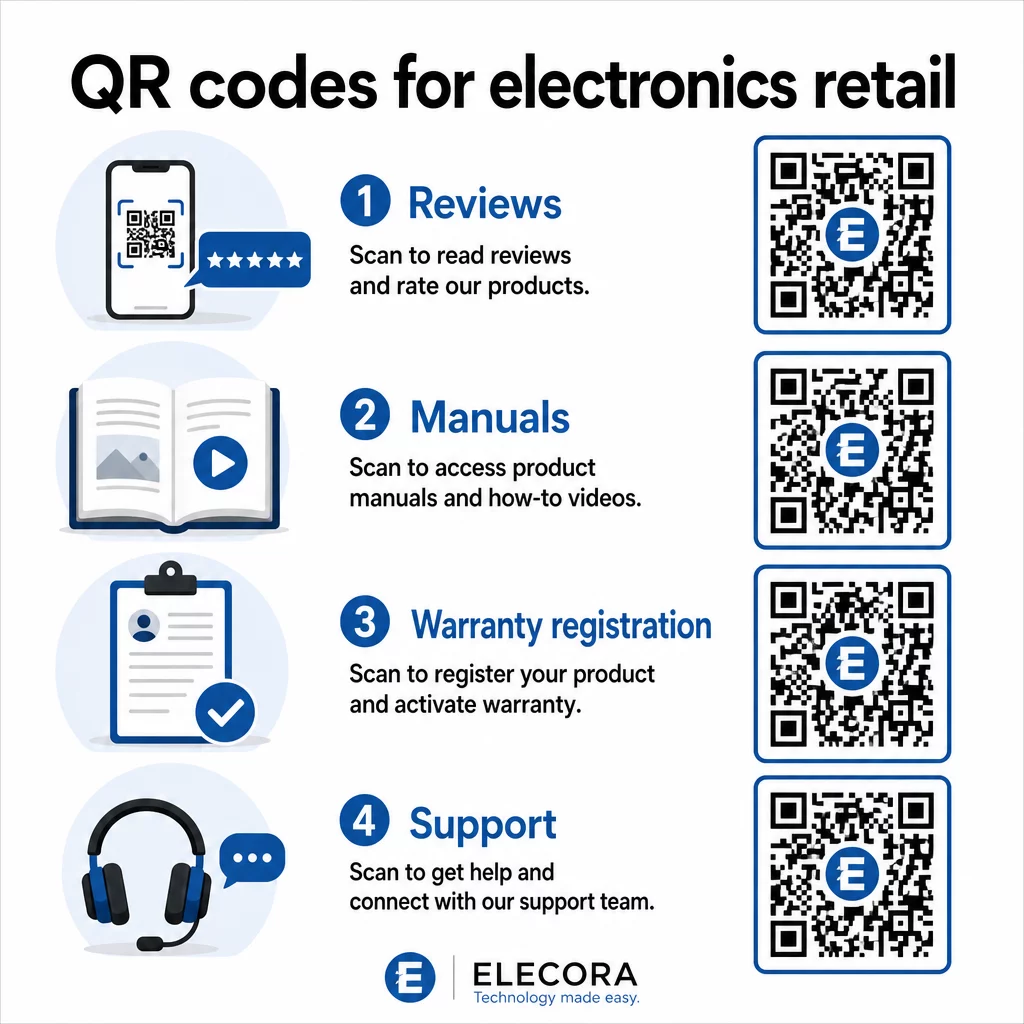
Atunci când cumpărătorii își pot satisface nevoia de cercetare fără a părăsi mediul tău, sunt mai predispuși să finalizeze achiziția pe loc. Conectează codul la o pagină de destinație care combină evaluările cu stele, punctele cheie ale recenziilor și o cale clară către achiziție.
2. Manuale de produs digitale și ghiduri de configurare
Imprimarea unui manual de instrucțiuni color, multilingv adaugă costuri și volum fiecărei unități. Un cod QR pe Ambalaje de produs sau direct pe dispozitiv face legătura către un manual digital mereu actualizat – unul care poate include tutoriale video, diagrame adnotate și selecție de limbă.
Această abordare rezolvă și problema actualizării. Când firmware-ul se modifică sau o nouă funcționalitate este lansată, actualizați PDF-ul sau pagina legată o singură dată, iar fiecare client care scanează acel cod primește cea mai recentă versiune. Generator cod QR PDF face simplă găzduirea și actualizarea documentelor manuale fără a atinge codul tipărit.
Pentru producători, acest lucru este deosebit de practic. Așa cum este acoperit în Coduri QR pentru producție, încorporarea codurilor QR în materialele de instrucțiuni care fac legătura cu tutoriale video simplifică asamblarea și reduce contactele de suport.
3. Garanție și înregistrare produs simplificate
Cardurile de garanție pe hârtie au rate de completare notoriu de scăzute. Clienții le pierd, uită să le trimită prin poștă sau pur și simplu nu le completează niciodată. Un cod QR tipărit în interiorul cutiei sau pe dispozitivul în sine face legătura direct cu un formular digital de înregistrare – accesibil în momentul în care clientul deschide ambalajul.
Utilizarea unui Codul QR al formularului Google sau o pagină de destinație personalizată, puteți captura date de înregistrare, preferințe și detalii de contact cu mult mai puțină fricțiune. Analizele scanărilor vă spun, de asemenea, câți clienți finalizează înregistrarea și când, astfel încât să puteți urmări cu notificări de actualizare a firmware-ului sau oferte de garanție extinsă exact la momentul potrivit.
4. Autentificarea produsului și anti-contrafacere
Pentru electronicele premium – căști, camere foto, dispozitive smart home – contrafacerea este o preocupare reală atât pentru mărci, cât și pentru consumatori. Un cod QR legat de o pagină de autentificare permite clienților să verifice dacă ceea ce au cumpărat este autentic. Scanarea îi duce la o pagină controlată de brand care confirmă autenticitatea și numărul de serie al produsului.
Acest caz de utilizare construiește, de asemenea, încredere post-cumpărare. Un client care confirmă că produsul său este autentic este mai probabil să se înregistreze, să lase o recenzie și să revină la brand pentru următoarea achiziție.
5. Coduri de cupon în magazin și oferte pe durată limitată
Un cod QR lângă zona de checkout sau pe un afișaj de produs poate oferi o reducere care se aplică numai dacă clientul cumpără astăzi. Acest lucru funcționează deosebit de bine pentru accesorii sau suplimente de pachet – un cod pe un afișaj de router care oferă 20% reducere la un nod mesh compatibil, de exemplu, creează o oportunitate de upsell la costuri minime.
Deoarece codurile QR dinamice vă permit să schimbați oferta legată fără a retipări nimic, puteți roti promoțiile săptămânal sau le puteți lega de nivelurile stocurilor. Clienții care scanează și partajează oferta cu alții îi extind acoperirea organic.
Urmăriți ce promoții generează cele mai multe scanări Folosește Generator de coduri QR pentru linkuri pentru a crea coduri promoționale urmăribile. Vedeți exact ce plasări de produse și oferte se convertesc în timp real.
6. Personalizare scanare bazată pe comportament
Codurile QR cu urmărire a scanărilor permit o experiență mai sofisticată în timp. Dacă un client a scanat anterior coduri pentru difuzoare inteligente, următoarea scanare poate afișa o pagină relevantă pentru acel interes – un anunț de model nou, un accesoriu compatibil sau un pachet cu durată limitată. Acest tip de context comportamental transformă o etichetă pasivă într-un punct de contact personalizat.
Platforme precum Pageloot oferă analize de scanare care arată când, unde și cât de des sunt scanate codurile, oferind echipei dvs. de marketing datele necesare pentru a rafina aceste experiențe în timp.
7. Suport post-cumpărare și depanare
Un brand mare de electrocasnice care a mutat resursele de suport către coduri QR inteligente pe produse a înregistrat o reducere de 20% a volumului centrului de apeluri. Pentru electronicele de consum – unde problemele de configurare și întrebările despre funcții sunt comune – acesta este un beneficiu operațional semnificativ.
Un cod QR pe dispozitiv sau în cutie poate face legătura către un centru de suport cu ghiduri de depanare, pagini de întrebări frecvente, acces la chat live sau tutoriale video. Așa cum s-a discutat în Coduri QR pentru suport în e-commerce, aceste coduri pot chiar preîncărca o fereastră de chat cu detalii despre produs, permițând echipelor de suport să rezolve problemele mai rapid.
Acest lucru reduce frustrarea pentru client și, în același timp, reduce costurile pentru operațiunea dvs. de suport.
Ghiduri practice pentru imprimarea codurilor QR pe ambalajele electronice
Alegerea corectă a cazurilor de utilizare este doar jumătate din muncă. Un cod QR care nu scanează fiabil într-un mediu de vânzare cu amănuntul își anulează propriul scop. Țineți cont de aceste principii fundamentale atunci când pregătiți codurile pentru imprimare:
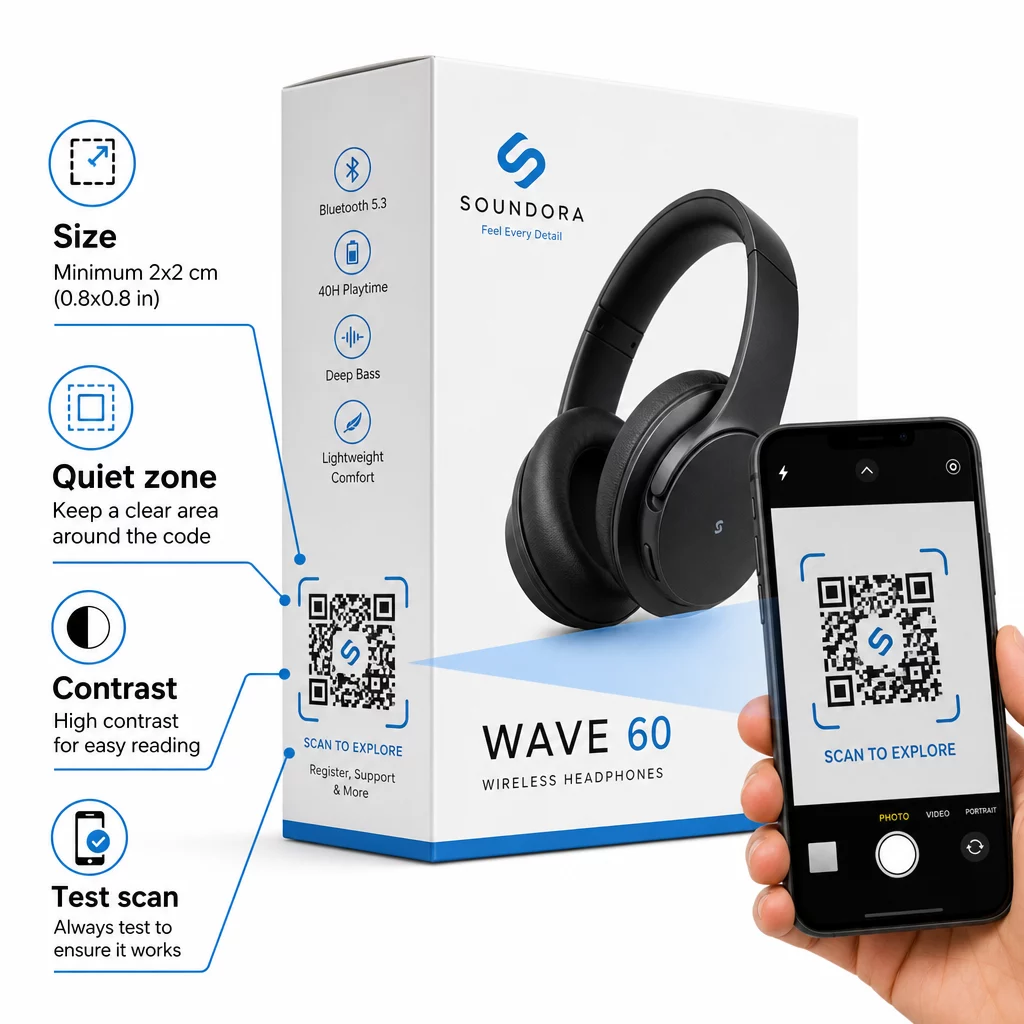
- Dimensiune minimă: Imprimați la o dimensiune de cel puțin 2 × 2 cm (aproximativ 0,8 × 0,8 inchi) pentru o scanare fiabilă de la distanță mică. O dimensiune mai mare este mai bună pentru cutii sau ambalaje vizualizate de la distanță.
- Zonă de liniște: Mențineți o margine clară, neimprimată, de cel puțin patru module pe toate laturile codului. Fără acest spațiu tampon, recunoașterea scanerului se degradează semnificativ.
- Contrast: Utilizați module întunecate pe un fundal deschis. Un raport de contrast de 4:1 între codul QR și fundalul său este minimul fiabil. Evitați culorile roșii sau portocalii pentru prim-plan, pe care multe camere de smartphone le citesc cu dificultate.
- Corecția erorilor: Utilizați Nivelul M (15%) pentru ambalajele standard. Dacă încorporați un logo în interiorul codului, treceți la Nivelul H (30%) și testați pe mai multe dispozitive.
- Format fișier: Furnizați grafica codului QR în format vectorial – SVG, EPS sau PDF – și imprimați la 300–400 dpi pentru a păstra claritatea modulului.
Pentru o analiză mai aprofundată a dimensionării pe diferite materiale, dimensionarea codurilor QR pentru diferite materiale de imprimare acoperă cartonul, hârtia și țesăturile în detaliu. Pentru standarde de contrast și lizibilitate, cele mai bune practici pentru lizibilitatea codurilor QR oferă o referință tehnică amănunțită.
Puteți explora, de asemenea, cum codurile QR de pe ambalaje aduc beneficii comerțului cu amănuntul în general și să revizuiți ghid suprem pentru codurile QR pentru etichetele de produse pentru sfaturi de implementare specifice etichetelor.
Conectarea produselor fizice la experiențe digitale
Cele șapte cazuri de utilizare de mai sus au un numitor comun: ele reduc fricțiunea exact în momentele în care clienții au cel mai mult nevoie de informații, reasigurare sau suport. Un cumpărător care poate verifica autenticitatea unui produs, citi recenzii transparente și înregistra garanția, totul dintr-o singură scanare pe cutie, este un client cu mai puține motive să ezite – și mai multe motive să aibă încredere în brandul dumneavoastră.
Codurile QR dinamice sunt fundamentul practic pentru toate acestea. Spre deosebire de codurile statice care vă blochează într-o singură destinație, codurile dinamice vă permit să actualizați conținutul legat, să rotiți promoțiile și să urmăriți performanța fără a schimba nimic pe ambalajul în sine.
Începeți să construiți experiențe de produs mai inteligente Creați coduri QR personalizate, urmăribile pentru produsele dumneavoastră electronice cu Pageloot Generator de coduri QR. Încercare gratuită de 14 zile. Nu este necesar un card de credit.
Întrebări frecvente
Codurile QR dinamice sunt alegerea mai bună pentru ambalarea produselor, deoarece vă permit să actualizați destinația legată – fie că este un manual, o pagină de suport sau o promoție – fără a retipări. Codurile QR statice vă blochează permanent la o adresă URL fixă, ceea ce creează probleme atunci când conținutul se schimbă sau promoțiile expiră.
Plasați codurile QR pe suprafețe plane, netede, departe de pliuri, cusături și margini curbate. Pentru ambalajele primare, panoul din spate sau un panou dedicat de informații funcționează bine. Evitați plasarea codurilor lângă margini imprimate sau elemente grafice aglomerate care reduc zona de liniște. Un scurt apel la acțiune în apropiere – cum ar fi “Scanați pentru ghidul de configurare” sau “Scanați pentru a vă înregistra” – crește ratele de scanare, clarificând valoarea înainte ca clientul să-și ia telefonul.
Codurile QR dinamice includ analize de scanare încorporate care înregistrează de câte ori este scanat fiecare cod, împreună cu ora, locația și tipul dispozitivului. Aceste date vă permit să comparați performanța între diferite produse, plasamente sau campanii. Platforme precum Pageloot oferă un tablou de bord centralizat unde puteți monitoriza toate codurile QR simultan și ajusta destinațiile sau conținutul pe baza a ceea ce arată datele.