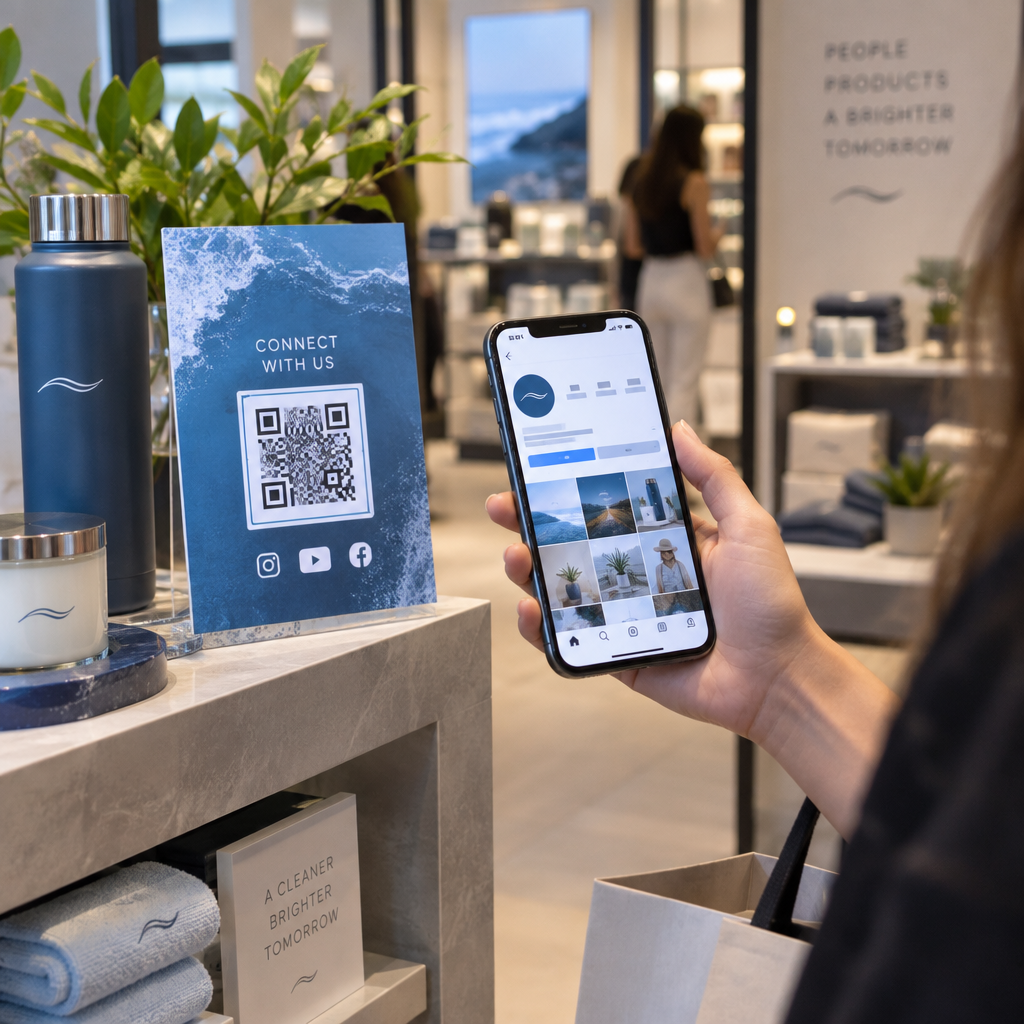
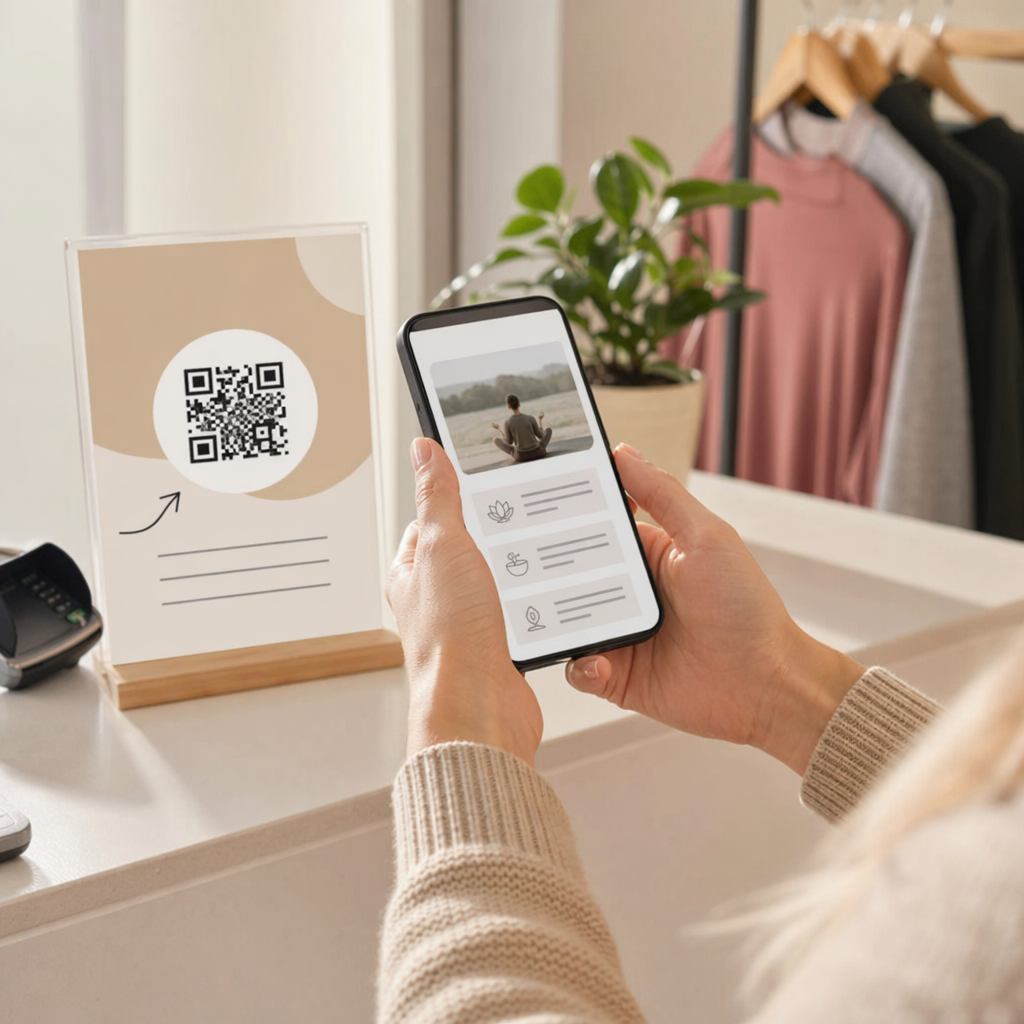
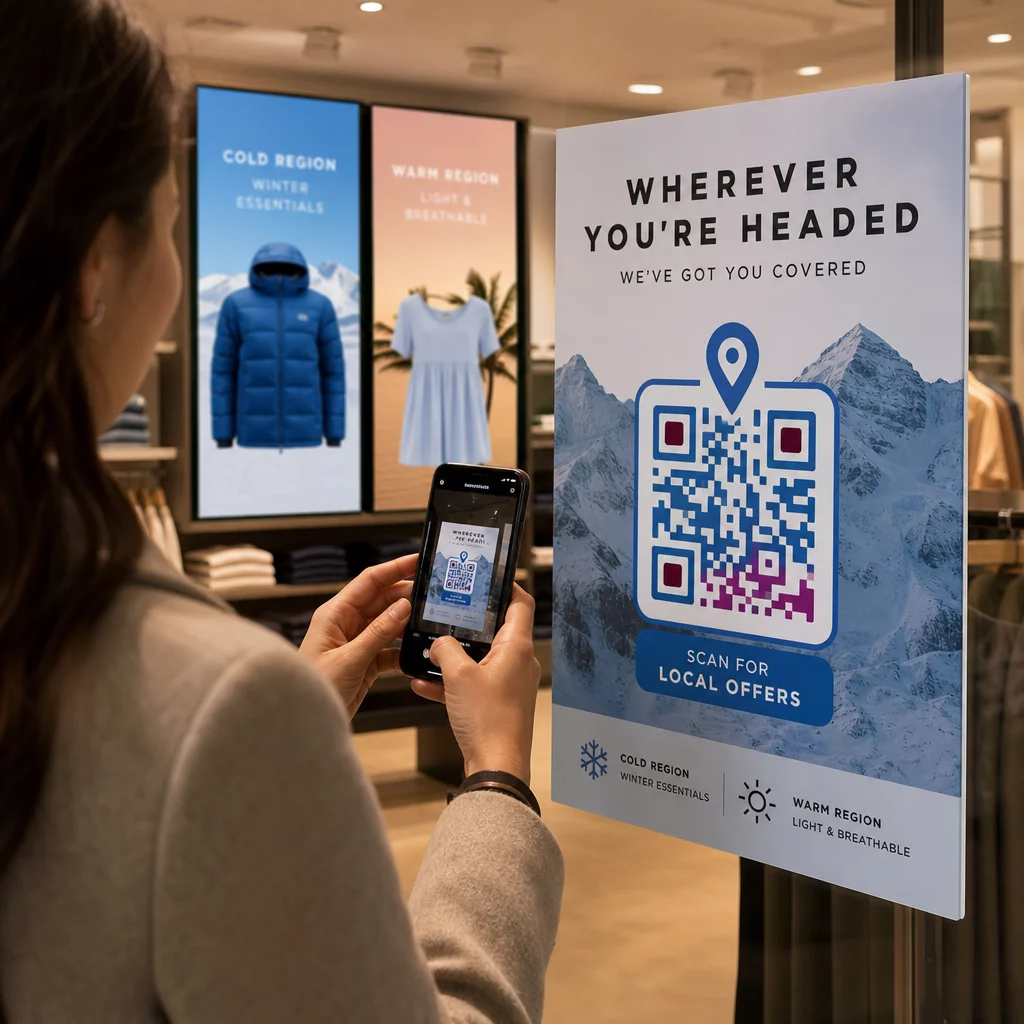
Лучшие цвета для QR-кода — это темные модули (квадраты) на светлом фоне, и да, QR-коды могут быть цветными. Правило простое: модули должны быть заметно темнее фона. Черный на белом дает коэффициент контрастности 21:1 и является самым безопасным выбором. Для брендированного кода стремитесь к соотношению не менее 4:1, а для наружной рекламы используйте 7:1 или более, где солнечный свет и расстояние снижают эффективный контраст. В этом руководстве приведены числа, цветовая таблица и процедура тестирования.
Какие цвета QR-кода работают, и можно ли красить QR-коды?
QR-код может быть практически любого цвета, и он может использовать разные цвета для модулей и фона. Камера телефона не видит оттенков. Она преобразует изображение в оттенки серого и по квадратам определяет, что темное, а что светлое. Поэтому вопрос не в том, какой цвет вы выберете, а в том, насколько сильно различаются два значения оттенков серого.
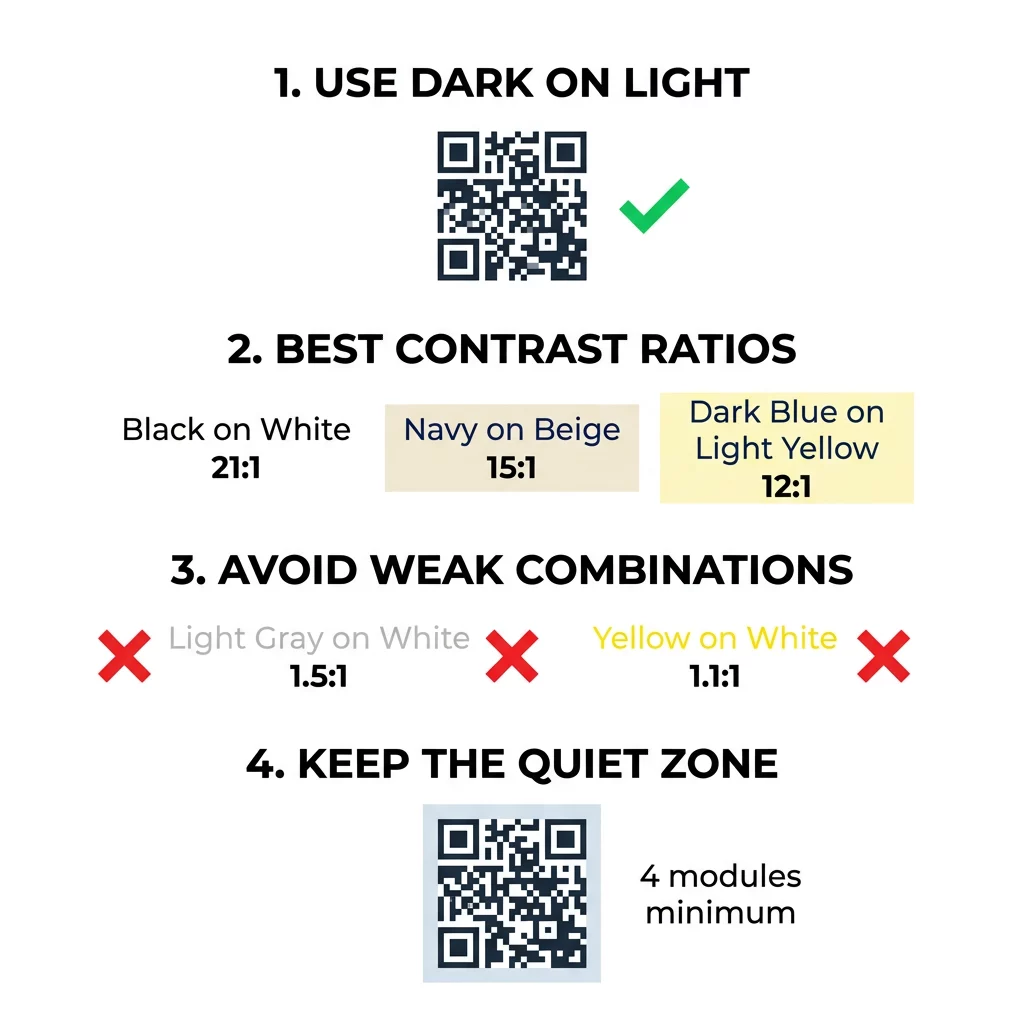
- Работает: темно-синие, темно-зеленые, угольные, темно-фиолетовые, темно-коричневые или черные модули на белом, кремовом или другом очень светлом фоне.
- Работает с тестом: темно-красный, темно-бирюзовый и темно-оранжевый на белом. Сначала проверьте соотношение и отсканируйте печатный образец.
- Не работает: желтые, светло-серые, пастельные или неоновые модули, а также любая пара цветов с одинаковой яркостью, например, средне-зеленый на средне-красном.
- Рискованно: светлые модули на темном фоне (инвертированные коды). Многие приложения-сканеры их читают, но некоторые нет, поэтому избегайте их для всего, что имеет значение.
Почему контраст влияет на сканируемость QR-кода
Оптические датчики считывают QR-коды, измеряя разницу в отражательной способности между темными и светлыми модулями. Стандарт QR-кода, ISO/IEC 18004, предполагает темные модули на светлом фоне. Темные модули поглощают свет, а светлый фон его отражает. Если разница слишком мала, декодер не может отделить шаблон данных от фона.
При тестировании штрих-кодов (ISO/IEC 15415) контраст символа — это разница между самой яркой и самой темной отражательной способностью в коде. Контраст символа 70% и более получает высшую оценку, а менее 20% — провал. Оценщики также проверяют модуляцию, которая показывает, насколько равномерно светлые и темные модули отражают свет по всему символу. Неравномерные цвета или слабое разделение приводят к тому, что сканер пропускает края модулей.
Обычная полярность, с темными модулями на светлом фоне, работает на любом устройстве. Некоторые встроенные приложения камеры телефона не могут считывать светлые коды на темном фоне, и поддержка зависит от модели телефона и версии программного обеспечения. Используйте обычную полярность, если только вы не протестировали инвертированную версию на устройствах, которые использует ваша аудитория.
Оценка коэффициентов контрастности цветов и пороговых значений
Коэффициент контрастности — это число от 1:1 (нет разницы) до 21:1 (черный на белом). Этот коэффициент взят из правил доступности в Рекомендациях по обеспечению доступности веб-контента (WCAG), которые были написаны для текста, но являются практичным способом проверки цветов QR-кодов. Программа для проверки контрастности (найдите "WCAG contrast checker") принимает два шестнадцатеричных кода и возвращает коэффициент. Для получения дополнительной информации об инклюзивном дизайне прочитайте наше руководство о том, как сделать QR-коды совместимыми с ADA.
Используйте эти целевые значения. Минимум 4:1 — для печати в помещении и экранов. 7:1 или более безопаснее для упаковки, листовок и всего, что фотографируется при разном освещении. 10:1 или более — целевое значение для наружной рекламы. Приведенные ниже соотношения являются приблизительными и зависят от точного оттенка.
| Цветовая комбинация | Приблизительный коэффициент контрастности | Оценка сканируемости |
|---|---|---|
| Черный на белом | 21:1 | Оптимально (отраслевой стандарт) |
| Темно-синий на бежевом | ~15:1 | Отличный |
| Темно-синий на светло-желтом | ~12:1 | Очень хорошо |
| Темно-коричневый на почти белом | ~8:1 | Хорошо |
| Чистый красный (#FF0000) на белом | ~4:1 | На грани, протестируйте перед печатью |
| Темно-красный (#8B0000) на белом | ~11:1 | Очень хорошо |
| Светло-серый на белом | ~1.5:1 | Плохо (частые сбои сканирования) |
| Желтый на белом | ~1.1:1 | Несканируемо |
Настройка кодов без ущерба для сканируемости Протестируйте цвета и просмотрите свой дизайн в реальном времени с помощью нашего QR код с логотипом чтобы сбалансировать эстетику бренда с надежным сканированием.
Лучший коэффициент контрастности QR-кода для наружной рекламы
Никакой стандарт не устанавливает требуемое соотношение для наружных QR-кодов, но наружные условия снижают контраст тремя способами: прямой солнечный свет вымывает светлые области, блики скрывают части кода, а расстояние размывает мелкие модули. Планируйте больший запас прочности, чем в помещении.
- Используйте черный или очень темный цвет на белом фоне. Стремитесь к соотношению 10:1 или выше.
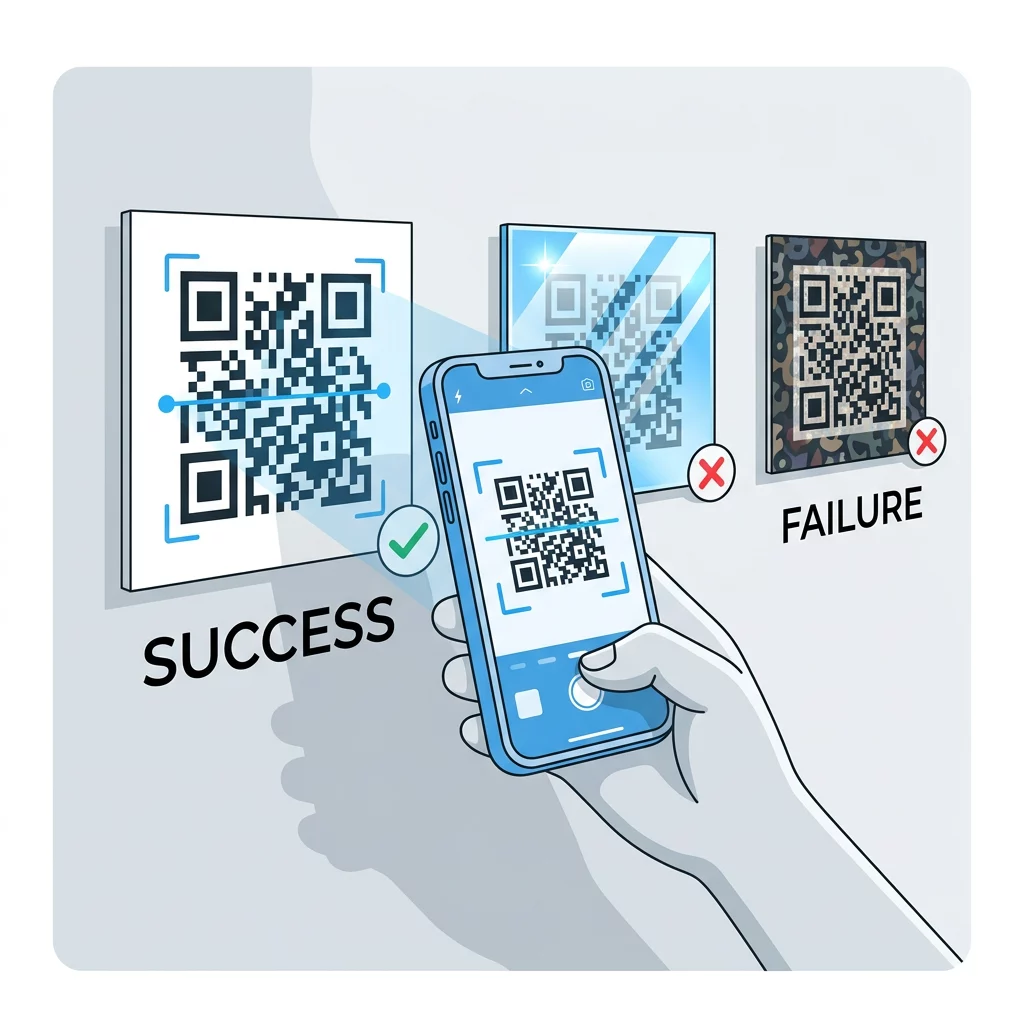
- Печатайте на матовом материале или добавьте матовое ламинирование. Глянцевый винил и стекло отражают солнце и нарушают узор.
- Размер кода должен соответствовать дистанции сканирования. Общее правило: 1 единица ширины кода на каждые 10 единиц расстояния, так что код, сканируемый с 2 метров (около 6,5 футов), должен быть около 20 см (8 дюймов) в ширину.
- Сохраняйте полную тихую зону и размещайте код на однотонной светлой панели вместо фотографии.
- Избегайте размещения кода там, где он обращен к низкому солнцу или находится за стеклом, и отсканируйте напечатанную вывеску на месте перед заказом полной партии.
Контраст штрих-кода: QR-коды против линейных штрих-кодов
Те же правила контрастности применимы и к другим высококонтрастным штрих-кодам, таким как Code 128 или EAN. Розничные сканеры часто используют красный лазер, и красный свет не воспринимает красные полосы или красные чернила как темные. Для линейных штрих-кодов печатайте полосы черным, темно-синим или темно-зеленым цветом на белом фоне, и никогда не красным или оранжевым. QR-коды, считываемые камерой телефона, менее чувствительны к оттенкам, но тот же совет дает наиболее надежный результат для обоих типов.
Обеспечение безопасной зоны и размеров кода
Высокий контраст должен распространяться до края кода. Пустое поле вокруг узора — это тихая зона. Оно сообщает камере, где начинается код и где заканчиваются другие элементы оформления.
- Оставляйте тихую зону шириной не менее четырех модулей со всех четырех сторон.
- Оставляйте этот край свободным от текста, иллюстраций и границ.
- Согласуйте тихую зону с цветом вашего светлого фона, чтобы граница была чистой.
- Печатайте коды размером не менее 2 x 2 см (0,8 x 0,8 дюйма) для близкого ручного сканирования. Увеличивайте размер для более длинных ссылок, поскольку больше данных означает меньшие модули.
- Предпочтите короткую ссылку. Короткий URL создает более простой шаблон с более крупными модулями, которые лучше сканируются при плохом освещении.
Текст или изображение внутри «тихой зоны» часто является причиной ошибок сканирования на фирменных материалах. Наше руководство по лучшим практикам читаемости QR-кодов показывает, как сохранить поля при размещении вашего макета.
Избегайте распространенных ошибок в цвете и стиле
Настройка кода может ухудшить читаемость. Камеры преобразуют изображение в оттенки серого, поэтому два разных оттенка могут в итоге иметь одинаковую яркость и сливаться в один серый.
- Избегайте пастельных модулей, таких как бледно-голубой, мятный или бледно-желтый.
- Избегайте ярко-красных или оранжевых модулей. Лазерные сканеры считывают красный как светлый, и коэффициент контрастности часто ниже 5:1. Темно-красный, такой как бордовый, гораздо безопаснее.
- Избегайте градиентов, где самая светлая часть цвета модуля близка к фону.
- Избегайте прозрачных фонов поверх фотографий, текстурированной бумаги или упаковки с узором. Разместите код на однотонной светлой панели.
- Избегайте инвертированных дизайнов со светлыми модулями на темном фоне, если только вы не протестировали их на телефонах, которые использует ваша аудитория.
- Избегайте больших логотипов. Логотип, закрывающий слишком много модулей, может превысить возможности коррекции ошибок кода.
Зная эти ограничения, вы сможете узнать, как создать собственный QR-код который демонстрирует ваш бренд, не нарушая декодирования.
Тестирование и валидация в реальных условиях
Код, который сканируется с яркого монитора, может не работать на бумаге. Освещение в помещении, угол обзора и текстура материала — все это изменяет контрастность, достигающую объектива. Прямое солнце вымывает небольшие различия в цвете, тусклые помещения снижают способность сенсора разделять модули, а глянцевые поверхности добавляют бликов.
Выполняйте эту проверку перед каждой печатью:
- Проверьте цветовую пару в инструменте проверки контрастности. Соотношение должно быть не менее 4:1, а для упаковки и наружного использования — 7:1 или более.
- Распечатайте пробник на реальном материале, в реальном размере, с реальной отделкой.
- Отсканируйте его встроенной камерой как минимум на одном iPhone и одном Android-телефоне, одном старом телефоне, если сможете, и браузерном Сканер QR кода.
- Сканируйте при наихудшем освещении, с которым столкнётся код: тусклая комната, прямой солнечный свет и под углом.
- Если он затрудняется, увеличьте контраст, сделайте код крупнее, сократите ссылку или восстановите тихую зону.
Наше руководство по тестированию QR-кода перед печатью освещает это более подробно, а как улучшить читаемость QR-кода рассматривает исправления для кодов, которые не сканируются.
Максимальное повышение надёжности и вовлечённости QR-кода
Воспринимайте контраст как техническое требование, а не как завершающий штрих. Выберите тёмный цвет на светлом фоне, сохраните тихую зону и протестируйте печатный образец при том освещении, с которым он столкнётся. Это защитит ваш бюджет на печать от кодов, которые не сканируются.
Создайте свой высококонтрастный код с помощью нашего генератор QR-кодов. Установите цвета модуля и фона, и загрузите PNG, SVG или PDF. Если вы печатаете код и, возможно, потребуется изменить ссылку позже, используйте динамический код: вы можете редактировать назначение после печати и просматривать статистику сканирования. Динамические коды поставляются с 14-дневной бесплатной пробной версией, а тарифы указаны на https://pageloot.com/pricing/.
Часто задаваемые вопросы
Стремитесь к соотношению не менее 4:1 между модулями и фоном. Используйте 7:1 или более для упаковки и листовок, и 10:1 или более для наружной рекламы. Черное на белом — это 21:1.
Да. Подойдет любой цвет, если модули заметно темнее фона. Темно-синий, лесной зеленый, угольно-серый и бордовый на белом или кремовом фоне хорошо смотрятся. Желтый, светло-серый и пастельные тона не подходят.
Модули и фон могут быть разных цветов, и вы можете использовать любой оттенок, но важна только разница в яркости. Телефон считывает код в оттенках серого, поэтому два цвета с одинаковой яркостью не сработают. Проверьте соотношение и отсканируйте распечатанный образец.
Официального стандарта нет. Соотношение 10:1 или выше является безопасной целью, например, черный на белом. Используйте матовое покрытие, чтобы уменьшить блики, размер кода должен составлять примерно 1/10 от расстояния сканирования, и протестируйте его на месте.
Да, если цвет вашего бренда достаточно темный, например, темно-синий, лесной зеленый или угольный, и он расположен на однородном светлом фоне. Если цвет вашего бренда светлый, используйте его темный оттенок для модулей.
Стандарт QR определяет темные модули на светлом фоне. Многие приложения камеры сначала ищут именно такой шаблон, а некоторые не могут считывать светлые модули на темном фоне. Поддержка варьируется в зависимости от телефона, поэтому протестируйте перед печатью.
Да. Линейные штрихкоды, такие как Code 128 или EAN, также нуждаются в темных полосах на светлом фоне. Розничные лазерные сканеры используют красный свет, поэтому никогда не печатайте полосы красным или оранжевым цветом.