Inginkan orang mencari profil Twitter/X anda tanpa menaip satu aksara pun? Mencari akaun secara manual menimbulkan geseran yang merugikan anda pengikut. Halaman ini menunjukkan kepada anda dengan tepat cara membuat kod QR untuk profil, tweet, atau akaun Twitter/X anda dan menggunakannya secara berkesan merentasi titik sentuh cetak dan digital.
Apa Sebenarnya Fungsi Kod QR Twitter/X
Kod QR Twitter/X ialah imej boleh imbas yang mengekod URL awam `x.com` atau `twitter.com`. Apabila seseorang mengimbasnya dengan kamera telefon mereka, ia akan membuka sumber X yang dipautkan secara langsung – profil, siaran, benang, hasil carian, atau pun halaman hashtag tertentu – dalam aplikasi X atau pelayar mudah alih. Pengalihan semula berfungsi secara automatik antara domain `twitter.com` dan `x.com`, jadi anda tidak perlu risau tentang versi URL yang anda gunakan. Apa yang penting ialah URL itu awam dan betul sebelum anda mengekodnya.
Anda boleh membuat kod QR untuk mana-mana destinasi X berikut:
- Profil X anda (cth., `x.com/yourusername`)
- Siaran atau tweet tertentu
- Pertanyaan carian atau halaman hashtag
- Senarai atau komuniti
- Ruang atau benang
Cara Mendapatkan URL X yang Betul
Sebelum menjana kod QR anda, anda memerlukan URL yang betul untuk mana-mana destinasi X yang ingin anda pautkan.
Untuk profil anda: Pergi ke halaman profil X anda dalam pelayar dan salin URL terus dari bar alamat. Ia akan mengikut format `x.com/yourusername`.
Untuk siaran tertentu: Buka siaran di X, kemudian ketik atau klik ikon Kongsi (ikon anak panah di bawah siaran) dan pilih Salin pautan. Ini menyalin URL langsung siaran – bukan teks siaran – ke papan keratan anda. URL akan kelihatan seperti `x.com/yourusername/status/1234567890`.
Untuk hashtag atau carian: Jalankan carian atau ketik hashtag di X, kemudian salin URL yang terhasil dari bar alamat pelayar anda.
Setelah anda mempunyai URL yang betul, anda bersedia untuk menjana kod QR.
Cara Membuat Kod QR untuk Twitter/X
Pilihan 1: Kod QR Pautan untuk Satu Profil atau Siaran
Kaedah terpantas untuk memautkan ke satu destinasi X tertentu adalah dengan menggunakan penjana kod QR pautan. Prosesnya mudah:
- Salin URL profil X atau URL siaran anda seperti yang diterangkan di atas
- Buka Penjana kod QR Pageloot dan pilih Link atau URL menaip
- Tampal URL X anda ke dalam medan URL
- Sesuaikan reka bentuk – tambah logo anda, laraskan warna, dan pilih gaya bingkai
- Uji kod dengan mengimbasnya sebelum memuat turun
- Muat turun fail dalam format sedia cetak (SVG, PDF, atau EPS) dan gunakannya
Buat Kod QR Twitter/X Anda Sekarang Jana kod QR yang boleh disesuaikan yang dipautkan ke profil X anda dalam beberapa saat dengan Penjana Kod Pageloot QR. Percubaan percuma 14 hari. Tiada kad kredit diperlukan.
Pilihan 2: Kod QR Media Sosial untuk Pelbagai Platform
Jika anda ingin memautkan ke X bersama platform sosial lain – Instagram, Facebook, LinkedIn, dan lain-lain – Pageloot punya alat kod QR media sosial membolehkan anda menyatukan semua profil anda ke dalam satu kod boleh imbas yang membuka halaman pendaratan tersuai. Persediaan berfungsi seperti ini:
- Salin pautan profil awam dari setiap platform sosial secara berasingan, termasuk URL X anda
- Tambah setiap pautan ke pembina halaman pendaratan di dalam alat Pageloot
- Sesuaikan halaman pendaratan dengan tajuk utama, penerangan, warna latar belakang, dan gaya sepanduk
- Reka bentuk kod QR itu sendiri dengan warna jenama dan logo anda
- Simpan, uji, dan muat turun kod
Anda boleh menambah seberapa banyak profil sosial yang anda perlukan, dan halaman pendaratan akan dikemas kini secara dinamik tanpa mencetak semula kod. Pendekatan ini berfungsi dengan sangat baik untuk kad perniagaan, pembungkusan produk, dan bahan acara di mana ruang terhad tetapi anda ingin menawarkan pelbagai pilihan ikutan dalam satu imbasan.
Gunakan Kod QR Dinamik untuk Kempen Berterusan
Jika anda meletakkan kod QR Twitter/X anda pada bahan bercetak – poster, risalah, barangan, atau pembungkusan – kod QR dinamik adalah pilihan yang lebih bijak berbanding yang statik.
Kod QR dinamik menyimpan URL pengalihan semula pendek dalam kod itu sendiri. Destinasi sebenar (profil X atau URL siaran anda) berada di pelayan Pageloot dan boleh diubah pada bila-bila masa tanpa mengubah kod yang dicetak. Ini bermakna anda boleh membaiki pautan X yang rosak atau lapuk selepas mencetak tanpa mencetak semula apa-apa, mengalihkan semula kod yang sama buat sementara waktu ke tweet tertentu semasa kempen dan kemudian mengarahkannya semula ke profil anda selepas itu, dan mengakses analitik imbasan penuh termasuk jumlah imbasan, imbasan unik, cap masa, jenis peranti, sistem pengendalian, dan lokasi geografi.

Bagi sesiapa yang menjalankan kempen sosial berterusan, keupayaan untuk mengemas kini destinasi kod QR tanpa mencetak semula adalah kelebihan praktikal yang ketara. Anda melindungi pelaburan cetakan anda sambil memastikan audiens anda diarahkan kepada kandungan semasa yang relevan.
Jejaki Setiap Imbasan Dari Kempen X Anda Lihat dengan tepat bila dan di mana orang mengimbas kod QR Twitter/X anda dengan papan pemuka analitik terbina dalam Pageloot. Gunakan Penjana Kod QR Pautan untuk memulakan.
Garis Panduan Reka Bentuk untuk Pengimbasan Boleh Dipercayai
Satu kod QR yang direka dengan buruk tidak akan mengimbas, tidak kira betapa bagusnya kandungan X anda. Ikuti garis panduan ini untuk memastikan kod anda berfungsi setiap masa.
Saiz dan jarak pengimbasan: Cetak kod QR anda pada minimum 0.8 × 0.8 inci (2 × 2 cm) untuk pengimbasan jarak dekat. Untuk bahan yang dilihat dari jarak jauh – poster atau papan tanda – gunakan yang peraturan 10:1: kod itu hendaklah sekurang-kurangnya satu per sepuluh daripada jarak pengimbasan yang dijangkakan. Satu kod yang bertujuan untuk diimbas dari jarak 10 kaki perlu sekurang-kurangnya 1 kaki lebar.
Zon senyap: Tinggalkan margin putih yang jelas sekurang-kurangnya 4 modul lebar pada semua sisi kod QR. Sempadan kosong ini diperlukan untuk pengimbas mengesan di mana kod itu bermula dan berakhir. Memotong ke dalam zon ini menyebabkan kegagalan imbasan.
Kontras: Kekalkan modul gelap pada latar belakang cerah. Elakkan membalikkan ini (cerah pada gelap) atau menggunakan warna yang mengurangkan kontras dengan ketara. Kontras yang lebih rendah bermakna pengimbasan yang lebih perlahan dan kurang boleh dipercayai.
Penempatan logo: Jika anda menambah satu logo, kekalkannya di tengah dan hadkannya tidak lebih daripada 20–30% daripada jumlah kawasan kod QR. Jangan sekali-kali menutup tiga corak pencari sudut (yang “mata” segi empat sama) atau jalur masa, kerana ini adalah penting untuk pengimbas mengorientasikan kod itu dengan betul.
Pembetulan ralat: Kod QR menggunakan pembetulan ralat Reed–Solomon, yang menambah data berlebihan supaya satu kod yang separa terhalang masih boleh dinyahkod. Terdapat empat tahap: L (memulihkan ~7% data yang rosak), M (~15%), Q (~25%), dan H (~30%). Jika anda menambah satu logo atau meletakkan kod itu pada permukaan bertekstur, gunakan tahap Q atau H untuk mengimbangi kawasan yang hilang. Ingatlah bahawa tahap pembetulan ralat yang lebih tinggi meningkatkan ketumpatan visual kod itu sedikit, kerana lebih banyak modul dikhaskan untuk redundansi.
Di Mana untuk Menggunakan Kod QR Twitter/X Anda
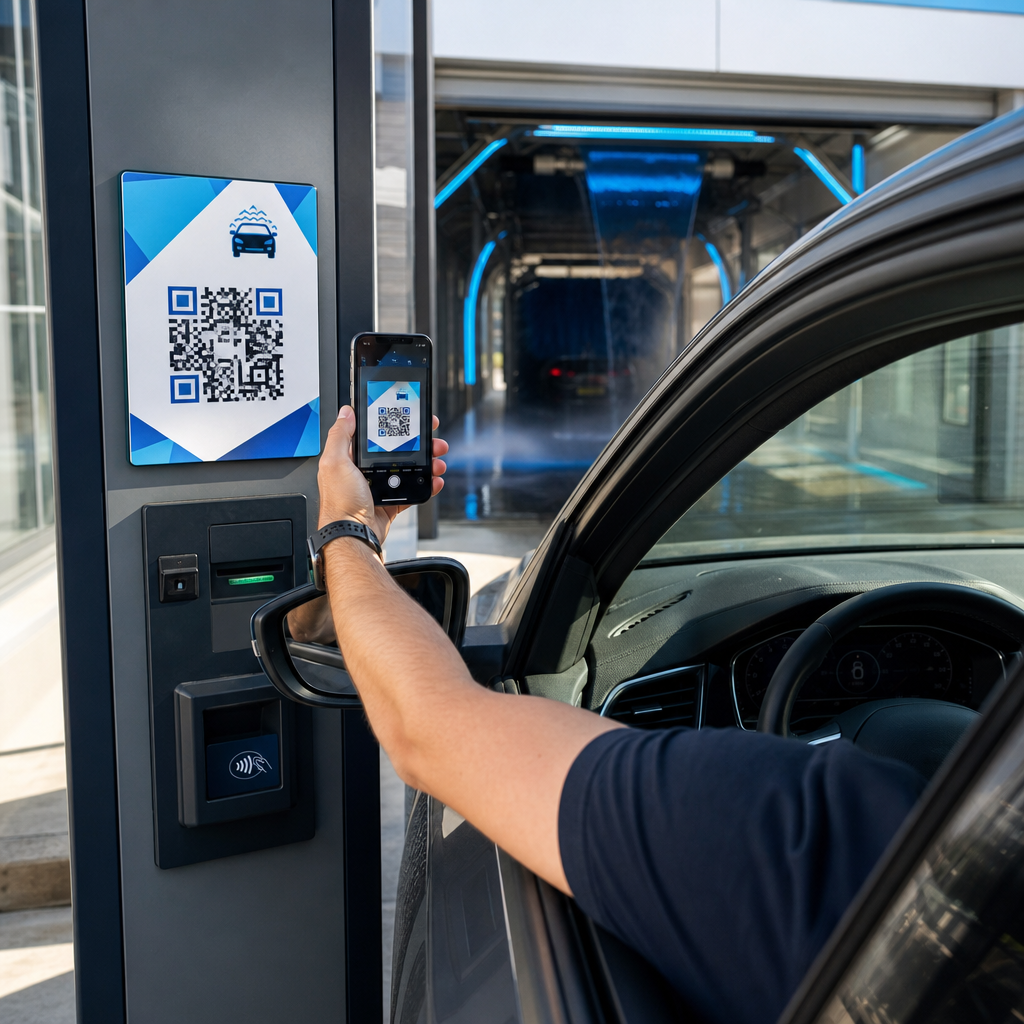
Kod QR Twitter/X berfungsi di mana-mana sahaja khalayak anda menemui bahan fizikal:
- Kad perniagaan – biarkan kenalan baharu mengikuti anda serta-merta daripada mencari kemudian
- Papan tanda dan lencana acara – arahkan peserta persidangan secara langsung kepada liputan siaran masa nyata anda
- Pembungkusan produk – pautkan kepada satu siaran yang mengumumkan satu pelancaran produk atau promosi
- Iklan cetak – sambungkan satu iklan majalah atau surat khabar kepada satu tweet atau hashtag kempen
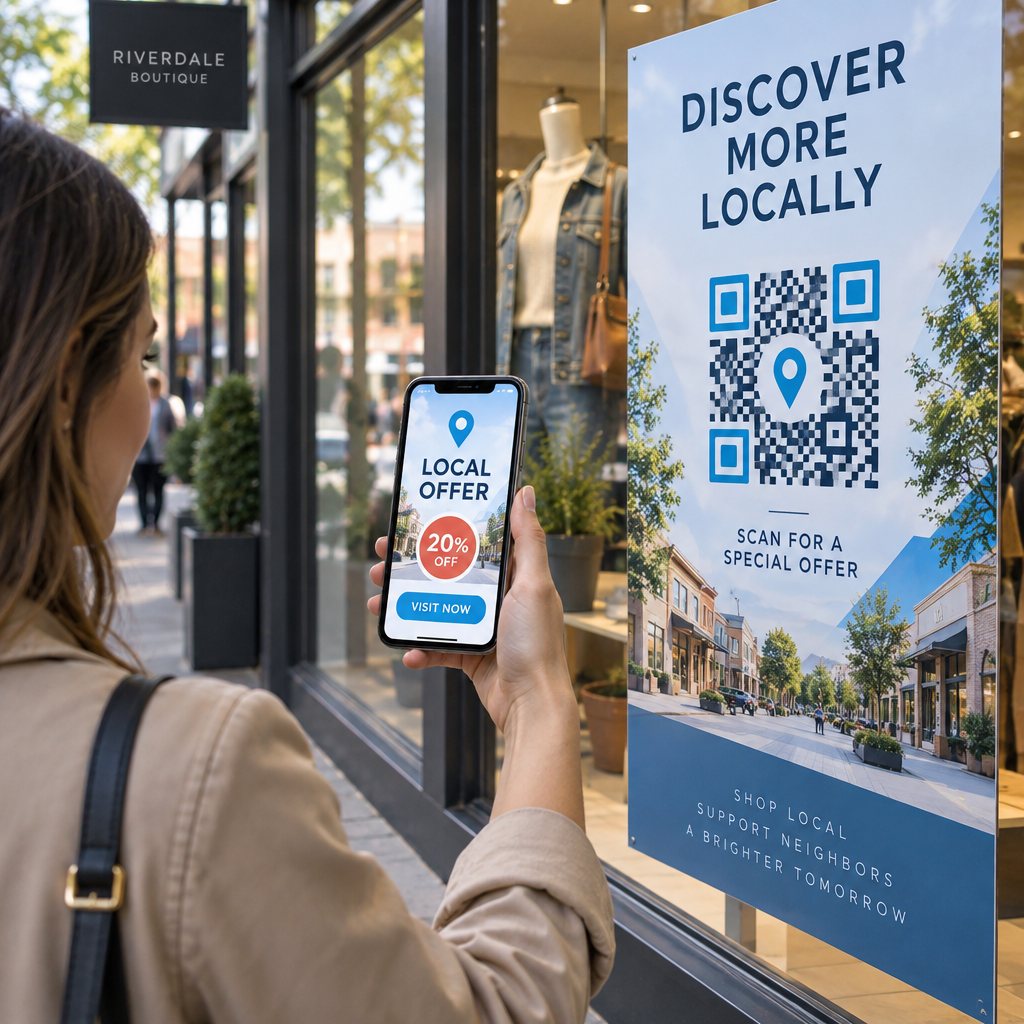
- Paparan dalam kedai – jemput pelanggan untuk mengikuti akaun anda atau melihat satu siaran promosi semasa
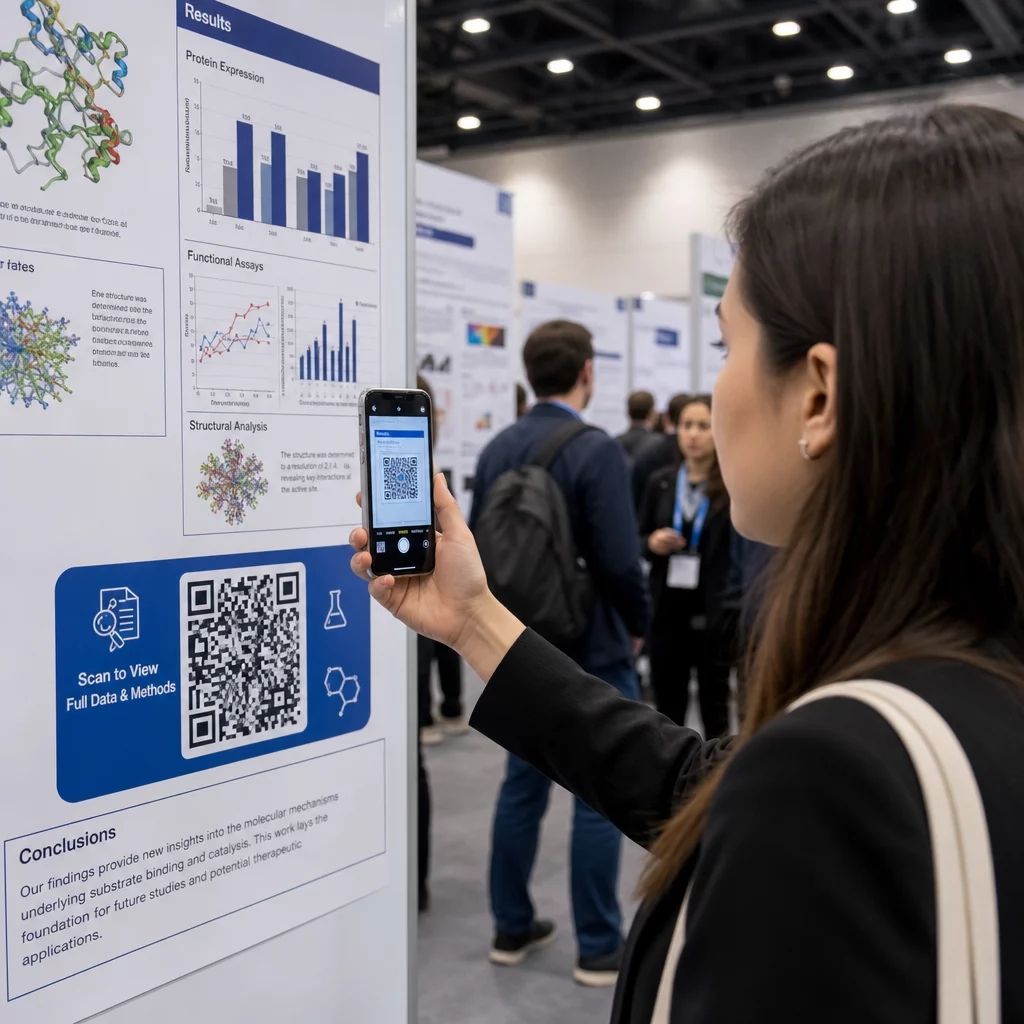
- Slaid pembentangan – biarkan khalayak mengimbas untuk mengikuti anda selepas satu ceramah
Untuk perniagaan kecil yang bergantung pada trafik pejalan kaki dan bahan bercetak, menggandingkan satu kod QR dengan satu seruan tindakan yang jelas menghilangkan semua geseran daripada proses mengikuti. Ketahui lebih lanjut tentang bagaimana perniagaan kecil menggunakan kod QR untuk memacu penglibatan digital dari lokasi fizikal.

Menambah Satu Seruan Tindakan yang Jelas
Satu kod QR tanpa konteks diabaikan. Sentiasa beritahu orang apa yang akan mereka dapat apabila mereka mengimbas. Gesaan khusus secara konsisten mengatasi yang samar-samar. Sebagai contoh:
- “Imbas untuk mengikuti kami di X untuk kemas kini harian”
- “Imbas untuk melihat tawaran minggu ini di X”
- “Imbas untuk menyertai perbualan – kami sedang tweet secara langsung acara itu”
Letakkan teks arahan terus di atas atau di bawah kod QR, dalam saiz fon yang cukup besar untuk dibaca pada jarak pengimbasan. Matlamatnya adalah untuk memberi orang satu sebab untuk bertindak sebelum mereka mengangkat telefon mereka. Untuk melihat lebih mendalam tentang menulis gesaan yang berkesan dan menyusun kempen, lihat panduan penuh untuk amalan terbaik untuk kod QR dalam kempen media sosial.
Membandingkan Kod QR Twitter/X Statik lwn. Dinamik
| CIRI | Kod QR Statik | Kod QR Dinamik |
|---|---|---|
| Destinasi boleh diedit selepas dicetak | Tidak | ya |
| Analitik imbasan | Tidak | ya |
| Ubah hala antara URL X tanpa mencetak semula | Tidak | ya |
| Penjenamaan dan penyesuaian | Terhad | Penuh |
| Terbaik untuk | Penggunaan sekali sahaja, pautan mudah | Kempen, bahan berterusan |
Untuk mana-mana bahan bercetak dengan jangka hayat lebih lama daripada satu kempen, dinamik adalah pelaburan yang lebih baik. Anda mengelakkan kos mencetak semula apabila kandungan berubah dan memperoleh data imbasan yang diperlukan untuk menilai apa yang sebenarnya berfungsi.
Menghubungkan X kepada Platform Sosial Lain
Jika Twitter/X adalah satu daripada beberapa platform yang anda promosikan, anda tidak memerlukan satu kod QR yang berasingan untuk setiap satu. Alat kod QR media sosial Pageloot mencipta satu kod yang membuka satu halaman pendaratan berjenama dengan pautan kepada semua profil anda. Ini amat berguna apabila anda juga menjalankan Kod QR Instagram atau Kod QR Facebook kempen secara selari – satu kod boleh melayani ketiga-tiganya daripada mengotorkan bahan anda dengan berbilang kod. Untuk melihat lebih luas tentang bagaimana kod QR berfungsi merentasi platform dan kes penggunaan yang berbeza, lihat yang gambaran keseluruhan kod QR untuk media sosial.
Mendapatkan orang dari satu titik sentuh fizikal kepada profil X anda adalah satu interaksi dua saat apabila kod QR anda disediakan dengan betul. Gunakan satu kod dinamik supaya anda boleh mengemas kini destinasi tanpa mencetak semula, ikuti garis panduan reka bentuk supaya ia mengimbas dengan boleh dipercayai setiap masa, dan sentiasa gandingkannya dengan satu seruan tindakan yang jelas supaya orang tahu dengan tepat mengapa mereka mengimbas.
Mulakan Dengan Pageloot Cipta satu kod QR berjenama yang boleh dijejaki untuk profil Twitter/X anda atau mana-mana pautan media sosial. Gunakan yang Penjana Kod Pageloot QR – percubaan percuma 14 hari, tiada kad kredit diperlukan.
Soalan lazim
Ya. Buka siaran di X, ketik ikon Kongsi, dan pilih “Salin pautan” untuk mendapatkan URL siaran langsung. Tampal URL itu ke dalam penjana kod QR pautan Pageloot untuk mencipta kod yang membuka siaran khusus itu apabila diimbas.
Jika anda menggunakan kod QR statik, ia akan rosak kerana URL yang dikodkan tidak lagi sepadan dengan profil anda. Jika anda menggunakan kod QR dinamik, anda boleh mengemas kini URL destinasi dalam papan pemuka Pageloot anda tanpa menyentuh kod yang dicetak – tiada cetakan semula diperlukan.
Tidak semestinya. Alat kod QR media sosial Pageloot membolehkan anda menambah berbilang pautan profil – termasuk X, Instagram, Facebook, dan lain-lain – ke satu halaman pendaratan, semuanya boleh diakses dari satu kod yang diimbas. Ini memastikan bahan cetakan anda bersih sambil memberikan orang akses kepada semua profil anda sekaligus.