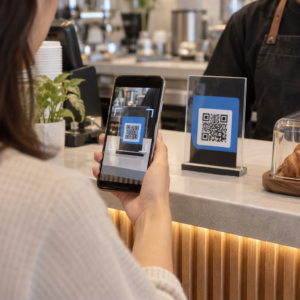
Želite da ljudi pronađu vaš Twitter/X profil bez kucanja ijednog karaktera? Ručno pretraživanje naloga stvara trenje koje vas košta pratilaca. Ova stranica vam pokazuje tačno kako da kreirate QR kod za vaš Twitter/X profil, tvit ili nalog i da ga efikasno koristite na štampanim i digitalnim dodirnim tačkama.
Šta Twitter/X QR kod zapravo radi
Twitter/X QR kod je slika koja se može skenirati i koja kodira javni `x.com` ili `twitter.com` URL. Kada ga neko skenira kamerom svog telefona, direktno otvara povezani X resurs – profil, objavu, nit, rezultat pretrage ili čak specifičnu stranicu sa heštegom – u X aplikaciji ili mobilnom pretraživaču. Preusmeravanje radi automatski između `twitter.com` i `x.com` domena, tako da ne morate da brinete koju verziju URL-a koristite. Ono što je važno je da je URL javni i ispravan pre nego što ga kodirate.
Možete kreirati QR kod za bilo koju od sledećih X destinacija:
- Vaš X profil (npr., `x.com/yourusername`)
- Specifična objava ili tvit
- Upit za pretragu ili stranica sa heštegom
- Lista ili zajednica
- Prostor (Space) ili nit
Kako dobiti pravi X URL
Pre nego što generišete vaš QR kod, potreban vam je ispravan URL za bilo koju X destinaciju na koju želite da se povežete.
Za vaš profil: Idite na stranicu vašeg X profila u pretraživaču i kopirajte URL direktno iz adresne trake. On će pratiti format `x.com/yourusername`.
Za specifičnu objavu: Otvorite objavu na X-u, zatim dodirnite ili kliknite na ikonu za deljenje (ikona strelice ispod objave) i izaberite Копирај везу. Ovo kopira direktan URL objave – ne tekst objave – u vaš međuspremnik. URL će izgledati otprilike ovako: `x.com/yourusername/status/1234567890`.
Za hešteg ili pretragu: Pokrenite pretragu ili dodirnite hešteg u X-u, zatim kopirajte dobijeni URL iz adresne trake vašeg pretraživača.
Kada imate ispravan URL, spremni ste da generišete QR kod.
Kako kreirati QR kod za Twitter/X
Opcija 1: Link QR kod za jedan profil ili objavu
Najbrži metod za povezivanje sa jednom specifičnom X destinacijom je korišćenje link generatora QR kodova. Proces je jednostavan:
- Kopirajte URL vašeg X profila ili URL objave kao što je gore opisano
- Отвори Pageloot QR generator kodova и изаберите Link или УРЛ тип
- Nalepite vaš X URL u polje za URL
- Prilagodite dizajn – dodajte vaš logo, podesite boje i izaberite stil okvira
- Testirajte kod skeniranjem pre preuzimanja
- Preuzmite datoteku u formatu spremnom za štampu (SVG, PDF ili EPS) i primenite je
Kreirajte vaš Twitter/X QR kod sada Generišite prilagodljiv QR kod povezan sa vašim X profilom za nekoliko sekundi pomoću Пагелоот генератор КР кодова. Besplatna proba od 14 dana. Kreditna kartica nije potrebna.
Opcija 2: QR kod za društvene medije za više platformi
Ako želite da se povežete na X pored drugih društvenih platformi – Instagram, Facebook, LinkedIn i druge – Pageloot-ov alat za QR kod društvenih medija vam omogućava da konsolidujete sve vaše profile u jedan kod koji se može skenirati i koji otvara prilagođenu odredišnu stranicu. Podešavanje funkcioniše ovako:
- Kopirajte javni link profila sa svake društvene platforme zasebno, uključujući vaš X URL
- Dodajte svaki link u alat za kreiranje odredišnih stranica unutar Pageloot-ovog alata
- Prilagodite odredišnu stranicu naslovom, opisom, bojom pozadine i stilovima banera
- Dizajnirajte sam QR kod sa bojama vašeg brenda i logom
- Sačuvajte, testirajte i preuzmite kod
Možete dodati onoliko društvenih profila koliko vam je potrebno, a odredišna stranica se dinamički ažurira bez ponovnog štampanja koda. Ovaj pristup posebno dobro funkcioniše za vizit karte, pakovanje proizvoda i materijale za događaje gde je prostor ograničen, ali želite da ponudite više opcija za praćenje u jednom skeniranju.
Koristite dinamičke QR kodove za tekuće kampanje
Ako postavljate vaš Twitter/X QR kod na štampane materijale – postere, flajere, robu ili pakovanje – dinamički QR kodovi su pametniji izbor u odnosu na statične.
Dinamički QR kod čuva kratak URL za preusmeravanje u samom kodu. Stvarna destinacija (URL vašeg X profila ili objave) nalazi se na Pageloot-ovim serverima i može se promeniti u bilo kom trenutku bez menjanja odštampanog koda. To znači da možete popraviti pokvaren ili zastareo X link nakon štampanja bez ponovnog štampanja bilo čega, privremeno preusmeriti isti kod na specifičan tvit tokom kampanje, a zatim ga preusmeriti na vaš profil nakon toga, i pristupiti potpunoj analitici skeniranja uključujući ukupan broj skeniranja, jedinstvena skeniranja, vremenske oznake, tipove uređaja, operativne sisteme i geografske lokacije.

Za svakoga ko vodi tekuće društvene kampanje, mogućnost da ažurira destinacije QR koda bez ponovnog štampanja je značajna praktična prednost. Štitite vašu investiciju u štampu dok vašu publiku usmeravate ka aktuelnom, relevantnom sadržaju.
Pratite svako skeniranje iz vaše X kampanje Pogledajte tačno kada i gde ljudi skeniraju vaše Twitter/X QR kodove pomoću Pageloot-ove ugrađene analitičke kontrolne table. Koristite Generator QR kodova za linkove започети.
Smernice za dizajn za pouzdano skeniranje
Loše dizajniran QR kod se neće skenirati, bez obzira na to koliko je dobar vaš X sadržaj. Pratite ove smernice kako biste bili sigurni da vaš kod radi svaki put.
Veličina i udaljenost skeniranja: Odštampajte svoj QR kod minimalno 0,8 × 0,8 inča (2 × 2 cm) za skeniranje iz blizine. Za materijale koji se gledaju sa udaljenosti – plakate ili signalizaciju – koristite pravilo 10:1: kod bi trebalo da bude najmanje jedna desetina očekivane udaljenosti skeniranja. Kod namenjen za skeniranje sa udaljenosti od 10 stopa mora biti širok najmanje 1 stopu.
Tiha zona: Ostavite jasnu belu marginu od najmanje širine 4 modula sa svih strana QR koda. Ova prazna ivica je potrebna skenerima da detektuju gde kod počinje i završava se. Zasecanje u ovu zonu uzrokuje neuspešno skeniranje.
Kontrast: Držite tamne module na svetloj pozadini. Izbegavajte obrnuto (svetlo na tamnom) ili korišćenje boja koje značajno smanjuju kontrast. Niži kontrast znači sporije i manje pouzdano skeniranje.
Postavljanje logotipa: Ako dodate logotip, držite ga centriranim i ograničite ga na najviše 20–30% ukupne površine QR koda. Nikada ne prekrivajte tri ugaona obrasca za pronalaženje (kvadratne “oči”) ili trake za sinhronizaciju, jer su one ključne da bi skener pravilno orijentisao kod.
Korekcija greške: QR kodovi koriste Reed–Solomon korekciju grešaka, koja dodaje redundantne podatke tako da se delimično zaklonjen kod i dalje može dekodirati. Postoje četiri nivoa: L (oporavlja ~7% oštećenih podataka), M (~15%), Q (~25%) i H (~30%). Ako dodajete logotip ili postavljate kod na teksturiranu površinu, koristite nivo Q ili H da biste kompenzovali izgubljenu površinu. Imajte na umu da viši nivoi korekcije grešaka neznatno povećavaju vizuelnu gustinu koda, budući da je više modula posvećeno redundansi.
Gde koristiti vaš Twitter/X QR kod
Twitter/X QR kodovi rade svuda gde vaša publika nailazi na fizičke materijale:
- Vizit karte – neka vas novi kontakti prate odmah umesto da vas traže kasnije
- Signalizacija i bedževi za događaje – usmerite posetioce konferencije uživo na vaše izveštavanje u realnom vremenu
- Pakovanje proizvoda – povežite se sa objavom koja najavljuje lansiranje proizvoda ili promociju
- Štampano oglašavanje – povežite oglas iz magazina ili novina sa tvitom ili heštegom kampanje
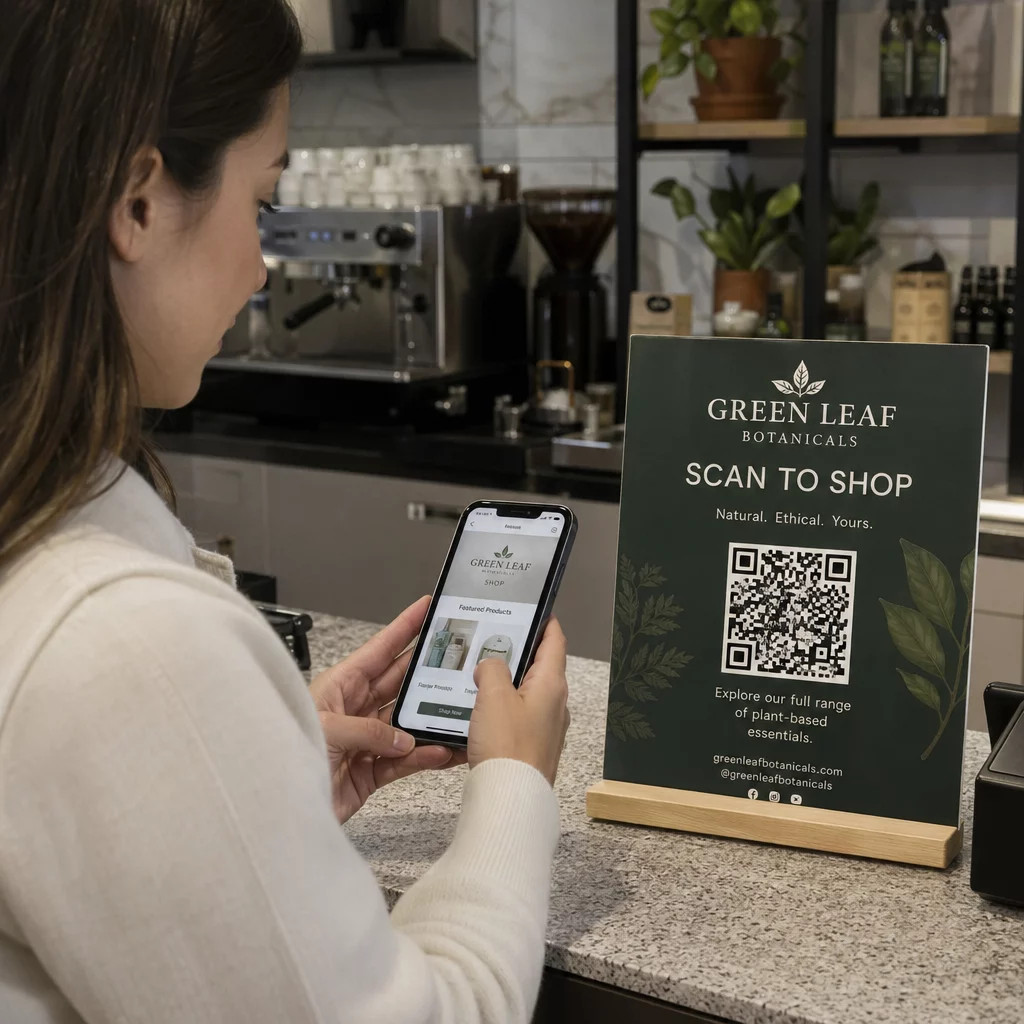
- In-store displays – pozovite kupce da prate vaš nalog ili pogledaju aktuelnu promotivnu objavu
- Prezentacione slajdove – omogućite publici da skenira da vas prati nakon predavanja
Za mala preduzeća koja se oslanjaju na posete kupaca i štampane materijale, uparivanje QR koda sa jasnim pozivom na akciju uklanja sve prepreke iz procesa praćenja. Saznajte više o tome kako mala preduzeća koriste QR kodove da podstaknu digitalni angažman sa fizičkih lokacija.

Dodavanje jasnog poziva na akciju
QR kod bez konteksta biva ignorisan. Uvek recite ljudima šta će dobiti kada skeniraju. Specifični pozivi dosledno nadmašuju nejasne. Na primer:
- “Skenirajte da nas pratite na X-u za dnevna ažuriranja”
- “Skenirajte da vidite ovonedeljne ponude na X-u”
- “Skenirajte da se pridružite razgovoru – uživo tvitujemo događaj”
Postavite tekst instrukcije direktno iznad ili ispod QR koda, u veličini fonta dovoljno velikoj da se pročita sa udaljenosti skeniranja. Cilj je da se ljudima da razlog za akciju pre nego što uopšte podignu telefon. Za detaljniji uvid u pisanje efikasnih poziva i strukturiranje kampanja, pogledajte kompletan vodič za najbolje prakse za QR kodove u kampanjama na društvenim mrežama.
Poređenje statičkih naspram dinamičkih Twitter/X QR kodova
| FUNKCIJA | Статички КР код | Динамички КР код |
|---|---|---|
| Odredište se može uređivati nakon štampanja | Не | да |
| Analitika skeniranja | Не | да |
| Preusmeravanje između X URL-ova bez ponovnog štampanja | Не | да |
| Брендирање и прилагођавање | Ограничено | Potpuno |
| Najbolje za | Jednokratna upotreba, jednostavni linkovi | Kampanje, tekući materijali |
Za bilo koji štampani materijal sa životnim vekom dužim od jedne kampanje, dinamički je bolja investicija. Izbegavate troškove ponovnog štampanja kada se sadržaj promeni i dobijate podatke o skeniranju potrebne za procenu šta zaista funkcioniše.
Povezivanje X-a sa drugim društvenim platformama
Ako je Twitter/X jedna od nekoliko platformi koje promovišete, ne treba vam poseban QR kod za svaku. Pageloot-ov alat za QR kodove za društvene mreže kreira jedan kod Инстаграм КР код или Фацебоок КР код kampanje paralelno – jedan kod može da služi za sve tri, umesto da zatrpavate svoje materijale sa više kodova. Za širi pogled na to kako QR kodovi funkcionišu na različitim platformama i u različitim slučajevima upotrebe, pogledajte Pregled QR kodova za društvene mreže.
Prebacivanje ljudi sa fizičke dodirne tačke na vaš X profil je interakcija od dve sekunde kada je vaš QR kod pravilno podešen. Koristite dinamički kod kako biste mogli da ažurirate odredište bez ponovnog štampanja, pratite smernice za dizajn kako bi se pouzdano skenirao svaki put i uvek ga uparite sa jasnim pozivom na akciju kako bi ljudi tačno znali zašto skeniraju.
Započnite sa Pageloot-om Kreirajte brendirani QR kod koji se može pratiti za vaš Twitter/X profil ili bilo koji link društvenih medija. Koristite Пагелоот генератор КР кодова – besplatna proba od 14 dana, nije potrebna kreditna kartica.
Često postavljana pitanja
Da. Otvorite objavu na X-u, dodirnite ikonu Deli i izaberite “Kopiraj link” da biste dobili direktan URL objave. Zalepite taj URL u Pageloot-ov generator QR koda za link da biste kreirali kod koji otvara tu specifičnu objavu kada se skenira.
Ako ste koristili statički QR kod, on će prestati da radi jer kodirani URL više ne odgovara vašem profilu. Ako ste koristili dinamički QR kod, možete ažurirati odredišni URL na vašoj Pageloot kontrolnoj tabli bez dodirivanja odštampanog koda – nije potrebno ponovno štampanje.
Ne nužno. Pageloot-ov alat za QR kodove društvenih medija omogućava vam da dodate više linkova profila – uključujući X, Instagram, Facebook i druge – na jednu odredišnu stranicu, svi dostupni sa jednog skeniranog koda. Ovo održava vaše štampane materijale čistim dok ljudima daje pristup svim vašim profilima odjednom.