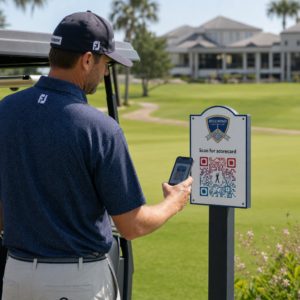
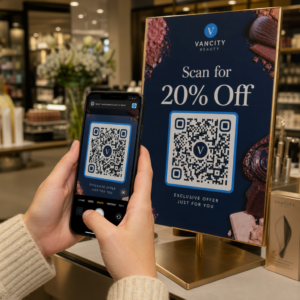
Haluatko ihmisten löytävän Twitter/X-profiilisi ilman, että heidän tarvitsee kirjoittaa yhtään merkkiä? Tilien manuaalinen etsiminen luo kitkaa, joka maksaa sinulle seuraajia. Tämä sivu näyttää sinulle tarkalleen, miten luoda QR-koodi Twitter/X-profiilillesi, twiitillesi tai tilillesi ja käyttää sitä tehokkaasti painetuissa ja digitaalisissa kosketuspisteissä.
Mitä Twitter/X QR-koodi todella tekee
Twitter/X QR-koodi on skannattava kuva, joka koodaa julkisen `x.com`- tai `twitter.com`-URL-osoitteen. Kun joku skannaa sen puhelimensa kameralla, se avaa linkitetyn X-resurssin suoraan – profiilin, julkaisun, ketjun, hakutuloksen tai jopa tietyn hashtag-sivun – X-sovelluksessa tai mobiiliselaimessa. Uudelleenohjaus toimii automaattisesti `twitter.com`- ja `x.com`-verkkotunnusten välillä, joten sinun ei tarvitse huolehtia siitä, mitä URL-osoitteen versiota käytät. Tärkeintä on, että URL-osoite on julkinen ja oikea ennen kuin koodaat sen.
Voit luoda QR-koodin mille tahansa seuraavista X-kohteista:
- X-profiilisi (esim. `x.com/yourusername`)
- Tietty julkaisu tai twiitti
- Hakukysely tai hashtag-sivu
- Lista tai yhteisö
- Space tai ketju
Miten saat oikean X-URL-osoitteen
Ennen kuin luot QR-koodisi, tarvitset oikean URL-osoitteen mille tahansa X-kohteelle, johon haluat linkittää.
Profiiliasi varten: Siirry X-profiilisivullesi selaimessa ja kopioi URL-osoite suoraan osoitepalkista. Se noudattaa muotoa `x.com/yourusername`.
Tiettyä julkaisua varten: Avaa julkaisu X:ssä, napauta tai klikkaa sitten Jaa-kuvaketta (nuolikuvake julkaisun alla) ja valitse Kopioi linkki. Tämä kopioi julkaisun suoran URL-osoitteen – ei julkaisun tekstiä – leikepöydällesi. URL-osoite näyttää suunnilleen tältä: `x.com/yourusername/status/1234567890`.
Hashtagia tai hakua varten: Suorita haku tai napauta hashtagia X:ssä, ja kopioi sitten tuloksena oleva URL-osoite selaimesi osoitepalkista.
Kun sinulla on oikea URL-osoite, olet valmis luomaan QR-koodin.
Miten luoda QR-koodi Twitter/X:lle
Vaihtoehto 1: Linkki-QR-koodi yhdelle profiilille tai julkaisulle
Nopein tapa linkittää yhteen tiettyyn X-kohteeseen on käyttää linkin QR-koodigeneraattori. .
- Prosessi on yksinkertainen:
- Avaa Pageloot QR-koodigeneraattori ja valitse Linkki tai URL tyyppi
- Kopioi X-profiilisi URL-osoite tai julkaisun URL-osoite kuten yllä kuvattiin
- Liitä X-URL-osoitteesi URL-kenttään
- Mukauta ulkoasua – lisää logosi, säädä värejä ja valitse kehystyyli
- Testaa koodi skannaamalla se ennen lataamista
Lataa tiedosto tulostusvalmiissa muodossa (SVG, PDF tai EPS) ja ota se käyttöön Luo Twitter/X QR-koodisi nyt Pageloot QR-koodigeneraattori. Ilmainen 14 päivän kokeilu. Luottokorttia ei tarvita.
Luo muokattava QR-koodi, joka linkittää X-profiiliisi sekunneissa käyttämällä
Vaihtoehto 2: Sosiaalisen median QR-koodi useille alustoille Jos haluat linkittää X:ään muiden sosiaalisten alustojen rinnalla – Instagram, Facebook, LinkedIn ja muut – Pagelootin sosiaalisen median QR-koodityökalu
- antaa sinun yhdistää kaikki profiilisi yhteen skannattavaan koodiin, joka avaa mukautetun aloitussivun. Asetus toimii näin:
- Kopioi julkinen profiililinkki jokaiselta sosiaalisen median alustalta erikseen, mukaan lukien X-URL-osoitteesi
- Lisää jokainen linkki aloitussivun rakentajaan Pagelootin työkalun sisällä
- Mukauta aloitussivua otsikolla, kuvauksella, taustavärillä ja bannerityyleillä
- Suunnittele itse QR-koodi brändisi väreillä ja logolla
Tallenna, testaa ja lataa koodi.
Voit lisätä niin monta sosiaalisen median profiilia kuin tarvitset, ja aloitussivu päivittyy dynaamisesti ilman koodin uudelleenpainamista. Tämä lähestymistapa toimii erityisen hyvin käyntikorteissa, tuotepakkauksissa ja tapahtumamateriaaleissa, joissa tilaa on rajoitetusti, mutta haluat tarjota useita seuraamisvaihtoehtoja yhdellä skannauksella.
Käytä dynaamisia QR-koodeja jatkuviin kampanjoihin dynaamiset QR-koodit Jos sijoitat Twitter/X QR-koodisi painettuihin materiaaleihin – julisteisiin, esitteisiin, myyntituotteisiin tai pakkauksiin –.
ovat älykkäämpi valinta staattisiin verrattuna.

Dynaaminen QR-koodi tallentaa lyhyen uudelleenohjaus-URL-osoitteen itse koodiin. Todellinen kohde (X-profiilisi tai julkaisun URL-osoite) sijaitsee Pagelootin palvelimilla ja sitä voidaan muuttaa milloin tahansa muuttamatta painettua koodia. Tämä tarkoittaa, että voit korjata rikkinäisen tai vanhentuneen X-linkin tulostuksen jälkeen ilman, että sinun tarvitsee tulostaa mitään uudelleen, ohjata saman koodin väliaikaisesti tiettyyn twiittiin kampanjan aikana ja sitten ohjata sen takaisin profiiliisi jälkeenpäin, ja pääset käsiksi täydellisiin skannausanalytiikkatietoihin, mukaan lukien kokonaisskannaukset, yksilölliset skannaukset, aikaleimat, laitetyypit, käyttöjärjestelmät ja maantieteelliset sijainnit. Kaikille, jotka pyörittävät jatkuvia sosiaalisen median kampanjoita, kyky päivittää QR-koodin kohteita ilman uudelleenpainamista.
on merkittävä käytännön etu. Suojaat painoinvestointisi pitäen samalla yleisösi ohjattuna ajankohtaiseen, relevanttiin sisältöön. Seuraa jokaista skannausta X-kampanjastasi Linkki QR-koodigeneraattori päästä alkuun.
Suunnitteluohjeet luotettavaan skannaukseen
Huonosti suunniteltu QR-koodi ei skannaa, riippumatta siitä, kuinka hyvä X-sisältösi on. Noudata näitä ohjeita varmistaaksesi, että koodisi toimii joka kerta.
Koko ja skannausetäisyys: Tulosta QR-koodisi vähintään 0,8 × 0,8 tuumaa (2 × 2 cm) lähiskannausta varten. Etäältä katsottaville materiaaleille – julisteet tai kyltit – käytä 10:1-sääntöä: koodin tulisi olla vähintään yksi kymmenesosa odotetusta skannausetäisyydestä. Koodin, joka on tarkoitettu skannattavaksi 10 jalan etäisyydeltä, on oltava vähintään 1 jalan levyinen.
Hiljainen vyöhyke: Jätä selkeä valkoinen marginaali vähintään 4 moduulia leveä QR-koodin kaikille sivuille. Tämä tyhjä reuna on pakollinen, jotta skannerit havaitsevat, mistä koodi alkaa ja mihin se päättyy. Tähän alueeseen leikkaaminen aiheuttaa skannausvirheitä.
Kontrasti: Pidä tummat moduulit vaalealla taustalla. Vältä tämän kääntämistä (vaalea tummalla) tai käyttämästä värejä, jotka vähentävät kontrastia merkittävästi. Pienempi kontrasti tarkoittaa hitaampaa ja epäluotettavampaa skannausta.
Logon sijoittelu: Jos lisäät logon, pidä se keskitettynä ja rajoita se enintään 20–30% koko QR-koodin alueesta. Älä koskaan peitä kolmea kulman etsintäkuviota (neliönmuotoiset “silmät”) tai ajoitusnauhoja, sillä nämä ovat välttämättömiä, jotta skanneri voi suunnata koodin oikein.
Virheenkorjaus: QR-koodit käyttävät Reed–Solomon-virheenkorjausta, joka lisää redundanttia dataa, jotta osittain peitetty koodi voidaan silti purkaa. Tasoja on neljä: L (palauttaa ~7% vaurioituneesta datasta), M (~15%), Q (~25%) ja H (~30%). Jos lisäät logon tai sijoitat koodin kuvioidulle pinnalle, käytä tasoa Q tai H korvataksesi menetetyn alueen. Muista, että korkeammat virheenkorjaustasot lisäävät koodin visuaalista tiheyttä hieman, koska enemmän moduuleja on omistettu redundanssille.
Missä käyttää Twitter/X QR-koodiasi
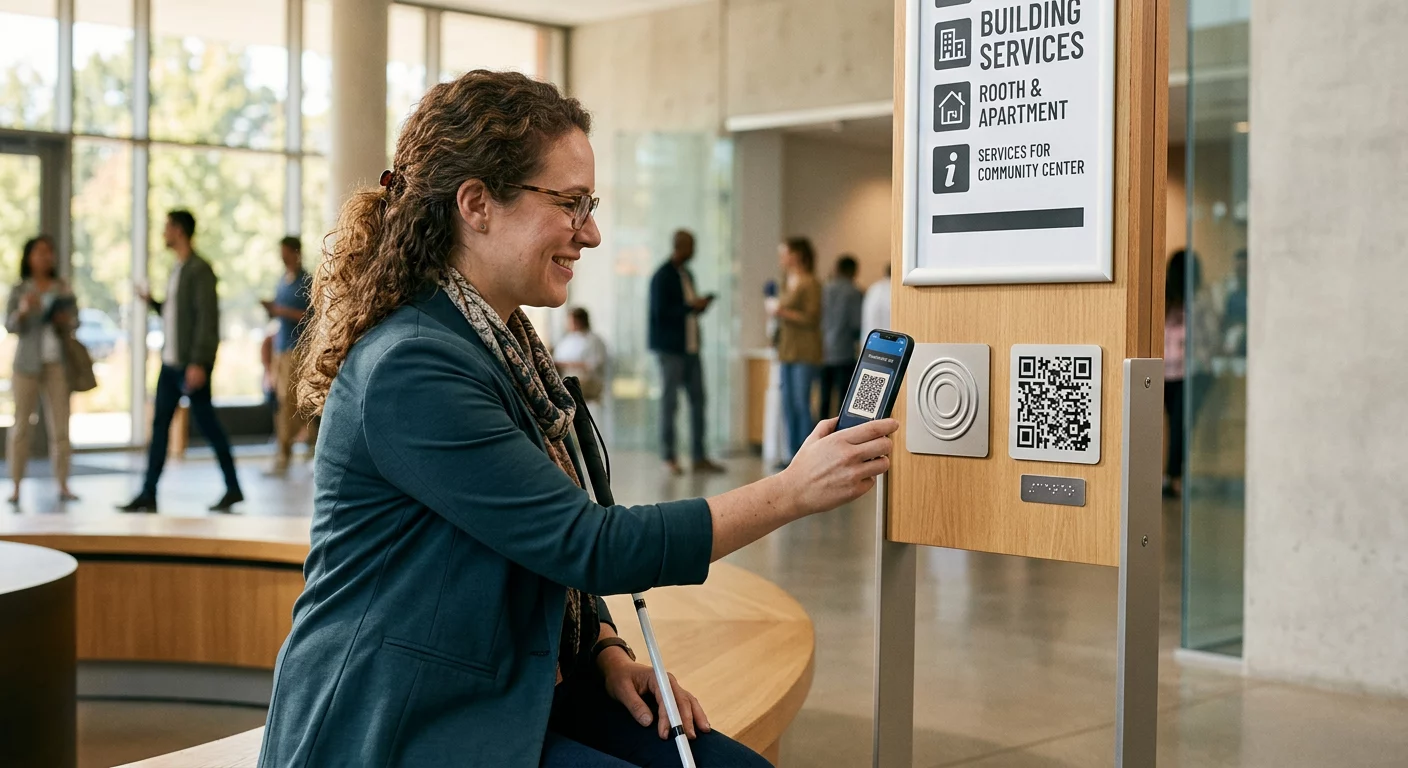
Twitter/X QR-koodit toimivat missä tahansa yleisösi kohtaa fyysisiä materiaaleja:
- Käyntikortit – anna uusien kontaktien seurata sinua välittömästi sen sijaan, että he etsisivät myöhemmin
- Tapahtumakyltit ja -merkit – ohjaa live-konferenssin osallistujat reaaliaikaiseen julkaisukattaukseesi
- Tuotepakkaukset – linkitä julkaisuun, joka ilmoittaa tuotelanseerauksesta tai kampanjasta
- Painettu mainonta – yhdistä lehti- tai sanomalehtimainos twiittiin tai kampanjan hashtagiin
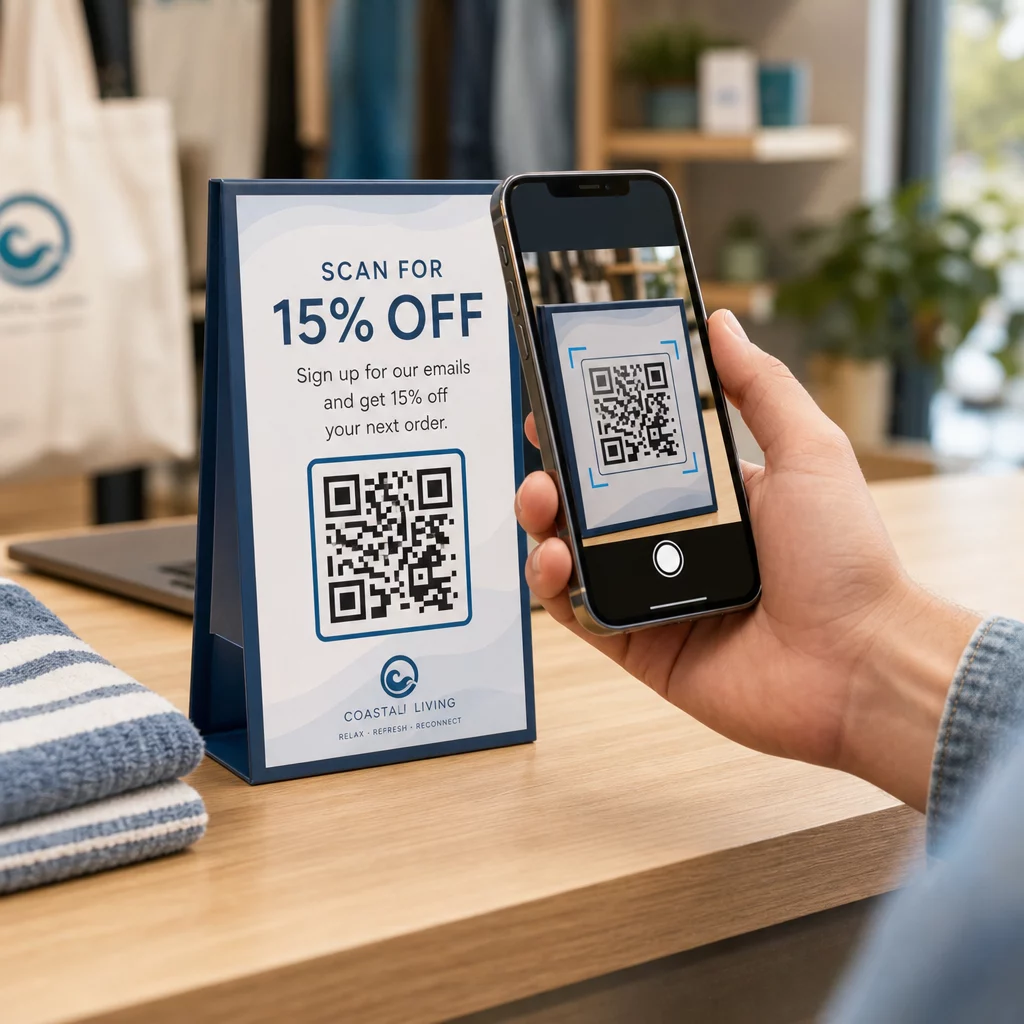
- In-store displays – kutsu asiakkaita seuraamaan tiliäsi tai katsomaan nykyistä kampanjajulkaisua
- Esityskalvot – anna yleisön skannata seuratakseen sinua puheen jälkeen
Pienyrityksille, jotka luottavat kävijävirtaan ja painettuihin materiaaleihin, QR-koodin yhdistäminen selkeään toimintakehotukseen poistaa kaiken kitkan seuraamisprosessista. Lue lisää siitä, miten pienyritykset käyttävät QR-koodeja edistää digitaalista sitoutumista fyysisistä sijainneista.

Selkeän toimintakehotuksen lisääminen
QR-koodi ilman kontekstia jää huomiotta. Kerro aina ihmisille, mitä he saavat, kun he skannaavat. Tarkat kehotukset ovat jatkuvasti tehokkaampia kuin epämääräiset. Esimerkiksi:
- “Skannaa seurataksesi meitä X:ssä päivittäisten päivitysten saamiseksi”
- “Skannaa nähdäksesi tämän viikon tarjoukset X:ssä”
- “Skannaa liittyäksesi keskusteluun – twiittaamme tapahtumasta livenä”
Sijoita ohjeteksti suoraan QR-koodin ylä- tai alapuolelle, fonttikoolla, joka on riittävän suuri luettavaksi skannausetäisyydeltä. Tavoitteena on antaa ihmisille syy toimia ennen kuin he edes nostavat puhelintaan. Syvällisemmän katsauksen saamiseksi tehokkaiden kehotusten kirjoittamiseen ja kampanjoiden rakentamiseen, katso täydellinen opas parhaisiin käytäntöihin QR-koodeille sosiaalisen median kampanjoissa.
Staattisten vs. dynaamisten Twitter/X QR-koodien vertailu
| OMINAISUUS | Staattinen QR-koodi | Dynaaminen QR-koodi |
|---|---|---|
| Kohde muokattavissa tulostuksen jälkeen | Ei | Kyllä |
| Skannausanalytiikka | Ei | Kyllä |
| Uudelleenohjaa X-URL-osoitteiden välillä ilman uudelleentulostusta | Ei | Kyllä |
| Brändäys ja räätälöinti | Rajoitettu | Täysi |
| Paras | Kertakäyttöiset, yksinkertaiset linkit | Kampanjat, jatkuvat materiaalit |
Kaikille painetuille materiaaleille, joiden käyttöikä on pidempi kuin yhden kampanjan, dynaaminen on parempi investointi. Vältät uudelleentulostuskustannukset sisällön muuttuessa ja saat skannaustiedot, joita tarvitaan sen arvioimiseen, mikä todella toimii.
X:n yhdistäminen muihin sosiaalisiin alustoihin
Jos Twitter/X on yksi useista alustoista, joita mainostat, et tarvitse erillistä QR-koodia jokaiselle. Pagelootin sosiaalisen median QR-koodityökalu luo yhden koodin, joka avaa brändätyn laskeutumissivun linkeillä kaikkiin profiileihisi. Tämä on erityisen hyödyllistä, kun ajat myös Instagram QR-koodi tai Facebookin QR-koodi kampanjoita rinnakkain – yksi koodi voi palvella kaikkia kolmea sen sijaan, että sotkisit materiaalejasi useilla koodeilla. Laajemman katsauksen saamiseksi siihen, miten QR-koodit toimivat eri alustoilla ja käyttötapauksissa, katso QR-koodit sosiaalisen median yleiskatsaus.
Ihmisten saaminen fyysisestä kosketuspisteestä X-profiiliisi on kahden sekunnin vuorovaikutus, kun QR-koodisi on asetettu oikein. Käytä dynaamista koodia, jotta voit päivittää kohteen ilman uudelleentulostusta, noudata suunnitteluohjeita, jotta se skannaa luotettavasti joka kerta, ja yhdistä se aina selkeään toimintakehotukseen, jotta ihmiset tietävät tarkalleen, miksi he skannaavat.
Aloita Pagelootin kanssa Luo brändätty, seurattava QR-koodi Twitter/X-profiiliisi tai mihin tahansa sosiaalisen median linkkiin. Käytä Pageloot QR-koodigeneraattori – ilmainen 14 päivän kokeilu, luottokorttia ei tarvita.
Usein kysytyt kysymykset
Kyllä. Avaa julkaisu X:ssä, napauta Jaa-kuvaketta ja valitse “Kopioi linkki” saadaksesi suoran julkaisun URL-osoitteen. Liitä kyseinen URL-osoite Pagelootin linkki-QR-koodigeneraattoriin luodaksesi koodin, joka avaa kyseisen julkaisun skannattaessa.
Jos käytit staattista QR-koodia, se lakkaa toimimasta, koska koodattu URL-osoite ei enää vastaa profiiliasi. Jos käytit dynaamista QR-koodia, voit päivittää kohde-URL-osoitteen Pageloot-hallintapaneelissasi koskematta painettuun koodiin – uudelleenpainatusta ei tarvita.
Ei välttämättä. Pagelootin sosiaalisen median QR-koodityökalu antaa sinun lisätä useita profiililinkkejä – mukaan lukien X, Instagram, Facebook ja muut – yhdelle laskeutumissivulle, kaikki saatavilla yhdestä skannatusta koodista. Tämä pitää painetut materiaalit siisteinä samalla kun antaa ihmisille pääsyn kaikkiin profiileihisi kerralla.