Möchten Sie, dass Leute Ihr Twitter/X-Profil finden, ohne ein einziges Zeichen einzugeben? Die manuelle Suche nach Konten erzeugt Reibung, die Sie Follower kostet. Diese Seite zeigt Ihnen genau, wie Sie einen QR-Code für Ihr Twitter/X-Profil, Ihren Tweet oder Ihr Konto erstellen und ihn effektiv über Print- und digitale Berührungspunkte hinweg nutzen können.
Was ein Twitter/X QR-Code tatsächlich tut
Ein Twitter/X QR-Code ist ein scannbares Bild, das eine öffentliche `x.com`- oder `twitter.com`-URL kodiert. Wenn jemand ihn mit seiner Telefonkamera scannt, öffnet er die verknüpfte X-Ressource direkt – ein Profil, einen Beitrag, einen Thread, ein Suchergebnis oder sogar eine bestimmte Hashtag-Seite – in der X-App oder einem mobilen Browser. Die Weiterleitung funktioniert automatisch zwischen den Domains `twitter.com` und `x.com`, sodass Sie sich keine Sorgen machen müssen, welche Version der URL Sie verwenden. Wichtig ist, dass die URL öffentlich und korrekt ist, bevor Sie sie kodieren.
Sie können einen QR-Code für jedes der folgenden X-Ziele erstellen:
- Ihr X-Profil (z.B. `x.com/yourusername`)
- Ein spezifischer Beitrag oder Tweet
- Eine Suchanfrage oder Hashtag-Seite
- Eine Liste oder Community
- Ein Space oder Thread
So erhalten Sie die richtige X-URL
Bevor Sie Ihren QR-Code generieren, benötigen Sie die korrekte URL für jedes X-Ziel, auf das Sie verlinken möchten.
Für Ihr Profil: Gehen Sie in einem Browser zu Ihrer X-Profilseite und kopieren Sie die URL direkt aus der Adressleiste. Sie wird dem Format `x.com/yourusername` folgen.
Für einen spezifischen Beitrag: Öffnen Sie den Beitrag auf X, tippen oder klicken Sie dann auf das Teilen-Symbol (das Pfeilsymbol unter dem Beitrag) und wählen Sie Link kopieren. Dies kopiert die direkte URL des Beitrags – nicht den Beitragstext – in Ihre Zwischenablage. Die URL wird etwa so aussehen: `x.com/yourusername/status/1234567890`.
Für einen Hashtag oder eine Suche: Führen Sie die Suche aus oder tippen Sie auf den Hashtag in X, kopieren Sie dann die resultierende URL aus der Adressleiste Ihres Browsers.
Sobald Sie die korrekte URL haben, sind Sie bereit, den QR-Code zu generieren.
So erstellen Sie einen QR-Code für Twitter/X
Option 1: Link-QR-Code für ein einzelnes Profil oder einen Beitrag
Die schnellste Methode, um auf ein spezifisches X-Ziel zu verlinken, ist die Verwendung eines Link-QR-Code-Generator. Der Prozess ist unkompliziert:
- Kopieren Sie Ihre X-Profil-URL oder Beitrags-URL wie oben beschrieben
- Öffnen Sie die Pageloot QR-Code-Generator und wählen Sie die Link oder URL Art
- Fügen Sie Ihre X-URL in das URL-Feld ein
- Passen Sie das Design an – fügen Sie Ihr Logo hinzu, passen Sie Farben an und wählen Sie einen Rahmenstil
- Testen Sie den Code, indem Sie ihn vor dem Herunterladen scannen
- Laden Sie die Datei in einem druckfertigen Format (SVG, PDF oder EPS) herunter und stellen Sie sie bereit
Erstellen Sie jetzt Ihren Twitter/X QR-Code Generieren Sie in Sekundenschnelle einen anpassbaren QR-Code, der mit Ihrem X-Profil verknüpft ist, mit dem Pageloot QR-Code-Generator. Kostenlose 14-tägige Testversion. Keine Kreditkarte erforderlich.
Option 2: Social Media QR-Code für mehrere Plattformen
Wenn Sie X neben anderen sozialen Plattformen – Instagram, Facebook, LinkedIn und anderen – verlinken möchten, ermöglicht Pageloots Social Media QR-Code-Tool Ihnen, alle Ihre Profile in einem scannbaren Code zu konsolidieren, der eine benutzerdefinierte Landingpage öffnet. Die Einrichtung funktioniert so:
- Kopieren Sie den öffentlichen Profillink von jeder sozialen Plattform separat, einschließlich Ihrer X-URL
- Fügen Sie jeden Link zum Landingpage-Builder innerhalb des Pageloot-Tools hinzu
- Passen Sie die Landingpage mit einer Überschrift, Beschreibung, Hintergrundfarbe und Bannerstilen an
- Gestalten Sie den QR-Code selbst mit Ihren Markenfarben und Ihrem Logo
- Speichern, testen und laden Sie den Code herunter
Sie können so viele soziale Profile hinzufügen, wie Sie benötigen, und die Landingpage aktualisiert sich dynamisch, ohne den Code neu drucken zu müssen. Dieser Ansatz funktioniert besonders gut für Visitenkarten, Produktverpackungen und Veranstaltungsmaterialien, wo der Platz begrenzt ist, Sie aber mehrere Follow-Optionen in einem einzigen Scan anbieten möchten.
Verwenden Sie dynamische QR-Codes für laufende Kampagnen
Wenn Sie Ihren Twitter/X QR-Code auf gedruckten Materialien – Postern, Flyern, Merchandise oder Verpackungen – platzieren, sind dynamische QR-Codes die intelligentere Wahl gegenüber statischen.
Ein dynamischer QR-Code speichert eine kurze Weiterleitungs-URL im Code selbst. Das eigentliche Ziel (Ihre X-Profil- oder Beitrags-URL) befindet sich auf den Servern von Pageloot und kann jederzeit geändert werden, ohne den gedruckten Code zu verändern. Das bedeutet, Sie können einen defekten oder veralteten X-Link nach dem Drucken beheben, ohne etwas neu drucken zu müssen, denselben Code während einer Kampagne vorübergehend auf einen spezifischen Tweet umleiten und ihn danach wieder auf Ihr Profil verweisen, und auf vollständige Scan-Analysen zugreifen, einschließlich der Gesamtzahl der Scans, einzigartiger Scans, Zeitstempel, Gerätetypen, Betriebssysteme und geografischer Standorte.

Für jeden, der laufende soziale Kampagnen durchführt, ist die Möglichkeit, QR-Code-Ziele ohne Neudruck zu aktualisieren ein erheblicher praktischer Vorteil. Sie schützen Ihre Druckinvestition, während Sie Ihr Publikum auf aktuelle, relevante Inhalte lenken.
Verfolgen Sie jeden Scan Ihrer X-Kampagne Sehen Sie genau, wann und wo Personen Ihre Twitter/X QR-Codes scannen, mit dem integrierten Analyse-Dashboard von Pageloot. Verwenden Sie das Link QR-Code-Generator um loszulegen.
Design-Richtlinien für zuverlässiges Scannen
Ein schlecht gestalteter QR-Code lässt sich nicht scannen, egal wie gut Ihr X-Inhalt ist. Befolgen Sie diese Richtlinien, um sicherzustellen, dass Ihr Code jedes Mal funktioniert.
Größe und Scan-Abstand: Drucken Sie Ihren QR-Code mit einer Mindestgröße von 0,8 × 0,8 Zoll (2 × 2 cm) für das Scannen aus nächster Nähe. Für Materialien, die aus der Ferne betrachtet werden – Plakate oder Beschilderungen – verwenden Sie die 10:1-Regel: Der Code sollte mindestens ein Zehntel des erwarteten Scan-Abstands betragen. Ein Code, der aus 10 Fuß Entfernung gescannt werden soll, muss mindestens 1 Fuß breit sein.
Ruhezone: Lassen Sie einen klaren weißen Rand von mindestens 4 Module breit auf allen Seiten des QR-Codes. Dieser leere Rand ist erforderlich, damit Scanner erkennen können, wo der Code beginnt und endet. Das Einschneiden in diesen Bereich führt zu Scan-Fehlern.
Kontrast: Halten Sie dunkle Module auf einem hellem Hintergrund. Vermeiden Sie es, dies umzukehren (hell auf dunkel) oder Farben zu verwenden, die den Kontrast erheblich reduzieren. Geringerer Kontrast bedeutet langsameres und weniger zuverlässiges Scannen.
Logo-Platzierung: Wenn Sie ein Logo hinzufügen, halten Sie es zentriert und begrenzen Sie es auf nicht mehr als 20–30 % der gesamten QR-Code-Fläche. Decken Sie niemals die drei Eck-Suchmuster (die quadratischen “Augen”) oder die Timing-Streifen ab, da diese für den Scanner unerlässlich sind, um den Code korrekt auszurichten.
Fehlerkorrektur: QR-Codes verwenden die Reed-Solomon-Fehlerkorrektur, die redundante Daten hinzufügt, sodass ein teilweise verdeckter Code immer noch dekodiert werden kann. Es gibt vier Stufen: L (stellt ~7 % der beschädigten Daten wieder her), M (~15 %), Q (~25 %) und H (~30 %). Wenn Sie ein Logo hinzufügen oder den Code auf einer strukturierten Oberfläche platzieren, verwenden Sie die Stufe Q oder H um den verlorenen Bereich zu kompensieren. Beachten Sie, dass höhere Fehlerkorrekturstufen die visuelle Dichte des Codes leicht erhöhen, da mehr Module der Redundanz gewidmet sind.
Wo Sie Ihren Twitter/X QR-Code verwenden können
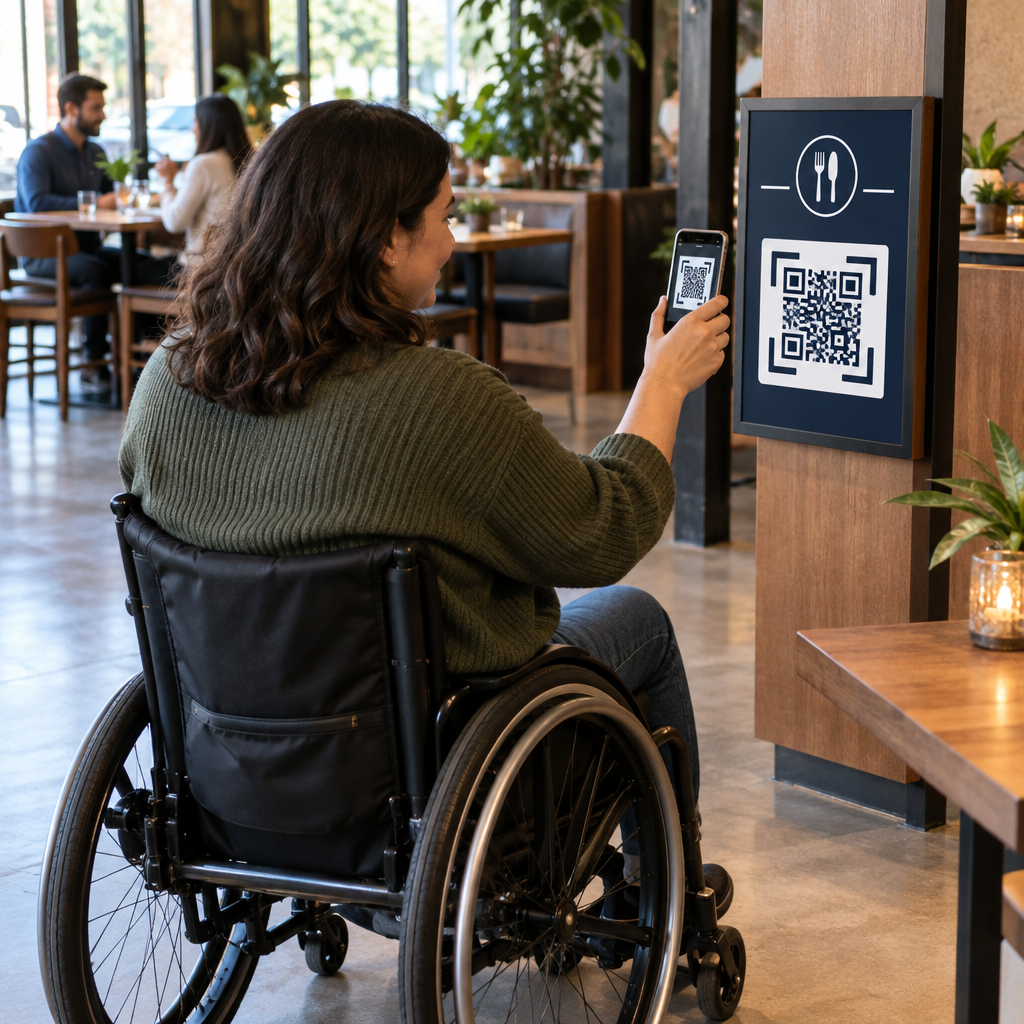
Twitter/X QR-Codes funktionieren überall dort, wo Ihr Publikum auf physische Materialien trifft:
- Visitenkarten – lassen Sie neue Kontakte Ihnen sofort folgen, anstatt später zu suchen
- Event-Beschilderung und -Badges – leiten Sie Live-Konferenzteilnehmer zu Ihrer Echtzeit-Beitragsberichterstattung
- Produktverpackungen – verlinken Sie auf einen Beitrag, der eine Produkteinführung oder Promotion ankündigt
- Printwerbung – verbinden Sie eine Magazin- oder Zeitungsanzeige mit einem Tweet oder Kampagnen-Hashtag
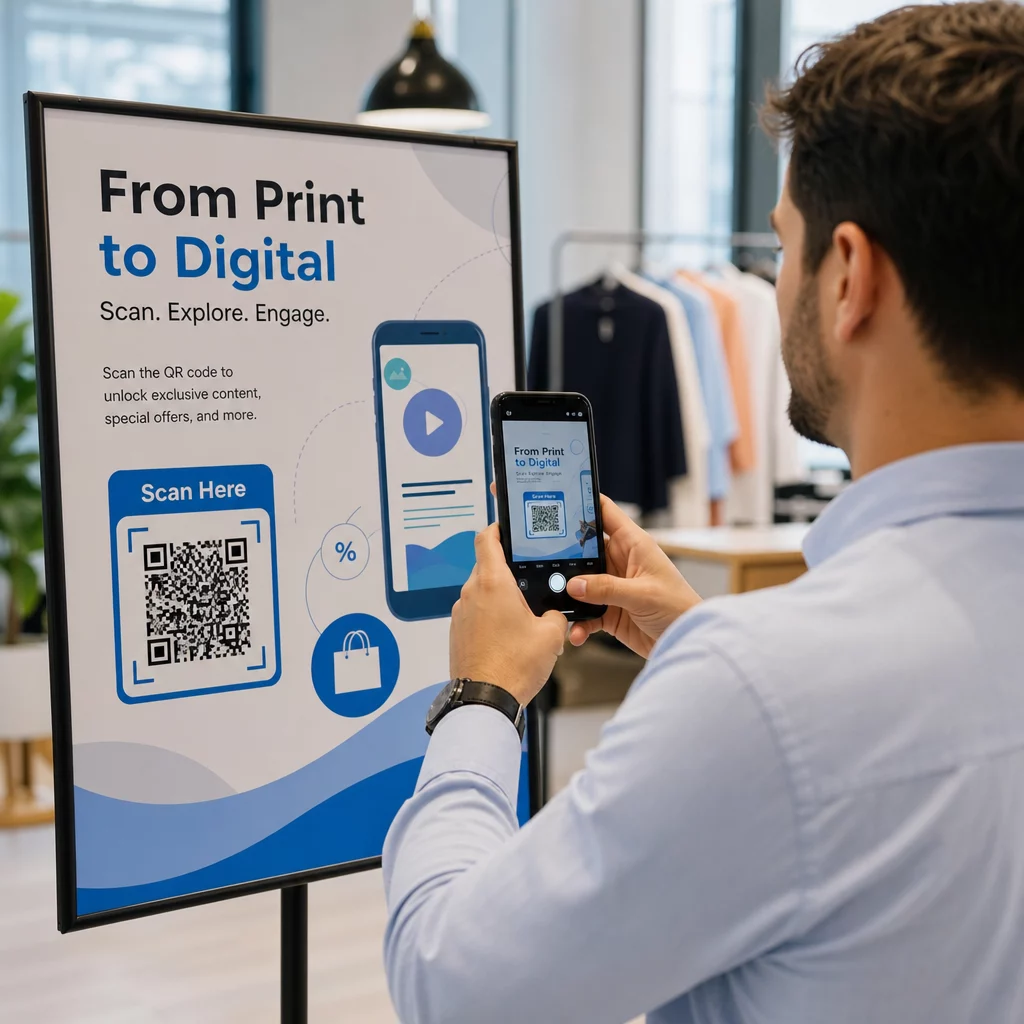
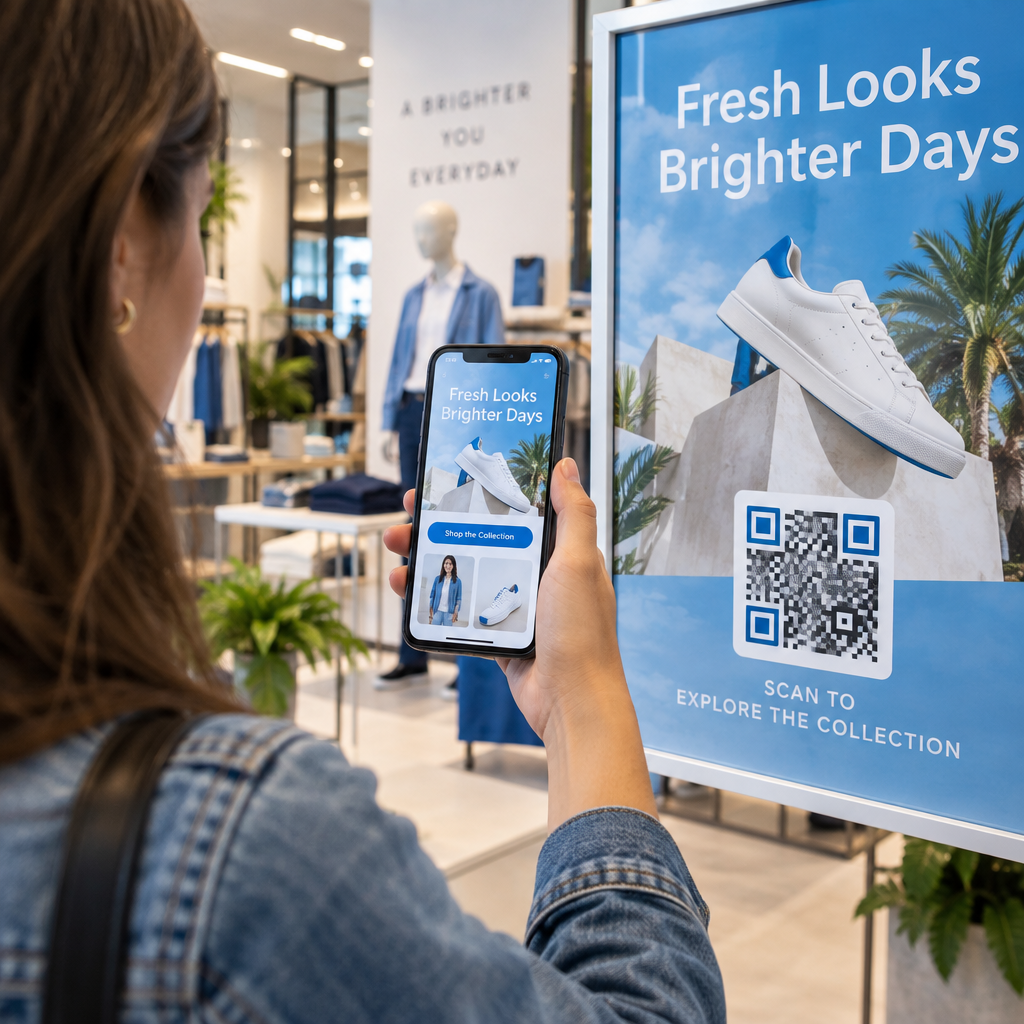
- In-store displays – laden Sie Kunden ein, Ihrem Konto zu folgen oder einen aktuellen Werbebeitrag anzusehen
- Präsentationsfolien – lassen Sie das Publikum scannen, um Ihnen nach einem Vortrag zu folgen
Für kleine Unternehmen, die auf Laufkundschaft und gedruckte Materialien angewiesen sind, beseitigt die Kombination eines QR-Codes mit einem klaren Call-to-Action jegliche Reibung im Follow-Prozess. Erfahren Sie mehr darüber, wie kleine Unternehmen QR-Codes verwenden um digitales Engagement von physischen Standorten aus zu fördern.

Einen klaren Call-to-Action hinzufügen
Ein QR-Code ohne Kontext wird ignoriert. Sagen Sie den Leuten immer, was sie bekommen, wenn sie scannen. Spezifische Aufforderungen übertreffen vage solche durchweg. Zum Beispiel:
- “Scannen Sie, um uns auf X für tägliche Updates zu folgen”
- “Scannen Sie, um die Angebote dieser Woche auf X zu sehen”
- “Scannen Sie, um an der Unterhaltung teilzunehmen – wir twittern live vom Event”
Platzieren Sie den Anweisungstext direkt über oder unter dem QR-Code, in einer Schriftgröße, die groß genug ist, um aus Scan-Entfernung gelesen zu werden. Das Ziel ist es, den Leuten einen Grund zum Handeln zu geben, bevor sie überhaupt ihr Telefon hochheben. Für einen tieferen Einblick in das Schreiben effektiver Aufforderungen und die Strukturierung von Kampagnen, sehen Sie den vollständigen Leitfaden zu Best Practices für QR-Codes in Social-Media-Kampagnen.
Vergleich von statischen vs. dynamischen Twitter/X QR-Codes
| FUNKTION | Statischer QR-Code | Dynamischer QR-Code |
|---|---|---|
| Ziel nach dem Druck bearbeitbar | Nein | Ja |
| Scan-Analysen | Nein | Ja |
| Umleiten zwischen X-URLs ohne Neudruck | Nein | Ja |
| Branding und Personalisierung | Begrenzt | Vollständig |
| Am besten für | Einmalige Nutzung, einfache Links | Kampagnen, laufende Materialien |
Für jedes gedruckte Material mit einer längeren Lebensdauer als einer einzelnen Kampagne ist dynamisch die bessere Investition. Sie vermeiden Nachdruckkosten, wenn sich Inhalte ändern, und erhalten die Scan-Daten, die zur Bewertung dessen erforderlich sind, was tatsächlich funktioniert.
X mit anderen sozialen Plattformen verbinden
Wenn Twitter/X eine von mehreren Plattformen ist, die Sie bewerben, benötigen Sie keinen separaten QR-Code für jede einzelne. Das Social-Media-QR-Code-Tool von Pageloot erstellt einen einzigen Code, der eine gebrandete Landingpage mit Links zu all Ihren Profilen öffnet. Dies ist besonders nützlich, wenn Sie auch Instagram QR-Code oder Facebook-QR-Code Kampagnen parallel durchführen – ein Code kann alle drei bedienen, anstatt Ihre Materialien mit mehreren Codes zu überladen. Für einen umfassenderen Überblick darüber, wie QR-Codes über verschiedene Plattformen und Anwendungsfälle hinweg funktionieren, siehe die Übersicht über QR-Codes für soziale Medien.
Menschen von einem physischen Berührungspunkt zu Ihrem X-Profil zu bringen, ist eine Zwei-Sekunden-Interaktion, wenn Ihr QR-Code korrekt eingerichtet ist. Verwenden Sie einen dynamischen Code, damit Sie das Ziel ohne Neudruck aktualisieren können, befolgen Sie die Designrichtlinien, damit er jedes Mal zuverlässig scannt, und kombinieren Sie ihn immer mit einem klaren Call-to-Action, damit die Leute genau wissen, warum sie scannen.
Beginnen Sie mit Pageloot Erstellen Sie einen gebrandeten, verfolgbaren QR-Code für Ihr Twitter/X-Profil oder einen beliebigen Social-Media-Link. Verwenden Sie die Pageloot QR-Code-Generator – kostenlose 14-Tage-Testversion, keine Kreditkarte erforderlich.
Häufig gestellte Fragen
Ja. Öffnen Sie den Beitrag auf X, tippen Sie auf das Teilen-Symbol und wählen Sie “Link kopieren”, um die direkte Beitrags-URL zu erhalten. Fügen Sie diese URL in den Link-QR-Code-Generator von Pageloot ein, um einen Code zu erstellen, der diesen spezifischen Beitrag beim Scannen öffnet.
Wenn Sie einen statischen QR-Code verwendet haben, wird er nicht mehr funktionieren, weil die kodierte URL nicht mehr mit Ihrem Profil übereinstimmt. Wenn Sie einen dynamischen QR-Code verwendet haben, können Sie die Ziel-URL in Ihrem Pageloot-Dashboard aktualisieren, ohne den gedruckten Code anzufassen – kein Neudruck erforderlich.
Nicht unbedingt. Das Social-Media-QR-Code-Tool von Pageloot ermöglicht es Ihnen, mehrere Profil-Links – einschließlich X, Instagram, Facebook und anderer – zu einer einzigen Landingpage hinzuzufügen, die alle über einen gescannten Code zugänglich sind. Dies hält Ihre gedruckten Materialien sauber, während es den Leuten gleichzeitig Zugang zu all Ihren Profilen verschafft.