Chcete, aby lidé našli váš profil na Twitteru/X, aniž by napsali jediný znak? Ruční vyhledávání účtů vytváří překážky, které vás stojí sledující. Tato stránka vám přesně ukáže, jak vytvořit QR kód pro váš profil na Twitteru/X, tweet nebo účet a efektivně jej používat napříč tištěnými a digitálními kontaktními body.
Co vlastně dělá QR kód pro Twitter/X
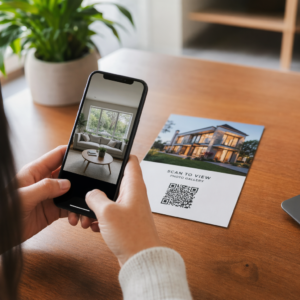
QR kód pro Twitter/X je skenovatelný obrázek, který kóduje veřejnou URL adresu `x.com` nebo `twitter.com`. Když jej někdo naskenuje fotoaparátem svého telefonu, otevře se přímo propojený zdroj X – profil, příspěvek, vlákno, výsledek vyhledávání nebo dokonce konkrétní stránka s hashtagem – v aplikaci X nebo v mobilním prohlížeči. Přesměrování funguje automaticky mezi doménami `twitter.com` a `x.com`, takže se nemusíte starat o to, jakou verzi URL adresy použijete. Důležité je, aby URL adresa byla veřejná a správná, než ji zakódujete.
Můžete vytvořit QR kód pro kteroukoli z následujících destinací X:
- Váš profil X (např. `x.com/yourusername`)
- Konkrétní příspěvek nebo tweet
- Vyhledávací dotaz nebo stránka s hashtagem
- Seznam nebo komunita
- Space nebo vlákno
Jak získat správnou URL adresu X
Před vygenerováním QR kódu potřebujete správnou URL adresu pro jakoukoli destinaci X, na kterou chcete odkazovat.
Pro váš profil: Přejděte na stránku vašeho profilu X v prohlížeči a zkopírujte URL adresu přímo z adresního řádku. Bude mít formát `x.com/yourusername`.
Pro konkrétní příspěvek: Otevřete příspěvek na X, poté klepněte nebo klikněte na ikonu Sdílet (ikona šipky pod příspěvkem) a vyberte Kopírovat odkaz. Tím se zkopíruje přímá URL adresa příspěvku – nikoli text příspěvku – do vaší schránky. URL adresa bude vypadat nějak takto: `x.com/yourusername/status/1234567890`.
Pro hashtag nebo vyhledávání: Spusťte vyhledávání nebo klepněte na hashtag v X, poté zkopírujte výslednou URL adresu z adresního řádku vašeho prohlížeče.
Jakmile máte správnou URL adresu, jste připraveni vygenerovat QR kód.
Jak vytvořit QR kód pro Twitter/X
Možnost 1: QR kód odkazu pro jeden profil nebo příspěvek
Nejrychlejší metoda pro odkazování na jednu konkrétní destinaci X je použití generátor QR kódů odkazů. .
- Proces je jednoduchý:
- Otevři Generátor QR kódů Pageloot a vyberte ikonu Odkaz nebo URL typ
- Zkopírujte URL adresu vašeho profilu X nebo URL adresu příspěvku, jak je popsáno výše
- Vložte vaši URL adresu X do pole URL
- Přizpůsobte design – přidejte své logo, upravte barvy a vyberte styl rámečku
- Otestujte kód naskenováním před stažením
Stáhněte soubor ve formátu připraveném k tisku (SVG, PDF nebo EPS) a nasaďte jej Vytvořte si svůj QR kód pro Twitter/X nyní Generátor QR kódu Pageloot. Bezplatná 14denní zkušební verze. Není vyžadována kreditní karta.
Vygenerujte si přizpůsobitelný QR kód propojený s vaším profilem X během několika sekund pomocí
Možnost 2: QR kód sociálních médií pro více platforem Pokud chcete odkazovat na X vedle dalších sociálních platforem – Instagram, Facebook, LinkedIn a další – nástroj Pageloot pro QR kódy sociálních médií
- vám umožní sloučit všechny vaše profily do jednoho skenovatelného kódu, který otevře vlastní vstupní stránku. Nastavení funguje takto:
- Zkopírujte veřejný odkaz na profil z každé sociální platformy zvlášť, včetně vaší URL adresy X
- Přidejte každý odkaz do nástroje pro tvorbu vstupních stránek uvnitř nástroje Pageloot
- Přizpůsobte vstupní stránku nadpisem, popisem, barvou pozadí a styly bannerů
- Navrhněte samotný QR kód s barvami vaší značky a logem
Uložte, otestujte a stáhněte kód.
Můžete přidat tolik sociálních profilů, kolik potřebujete, a vstupní stránka se dynamicky aktualizuje bez nutnosti opětovného tisku kódu. Tento přístup funguje obzvláště dobře pro vizitky, obaly produktů a materiály pro události, kde je omezený prostor, ale chcete nabídnout více možností sledování v jediném skenu.
Používejte dynamické QR kódy pro probíhající kampaně dynamické QR kódy Pokud umisťujete svůj QR kód pro Twitter/X na tištěné materiály – plakáty, letáky, zboží nebo obaly –.
jsou chytřejší volbou než statické.

Dynamický QR kód ukládá krátkou přesměrovací URL adresu přímo v kódu. Skutečná destinace (URL adresa vašeho profilu X nebo příspěvku) se nachází na serverech Pageloot a může být kdykoli změněna, aniž by se změnil tištěný kód. To znamená, že můžete opravit nefunkční nebo zastaralý odkaz X po tisku, aniž byste cokoli znovu tiskli, dočasně přesměrovat stejný kód na konkrétní tweet během kampaně a poté jej přesměrovat zpět na váš profil, a získat přístup k úplné analýze skenování včetně celkového počtu skenů, unikátních skenů, časových razítek, typů zařízení, operačních systémů a geografických poloh. Pro každého, kdo provozuje probíhající sociální kampaně, je schopnost aktualizovat destinace QR kódů bez opětovného tisku.
významnou praktickou výhodou. Chráníte svou investici do tisku a zároveň udržujete své publikum zaměřené na aktuální a relevantní obsah. Sledujte každý sken z vaší kampaně X Generátor QR kódů pro odkazy začít.
Designové pokyny pro spolehlivé skenování
Špatně navržený QR kód se nenačte, bez ohledu na to, jak dobrý je váš obsah na X. Dodržujte tyto pokyny, abyste zajistili, že váš kód bude fungovat pokaždé.
Velikost a vzdálenost skenování: Vytiskněte svůj QR kód minimálně o velikosti 0,8 × 0,8 palce (2 × 2 cm) pro skenování zblízka. Pro materiály prohlížené z dálky – plakáty nebo cedule – použijte pravidlo 10:1: kód by měl být alespoň jedna desetina očekávané vzdálenosti skenování. Kód určený ke skenování z 10 stop musí mít šířku alespoň 1 stopu.
Tichá zóna: Ponechte jasný bílý okraj o velikosti alespoň 4 moduly široké po všech stranách QR kódu. Tento prázdný okraj je nezbytný pro skenery k detekci, kde kód začíná a končí. Zasahování do této zóny způsobuje selhání skenování.
Kontrast: Udržujte tmavé moduly na světlém pozadí. Vyhněte se obrácení (světlé na tmavém) nebo použití barev, které výrazně snižují kontrast. Nižší kontrast znamená pomalejší a méně spolehlivé skenování.
Umístění loga: Pokud přidáte logo, udržujte ho vycentrované a omezte ho na maximálně 20–30 % celkové plochy QR kódu. Nikdy nezakrývejte tři rohové vyhledávací vzory (čtvercové “oči”) nebo časovací proužky, protože ty jsou nezbytné pro skener k správné orientaci kódu.
Korekce chyb: QR kódy používají Reed-Solomonovu korekci chyb, která přidává redundantní data, aby částečně zakrytý kód mohl být stále dekódován. Existují čtyři úrovně: L (obnoví ~7 % poškozených dat), M (~15 %), Q (~25 %) a H (~30 %). Pokud přidáváte logo nebo umisťujete kód na texturovaný povrch, použijte úroveň Q nebo H k vyrovnání ztracené plochy. Mějte na paměti, že vyšší úrovně korekce chyb mírně zvyšují vizuální hustotu kódu, protože více modulů je věnováno redundanci.
Kde použít váš QR kód pro Twitter/X
QR kódy pro Twitter/X fungují kdekoli, kde se vaše publikum setkává s fyzickými materiály:
- Vizitky – nechte nové kontakty, aby vás okamžitě sledovaly, namísto pozdějšího hledání
- Označení akcí a odznaky – nasměrujte účastníky živých konferencí na vaše aktuální zpravodajství
- Obaly produktů – odkaz na příspěvek oznamující uvedení produktu na trh nebo propagaci
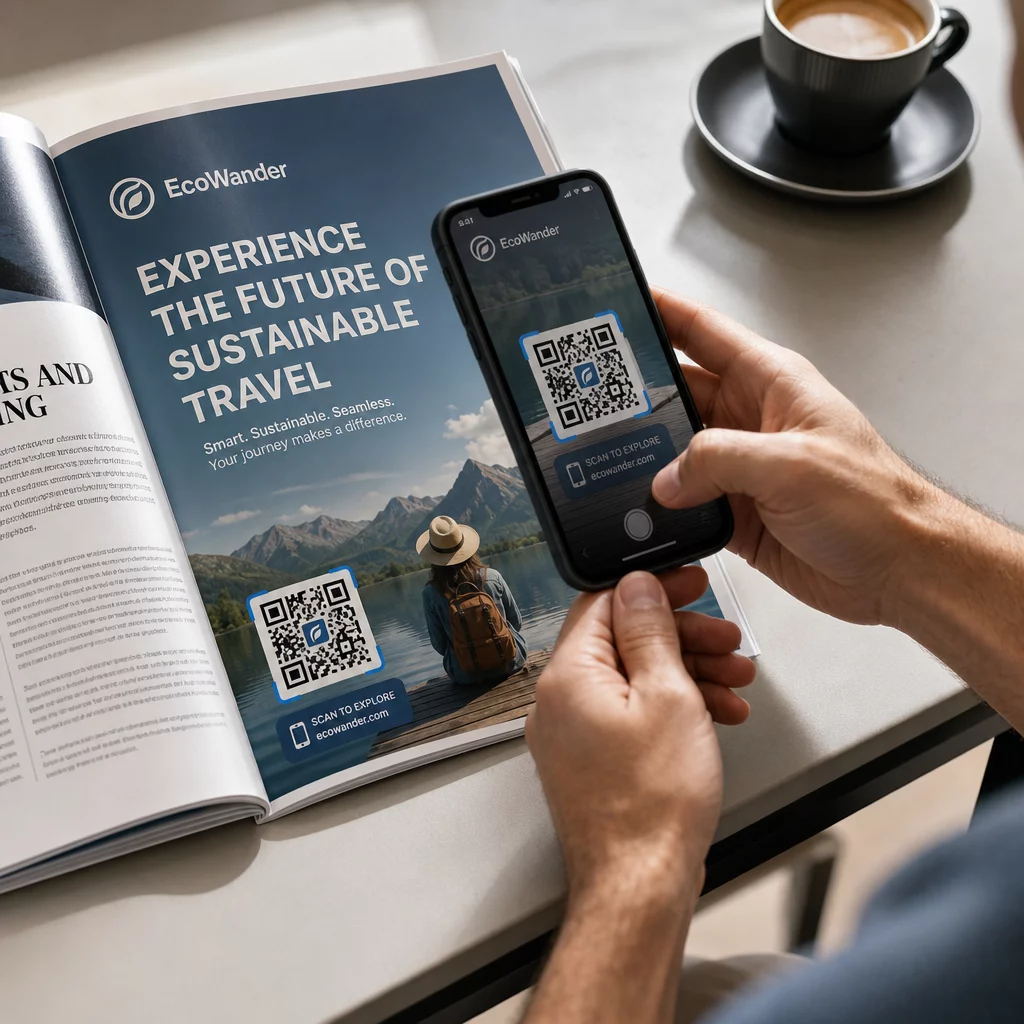
- Tištěná reklama – propojte reklamu v časopise nebo novinách s tweetem nebo hashtagem kampaně
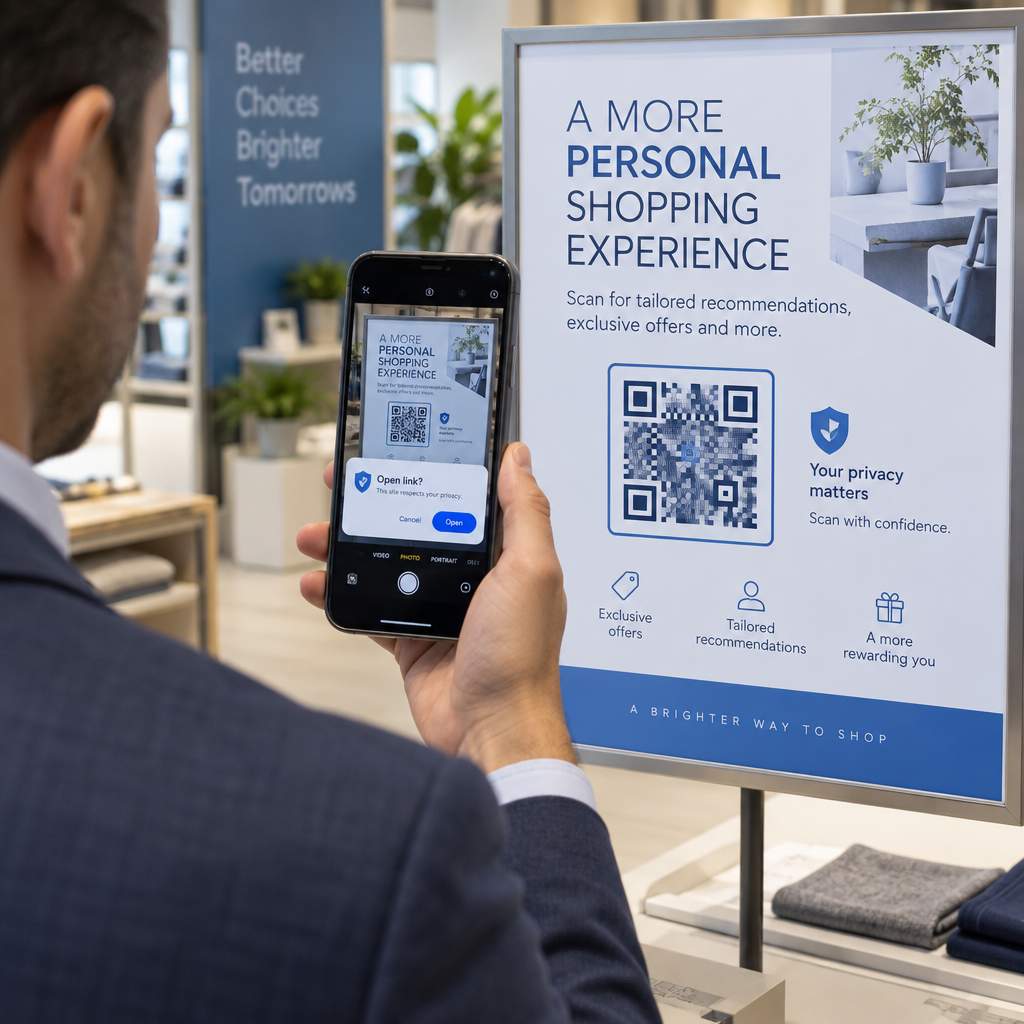
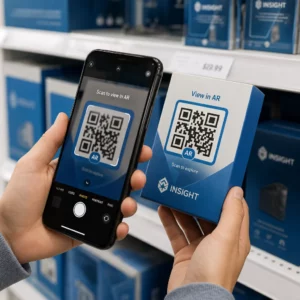
- Vystavení v obchodě – vyzvěte zákazníky, aby sledovali váš účet nebo si prohlédli aktuální propagační příspěvek
- Prezentace – umožněte publiku skenovat, aby vás sledovalo po přednášce
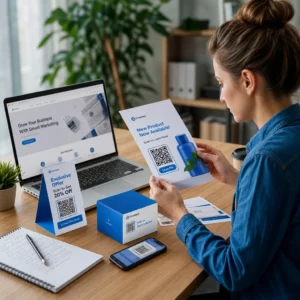
Pro malé podniky, které spoléhají na návštěvnost a tištěné materiály, spojení QR kódu s jasnou výzvou k akci odstraňuje veškeré tření z procesu sledování. Zjistěte více o tom, jak malé podniky používají QR kódy k podpoře digitální angažovanosti z fyzických míst.

Přidání jasné výzvy k akci
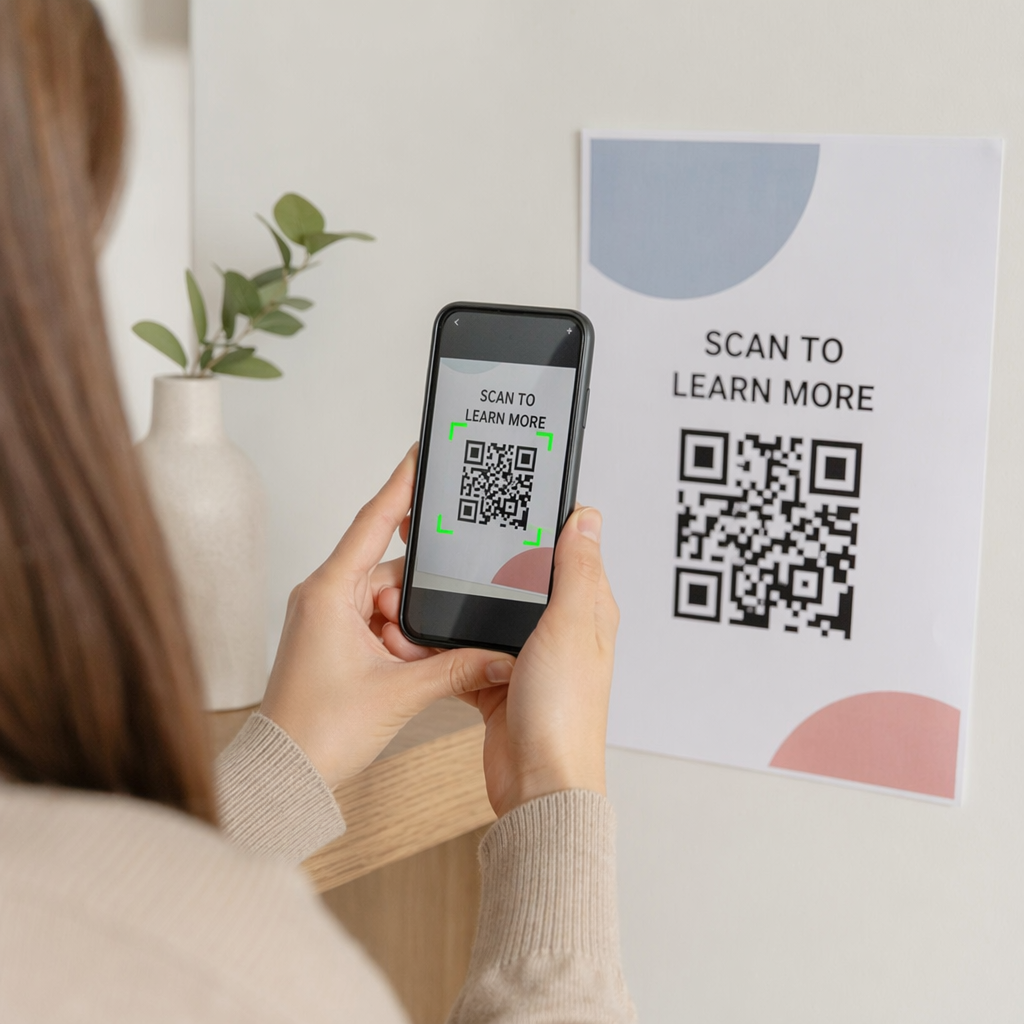
QR kód bez kontextu je ignorován. Vždy lidem řekněte, co získají, když naskenují. Konkrétní výzvy důsledně překonávají ty vágní. Například:
- “Naskenujte a sledujte nás na X pro denní aktualizace”
- “Naskenujte a podívejte se na nabídky tohoto týdne na X”
- “Naskenujte a připojte se k rozhovoru – živě tweetujeme z události”
Umístěte text instrukce přímo nad nebo pod QR kód, ve velikosti písma dostatečně velké, aby bylo čitelné ze skenovací vzdálenosti. Cílem je dát lidem důvod k akci ještě předtím, než zvednou svůj telefon. Pro hlubší pohled na psaní efektivních výzev a strukturování kampaní se podívejte na kompletní průvodce osvědčenými postupy pro QR kódy v kampaních na sociálních sítích.
Porovnání statických vs. dynamických QR kódů pro Twitter/X
| FUNKCE | Statický QR kód | Dynamický QR kód |
|---|---|---|
| Cíl editovatelný po tisku | Ne | Ano |
| Analytika skenování | Ne | Ano |
| Přesměrování mezi URL adresami X bez opětovného tisku | Ne | Ano |
| Branding a přizpůsobení | Omezený | Plné |
| 9. Nejlepší pro | Jednorázové použití, jednoduché odkazy | Kampaně, průběžné materiály |
Pro jakýkoli tištěný materiál s životností delší než jedna kampaň je dynamický lepší investicí. Vyhnete se nákladům na opětovný tisk, když se obsah změní, a získáte data ze skenování potřebná k vyhodnocení toho, co skutečně funguje.
Propojení X s dalšími sociálními platformami
Pokud je Twitter/X jednou z několika platforem, které propagujete, nepotřebujete pro každou z nich samostatný QR kód. Nástroj Pageloot pro QR kódy sociálních médií vytvoří jeden kód, který otevře značkovou vstupní stránku s odkazy na všechny vaše profily. To je obzvláště užitečné, když také provozujete Instagram QR kód nebo QR kód na Facebooku paralelní kampaně – jeden kód může sloužit všem třem, namísto zahlcování vašich materiálů více kódy. Pro širší pohled na to, jak QR kódy fungují napříč různými platformami a případy použití, viz Přehled QR kódů pro sociální média.
Přivedení lidí z fyzického kontaktního bodu na váš profil X je dvou sekundová interakce, pokud je váš QR kód správně nastaven. Použijte dynamický kód, abyste mohli aktualizovat cíl bez opětovného tisku, dodržujte pokyny pro design, aby se spolehlivě skenoval pokaždé, a vždy jej spárujte s jasnou výzvou k akci, aby lidé přesně věděli, proč skenují.
Začněte s Pageloot Vytvořte značkový, sledovatelný QR kód pro váš profil Twitter/X nebo jakýkoli odkaz na sociální média. Použijte Generátor QR kódu Pageloot – bezplatná 14denní zkušební verze, není vyžadována kreditní karta.
Často kladené otázky
Ano. Otevřete příspěvek na X, klepněte na ikonu Sdílet a vyberte “Kopírovat odkaz” pro získání přímé URL příspěvku. Vložte tuto URL do generátoru QR kódů odkazů Pageloot k vytvoření kódu, který po naskenování otevře konkrétní příspěvek.
Pokud jste použili statický QR kód, rozbije se, protože zakódovaná URL adresa již neodpovídá vašemu profilu. Pokud jste použili dynamický QR kód, můžete aktualizovat cílovou URL adresu ve svém Pageloot panelu, aniž byste se dotkli vytištěného kódu – není potřeba žádný dotisk.
Ne nutně. Nástroj Pageloot pro QR kódy sociálních médií vám umožňuje přidat více odkazů na profily – včetně X, Instagramu, Facebooku a dalších – na jednu vstupní stránku, všechny dostupné z jednoho naskenovaného kódu. To udržuje vaše tištěné materiály čisté a zároveň dává lidem přístup ke všem vašim profilům najednou.