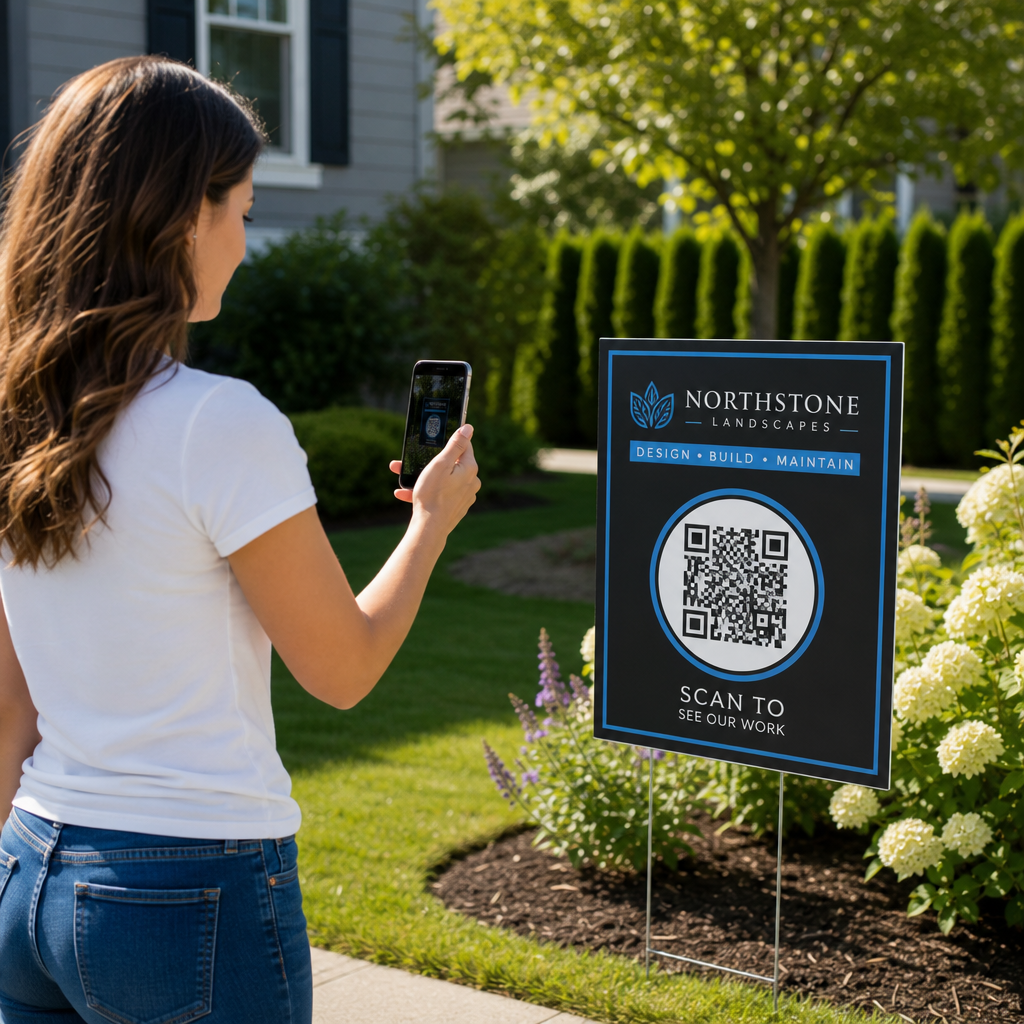
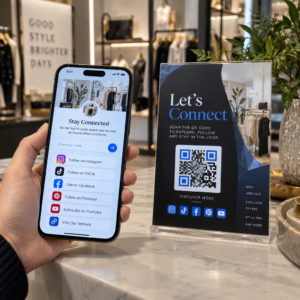
Vil du at folk skal finne Twitter/X-profilen din uten å skrive en eneste karakter? Manuell søking etter kontoer skaper friksjon som koster deg følgere. Denne siden viser deg nøyaktig hvordan du lager en QR-kode for din Twitter/X-profil, tweet eller konto og bruker den effektivt på tvers av trykte og digitale berøringspunkter.
Hva en Twitter/X QR-kode faktisk gjør
En Twitter/X QR-kode er et skannbart bilde som koder en offentlig `x.com` eller `twitter.com` URL. Når noen skanner den med telefonkameraet sitt, åpner den den tilknyttede X-ressursen direkte – en profil, et innlegg, en tråd, et søkeresultat, eller til og med en spesifikk hashtag-side – i X-appen eller en mobil nettleser. Viderekoblingen fungerer automatisk mellom `twitter.com` og `x.com` domener, så du trenger ikke å bekymre deg for hvilken versjon av URL-en du bruker. Det som betyr noe er at URL-en er offentlig og korrekt før du koder den.
Du kan lage en QR-kode for hvilken som helst av følgende X-destinasjoner:
- Din X-profil (f.eks. `x.com/dittbrukernavn`)
- Et spesifikt innlegg eller en tweet
- Et søk eller en hashtag-side
- En liste eller et fellesskap
- En Space eller tråd
Slik får du riktig X-URL
Før du genererer QR-koden din, trenger du riktig URL for den X-destinasjonen du vil lenke til.
For profilen din: Gå til X-profilsiden din i en nettleser og kopier URL-en direkte fra adressefeltet. Den vil følge formatet `x.com/dittbrukernavn`.
For et spesifikt innlegg: Åpne innlegget på X, trykk eller klikk deretter på Del-ikonet (pilikonet under innlegget) og velg Kopier link. Dette kopierer innleggets direkte URL – ikke innleggsteksten – til utklippstavlen din. URL-en vil se omtrent slik ut: `x.com/dittbrukernavn/status/1234567890`.
For en hashtag eller et søk: Utfør søket eller trykk på hashtaggen i X, og kopier deretter den resulterende URL-en fra nettleserens adressefelt.
Når du har riktig URL, er du klar til å generere QR-koden.
Slik lager du en QR-kode for Twitter/X
Alternativ 1: Lenke-QR-kode for en enkelt profil eller et innlegg
Den raskeste metoden for å lenke til én spesifikk X-destinasjon er å bruke en lenke QR-kodegenerator. Prosessen er enkel:
- Kopier din X-profil-URL eller innleggs-URL som beskrevet ovenfor
- Åpne Pageloot QR-kodegenerator og velg Lenke eller URL skriv
- Lim inn din X-URL i URL-feltet
- Tilpass designet – legg til logoen din, juster farger, og velg en rammestil
- Test koden ved å skanne den før du laster ned
- Last ned filen i et utskriftsklart format (SVG, PDF eller EPS) og distribuer den
Lag din Twitter/X QR-kode nå Generer en tilpassbar QR-kode koblet til din X-profil på sekunder med Pageloot QR-kodegenerator. Gratis 14-dagers prøveperiode. Ingen kredittkort kreves.
Alternativ 2: QR-kode for sosiale medier for flere plattformer
Hvis du vil lenke til X sammen med andre sosiale plattformer – Instagram, Facebook, LinkedIn og andre – Pageloots verktøy for QR-koder for sosiale medier lar deg samle alle profilene dine i én skannbar kode som åpner en tilpasset landingsside. Oppsettet fungerer slik:
- Kopier den offentlige profillinken fra hver sosiale plattform separat, inkludert din X-URL
- Legg til hver lenke i landingssidebyggeren i Pageloots verktøy
- Tilpass landingssiden med en overskrift, beskrivelse, bakgrunnsfarge og bannerstiler
- Design selve QR-koden med merkevarefargene og logoen din
- Lagre, test og last ned koden
Du kan legge til så mange sosiale profiler du trenger, og landingssiden oppdateres dynamisk uten å måtte skrive ut koden på nytt. Denne tilnærmingen fungerer spesielt godt for visittkort, produktemballasje og arrangementsmateriell der plassen er begrenset, men du ønsker å tilby flere følgemuligheter i én enkelt skanning.
Bruk dynamiske QR-koder for pågående kampanjer
Hvis du plasserer din Twitter/X QR-kode på trykt materiell – plakater, flygeblader, varer eller emballasje – dynamiske QR-koder er det smartere valget fremfor statiske.
En dynamisk QR-kode lagrer en kort omdirigerings-URL i selve koden. Den faktiske destinasjonen (din X-profil eller innleggs-URL) ligger på Pageloots servere og kan endres når som helst uten å endre den trykte koden. Dette betyr at du kan fikse en ødelagt eller utdatert X-lenke etter utskrift uten å skrive ut noe på nytt, midlertidig omdirigere den samme koden til en spesifikk tweet under en kampanje og deretter peke den tilbake til profilen din etterpå, og få tilgang til full skanneanalyse inkludert totale skanninger, unike skanninger, tidsstempler, enhetstyper, operativsystemer og geografiske steder.

For alle som driver pågående sosiale kampanjer, er muligheten til å oppdatere QR-kodedestinasjoner uten å skrive ut på nytt en betydelig praktisk fordel. Du beskytter din utskriftsinvestering samtidig som du holder publikum rettet mot aktuelt, relevant innhold.
Spor hver skanning fra din X-kampanje Se nøyaktig når og hvor folk skanner dine Twitter/X QR-koder med Pageloots innebygde analysedashbord. Bruk det Lenke QR-kodegenerator for å komme i gang.
Designretningslinjer for pålitelig skanning
En dårlig designet QR-kode vil ikke skanne, uansett hvor bra X-innholdet ditt er. Følg disse retningslinjene for å sikre at koden din fungerer hver gang.
Størrelse og skanneavstand: Skriv ut QR-koden din med et minimum av 0,8 × 0,8 tommer (2 × 2 cm) for skanning på nært hold. For materialer sett på avstand – plakater eller skilting – bruk 10:1-regelen: koden bør være minst en tidel av forventet skanneavstand. En kode ment å skannes fra 10 fot unna må være minst 1 fot bred.
Stille sone: La det være en klar hvit marg på minst 4 moduler bred på alle sider av QR-koden. Denne tomme kanten er nødvendig for at skannere skal oppdage hvor koden begynner og slutter. Å kutte inn i denne sonen forårsaker skannefeil.
Kontrast: Hold mørke moduler på en lys bakgrunn. Unngå å reversere dette (lys på mørk) eller å bruke farger som reduserer kontrasten betydelig. Lavere kontrast betyr tregere og mindre pålitelig skanning.
Logoplassering: Hvis du legger til en logo, hold den sentrert og begrens den til ikke mer enn 20–30% av det totale QR-kodeområdet. Dekk aldri de tre hjørne-søkemønstrene (de firkantede “øynene”) eller tidsstripene, da disse er essensielle for at skanneren skal orientere koden riktig.
Feilretting: QR-koder bruker Reed–Solomon feilkorreksjon, som legger til redundant data slik at en delvis skjult kode fortsatt kan dekodes. Det er fire nivåer: L (gjenoppretter ~7% av skadet data), M (~15%), Q (~25%) og H (~30%). Hvis du legger til en logo eller plasserer koden på en teksturert overflate, bruk nivå Q eller H for å kompensere for det tapte området. Husk at høyere feilkorreksjonsnivåer øker kodens visuelle tetthet litt, siden flere moduler er viet til redundans.
Hvor du skal bruke din Twitter/X QR-kode
Twitter/X QR-koder fungerer hvor som helst publikummet ditt møter fysiske materialer:
- Visittkort – la nye kontakter følge deg umiddelbart i stedet for å søke senere
- Arrangementsskilting og -merker – driv live konferansedeltakere til din sanntidsdekning av innlegg
- Produktemballasje – lenke til et innlegg som annonserer en produktlansering eller kampanje
- Trykt reklame – koble en magasin- eller avisannonse til en tweet eller kampanjehashtag
- Utstillinger i butikk – inviter kunder til å følge kontoen din eller se et aktuelt kampanjeinnlegg
- Presentasjonslysbilder – la publikum skanne for å følge deg etter en forelesning
For små bedrifter som er avhengige av fottrafikk og trykt materiale, fjerner det å pare en QR-kode med en tydelig oppfordring til handling all friksjon fra følg-prosessen. Lær mer om hvordan små bedrifter bruker QR-koder for å drive digitalt engasjement fra fysiske steder.

Legge til en tydelig oppfordring til handling
En QR-kode uten kontekst blir ignorert. Fortell alltid folk hva de får når de skanner. Spesifikke oppfordringer overgår konsekvent vage. For eksempel:
- “Skann for å følge oss på X for daglige oppdateringer”
- “Skann for å se ukens tilbud på X”
- “Skann for å bli med i samtalen – vi direktetwitter arrangementet”
Plasser instruksjonsteksten direkte over eller under QR-koden, i en skriftstørrelse som er stor nok til å lese på skanneavstand. Målet er å gi folk en grunn til å handle før de i det hele tatt løfter telefonen. For en dypere titt på å skrive effektive oppfordringer og strukturere kampanjer, se den fullstendige guiden til beste praksis for QR-koder i sosiale medier-kampanjer.
Sammenligning av statiske vs. dynamiske Twitter/X QR-koder
| FUNKSJON | Statisk QR-kode | Dynamisk QR-kode |
|---|---|---|
| Destinasjon redigerbar etter utskrift | Nei | Ja |
| Skanningsanalyse | Nei | Ja |
| Omdiriger mellom X-URL-er uten å skrive ut på nytt | Nei | Ja |
| Merkevarebygging og tilpasning | Begrenset | Fullstendige |
| 9. Best for | Engangsbruk, enkle lenker | Kampanjer, pågående materialer |
For alt trykt materiale med en levetid lengre enn en enkelt kampanje, er dynamisk den bedre investeringen. Du unngår utskriftskostnader på nytt når innhold endres og får skannedataene som trengs for å evaluere hva som faktisk fungerer.
Koble X til andre sosiale plattformer
Hvis Twitter/X er en av flere plattformer du promoterer, trenger du ikke en egen QR-kode for hver enkelt. Pageloots verktøy for QR-koder for sosiale medier lager en enkelt kode som åpner en merkevaretilpasset landingsside med lenker til alle profilene dine. Dette er spesielt nyttig når du også kjører Instagram QR-kode eller Facebook QR-kode kampanjer parallelt – én kode kan tjene alle tre i stedet for å rote til materialene dine med flere koder. For en bredere titt på hvordan QR-koder fungerer på tvers av forskjellige plattformer og bruksområder, se QR-koder for sosiale medier oversikt.
Å få folk fra et fysisk berøringspunkt til X-profilen din er en to-sekunders interaksjon når QR-koden din er satt opp riktig. Bruk en dynamisk kode slik at du kan oppdatere destinasjonen uten å skrive ut på nytt, følg designretningslinjene slik at den skanner pålitelig hver gang, og par den alltid med en tydelig oppfordring til handling slik at folk vet nøyaktig hvorfor de skanner.
Kom i gang med Pageloot Lag en merkevaretilpasset, sporbar QR-kode for din Twitter/X-profil eller hvilken som helst lenke til sosiale medier. Bruk Pageloot QR-kodegenerator – gratis 14-dagers prøveperiode, ingen kredittkort kreves.
Ofte stilte spørsmål
Ja. Åpne innlegget på X, trykk på Del-ikonet, og velg “Kopier lenke” for å få den direkte URL-en til innlegget. Lim inn den URL-en i Pageloots lenke QR-kodegenerator for å lage en kode som åpner det spesifikke innlegget når den skannes.
Hvis du brukte en statisk QR-kode, vil den bryte sammen fordi den kodede URL-en ikke lenger samsvarer med profilen din. Hvis du brukte en dynamisk QR-kode, kan du oppdatere destinasjons-URL-en i Pageloot-dashbordet ditt uten å røre den trykte koden – ingen ny utskrift nødvendig.
Ikke nødvendigvis. Pageloots verktøy for QR-koder for sosiale medier lar deg legge til flere profillenker – inkludert X, Instagram, Facebook og andre – til en enkelt landingsside, alle tilgjengelige fra én skannet kode. Dette holder dine trykte materialer rene samtidig som det gir folk tilgang til alle dine profiler samtidig.