Хочете, щоб люди знаходили ваш профіль Twitter/X, не вводячи жодного символу? Ручний пошук облікових записів створює тертя, що коштує вам підписників. Ця сторінка показує вам, як саме створити QR-код для вашого профілю Twitter/X, твіту або облікового запису та ефективно використовувати його в друкованих та цифрових точках контакту.
Що насправді робить QR-код Twitter/X
QR-код Twitter/X – це скановане зображення, яке кодує публічну URL-адресу `x.com` або `twitter.com`. Коли хтось сканує його камерою свого телефону, він безпосередньо відкриває пов'язаний ресурс X – профіль, допис, гілку, результат пошуку або навіть сторінку певного хештегу – у додатку X або мобільному браузері. Перенаправлення працює автоматично між доменами `twitter.com` та `x.com`, тому вам не потрібно турбуватися про те, яку версію URL-адреси ви використовуєте. Важливо, щоб URL-адреса була публічною та правильною, перш ніж ви її закодуєте.
Ви можете створити QR-код для будь-якого з наступних напрямків X:
- Ваш профіль X (наприклад, `x.com/yourusername`)
- Конкретний допис або твіт
- Пошуковий запит або сторінка хештегу
- Список або спільнота
- Простір (Space) або гілка
Як отримати правильну URL-адресу X
Перед створенням QR-коду вам потрібна правильна URL-адреса для будь-якого напрямку X, на який ви хочете посилатися.
Для вашого профілю: Перейдіть на сторінку вашого профілю X у браузері та скопіюйте URL-адресу безпосередньо з адресного рядка. Вона матиме формат `x.com/yourusername`.
Для конкретного допису: Відкрийте допис на X, потім торкніться або натисніть піктограму "Поділитися" (піктограма стрілки під дописом) і виберіть Копіювати посилання. Це копіює пряму URL-адресу допису – не текст допису – у ваш буфер обміну. URL-адреса виглядатиме приблизно так: `x.com/yourusername/status/1234567890`.
Для хештегу або пошуку: Виконайте пошук або торкніться хештегу в X, потім скопіюйте отриману URL-адресу з адресного рядка вашого браузера.
Як тільки у вас є правильна URL-адреса, ви готові створити QR-код.
Як створити QR-код для Twitter/X
Варіант 1: QR-код посилання для одного профілю або допису
Найшвидший метод для посилання на один конкретний напрямок X – це використання генератор QR-кодів посилань. Процес простий:
- Скопіюйте URL-адресу вашого профілю X або URL-адресу допису, як описано вище
- Відкрийте Генератор QR-кодів Pageloot і виберіть Посилання або URL типу
- Вставте вашу URL-адресу X у поле URL
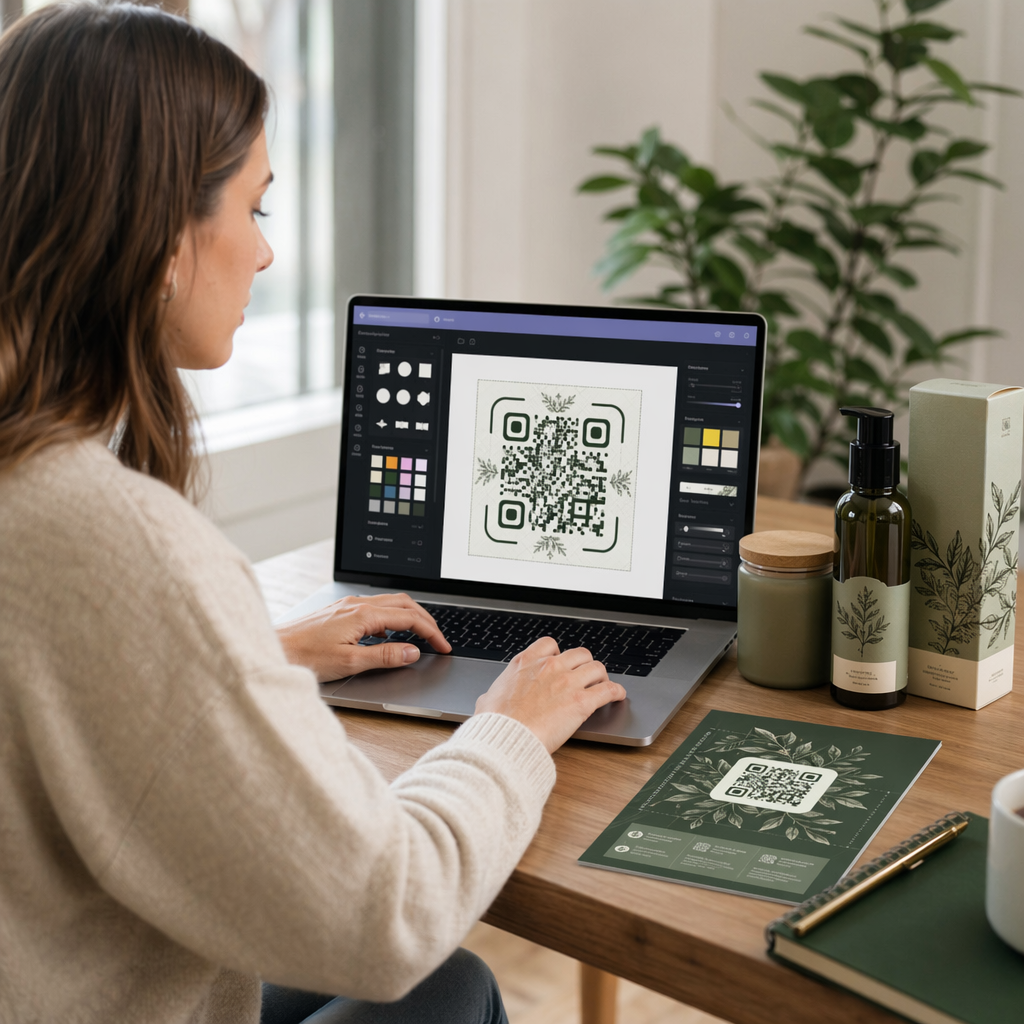
- Налаштуйте дизайн – додайте свій логотип, відрегулюйте кольори та виберіть стиль рамки
- Протестуйте код, відсканувавши його перед завантаженням
- Завантажте файл у форматі, готовому до друку (SVG, PDF або EPS), та розгорніть його
Створіть свій QR-код Twitter/X зараз Створіть настроюваний QR-код, пов'язаний з вашим профілем X, за лічені секунди за допомогою Генератор QR-кодів Pageloot. Безкоштовна 14-денна пробна версія. Кредитна картка не потрібна.
Варіант 2: QR-код соціальних мереж для кількох платформ
Якщо ви хочете посилатися на X разом з іншими соціальними платформами – Instagram, Facebook, LinkedIn та іншими – інструмент Pageloot для QR-кодів соціальних мереж дозволяє об'єднати всі ваші профілі в один сканований код, який відкриває спеціальну цільову сторінку. Налаштування працює так:
- Скопіюйте публічне посилання на профіль з кожної соціальної платформи окремо, включаючи вашу URL-адресу X
- Додайте кожне посилання до конструктора цільових сторінок всередині інструменту Pageloot
- Налаштуйте цільову сторінку за допомогою заголовка, опису, кольору фону та стилів банерів
- Розробіть сам QR-код з використанням кольорів вашого бренду та логотипу
- Збережіть, протестуйте та завантажте код
Ви можете додати стільки соціальних профілів, скільки вам потрібно, і цільова сторінка оновлюється динамічно без повторного друку коду. Цей підхід особливо добре працює для візитівок, упаковки продуктів та матеріалів для заходів, де простір обмежений, але ви хочете запропонувати кілька варіантів підписки за одне сканування.
Використовуйте динамічні QR-коди для поточних кампаній
Якщо ви розміщуєте свій QR-код Twitter/X на друкованих матеріалах – плакатах, листівках, сувенірах або упаковці – динамічні QR-коди є розумнішим вибором, ніж статичні.
Динамічний QR-код зберігає коротку URL-адресу перенаправлення в самому коді. Фактичне призначення (ваш профіль X або URL-адреса допису) знаходиться на серверах Pageloot і може бути змінено в будь-який час без зміни надрукованого коду. Це означає, що ви можете виправити непрацююче або застаріле посилання X після друку без повторного друку чогось, тимчасово перенаправити той самий код на конкретний твіт під час кампанії, а потім перенаправити його на ваш профіль після цього, а також отримати доступ до повної аналітики сканувань, включаючи загальну кількість сканувань, унікальні сканування, часові мітки, типи пристроїв, операційні системи та географічні розташування.

Для тих, хто проводить поточні соціальні кампанії, можливість оновлювати призначення QR-кодів без повторного друку є значною практичною перевагою. Ви захищаєте свої інвестиції в друк, одночасно спрямовуючи свою аудиторію на актуальний, релевантний контент.
Відстежуйте кожне сканування з вашої кампанії X Дивіться, коли і де люди сканують ваші QR-коди Twitter/X за допомогою вбудованої аналітичної панелі Pageloot. Використовуйте Генератор QR-кодів для посилань щоб почати.
Рекомендації з дизайну для надійного сканування
Погано розроблений QR-код не скануватиметься, незалежно від того, наскільки якісним є ваш контент X. Дотримуйтесь цих рекомендацій, щоб ваш код працював щоразу.
Розмір та відстань сканування: Друкуйте свій QR-код мінімум 0,8 × 0,8 дюйма (2 × 2 см) для сканування з близької відстані. Для матеріалів, що переглядаються здалеку – плакатів або вивісок – використовуйте правила 10:1: код має бути щонайменше однією десятою від очікуваної відстані сканування. Код, призначений для сканування з відстані 10 футів, має бути щонайменше 1 фут завширшки.
Тиха зона: Залиште чіткий білий відступ щонайменше 4 модулі завширшки з усіх боків QR-коду. Ця порожня межа потрібна сканерам для визначення початку та кінця коду. Вторгнення в цю зону призводить до збоїв сканування.
Контраст: Тримайте темні модулі на світлому фоні. Уникайте зворотного (світле на темному) або використання кольорів, що значно знижують контраст. Нижчий контраст означає повільніше та менш надійне сканування.
Розміщення логотипу: Якщо ви додаєте логотип, тримайте його по центру і обмежуйте його не більше ніж 20–30% від загальної площі QR-коду. Ніколи не закривайте три кутові шаблони пошуку (квадратні “очі”) або смуги синхронізації, оскільки вони є важливими для сканера для правильної орієнтації коду.
Корекція помилок: QR-коди використовують корекцію помилок Ріда-Соломона, яка додає надлишкові дані, щоб частково закритий код все ще міг бути декодований. Існує чотири рівні: L (відновлює ~7% пошкоджених даних), M (~15%), Q (~25%) та H (~30%). Якщо ви додаєте логотип або розміщуєте код на текстурованій поверхні, використовуйте рівень Q або H щоб компенсувати втрачену площу. Майте на увазі, що вищі рівні корекції помилок трохи збільшують візуальну щільність коду, оскільки більше модулів присвячено надмірності.
Де використовувати ваш QR-код Twitter/X
QR-коди Twitter/X працюють скрізь, де ваша аудиторія зустрічає фізичні матеріали:
- Візитні картки – дозвольте новим контактам миттєво підписатися на вас, замість того, щоб шукати пізніше
- Вивіски та бейджики подій – направляйте відвідувачів живої конференції до вашого висвітлення подій у реальному часі
- Пакування товарів – посилання на допис, що анонсує запуск продукту або акцію
- Друкована реклама – з'єднати рекламу в журналі чи газеті з твітом або хештегом кампанії
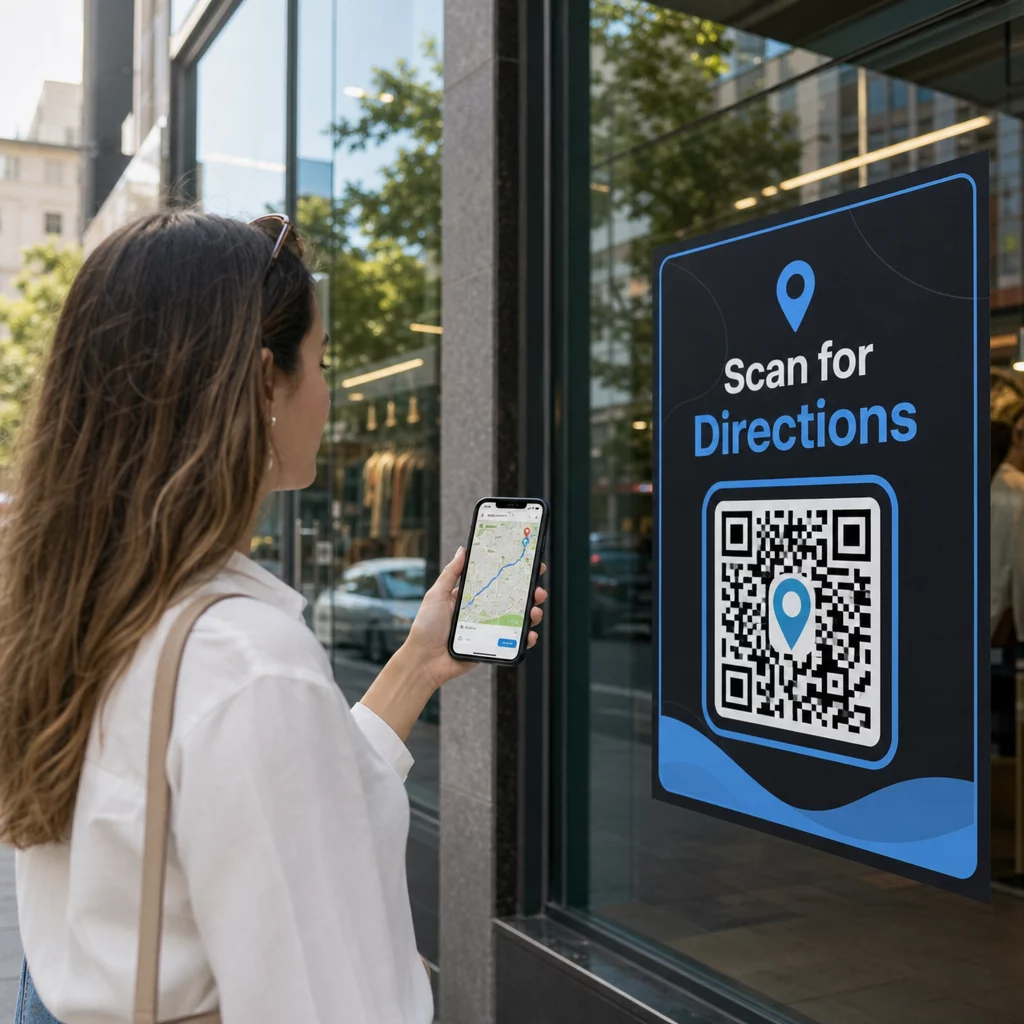
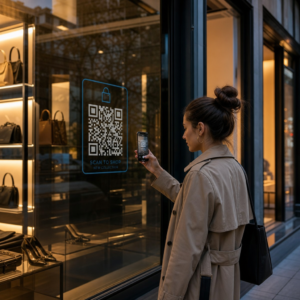
- Вітрини магазинів – запросити клієнтів стежити за вашим акаунтом або переглянути поточний рекламний допис
- Слайди презентації – дозволити аудиторії сканувати, щоб стежити за вами після виступу
Для малого бізнесу, який покладається на пішохідний трафік та друковані матеріали, поєднання QR-коду з чітким закликом до дії усуває всі перешкоди з процесу підписки. Дізнайтеся більше про те, як малий бізнес використовує QR-коди для стимулювання цифрової взаємодії з фізичних локацій.

Додавання чіткого заклику до дії
QR-код без контексту ігнорується. Завжди повідомляйте людям, що вони отримають, коли скануватимуть. Конкретні підказки постійно перевершують розпливчасті. Наприклад:
- “Скануйте, щоб стежити за нами в X для щоденних оновлень”
- “Скануйте, щоб побачити пропозиції цього тижня в X”
- “Скануйте, щоб приєднатися до розмови – ми твітимо подію в прямому ефірі”
Розмістіть текст інструкції безпосередньо над або під QR-кодом, розміром шрифту, достатньо великим для читання на відстані сканування. Мета полягає в тому, щоб дати людям привід діяти ще до того, як вони піднімуть свій телефон. Для більш детального ознайомлення з написанням ефективних підказок та структуруванням кампаній дивіться повний посібник з найкращих практик для QR-кодів у кампаніях у соціальних мережах.
Порівняння статичних та динамічних QR-кодів Twitter/X
| ФУНКЦІЯ | Статичний QR-код | Динамічний QR-код |
|---|---|---|
| Призначення можна редагувати після друку | Ні. | Так. |
| Аналітика сканувань | Ні. | Так. |
| Перенаправлення між URL-адресами X без повторного друку | Ні. | Так. |
| Брендування та кастомізація | Обмежений | Повний |
| Найкраще для | Одноразове використання, прості посилання | Кампанії, постійні матеріали |
Для будь-якого друкованого матеріалу з терміном служби довшим за одну кампанію, динамічний є кращою інвестицією. Ви уникаєте витрат на повторний друк, коли вміст змінюється, і отримуєте дані сканування, необхідні для оцінки того, що насправді працює.
Підключення X до інших соціальних платформ
Якщо Twitter/X є однією з кількох платформ, які ви просуваєте, вам не потрібен окремий QR-код для кожної. Інструмент для QR-кодів соціальних мереж від Pageloot створює єдиний код, який відкриває брендовану цільову сторінку з посиланнями на всі ваші профілі. Це особливо корисно, коли ви також проводите QR-код Instagram або QR-код Facebook кампанії паралельно – один код може обслуговувати всі три, замість того, щоб захаращувати ваші матеріали кількома кодами. Для ширшого огляду того, як QR-коди працюють на різних платформах та у різних випадках використання, дивіться Огляд QR-кодів для соціальних мереж.
Переведення людей з фізичної точки контакту до вашого профілю X – це двосекундна взаємодія, якщо ваш QR-код налаштований правильно. Використовуйте динамічний код, щоб ви могли оновлювати місце призначення без повторного друку, дотримуйтесь рекомендацій щодо дизайну, щоб він надійно сканувався щоразу, і завжди поєднуйте його з чітким закликом до дії, щоб люди точно знали, чому вони сканують.
Розпочніть роботу з Pageloot Створіть брендований QR-код, який можна відстежувати, для вашого профілю Twitter/X або будь-якого посилання в соціальних мережах. Використовуйте Генератор QR-кодів Pageloot – безкоштовна 14-денна пробна версія, кредитна картка не потрібна.
Поширені запитання
Так. Відкрийте допис на X, торкніться іконки “Поділитися” та виберіть "Копіювати посилання", щоб отримати пряме посилання на допис. Вставте це посилання в генератор QR-кодів посилань Pageloot, щоб створити код, який відкриває цей конкретний допис при скануванні.
Якщо ви використовували статичний QR-код, він зламається, тому що закодований URL більше не відповідає вашому профілю. Якщо ви використовували динамічний QR-код, ви можете оновити цільовий URL у вашій панелі керування Pageloot, не торкаючись надрукованого коду – повторний друк не потрібен.
Не обов'язково. Інструмент QR-кодів для соціальних мереж Pageloot дозволяє вам додавати кілька посилань на профілі – включаючи X, Instagram, Facebook та інші – на одну цільову сторінку, всі доступні з одного відсканованого коду. Це зберігає ваші друковані матеріали чистими, надаючи людям доступ до всіх ваших профілів одночасно.