Θέλετε οι χρήστες να βρίσκουν το προφίλ σας στο Twitter/X χωρίς να πληκτρολογήσουν ούτε έναν χαρακτήρα; Η μη αυτόματη αναζήτηση λογαριασμών δημιουργεί τριβή που σας κοστίζει ακόλουθους. Αυτή η σελίδα σας δείχνει ακριβώς πώς να δημιουργήσετε έναν κωδικό QR για το προφίλ, το tweet ή τον λογαριασμό σας στο Twitter/X και να τον χρησιμοποιήσετε αποτελεσματικά σε έντυπα και ψηφιακά σημεία επαφής.
Τι κάνει στην πραγματικότητα ένας κωδικός QR του Twitter/X
Ένας κωδικός QR του Twitter/X είναι μια σαρώσιμη εικόνα που κωδικοποιεί μια δημόσια `x.com` ή `twitter.com` URL. Όταν κάποιος τον σαρώνει με την κάμερα του τηλεφώνου του, ανοίγει απευθείας τον συνδεδεμένο πόρο του X – ένα προφίλ, μια ανάρτηση, ένα νήμα, ένα αποτέλεσμα αναζήτησης ή ακόμα και μια συγκεκριμένη σελίδα hashtag – στην εφαρμογή X ή σε ένα πρόγραμμα περιήγησης για κινητά. Η ανακατεύθυνση λειτουργεί αυτόματα μεταξύ των τομέων `twitter.com` και `x.com`, οπότε δεν χρειάζεται να ανησυχείτε για το ποια έκδοση της διεύθυνσης URL χρησιμοποιείτε. Αυτό που έχει σημασία είναι ότι η διεύθυνση URL είναι δημόσια και σωστή πριν την κωδικοποιήσετε.
Μπορείτε να δημιουργήσετε έναν κωδικό QR για οποιονδήποτε από τους παρακάτω προορισμούς του X:
- Το προφίλ σας στο X (π.χ., `x.com/yourusername`)
- Μια συγκεκριμένη ανάρτηση ή tweet
- Ένα ερώτημα αναζήτησης ή σελίδα hashtag
- Μια λίστα ή κοινότητα
- Ένας Χώρος (Space) ή νήμα
Πώς να αποκτήσετε τη σωστή διεύθυνση URL του X
Πριν δημιουργήσετε τον κωδικό QR σας, χρειάζεστε τη σωστή διεύθυνση URL για όποιον προορισμό του X θέλετε να συνδέσετε.
Για το προφίλ σας: Μεταβείτε στη σελίδα του προφίλ σας στο X σε ένα πρόγραμμα περιήγησης και αντιγράψτε τη διεύθυνση URL απευθείας από τη γραμμή διευθύνσεων. Θα ακολουθεί τη μορφή `x.com/yourusername`.
Για μια συγκεκριμένη ανάρτηση: Ανοίξτε την ανάρτηση στο X, στη συνέχεια πατήστε ή κάντε κλικ στο εικονίδιο Κοινοποίηση (το εικονίδιο με το βέλος κάτω από την ανάρτηση) και επιλέξτε Αντιγραφή συνδέσμου. Αυτό αντιγράφει την απευθείας διεύθυνση URL της ανάρτησης – όχι το κείμενο της ανάρτησης – στο πρόχειρό σας. Η διεύθυνση URL θα μοιάζει με `x.com/yourusername/status/1234567890`.
Για ένα hashtag ή αναζήτηση: Εκτελέστε την αναζήτηση ή πατήστε το hashtag στο X, στη συνέχεια αντιγράψτε την προκύπτουσα διεύθυνση URL από τη γραμμή διευθύνσεων του προγράμματος περιήγησής σας.
Μόλις έχετε τη σωστή διεύθυνση URL, είστε έτοιμοι να δημιουργήσετε τον κωδικό QR.
Πώς να δημιουργήσετε έναν κωδικό QR για το Twitter/X
Επιλογή 1: Κωδικός QR συνδέσμου για ένα μόνο προφίλ ή ανάρτηση
Η ταχύτερη μέθοδος για τη σύνδεση σε έναν συγκεκριμένο προορισμό του X είναι η χρήση ενός γεννήτρια κωδικών QR συνδέσμων. Η διαδικασία είναι απλή:
- Αντιγράψτε τη διεύθυνση URL του προφίλ σας στο X ή τη διεύθυνση URL της ανάρτησης όπως περιγράφεται παραπάνω
- Ανοιξε το Γεννήτρια κωδικών QR Pageloot και επιλέξτε το Σύνδεσμος ή Διεύθυνση URL τύπος
- Επικολλήστε τη διεύθυνση URL του X στο πεδίο URL
- Προσαρμόστε τη σχεδίαση – προσθέστε το λογότυπό σας, προσαρμόστε τα χρώματα και επιλέξτε ένα στυλ πλαισίου
- Δοκιμάστε τον κωδικό σαρώνοντάς τον πριν τον κατεβάσετε
- Κατεβάστε το αρχείο σε μορφή έτοιμη για εκτύπωση (SVG, PDF ή EPS) και αναπτύξτε το
Δημιουργήστε τον κωδικό QR του Twitter/X τώρα Δημιουργήστε έναν προσαρμόσιμο κωδικό QR συνδεδεμένο με το προφίλ σας στο X σε δευτερόλεπτα με το Δημιουργία κώδικα Pageloot QR. Δωρεάν δοκιμή 14 ημερών. Δεν απαιτείται πιστωτική κάρτα.
Επιλογή 2: Κωδικός QR μέσων κοινωνικής δικτύωσης για πολλαπλές πλατφόρμες
Εάν θέλετε να συνδέσετε το X μαζί με άλλες πλατφόρμες κοινωνικής δικτύωσης – Instagram, Facebook, LinkedIn και άλλες – το εργαλείο κωδικών QR μέσων κοινωνικής δικτύωσης της Pageloot σας επιτρέπει να ενοποιήσετε όλα τα προφίλ σας σε έναν σαρώσιμο κωδικό που ανοίγει μια προσαρμοσμένη σελίδα προορισμού. Η ρύθμιση λειτουργεί ως εξής:
- Αντιγράψτε τον δημόσιο σύνδεσμο προφίλ από κάθε πλατφόρμα κοινωνικής δικτύωσης ξεχωριστά, συμπεριλαμβανομένης της διεύθυνσης URL του X
- Προσθέστε κάθε σύνδεσμο στον δημιουργό σελίδων προορισμού εντός του εργαλείου της Pageloot
- Προσαρμόστε τη σελίδα προορισμού με έναν τίτλο, περιγραφή, χρώμα φόντου και στυλ banner
- Σχεδιάστε τον ίδιο τον κωδικό QR με τα χρώματα και το λογότυπο της επωνυμίας σας
- Αποθηκεύστε, δοκιμάστε και κατεβάστε τον κωδικό
Μπορείτε να προσθέσετε όσα κοινωνικά προφίλ χρειάζεστε, και η σελίδα προορισμού ενημερώνεται δυναμικά χωρίς να χρειάζεται επανεκτύπωση του κωδικού. Αυτή η προσέγγιση λειτουργεί ιδιαίτερα καλά για επαγγελματικές κάρτες, συσκευασίες προϊόντων και υλικά εκδηλώσεων όπου ο χώρος είναι περιορισμένος, αλλά θέλετε να προσφέρετε πολλαπλές επιλογές παρακολούθησης με μία μόνο σάρωση.
Χρησιμοποιήστε δυναμικούς κωδικούς QR για συνεχιζόμενες καμπάνιες
Εάν τοποθετείτε τον κωδικό QR του Twitter/X σε έντυπα υλικά – αφίσες, φυλλάδια, εμπορεύματα ή συσκευασίες – δυναμικοί κωδικοί QR οι δυναμικοί κωδικοί QR είναι η πιο έξυπνη επιλογή έναντι των στατικών.
Ένας δυναμικός κωδικός QR αποθηκεύει μια σύντομη διεύθυνση URL ανακατεύθυνσης στον ίδιο τον κωδικό. Ο πραγματικός προορισμός (το προφίλ σας στο X ή η διεύθυνση URL της ανάρτησης) βρίσκεται στους διακομιστές της Pageloot και μπορεί να αλλάξει ανά πάσα στιγμή χωρίς να αλλοιωθεί ο εκτυπωμένος κωδικός. Αυτό σημαίνει ότι μπορείτε να διορθώσετε έναν χαλασμένο ή ξεπερασμένο σύνδεσμο X μετά την εκτύπωση χωρίς να επανεκτυπώσετε τίποτα, να ανακατευθύνετε προσωρινά τον ίδιο κωδικό σε ένα συγκεκριμένο tweet κατά τη διάρκεια μιας καμπάνιας και στη συνέχεια να τον επαναπροσανατολίσετε στο προφίλ σας, και να έχετε πρόσβαση σε πλήρη αναλυτικά στοιχεία σάρωσης, συμπεριλαμβανομένων των συνολικών σαρώσεων, των μοναδικών σαρώσεων, των χρονοσφραγίδων, των τύπων συσκευών, των λειτουργικών συστημάτων και των γεωγραφικών τοποθεσιών.

Για όποιον εκτελεί συνεχιζόμενες κοινωνικές καμπάνιες, η δυνατότητα να ενημερώνει τους προορισμούς των κωδικών QR χωρίς επανεκτύπωση είναι ένα σημαντικό πρακτικό πλεονέκτημα. Προστατεύετε την επένδυσή σας στην εκτύπωση, διατηρώντας παράλληλα το κοινό σας στραμμένο σε τρέχον, σχετικό περιεχόμενο.
Παρακολουθήστε κάθε σάρωση από την καμπάνια σας στο X Δείτε ακριβώς πότε και πού σαρώνουν οι χρήστες τους κωδικούς QR του Twitter/X με τον ενσωματωμένο πίνακα ελέγχου αναλυτικών στοιχείων της Pageloot. Χρησιμοποιήστε το Γεννήτρια Κωδικών QR Συνδέσμων για να ξεκινήσετε.
Οδηγίες Σχεδιασμού για Αξιόπιστη Σάρωση
Ένας κακοσχεδιασμένος κωδικός QR δεν θα σαρωθεί, ανεξάρτητα από το πόσο καλό είναι το περιεχόμενό σας στο X. Ακολουθήστε αυτές τις οδηγίες για να βεβαιωθείτε ότι ο κωδικός σας λειτουργεί κάθε φορά.
Μέγεθος και απόσταση σάρωσης: Εκτυπώστε τον κωδικό QR σας σε ελάχιστο 0,8 × 0,8 ίντσες (2 × 2 εκ.) για σάρωση από κοντινή απόσταση. Για υλικά που προβάλλονται από απόσταση – αφίσες ή πινακίδες – χρησιμοποιήστε το κανόνα 10:1: ο κωδικός πρέπει να είναι τουλάχιστον το ένα δέκατο της αναμενόμενης απόστασης σάρωσης. Ένας κωδικός που προορίζεται να σαρωθεί από 10 πόδια μακριά πρέπει να έχει πλάτος τουλάχιστον 1 πόδι.
Ήσυχη ζώνη: Αφήστε ένα καθαρό λευκό περιθώριο τουλάχιστον 4 μονάδες πλάτος σε όλες τις πλευρές του κωδικού QR. Αυτό το κενό περίγραμμα απαιτείται για να ανιχνεύσουν οι σαρωτές πού αρχίζει και πού τελειώνει ο κωδικός. Η κοπή σε αυτή τη ζώνη προκαλεί αποτυχίες σάρωσης.
Αντίθεση: Διατηρήστε σκούρα modules σε ανοιχτόχρωμο φόντο. Αποφύγετε την αντιστροφή αυτού (ανοιχτό σε σκούρο) ή τη χρήση χρωμάτων που μειώνουν σημαντικά την αντίθεση. Η χαμηλότερη αντίθεση σημαίνει πιο αργή και λιγότερο αξιόπιστη σάρωση.
Τοποθέτηση λογότυπου: Εάν προσθέσετε ένα λογότυπο, κρατήστε το κεντραρισμένο και περιορίστε το σε όχι περισσότερο από 20–30% της συνολικής περιοχής του κωδικού QR. Ποτέ μην καλύπτετε τα τρία γωνιακά μοτίβα εύρεσης (τα τετράγωνα “μάτια”) ή τις λωρίδες χρονισμού, καθώς αυτά είναι απαραίτητα για να προσανατολίσει σωστά τον κωδικό ο σαρωτής.
Διόρθωση σφαλμάτων: Οι κωδικοί QR χρησιμοποιούν διόρθωση σφαλμάτων Reed–Solomon, η οποία προσθέτει πλεονάζοντα δεδομένα ώστε ένας μερικώς αποκρυμμένος κωδικός να μπορεί να αποκωδικοποιηθεί. Υπάρχουν τέσσερα επίπεδα: L (ανακτά ~7% κατεστραμμένων δεδομένων), M (~15%), Q (~25%) και H (~30%). Εάν προσθέτετε ένα λογότυπο ή τοποθετείτε τον κωδικό σε μια ανάγλυφη επιφάνεια, χρησιμοποιήστε το επίπεδο Q ή H για να αντισταθμίσετε τη χαμένη περιοχή. Λάβετε υπόψη ότι τα υψηλότερα επίπεδα διόρθωσης σφαλμάτων αυξάνουν ελαφρώς την οπτική πυκνότητα του κωδικού, καθώς περισσότερα modules αφιερώνονται στην πλεονασμό.
Πού να Χρησιμοποιήσετε τον Κωδικό QR σας για Twitter/X
Οι κωδικοί QR για Twitter/X λειτουργούν οπουδήποτε το κοινό σας συναντά φυσικά υλικά:
- Επαγγελματικές κάρτες – αφήστε τις νέες επαφές να σας ακολουθήσουν άμεσα αντί να ψάχνουν αργότερα
- Σήμανση και κονκάρδες εκδηλώσεων – οδηγήστε τους παρευρισκόμενους σε ζωντανά συνέδρια στην κάλυψη των αναρτήσεών σας σε πραγματικό χρόνο
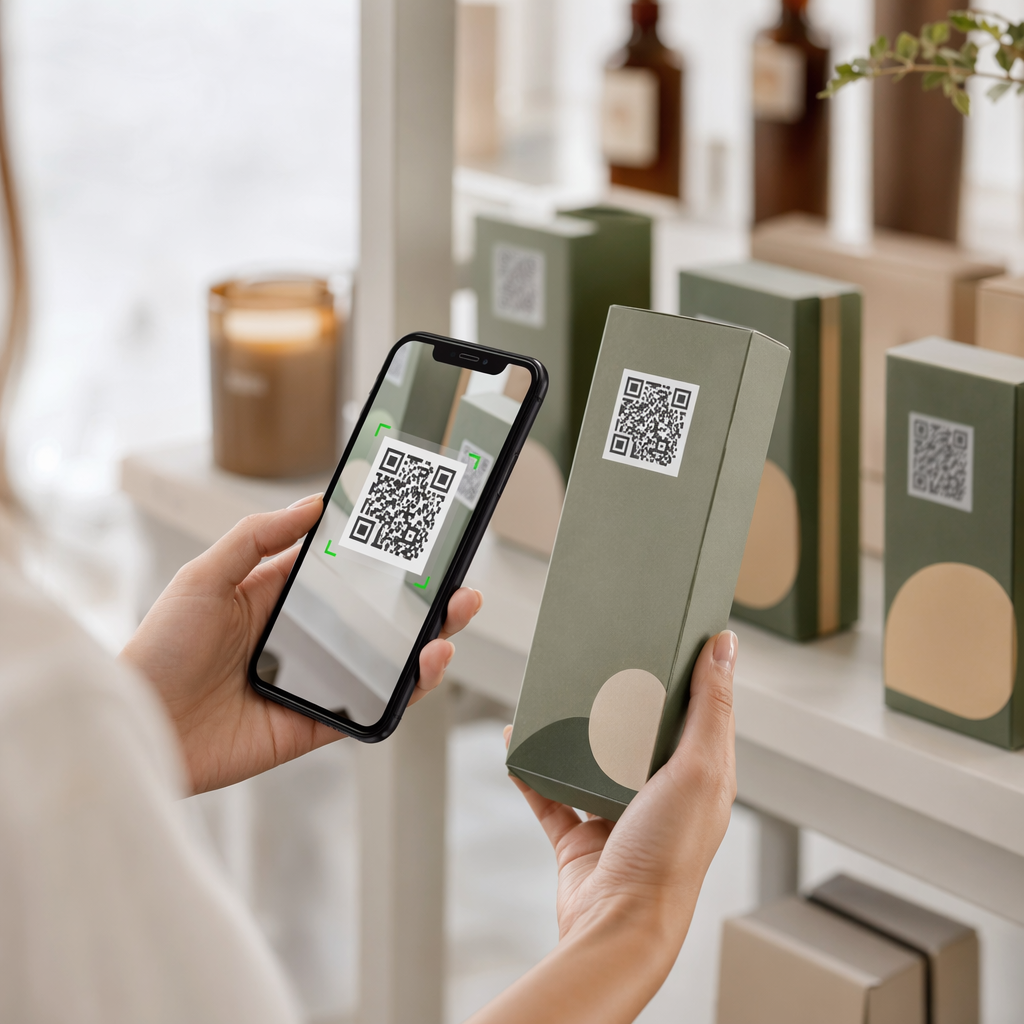
- Συσκευασία προϊόντων – συνδέστε με μια ανάρτηση που ανακοινώνει την κυκλοφορία ενός προϊόντος ή μια προώθηση
- Έντυπη διαφήμιση – συνδέστε μια διαφήμιση περιοδικού ή εφημερίδας με ένα tweet ή hashtag καμπάνιας
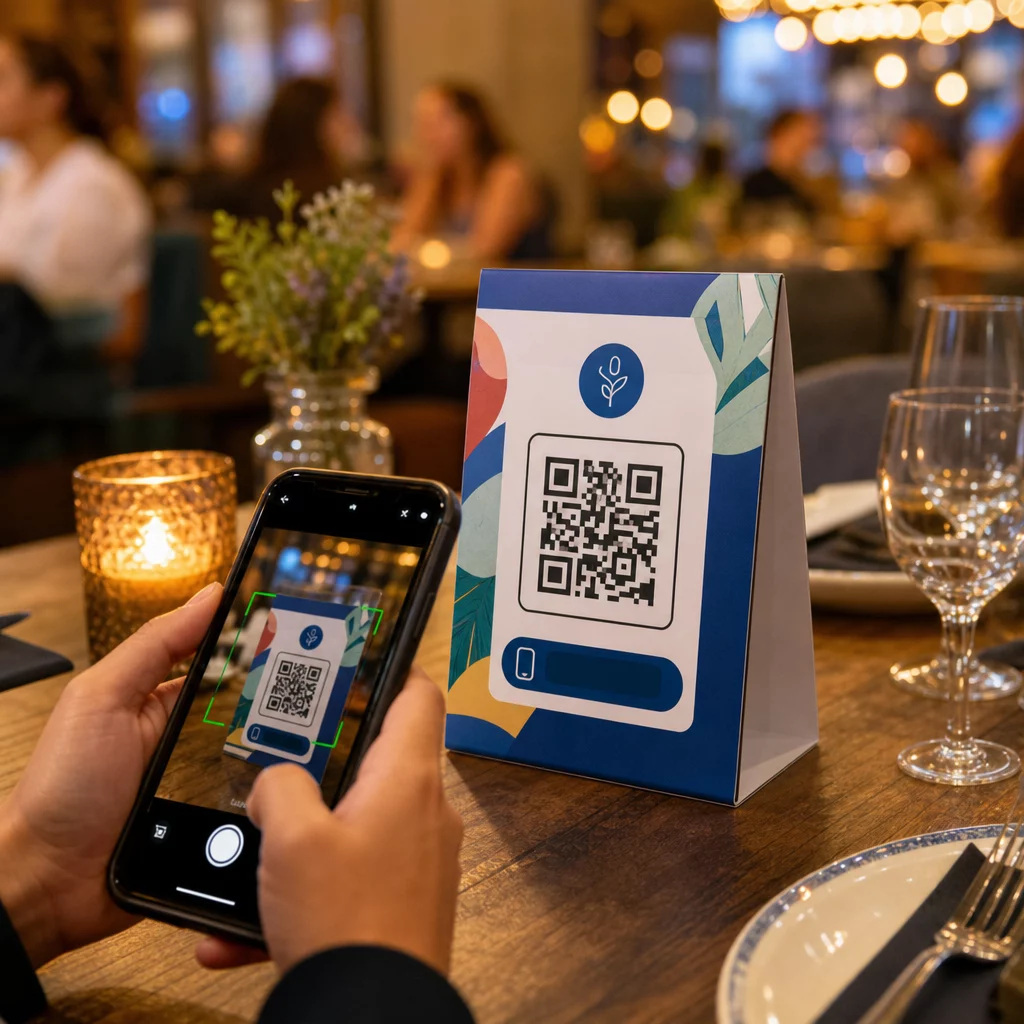
- Ενδοκαταστηματικές οθόνες – προσκαλέστε πελάτες να ακολουθήσουν τον λογαριασμό σας ή να δουν μια τρέχουσα προωθητική ανάρτηση
- Διαφάνειες παρουσίασης – αφήστε το κοινό να σαρώσει για να σας ακολουθήσει μετά από μια ομιλία
Για μικρές επιχειρήσεις που βασίζονται στην κίνηση πεζών και τα έντυπα υλικά, η σύζευξη ενός κωδικού QR με μια σαφή παρότρυνση για δράση αφαιρεί κάθε τριβή από τη διαδικασία παρακολούθησης. Μάθετε περισσότερα για το πώς οι μικρές επιχειρήσεις χρησιμοποιούν κωδικούς QR για να οδηγήσουν την ψηφιακή δέσμευση από φυσικές τοποθεσίες.

Προσθήκη Σαφούς Παρότρυνσης για Δράση
Ένας κωδικός QR χωρίς πλαίσιο αγνοείται. Πάντα να λέτε στους ανθρώπους τι θα κερδίσουν όταν σαρώσουν. Συγκεκριμένες προτροπές υπερτερούν σταθερά των ασαφών. Για παράδειγμα:
- “Σαρώστε για να μας ακολουθήσετε στο X για καθημερινές ενημερώσεις”
- “Σαρώστε για να δείτε τις προσφορές αυτής της εβδομάδας στο X”
- “Σαρώστε για να συμμετάσχετε στη συζήτηση – κάνουμε live tweeting την εκδήλωση”
Τοποθετήστε το κείμενο οδηγιών ακριβώς πάνω ή κάτω από τον κωδικό QR, σε μέγεθος γραμματοσειράς αρκετά μεγάλο ώστε να διαβάζεται από απόσταση σάρωσης. Ο στόχος είναι να δώσετε στους ανθρώπους έναν λόγο να δράσουν πριν καν σηκώσουν το τηλέφωνό τους. Για μια πιο εις βάθος ματιά στη συγγραφή αποτελεσματικών προτροπών και τη δομή των καμπανιών, δείτε τον πλήρη οδηγό για βέλτιστες πρακτικές για κωδικούς QR σε καμπάνιες μέσων κοινωνικής δικτύωσης.
Σύγκριση Στατικών έναντι Δυναμικών Κωδικών QR για Twitter/X
| ΛΕΙΤΟΥΡΓΙΑ | Στατικός κώδικας QR | Δυναμικός κωδικός QR |
|---|---|---|
| Προορισμός επεξεργάσιμος μετά την εκτύπωση | Όχι | Ναι |
| Αναλύσεις σάρωσης | Όχι | Ναι |
| Ανακατεύθυνση μεταξύ URL του X χωρίς επανεκτύπωση | Όχι | Ναι |
| Επωνυμία και προσαρμογή | Περιορισμένη | Πλήρης |
| Καλύτερο για | Μία χρήση, απλοί σύνδεσμοι | Καμπάνιες, συνεχή υλικά |
Για οποιοδήποτε έντυπο υλικό με διάρκεια ζωής μεγαλύτερη από μία μόνο καμπάνια, ο δυναμικός είναι η καλύτερη επένδυση. Αποφεύγετε τα κόστη επανεκτύπωσης όταν αλλάζει το περιεχόμενο και αποκτάτε τα δεδομένα σάρωσης που απαιτούνται για να αξιολογήσετε τι λειτουργεί πραγματικά.
Σύνδεση του X με Άλλες Κοινωνικές Πλατφόρμες
Εάν το Twitter/X είναι μία από τις πολλές πλατφόρμες που προωθείτε, δεν χρειάζεστε ξεχωριστό κωδικό QR για κάθε μία. Το εργαλείο κωδικών QR μέσων κοινωνικής δικτύωσης της Pageloot δημιουργεί έναν ενιαίο κωδικό που ανοίγει μια επώνυμη σελίδα προορισμού με συνδέσμους προς όλα τα προφίλ σας. Αυτό είναι ιδιαίτερα χρήσιμο όταν εκτελείτε επίσης Κωδικός QR του Instagram ή Κωδικός QR Facebook καμπάνιες παράλληλα – ένας κωδικός μπορεί να εξυπηρετήσει και τις τρεις αντί να γεμίζει τα υλικά σας με πολλούς κωδικούς. Για μια ευρύτερη ματιά στο πώς λειτουργούν οι κωδικοί QR σε διαφορετικές πλατφόρμες και περιπτώσεις χρήσης, δείτε την επισκόπηση κωδικών QR για μέσα κοινωνικής δικτύωσης.
Το να φέρετε τους ανθρώπους από ένα φυσικό σημείο επαφής στο προφίλ σας στο X είναι μια αλληλεπίδραση δύο δευτερολέπτων όταν ο κωδικός QR σας έχει ρυθμιστεί σωστά. Χρησιμοποιήστε έναν δυναμικό κωδικό ώστε να μπορείτε να ενημερώνετε τον προορισμό χωρίς επανεκτύπωση, ακολουθήστε τις οδηγίες σχεδιασμού ώστε να σαρώνεται αξιόπιστα κάθε φορά, και πάντα να τον συνδυάζετε με μια σαφή παρότρυνση για δράση ώστε οι άνθρωποι να γνωρίζουν ακριβώς γιατί σαρώνουν.
Ξεκινήστε με το Pageloot Δημιουργήστε έναν επώνυμο, παρακολουθήσιμο κωδικό QR για το προφίλ σας στο Twitter/X ή οποιονδήποτε σύνδεσμο μέσων κοινωνικής δικτύωσης. Χρησιμοποιήστε το Δημιουργία κώδικα Pageloot QR – δωρεάν δοκιμή 14 ημερών, δεν απαιτείται πιστωτική κάρτα.
Συχνές ερωτήσεις
Ναι. Ανοίξτε την ανάρτηση στο X, πατήστε το εικονίδιο Κοινοποίηση και επιλέξτε “Αντιγραφή συνδέσμου” για να λάβετε τον απευθείας σύνδεσμο της ανάρτησης. Επικολλήστε αυτόν τον σύνδεσμο στη γεννήτρια κωδικών QR συνδέσμων της Pageloot για να δημιουργήσετε έναν κωδικό που ανοίγει αυτήν τη συγκεκριμένη ανάρτηση όταν σαρώνεται.
Εάν χρησιμοποιήσατε έναν στατικό κωδικό QR, θα χαλάσει επειδή το κωδικοποιημένο URL δεν ταιριάζει πλέον με το προφίλ σας. Εάν χρησιμοποιήσατε έναν δυναμικό κωδικό QR, μπορείτε να ενημερώσετε το URL προορισμού στον πίνακα ελέγχου του Pageloot χωρίς να αγγίξετε τον εκτυπωμένο κωδικό – δεν απαιτείται επανεκτύπωση.
Όχι απαραίτητα. Το εργαλείο κωδικών QR μέσων κοινωνικής δικτύωσης της Pageloot σας επιτρέπει να προσθέσετε πολλούς συνδέσμους προφίλ – συμπεριλαμβανομένων των X, Instagram, Facebook και άλλων – σε μία μόνο σελίδα προορισμού, όλοι προσβάσιμοι από έναν σαρωμένο κωδικό. Αυτό διατηρεί το έντυπο υλικό σας καθαρό ενώ δίνει στους ανθρώπους πρόσβαση σε όλα τα προφίλ σας ταυτόχρονα.